Home > News

Exoprimal Post-Launch Plans Include Collab With Other Capcom Titles; Launch Info Revealed

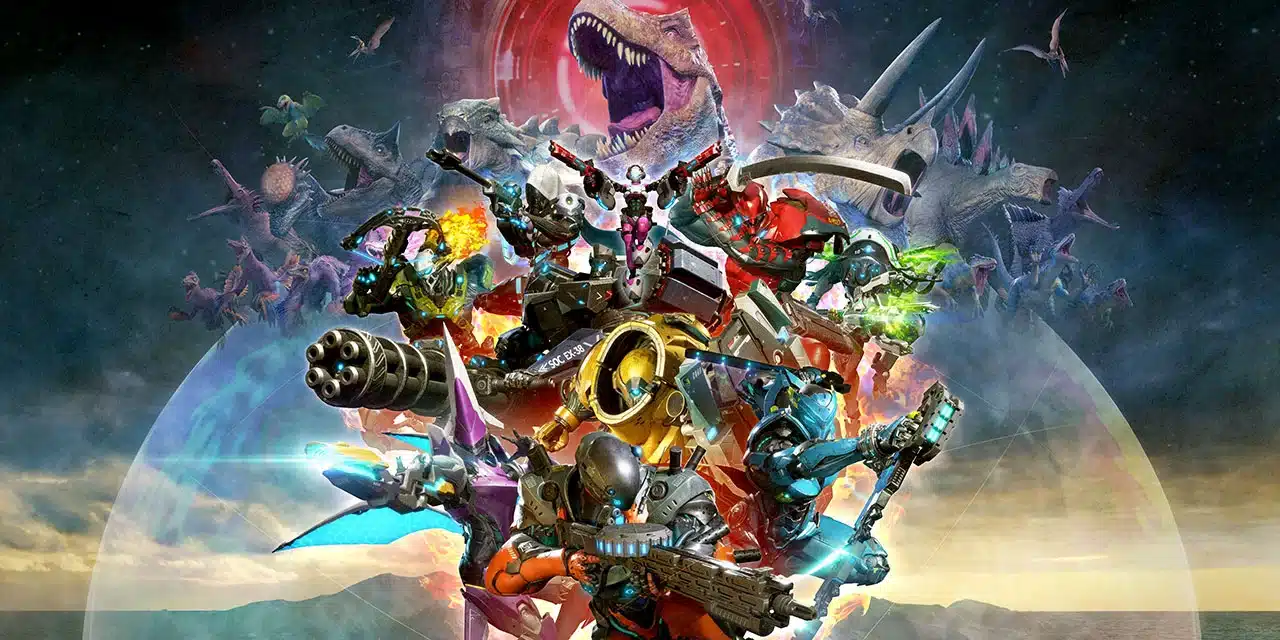
Capcom has announced the Exoprimal post-launch plans as well as full release info for the game that players can expect at launch.

For post-launch support, Capcom has confirmed that Exoprimal will see other Capcom titles crossover to the action game. Given how we’ve seen this in past titles like Monster Hunter, this should come as no surprise to anyone. Aside from that, we can expect seasonal content drops too, which is, again, not a surprise.

Exoprimal Post-Launch Plans and Launch Info

We also plan on supporting Exoprimal with title updates after its release.

  • Exosuit variants that use different equipment for different play styles, like Deadeye with a burst-fire rifle that can also be used as a shotgun
  • Updates with each season that add more game content
  • Collaborations with other Capcom titles

While the open beta allowed players to experience some of the missions available in the Dino Survival mode, Exoprimal’s full release will feature the following content for players to enjoy.

  • Missions without direct combat between players where victory is determined by clearing the PvE objectives as fast as possible
  • Cutscenes and an Analysis Map where players can explore Exoprimal’s story and the mysteries surrounding Leviathan and parallel worlds
  • Story-related missions in Dino Survival
  • 10-player co-op missions with a variety of objectives and even fiercer dinosaurs
  • A variety of maps like Dam and Volcanic Base
  • 5-player missions that rotate weekly with global leaderboards for fastest completion time
  • Equipment called Modules that allow for deeper customization of exosuit capabilities
  • Exosuit skins, weapon skins, decals, emotes, and other cosmetic options
  • In-game medals and awards for completing certain challenges, like blocking a certain amount of damage as a Tank suit

Exoprimal will launch this July 14 on the PS4, PS5, Xbox One, Xbox Series X|S and PC. You can read on for our hands-on preview of the game right here to see what we make of it so far.

Source: Exoprimal

Avatar photo

Alex Co

Father, gamer, games media vet, writer of words, killer of noobs.

Home > News

The Last of Us Update for PC Version 1.0.3 Adds New Audio Compatibility Options and More This April 14

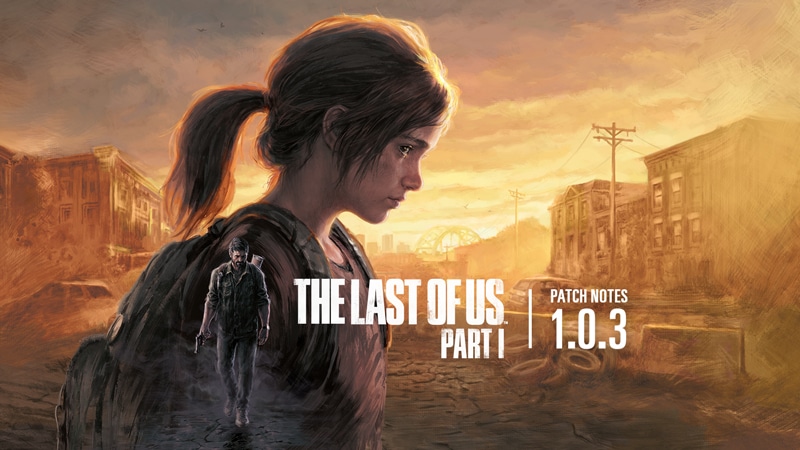
The Last of Us update for PC version 1.0.3 has been released by Naughty Dog and Iron Galaxy Studios. and this adds new audio compatibility options alongside a host of fixes. Read on for TLOU April 14 patch notes for PC.

The Last of Us Update PC Version 1.0.3 Patch Notes | TLOU Update April 14 Patch Notes:

A patch for The Last of Us Part I is now live. This update addresses audio, UI, and visual fixes. It also includes new Audio Compatibility options and various improvements throughout the game.

Important note to Nvidia users: Please be sure to download the latest version of the GeForce Game Ready driver (531.61) here.

  • Added new Audio Compatibility options (Options > Audio > Compatibility)
    • Output Mode: Adjust which sounds are played through the OS spatial sound driver. Select different settings if you experience muffled, missing, or unusually quiet audio. If you are experiencing abnormally quiet music or dialogue during cutscenes, for example, try the Spatial mode instead of the Hybrid default.
    • Latency: Adjust the short period of delay between when a sound effect is requested and when it plays. Higher latency improves reliability of audio playback, especially on lower spec CPUs. Increase this value if you are experiencing pops, clicks, or distorted sound. Higher latencies also resolve issues with audio interfaces configured with large buffer sizes and some wireless headphones. Note: You must restart the game for this change to take effect. 
  • Updated keyboard and mouse (KBM) controls to allow players to reassign arrow keys
  • Updated the ‘Building Shaders %’ user interface (UI) so progress is tracked more evenly
  • Restored audio in the End Credits that are accessed via the main game, Left Behind, or Extras Menu
  • Fixed a crash that may occur when opening a collectible in the backpack UI then attempting to restart or quit the game
  • Fixed a crash that may occur while sitting (for extended times) or entering into combat areas
  • Fixed an issue where texture quality in-game appears lower then the targeted quality setting
  • Fixed an issue where the player’s backpack UI could fail to render after altering Render Scale (Options > Display > Resolution Scaling > Scaling Mode > Render Scale)
  • Fixed an issue where an enemy NPC may T-pose if Joel performs a single input quickturn while holding said enemy
  • Fixed an issue where toggling player character’s flashlight may cause the environment to visibly shift momentarily
  • Fixed an issue where using the flashlight in darker areas may make the lighting appear corrupted
  • Fixed an issue where lighting and fog may appear lower resolution on Ultra settings
  • Fixed an issue where VRAM usage UI did not properly update when lowering the display resolution
  • Fixed an issue where water reflections may appear corrupted or pixelated
  • Fixed an issue where the Quicktime Events UI prompts were not rendering on Minimum spec setups
  • Fixed an issue where rapidly moving left and right while aiming may cause unintended camera shifts
  • Fixed an issue where the Steam and Epic clients’ collectible tracking did not match the in-game collectible tracking, preventing achievements from unlocking
  • Fixed an issue where, if playing at a higher FPS, player animations may not play correctly
  • [Photo Mode] Fixed an issue where the Screen Reader would not register KBM ‘Move’ and ‘Rotate’ inputs
  • [Photo Mode] Fixed an issue where the Performance stats’ heads-up display (HUD) would still be visible after hiding the menu
  • [Lakeside Resort, Bus Depot] Increased active loading to reduce load times during gameplay
  • [Bill’s Town] Fixed an issue where players may lose the ability to cancel their reload while hanging in Bill’s trap
  • [Tommy’s Dam] Fixed an issue where interacting with the Training Manual forces the player to pick up the El Diablo gun and locks camera movement
  • [The University] Fixed an issue where, after Joel kicks the door open, the melee prompt disappears while he struggles with an enemy NPC
  • [Lakeside Resort] Fixed an issue where a loading screen may display during combat
  • [Lakeside Resort] Fixed an issue where player is unable to melee with fists after the David boss fight
  • [Bus Depot] Fixed an issue where pieces of geometry would appear corrupted or explode
  • [New Game+] Fixed an issue where New Game+ mode would be ignored during chapter selection despite being the last loaded game

Left Behind Standalone

  • Restored audio in the final flashback cutscene with Ellie and Riley
  • Fixed a crash that occurs when turning on the generator while both Ellie and Joel have custom skins enabled
  • Fixed an issue in the mall where the banners above the collapsed Pixitek store visibly flicker after leaving the pet store
  • Fixed an issue where, after resizing the game to Windowed Mode, the Riley pendant would not maintain its aspect ratio while rotating

Accessibility

  • Fixed an issue where players were unable to use Screen Magnifier with KBM controls

Localization

  • [German] Updated the translation on the shaders UI
  • [Simplified/Traditional Chinese] Fixed an issue where glyphs would not render properly

Epic Games Store

  • Fixed an issue where the “Getting to Know You” achievement would not unlock during natural gameplay progression

Steam

  • Fixed an issue where spores in the world may appear corrupted or blocky

Steam Deck

  • Fixed an issue where the native UI overlapped the ‘Look’ prompt
  • Fixed an issue where the DualSense™ motion sensor function may not register the player shaking the camera to fix the flashlight when prompted
  • [Left Behind] Increased the size of the Arcade’s mini-game button user interface

AMD

  • Fixed an issue where toggling the player character’s flashlight may cause the environment to appear corrupted momentarily if AMD FSR 2 was enabled

Nvidia

  • Fixed an issue where running the game on Ultra settings on Nvidia GPUs may cause graphical corruption or a crash during gameplay
  • Fixed a crash that may occur when loading into a save on an Nvidia GPU
  • Fixed an issue where changing NVIDIA DLSS Super Resolution Sharpening settings had no effect
  • [Nvidia 3070 GPU] Increased level of detail of characters’ hair to appear less choppy
      (Upon further investigation, this bug may still be present, and our team is working toward a fix for a future patch.)

As for console The Last of Us Part 1 gamers, Naughty Dog recently released a patch for the PS5 version that included new content.

Source: Naughty Dog

Avatar photo

Alex Co

Father, gamer, games media vet, writer of words, killer of noobs.

Home > News

Deep Rock Galactic Update 1.33 Rolls Back Fixes, Season 4 Teased

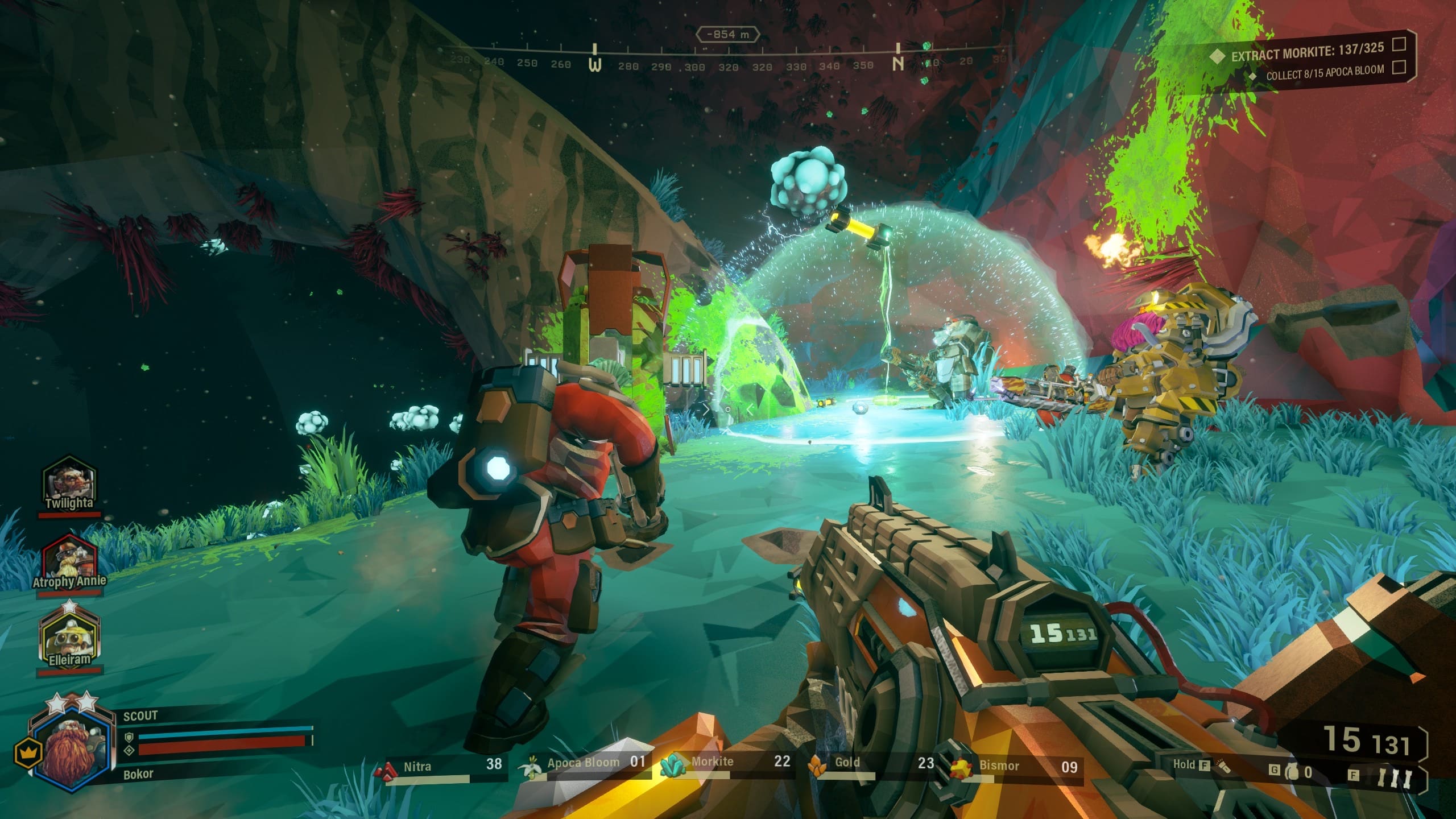
Following yesterday’s patch, Ghost Ship Games has pushed out Deep Rock Galactic update 1.33 (PS5 version 1.000.033) this April 14, and this is an odd title update, as it rolls the game back to its previous version. Read on for what’s new in the patch notes.

Deep Rock Galactic Update 1.33 Patch Notes | Deep Rock Galactic Update 1.000.033 Patch Notes:

Ghost Ship Games has not announced anything for today’s patch, though the PS4’s update history has the following listed:

– Rolling back previous fix as it caused issues

As you can see, the patch yesterday has caused enough issues that Ghost Ship is reverting the version

While this is a minor update, there is something new to look forward to, as Season 4 has been teased by the studio!

No info has been released just yet, but once we know more about Season 4, we’ll let our readers know.

Avatar photo

Alex Co

Father, gamer, games media vet, writer of words, killer of noobs.

Home > News

Rust Update 1.63 Fixes Heavy Plate Armor Exploit and More

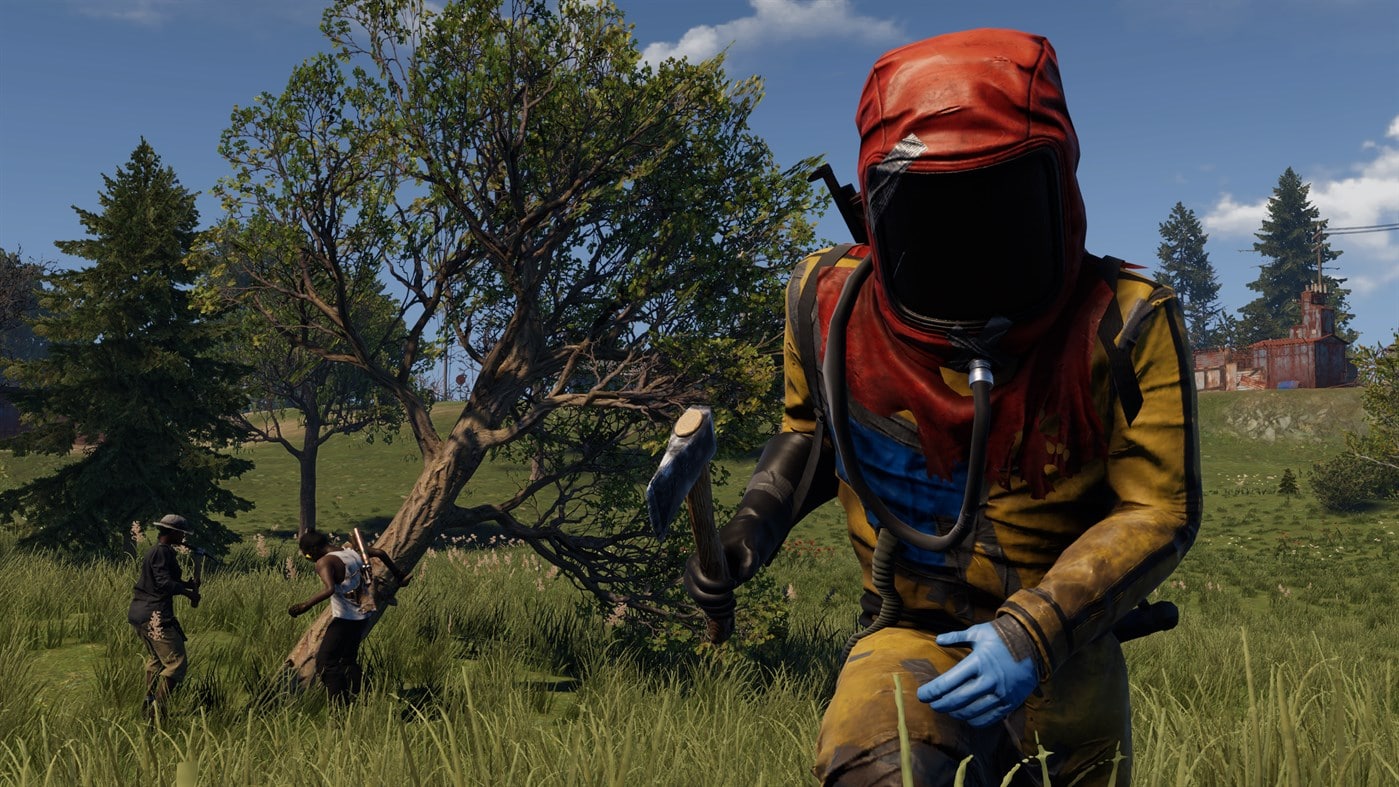
Double Eleven has released Rust update 1.63 this April 14, and this is to fix an exploit alongside other bug fixes. You can check out the complete patch notes for the update below.

Rust Update 1.63 Patch Notes | Rust April 14 Patch Notes:

Update 1.63 in now live! We want to introduce fixes for the most critical exploits in game at the moment. Please take a look at the list of changes:

GAMEPLAY

  • Fixed an exploit with the Heavy Plate Armour set that didn’t restrict vision, slowed down the player or update inventory stats.
  • Fixed an issue with Tool Cupboard UI that was showing an incorrect decay time and resource requirement.
  • Fixed some issues with the Fish Flops skin including a missing preview in the Locker and a visual bug that could make player’s feet invisible while wearing them.
  • Added the ability to fire the Hunting Bow while jumping.
  • Fixed a bug that let players see through player-made structures for a short time after spawning.
  • Removed Tool Cupboard Stats UI from the top right of the screen.

If there’s a new patch, we’ll be sure to let our readers know.

Source: Rust

Avatar photo

Alex Co

Father, gamer, games media vet, writer of words, killer of noobs.

Home > News

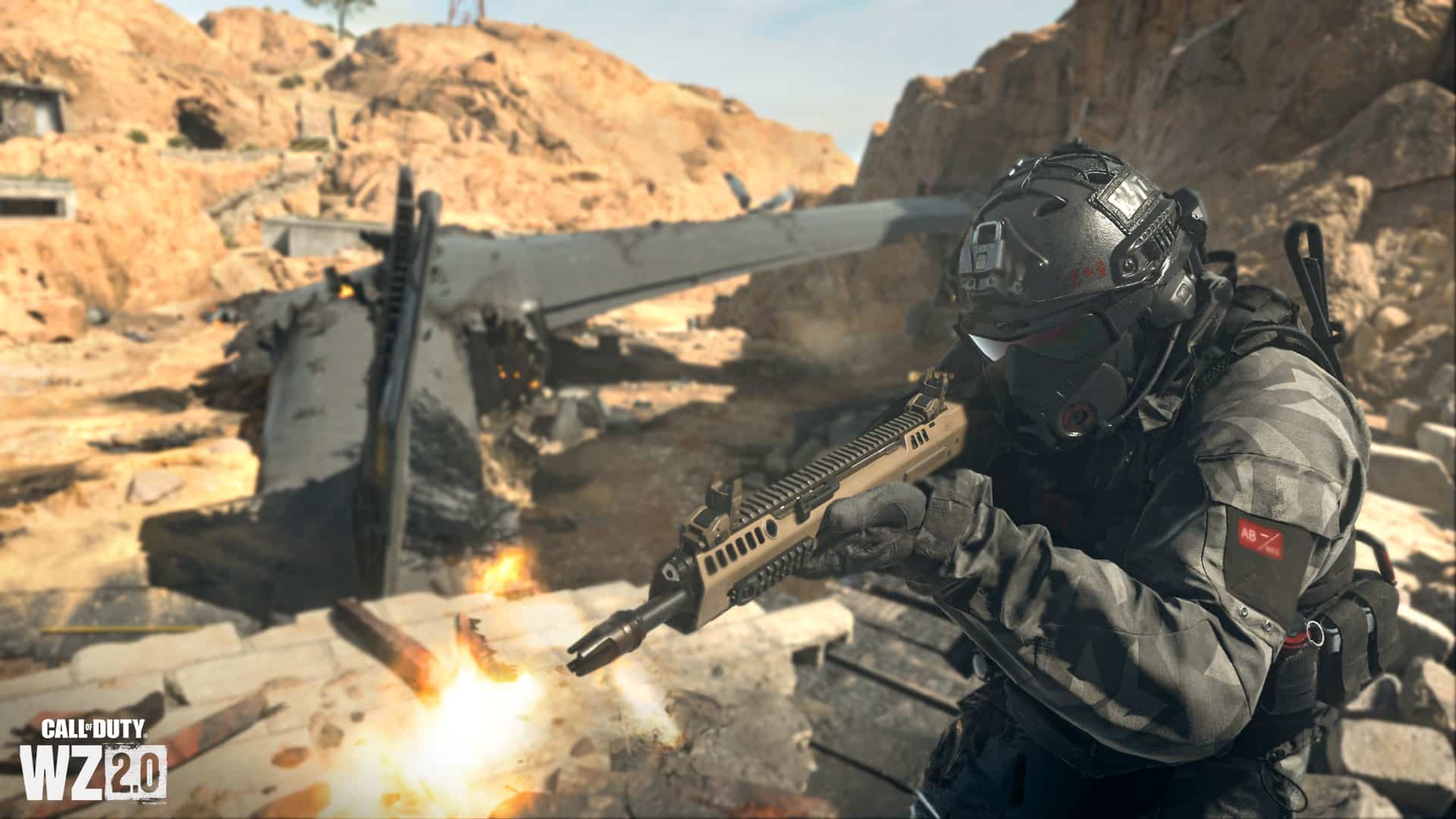
Modern Warfare 2 and Warzone 2 Update for April 14 Reverts Battle Pass Visuals and More

Infinity Ward has pushed out Modern Warfare 2 and Warzone 2 update for April 14, and this brings in a short list of fixes, as well as reverts the Battle Pass’ view, which was changed as part of the Season 3 roll out.

Most of the changes in this patch are related to Warzone 2 in case you’re curious.

Modern Warfare 2 and Warzone 2 Update for April 14 Patch Notes:

GLOBAL

  • Updated Battle Pass Map view. While this was an artistic choice, we have reverted it for easier viewing on all types of screens.

GAMEPLAY

Ashika Island | Resurgence

  • Buy Stations
    • Increased the number of Buy Stations available per match to 15, up from 10

BUG FIXES

  • Fixed an issue causing Overclock to recharge Loadout Drop Markers in Resurgence modes.*
  • Fixed an issue where backing out of an altered Pro-Tuned weapon wouldn’t keep its name in the Loadout
  • Fixed an issue where Players could save the Cronen Squall and FJX Imperium as a Favorite Loadout and use it despite not unlocking it in the Battle Pass in Ranked Play
  • Fixed an issue where an incorrect message sometimes displayed in a Battle Pass preview tile
  • Fixed an issue that causes broken Field Upgrades to persist on the Map in DMZ
  • Fixed an issue where Players were taking damage from the gas in the infil plane in Massive Resurgence
  • Fixed an issue in the “Death From Above” Mission in DMZ that blocked progress because the Player buying a Mortar Strike was not tracking
  • Fixed an issue with a number of Pro-Tuned Blueprints where attempting to custom tune certain attachments would cause Players to spawn with no weapon
  • Fixed an issue where the Fender Operator “EOD Specialist” Skin could cause weapons to appear invisible while loading into a match

Recently Updated

  • Fixed an issue where Players couldn’t redeem Sector C20 of the Battle Pass because it displayed the weapon name as “Nullify,” a Season 02 gun, instead of the correct weapon “The Haunting.”
  • Fixed an issue where a message about a Skin being reactive would appear next to all Skins in the Skin selection menu.
  • Fixed an issue preventing solo Players from matchmaking into Cooperative Missions.

That’s about it. Don’t expect any major patches to be released anytime soon unless there’s a major issue spotted that can’t be fixed via a server-side hotfix.

Source: Call of Duty

Avatar photo

Alex Co

Father, gamer, games media vet, writer of words, killer of noobs.

Home > News

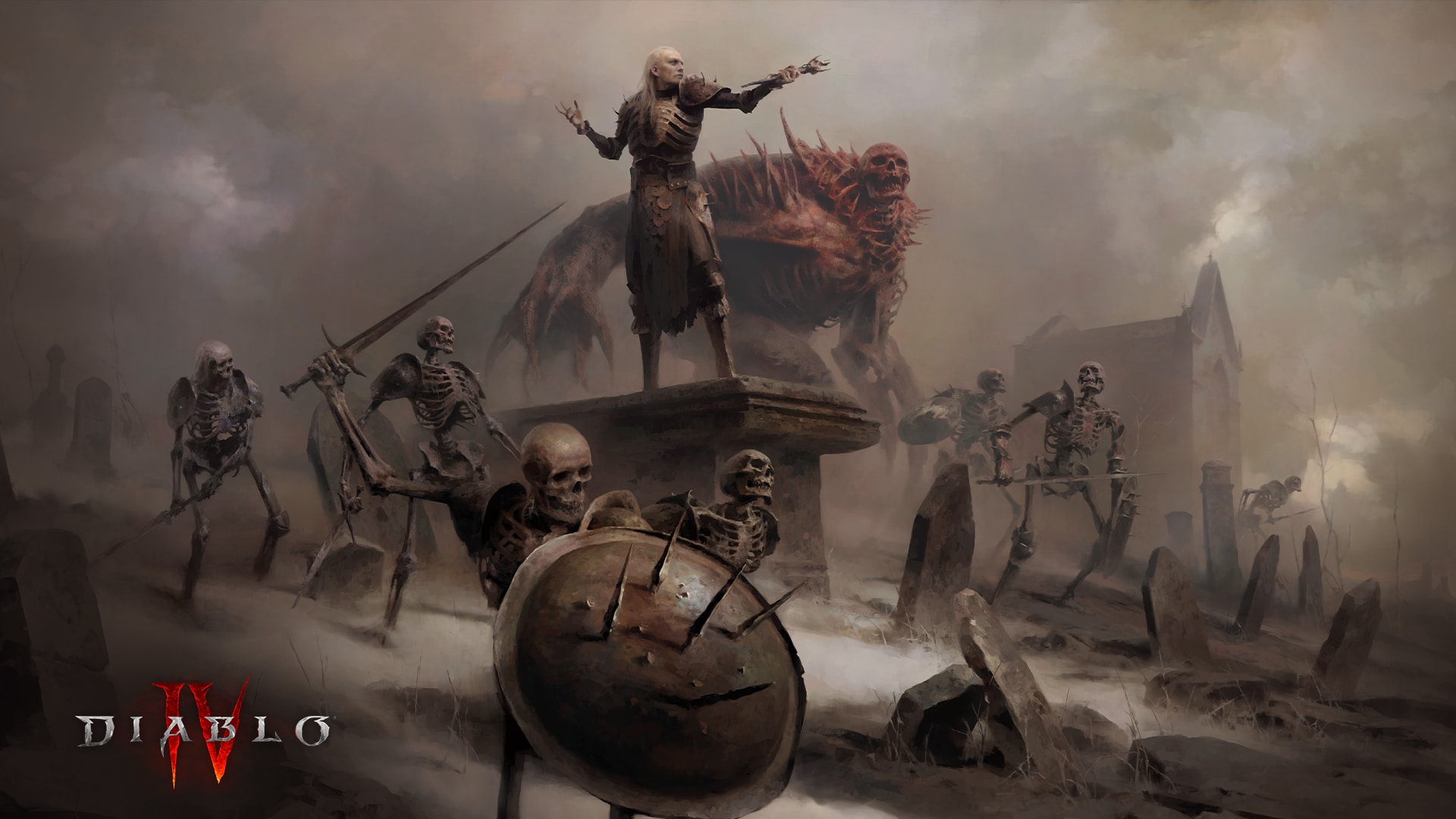
Diablo 4 Beta Changes Based on Feedback and Data to Final Game Outlined

Blizzard Entertainment has shared the Diablo 4 beta changes that’s coming to the final game based on data and feedback from players. Aside from tech changes, there are also adjustments based on classes, quality of life improvements and more,

Think of these as the patch notes, but we won’t see the actual changes until the game’s release this June. There are developer notes as well, which explains the changes made.

Diablo 4 Beta Changes Coming to Final Game:

DUNGEONS

Dungeon Layouts

One of the most common pieces of feedback we received is that players felt they were doing a lot of backtracking within certain dungeons. We have optimized multiple dungeons across all zones to minimize the need for backtracking. Here is a list of dungeons specifically in the Fractured Peaks zone which received layout updates:

  • Caldera Gate
  • Defiled Catacombs
  • Derelict Lodge
  • Forbidden City
  • Hoarfrost Demise
  • Immortal Emanation
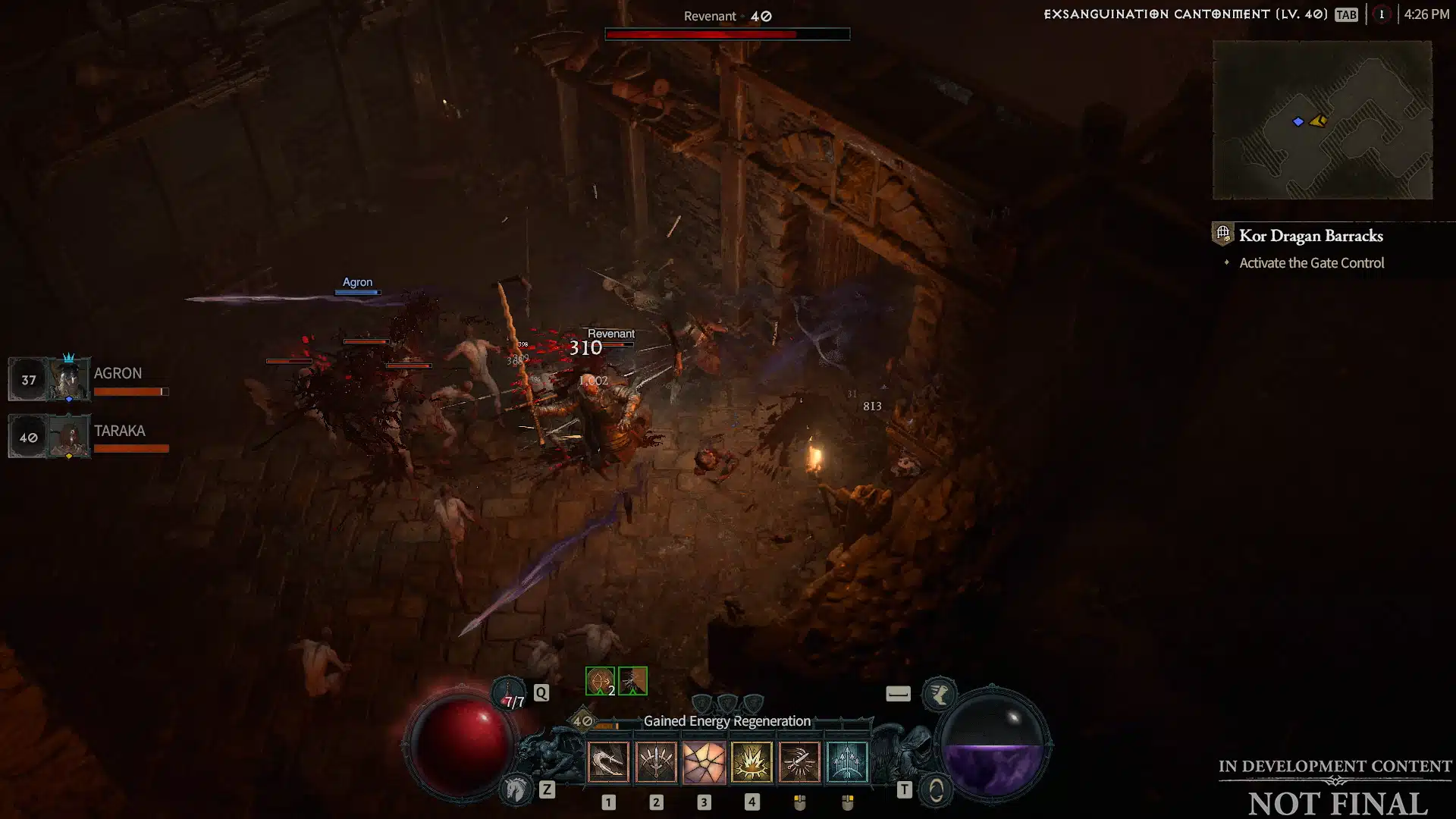
  • Kor Dragan Barracks
  • Maulwood
  • Rimescar Caverns

Developer’s Note: Our primary goal with the Layout changes was to reduce certain kinds of backtracking which detract from a player’s experience. An example of this change is that players previously needed to enter side rooms to interact with Structure Objectives, causing them to retread the same path. Now, many of our Structure Objectives have been repositioned along main dungeon pathways, making them easier for players to reach and allowing them to readily explore the dungeon after defeating the Structure.

Dungeon Events

  • The chance for an Event to spawn inside of a dungeon has increased from 10% to 60%.

Dungeon Gameplay

  • To reduce the need to backtrack, small numbers of straggling monsters will seek out the player to help complete the Kill All Monsters objective.
  • When Animus is gathered, the player and nearby allies will:
    • Gain 10 Resource.
    • Reduce all active Cooldowns by 1 second.
  • Depositing Animus channel time was reduced from 3 to 0 seconds.
  • The time to Rescue was reduced from 3 to 1.5 seconds.
  • All Rescue objectives now drop a Health Potion upon completion.
  • While carrying the Ancient’s Statue, Bloodstone, Mechanical Box, or Stone Carving, you will receive a Momentum bonus granting a 25% move speed increase to you and nearby allies.
  • Pedestals have had their channel time reduced from 2 to 0 seconds.
  • Returning a Portable Object to its Pedestal now fully restores Health, Resource, Potions, and resets cooldowns for all nearby players.
  • All doors will now generate a minimap ping when they are opened.
  • All Structure Objectives in dungeons now have additional combat mechanics players must overcome.

Developer’s Note: While our dungeons offer a variety of Objectives to complete, player feedback stated that the action of completing each Objective felt tedious. We hope that providing bonuses, such as the increase to mobility while carrying certain Objective items, will streamline and vary the experience of completing Objectives. This adjustment is merely a starting point, and we intend to extend this philosophy to keys in a future update.

CLASSES

General

  • Effects like Stun and Freeze can be applied to Elite Monsters twice as long before they become Unstoppable.
  • Reviewed class skills to confirm that all classes have access to sufficient skills that remove control impairing effects.
  • Many Legendary Powers have had updates to their effectiveness.

Barbarian

  • A flat 10% passive damage reduction has been added for the Barbarian Class. Some Skill Tree passives had their damage reduction effects reduced to compensate.
  • The Whirlwind Skill now deals more damage and consumes more Fury.
  • The Double Swing Skill Enhancement refunds its full Fury cost when used on Stunned or Knocked Down enemies.

Druid

  • Companion Skills will now deal heavily increased damage.
  • All Ultimate Skills have had their cooldowns reduced.
  • Usability improvements have been made to Maul and Pulverize.
  • Using a non-Shapeshifting Skill will transform a Druid back into their human form.

Necromancer

  • Summoned Minions will die more often, requiring players to utilize Corpses more often.
  • Many bonuses in the Book of the Dead have had their stats increased.
  • The damage dealt by the Corpse Explosion skill has been reduced.
  • The brightness of the Skeletal Warriors and Mages has been reduced.

Rogue

  • Upgrades for Subterfuge Skills have had their bonuses increased.
  • Multiple passive Skills have had their bonuses increased.
  • All Imbuement Skills have had their cooldowns increased.

Sorcerer

  • Charged Bolt’s damage was increased and the Mana cost to cast has decreased.
  • Decreased the damage of Chain Lightning and reduced its effectiveness against Bosses.
  • Decreased the cooldown for the Incinerate Skill’s Enchantment bonus.
  • Firewalls will now spawn underneath enemies more frequently when using its Enchantment bonus.
  • Increased the Lucky Hit chance for the Meteor Skill’s Enchantment bonus.

Developer’s Note: Whenever we introduce changes to our Classes, it is with the goal of making both them and their Skills feel impactful and powerful—your feedback has helped us uphold this ideal. Some players have adeptly noticed that certain Skills were too powerful. One of our goals for Skills is to have them be interesting to wield and interactive in terms of itemization and combat feel. We’ve made some changes to help in this regard, with one example being the Necromancer’s Minions. We’ve made a change that makes them more vulnerable in combat, which will make raising the dead a more active component of the Necromancer’s gameplay.
Launch is just the first step of our Class balance journey, and you can expect further updates that iterate on this pillar of Diablo IV.

UI

  • Fixed an issue where the built-in Screen Reader was not reading key prompts, game options details, and other UI text.
  • Fixed an issue where actions could not be bound to the mouse wheel.
  • Fixed an issue where Evade couldn’t be bound to the right Analog Stick on controller.
  • Chat will now display on the left side of the screen when using the centered action bar configuration.
  • A character’s stats will be displayed by default when players click the Materials & Stats button within their Inventory.
  • The Move and Interact inputs can now be mapped to one button while the Primary Attack input is mapped to a secondary button.
  • The sans serif font used in-game has been replaced with a new serif font.

ENCOUNTERS

  • Fixed multiple issues that allowed bosses, like the Butcher, to become unresponsive.
  • The Butcher has been re-evaluated for difficulty and will present a greater challenge in World Tiers III and IV.
  • Bosses such as T’chort, Malnok, Vhenard, and others were reevaluated for mele character difficulty, resulting in changes to attacks and fight mechanics.
  • Fixed an issue where Vampire Brutes using the Shadow Enchant affix would chain-cast Impale.

CELLARS

  • Increased the chance for a dungeon Event to occur in Cellars.
  • Cellars will now consistently reward a chest upon completion.
  • Fixed an issue where Cellars would prematurely be marked as complete.
  • Fixed an issue where the guaranteed elite monster would be absent from a Cellar.

GENERAL QUALITY OF LIFE

  • Fixed an issue where players could increase attack speed by move-cancelling attacks early.
  • Fixed an issue where characters weren’t immune and untargetable after loading into an area.
  • The Reset Dungeon button has been disabled.
  • Fixed an issue that caused Gale Valley and Serac Rapture to have less monsters than intended until the campaign quests in those territories was completed.

Mind, these aren’t the day one patch notes, but for now, this is the closet we’ll get to those. Also of note, don’t forget, a new stream from Blizzard is set for next week where we’ll get to see some of the endgame content planned.

Source: Blizzard

Avatar photo

Alex Co

Father, gamer, games media vet, writer of words, killer of noobs.

Home > News

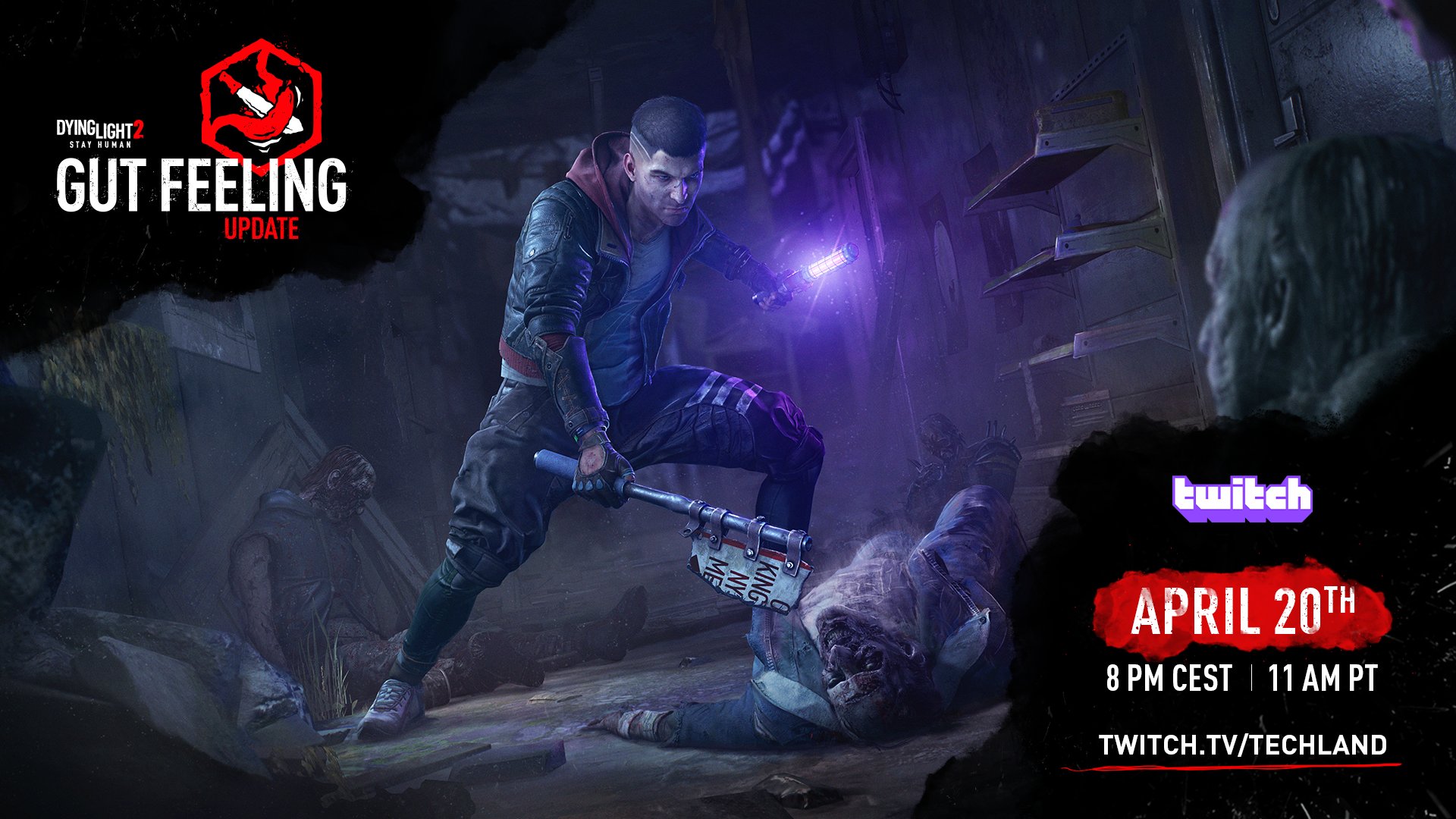
Dying Light 2 Upcoming Update “Gut Feeling” to Be Showcased in Dev Stream on April 20

Techland has announced that it will be showcasing Dying Light 2‘s upcoming update “Gut Feeling” in a special developer stream on Twitch on April 20, with the update releasing on the same day. The stream will likely go over the update’s combat rework and new transmog system, as well as the other improvements and changes it brings to the game.

In late March, Franchise Director Tymon Smektala revealed that Dying Light 2’s upcoming update would include “significant improvements” to the game’s combat system, making it more visceral and rewarding. Additionally, a gear transmog system was also promised for inclusion in the same update. This “Gut Feeling” update will be detailed in a new developer stream on April 20 at 2pm ET/11am PT/8pm CST/2am HKT, alongside the release of the update on the same day.

While Smektala also gave fans a sneak peek at the game’s upcoming story DLC while announcing the Gut Feeling update, Techland has made no mention of it in the new announcement. Fans can still expect that further DLC details will be announced soon if not in the developer stream, which will go live on the official Techland Twitch channel and can be co-streamed freely. Stay tuned here at MP1st for all upcoming Dying Light 2: Stay Human news and announcements.

Avatar photo

Salman Haider Zaidi

That's a nice argument, Senator.

Home > News

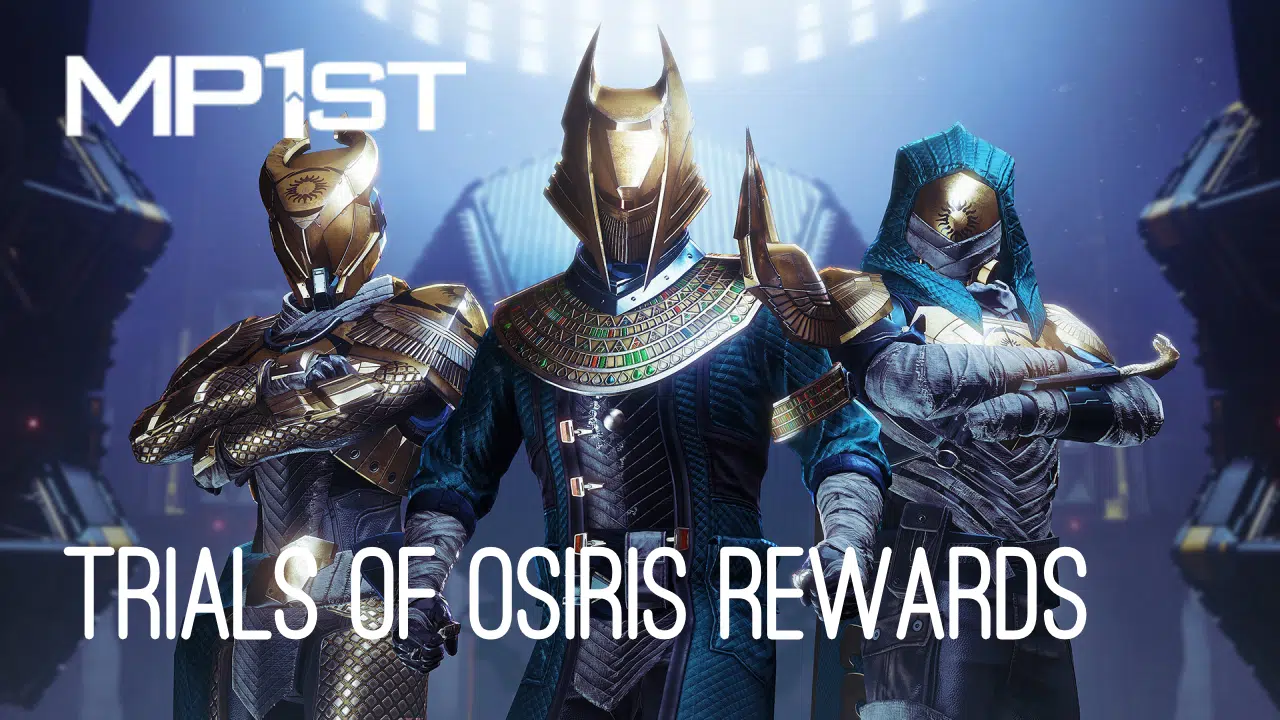
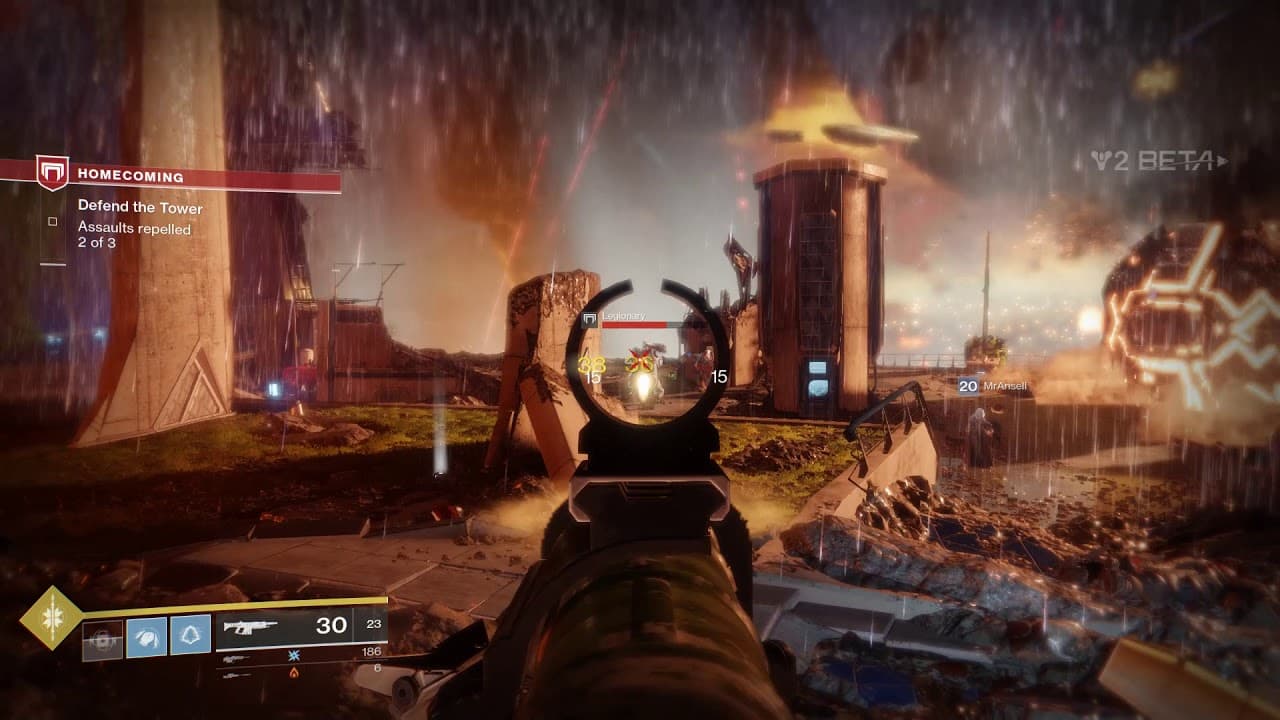
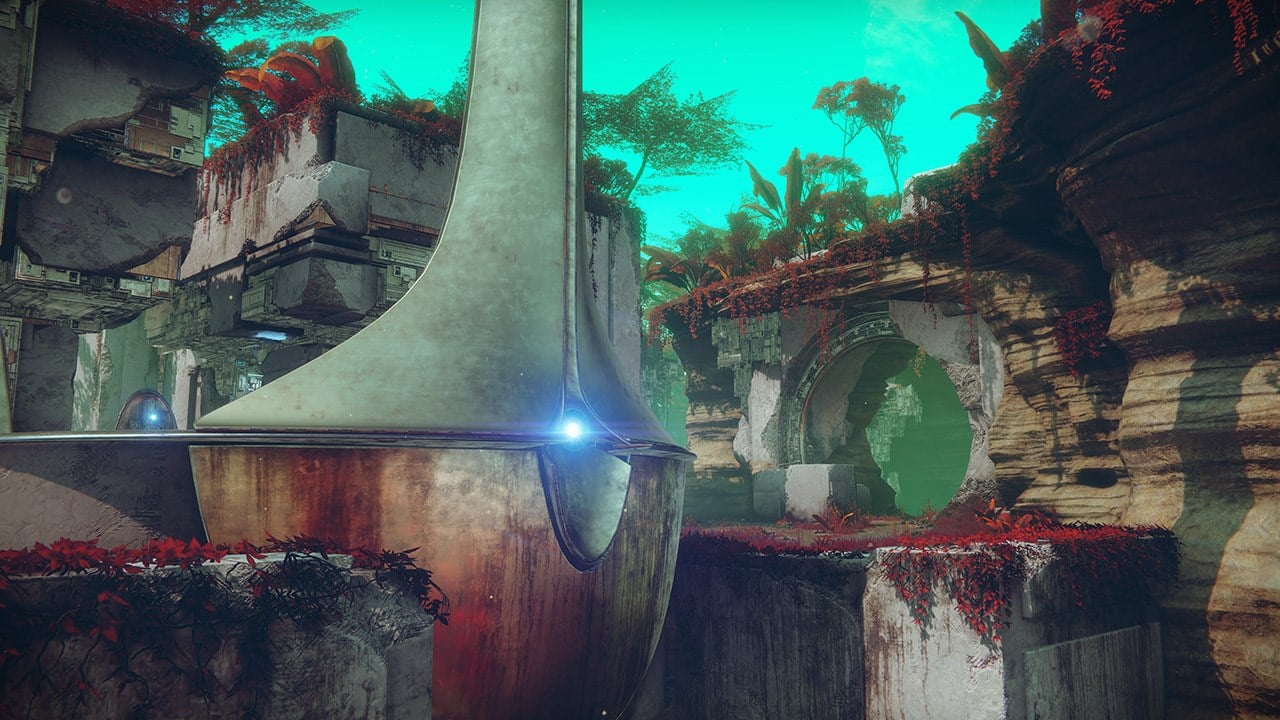
New Destiny 2 Trials of Osiris Rewards and Map This Week April 14

For those seeking the latest rewards in Destiny 2’s weekly PvP mode, MP1st is here to bring you the new Destiny 2 Trials of Osiris rewards and map this week April 14, 2023 edition!

New Destiny 2 Trials of Osiris Rewards This Week April 14, 2023:

Trials of Osiris Map

Endless Vale


Rewards

  • Reputation Rank 4: Upgrade Module (2)
  • Reputation Rank 7: Enhancement Prism (3)
  • Reputation Rank 10: Trials Weapon (Changes for each rank reset)
  • Reputation Rank 13: Upgrade Module (2)
  • Reputation Rank 16: Trials Weapon (Changes for each rank reset)
  • Flawless Reward: Astral Horizon (Adept)

Reputation System, Trials Engrams, and Adept Farming

Win individual rounds within each match to gain Trials reputation. The amount of reputation you gain increases with each round you’ve won on your card. Earn enough reputation, and you’ll be able to claim a Trials Engram from Saint-14! This engram can be focused into any currently available trials loot you have previously obtained, or it can be taken to Master Rahool for a random Trials drop. Your reputation increases after every match completion, based on the number of round-wins on your card, regardless of the result of that match itself (win or lose, 0-5 or 5-4).

Once you have gone Flawless, keep playing! Every win you achieve while at the 7-win level, even if you lose your Flawless, has a chance to drop bonus Trials Engrams, adept weapons, prisms, and even Ascendant Shards. There is no penalty for losing once you’ve made it to the Lighthouse!

When you’re done, you can cash in your 7-win passage for one additional adept drop, granted you have gone Flawless that week. This resets your card so you can start anew.


Passages

Name Perk Cost
Passage of Ferocity Your third match win grants a bonus win. 10000 Glimmer & 15 Legendary Shards
Passage of Mercy Forgives one loss per run. 10000 Glimmer & 15 Legendary Shards
Passage of Wealth Increased Trials Rank points from reaching 3, 5, and 7 match wins on a ticket. 15000 Glimmer & 25 Legendary Shards
Passage of Confidence Grants bonus rewards from Flawless Chest. 20000 Glimmer & 50 Legendary Shards

Thanks, Reddit!

Avatar photo

Salman Haider Zaidi

That's a nice argument, Senator.

Home > News

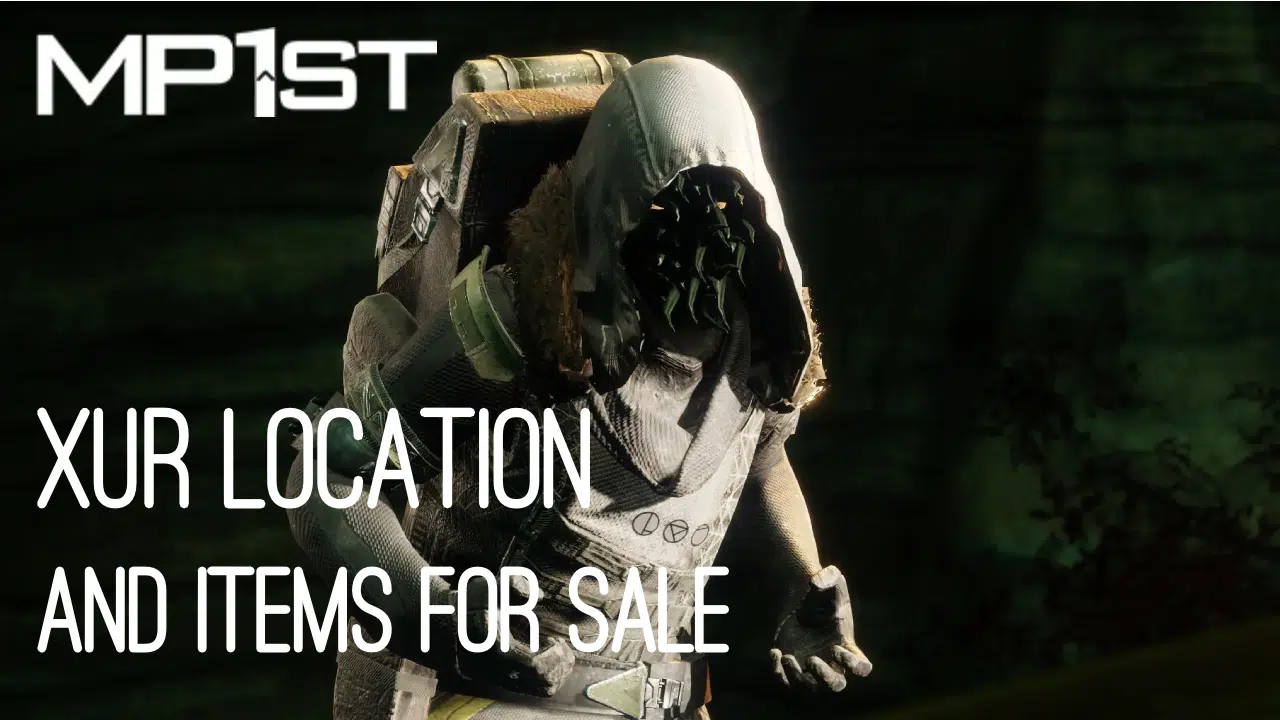
New Destiny 2 Xur Location Today April 14, 2023 (And What Xur Is Selling)

It’s Friday and for Destiny 2 players, this means Xur is back to sell his wares! If you’re asking what Xur is selling in Destiny 2 this week and where he’s holed up, we’re here to help! The MP1st new Destiny 2 Xur location today, April 14, 2023 post is live, and you can check out Xur’s list of items this week in one handy list below.

New Destiny 2 Xur Location Today April 14, 2023 (And What Xur Is Selling):

Xûr, Agent of the Nine

A peddler of strange curios, Xûr’s motives are not his own. He bows to his distant masters, the Nine.

Location

Tower, Hangar


Exotic Weapons

Name Type Column 1 Column 2 Column 3 Column 4
Black Talon Heavy Sword
Hawkmoon Kinetic Hand Cannon Polygonal Rifling Hip-Fire Grip Combat Grip
Dead Man’s Tale Kinetic Scout Rifle Fluted Barrel Armor-Piercing Rounds Snapshot Sights Composite Stock

Note: Fixed perks on weapons are not displayed

Exotic Armor

Name Type MOB RES REC DIS INT STR Total Cost
Shards of Galanor Hunter Gauntlets 3 11 19 17 11 2 63 23 Legendary Shards
Antaeus Wards Titan Leg Armor 3 19 10 6 6 18 62 23 Legendary Shards
Verity’s Brow Warlock Helmet 2 19 11 12 7 9 60 23 Legendary Shards

Exotic Ciphers

Name Description
Xenology Complete Vanguard playlist activities, or win matches in Crucible or Gambit. Extra progress is awarded for more challenging activities and for succeeding with clanmates.

Engrams

Name Description Cost
Exotic Engram An engram with a predestined outcome. Contains a new Exotic if any of the possible rewards remain to be collected. Preview contents for possible rewards. 97 Legendary Shards

Legendary Weapons

Name Type Column 1 Column 2 Column 3 Column 4
Firefright Kinetic Auto Rifle Arrowhead Brake // Polygonal Rifling Extended Mag // Flared Magwell Hip-Fire Grip Surrounded
Planck’s Stride Heavy Machine Gun Arrowhead Brake // Fluted Barrel Alloy Magazine // Flared Magwell Perpetual Motion One for All
Bad Omens Heavy Rocket Launcher Countermass // Linear Compensator High-Velocity Rounds // Implosion Rounds Snapshot Sights Kill Clip
Royal Chase Energy Scout Rifle Fluted Barrel // Smallbore Extended Mag // Alloy Magazine No Distractions Threat Detector
Enigma’s Draw Kinetic Sidearm Shortspec SAS // Tactic SAS Extended Mag // Ricochet Rounds Opening Shot Swashbuckler
Brigand’s Law Energy Sidearm Arrowhead Brake // Chambered Compensator Appended Mag // Alloy Magazine Killing Wind Voltshot
Distant Tumulus Energy Sniper Rifle Arrowhead Brake // Smallbore Accurized Rounds // Flared Magwell Dragonfly Snapshot Sights

Note: Fixed perks on weapons are not displayed

Legendary Armor

Name Type MOB RES REC DIS INT STR Total Cost
Wild Hunt Gauntlets Titan Gauntlets 21 6 2 6 13 9 57 50 Legendary Shards & 1000 Glimmer
Wild Hunt Plate Titan Chest Armor 19 7 2 13 12 7 60 50 Legendary Shards & 1000 Glimmer
Wild Hunt Mark Titan Mark 0 0 0 0 0 0 0 50 Legendary Shards & 1000 Glimmer
Wild Hunt Helm Titan Helmet 7 2 22 7 14 9 61 50 Legendary Shards & 1000 Glimmer
Wild Hunt Greaves Titan Leg Armor 16 2 12 9 12 10 61 50 Legendary Shards & 1000 Glimmer
Wild Hunt Gloves Warlock Gauntlets 19 7 2 13 2 18 61 50 Legendary Shards & 1000 Glimmer
Wild Hunt Vestment Warlock Chest Armor 19 6 7 9 8 16 65 50 Legendary Shards & 1000 Glimmer
Wild Hunt Bond Warlock Bond 0 0 0 0 0 0 0 50 Legendary Shards & 1000 Glimmer
Wild Hunt Hood Warlock Helmet 12 16 2 20 2 9 61 50 Legendary Shards & 1000 Glimmer
Wild Hunt Boots Warlock Leg Armor 24 2 6 10 12 9 63 50 Legendary Shards & 1000 Glimmer
Wild Hunt Grasps Hunter Gauntlets 13 2 16 7 12 10 60 50 Legendary Shards & 1000 Glimmer
Wild Hunt Vest Hunter Chest Armor 15 12 2 10 12 10 61 50 Legendary Shards & 1000 Glimmer
Wild Hunt Cloak Hunter Cloak 0 0 0 0 0 0 0 50 Legendary Shards & 1000 Glimmer
Wild Hunt Mask Hunter Helmet 17 2 9 9 10 11 58 50 Legendary Shards & 1000 Glimmer
Wild Hunt Strides Hunter Leg Armor 15 2 14 16 13 2 62 50 Legendary Shards & 1000 Glimmer

What’s a Xûr?

Xûr, Agent of the Nine, is a strange vendor who randomly appears in a Public Sector on one of the Worlds. Xûr sells Exotic equipment and only takes Legendary Shards in exchange for them.

TL;DR: He’s the Santa Claus of Destiny and every weekend is Christmas. Sometimes he brings you what you want, sometimes he brings you coal. Mostly it’s coal.

When does Xûr visit?

Xûr visits every Friday at 17:00 UTC and departs at Weekly Reset (Tuesday 17:00 UTC). If you would like to see all the live conversions of Time Zones, please follow this link here.

Thanks, Reddit!

Avatar photo

Salman Haider Zaidi

That's a nice argument, Senator.

Home > News

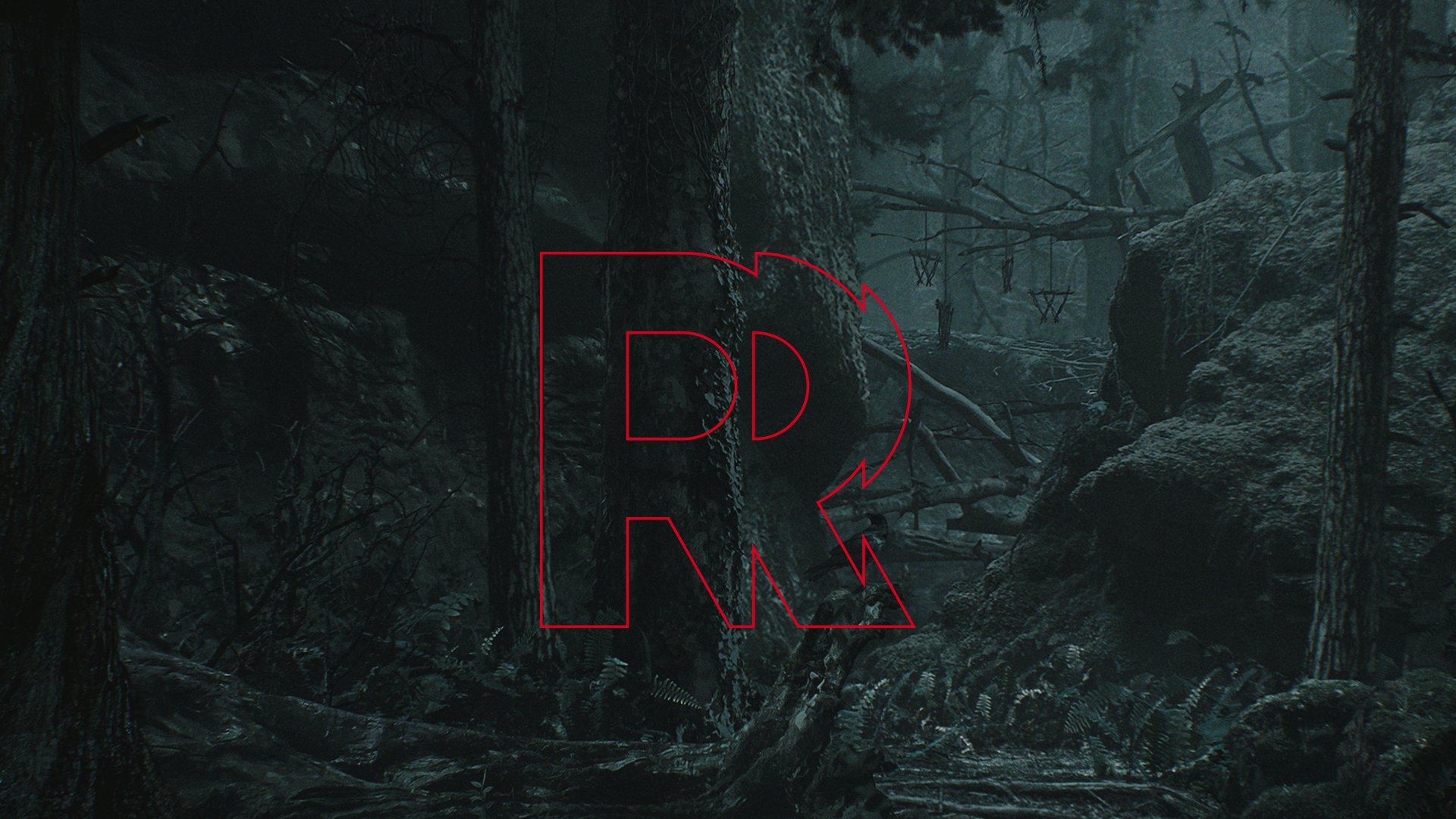
Remedy Entertainment Logo Updated for the First Time in 20+ Years; Studio Reaffirms 2023 Release for Alan Wake 2

Max Payne and Alan Wake developer Remedy Entertainment has updated its logo for the first time in more than 20 years to better reflect its “evolution over the years” and express its “vision of today’s Remedy.” Notably, the studio has also reaffirmed that Alan Wake 2 is still set for a 2023 release.

Founded in 1995, Remedy Entertainment has not changed or refreshed its logo since 1999 when a dispute with LucasArts saw the company “accelerate” the process of finding more suitable branding for its goals and ultimately coming up with the iconic bullet-encasing “R.” The bullet “represented the era of Max Payne,” but in the years since that have seen Remedy develop Alan Wake, Quantum Break, and Control, the old logo was no longer seen to adequately represent the studio’s work and ambitions. Hence, in the last few years that saw Remedy expand into Sweden and work on several IPs at once, its designers have been working to create a new logo to reflect its “constant evolution.” The logo (along with several alternatively-colored variants) can be seen below:

remedy entertainment new logo

From Thomas Puha, Remedy Entertainment’s Communications Director:

Creating a new logo and a refreshed visual identity for Remedy was an emotional journey, like anything to do with art. For longtime Remedy followers, you surely know how vital artistic direction is for us. Not just in our games but from the standpoint of how our studio identity looks. Not to mention our hoodies!

As a game development studio, we have come a long way since 1995 when we got our start. Remedy is constantly evolving. The bullet in the letter R in the old logo represented the era of Max Payne, but the Remedy of now is much bigger than a single game; we have a whole portfolio of games, new and old.

It was time to update and redefine our visual identity to bring more consistency, showcase our evolution over the years, and better express our vision of today’s Remedy. The Remedy logo means a lot to us, but we know it also means a lot to you. Like the games we create at Remedy, we approached this process with great care, consideration and a lot of passion! We want to create memorable worlds, stories, and characters for you to experience through our games. We wanted our new logo to reflect how we constantly evolve and continue creating exciting games with the very best people. However, it’s all still one Remedy where courageous creativity thrives. We hope you like the new look.

The studio claimed in its Q4 2022 financial report that Alan Wake 2’s development is close to completion and that the game is “playable from start to finish.” Puha has reaffirmed that release window and expressed hope for the studio’s success and upcoming productions:

Our future is incredibly exciting. Despite almost three decades in the game industry, in many ways it feels we are only getting started. You can look forward to Alan Wake 2 later this year and several great Remedy experiences to play in the coming years.

Stay tuned here at MP1st for all upcoming Alan Wake 2 and Remedy Entertainment news and announcements.

Source: Remedy Entertainment

Avatar photo

Salman Haider Zaidi

That's a nice argument, Senator.

Home > News

Horizon Forbidden West: Burning Shores Launch Trailer Reveals New Enemies & Weapons

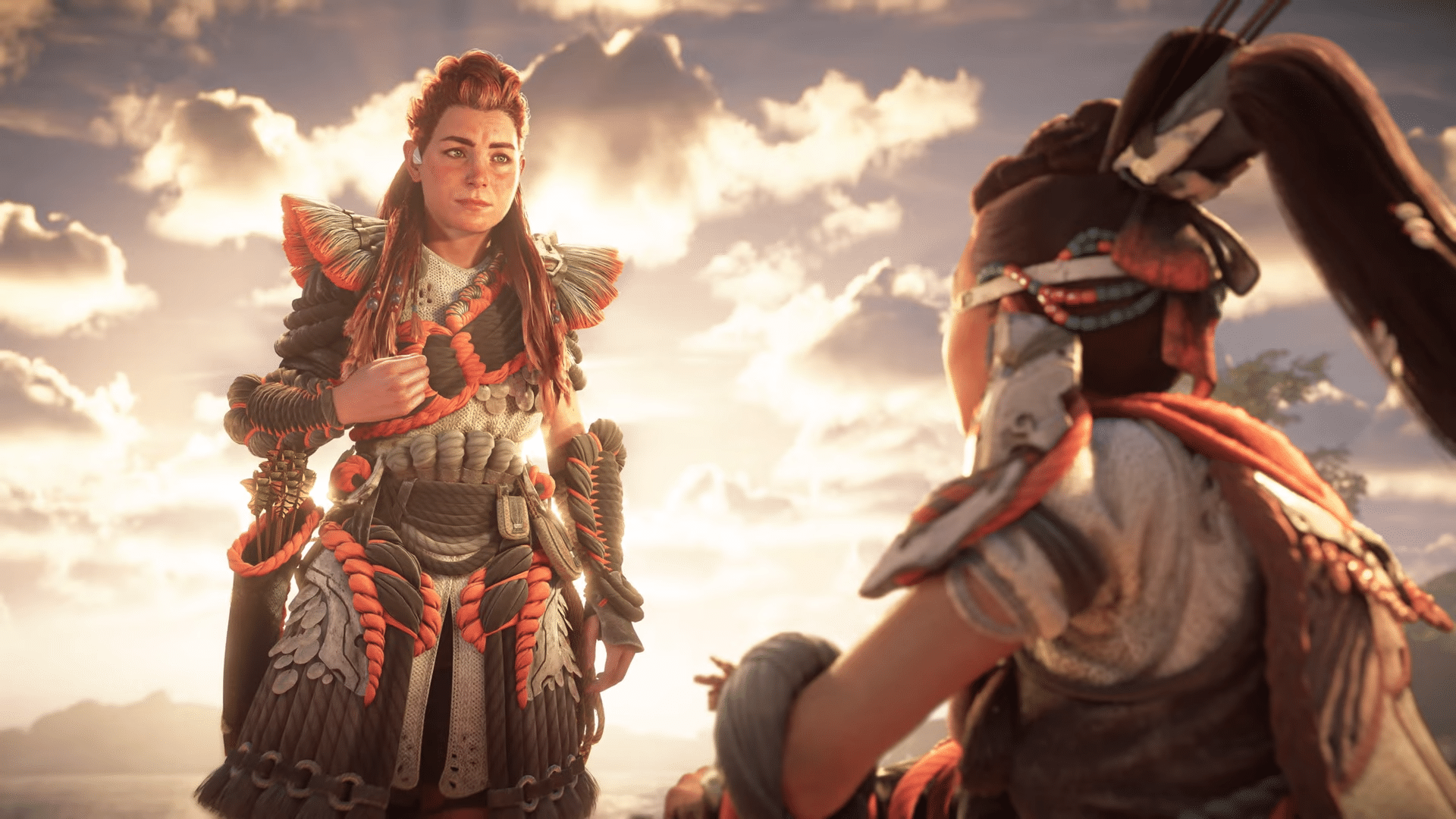
Ahead of the expansion’s April 19 release, Guerilla Games and Sony Interactive Entertainment have released the Horizon Forbidden West: Burning Shores launch trailer. Comprised of a mix of gameplay and cinematics, the trailer shows off Aloy encountering new and returning allies and powerful enemies in the Burning Shores region, using new weapons to take on the terrifying monsters that call the fiery archipelago home.

Watch the trailer below:

The Forbidden West expansion for Horizon Forbidden West leaves the PS4 and its hardware limitations behind to fully utilize the raw power of the PS5, featuring much-improved visuals and in-game environments. The launch trailer follows Aloy riding the Sunwing into the Burning Shores while dodging missiles, though she is eventually forced to crash-land onto a beach. Aloy meets new allies in the region over the course of the expansion’s story, including a returning Gildun. A powerful Horus appears to be a focal boss fight in the story, and Aloy is shown facing the colossal machine while equipped with a Zenith gun.

Horizon Forbidden West: Burning Shores launches this April 19 on PS5, and can be pre-ordered now. Stay tuned here at MP1st for all upcoming Horizon news and announcements.

Avatar photo

Salman Haider Zaidi

That's a nice argument, Senator.

Home > News

Diablo 4 Battle Pass Will Take Players Around 80 Hours to Complete

With Diablo 4 confirmed to feature a seasonal model when it comes to post-launch content, it seems those who pick up the Diablo 4 Battle Pass will get more than their money’s worth, as it’ll take quite some time to complete.

In an interview with PC Gamer,  Associate Game Director Joe Piepiora provided insights into the expected length of time it would take to complete each season’s Battle Pass, and it’ll take even longer than some AAA RPGs.

Right now, the battle pass, when you’re figuring in completing the season journey alongside doing other content in the game, you’re looking at roughly 80 hours worth of time invested to complete the entirety of the battle pass. To level a character to level 100 could take a little longer than that based on how you play.

The interview also shed light on how the battle pass system will function. Each season will begin with a fresh seasonal character at level 1, and progressing through season-specific objectives will advance the character’s level up to 100, unlocking rewards along the way.

Similar to many live-service games, Diablo 4 will offer a free track for all players and a premium paid track with cosmetic rewards. Piepiora assured that players who do not wish to engage in the endgame seasonal grind can skip it entirely and return for story updates without feeling left behind.

This is definitely good news for Diablo 4 players who are looking to purchase a Battle Pass. Let’s hope it’s not too grindy in how we progress from each track.

Diablo 4 will launch on June 6 on the PS4, PS5, Xbox One, Xbox Series X|S and PC. You can read our thoughts on the game’s beta right here.

Avatar photo

Alex Co

Father, gamer, games media vet, writer of words, killer of noobs.

Home > News

Bungie Going After Destiny 2 XIM and Cronus Users, Will Issue Suspensions and Bans

Following Activision’s announcement that the Call of Duty Ricochet anti-cheat software will now detect third-party accessories like the XIM, Cronus Max and more, Bungie is the next one putting their foot down, as the studio has announced that they are going after Destiny 2 XIM, Cronus, ReaSnow users.

In a blog post title “Bungie’s Stance on Third-Party Peripherals Entering Their Villain Arc,” the studio mentioned that they will be suspending and even banning those caught using the devices.

BUNGIE’S STANCE ON THIRD-PARTY PERIPHERALS ENTERING THEIR VILLAIN ARC

Our community has grown increasingly frustrated by a form of cheating that uses third-party peripherals with the intent to manipulate the game client. These devices are plugged into a computer or console, where they can—for example—execute simple scripts or trick the game into giving you extra aim assist. You’ll note that we aren’t calling out the services by name, the primary reason for that is we simply don’t want to offer a bigger spotlight than necessary. Instead, our focus is on what the impact of using tools like this has on a PvP environment. To this end, Bungie has adopted the following policy on any form of external aides:

Bungie embraces the use of external accessibility aids that enable an experience the game designers intended but will take action, including bans, on people who abuse these tools specifically to gain an advantage over other players.

  1. “External accessibility aides” are any device or input that augments the player’s ability to control the game beyond what the game itself normally provides. This includes, but is not limited to, programmable controllers, keyboard and mouse adapters, advanced macros, or automation via artificial intelligence. This does not include features that Bungie provides. For more information on how Bungie supports accessibility, check out our goals outlined by Accessibility at Bungie right here.
  2. “Experience the game designers intended” means that content meant to be difficult or prestige is designed like that for a reason. We do not intend for difficulty to be automated away via software or hardware. Therefore, simply using an accessibility aide to play Destiny 2, where a player could not play otherwise, would not be a violation of this policy. Using these tools to mitigate challenges all players face, such as reducing recoil or increasing aim assist, would be a violation.
  3. “Gain an advantage” means used for the purpose, directly or indirectly, of achieving victory. For example, some players that abuse these tools rise in PvP ranks at a rate far beyond what is expected for a player improving through typical play. Because the benefits of cheating in PvE can affect things like the World First Race or even spill over into PvP, we will be evaluating all gameplay for violations.

We will be monitoring for violations of the policy and issuing warnings, restrictions and/or bans appropriately. This has been a matter of extended conversations both internally and in the community, and we want to strike the right balance between Bungie’s goal of simultaneously enabling everyone to enjoy our games and protecting our community.

This is definitely good news for everyone who plays Destiny 2 PvP. Let’s hope that other studios follow suit and stomp these cheaters out. If you’re against this or you’re justifying the use of these devices to give you an unfair advantage, perhaps try not to ruin everyone else’s fun?

Source: Bungie

Avatar photo

Alex Co

Father, gamer, games media vet, writer of words, killer of noobs.

Home > News

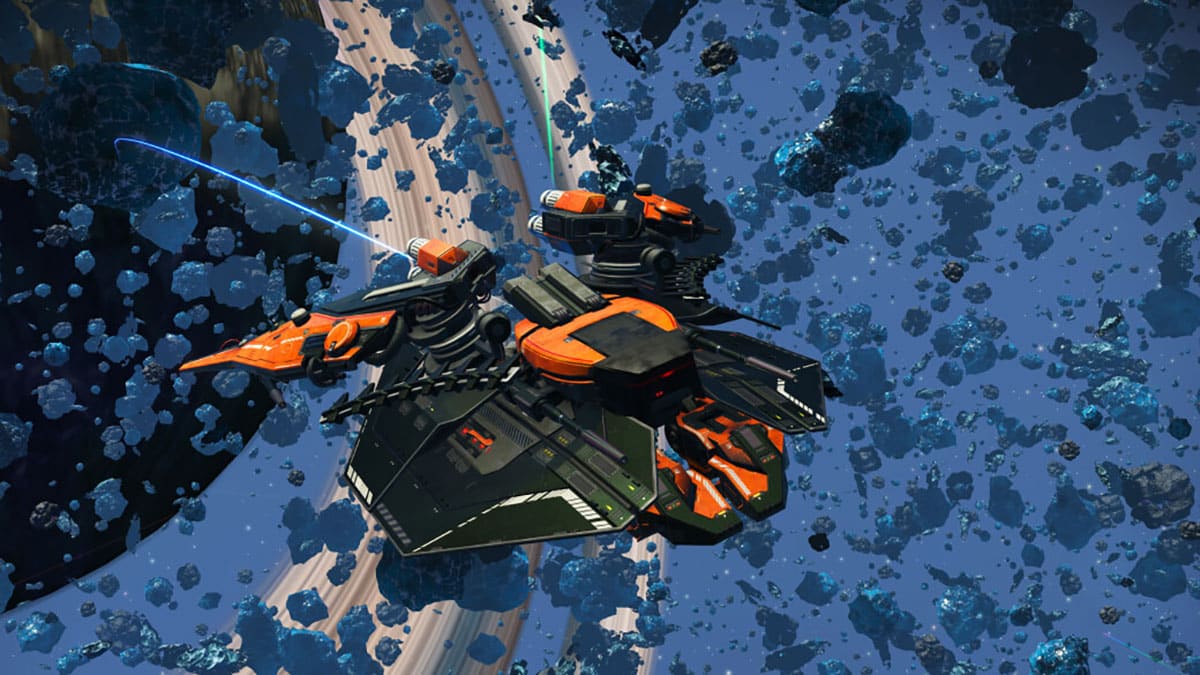
No Man’s Sky Update 4.22 Out for More Interceptor Fixes This April 14

Hello Games has released No Man’s Sky update 4.22 (PS5 version 4.022) today. This update includes fixes for the previously released Interceptor patch. Check out the No Man’s Sky April 14 patch notes below.

No Man’s Sky Update 4.22 Patch Notes | No Man’s Sky Update 4.022 Patch Notes | No Man’s Sky April 14 Patch Notes:

Hello everyone,

Thank you to everyone playing the Interceptor Update, especially those taking the time to report any issues they encounter via Zendesk or console crash reporting.

We are listening closely to your feedback, and have identified and resolved a number of issues. These fixes are included in patch 4.22, which is now live on Steam and will be coming to other platforms as soon as possible.

Bug fixes

    • Fixed an issue that prevented the Minotaur from correctly targeted corrupted Sentinels while under AI control.
    • Fixed an issues that caused certain wall-mounted base decorations to rotate without engaging the rotate part option.
    • Fixed an issue that prevented some technologies from being installed in freighter inventories.
    • Fixed an issue that prevented the Teleport Receiver from being installed inside a Sentinel interceptor.
    • Fixed an issue that could prevent the Sentinel Multi-Tool from being cleared out of its case after being claimed by the player.
    • Fixed a rare issue that could cause a blocker after restarting a mission.
    • Fixed a number of issues in the Nexus mission to collect Hadal Cores.
    • Fixed an issue that could cause an internal text ID to appear during the Sentinel interceptor repair mission, instead of correct instructions.
    • Fixed a number of minor text issues.
    • Fixed an issue that could cause corrupted Sentinels to appear on non-corrupted worlds when playing on higher difficulty settings.
    • Fixed an issue that caused the planet popup to be filled with placeholder data in certain views in the Discovery page.
    • Fixed a rare issue that could disable input while viewing a confirmation popup in the UI.
    • Fixed an issue that caused some companions to be rendered facing the wrong way inside the UI.
    • The error message displayed when using an Echo Locator in a system without any Harmonic Camps has been improved.
    • Fixed an issue that caused the message intended to warn players that their pulse drive had been disabled to incorrectly report that the pulse drive was available to use.
    • Fixed an issue that caused the DPS readout on some starship weapons to be hidden from the UI.
    • Fixed an issue that caused the Galaxy Map to fail to display information about Dissonant systems when playing on lower difficulty settings.
    • Fixed an issue that caused the Analysis Visor to report Sentinel ships as buildings.
    • Fixed an issue that caused refiners and other related technologies to fail to show their charging status correctly.
    • The eye textures for corrupted Sentinels have been improved.
    • Fixed a rare issue that could cause the explosion when destroying small freighters / cargo pods to be too small.
    • Fixed an issue that caused the weapons on corrupted Sentinels to be invisible.
    • Fixed a number of minor visual glitches affecting the exterior and interior of the Sentinel interceptor.
    • Fixed a rare issue that could cause overly dense/dark fog on some corrupted planets.
    • Fixed an issue that caused starship communicator holograms and craftable bobbleheads to intersect with cockpit elements in the Sentinel interceptor.
    • The audio balance for Atlantideum crystals has been adjusted.
    • Fixed a number of collision issues with oxygen and sodium plants.
    • Fixed an issue that could cause NPC ships to move in a jerky fashion in multiplayer.
    • Fixed a number of visual issues with VR wrist menu projectors.
    • Improved the visual feedback when repositioning VR wrist menus.
    • Fixed an issue that cause the Trade Rocket UI to be misplaced in VR.
    • An option has been added for VR players to enable a third “twist” axis on the virtual joystick, allowing them to roll or yaw the ship.
    • Fixed an input issue affecting a number of UI screens in VR.
    • Fixed an issue that could cause a severe performance drop when joining another player’s game directly from the frontend, if that other player was aboard the Space Anomaly.
    • Fixed a crash related to memory allocation.
    • Fixed a networking-related crash.
    • Fixed a memory leak related to texture rendering.
    • Fixed an issue that prevented the Base Complexity option from appearing on Xbox One and Xbox One S.
    • Fixed a crash specific to older Xbox consoles.
    • Fixed a memory leak that could occur on all Xbox platforms.
  • Introduced a significant memory optimisation for PSVR2.
  • Introduced a minor improvement to visual quality on PSVR2.

Source: No Man’s Sky

Damien Seeto

Home > News

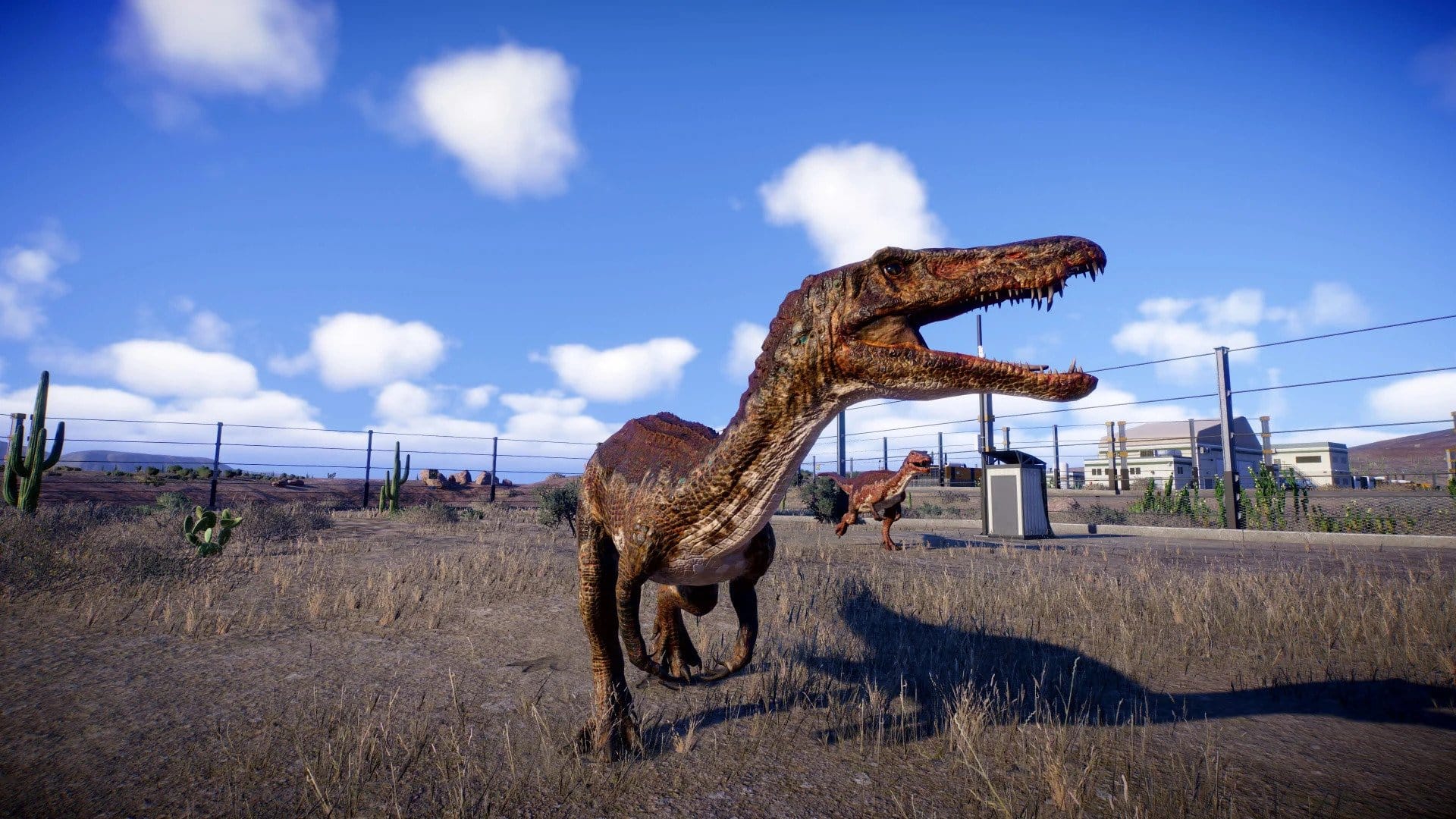
Jurassic World Evolution 2 Update 1.007.002 Chomps Out This April 14

Frontier Developments has released Jurassic World Evolution 2 update 1.007.002 today for PC, Xbox, and PS5. The same update will be released on PS4 at a later date. This update includes some gameplay improvements. Read on for the Jurassic World Evolution 2 April 14 patch notes down below.

Jurassic World Evolution 2 Update 1.007.002 Patch Notes | Jurassic World Evolution 2 Update 1.7.2 Patch Notes | Jurassic World Evolution April 14 Patch Notes:

Hello Park Managers!

Update 1.7.2 is now available for PC, Xbox, and PlayStation 5 versions of Jurassic World Evolution 2, with an update for PlayStation 4 coming soon. Please see the changes below:

  • Decorations
    • Restored Supply Piles 01 and Supply Piles 02 decorations to their pre-Update 6 visuals
    • Added Supply Piles 03 and Supply Piles 04 (duplicated from Update 6’s unintentional replacement of Supply Piles 01 and 02)
  • Gene Editor – The variant carousal now doesn’t use the LB/RB input anymore
  • Build Menu – Display the detached viewing galleries when the Building Styles filter is applied in Sandbox modes with “All Buildings”
  • Fixed cinematic camera mode causing occasional frame rate issues on busy parks
  • Removed the gap between the play area and background forests on maps
    • This will still cause a small gap on existing saves, new saves will have no gap
    • Affects:
      • Isla Nublar 1993
      • Isla Nublar 2015
      • Canada
      • Sierra Nevada (Dominion Biosyn Expansion)
      • Biosyn (Dominion Biosyn Expansion)
      • Malta (Dominion Malta Expansion)
  • Various localised text fixes

Source: Jurassic World Evolution 2

Damien Seeto

Home > News

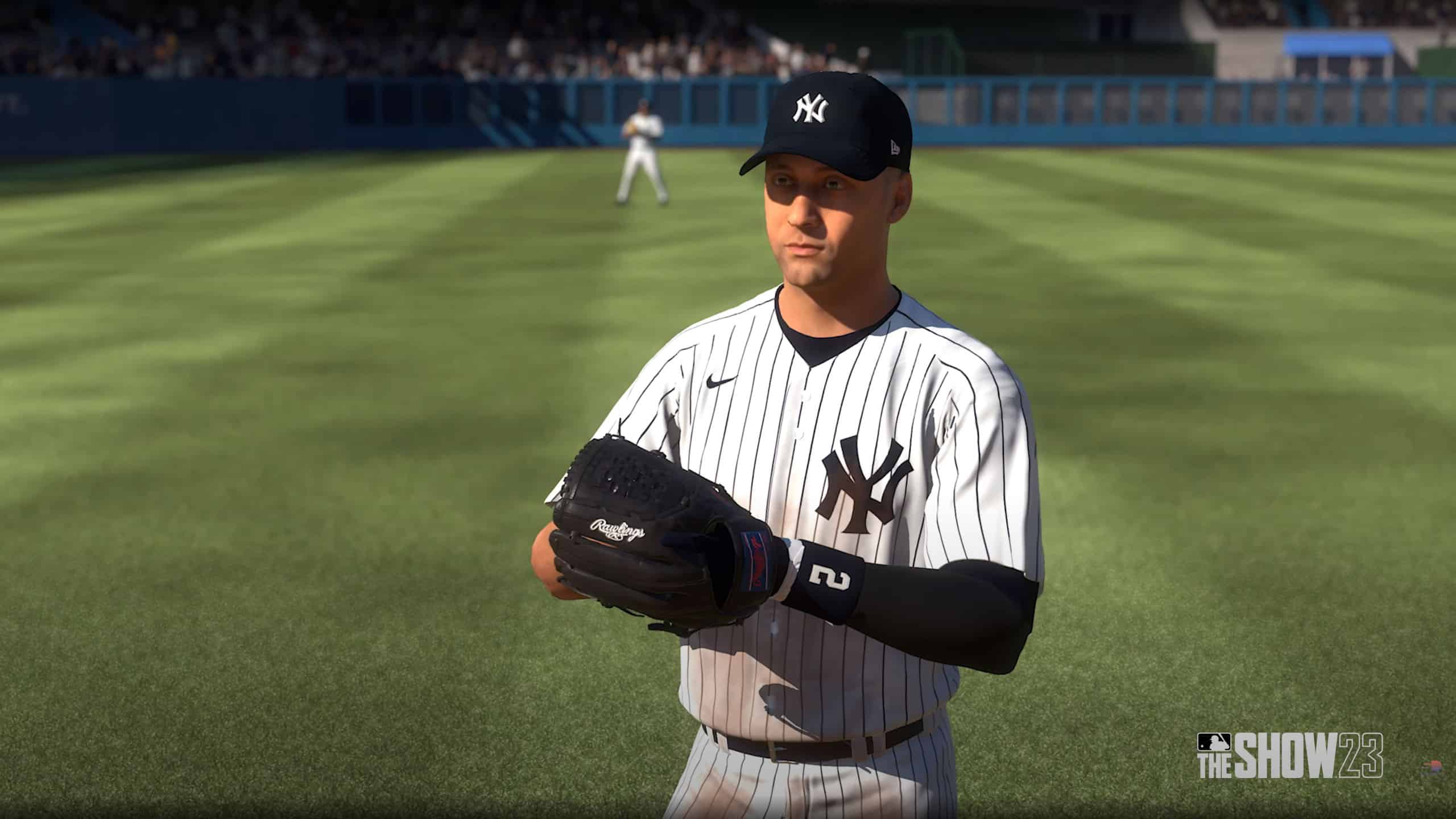
MLB The Show 23 Update 1.03 Bats Out for Patch 3 This April 14

San Diego Studio has released MLB The Show 23 update 1.03 (PS5 version 1.003, Xbox 1.062) today on all platforms. This update includes the Jackie Robinson Day uniform update as well as bug fixes and is called Patch 3 by the studio. Check out the MLB The Show 23 April 14 patch notes below.

MLB The Show 23 Update 1.03 Patch Notes | MLB The Show 23 Update 1.003 Patch Notes | MLB The Show 23 Update 3 Patch Notes | MLB The Show Update 1.062 Patch Notes:

PS4: 1.03
PS5: 1.003
Xbox One and Xbox Series X|S: 1.0.62
Nintendo Switch: 1.03

GENERAL 

  • The Jackie Robinson Day uniform update is now available within Road to the Show and Franchise.
  • Fixed an issue where catchers could not pick off while player-locked.

DIAMOND DYNASTY 

  • Fixed an issue where users would see a “loss” screen prior to starting a game in the playoffs of Mini Seasons.
  • Fixed an issue where an NLB player’s card would remain on screen during an at-bat.

ONLINE HEAD-TO-HEAD 

  • Fixed several crashes that could occur in Online Play.

CO-OP 

  • Fixed a freeze that could occur while making defensive adjustments.
  • Fixed an additional issue where bullpen displays could remain on screen.

ROAD TO THE SHOW 

  • Fixed an issue in Custom Practice where pitches would not go to the selected location.

MARCH TO OCTOBER AND FRANCHISE 

  • Fixed an issue that would display incorrect amateur players when scrolling on the Scouting Big Board.
  • Fixed an issue where user was taken to the Created Stadiums section when selecting a stadium to play for the Futures game in Franchise.
  • Fixed a visual bug that could display the wrong hot/cold momentum in March to October.

MISCELLANEOUS 

  • Various player emotion animations will now display correctly.
  • Various UI adjustments.
  • Various commentary updates and adjustments.
  • Added player numbers to helmets for New York Yankees uniforms.
  • Resized the jumbotron at Citi Field.

DEVELOPER NOTES

Gameplay Balance Change – Pitch Accuracy Tuning 

We’ve heard the frustrations regarding pitching and perfect inputs not feeling as rewarding as we’d like, so we’ve made the following adjustments:

  • Reduced frequency of pitches landing directly on the edge of the Perfect Accuracy Region (PAR). This benefits all pitching interfaces.
  • Cleaned up some of the known instances where pitches could land outside of the Perfect Accuracy Region (PAR).
  • Artwork tuning where the Perfect Accuracy Region (PAR) was not displaying at the true size on occasion.
  • Removed the Perfect Accuracy Region (PAR) display post-pitch while slidestepping, as there is an accuracy penalty that is not accounted for within the initial PAR.

It’s important to note that the core benefit of using Pinpoint Pitching above other interfaces is that it generates the smallest PAR, not necessarily that it is the most accurate within that PAR. However, these changes will help improve pitching accuracy across the board for all pitching interfaces, and we anticipate these changes will be most prevalent within Pinpoint Pitching.

We want pitching to feel more rewarding, and these changes will lead to an improved experience with all pitching interfaces.

Thank you for the clips, examples, and communication. We will continue monitoring the status through streams, telemetry, and playtesting as this Game Update goes live.

Live Content Balance Change – Lowered Player Requirements for Live Series Captains

Live Series Captains serve an important role in the Diamond Dynasty landscape, providing incentive for completing collections, enabling easily accessible theme teams, and adding utility to Live Series cards.

We’ve found these captains aren’t being used as frequently as we’d like, even in theme teams, so we’ve lowered the squad building requirements for each tier of every Live Series Captain by one.

For example, previous Captains would need 5 players for their Tier 1 Boost; now they only need 4. We hope this will increase the utility of these Captains and make Live Series cards more viable in Ranked play.

We will continue to monitor and balance captain cards in a similar fashion throughout the year.

Source: MLB The Show

Damien Seeto

Home > News

Atomic Heart Update 1.11 Released This April 14

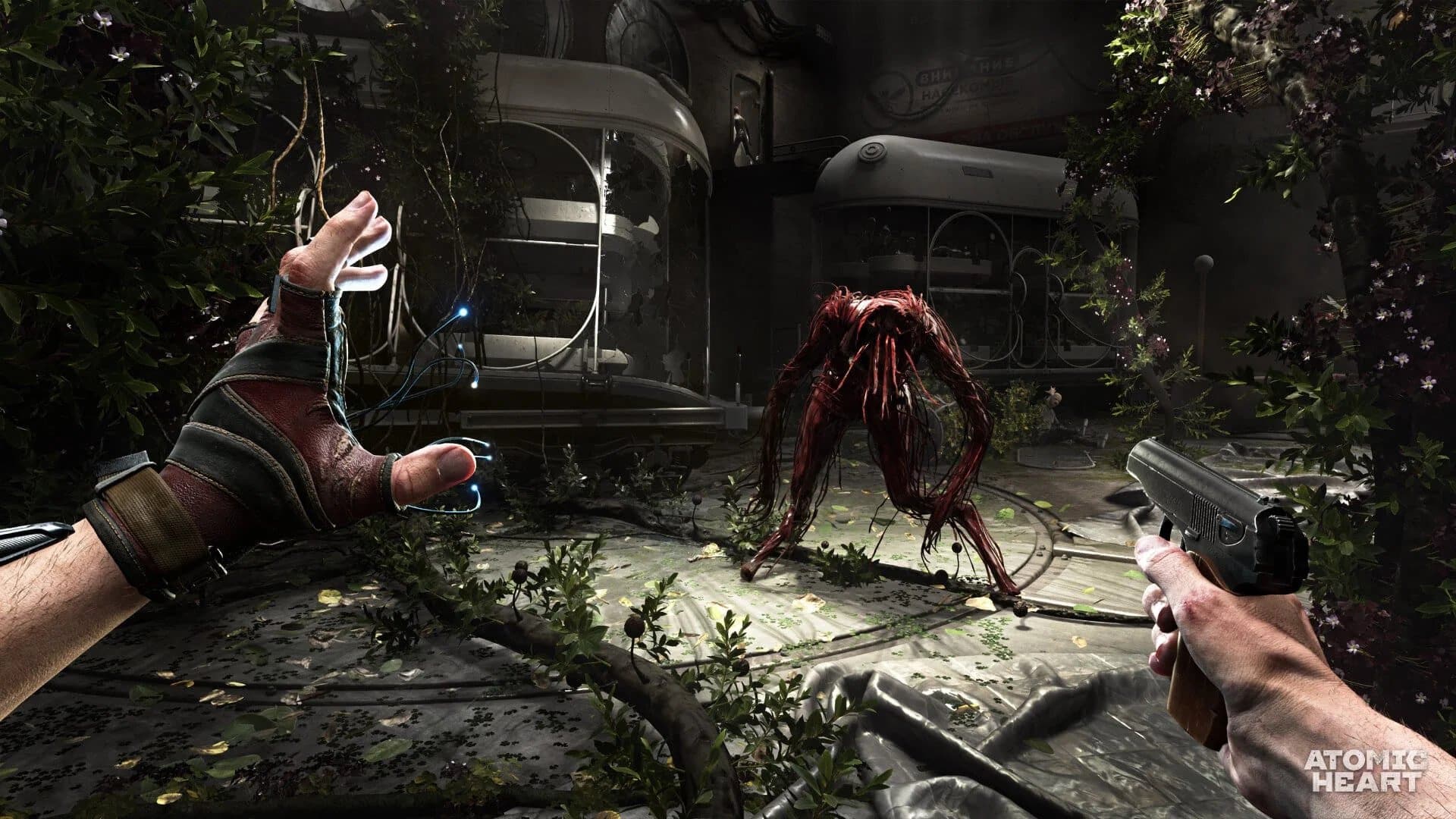
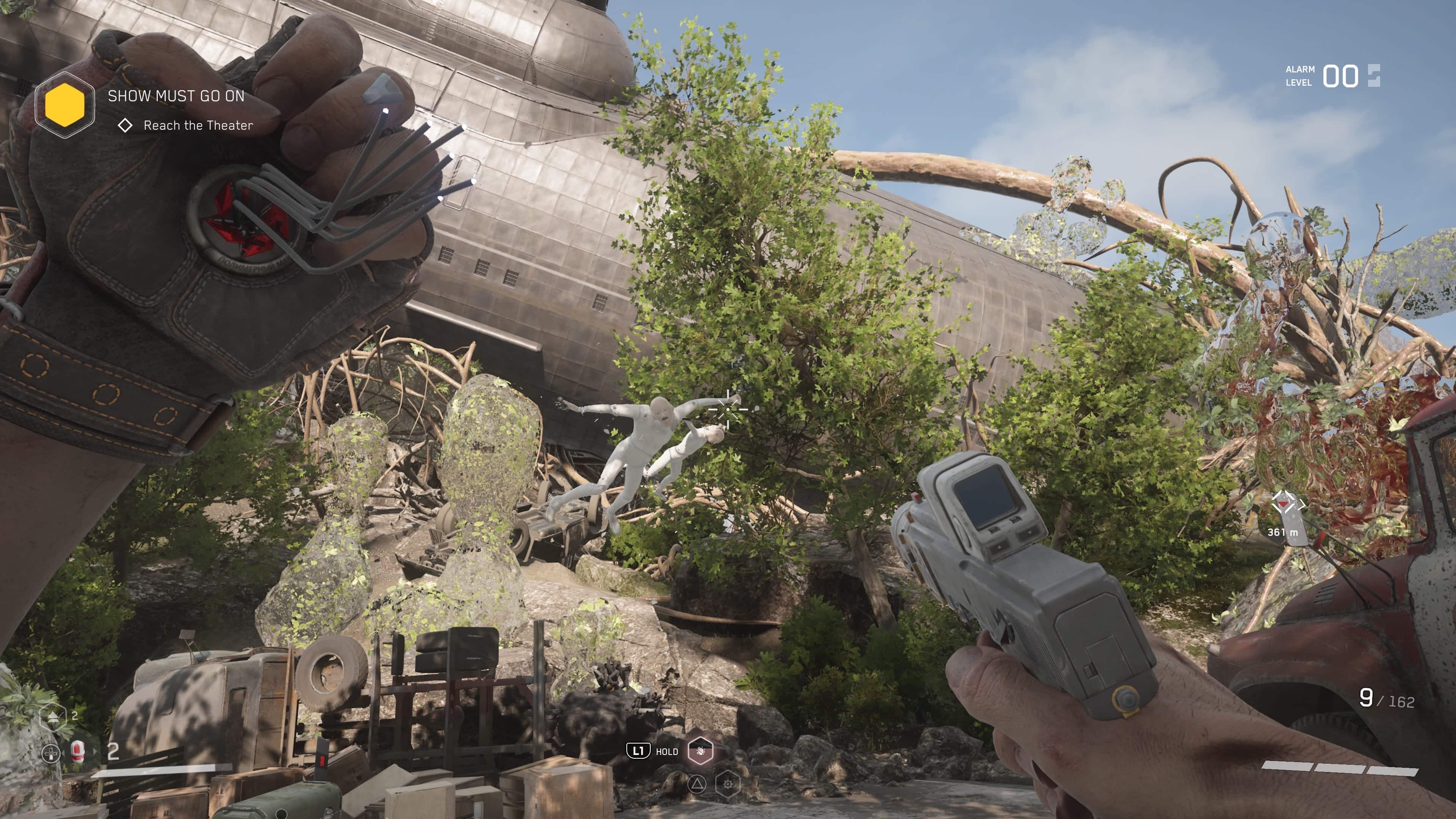
Mundfish has released Atomic Heart update 1.11 today for all platforms. This update comes out a few days after the Japanese voiceover patch dropped earlier this week. Check out what’s new in the Atomic Heart April 14 patch notes posted down below.

Atomic Heart Update 1.11 Patch Notes | Atomic Heart April 14 Patch Notes:

So far, Mundfish has not released the patch notes just yet, though we expect that to change very soon. In the meantime, read on for the known issues and the workarounds for it per the last patch.

The problem with unlocking achievements has already been solved, but in some very rare cases, the following issues may occur:

  • There may be some delay in unlocking achievements on a platform that requires an Internet connection for this process;

For those whose achievements were achieved entirely on savegames before or during the Day 1 patch, there may be some issues, which can be solved as follows:

  • In case the achievements were not unlocked, even though their progress was achieved, it will be necessary to re-execute all the conditions by starting a new game.

  • In the rare case where all achievements have been obtained, but the “The Motherland Does Not Forget its Heroes” achievement has not been unlocked for achieving them all, the problem can be solved simply by starting a new game. Data will be recalculated at the launch of the new game, which will entail unlocking the achievement.

Once the official patch notes are out, we’ll be sure to update the article ASAP.

We will be sure to update this post as soon as we can when official patch notes are released. Keep it locked at MP1st for more updates about Atomic Heart.

Damien Seeto

Home > News

Atomic Heart Update 1.005.100 Sneaks Out on Next-Gen This April 14

Atomic Heart update 1.005.100 has been released by Mundfish on next-gen (PS5, Xbox Series X|S) platforms, and this should bring in more fixes. Given the Japanese VO patch was just released a few days ago, don’t expect today’s patch to be as packed. Read on for the Atomic Heart new update patch notes for April 14.

Atomic Heart Update 1.005.100 Patch Notes:

So far, Mundfish has not released the patch notes just yet, though we expect that to change very soon. In the meantime, read on for the known issues and the workarounds for it per the last patch.

The problem with unlocking achievements has already been solved, but in some very rare cases, the following issues may occur:

  • There may be some delay in unlocking achievements on a platform that requires an Internet connection for this process;

For those whose achievements were achieved entirely on savegames before or during the Day 1 patch, there may be some issues, which can be solved as follows:

  • In case the achievements were not unlocked, even though their progress was achieved, it will be necessary to re-execute all the conditions by starting a new game.

  • In the rare case where all achievements have been obtained, but the “The Motherland Does Not Forget its Heroes” achievement has not been unlocked for achieving them all, the problem can be solved simply by starting a new game. Data will be recalculated at the launch of the new game, which will entail unlocking the achievement.

Once the official patch notes are out, we’ll be sure to update the article ASAP.

Avatar photo

Alex Co

Father, gamer, games media vet, writer of words, killer of noobs.

Home > News

The Binding of Isaac: Rebirth Update 1.17 Out for Changes and Fixes This April 14

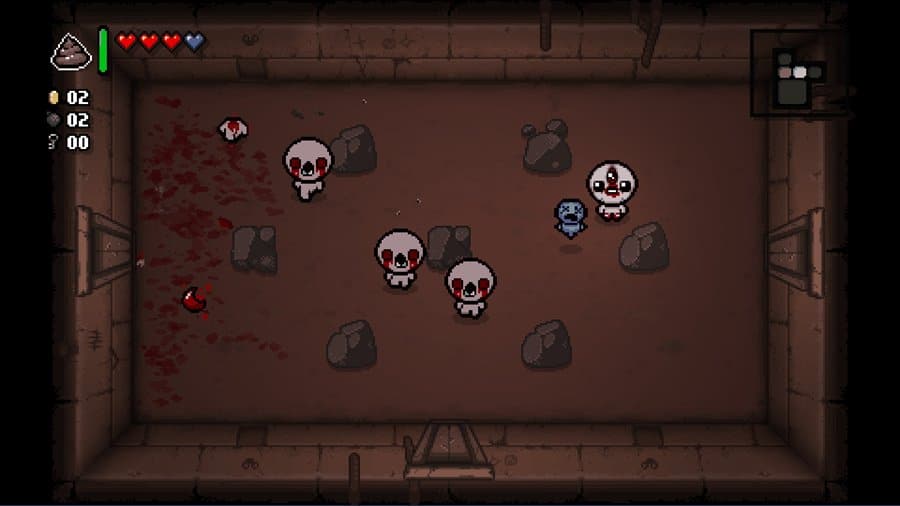
Developer Nicalis has released The Binding of Isaac: Rebirth update 1.17 for PlayStation and Xbox. The same update will be released on Nintendo Switch at a later date. This update includes gameplay changes and a ton of bug fixes. Read on for The Binding of Isaac: Rebirth April 14 patch notes posted down below.

The Binding of Isaac: Rebirth Update 1.17 Patch Notes | The Binding of Isaac: Rebirth April 14 Patch Notes:

The following patch notes are from the game’s PS4 update history:

Repentance 1.7.9b

Changes

– C Section fetuses now only deal 75% damage every 10 frames (from 100% damage every 8 frames)
– Lil Dumpy now has a secondary, larger detection radius that can cause it to randomly trigger from nearby enemy projectiles
– Renamed the “Glowing Hour Glass” to “Glowing Hourglass”
– Glowing Hourglass no longer has a cooldown, but can only be used three times per floor (at which point it temporarily functions as the regular Hourglass)
– Increased the cooldown of D10 to 2 (from 1). It now “devolves” enemies instead of replacing them with a random enemy
– Cain’s Other Eye now follows Isaac and copies all tear modifiers/stats, but shoots in random cardinal directions and has -25% reduced damage
– Bum Friend can now give batteries and items from the Beggar pool
– The Black Bean now causes multiple farts in quick succession and leaves poisonous gas clouds
– 20/20 now only decreases damage by -20% (from -25%)
– Isaac’s Tears now has an added +5 damage bonus applied to the tears
– Sticky Bombs now cause white creep to splash on the ground, slowing enemies
– Breath of Life now takes less time to activate and recharge. Upon blocking damage with perfect timing, it will release holy beams in four directions (similar to Salvation) and grant a brief shield effect
– Athame no longer creates a black ring on damage taken, instead it adds a chance for the ring to spawn around killed enemies (scales with luck)
– Betrayal no longer charms all enemies on damage taken, it now allows enemy projectiles to hit other enemies – when an enemy takes damage from an enemy projectile, it will attempt to target the enemy that fired it
– My Shadow no longer creates dark chargers on damage taken, instead Isaac’s shadow will closely follow him and create temporary dark chargers when enemies come into contact with it
– Increased the damage of Lil Brimstone to 3 per tick (from 2.5)
– Increased the damage of Shade to 5 per tick (from 2)
– Razor Blade and Blood Rights now only cost a half heart after the first usage in a room
– Ouija Board now grants a tears up (equal to that of Squeezy)
– My Reflection now grants a damage up (equal to that of Death’s Touch) and a luck down
– Reduced the cooldown of Mom’s Pad to 2 (from 3). It now also spawns 1 blue fly on use
– Adjusted the cooldown of Blank Card with a few cards
– A penny now appears in all curse rooms when in possession of Voodoo Head
– Cube Baby can now be launched by melee attacks
– The Bag of Crafting can no longer be crafted
– Saturnus tears no longer damage grid entities (such as poop and TNT barrels)
– Items spawned from chests can now be safely picked up in the Death Certificate area
– Items in the Death Certificate area now spawn as “option” items similarly to items in Boss Rush and Angel rooms – the player is automatically returned to the main floor whenever picking up an item would cause other items in the room to disappear
– Removed a redundant range increase from Crown of Light (it used to counteract the shot speed decrease)
– Reduced the devil price of Sacrificial Altar to 1 heart
– Increased the average amount of items available for purchase in devil rooms
– Added Backstabber to the devil room pool
– Added Book of Revelations, Stigmata, Jesus Juice and Purity to the angel room pool (they were previously only there in Greed mode)
– Added C Section to the Ultra Secret room pool
– Added Mom’s Ring to the Old Chest pool
– Added Epic Fetus to the treasure pool (at very low weight)
– Added Glowing Hourglass to the Greed mode treasure pool
– Added Ouija Board to the Greed mode devil pool
– Added Breath of Life to the Greed mode angel pool
– Moved Mom’s Key from the Greed mode silver treasure pool to the Greed mode shop pool
– Tainted Bethany can now use her blood charges to place bombs when in possession of Blood Bombs
– Mom’s Toenail now drops a foot every 20 seconds (previously every 2 minutes), with further reduced time for the doubled/golden variants
– Duct Tape now affects delayed following familiars (such as Multidimensional Baby and Shade)
– Cracked Dice now has a chance to trigger the D10 effect
– Shot speed up/down is now considered a minor pill effect, meaning other stat modifying pill effects are slightly more likely to appear instead
– The shop is now offering a discount on a variety of active items
– Ultra secret rooms can no longer generate near curse rooms (this fixes a rare softlock caused by using The Moon? in certain floor layouts)
– Portals, Purgatory cracks and buttons now always render above water to aid in visibility
– Rooms containing Suction Pitfalls in the Scarred Womb can no longer be bloody
– Reduced the damage enemy Brimstone lasers deal to other enemies to 11 per tick (from 22)
– Increased the health of Blastocyst’s largest form to 300 (from 190)
– Increased the health of The Hollow’s segments to 26 (from 22)
– Hangers can now be champions
– Needles and Pasties can no longer be champions
– The Stars and Joker cards can now show up in Greed mode
– Baby Plum, Bumbino, The Pile and Reap Creep are now locked behind the “Something wicked this way comes+!” achievement
– Added game over portraits for spiked chests, spiked rocks, Hell Game, Confessional, buckets, mushrooms, polyps and the Mausoleum entrance
– Added attack sound effects for Bob’s Rotten Head, The Candle and Red Candle
– Added an audio cue for active items with a timed recharge being ready to use
– Added more golden/doubled trinket effects
– Added more new room layouts and updated various existing layouts
– Updated a few boss champion sprites
– Updated the sprite for Breath of Life
– Updated the “giantbook” animations
– Increased the maximum damage dealt by Cube Baby when pushed
– Added unique drops for Corpse polyps
– Sanguine Bond will now immediately spawn its spikes in the middle of the room when picked up in a Devil Room
– The Cantripped! challenge now only spawns active item cards, item cards can now be swapped out when picking new cards when all card slots are already full
– Tainted Cain now has the same starting stats as Cain (increased damage and reduced range)
– Salvaging Tainted Cain’s active item no longer spawns special drops in special rooms (such as secret rooms)
– Adjusted the active to passive item ratio from TMTRAINER from 1/2 to 1/4
– Glitch items can no longer destroy Cathedral light beams, ending chests and challenge trophies
– Enemies respawned by the D7 no longer drop loot when killed if they were champions and no longer grant score in daily runs
– Great Gideon’s crawlspace no longer appears in the Ascent (as it could crash the game when entered)
– Expansion Pack can no longer trigger the Glowing Hourglass
– Added rubber banding to Star of Bethlehem – it now moves faster off screen when the player is ahead of it along the path to the boss room and slows down if the player is lagging behind
– Star of Bethlehem now moves towards Mega Satan’s room in the Chest and the Dark Room if its door was unlocked
– Vanishing Twin is now shared by both of Tainted Lazarus’ forms – this also fixes several bugs that occur when flipping while Vanishing Twin is copying a boss
– Spindown Dice is now available in challenges and daily runs, items that are tagged to never appear in those modes will be considered locked and will be skipped over
– Bag of Crafting is now available in challenges and daily runs, as well as when playing as Tainted Lost
– Bag of Crafting now obeys changes to item availability such as challenges, daily runs and Tainted Lost’s adjusted item pools and will not attempt to craft items that cannot be normally obtained
– Death Certificate now ignores changes to item availability caused by items or characters (i.e. Tainted Lost or Sacred Orb) and will only refrain from spawning items locked behind achievements or current game rules (challenges or daily runs)
– Added new co-op babies
– Updated some of Eden’s hair styles
– Updated several item qualities

Fixes

– Fixed the button in Greed mode dealing damage when in Lost form (from Soul of the Lost or when playing as Tainted Jacob)
– Fixed a few useless items, trinkets and cards appearing in Greed mode (such as The Moon?)
– Fixed Ultra Greed getting stuck in his dash state forever when his movement is blocked by certain objects (his dash now automatically ends after 3 seconds)
– Fixed Dangle and Turdlings not being locked behind the “Something wicked this way comes!” achievement
– Fixed Cube Baby sometimes flying in the wrong direction when thrown with Mom’s Bracelet
– Fixed Cube Baby spinning while held with Mom’s Bracelet
– Fixed an issue with Multidimensional Baby that could cause laser items to damage Isaac when changing rooms
– Fixed Esau’s items becoming dormant when using a revival item that changes character
– Fixed the Forgotten’s Brimstone balls not dealing increased damage against enemies affected by Brimstone curse
– Fixed the Forgotten losing his deal chance when losing a bone heart to a curse room door or similar damage sources
– Fixed rotten hearts and broken hearts getting removed from the Forgotten’s inactive form when saving and resuming a run
– Fixed Tainted Forgotten’s soul and Tainted Lazarus’ hologram being able to exceed the movement speed cap
– Fixed Tainted Lazarus’ hologram being vulnerable to damage from certain sources
– Fixed a crash caused by using a pill after using The Fool? with Echo Chamber
– Fixed a crash caused by using R Key with Broken Remote
– Fixed a crash caused by too many knives passing through Multidimensional Baby at once
– Fixed rewards from the Suicide King c

If there’s a new patch released, we’ll be sure to let our readers know.

Damien Seeto

Home > News

Wo Long Update 1.06 Adds “Inner Discipline” and More This April 13

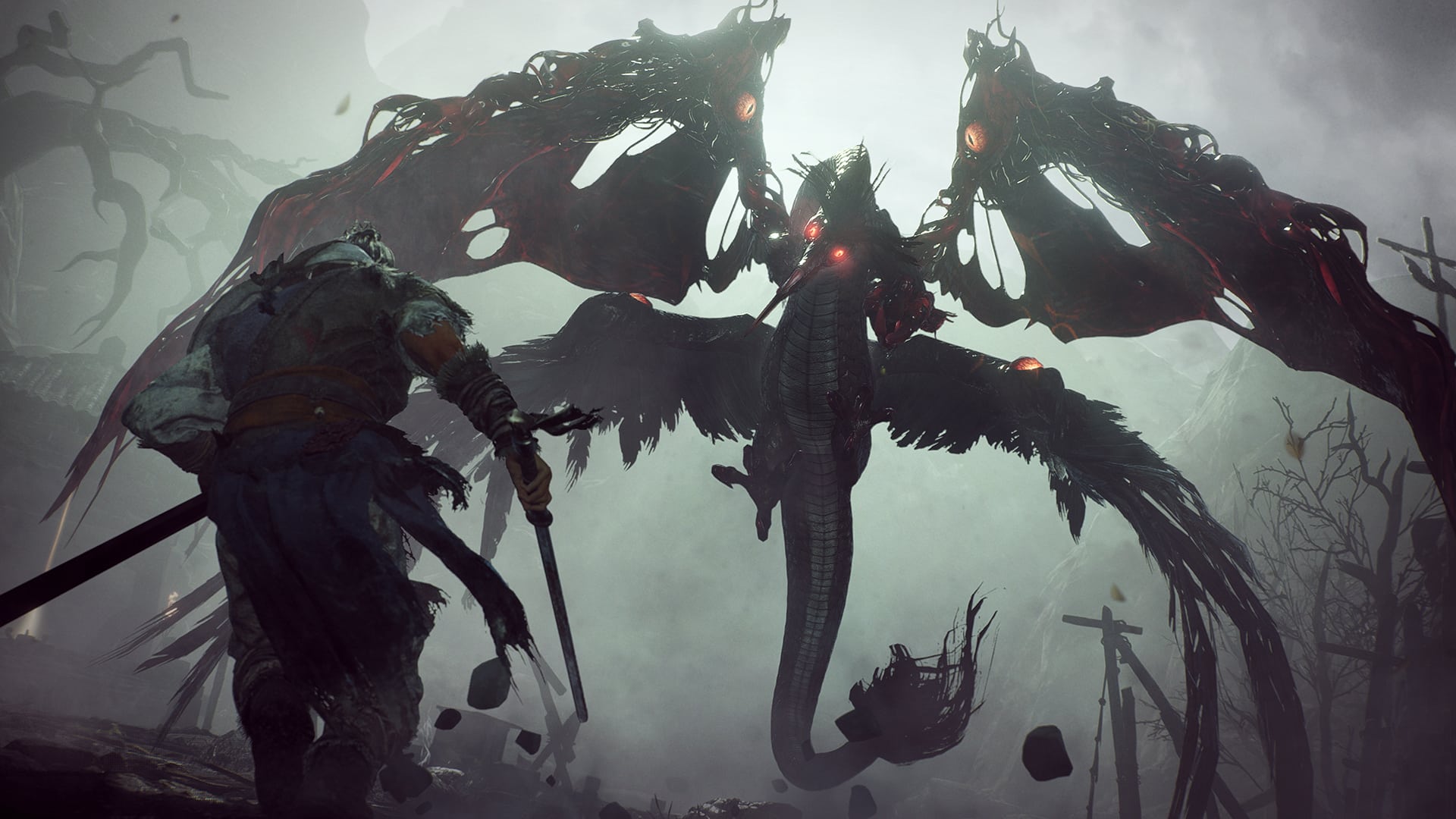
Team Ninja has released Wo Long update 1.06, and this adds new features to the game alongside a hose of gameplay-related adjustments. Read on for the Wo Long April 13 update patch notes below.

Wo Long Update 1.06 Patch Notes | Wo Long April 13 Patch Notes:

All Platforms

■Additional Features

  • Added the new feature “Inner Discipline,” which allows players to set their own maximum Morale Rank.
    • This is accessible via Battle Preparation and then Inner Discipline in the Battle Flag menu.
    • Inner Discipline will prevent Morale Rank from rising above the set limit when obtaining Morale Points by defeating enemies or performing Fatal Strikes.
    • This feature will be disabled while participating in Recruit and Invade sessions.
    • The Elixir and Burial Flag buffs that increase Morale Rank will still be applied above the maximum limit.
  • Made changes to the Reinforcements menu so that a handshake icon will now be displayed next to the companions who have accompanied the player at least once.
    • We have received inquiries from players who have been unable to obtain the achievement/trophy “Great Gatherings.” If you have confirmed the status of your companions after applying the update and are still unable to obtain the trophy despite fulfilling all of the requirements, then please contact customer support. Thank you for your understanding and cooperation. (https://www.koeitecmoamerica.com/support/ )
  • Added icons to display the location of Zuo Ci and the Blacksmith/Zhu Xia on the minimap.
  • Added Set Bonus and Inner Discipline to Tutorial under Documents.

■Adjustments

  • Made the following adjustments to the effects of the item Elixir:
    • Changed the mechanics of the effects so that Morale Rank increase is now treated as a buff effect that expires after a set period of time.
    • Changed the Morale Rank increase from 1 to 3.
    • Changed the duration of the effects from 30 seconds to 60.
  • Enlarged the Affinity hitbox of the flame area generated by the demonized Xiahou Dun’s tail so that it will be easier to neutralize the flames by taking advantage of Five Phase Affinities.
  • Adjusted the activation timing for the special effect Subtlety of the Water Phase so that it occurs after the Fatal Strike sequence is complete, rather than at the start of Fatal Strikes.
  • Made adjustments so that the lock-on mechanics would not target enemies awaiting aid.

■Major Bug Fixes

  • Fixed crash-prone situations that occurred in certain environments.
  • Fixed a bug that allowed players to go outside the bounds of the current stage from certain locations in some stages.
  • Fixed a bug that caused characters to become stuck (in the ground/surrounding objects) in certain locations in some stages, making it impossible for players to progress.
  • Fixed a bug that made it impossible for players to progress if they had died in certain locations in some stages, as the players would continually respawn to the point where they had fallen to their death, causing them to die over and over again.
  • Fixed a bug that allowed ranged attacks to penetrate walls and caused enemies to detect players through the walls in some stages.
  • Fixed a bug in which players’ progress after defeating bosses would not be saved if the application ended during the cutscene that plays after the boss’ defeat.
  • Fixed a bug that prevented players from locking on to Fengxi until the demon became aware of their presence in the main battlefield “Tyrant’s Final Banquet.”
  • Fixed a bug that sometimes caused demonized Sun Jian to go outside the bounds of the current area in the main battlefield “Darkness over the Hanshui River.”
  • Fixed a bug that caused certain terracotta soldiers in the main battlefield “Behold the Glaive of Righteousness” to produce drop rewards equivalent to those of leaders.
  • Fixed a bug that caused some of the Shuigui in front of the waterfall in the main battlefield “The Valley of Crying Wraiths” to have a wider field of view than intended.
  • Fixed a bug that caused a certain bandit in front of a treasure chest in the sub battlefield “Escape from the Capital” to have a narrower field of view than intended.
  • Fixed a bug that sometimes caused the player’s Morale Rank to decrease when obtaining Morale Points in the sub battlefield “The Crouching Dragon’s Trial.”
  • Fixed a bug that caused some doors in the sub battlefield “The Request of Goddess Luo” to glow, despite them not being interactive elements.
  • Fixed a bug in which demonized warlocks would sometimes fail to appear if the player had entered the boss area from certain locations in the sub battlefield “The Request of Goddess Luo.”
  • Fixed a bug in which players would be returned to the entrance of the area at the start of the boss battle in the sub battlefield “Fate of the Entertainer.”
  • Fixed a bug in which action inputs did not successfully register when performed at a specific moment during the ending sequences of moving and guarding.
  • Fixed a bug that caused demonized officers to become stuck in the ground after landing if their Spirits had been depleted while they were in midair.
  • Fixed a bug in which Zhuyan could still sometimes perform a Critical Blow with its leg, even after the hardened part on its leg was destroyed.
  • Fixed a bug in which it was possible to deal Spirit damage to Dong Zhuo while a player was being hit by his Critical Blow, which consists of grabbing at the player.
  • Fixed a bug in which the player’s Morale Rank would decrease, despite not having been hit, when the player approached the Changgui while it was unleashing its Critical Blow, which consists of consecutive bites.
  • Fixed a bug in which Fengxi’s charging attack sometimes dealt incorrect amounts of damage due to applying invalid values.
  • Fixed a bug that caused Corpse Demons to be invincible during their dodging sequence.
  • Fixed a bug that caused the demonized Sun Jian to recover from Spirit Disruption earlier than intended.
  • Fixed a bug that would sometimes cause Lu Bu to fail to ride Red Hare.
  • Fixed a bug that would sometimes make it impossible to obtain the trophies/achievements Adamantine, Keen-Edged, and Well-Read.
    • After applying the update, these trophies/achievements will be obtainable by completing any of the main or sub battlefields.
  • Fixed a bug that caused excessive processing load when players were awaiting aid or when they were accompanied by other warriors.
  • Fixed a bug occurring during multiplayer sessions that prevented guest players from leaving the area after defeating Fengxi in the main battlefield “Tyrant’s Final Banquet.”
  • Fixed a bug occurring during Co-op sessions that prevented guest players from being detected if they approached Fengxi while the host was raising a Battle Flag in the main battlefield “Tyrant’s Final Banquet.”
  • Fixed a bug occurring during multiplayer sessions in which hosts would be awaiting aid in places inaccessible to guest players in the sub battlefield “Massacre of Meiwu Fort.”
  • Fixed a bug that would sometimes cause a loss of Genuine Qi when a network error occurred during multiplayer sessions.
  • Fixed a bug occurring during Co-op sessions in which some enemies would not respawn upon interacting with a Battle Flag.
  • Fixed a bug that caused the Master Smith Hammer and the Imperial Seal of the Celestial Empire to become obtainable after defeating other players during Invade sessions, even if these items had not been previously acquired by the player.
  • Fixed a bug in which the time calculated for the Fastest Completion Time in the player’s Records would sometimes be incorrect.
  • Fixed a bug in which certain actions in the Learn Wizardry Spells menu within the Battle Flag menu would sometimes cause players to lose Spell Points.
    • After applying the update, players will be provided with their lost Spell Points via the Learn Wizardry Spells menu.
  • Fixed a bug in which selecting the eye patch for the Type 2 figure in Character Creation would cause part of the eyepatch to sink into the character’s head.
  • Fixed a bug that caused the model image of the Gauntlets of Boldness to be distorted.
  • Fixed a bug that caused flickering to occur when applying the Bloom filter in Photograph mode in certain locations.
  • Fixed other minor bugs

Steam®/Microsoft Store Versions

■Major Bug Fixes

  • Fixed a bug in which the mouse could not be used outside of the game screen when using the Keyboard Only controller type in Control Settings.
  • Fixed a bug that caused the UI for Special Effect Details within the Equip menu to flicker in the 120FPS setting.
  • Fixed a bug that prevented the Wizardry Spells menu from being displayed in full screen in ultrawide resolutions.

You can check out the rest of our Wo Long: Fallen Dynasty articles here.

Source: Team Ninja

Avatar photo

Alex Co

Father, gamer, games media vet, writer of words, killer of noobs.