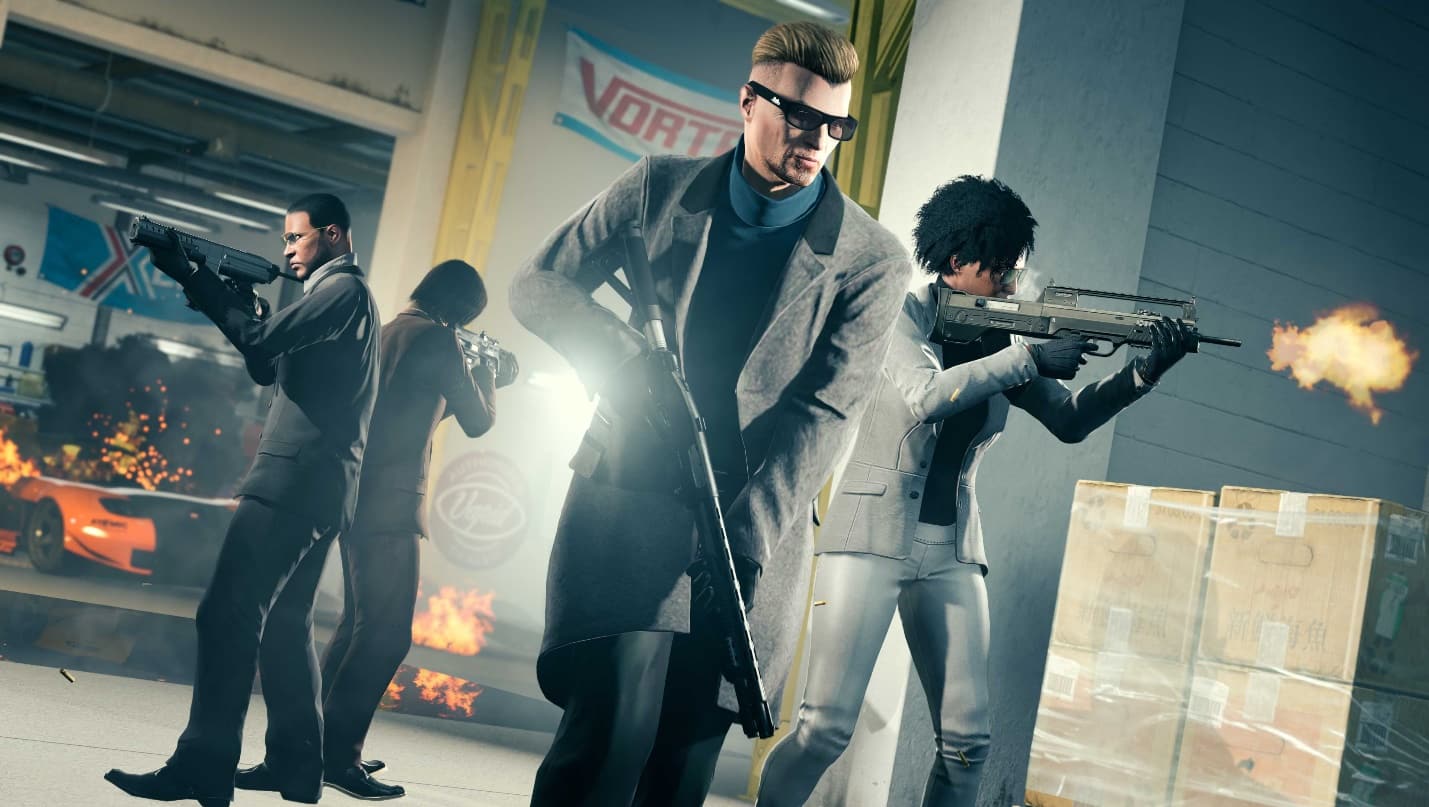
Just two weeks ago, Rockstar mentioned that more GTA Online updates are coming. Well, it seems the wait won’t be long now, as the GTA Online next update is out on July 26! Titled “The Criminal Enterprises,” players can expect new events, modes, vehicles, and more! Read on for the full details.
GTA Online Next Update “The Criminal Enterprises” Info:
The Criminal Enterprises is a sweeping update bringing new missions and upgrades to GTA Online including significant expansions to business prospects for Criminal Careers, plus new, elaborate Contact Missions with players operating as a sworn-in agent for the IAA and much more starting July 26.
The Criminal Enterprises also delivers highly requested experience improvements while giving players more choice in how they climb their way up the criminal ranks. Players will earn increased payouts across a range of gameplay, enjoy experience improvements, and more — with new modes, vehicles, collectibles, and special events dropping all summer long, including new showroom floors where players can test drive or simply purchase a range of new vehicles on the spot.
Expand Your Businesses
The Criminal Enterprises offers an assortment of exciting new updates for intrepid entrepreneurs of all kinds. And no matter which Criminal Career path you’ve chosen, all Business activities — including Sell Missions — will now be available to play in private (Invite Only, Crew, and Friends) sessions as part of The Criminal Enterprises.
Executives
Those who own an Executive Office will notice new staff manager Lupe, ready and able to help source additional Special Cargo for your empty shelves. A new side gig will also open up for Executives, where a shipment of Special Cargo will arrive daily outside your Warehouse, packed and ready for delivery to the docks. Plus, two new sources of Special Cargo will also be added to the mix of Source Missions, increasing the variety of missions available to white-collar criminals statewide.
Bikers
Clubhouses with the Custom Bike Shop are getting an on-the-house upgrade, where MC Presidents will be able to modify clients’ bikes to specifications and deliver them to customers for GTA$ and RP. Bikers will also be able to bolster their street cred and bottom lines by completing two new Clubhouse Contracts, posted on the meeting room wall at the Clubhouse. And you might notice patrons haunting the bar in your Clubhouse — a Bar Resupply mission will keep the kegs tapped and the clientele happy while earning a little extra income for your MC.
Gunrunners
Ammu-Nation has heard that you’re all about supplying quality goods at a fair price, and they want in. Make a daily delivery to a designated Ammu-Nation store for an additional source of revenue. When stocking your Bunker, you’ll come across two new Resupply Missions, so be sure to rob these new targets for all they’re worth. And players will also be able to launch Resupply Missions from the road or increase their research progress by sourcing data from a well-armed mark.
Nightclub Owners
Nightclub owners can now contact Yohan to take on missions to source Goods for their Nightclub Warehouse or call Tony to launch Club Management missions. Two new Club Management missions have been added to the roster, giving you new ways to promote your above-board operations. Meanwhile, inside your club, you’ll be able to maintain the vibes by ejecting troublemakers and chaperoning passed-out VIPs to safe locations off-site.
Go Undercover in Operation Paper Trail
Agent ULP will be in touch with the new Operation Paper Trail, commissioning 1–4 players as sworn-in agents to investigate the local petrochemical magnates, the Duggans, to see if they’re the invisible hand behind spiraling oil prices.
Get Behind the Wheel with New Vehicles
Two new Imani Tech-eligible vehicles will be available to take advantage of special upgrades from F. Clinton and Partner’s expert hacker, including remote control, missile lock-on jammer, and more.
Two new Imani Tech-eligible vehicles will be available to take advantage of special upgrades from F. Clinton and Partner’s expert hacker, including remote control, missile lock-on jammer, and more.
Increased Payouts and Other Improvements
In addition to all the above, be on the lookout for a comprehensive list of new gameplay and experience improvements coming to GTA Online, including a reduction in the effectiveness of the Oppressor Mk II’s homing missiles and countermeasures, an easier way to replenish Health during firefights with more convenient access to snacks and armor, and much more.
The Criminal Enterprises will also introduce several changes to the economy, including permanent boosts to Race and Adversary Mode payouts, increased payouts for original Heists and The Doomsday Heist, bigger paydays for Bodyguards, Associates, and MC Members, and more.
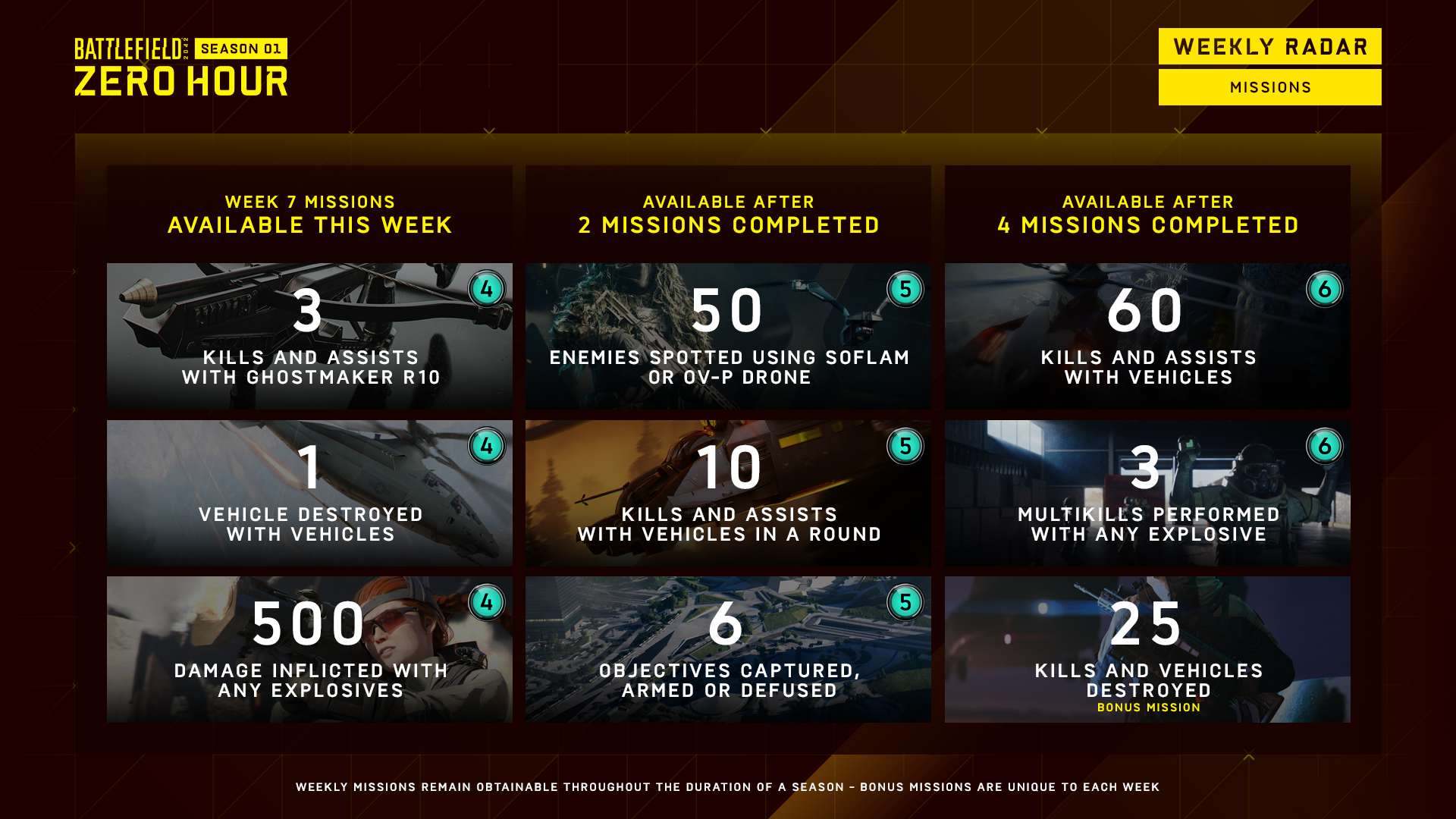
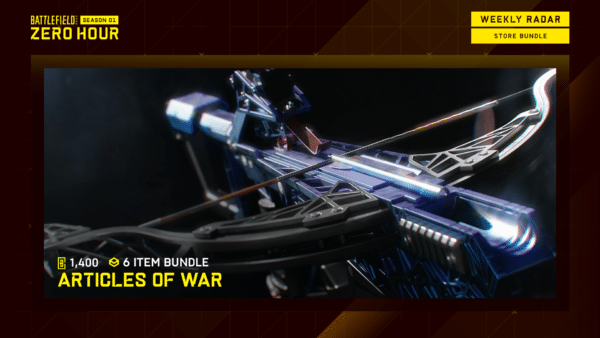
For those looking forward to the new stuff in Battlefield 2042, it’s live now! MP1st is here to bring players the Battlefield 2042 weekly missions and store refresh for July 21! Check out the official Battlefield 2042 Season 1 Week 7 weekly missions, Battle Pass rewards and Featured Experiences!
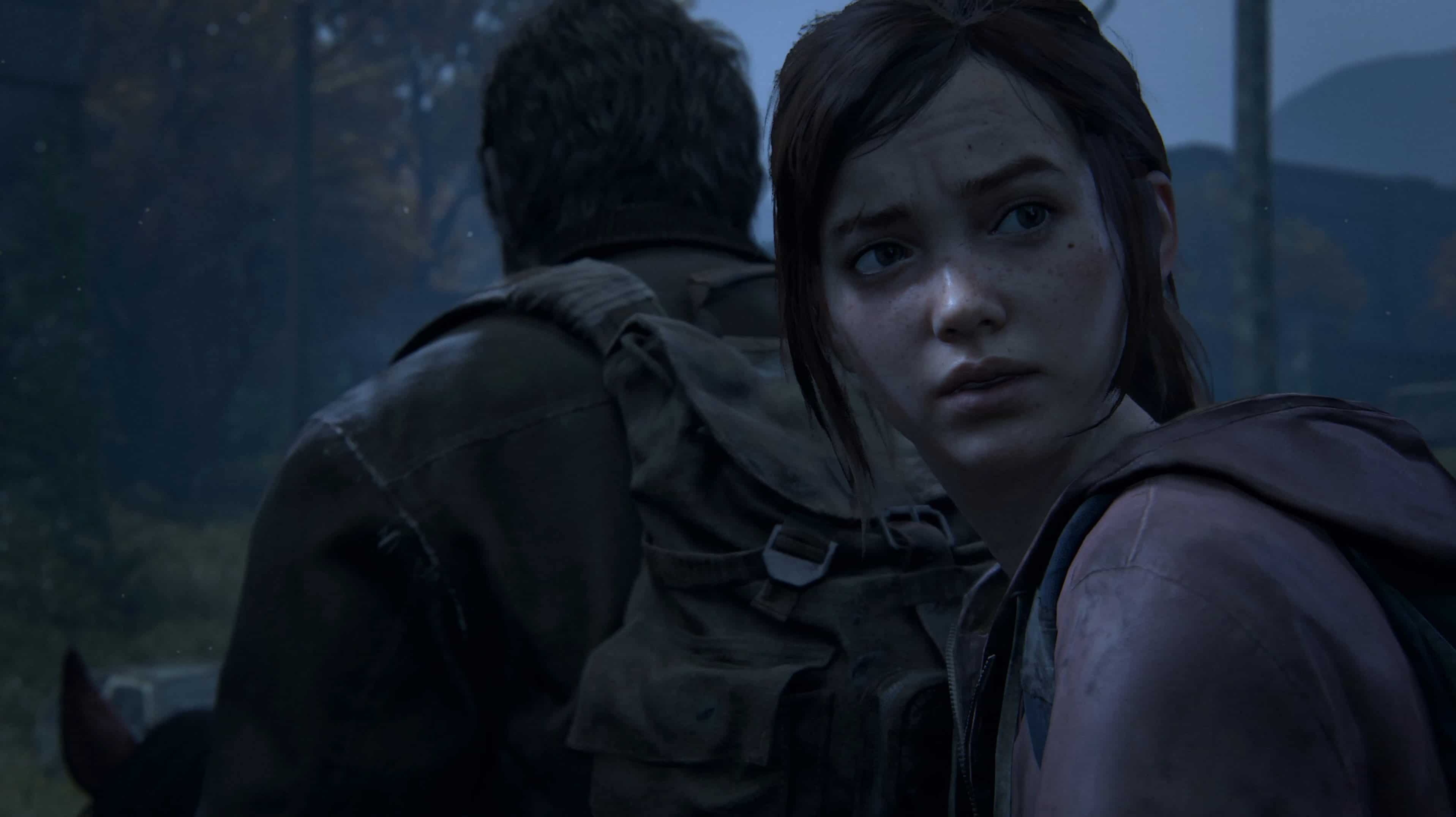
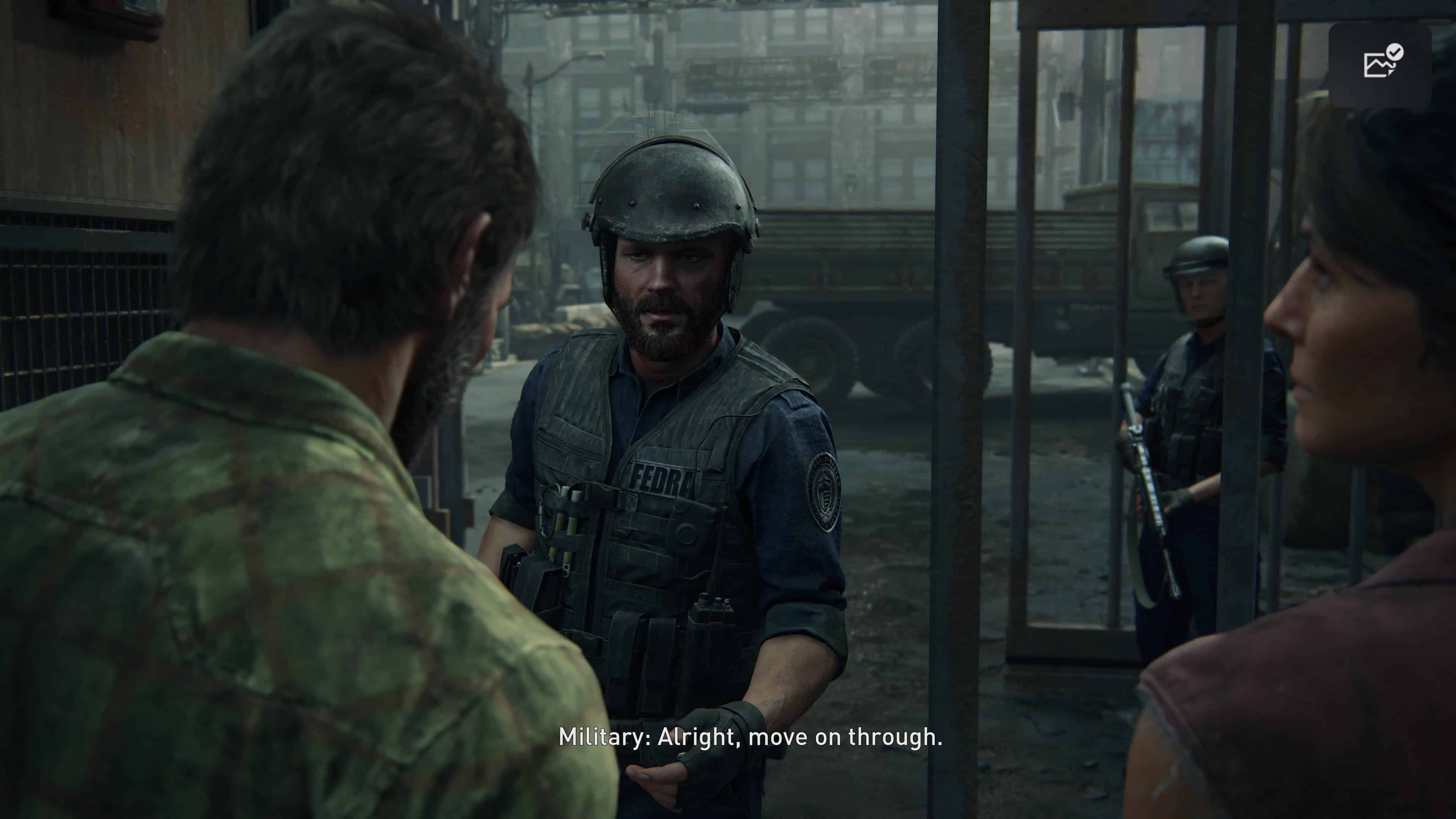
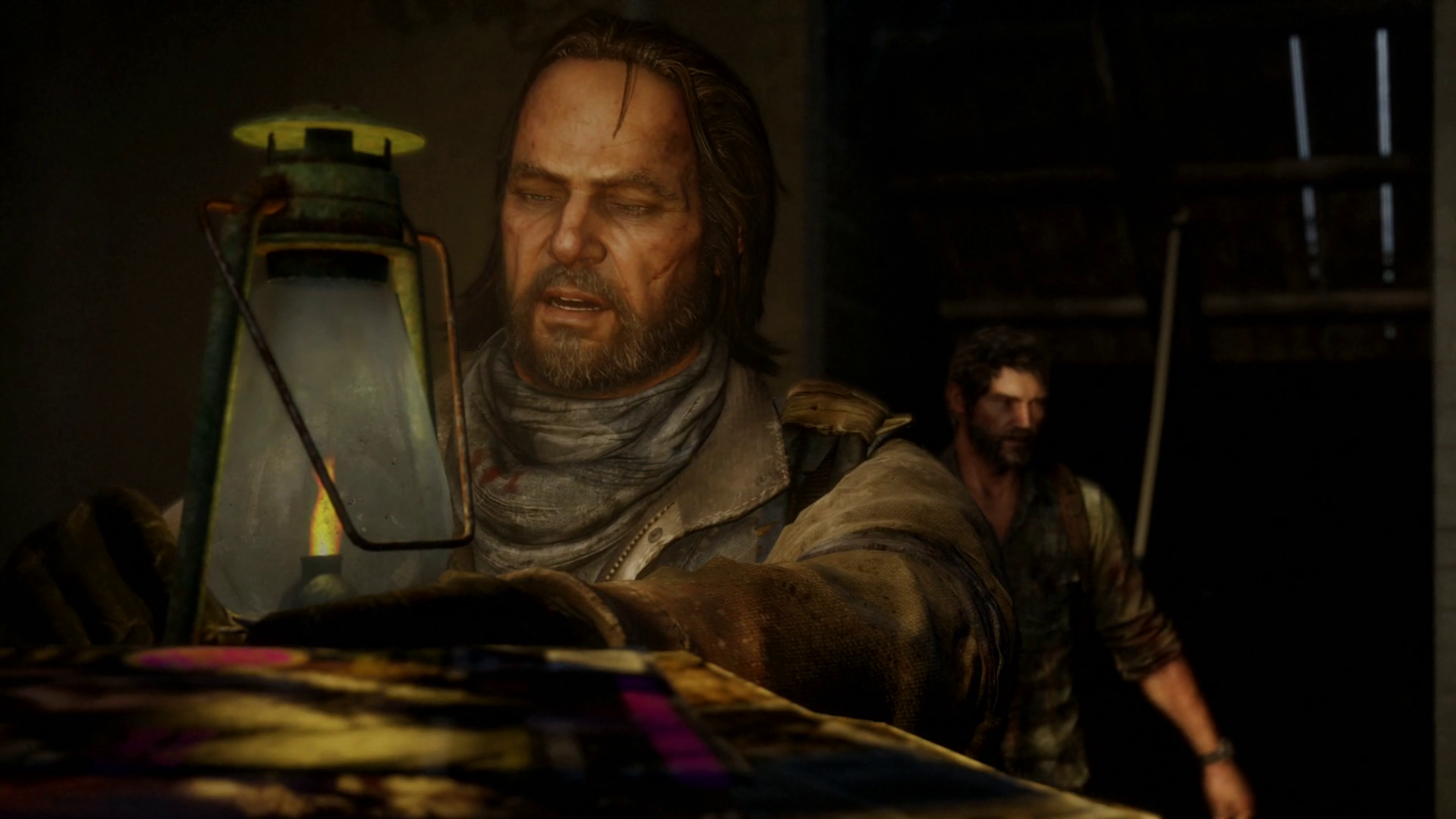
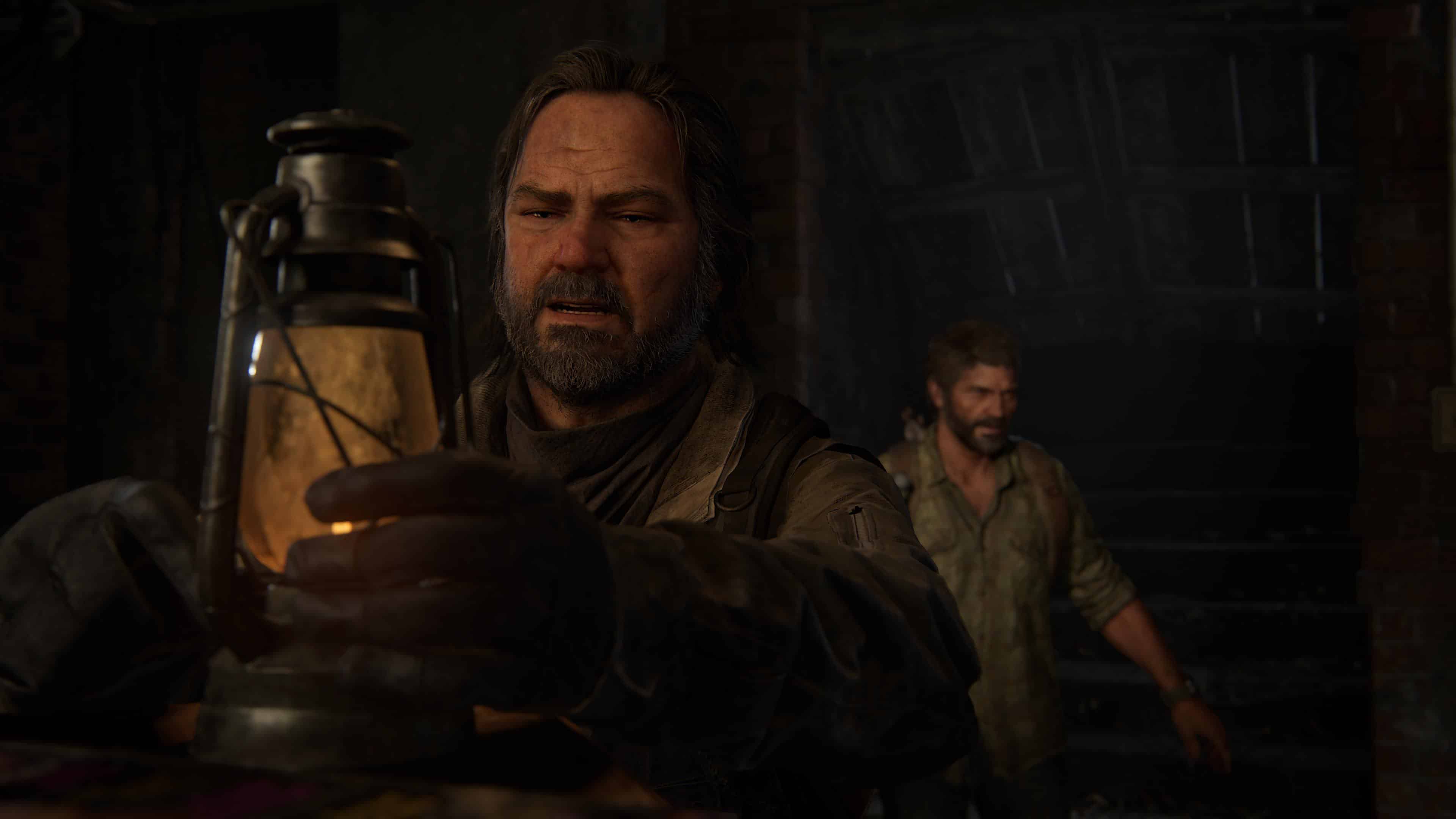
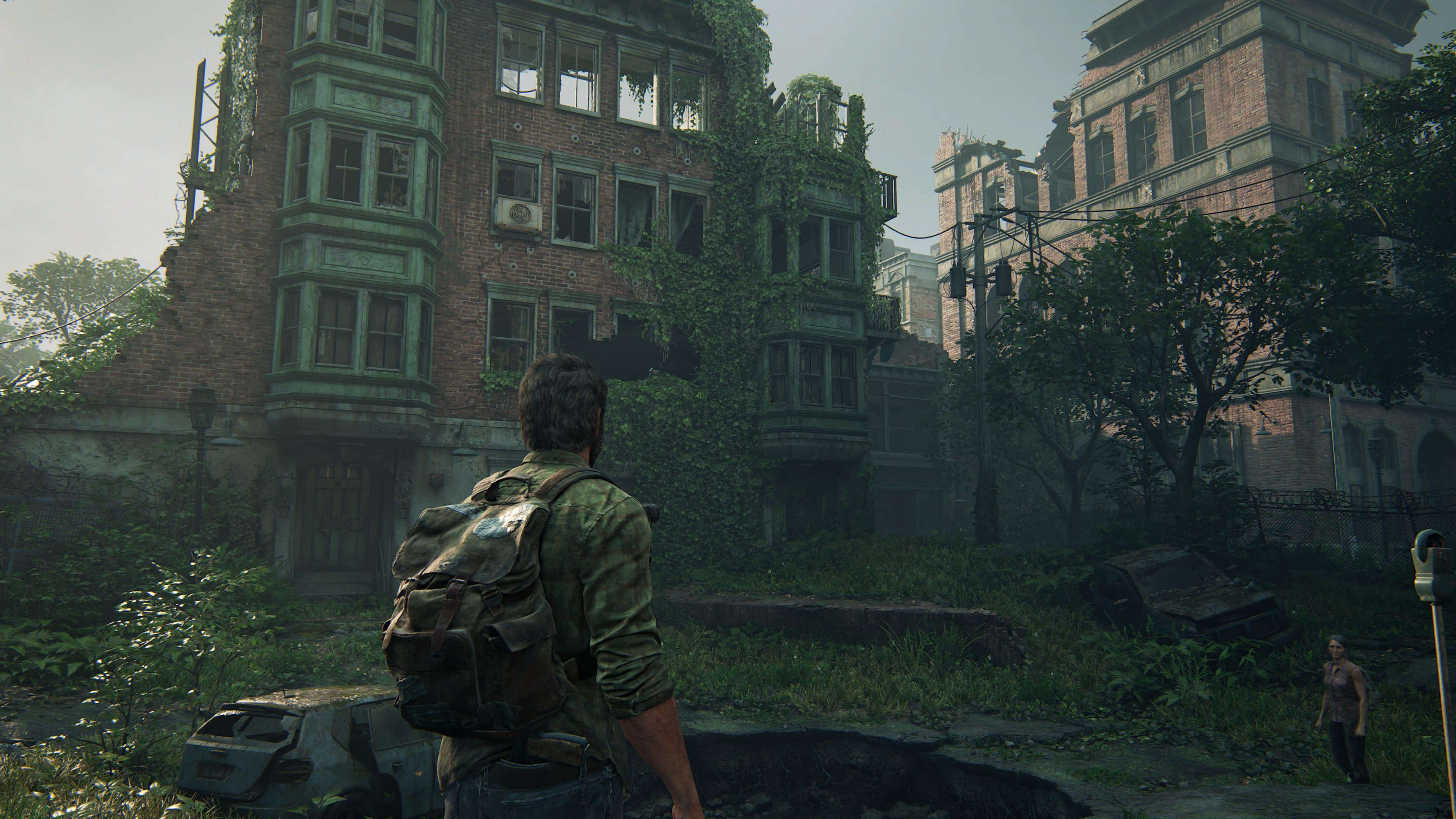
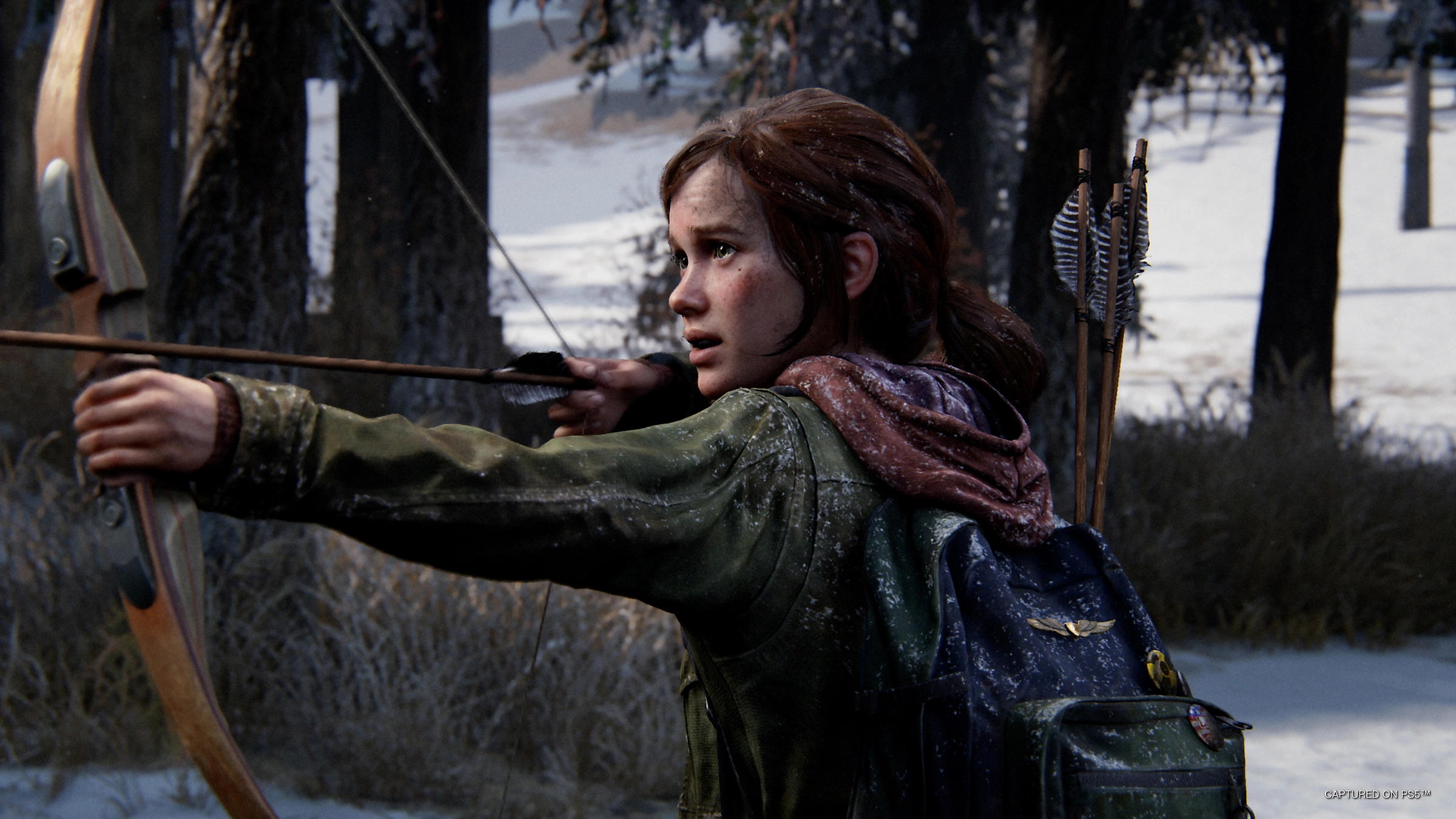
Following the recent leaks regarding The Last of Us Part I remake, we now have a better understanding of just what new stuff we’ll be getting with the game come Spetember 2. If you’re curious how the original holds up graphically to the remake, we’re here to show you a The Last of Us Part 1 remake side by side comparison!
Note that the remake screenshots shown have some reworked camera angles, so it’s not a 1:1 comparison because of this, but it’s as close as possible, and generally gives us a look at the visual upgrade overall.
The Last of Us Part I Remake Side by Side Comparison:
It’s a big enough visual change, no? That said, don’t expect any major gameplay changes per the leaks, though we’d love to be proven wrong in that regard.
Curious about The Last of Us Part I or interested to get it? Here’s what’ you’ll be getting into (via Sony):
Rebuilt for the PlayStation 5Completely rebuilt from the ground up using Naughty Dog’s latest PS5™ engine technology with advanced visual fidelity, fully integrated DualSense™ wireless controller features and more.
A faithful remakeExperience the emotional storytelling and unforgettable characters of Joel and Ellie in The Last of Us, and explore the events that changed the lives of Ellie and her best friend Riley forever in the critically acclaimed prequel chapter, Left Behind.
All-new experienceA total overhaul of the original experience, faithfully reproduced but incorporating modernized gameplay mechanics, improved controls and expanded accessibility options.
Feel immersed in improved environmental storytelling, effects, facial animations, and enhanced exploration and combat.
The Last of Us Part I is headed out on the PS5 this September 2.
A gamer at heart, James has been working for MP1st for the last decade to do exactly what he loves, writing about video games and having fun doing it. Growing up in the 90's gaming has been in his DNA since the days of NES. One day he hopes to develop his own game.
Krafton has just released an official video that breaks down the brand new skin-creation crafting system for PUBG: Battlegrounds and explains exactly how it will work.
The video first goes on to explain that crafting skins will require crafting materials, which can be found in Hunter’s Chests and Archivist’s Chests. Those chests will be available for direct purchase through the store and will also be available for free through various PUBG events.
The Hunter’s Chests and Archivist’s Chests will include imprints, vouchers, and credits. You can then use those imprints to craft skins which will also require credits. Vouchers, on the other hand, will allow players to craft skins without needing any extra credits.
The chests will also include what is known as Artisan Tokens. These valuable Artisan Tokens will be required for what is known as Special Crafting which will be the only way to craft some special skins in-game.
Vouchers and imprints for skins that the player already owns can also be disassembled and repurposed as materials for other skins the players might desire.
PUBG Corp has released PUBG update 2.14 today for the console versions of the game. This is update 18.2 which was available for PC owners earlier this month. This update comes with some new content as well as a ton of gameplay improvements and bug fixes. Check out the PUBG July 21 patch notes below.
Clear weather will be temporarily applied to Deston for both Test Server and Live Server due to an issue of the smoke in smoke grenades appearing transparent. The weather settings will be reverted once the issue is fixed.
※ PLEASE KEEP IN MIND THE FEATURES AND UPDATES SHOWN BELOW MAY BE MODIFIED OR EVEN POSSIBLY REMOVED DUE TO REASONS SUCH AS BUGS, IN-GAME ISSUES, AND/OR COMMUNITY FEEDBACK. WE WILL UPDATE OUR PLAYERS IF SUCH CHANGES OCCUR.
NEW MAP: DESTON
The wait is over. Our 9th new map we’ve been teasing about all this time is finally here this update. Welcome to the 8x8km near-future and ravaged world: DESTON!
Deston (formerly known as “Codename: Kiki”) presents you diverse biomes – a flooded downtown embracing one of the tallest skyscrapers you’ve ever seen in PUBG: BATTLEGROUNDS, a murky swamp, clear coasts, beautiful mountains, and unexplored islands.
Check out our Deston website HERE to go on a VR map tour (July 13th UTC) and delve more into the unknown before its live server release.
Available in Custom Matches and Sandbox Mode (PC).
Bots may spawn in Deston.
Available vehicles: Pickup, Dacia, Coupe RB, Motorbike, Dirt Bike, Roadster Motorcycle, Quad, Buggy, Boat, Aquarail, and Airboat.
The Flare Gun, DP-28, S12K, G36C, QBU, QBZ, K2, Sticky Bomb, Mortar, Lynx AMR, 15x Scope will NOT spawn in Deston.
A few points of interest
RIPTON: The overflow of water has submerged this sprawling city… players will have to wade through shallow water to pass through while always having to be on the alert for enemies lurking at the highest levels of surrounding skyscrapers. Here, you can travel seamlessly from the ground to the sky and back down again with tall buildings! But to prevent snipers from being too advantageous, we’ve made sure not every building here is accessible. (ex. Some buildings may only have a single floor accessible.)
SWAMP: Take a stroll through some trees, grass, and houses built along the water and enjoy a suspenseful cat and mouse with your enemies knee-deep in water!
CONCERT: An outdoor concert festival grounds where you’re free to strut some dance moves before heading out to fight for that Chicken Dinner.
HYDROELECTRIC DAM: This area was once used as one of the green methods for generating power in Deston.
ASSEMBLY: Observe how wind turbines are made here at the Assembly!
ARENA: Don’t let all the entertainment at this paintball arena distract you too much from your main purpose.
MAP UTILITY ITEMS
PUBG: BATTLEGROUNDS has a variety of special items that can be looted and consumed to create interesting gameplay.
Therefore, to prompt even more diversified plays, we are introducing players who enter Deston to the new MAP UTILITY ITEMS. These items will trigger special in-game interactions depending on the situation, which are expected to provide a new core game flow without breaking player immersion.
MAP UTILITY ITEMS…
Will be placed in your Inventory once you enter Deston.
Will not be consumed on use and may be used as many times as you wish.
Will not affect Inventory weight.
Can NOT be dropped from the Inventory.
Can NOT be swapped with other Inventory items.
Will occupy their own Inventory slot.
Available Map Utility Items
ASCENDER ATTACHMENT
Allows you to use any Ascender as often as they want.
UTILITY PARACHUTE
Looks exactly like the Emergency Parachute.
Can be activated by pressing the Interaction key after jumping off a certain height.
KEYS
ACTION
PC
CONSOLE (XBOX & STADIA / PLAYSTATION®)
Interaction to use Map Utility Items
F
B / O
NEW FEATURE: ASCENDER
Are you going to climb those towering skyscrapers on foot?
Nope! Travel the flashy and fastest way on vertical spaces with the new ASCENDERS!Use the Ascenders to create some Mission Impossible moments while getting your hands on some loot at the top!
Ascenders are spread throughout the map as ropes attached to objects that allow vertical traversal.
Both ends of the Ascender are accessible any time.
With an Ascender, you can swiftly descend from the highest rooftop with no risk of fall damage.
You can not use an Ascender when another player is currently using the same one.
You are unable to loot items from the ground when you’re on an Ascender.
Once mounted on an Ascender:
You can move up and down the rope using movement keys.
Using the Sprint key while MOVING DOWN (ONLY) will increase the speed of descent.
You can dismount from the Ascender at any point.
If you dismount at the top of the rope, you will teleport to the spot on the building near the top.
Otherwise, you will let go and fall.
You can still be shot and killed on an Ascender.
You will detach from the Ascender and fall to the ground.
Ropes can be found inside and outside structures.
Ropes are static objects that don’t have movement.
Ropes can be found on varying heights based on the structure.
CELL TOWERS
Cell Towers are very tall and thin ASCENDER-FOCUSED BUILDINGS.
These towers allow you to ride an Ascender from the ground level up to a very high position in one, long ascent.
Ascending and descending on a Cell Tower provides a faster traveling speed compared to regular Ascenders.
When you press the Interaction key at the top of the tower, you will be flung into the air in the direction you’re facing.
Shortly after being flung into the air, your Utility Parachute will automatically deploy, allowing you to safely glide a long distance.
Ascending a Cell Tower and traveling with your Utility Parachute will help you reach your destination faster than traveling on foot!
KEY BINDINGS
PLAYERSTATE
PLAYERACTION
PCKEY(S)
CONSOLE (XBOX & STADIA / PLAYSTATION®)KEY(S)
Standing/Crouching/Swimming
Initiate Ascent/Descent
Interaction Key (F)
Interaction Key (X / ▢)
While Ascending/Descending
Go Up
Move Forward (W)
Move Forward (Left Stick Up)
While Ascending/Descending
Go Down
Move Backward (S)
Move Backward (Left Stick Down)
While Descending
Fast Descent
Sprint (Shift)
Sprint (L3 / Press Left Stick)
While Ascending/Descending
Cancel/Fall Ascent/Descent
Interact Button (F)
Interaction Key (X / ▢)
DRONE ACCESSIBLE SPACES
We have also created spaces in Deston that are ONLY ACCESSIBLE BY DRONES. We hope to create additional opportunities for Drone use and variety to your looting experience. Are you capable of finding all these spots?
NEW FEATURE: SECURITY KEYS AND SECURITY DOORS
Discover new ways to roam Deston with the new SECURITY DOORS! Pick up SECURITY KEYS, unlock Security Doors, and pick up high-tier items at your own risk.
Security Doors are located throughout buildings in Deston.
Security Keys will…
World spawn around the map.
Stack in your Inventory.
Security Keys are consumable items and will be removed after single use.
Security Doors can be grouped together so that one Security Key can unlock the entire group.
Security Doors can not be closed nor relocked.
Therefore, the open doors will be a hint to other players that you’ve been (or still are) at this area.
Available modes
Only available in Deston.
Normal Matches, Custom Matches, Sandbox Mode (PC)
Unavailable in Custom Match – Esports Mode.
NEW FEATURE: FUEL PUMP
As you and your vehicle chase down an enemy, you realize you’re almost out of gas… when you notice out of the corner of your eye a Fuel Pump!
Stop by the FUEL PUMP to refuel your vehicles, or why not make it explode to finish off your enemies?
Fuel Pumps will be located throughout Deston.
Only the driver riding the vehicle can press the Interaction key to refuel the vehicle.
You are required to press the Interaction key for 1 second.
The vehicle much be at a full stop to refuel.
The use radius is 5m.
If the vehicle moves or the driver changes seats during refuel, the refuel will cancel.
The driver can repress the Interaction key to cancel fueling.
Vehicles must be missing a minimum amount of fuel before they can use the Fuel Pump.
There is no limit to using Fuel Pumps.
Fuel Pumps have a health value.
They can receive damage and be destroyed, which creates a large explosion and damages all players around it.
After receiving damage, Fuel Pumps will spark and begin leaking gas, exploding after a few seconds. Additional damage dealt to the Fuel Pump will cause it to explode sooner.
When a Fuel Pump’s health falls below a certain value, it will begin taking damage over time until it completely runs out of health.
Destroyed Fuel Pumps can not be used.
Available modes
Only available in Deston.
Normal Matches, Custom Matches, Sandbox Mode (PC)
Unavailable in Custom Match – Esports Mode.
KEYS
PLAYERSTATE
PLAYERACTION
PCKEY(S)
CONSOLE (XBOX & STADIA / PLAYSTATION®)KEY(S)
Driver
Initiate Fueling
Interact Button (F)
Interaction Button (Hold X / ▢)
Driver
Cancel Fueling
Interact Button (F)
Interaction Button (X / ▢)
NEW WEAPON: O12
Introducing the world’s fastest shotgun: O12.
Not only is the O12 a high-capacity weapon, but the potential lethality of each slug ammo combined with its sheer volume of fire will also make it feared in both close- and mid-range combat! Its relatively long range than any other shotgun will make the O12 a worthwhile choice for every player.
The O12 will world spawn in Deston.
Weapon slot: Primary weapon
Ammo: 12 Gauge Slug
Available modes
Only available in Deston.
Normal Matches, Custom Matches, Sandbox Mode (PC)
Unavailable in Custom Match – Esports Mode.
STAT
VALUE
Weapon Class
Shotgun (SG)
Ammo Type
12 Gauge Slug
Fire Modes
Single, Burst (3), Full-Auto
Damage
100
Effective Fire Range
Approx. 300
Muzzle Velocity
625 m/s
Rate of Fire (delay between shots)
480 RPM
Optical Attachments
Holographic Sight, Red Dot Sight
Muzzle Attachments
Can not attach the Choke (SG) and Duckbill (SG)Can attach Suppressor (AR, DMR, O12, S12K), Flash Hider (AR, DMR, O12, S12K), Compensator (AR, DMR, O12, S12K)
Need a speedy ride capable of traveling on both water and land? The AIRBOAT will solve your worries of having to switch between different vehicles depending on the terrain.
THE AIRBOAT…
Is very fast over bodies of water.
Can travel through shallow water, swamps, and open water.
Can travel over land as well.
Faster than land vehicles in shallow water.
Carries up to 5 players.
Available modes
Only available in Deston.
Normal Matches, Custom Matches, Sandbox Mode (PC)
Unavailable in Custom Match – Esports Mode.
HP
ARMOR
MAX SPEED (WATER) [KM/H]
MAX SPEED (LAND) [KM/H]
DRIVER
SHOOTING
1200
5
125
76
NA
WORLD
MIRAMAR
To improve the Miramar play experience, we have improved inconveniences pointed out in the past, enhanced details of buildings and added an oasis to the minimap.
Improved Terrain
By improving the level of the terrain that caused inconvenience while driving, smoother driving is possible when driving a vehicle.
Improved Buildings
The quality of small cottages and storage buildings have been improved inside and out.
Due to high win rates, the billboard on San Martin’s roof has been removed.
Some house buildings have been improved in the outside.
A storage’s fences and layouts have been rearranged.
Billboards have been installed over the map.
Oasis
The water depth comes at the character’s ankle height around the shore. At the center, it comes at the character’s waist level, so the character cannot be prone in the water. Also, the level of the terrain has been lowered around the oasis.
The height of the mountain terrain has also been lowered to increase accessibility along with new roads to help access the Oasis area.
The location name Oasis is added to the minimap.
Along with that, the Oasis has received a great improvement inside and out.
Vehicle Spots are added.
A vehicle spot is added near the Oasis. Certain vehicles’ spawning spots have been relocated.
Three vehicle spots have been added near the roads of Chumacera.
VEHICLE SPAWN BALANCE
We’ve adjusted the spawn rates of the zippy Coupe RB! Now it can be found in more maps and modes. Therefore, spawn rates of certain vehicles on certain maps have been slightly adjusted.
Normal
UPDATES
ERANGEL
No updates have been made on spawning spots.Coupe RB spawn rate has been increased from 5% to 6.7%.
VIKENDI
Coupe RB has been added.Coupe RB’s spawn rate is roughly 10% of all vehicle spawns.Zima’s spawn rate has decreased by roughly 24%.Dacia’s spawn rate has increased by roughly 53%.
TAEGO
Coupe RB has been added.Coupe RB’s spawn rate is roughly 10% of all vehicle spawns.Motorcycle w/ sidecar’s spawn rate has decreased by roughly 46%.
Ranked
COUPE RB SPAWN RATE
ERANGEL
Roughly 5% of all vehicles.
MIRAMAR
Roughly 4% of all vehicles.
TAEGO
Roughly 5% of all vehicles.
(CONSOLE) GRAPHICS OPTIONS
In April’s Community Care Package, we explained the graphic level we were targeting, the various technical issues we were experiencing, and the reason for the delay in development. As previously explained, PUBG: BATTLEGROUNDS on console platforms is very sensitive to memory usage. As a result, we’ve spent a lot of time optimizing memory usage on console, allowing us to add improved graphics options. Also, with the support from the platform holders, it became possible to differentiate between the previous generation (PlayStation®4/4 Slim/Pro, Xbox One/One S/One X) and the current generation consoles.
There is a potential stability issue in delivering the same level of graphics that many players expect on all console devices. Therefore, we’ve provided different maximum framerate and resolution options per console device to provide stable gameplay.
SUPPORTED SPECS BY CONSOLES
ANTI-ALIASING
Added an option on specific console devices allowing players to choose between FXAA (Fast approximate anti-aliasing) and TAA (Temporal anti-aliasing).
Enabling TAA will soften the sharp edges you see on objects at a distance when playing.
Enabling this option can cause a ghosting effect when a console’s framerate drops below 60fps.
FXAA is set as default.
Anti-Aliasing options will be available on the following consoles.
Xbox Series X
Xbox One X
PlayStation® 5
PlayStation® 4 Pro
ADDITIONAL SUPPORTED GRAPHICS SPECS
XBOX
XBOX SERIES X
60 FPS
4K
FXAA ↔ TAA
XBOX SERIES S
60 FPS
FHD
FXAA
XBOX ONE X
“Resolution Priority” Option
30 FPS
4K
FXAA ↔ TAA
XBOX ONE X
“Framerate Priority” Option
60 FPS
FHD
FXAA ↔ TAA
XBOX ONE/ONE S
30 FPS
FHD
FXAA
PLAYSTATION®
PLAYSTATION® 5
4K Monitor
60 FPS
QHD
FXAA ↔ TAA
Non-4K Monitor
60 FPS
FHD
FXAA ↔ TAA
PLAYSTATION® 4 PRO
“Resolution Priority” Option
This option is displayed on 4K supported monitors but not on non-supported monitors.
30 FPS
QHD
FXAA ↔ TAA
“Frame Priority” Option
This option is displayed on 4K supported monitors but not on non-supported monitors.
60 FPS
FHD
FXAA ↔ TAA
PLAYSTATION® 4/4 SLIM
30 FPS
FHD
FXAA
SURVIVOR PASS: DESTON
Richen your Deston experience even further with the new Survivor Pass: Deston! Check out more details in the upcoming July Store Update announcement.
NEW SYSTEM: WORKSHOP
As a Squad streaks through the Battlegrounds, one player starts to notice another teammate’s skin.
“Hey, nice skin. Where’d you get it?”
“I made it in the Workshop.”
“Workshop?”
Yup, the Workshop! We’re very excited to introduce our brand new system: the WORKSHOP where you can now craft your own skins with never-before-seen materials!
Purchase Chests and keys from the Store, gather Imprints, Vouchers, Credits, and Tokens, murmur a little bibbidi-bobbidi-boo and craft various skins!
WORKSHOP WILL BE AVAILABLE TO USE FROM THE 18.2 LIVE SERVER (NOT AVAILABLE IN 18.2 TEST SERVER, BUT WILL BE IN THE NEXT 19.1 TEST SERVER).
A WORKSHOP MENU has been added to the lobby menu.
You can choose to do Regular Crafting or Special Crafting at the Workshop menu.
To use the Workshop, a Hunter’s Chest and/or an Archivist’s Chest is required.
You can obtain Imprints, Vouchers, Credits, and/or Artisan Tokens from these Chests.
Purchase a Hunter’s Chest and/or an Archivist’s Chest from the Store.
The materials’ probabilities are available through the Store preview.
You’d need a key to open Hunter’s Chests and/or Archivist’s Chests.
Keys are purchasable at the Store.
Or, you can craft a Key by using 3 Key Fragments.
You can open obtained Chests at the Regular Crafting page.
Different types of Chests may be added in later updates.
Use up materials to craft items you were unable to get in the past! You can craft items no longer at the Store, Survivor Pass items, Workshop-exclusive items, and more.
Item sales that ended AFTER A CERTAIN PERIOD are only available for crafting.
REGULAR CRAFTING
Craft previous Store, Survivor Pass, and Esports items with Regular Crafting!
You can also DISASSEMBLE or REPURPOSE materials here.
IMPRINTS, VOUCHERS, and CREDITS are the core materials.
IMPRINTS
Use Imprints and Credits to craft items.
You can also choose to Disassemble Imprints to earn Credits or Repurpose Imprints.
SET IMPRINTS
You can craft at least 2 items from designated items.
You can choose to exclude the item(s) you do not wish to craft from the options.
IF YOU DO NOT RECEIVE A SET IMPRINT FROM THE CHESTS FOUR TIMES IN A ROW, YOU ARE GUARANTEED 1 SET IMPRINT IN THE NEXT CHEST OPENING.
VOUCHERS
You can craft items without having to use Credits.
You can also choose to Disassemble Vouchers to earn Credits or Repurpose Vouchers.
CREDITS
Currency used for crafting items with Imprints.
Obtainable from Chests or from Disassembling Imprints/Vouchers.
REPURPOSING
Allows you to exchange 3 Imprints/Vouchers for a random item (of the same tier as the Repurposed materials) that you do not possess.
The probabilities of the random items are all equal.
You can obtain costumes, gear skins, vehicle skins, emotes, sprays, and/or nameplates through Repurposing.
If you already possess every item of a certain tier, you’ll receive the tier’s worth of Credits instead.
You can check out/equip your crafted items at the Customize tab.
SPECIAL CRAFTING
Craft new costume sets only at Special Crafting!
ARTISAN TOKENS are the core materials.
ARTISAN TOKENS
Currency used for crafting at Special Crafting.
Obtainable from Chests.
You can check out/equip your crafted items at the Customize tab.
New items and time-limited Tokens will be updated regularly.
So, learned everything you need for the Workshop? A Workshop walkthrough video will also be available at our official PUBG: BATTLEGROUNDS YouTube channel soon so make sure to watch for more insight!
And last but not least, several events that give out Chests and materials as rewards are also coming up to help you get used to the Workshop, so stay tuned!
ITEM TIER
Even though it is difficult to place a clear standard on an in-game item’s value (as they vary depending on the situation and definitely through time), we thought this would be the best time to readjust a bunch of our items’ tiers – including the earlier items that were not even bestowed a tier in the first place – as a sequential update to the Workshop.
The tiers were readjusted based on each item’s in-game quality, how difficult they were/are to obtain, and many other factors. With this, we hope to create a synergy with new features such as the Workshop and upcoming updates as well.
You can check out the list of readjusted tiers of each item at the very bottom of the Patch Notes.
WEAPON MASTERY
Remember how we shared our plan for a significant overhaul of the Weapon Mastery, which had not been updated for a while, through the Weapon Mastery Overhaul announcement last March? We’ve expanded the Mastery Tier to motivate our already maxed-out players. Also, we have added must-have rewards, so level up and move on to the next tier to collect all rewards!
STATS OVERHAUL
We have categorized stats by game modes (All, Normal, Ranked) and by weapon type (All, AR, DMR, SR, SMG, SG, LMG, Pistol, etc.)to provide all the information our players wanted to know in the past. You can check the following information through the new Stats.
Weapon Stats
KillsHeadshot accuracyAverage damage per matchTime of ownership
Detailed Weapon Stats
KillsHeadshot accuracyHighest kills per matchAverage damage per matchLongest kill distanceDBNOs Number of matches acquiredTime of ownership
Legacy Stats
Total damageMatch high damageTotal defeatsMatch high defeatsTotal knockdownsMatch high knockdownsTotal headshotsMatch high headshots
EXPERT TIER SYSTEM
The Expert Tier System will motivate players to continue their level upgrades as it will allow players to move on to the next tier once they reach the highest level. There are a total of seven different steps from tier 0 to 6.
Highest level is 700.
As soon as you reach level 100, you can move on to the next tier and start leveling up again for all tiers below Master tier.
Tier levels
Tier 1: 100 – 199
Tier 2: 200 – 299
Tier 3: 300 – 399
Tier 4: 400 – 499
Tier 5: 500 – 599
Master Tier: 600 – 700
REWARDS
We have made the Mastery Level more visible to other players so that players can start showing off their achievements. In addition, the following will be rewarded on every tier upgrade.
Weapon Nameplates evolve through visual upgrades.
You can see the Weapon Mastery Tier through the kill message (the message that shows up in the center of the screen when a kill is made, not the kill feed) when a kill occurs.
Weapon Mastery Medals are rewarded on every tier upgrade.
Previous and new BATTLEGROUNDS PLUS players will be rewarded by the number of weapons that have reached level 100 retroactively. Therefore, accounts before the transition to BATTLEGROUNDS PLUS will not receive Mastery Medals.
Charms are provided retroactively.
Weapon Mastery Charms will be retroactively rewarded based on the highest level weapon after the update and will no longer be provided as Weapon Mastery Rewards. For example, if you have a level 50 M416 and a level 30 AKM, all Charms up to level 50 will be rewarded.
Charms can no longer be acquired through Weapon Mastery and instead can be acquired with BP or through other means.
UNIVERSAL CHARM SYSTEM
Due to the nature of PUBG: BATTLEGROUNDS’ battle royale system, it was challenging to pick and upgrade a weapon in particular. For that reason, the ownership of the charm was given to unlocked guns. Now, the ownership goes to players, and they can be equipped with any weapons.
Charm Customize Menu
Charm customization is now possible from the Charms Customize weapon tab.
XP COUNT
Increased bonus multiplier to allow less popular guns to level up faster.
Points are rewarded based on kills instead of defeats. Also, defeat distance is no longer included in the final score.
We’ve increased the overall amount of XP.
STORE – CHARMS
After the retroactive distribution of Charms, they can no longer be acquired through Weapon Mastery and instead can be acquired with BP from the store except for the ones you have already acquired. For more details on Charms, please checkout our July Store Update announcement.
MASTERY MEDAL
Previously, the medals were only obtainable in-game. Now, we have added commemorative medals that can also be acquired in the lobby. Meet all the conditions to collect all commemorative medals! The medals are for you to keep for good.
Conditions
NAME
CONDITIONS
TIER CONDITIONS
NOTES
Medal of Service
One year anniversary of playing PUBG: BATTLEGROUNDS
1/3/5/10
– A medal will be awarded every year for playing PUBG: BATTLEGROUNDS. The medal will be upgraded to 3rd and 5th, and 10th-anniversary medals depending on the accumulated amount of medals.
– You will be rewarded retroactively based on the transition point to the free-to-play service.
Platinum
Reach Platinum rank or above in Ranked mode.
1/5/10/20
– One medal can be acquired in a season.
– You will be rewarded retroactively initially, and tier conditions will be raised.
Diamond
Reach Diamond rank or above in Ranked mode.
1/5/10/20
– One medal can be acquired in a season.
– You will be rewarded retroactively initially, and tier conditions will be raised.
Master
Reach Master rank or above in Ranked mode.
1/5/10/20
– One medal can be acquired in a season.
– You will be rewarded retroactively initially, and tier conditions will be raised.
Commemorative Medal Notifications
You’ll be alerted through the Notification Center whenever you initially gain a new medal and when your medal tier increases.
Medal Customizing Improvements
Medals will now show their names and descriptions along with a button to navigate to your profile editing page.
BP BALANCE
We’ve updated the match reward BP earning formula to reduce the gap in BP income among players.
This update applies to Normal/Ranked/Casual/TDM/LABS
CUSTOMIZE
O12 category has been added.
CUSTOM MATCH
To open up communication between players and observers, the “Observer Voice Chat” option has been re-added.
PERFORMANCE
Optimized memory use by compressing data used to show indoor reflections. As a result, you can save over 50MB of memory on Xbox One S.
Slightly reduced CPU usage for all vehicles. This helps secure frames when multiple vehicles are on one screen, especially when playing on low-end console devices.
Reduced memory consumption by flushing the cache memory in the physics engine when switching between map and lobby. As a result, you can save at least 30MB to 50MB, depending on the world you’re on.
BUG FIXES
GAMEPLAY
Training Mode 1v1 Arena fixes
Removed related camera renderings as players could not enter spectator mode when a player dies per round.
Fixed the issue where the player was not visible in spectator mode when participating in an arena match through certain steps.
Spectating is now unavailable after a participant dies in a 1v1 Arena match.
Removed Report Player UI from the match result screen after a 1v1 Arena match.
Fixed the temporary freeze issue when moving on to the next round.
Fixed an issue where a player who died in the third round would enter spectator view of the spectating players.
Fixed the issue where you could exit to the lobby from the match results screen after you die during a match.
Fixed the stuttering issue when moving on to the next round.
Fixed the issue of the moving Mirado and Pony Coupe even after parking.
Fixed the issue of the incorrect interaction animation being shown of a teammate using a Drone.
Fixed the issue of being unable to select certain Spawn Kit categories in Arcade Mode – TDM after setting language to Russian.
Fixed the issue of being unable to receive Weapon Mastery XP after
getting a kill with the Lynx AMR.
(PC) Fixed the issue of vehicles receiving damage from colliding with broken objects (when server is unstable).
(Console) Fixed the issue of the size of the arrow on recommended items getting reduced when dropping a recommended item.
(Console) Fixed the Voice Chat issues occurring on the Xbox Series.
WORLD
Fixed collision, texture, performance, and more general issues in Miramar.
Fixed the issue of a certain door’s window not breaking in Taego after vaulting it.
Fixed the issue of being unable to pick up a deployed Mortar in certain spots in Erangel and Taego.
UX/UI
Fixed the issue of a “Looking for Team” message for Ranked being shown to a player currently unable to play Ranked.
Fixed the issue of the drop-down menu in Ranked’s Stats tab overlapping with the bottom of the screen.
Fixed the issue of a vehicle’s UI being shown over the World Map in Training Mode.
Fixed the awkward text arrangement of the Winner! Winner! Chicken Dinner! screen when viewed in a Traditional/Simplified Chinese language setting.
Fixed the issue of the incorrect order of Contraband Crates being shown on the Hideout page after going through certain steps.
(PC) Fixed the issue of the System Menu being cut off in 4:3 resolution.
(PC) Fixed the issue of the default selection in the Social page not being set on the Friends tab.
(PC) Fixed the incorrect G-COIN label being shown at the Store – G-COIN tab after setting language to Portuguese.
(Console) Fixed the issue of the L-Stick key guide being shown in the Tutorial mission list.
(Console) Fixed the issue of the options bar remaining in the Friends Requests list even after accepting a request.
(Console) Fixed the issue of the sound effect being heard twice when moving between tabs in Match History.
ITEMS & SKINS
※ Clipping issue: Graphics that are shown outside the visible part of an image/object.
Fixed the clipping issue on the character’s wrists when equipping LISA’s BLACKPINK Top with Quasar King’s Gloves.
Fixed the clipping issue on the character’s ankles when equipping ROSÉ’s BLACKPINK Shoes with most Bottoms skins.
Fixed the clipping issue on the female character’s waist when equipping 10000DAYS’ Top with 10000DAYS’ Shorts.
(PC) Fixed the awkward texture when a female character equips Jeremy Lin Shades.
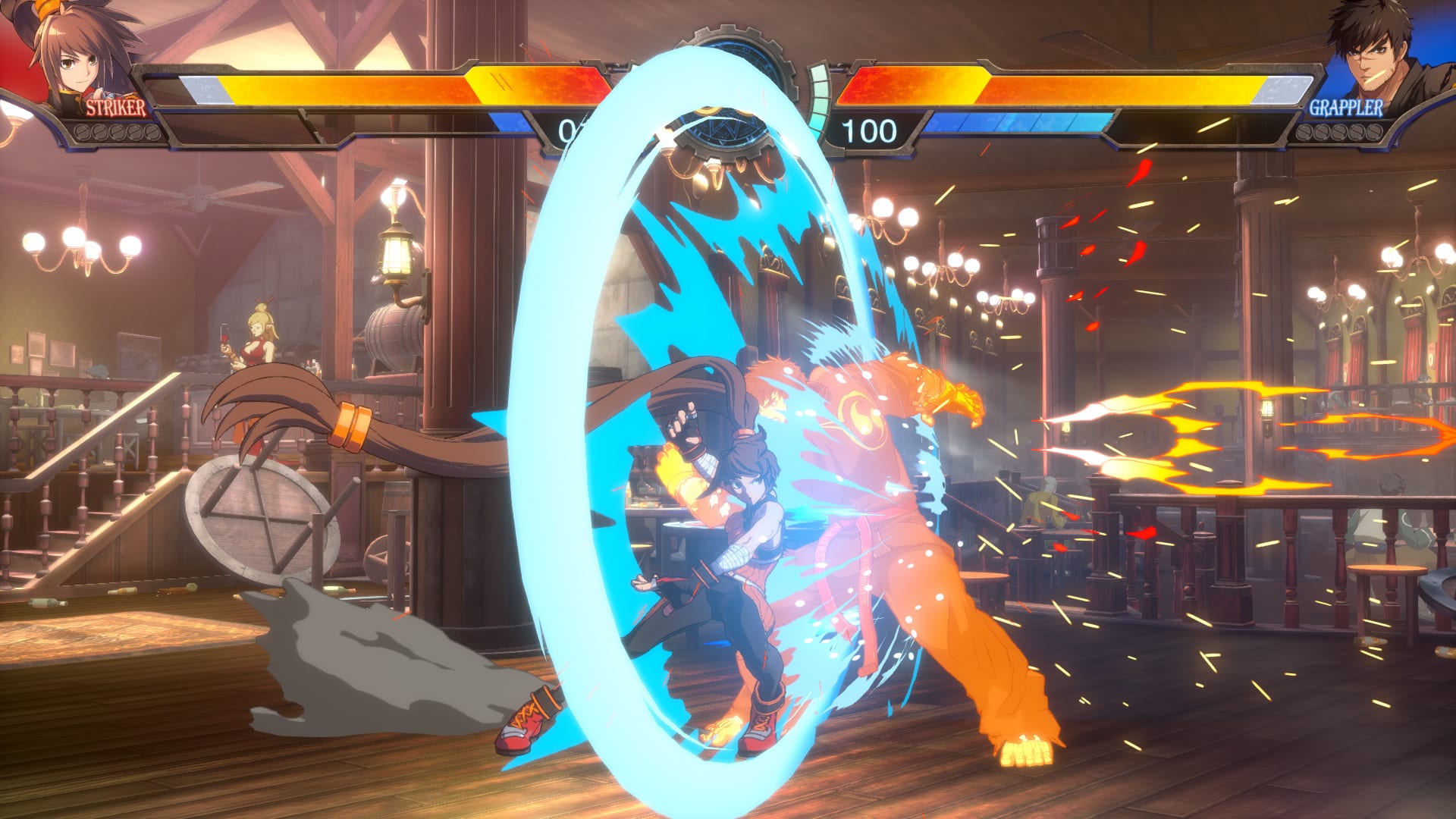
Arc System Works has released DNF Duel update 1.03, which brings fighter adjustments and more! Read on for the official list of changes in the DNF Duel July 21 patch notes!
Character Skills
[Striker]
– Airwalk: Changed the skill’s gravity upon its activation.
[Grappler]
– Break Down: Enlarged the downward hitbox of the attack, enabling it to hit crouching Enchantresses.
[Crusader]
– Sacred Upper: Fixed an issue where the slamming attack could hit downed opponents repeatedly in some situations.
[The Lost Warrior]
– Mysterious Pierce: Fixed an issue where the skill’s projectiles would not interact properly with other projectiles.
Training Mode
– Fixed an issue where recording actions for training dummies while using customized button settings would cause dummies to replay unregistered actions.
Online Mode
– Fixed an issue where players would be disconnected when starting Round 2 in online matches while using a keyboard. The end-of-round scene can be skipped with keys allocated to attacks.
We are also currently looking into other issues such as character balance, rematch bugs, non-registering button inputs, and more.
We will notify our Adventurers through a notice on patch dates for the issues just mentioned as soon as they are finalized.
That’s about it. If there are other changes made, we’ll be sure to let our readers know.
While we’re more than a month away from The Last of Us Part I remake hitting store shelves, it seems details, screenshots and even footage have leaked online! Note that some of the stuff posted here might be spoiler-ish for those who haven’t played it yet, so proceed with caution.
Check out screenshots of The Last of Us Part I on PS5:
https://imgur.com/a/uzkVNZB
There’s also a short gameplay clip available too:
For something more gameplay-related, we also see in-game screenshots of the settings menu where we see the Rendering Mode, Unlocked frame rate options. Here’s what players can spot in the settings menu that’s new for PS5.
Rendering ModesAdjust the resolution of the framerate.
Fidelity:
Favor resolution over framerate (4K, 40Hz)
Target 40 fps
Performance:
Balanced resolution and framerate (Dynamic 4K, 60Hz)
Target 60 fps
Unlocked Framerate
Maximizes framerate on supported televisions
Alongside the settings screenshots, in-game screenshots of the controller layout has made its way online too.
https://imgur.com/a/dfBj7Nc
Finally, there’s also footage of the game showcasing the facial animation and visual upgrades, though this is super spoiler-y for the game. So if you want to not spoil the story at all, don’t watch it (this is very early on in the game’s story and plot):
Now here’s the bad part: the controls screens confirm that dodge and prone mechanics in The Last of Us Part II won’t be available in TLOU Part I! Not only that, but the leaker also claims that there are no gameplay improvements outside of animation and audio.
Images/Footage Leaker claims there’s no gameplay improvements.
Leaker says most gameplay improvements are animations and audio.
Leaker says the game supports VRR, 4K40 FPS (Gameplay Mode) & 4K60Fps (Dynamic Mode).
Leaker says the game will feature an array of new accessibility options as seen in The Last of Us: Part II, additionally when Joel upgrades a weapon you’ll now see him add attachments.
Same as with any other leak, treat this one with a grain of salt, though with the amount of stuff leaked now, it’s hard to refute any of it. The Last of Us Part I has now entered gold status, so the September 2 release date should be locked in.
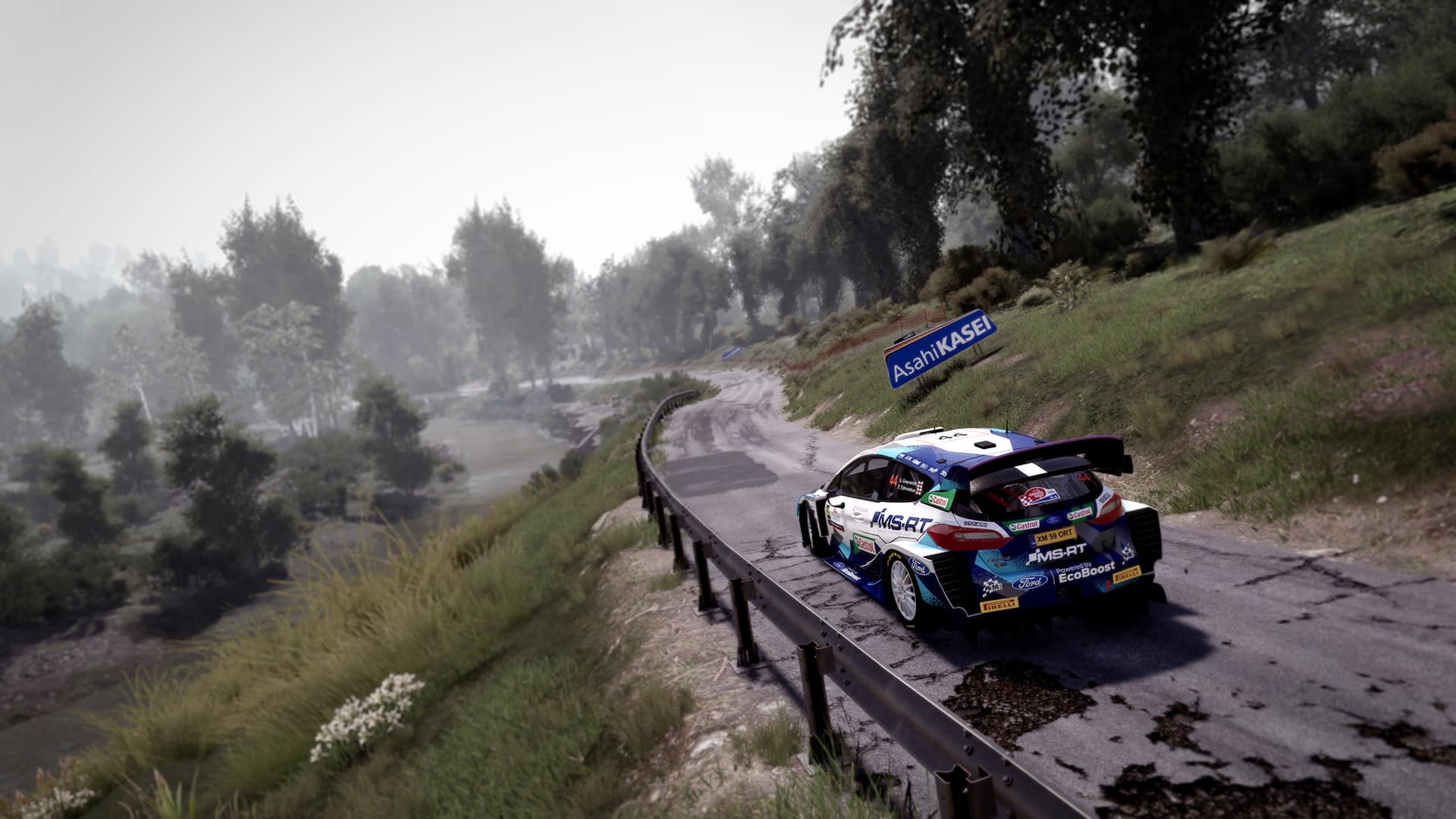
NACON and Rally Greece announced today that the eSports WRC World Final would take place in Greece on September 7 and 8, 2022. The finalists will compete on WRC 1o, the official game of the FIA Rally Championship.
This is the second consecutive year of the final taking place during the Acropolis Rally. All of the eight finalists, including Sami-Joe Abi Nakhle, who has already won 7 out of 11 rounds and Lohan “Nexl” Blanc, competing to retain his title, will compete in the heart of the Olympic complex, at the end of the regular season, which should be on August 15. The event will also host Race Clutch and other drivers that belong to the World Champion team.
You can find the current Driver Standings over here.
WRC 10 is available now on Xbox Series X|S, Xbox One, PlayStation 5, PlayStation 4, Nintendo Switch, and PC. The upcoming WRC Generations will launch on October 13 for Xbox Series X|S, Xbox One, PS5, PS4, and PC. It will launch on Nintendo Switch at a later date.
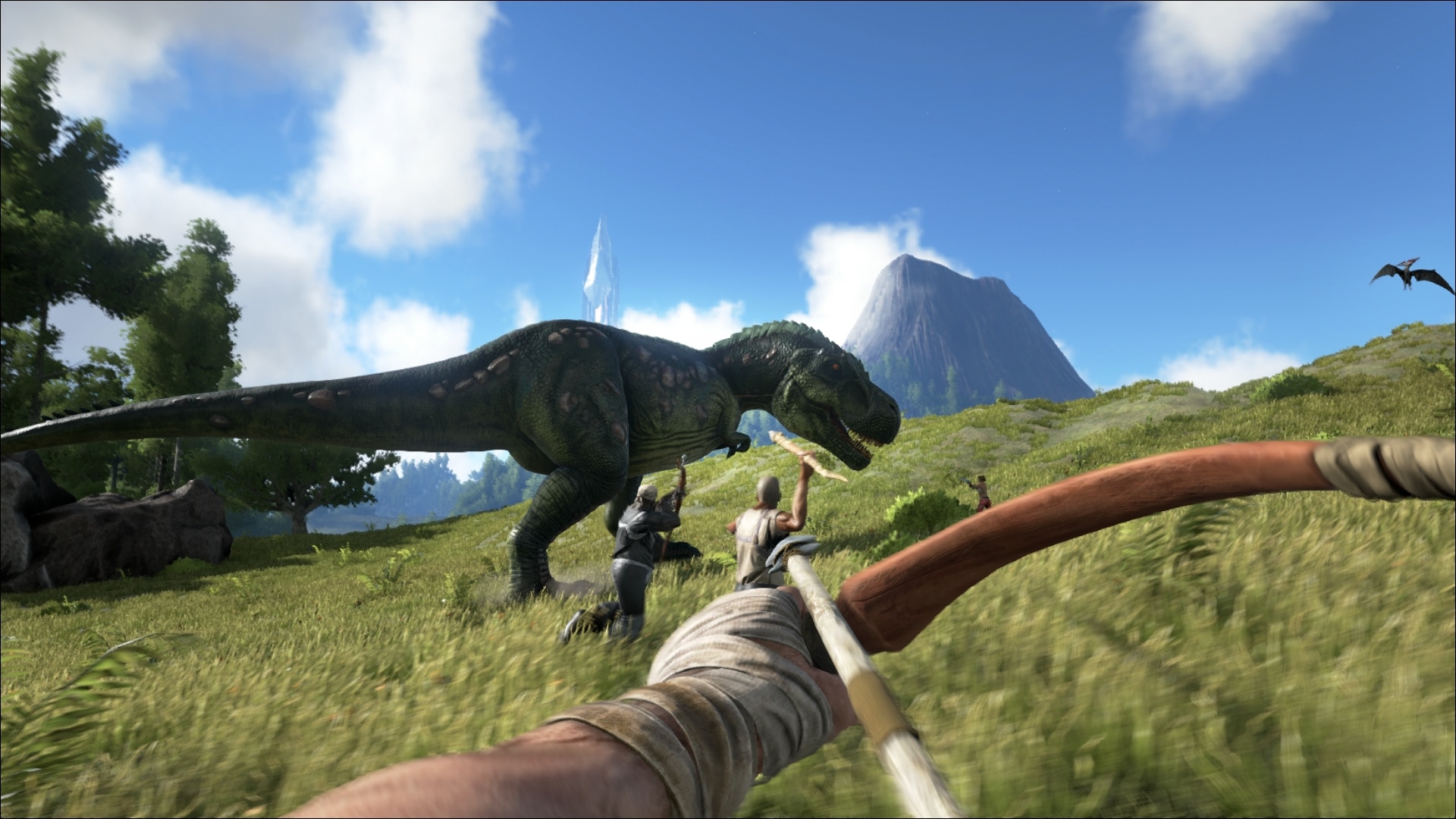
Studio Wildcard has deployed the Ark Survival Evolved update 2.83, and this is to bring a short list of fixes to the PlayStation version. Read on for the list of fixes made in the Ark Survival Evolved July 20 patch notes.
v706.2 (706.3 client)-07/20/2022 – Minor version for clients
Fixed a stall relating to Stryder
Fixed switching ammo type on TEK bow
Fixed accessing map marker UI with a controller
Tthe PC version of Ark got a client-side patch back on July 18, which included the same set of fixes. Chances are, the Xbox version will be getting this later today or later this week with the same list of fixes. A bigger patch that included fixes for crashing, exploits and more, was released on July 15, and you can read the patch notes for that here.
If there are other changes included in this patch that’s not listed above, leave a comment below to let us know what you find.
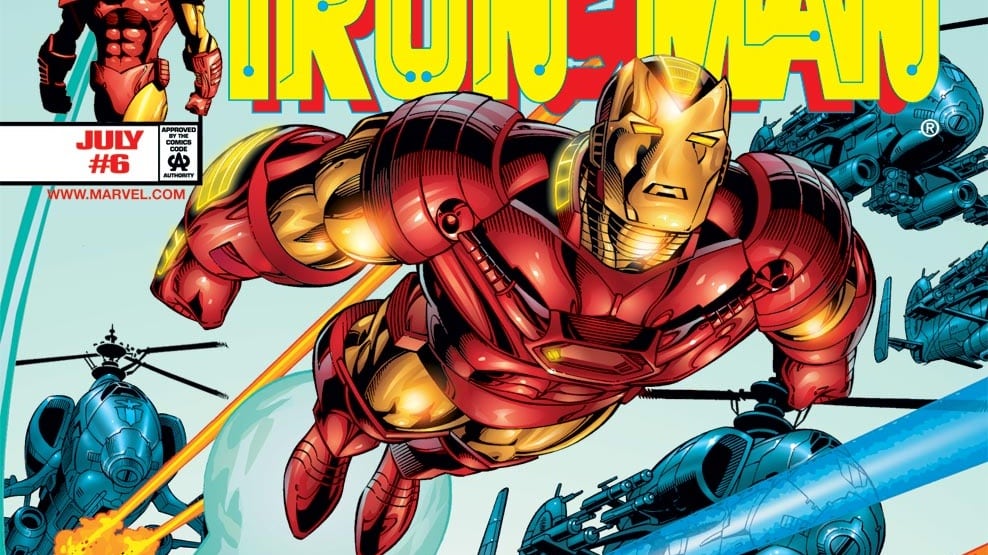
Last week, Firaxis Games showed us a gameplay trailer showcasing Iron Man in Marvel’s Midnight Suns. Fast forward to today, they have released a video taking us through the history of Iron Man, and it’s voiced by none other than Comicstorian.
When the demonic Lilith and her fearsome horde unite with the evil armies of Hydra, it’s time to unleash Marvel’s dark side. As The Hunter, your mission is to lead an unlikely team of seasoned Super Heroes and dangerous supernatural warriors to victory. Can legends such as Doctor Strange, Iron Man, and Blade put aside their differences in the face of a growing apocalyptic threat? If you’re going to save the world, you’ll have to forge alliances and lead the team into battle as the legendary Midnight Suns.
With an array of upgradeable characters and skills allowing you to build your own unique version of The Hunter, you will choose how to send Lilith’s army back to the underworld.
Marvel’s Midnight Suns launches for Xbox Series X|S, Xbox One, PS5, PS4, Nintendo Switch, and PC on October 7, 2022.
It seems that Crystal Dynamics isn’t done with releasing more Endgame themed skins for Marvel’s Avengers, as they have revealed that Tony Stark, aka Iron Man is getting another Mark 85 variant, this time-based on the iconic snap itself.
As revealed on Twitter, Marvel’s Avengers players will be able to visit the in-game marketplace tomorrow and be able to purchase the battle-damaged helmetless variation of Iron Man Mark 85 Endgame outfit. And that’s not all, as the suit also features the Infinity stones! Cosmetic only of course.
"I am Iron Man."
Inspired by the Marvel Cinematic Universe, Iron Man's Marvel Studios' Avengers: Endgame (Snap) Outfit shows One of Earth's Mightiest Heroes ready to give everything to save the universe.
Oh snap (pun intended) that looks good! It’ll be available starting with tomorrow’s marketplace refresh for anyone interested. Speaking of new skins, it also seems like we may be getting some Summer beach themed skins for Marvel’s Avengers if the latest datamined is to be believed. Of course it’s not official yet, but seeing that it was included in the latest update, we’re likely to hear about them real soon. We’ll be sure to keep you posted on any updates, otherwise you may enjoy some of the other recent stories to surface around the game down below.
A gamer at heart, James has been working for MP1st for the last decade to do exactly what he loves, writing about video games and having fun doing it. Growing up in the 90's gaming has been in his DNA since the days of NES. One day he hopes to develop his own game.
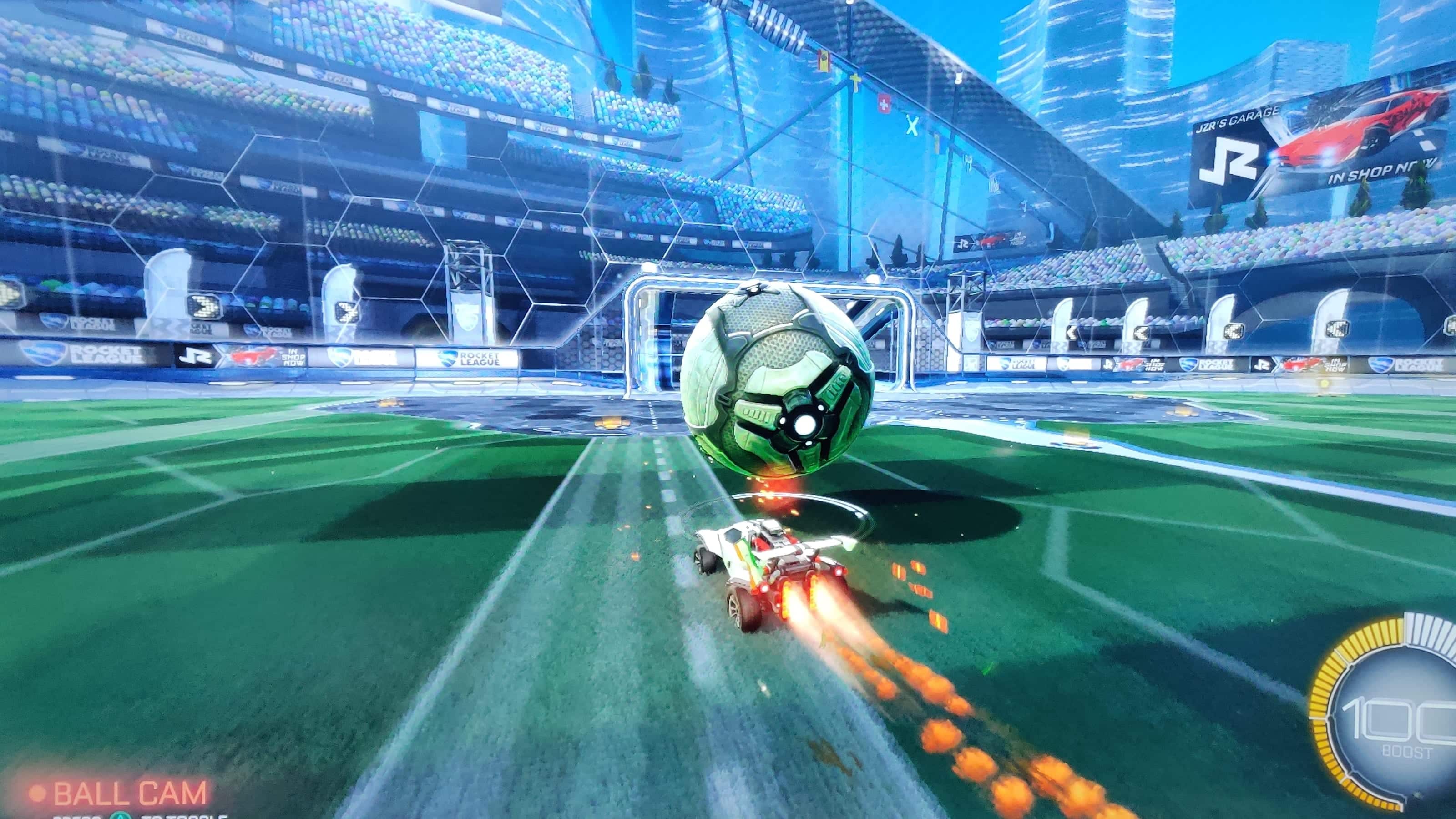
Psyonix has rolled out Rocket League update 2.19 today that should be available now for all platforms. This update fixes an issue with voice chat and prepares for future DLC, and preps the game for future content. Check out the full Rocket League July 20 patch notes below.
Rocket League Update 2.19 Patch Notes | Rocket League July 20 Patch Notes:
The only information about this patch was given by the Rocket League Status Twitter page.
“Heads up! We are releasing an update on all platforms tomorrow, July 20 at 4pm PDT / 11pm UTC. v2.19 prepares Rocket League for future content, and fixes an issue preventing some players from using voice chat. No patch notes will be posted for this update. Thanks, everyone!”
While update 2.19 doesn’t seem to do much, you can view the notes for patch 2.18 posted down below.
Change to Stun Timer: If you are grabbed and then thrown by an opponent, the bar showing stun effect will no longer reset to full between the two actions
This change was made to make downward throws less punishing
BUG FIXES
Fixed save data uploads so they do not affect connectivity and/or in-game performance at the start of online matches for some players
Adjusted how Decals affect appearance of body trim on Octane so pixelation no longer occurs
[Knockout] Adjusted volume of impacts and shield activation in Knockout
[Knockout] Fixed a bug causing splitscreen players to be kicked from a Knockout match due to being idle when only one has been eliminated
Fixed a bug with Season 6 Rewards Decals not loading properly
Fixed appearance of the Season 6 Rewards Decals on the Battle Bus Car Body
Fixed classification of the ‘Sizzled’ Decal
[All Consoles] Fixed a bug preventing the car and arena grass from appearing in the main menu when a new player completes the intro event
That’s it for the patch notes. Rocket League is free to play on most major gaming platforms.
For Call of Duty players looking for the next content drop for Call of Duty Warzone and Vanguard, Activision has you covered, as the Warzone and Vanguard Mercenaries of Fortune mid-season update details have been revealed, and for this one, we’re going to see The Terminator franchise crossover to Call of Duty!
COD Warzone and Vanguard Mercenaries of Fortune Mid-Season Update Info:
Release Date:
Vanguard update out on June 26 at 9 AM PT/12 PM ET/12 AM HKT
Warzone update out on June 27 at 9 AM PT/12 PM ET/12 AM HKT
Warzone Mercenaries of Fortunte Mid-Season Update – What’s New:
Fortune’s Keep: Cursed Ground Public Event Live Prior to Update
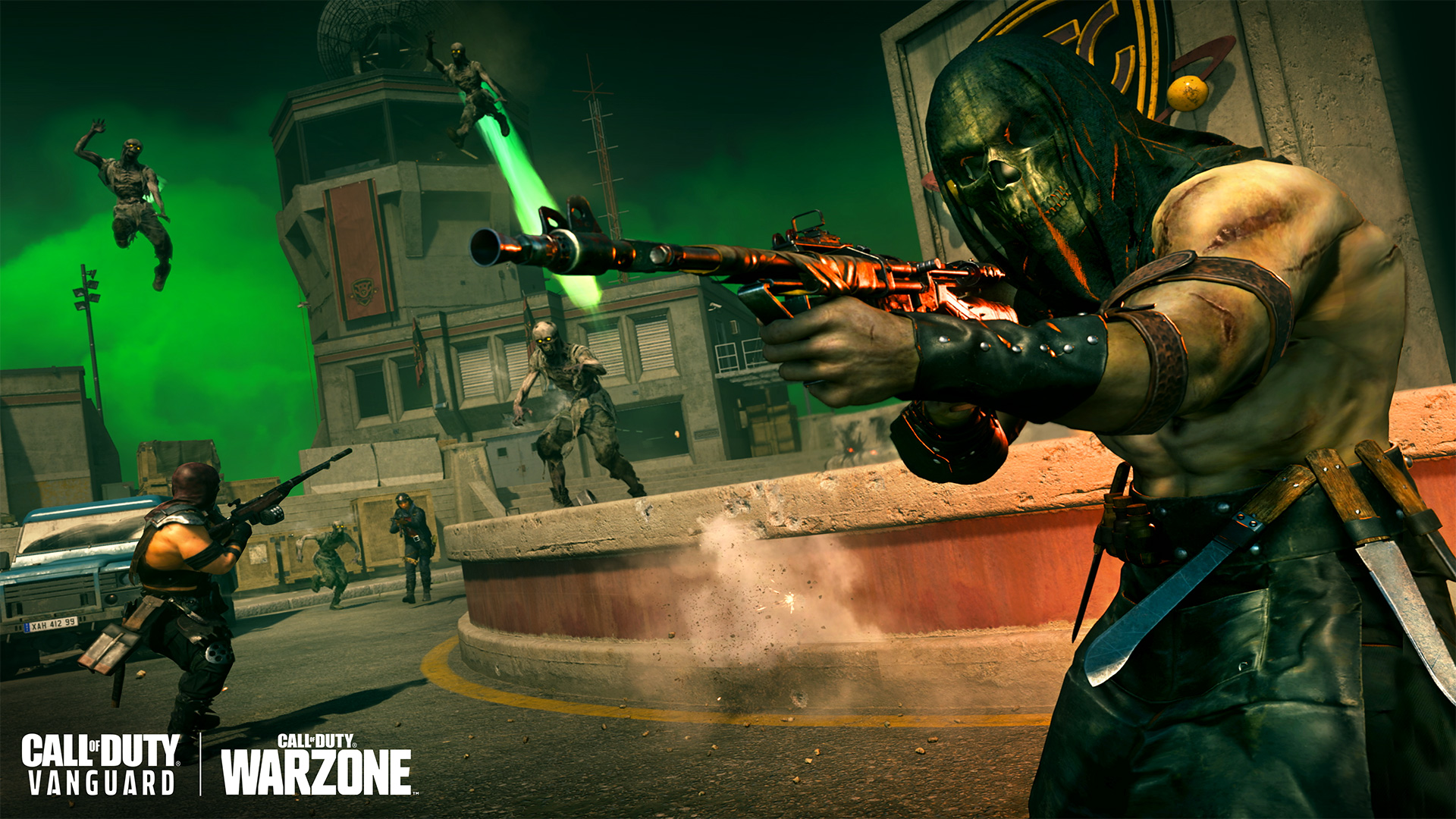
As first found by Warzone’s Operators this week, Fortune’s Keep is now considered Cursed Ground – and now has an event to match.
Right now in Warzone, there are several “cursed chests” hidden around the newly discovered island. These chests contain power-ups and high-quality items… but can only be unlocked by brave souls who survive a hungry horde.
Once the event begins, Zombies will continuously spawn in the vicinity of the cursed chest. Eliminate them near the chest to harvest Wisps; as your collection grows, more difficult waves of zombies will rise to protect their Cursed Ground.
Harvest enough Wisps within the time limit to secure victory and access the rewards within, including Cash, Killstreaks, Equipment, and possibly Perk Tokens.
Just remember that the Circle Collapse can devour you just as effectively as the disturbed animated corpses that rise from the cursed soil of Fortune’s Keep…
Portable Redeploy Balloons, Armored SUV Nitrous Upgrade
Need more flexibility in movement options? The mid-season update brings two new movement options to Caldera: Portable Redeploy Balloons and a nitro boost to the Armored SUV.
Armored SUV – Now with Nitro Boost Power
After a quick pit stop for upgrades, the four-passenger Armored SUV will now include a Nitrous Boost.
In Rebirth of the Dead, a re-imagined version of Zombie Royale presented by Beenox, ten quads will deploy to the island, ready to battle fellow Operators, both living and undead.
Eliminated Operators return as zombies, intent on adding to their numbers by pursuing the remaining humans. To revive as an Operator, zombies must locate and collect four antivirals, which can be found in several ways:
Lone antivirals, visible through obstacles, are found in crates and at Buy Stations.
Eliminate an Operator to earn two antivirals.
Earn all four antivirals by performing a Finishing Move as a zombie, earning your instant revival and netting you the animated “Head Scratcher” Calling Card in the process.
Throughout the match, the Infestation Meter will fill up as zombies are eliminated. Once it is filled, all spectators will be revived as Zombies.
Those skilled enough to win a match as a human will receive the animated “Last Alive” Calling Card, a true testament to your ability against all enemies, alive and undead.
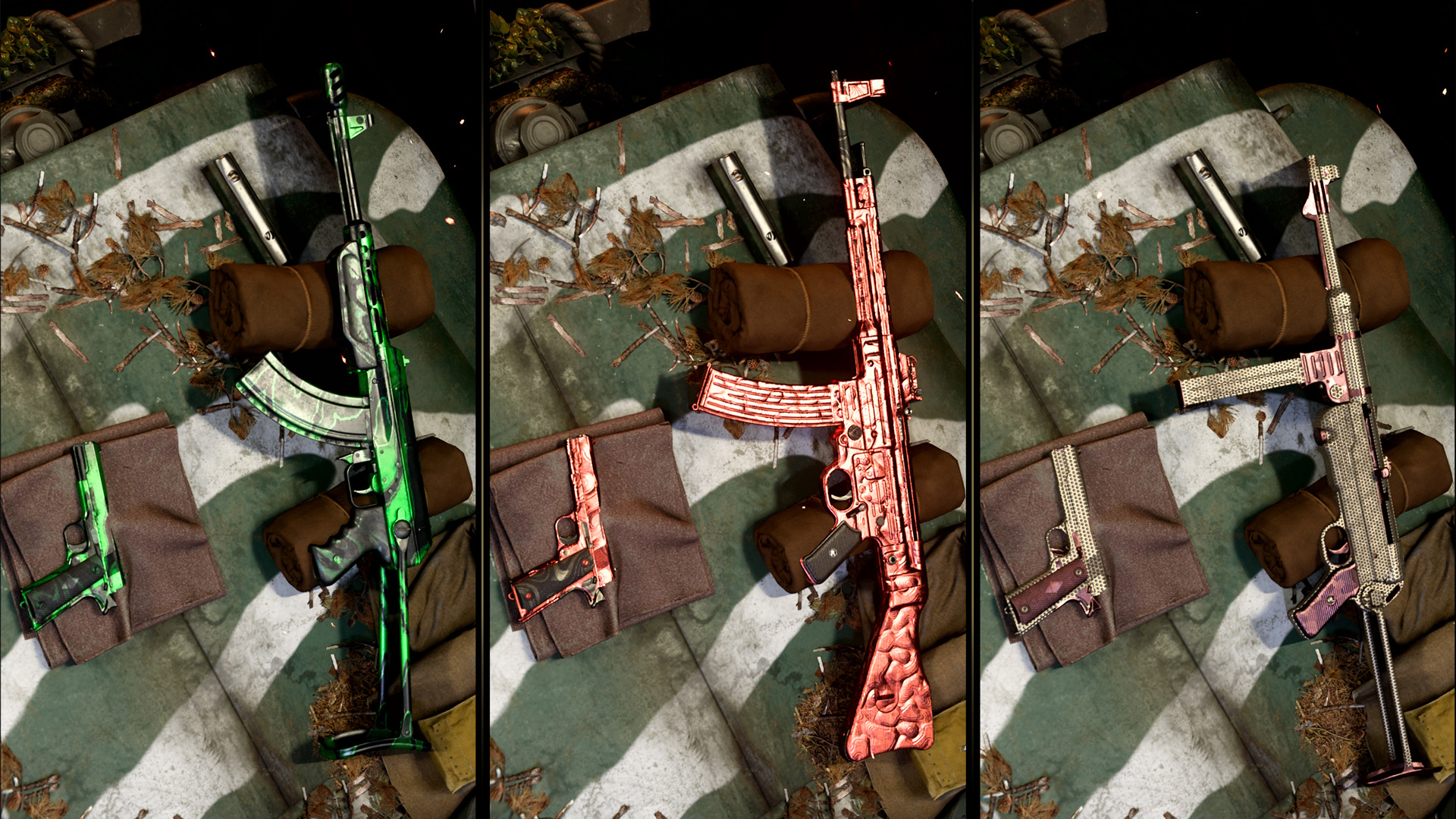
Vanguard Zombies Camos Available in Warzone
There’s no better way to fight the undead masses, than with Zombie Camo weapons!
In Mercenaries of Fortune Reloaded, those who unlocked Vanguard Zombie Camos – including Golden Viper, Plague Diamond, and Dark Aether – can use them on their Vanguard weapons in Warzone.
Titanium Trials: Endurance
To simulate the toughness of a Terminator model, the maximum base armor threshold will be increased to 300 hit points, with the Tempered Perk appearing more frequently as ground loot for more efficient armor repairs. Each player begins the game with a Self-Revive Kit and core health regeneration takes longer to restore, making it a high-skill, high time-to-kill (TTK) game mode.
Titanium Trials features a custom-built loot table to support the higher TTK gameplay, including exceedingly rare Redacted Weapons that are a step more powerful than Loadout Weapons. There are also fewer overall resources in the map to reward Operators who act aggressively towards the opposition, with the cost of Loadouts beginning at a higher price point and decreasing through the duration of the match.
Titanium Trials: Endurance, using the Battle Royale ruleset on Caldera, goes live on August 11 for two weeks only. Be there or be terminated.
Vanguard Mercenaries of Fortunte Mid-Season Update – What’s New:
New Vanguard Multiplayer Map — Desolation
Deploy to a Pacific listening post in Desolation, a new medium-sized Multiplayer map set in a labyrinthine village cut directly into the mountainside, with a crashed plane in flames on the nearby cliffside.
Traverse the winding alleys and confined shanties on the ground floor where close-quarters combat can erupt at any moment or over the rooftops and walkways above, mantling from position to position. The listening post itself lies near the center, right in the middle of the chaos. The Operators who combine fast reflexes with smart movement are sure to find success here.
Ikenna Olowe Joins Butcher and Hendry
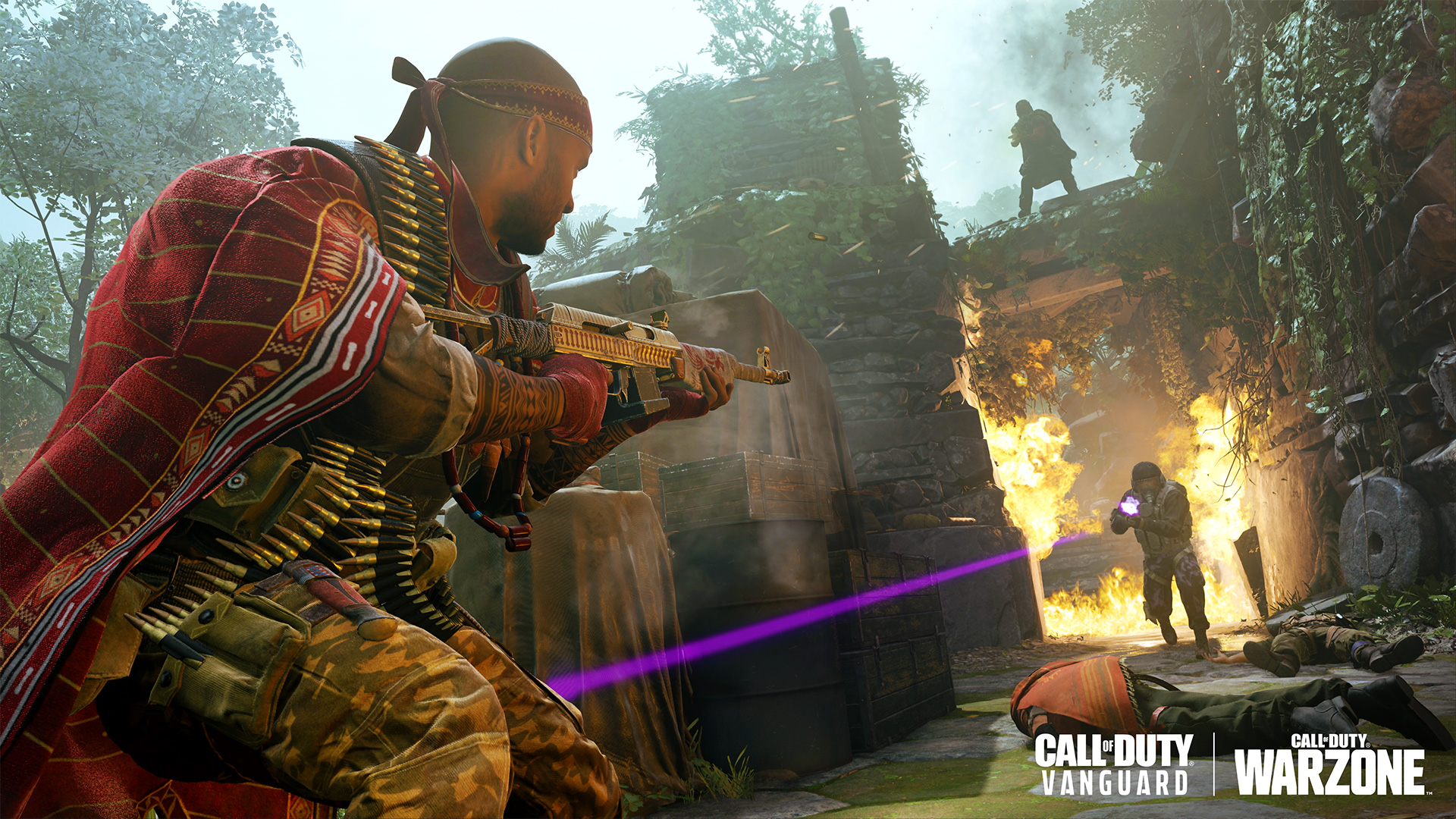
Ikenna Olowe understood strategy from a young age. As a child in Nigeria, he excelled at chess, quickly surpassing his teachers. He grew strong studying Gidigbo, a martial battle of wits. Balanced in body and mind, Ikenna joined the war effort as a battlefield engineer, establishing critical supply lines around the globe.
His preferred weapon is the new Vargo-S Assault Rifle — use it while playing as Ikenna Olowe to gain bonus Operator XP and Weapon XP.
Unlock Ikenna Olowe by purchasing his Bundle, scheduled to go live in the Store in Mercenaries of Fortune.
Vargo-S
Trading firepower for improved accuracy and fire rate, this rifle excels in medium and long-range engagements.
Accuracy is king with the Vargo-S Assault Rifle, paired with a high fire rate for added aggression. Though outclassed in power, its reliability finds success in a variety of Gunsmith configurations, from fast-handling and snappy for tight mid-range play to adding a scope and additional stability to better compete from a distance.
Unlock the Vargo-S by completing its in-game challenge or by purchasing a Store Bundle to be released later this season, featuring a Weapon Blueprint from this weapon’s family.
The first cybernetic organism developed by Skynet, the Model T-800 is perfectly able to blend in with humans utilizing living tissue over a hyper alloy skeleton. Now is your chance to become the classic Model T-800 Terminator.
This ten-item Bundle features the Ultra-rarity “Model T-800” Operator paired with its own Finishing Move, Play of the Game, and MVP highlights for a truly immersive experience. Also get the “Neural Net Processor” Ultra Assault Rifle Weapon Blueprint, “Coltan Alloy” and “Motorhead” Legendary Weapon Blueprints, “Always Scanning” Charm, “I’ll Be Back” Animated Emblem, and the “Infrared Optics” Reticle.
Skynet’s advanced AI model, the Model T-1000 is developed from a mimetic polyalloy liquid metal capable of shape shifting to better impersonate the human resistance.
The Ultra “Model T-1000” Operator leads this ten-item Bundle, also featuring its own Finishing Move, Play of the Game, and MVP highlights as well as three Legendary Weapon Blueprints: the “Liquid Metal” SMG, the “Persistent Mission” Assault Rifle, and the “Identity Theft” LMG. Also equip the “Alternative Future” Watch, the animated “Full Chase” Emblem, and the animated “Unstoppable” Calling Card.
Same as always, once the patch is out, we’ll be sure to let our readers know! Don’t forget, aside from the new content, there’s also new adjustments being made, and we’ll let our readers know what they are once the official patch notes are out.
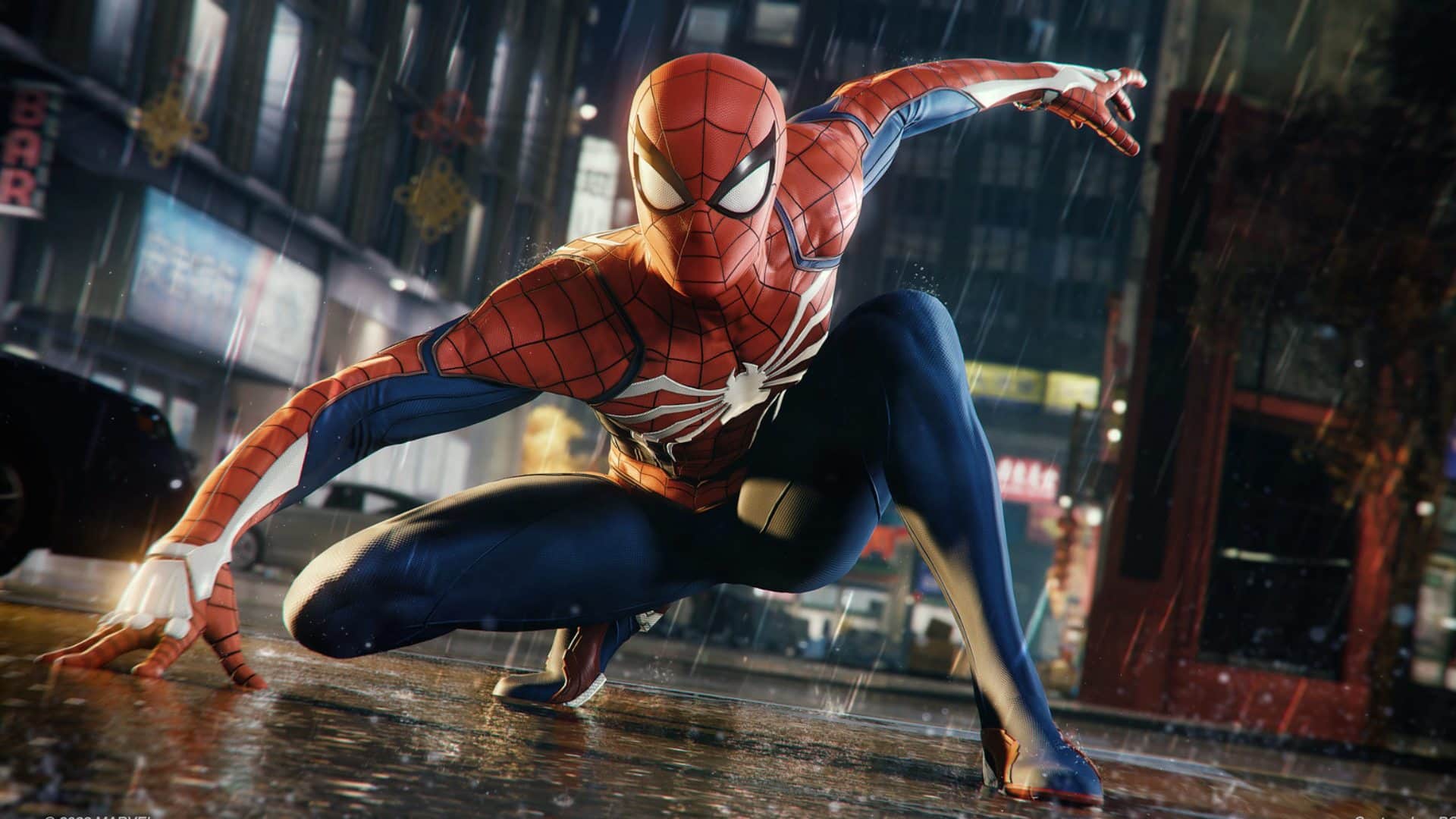
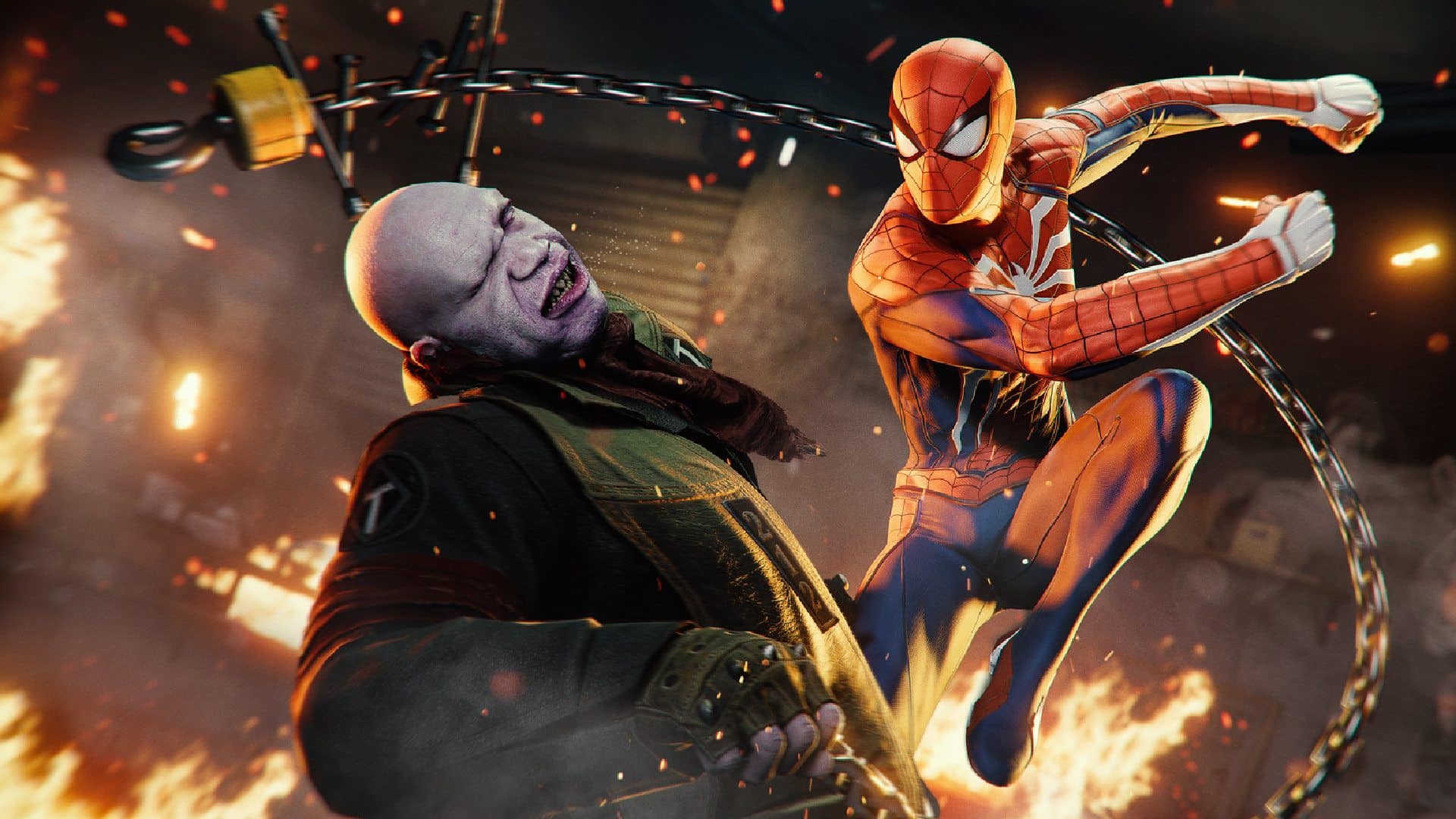
Looks like Insomniac Games is taking full advantage of the various hardware offered by PC, as they have given us our first true look at some of the exclusive features available in the PC version of Marvel’s Spider-Man Remastered. Here’s a look at Marvel’s Spider-Man Remastered PC features.
Marvel’s Spider-Man Remastered PC Features Trailer
Marvel’s Spider-Man Remastered PC Exclusive Features:
Ray-traced reflections are available across the game for those with hardware that supports them. Reflections also have varied quality levels, one of which is a new, higher-quality ray-traced mode that offers even more city detail when web-swinging and fighting crime in Marvel’s New York.
NVIDIA DLSS (Deep Learning Super Sampling) increases graphics performance using dedicated Tensor Core AI processors found only on GeForce RTX GPUs, boosting frame rates with uncompromised image quality.
NVIDIA DLAA (Deep Learning Anti-Aliasing) is an AI-based anti-aliasing mode for GeForce RTX gamers who have spare GPU headroom and want higher levels of image quality.
Beyond choosing output resolutions, we also support a wide range of display ratios, including ultrawide 21:9, panoramic 32:9, and NVIDIA Surround multi-monitor setups.* If you’ve got three monitors, we’ve got the game for you to show them off with!
Many other rendering systems are more customizable than they have been in the past, with additional quality levels and algorithmic options. These include SSAO, texture filtering, LoD quality, shadows, and more. We support windowed, full screen, and exclusive full screen rendering modes.
Talk about stunning! The ultrawide support is certainly going to be a game changer if you ask us, and we cannot wait to see the game is full action once it releases August 12. Oh, and in case you missed it, be sure to check the official spec sheet to see if your PC build can run it. Full details on those PC specs here: Marvel’s Spider-Man Remastered PC Specs Revealed
A gamer at heart, James has been working for MP1st for the last decade to do exactly what he loves, writing about video games and having fun doing it. Growing up in the 90's gaming has been in his DNA since the days of NES. One day he hopes to develop his own game.
Insomniac Games has finally revealed the full Marvel’s Spider-Man Remastered PC specs, detailing the minimum and recommended specs, as well as some additional higher demanding presets.
Down below you’ll find a full list of graphical presets, as well as the specs that Insomniac Games recommends for each presets.
Marvel’s Spider-Man Remastered PC Minimum Specs
Graphic Presets – Very low
Average Performance – 720P @30 FPS
Requires a 64-bit processor and operating system
OS: Windows 10 64-bit
Processor: Intel Core i3-4160, 3.6 GHz or AMD equivalent
Memory: 8 GB RAM
Graphics: NVIDIA GTX 950 or AMD Radeon RX 470
DirectX: Version 12
Storage: 75 GB available space
Marvel’s Spider-Man Remastered PC Recommended Specs
Processor: Intel Core i5-11400 or AMD Ryzen 5 3600
Memory: 16 GB RAM
Graphics: NVIDIA GTX 3070 or AMD Radeon RX 6800 XT
DirectX: Version 12
Storage: 75 GB available space
Marvel’s Spider-Man Remastered PC Amazing Ray Tracing Specs
Graphic Presets – High Ray Tracing High
Average Performance – 1440P 60 FPS, or 4K 30FPS
Requires a 64-bit processor and operating system
OS: Windows 10 64-bit
Processor: Intel Core i5-11600K or AMD Ryzen 7 3700X
Memory: 16 GB RAM
Graphics: NVIDIA GTX 3080 or AMD Radeon RX 6900 XT
DirectX: Version 12
Storage: 75 GB available space
Marvel’s Spider-Man Remastered PC Ultimate Ray Tracing Specs
Graphic Presets – High Rat Tracing Very High
Average Performance – 1440P 60 FPS, or 4K 30FPS
Requires a 64-bit processor and operating system
OS: Windows 10 64-bit
Processor: Intel Core i7-12700K or AMD Ryzen9 5900X
Memory: 32GB RAM
Graphics: NVIDIA GTX 3080 or AMD Radeon RX 6950 XT
DirectX: Version 12
Storage: 75 GB available space
Thankfully the game doesn’t seem all that demanding for the minimum and recommended specs, though you will definitely need a beefy build if you are looking to run the game at it’s max setting. Hopefully the game get’s Steam Deck verified for all you handheld players out there.
Marvel’s Spider-Man Remastered PC launches on August 12, with Marvel’s Spider-Man: Miles Morales PC launching soon after. We’ll hopefully have a full review up, but for now, if you really want to know if the game is worth a purchase you can read our Marvel’s Spider-Man PlayStation review.
A gamer at heart, James has been working for MP1st for the last decade to do exactly what he loves, writing about video games and having fun doing it. Growing up in the 90's gaming has been in his DNA since the days of NES. One day he hopes to develop his own game.
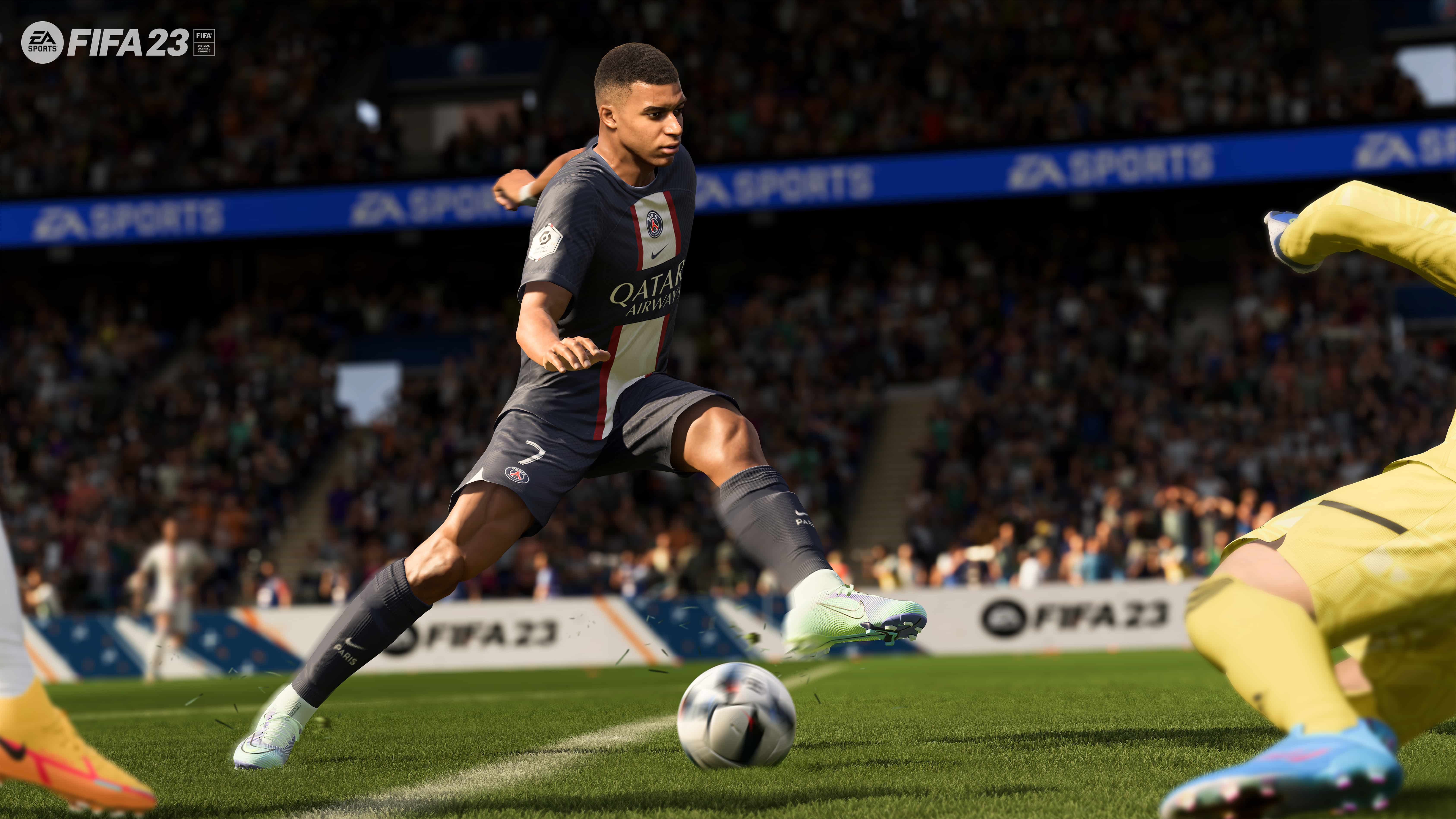
EA confirms several in-demand features will make their way into FIFA 23. The game will now officially feature women’s club teams for the first time ever, FIFA World Cup Qatar 2022, FIFA Women’s World Cup Australia and New Zealand 2023, and cross-play.
FIFA 23 is now set to be the first game ever to allow fans to play both the men’s and women’s FIFA world cups in the same game. Both world cups are also set to join the game as post-launch updates and at no additional cost.
For the first time ever, fans will also now be able to play women’s club teams in FIFA 23. The game will feature Barclays Women’s Super League and Division 1 Arkema joining the biggest stars and teams, including 19,000+ players across 700+ teams in over 100 stadiums and over 30 leagues.
Finally, EA finally confirms that FIFA 23 cross-play will be available for the soccer sim on day one. The feature, however, will only be available on the PlayStation 5, Xbox Series X|S, Stadia, and PC.
Cross-play will be available at launch in FUT Division Rivals (except Co-Op), FUT Champions, FUT Ultimate Online Draft, FUT Online Friendlies (except Co-Op), FUT Play a Friend, Online Friendlies, Online Seasons (except Co-Op Seasons) and the Virtual Bundesliga competitive game mode that is available to players based in Germany. Cross-play is initially enabled for all players when launching FIFA 23 for the first time, provided the platform level settings allow for it, and it can be opted out of at any time
EA SPORTS FIFA 23 is now available for pre-order via the game’s official website. The game is coming out later this year on the Xbox One, PlayStation 4, PlayStation 5, Xbox Series X|S, Stadia, and PC.
Discord on Xbox and PlayStation consoles has been in demand for as long as Discord existed. Now Xbox Insiders will have the opportunity to try out the new feature first-hand and the feature should soon be available for all Xbox console owners.
The new feature will allow Xbox players to connect to Discord voice chats from their consoles. This will allow players to connect with their friends on different platforms without wondering if every individual game that you will be playing is supporting this feature.
To try out this feature, players will open the guide on their consoles by pressing the Xbox button. Go to the Parties & chats section, and click “Try Discord Voice on Xbox.”
After that scan the QR code that will appear on the screen, from there you will have to link both the Discord Xbox applications on your phone in order to set up a two-way link between the two accounts. Even if you have previously connected both accounts, you will have to do that again.
Once these steps are done, whenever you join an audio channel on your Discord mobile application, you will see a new “Join on Xbox” option. Once you choose that option, the call will be transferred to the console of your choosing.
The tl;dr version:
Using Discord Voice chat on Xbox will be easy – to get started, users should:
Connect their Xbox account to their Discord account to grant Voice Access to their console
Install the Xbox mobile app to transfer voice activity from Discord to their Xbox console
Go into a Voice channel on Discord. From the Discord mobile app, select the option to Transfer to Xbox.
Confirm in the Xbox mobile app (it will open automatically and prompt users)
It is worth noting that so far Discord does not have a dedicated application on Xbox consoles. All calls are simply transferred from your Discord account to your Xbox console.
The feature is now only available for Xbox Insiders who have the latest test build installed on their console. The feature should also be available for all Xbox Console owners in the future.
Evil Mojo has pushed out Paladins update 2.55, and this brings bug fixes to different champions, alongside other gameplay fixes. Read on for the official Paladins July 20 patch notes.
Fixed an issue where players were unable to change Voice Pack Preference for Betty La Bomba in Match Lobby to Champion Voice.
Grover
Fixed an issue where Grover’s Rampant Blooming talent was not providing the burst Heal.
Fixed an issue where Grover’s Rampant Blooming talent could provide significantly more Healing than intended.
Fixed an issue where Grover’s Deep Roots talent description was not updated.
Kinessa
Fixed an issue where Kinessa’s Oppressor Mines were lasting longer than the intended 6 seconds.
Lex
Fixed an issue where Lex’s Retribution ability could cause match instances to crash.
Lillith
Fixed an issue where players were unable to change Voice Pack Preference for Lillith in Match Lobby to Champion Voice.
Fixed an issue where Lillith’s Death Wings ability could trigger its damage multiple times, potentially one-shotting opponents.
Octavia
Fixed an issue where Octavia’s Marksman Rifle weapon did not have its balance changes implemented.
Saati
Addressed an issue where Saati’s Hand Cannon weapon would not be able to be fired immediately following her Wallbang Ultimate.
Seris
Addressed an issue where several Seris skins were missing a significant amount of audio.
Skye
Fixed an issue where Skye’s Wrist Crossbow weapon did not have its updated range implemented.
Torvald
Fixed an issue where the Guardian item was not properly affecting Torvald’s personal Shield.
VII
Fixed an issue where VII’s Latch ability could not target an enemy unless terrain existed behind that player in Latch’s range.
Viktor
Fixed an issue where Viktor’s Assault Rifle weapon was doing the incorrect amount of damage per weapon shot.
Ying
Updated the Life Exchange talent description to properly note that missing the Shatter heal would refund some amount of the ability’s cooldown.
GENERAL
Fixed an issue where some players were unable to progress past the “Completing Login” screen. This should already have been addressed in Live prior to the Hotfix!
Fixed various issues with various Trials of the Realm challenges.
Fixed various collision issues with the updated Trade District map.
Fixed an issue where the Trade District map was using 2D art from the first version of the map in some queues.
Fixed an issue on the Frozen Guard map where an invisible wall on a mountainside allowed VII to Latch onto it outside of the intended play space.
Fixed an issue where some of the Custom Match text boxes were misaligned.
Fixed an issue where the Daily Login reset timer was set to 34 years and 80-something days in the future, rather than displaying the proper 7-day cycle. Sorry, we lost track of time.
Fixed a localization issue in the Chests screen in Spanish and Portuguese.
Fixed an issue where PC UI options were visible when using Gamepad on some screens.
Fixed a UI issue with the Lock icon in the Event Pass screen.
A Reddit leaker is alleging to have datamined new footage from an unannounced Dying Light 2 story DLC. The footage clearly shows the new DLC will be story-driven and will be Gladiator-themed with its events taking place in an opera house.
The Dying Light 2 story DLC leaks were published on YouTube and Reddit by u/bub200 and here are the bullet points they published.
Gladiator-themed DLC. Major events take place in opera house called Opera Astrid and its surrounding area
Story driven, with good ‘ol zombie slashing & parkour. Currently, story has two different endings
2000 pieces of dialog, ~1000 stage directions with prefix “dlg_opera” mined from binaries
+3000 audio placeholder tts audio dialogs and other mined from .aesp audio containers
Drawn screenplay/storyboard of arrival and arena battle datamined from encrypted archives
New 3D models and prefabs with prefix “dlc-opera” and “dlc-1”, including Opera house, opera+gladiator themed NPCs and more
It is worth noting that the leaked DLC is neither officially confirmed nor announced by Dying Light 2’s developers Techland. It remains unclear if the DLC will see the light of day any time soon, and only time will tell. Speaking of Dying Light 2 story DLC, Techland has mentioned previously that this piece of content was pushed back to a September release! Check out the full roadmp here to know more about the game’s future.
Dying Light 2 is now available for purchase on the PS4. PS5, Xbox One, Xbox Series X/S, Nintendo Switch, and PC. Check out the patch notes for the game’s latest update that fixed fast travel and more right here.
Hello Games has released No Man’s Sky update 3.94 (PS5 version 3.094) today for all platforms. This patch is to bring out the Endurance update which comes with new content and more cool stuff. Check out the No Man’s Sky July 20 patch notes below.
No Man’s Sky Update 3.94 Patch Notes | No Man’s Sky Update 3.094 Patch Notes | No Man’s Sky July 20 Patch Notes:
CAPITAL SHIPS
Capital ship hangars have been visually updated, with additional details, features, NPCs and VFX.
The freighter bridge has been visually refreshed with new lighting, VFX and detailing.
A teleporter has been added for instant access between the freighter hangar and the bridge.
The mandatory corridor in freighter bases has been removed, allowing players to fully customise their freighter base layout.
Freighter exteriors have been updated with enhanced textures and detailing.
Your freighter is now displayed within the warp tunnel when making a jump between systems.
Lighting and shadow quality throughout freighter bases has been significantly improved.
Players may now warp directly from their fleet management terminal to any individual frigate. New terminals have been added to frigates to allow quick return to the freighter bridge.
Markers are now placed on Fleet Command Terminals in need of debriefing.
Players may now teleport to their freighter base from any other base or space station teleport terminus.
Capital ship engines can now be customised from the existing freighter recolouring UI, accessed on the bridge.
Capital ships can be now reset to their default colours.
The customisation camera for freighters has been improved with better lighting and a wider viewing angle for large ships.
Player-constructed freighter bases are now populated dynamically by specialised crew members, as well as hired squadron pilots and frigate captains.
Freighter crew can now move around the base.
Freighter crew periodically display thoughts related to their current task.
Non-player freighters now come with a variety of pre-existing bases.
Freighters now have a Cargo Hold inventory, allowing the storage of even more items.
A new technology, the Singularity Engine, has been added for freighters. This powerful warp augmentation is activated by speaking to the freighter’s captain, and will slingshot the freighter through a wormhole.
The visual quality of salvaged freighter technology icons has been significantly improved.
Players may now summon their freighter while the Pulse Engine is active.
Freighter landing and takeoff trajectories have been improved to prevent accidental docking.
Players are no longer blocked from summoning their freighter if another player has their freighter active.
Players can now dismiss their own freighter in order to visit the freighter base of another group member.
FREIGHTER BASE COMPONENTS
Freighter base building has been totally overhauled. Players now have access to a variety of pre-built room modules (which they can further customise).
Rooms come in a variety of pre-decorated themes, allowing players to quickly assemble a visually varied and distinctive base.
Empty room variants are available for players who wish to more manually customise their freighter base.
Existing freighter bases have been preserved, and legacy freighter parts are fully compatible with the new pieces.
New freighter rooms include:
The Scanner Room, which pings all nearby planets and automatically discovers them.
Single and Double Cultivation Chambers, which allow players to plant directly into the room itself. Cultivation Chambers come with the ability to mass-harvest nearby plants.
A Nutrition Room, allowing players access to cooking facilities while on board.
The Stellar Extractor, a specialist manufacturing unit that extracts a variety of resources from the interstellar medium.
Additional rooms have been added to replicate existing base functionality, but in room-sized modules:
A dedicated Galactic Trade Terminal room, allowing quick access to trade facilities.
A Teleport Room, allowing players to teleport from their freighter, as well as return via any other teleportation terminus.
The Appearance Modifier Room, for player customisation.
The Fleet Command Room, for managing frigate fleet expeditions.
All the terminals for Base Specialists, such as the Overseer.
The Orbital Exocraft Materialiser, which allows players to summon any of their Exocraft while their freighter is in the system.
A specialist large industrial refiner room.
Storage Rooms, with access to stowed materials.
Players can now place exterior windows in their freighter bases, allowing a view through into the stars.
Players can place internal windowed walls to divide up their base into aesthetically pleasing sections.
Players can now place doors in their freighter bases, both between rooms and out to the exterior of their freighter.
A variety of catwalks and exterior viewing platforms are now available to build within and around the freighter base.
Freighter corridors now come in both plain and glass versions.
Freighter corridors now come as one dedicated part that will automatically bend or add additional doors in order to connect to nearby rooms.
ORGANIC SHIPS AND FRIGATES
Players with a frigate fleet may now receive plans for a Dream Aerial from a successful fleet expedition.
Constructing the Dream Aerial will grant players access to a new mission to unite with an organic frigate. This living vessel will be customised according to the player’s choices while on this mission.
Players can continue to discover additional organic frigates to fill out their fleet.
Organic frigates come in a variety of procedurally generated colours and tentacle configurations.
Players can feed their organic frigates various cooked foodstuffs. Feeding the frigate will adjust its mood and may cause it to generate new abilities or traits.
Sending a living frigate on a fleet expedition has a chance of generating a special anomalous event result.
Anomalous fleet expedition results result in various organic implants for living starships.
Living ship upgrades have been adjusted. Procedurally generated weapon modules now do more damage, and the Grafted Eyes can now leech energy from enemy starships.
Living ships can now evolve Neural Shielding, granting them the ability to resist hostile cargo probes.
Living ships can now evolve a Chloroplast Membrane, which will automatically recharge its Neural Assembly using sunlight.
Living ships can now evolve a Wormhole Brain, which allows them sight into the economy and conflict levels of unvisited systems on the Galaxy Map.
Players may now acquire and use a Spawning Sac to add additional inventory slots to their living ships.
Fixed an issue that could cause living ship upgrades to choose a lower quality band than intended.
Fixed an issue that prevented procedurally generated living ship upgrades from automatically selecting the starship inventory page when deployed.
BASE BUILDING
Base parts which automatically switch between hidden variants (such as visually distinct parts for the top/middle/bottom of walls, or the freighter corridor that automatically bends and adds doorways to form connections) can now be placed manually. Relevant parts are marked within the base building menu and can be expanded to view all variants.
While in editing mode, pre-existing parts can be now swapped out for any other part that matches its placement conditions, allowing bases to be quickly altered without having to delete and replace parts.
Players may now quickly toggle between placement and selection mode even when no part was previously selected from the list of parts.
Quick cycling parts within placement mode now displays the name of the newly selected part.
A number of base building error messages have been edited for clarity.
Many decorative parts that were not previously available to build on a freighter are now accessible in the build menu.
ByteBeat modules can now be built on board freighters.
Short-Range Teleporters can now be built within a freighter base.
Lights now automatically receive power on board freighters.
Freighter base part deletion now more strictly checks player navigation, fixing a number of cases where players could find themselves accidentally falling into space when deleting parts.
The freighter base now has a walkable bottom level, allowing players who intentionally jetpack out of their base an opportunity to recover to safety.
Players may now toggle snapping and collision checks when placing decoration on their freighter base, allowing more freedom and flexibility in construction.
While on a freighter, the preview hologram is now visible behind other objects, allowing players to more easily preview the location of new rooms and corridors.
Fixed a number of visual glitches with the preview hologram.
Fixed a number of visual issues and glitches with wiring.
Objects that are moved or deleted now clean up their attached wires.
Storage Containers now display their custom name (if applicable) in the Build Menu.
Biofuel Generators now provide power for a significantly longer amount of time.
Fixed an issue that prevented the Ceiling Light part from being powered correctly.
The Archaic Habitation Heater now actually provides protection against extreme cold.
VISUAL IMPROVEMENTS & SPACE ATMOSPHERICS
The planetary decoration system has been significantly optimised and improved, allowing props, plantlife, rocks and other objects to be drawn at both far greater distances and at a higher quality.
Planetary objects such as trees and rocks are now visible from low orbit.
Players may now encounter storms and other space atmospherics while in asteroids fields, in open space, or when encountering derelict freighters in deep space.
Players may now encounter brightly coloured nebulae while exploring deep space.
Black hole visuals have been overhauled and significantly improved.
Derelict freighters VFXs have been significantly improved. Existing environmental and combat effects have been enhanced, and additional atmospheric details have been added.
Atmospheric effects have been added and enhanced within the space station.
Starship landing and takeoff effects have been improved.
ASTEROIDS
Asteroid draw distance has been significantly increased.
Asteroid field density has been significantly increased.
Individual steroid visual detail and variety has been greatly increased.
Asteroid destruction effects have been improved.
Players may now encounter systems with a large number of rare crystalline asteroids.
Players may now occasionally disturb the nest of strange space creatures when destroying asteroids.
Passing starships may now enter asteroids fields alongside players and begin mining nearby asteroids.
Asteroid density patterns have been adjusted so that there are larger areas of space with few to no asteroids.
Players can now use the starship’s scanner to locate nearby fuel-rich asteroids, in the event of an adverse fuel situation when outside of an asteroid field.
Fixed a number of issues that could cause asteroids to intersect with other objects, such as freighters.
The rewards for destroying rare asteroids have been improved.
MISSIONS
A new class of mission is available at the Nexus. Work together to raid a Sentinel Pillar and defend a planet from the constant threat of the Sentinels.
Players can now take on a new combat mission from the Nexus to visit an infested planet and purge it of its infection.
Players visiting infested planets may now occasionally stumble upon the hungering tentacles of the many-mouthed vessel…
Infested planets now have an increased chance of titan worm activity.
QUALITY OF LIFE
Players can now reposition items within storage container inventories.
Fixed a number of issues that prevented full access to certain inventories when using UI popups.
Players may now deploy upgrades to their fleet expedition from any inventory.
The freighter inventory screen has been adjusted to better fit the model of the player’s freighter.
A new starship technology, the Flight Assist Override, is now available from Iteration Hyperion aboard the Space Anomaly. This module reduces the effect of automatic trajectory correction while flying in space.
Procedurally generated upgrades for the Analysis Visor may now generate bonuses for mineral discovery rewards, matching the existing upgrades for flora and fauna.
Increased the number of stat bonuses available to illegal-grade procedural technology upgrades.
Reduced the spread between maximum and minimum stat values for Positron Ejector procedural upgrades.
Players can now adjust the sensitivity of cursor controls as well as look and flight sensitivities.
The “Combat” section of the guide has new, more in-style icons.
Combat frigates deployed from the fleet to assist the player in space combat now launch specialised ships with their own visual flair to help distinguish them while in flight.
Pirate raid frequency has been reduced.
Fixed an issue that could cause pirate and Sentinel attack timers to reset each other, resulting in too many hostile incidents in space.
The base speed and acceleration of the unupgraded Nautilon has been increased. Upgrades have been proportionally decreased as appropriate to keep overall upgrade effectiveness in the same range as before.
Procedurally generated technologies for the Nautilon now give more generous fuel usage reduction bonuses.
Fixed a number of issues that prevented Exocraft and Nautilon scanners from revealing nearby planetary objects as intended. These scanners should now reveal not only standard scanner resources, but also other objects of interest usually identified via the Analysis Visor.
Increased the amount of time objects are marked by the Exocraft and Nautilon scanners.
The stack size of Creature Pellets has been increased.
Viewing player companions through the Analysis Visor now displays more specific information.
The Multi-Tool and starship reticles now display overheat and ammo warnings.
Early-game Sentinel waves have been adjusted to be slightly fewer in number.
When selling items to technology merchants, prices are now correctly listed in nanites.
The space station scrap merchant’s shop now displays your current Tainted Metal reserves.
Building Part item popups have been slimmed down to cut out unnecessary information.
TWITCH CAMPAIGN
Earn an exciting and varied set of in-game rewards by watching streams of No Man’s Sky on Twitch. Full details of how to sign up are available on the Twitch Drops page here.
POLESTAR EXPEDITION
Expedition Eight, Polestar, will begin soon.
The Polestar expedition will take players on a cruise across the galaxy in their capital ship, forsaking starship warping and planetary base building in favour of the life of a heavy shipping freighter captain.
The Polestar expedition offers the chance to earn an exclusive freighter engine customisation; new base parts (including a flaming barrel); a unique cape design; a mysterious jellyfish companion; and much more besides.
Players who have entirely completed an expedition may now end the expedition early and convert the save to normal mode.
BUG FIXES
Fixed a crash that could occur when dying while using PSVR on a PS4 Pro console.
Fixed a crash that could occur while warping inside another player’s freighter.
Fixed a starship-related crash that could occur while warping.
Fixed a number of crashes that could occur while using the trade UI.
Fixed a PC-only physics crash.
Fixed an issue that allowed invalid teleport destinations to be entered into the list of teleport destinations.
Fixed an issue that could cause Nexus missions to list an incorrect amount in their objectives preview on the mission board.
Fixed an issue that prevented missions from correctly counting items located within the Nutrient Processor’s ingredient storage inventory.
Fixed an issue that could cause items awarded or salvaged while using the freighter to be deposited in an incorrect inventory.
Fixed an issue that caused various base and technology parts to be clipped off the side of the screen while viewing upgrade trees.
Fixed a large number of miscellaneous text issues.
Fixed an issue that caused lanterns to display a blank interaction label.
Fixed an issue that prevented players from being correctly awarded bounties if NPC ships landed the killing blow on a pirate ship.
Fixed a memory-related issue that could prevent players from being awarded pirate bounties in specific circumstances.
Fixed an issue that could cause some hostile starships to become invulnerable after their energy shields were drained.
Fixed an issue that prevented players from accessing the Previous Base Item Cache and claiming its contents.
Fixed an issue that caused ambient player bases to take a long time to load in.
Fixed a base-related issue that could cause saving or loading to take a very long time.
Fixed an issue that could cause centre-screen warning messages to queue forever if the player entered their inventory while the message was on screen.
Fixed an issue that prevented ships from being correctly cleared in multiplayer after their owner salvaged them, potentially resulting in corrupt ship data for other players in the station.
Increased the braking power of the starship when summoning a freighter, reducing the chances of a collision.
Fixed an issue that could allow players to engage the pulse engine on an unsafe trajectory and intersect with a freighter, if the freighter was aligned with a distant planet.
Fixed an issue that could cause an overly large crosshair to appear when aiming at starships on the Space Station.
Fixed an issue that caused derelict freighter emergency heaters to protect against extreme heat.
Fixed an issue that could cause the space station to be visible during warping.
Fixed an issue that could cause player capes to begin to float away on Xbox 1 and PlayStation 4.
Fixed an issue that caused very small civilian freighters to have no engines.
Fixed an issue that could cause every single NPC ship in the freighter hangar to take off immediately after the player enters the hangar from the bridge.
Fixed an issue that prevented Living Pearls from displaying their compass and Analysis Visor icons if their protective clam was shut.
Fixed an issue that could cause compass and Analysis Visor icons to become invisible forever if they were tagged and then untagged.
Fixed a number of issues that caused Sentinel drones to be synched incorrectly between players.
Fixed an issue that could cause Sentinel Hardframe units to fail to target players correctly in multiplayer.
Fixed an issue that could cause Sentinel Hardframe units to become stuck beneath planetary terrain.
Introduced an optimization to the creature animation system.
Introduced an optimization to a specific scorched planet sub-biome.
Introduced an optimization to a specific toxic planet sub-biome.
Fixed an issue that could prevent progress in the Agricultural Research missions if the player had already built the plant in question before the mission began.
Fixed an issue that could cause incorrect mission progress if the player deleted their teleporter during the Powering the Base tutorial.
Fixed a number of mission issues that could occur when playing the base building tutorial missions in multiplayer.
Fixed an issue that could cause a blocker during the Ghosts in the Machine mission on the Artemis path, at the point where Apollo wishes players to expand their base.
Fixed a number of blocking mission issues that could occur when different missions both require conversations with the same character at the same time, such as the Space Anomaly and Trace of Metal missions both needing the player to speak Nada or Polo.
Fixed a number of mission progress issues that could occur when players need to visit a base computer but they have several bases across different galaxies.
Missions that require the player to visit a base computer can now be progressed at any base computer, rather than requiring a visit to a specific base.
Fixed an issue that could direct players to the wrong base when the mission required visiting a specialist worker terminal in a system in which the player has several bases.
Fixed an issue that caused a dramatic sound effect to play on loop forever after warping through the portal during the A Leap in the Dark mission.
Fixed a number of animation issues that could occur when interacting with inanimate objects such as distress beacons.
Fixed a number of mission blockers that could occur when two missions were attempting to spawn a space encounter at the same time.