Home > News

PlayStation Store Sale “Planet of the Discounts” Now Live, Over 650 Items Discounted

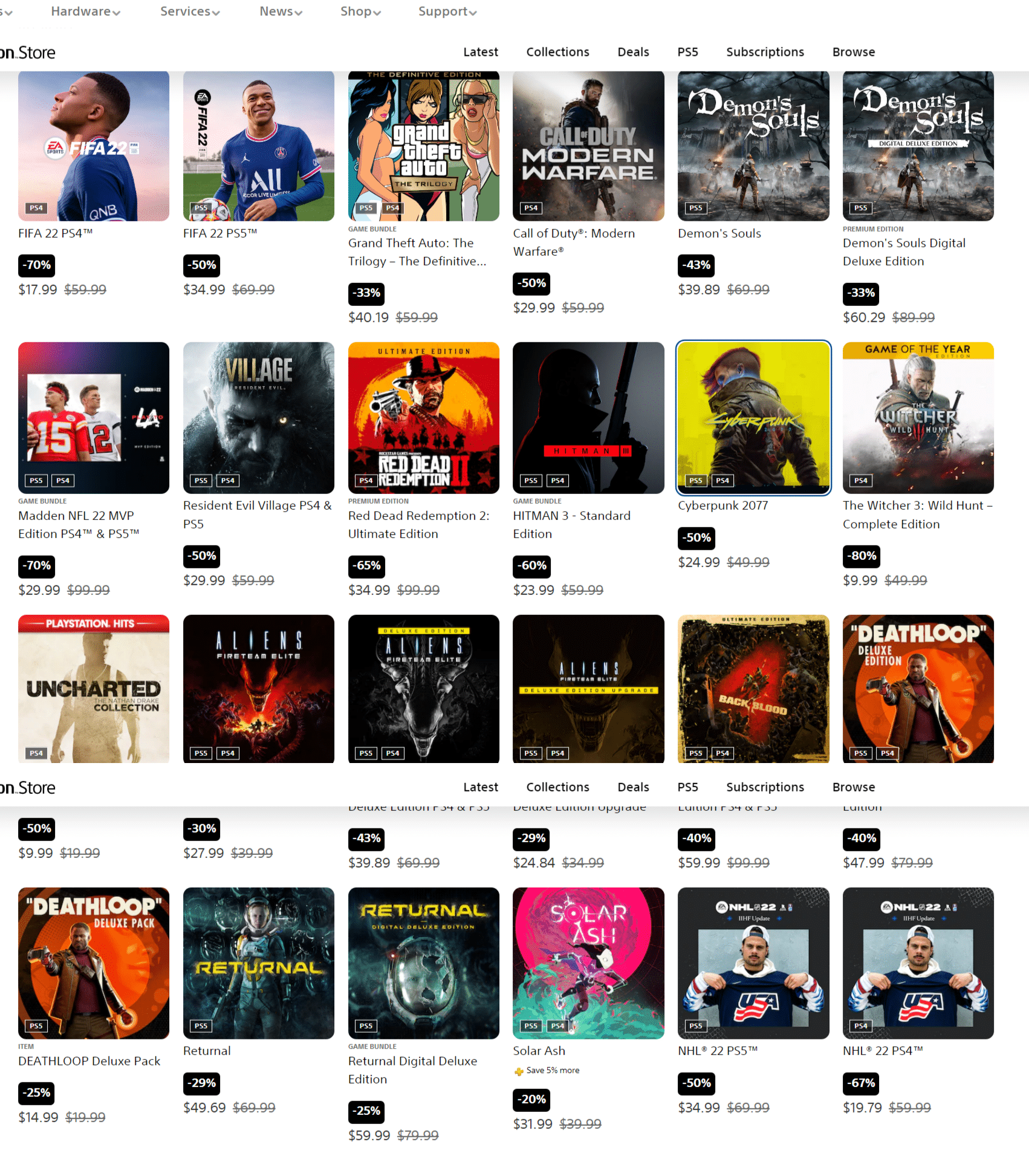
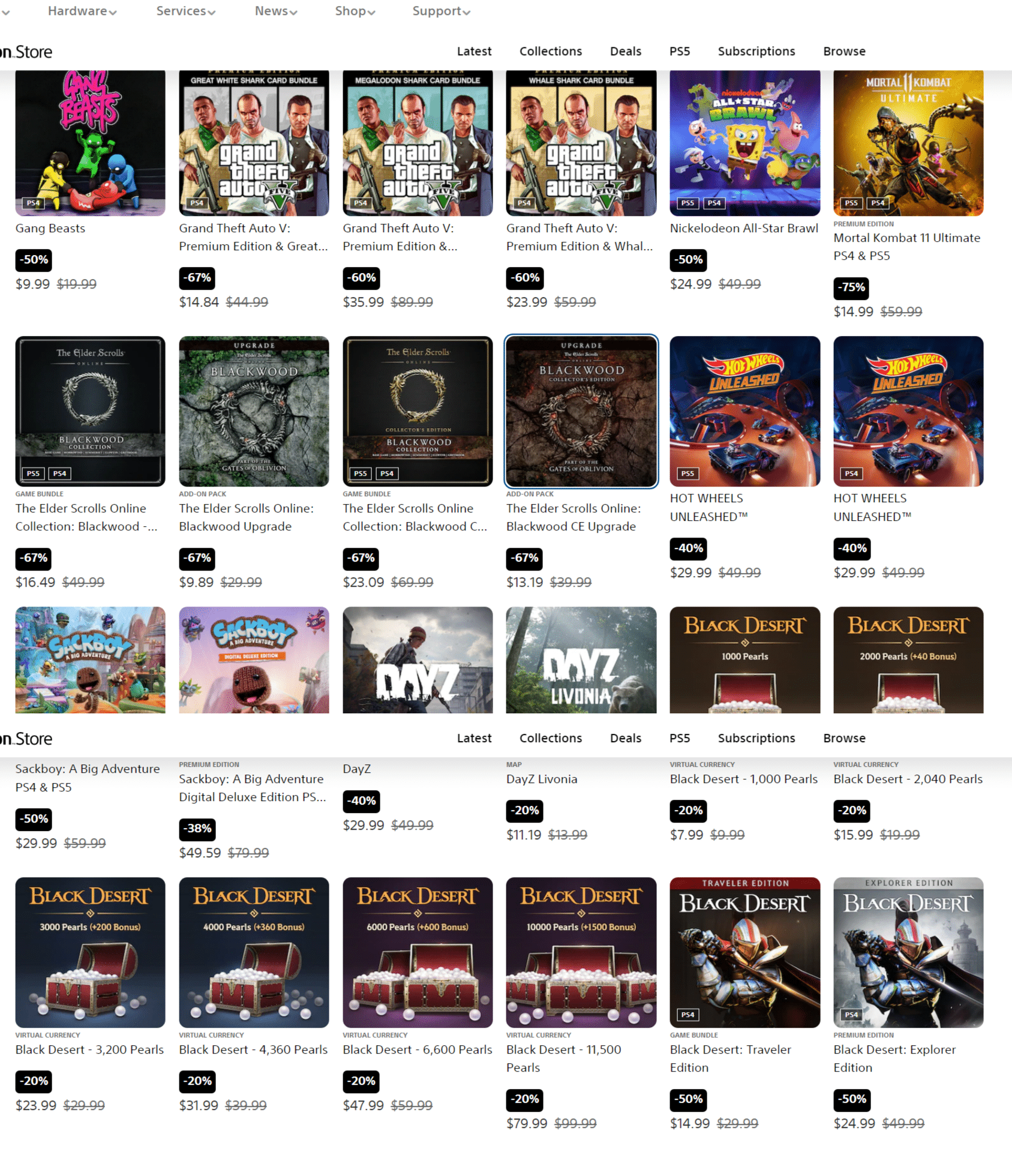
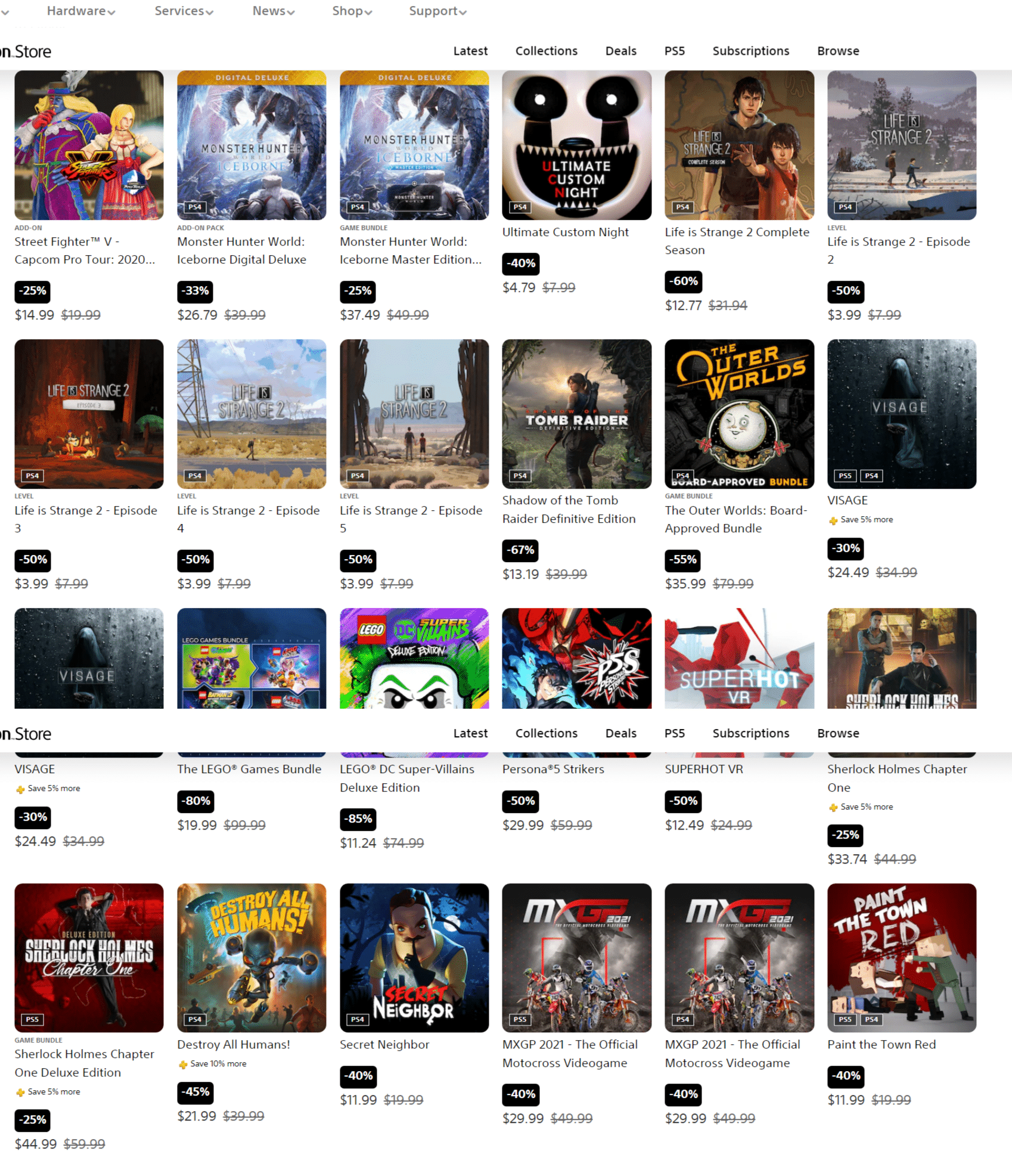
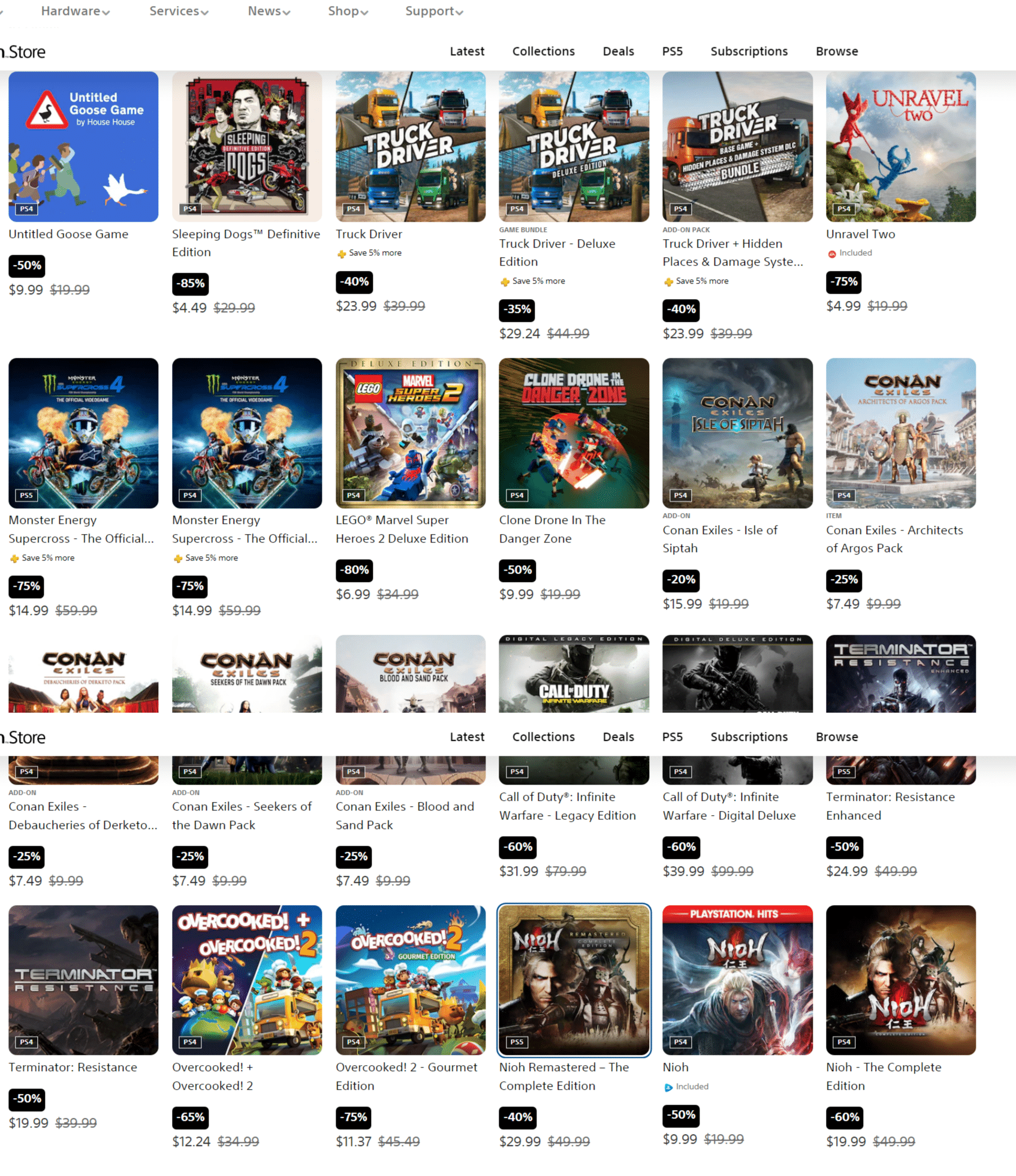
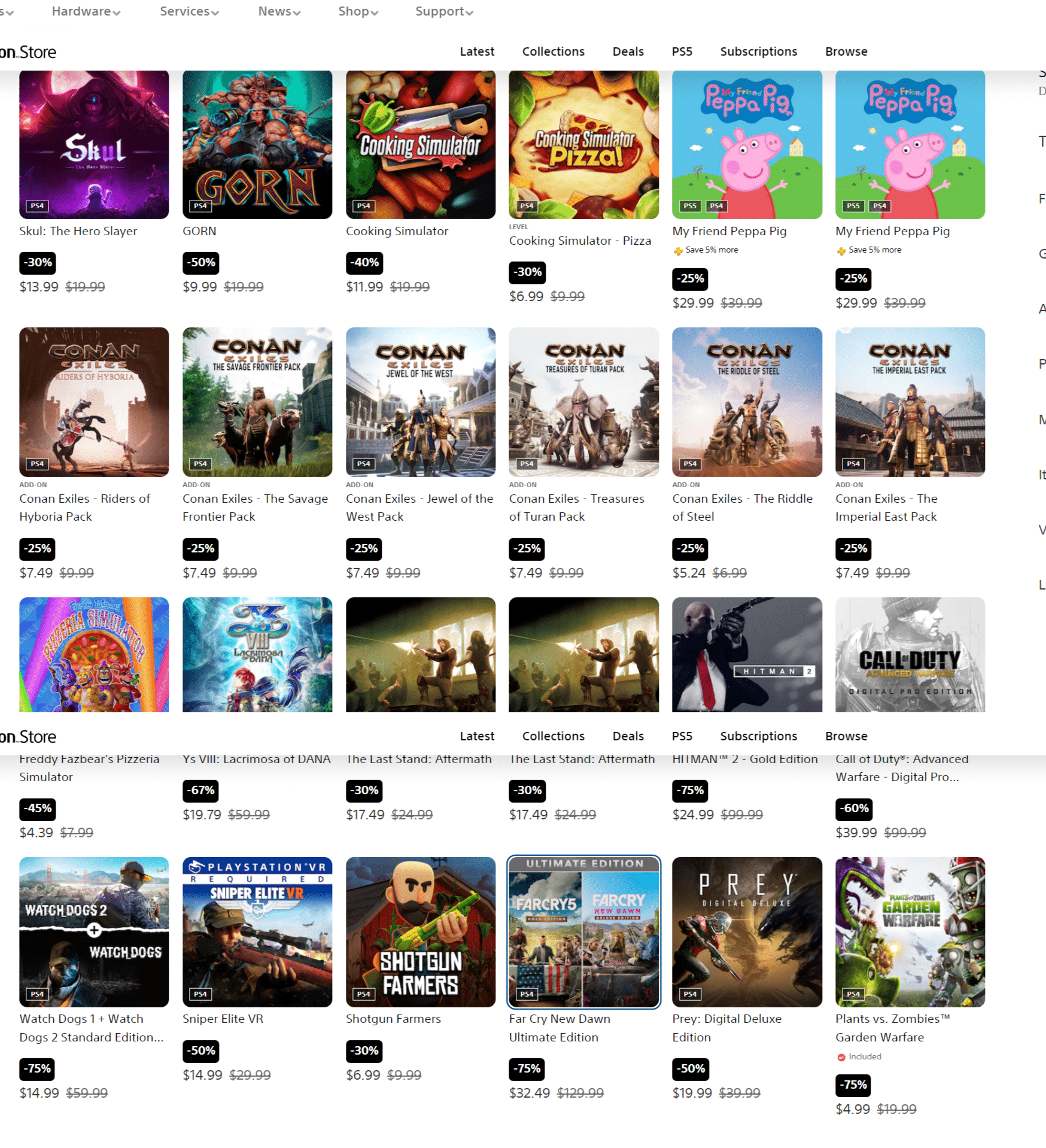
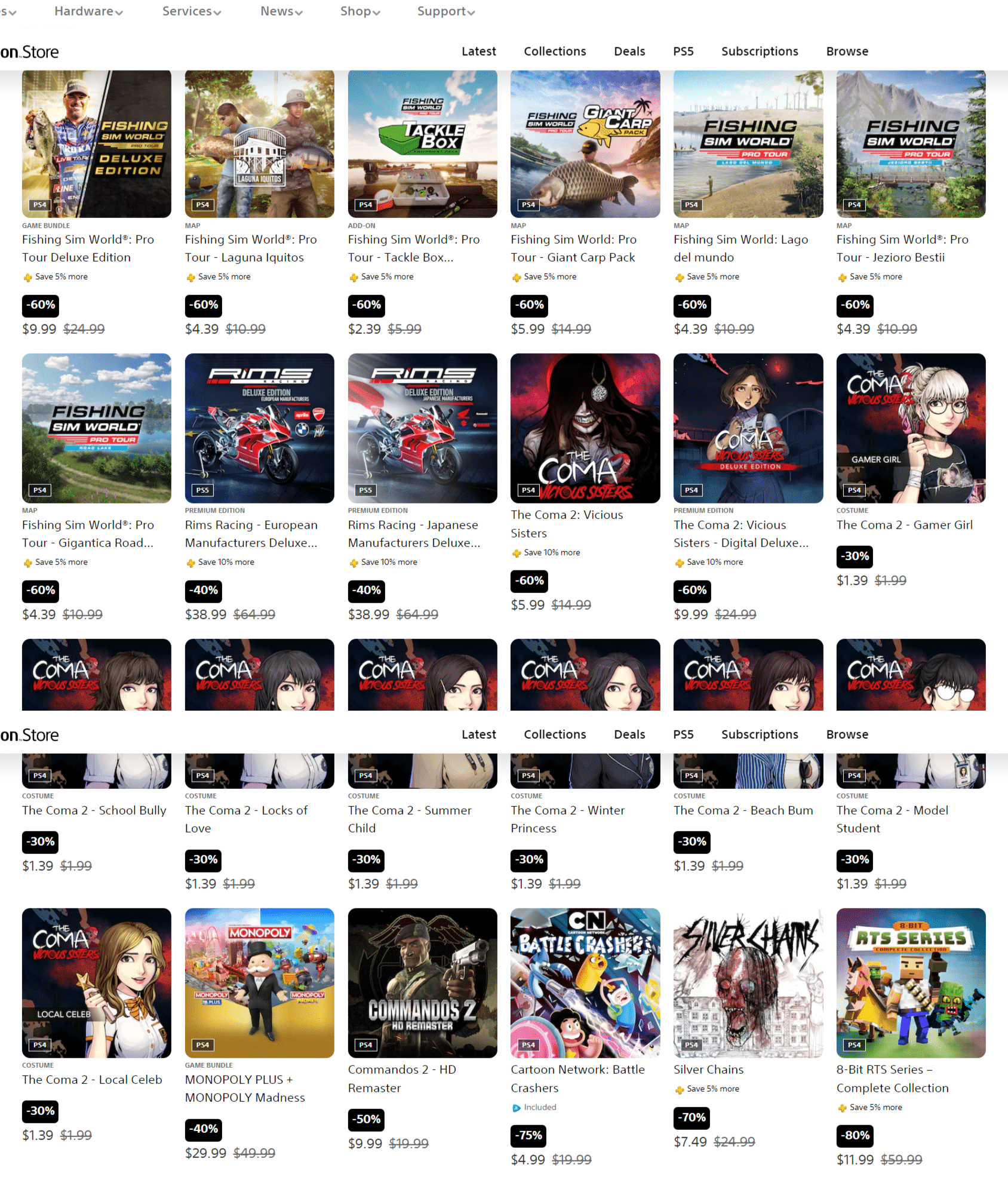
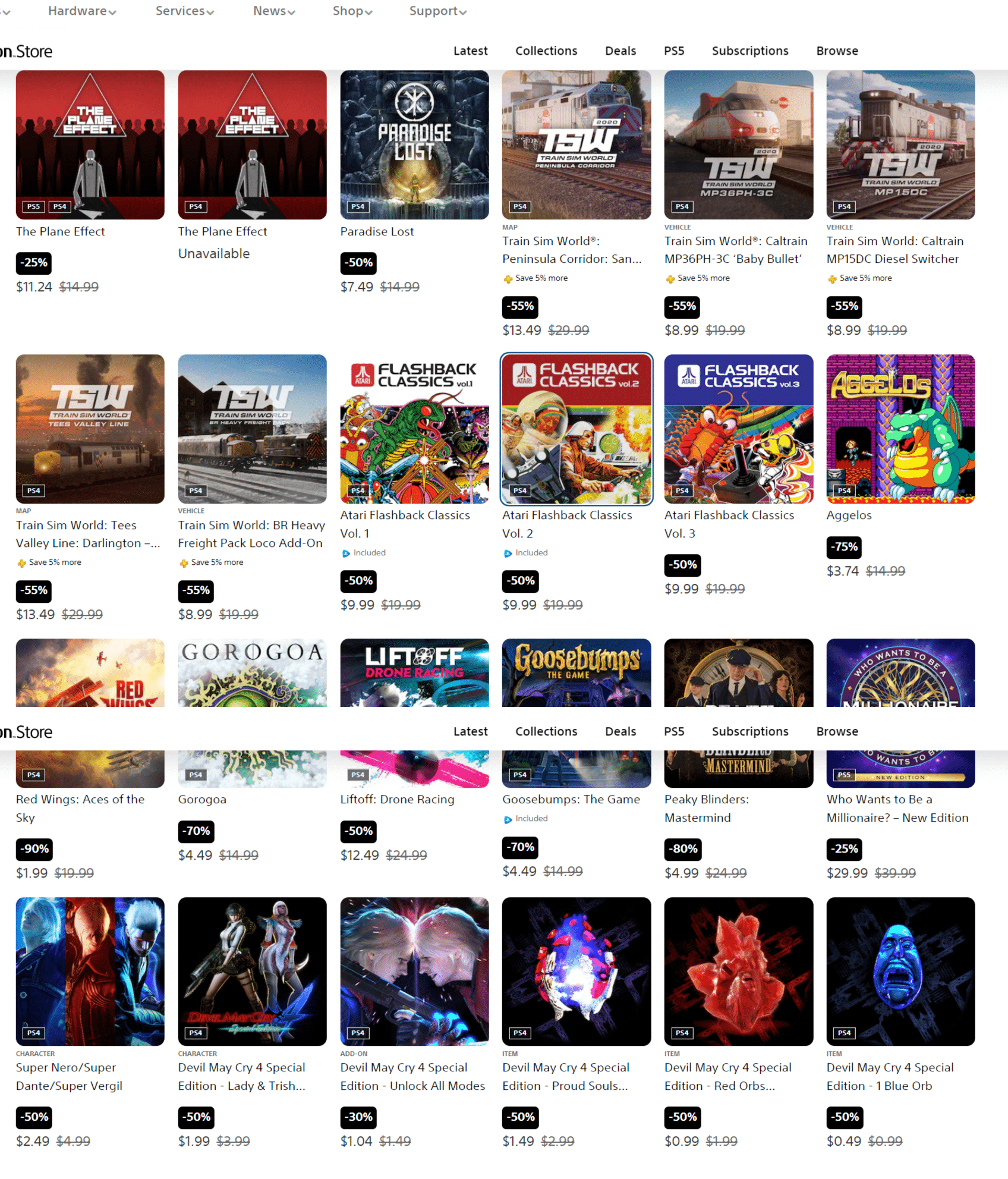
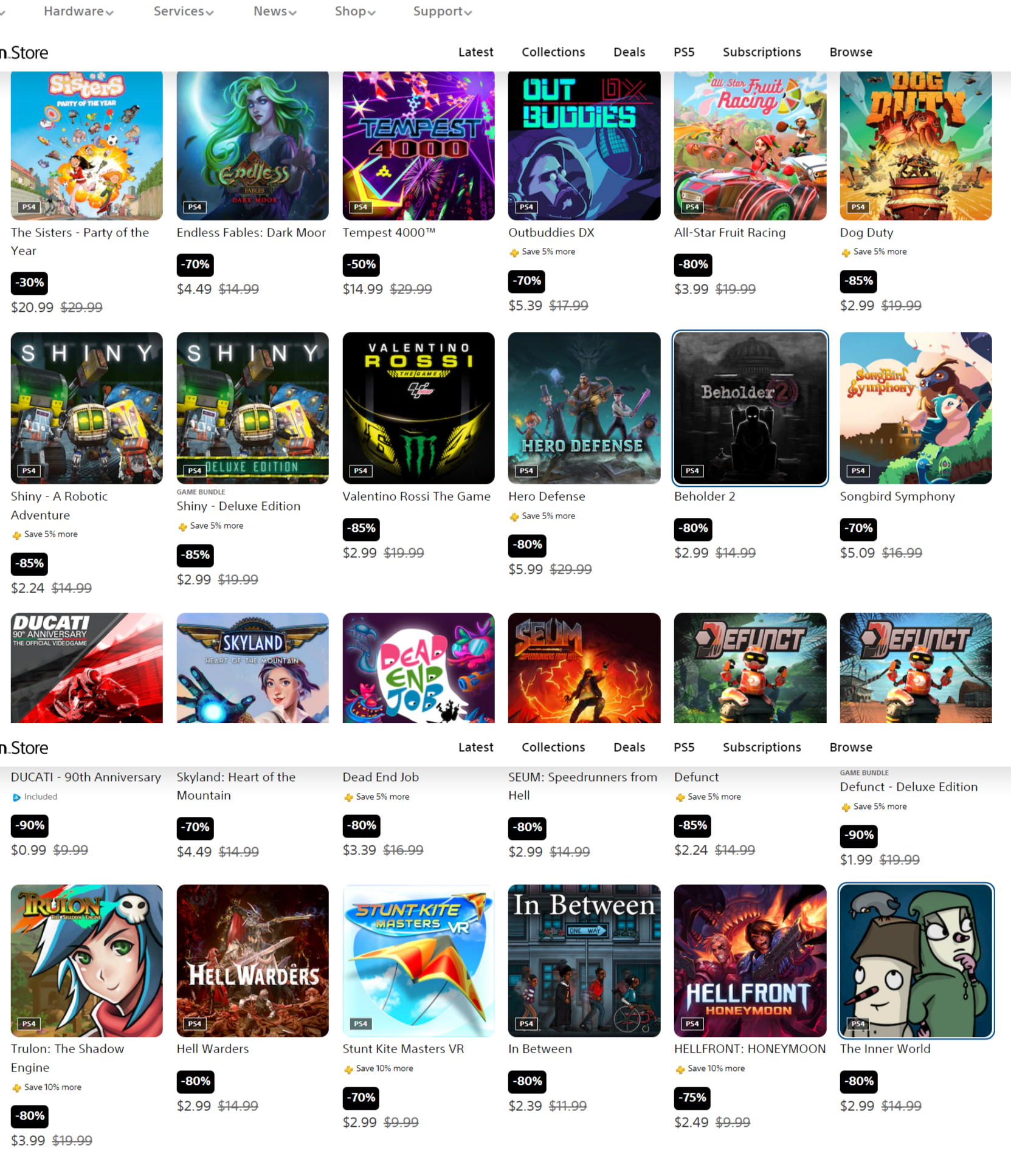
Sony has launched another massive PlayStation Store sale, and this one is called the “Planet of the Discounts.” This sale has a mix of games, DLCs, booste packs from different games discounted. Head on below to see everything this sale has to offer.

PlayStation Store Sale “Planet of the Discounts” List of Games:

PSN Store Link for Planet of the Discounts (NA)

Now that’s one big sale. If there’s another “Games Under” or publisher sale that goes out alongside this sale, we’ll be sure to let our readers know. You can keep track of it by bookmarking our Deals hub.

More MP1st Reading:

Avatar photo

Alex Co

Father, gamer, games media vet, writer of words, killer of noobs.

Home > News

PlayStation Productions Animation Intro Unveiled; to Debut in Uncharted Movie

Ahead of the release of the Uncharted movie this week, Sony has debuted a new PlayStation Productions animation intro for the cinematic and theatrical adaptations of the publisher’s many franchises. Check out the new animation below.

Is that a new PlayStation Productions animation? 👀

See it on the big screen before the @UnchartedMovie action begins!

Here are the respective characters that appeared in the animation, in addition to the franchise they’re in:

  • Aloy from Horizon Zero Dawn and its sequel, Horizon Forbidden West
  • Kratos’ Leviathan Axe from God of War and its sequel, God of War: Ragnarok
  • Nathan Drake from the Uncharted series
  • Jin Sakai from Ghost of Tsushima
  • Joel and Ellie from The Last of Us
  • Kratos and Atreus from the God of War series
  • Astro from Astro’s Playroom
  • Ratchet and Clank from Ratchet & Clank
  • Sackboy from the LittleBigPlanet series

With Sony ramping up productions on their latest franchise for either movie or series adaptations, expect to see more of this animation in the future. In case you missed it, the director Days Gone recently shared his idea for an Uncharted spinofff game, and you can read more about it here.

MP1st Staff

Home > News

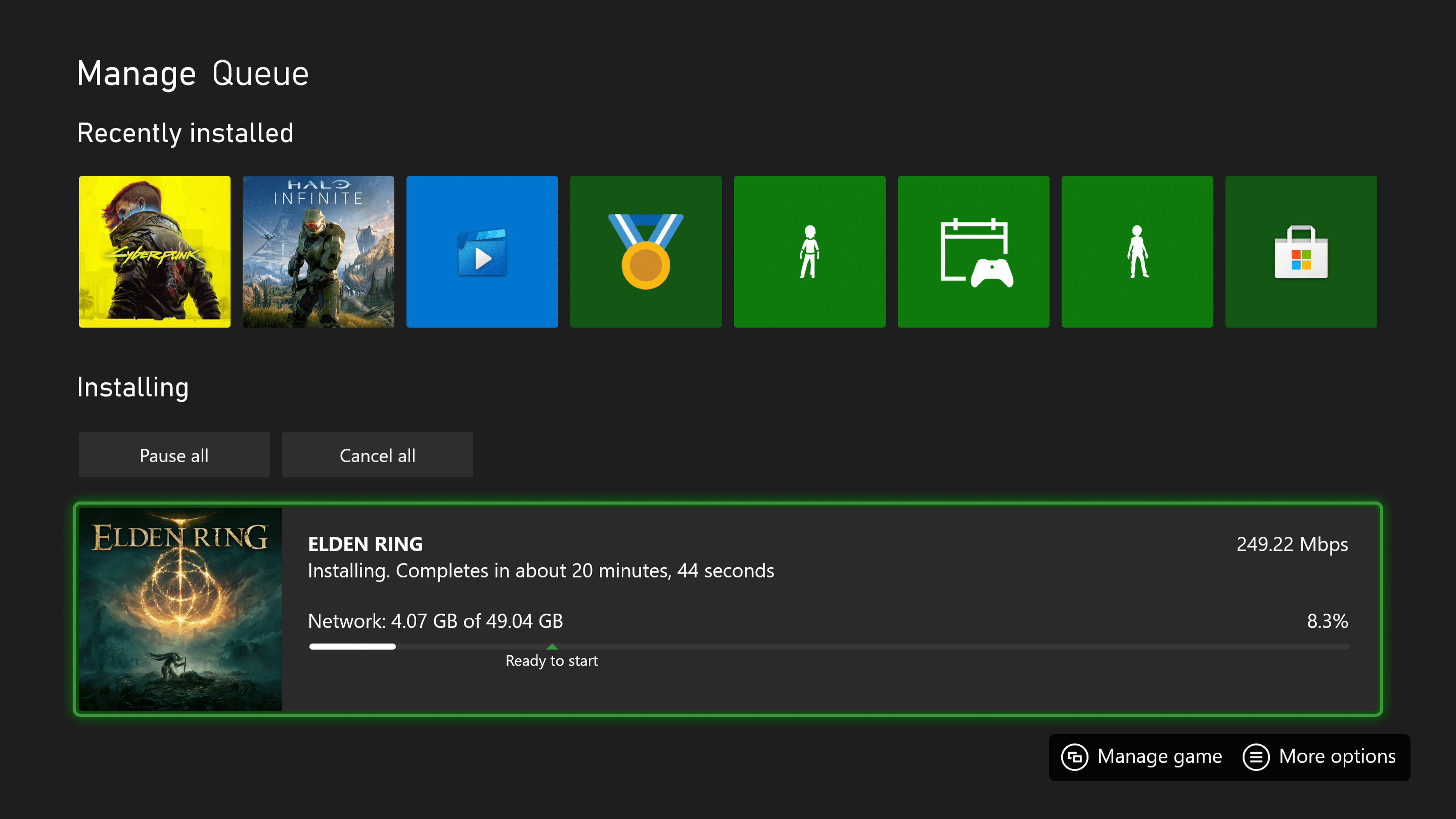
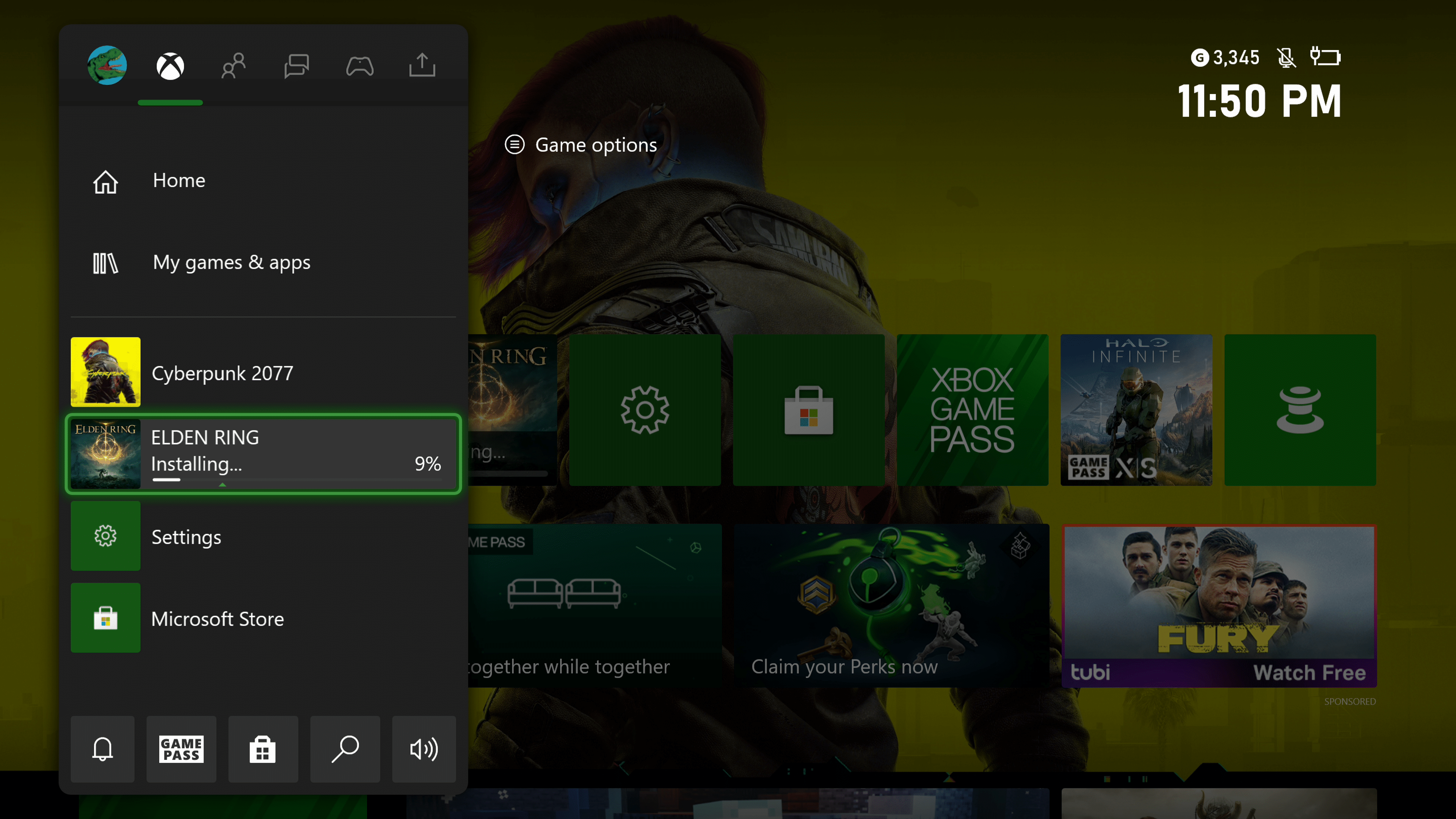
Elden Ring Preload Live for Xbox Series and Xbox One Owners

We are just 10 days away from the release of Elden Ring, and while that wait may feel like an eternity, there is some at least some good news for Xbox gamers, as the Elden Ring preload is now available to Xbox Series and Xbox One owners.

For those who have pre-ordered Elden Ring on the Xbox storefront, you’ll be happy to know that you can officially start preloading Elden Ring 10 days before release. The preload went live earlier today, and while we are unsure if this includes the day one patch, we do know that the size is roughly 49GB, depending on which generation of console you plan to play on.

As for those who plan on buying Elden Ring physically, the good news is that you can also preload so that the game will be ready to play as soon as you pop in the disc. To do this, all you have to do is download the Xbox App on either an iPhone or Android device, sign-in, and pair search for Elden Ring. You should see the the “Download to Console” option.

Elden Ring Preload Xbox Series Xbox One


And there you go. Physical buyers will have the game preloaded on their system, ready to launch as soon as they get home. Not bad, right?

As for PlayStation 4 and PlayStation 5 users, you will need to wait until February 22/23 in order to begin preload. This option will only be available to those who have pre-ordered Elden Ring from the PlayStation Store for PlayStation owners.

Elden Ring will officially launch February 25 for the PC, PS4, PS5, Xbox One, and Xbox Series X|S. We’ll have a review up hopefully not long after, so stay tuned!

Avatar photo

James Lara

A gamer at heart, James has been working for MP1st for the last decade to do exactly what he loves, writing about video games and having fun doing it. Growing up in the 90's gaming has been in his DNA since the days of NES. One day he hopes to develop his own game.

Home > News

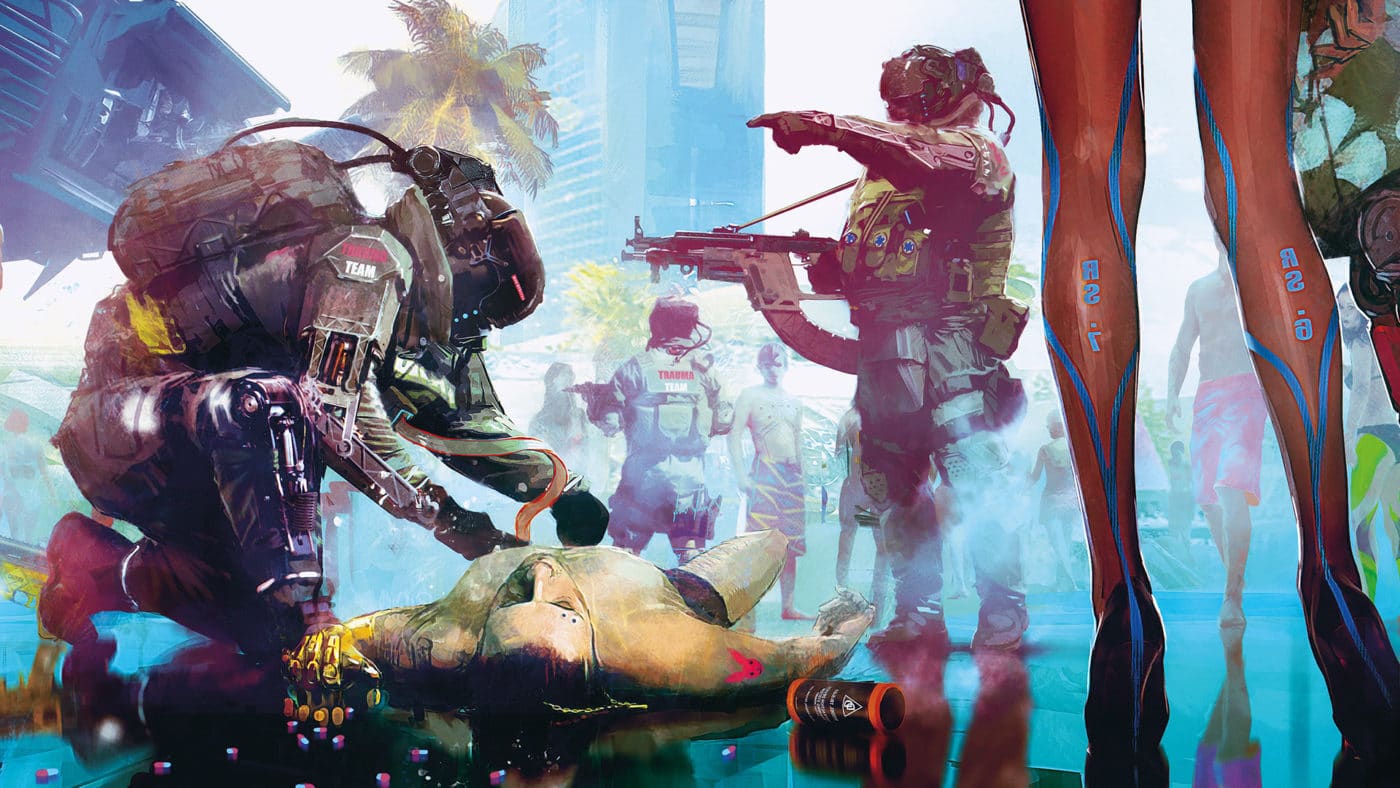
Cyberpunk 2077 FAQ for Next-Gen Confirms No PS4/PS5 Trophy Transfer, Dropping Win7 Support & More

Alongside today’s big Cyberpunk 2077 next-gen release and title update, CD Projekt RED has updated the Cyberpunk 2077 FAQ, and it touches on a lot of issues with the next-gen transition for gamers (particularly on PlayStation platforms), Windows 7 support and more. Note that the FAQ below tackles the “hot issues” that CDPR has listed and updated the support page with.

Cyberpunk 2077 FAQ for Next-Gen and More:

PlayStation:

Unable to update the game to the next-gen update

For disc owners in order to download the Next Gen update the CUSA (PlayStation code) from your disc has to match your PlayStation account region.
You can check out the codes here.

My trophies didn’t transfer to the next-gen update

Unfortunately, as the next-gen version has a different SKU, PlayStation trophies obtained thanks to backward compatibility will not be transferred. You will need to meet the requirements once again to unlock them.

How do I transfer my save file to the next-gen update?

If you are playing the PlayStation 4 version of the game, you will be able to select one save file to upload to the cloud. Once you launch the PlayStation 5 version, you will then be able to download it. This method allows you to transfer between different devices, doesn’t require a PlayStation Plus subscription and only one save file is supported.

If you are playing on a PlayStation 5 console via backwards compatibility, once you download the next-gen version of the game, your PlayStation 5 will automatically read your save files.

How do I update my game to the next-gen?

It is necessary to manually download the dedicated next-gen version of the game from either the PlayStation Store or your library. To update disc copies, players need a PlayStation 5 console with a disc drive and have it inserted in order to download and play the game.

While it’s possible to have both versions of the game on your PlayStation 5, we suggest deleting the PlayStation 4 version to save disk space

PC:

Windows 7: future support

Due to technical limitations of non-native DirectX 12 implementation on Windows 7, and the end of, or limited, support for graphics drivers, game updates will not be supporting Windows 7 after June 15, 2022. If updated with patches published after that time, the game may stop working on this operating system.

AMD Radeon RX 400 / 500 Series – game looks too dark in some areas

Avatar photo

Alex Co

Father, gamer, games media vet, writer of words, killer of noobs.

Home > News

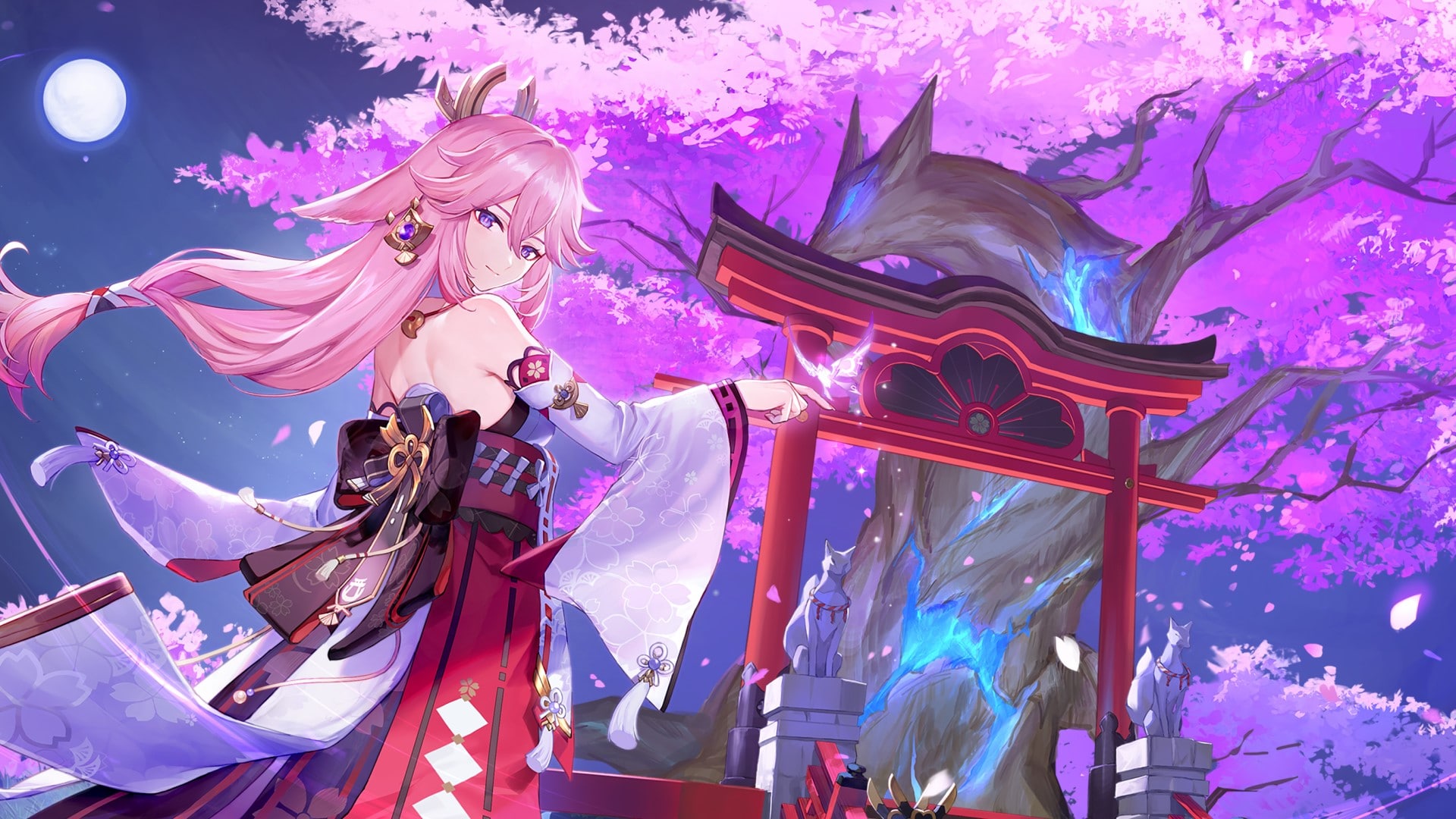
Genshin Impact Update 2.50 Patch Notes; Sprouts for “When the Sakura Bloom” This Feb. 15

The Genshin Impact update 2.50 patch (PS5 version 2.500) is out, and this is for the “When the Sakura Bloom” version 2.5 patch! This brings a new character, new equipment, new events and more! Read on for the complete Genshin Impact February 15 patch notes.

Genshin Impact Update 2.50 Patch Notes | Genshin Impact Update 2.500 Patch Notes | Genshin Impact February 15 Patch Notes | Genshin Impact 2.5 Patch Notes:

〓Update Details〓
I. New Character
5-Star Character “Astute Amusement” Yae Miko (Electro)
◇ Vision: Electro
◇ Weapon: Catalyst
◇ Lady Guuji of the Grand Narukami Shrine also serves as the editor-in-chief of Yae Publishing House. Unexpected intelligence and cunning are hidden under her beautiful appearance.
◆ Yae Miko’s Elemental Skill “Yakan Evocation: Sesshou Sakura” allows her to move swiftly and leave behind a Sesshou Sakura. Sesshou Sakura will periodically strike nearby opponents with lightning, dealing Electro DMG. If there are other Sesshou Sakura nearby, their level will increase, boosting DMG dealt. There can be no more than 3 Sesshou Sakura on the field, and the initial highest level each one can reach is 3.
Her Elemental Burst “Great Secret Art: Tenko Kenshin” summons a lightning strike, dealing AoE Electro DMG. When she uses this skill, Yae Miko will unseal nearby Sesshou Sakura, destroying their outer forms and transforming them into Tenko Thunderbolts that descend from the skies, dealing AoE Electro DMG. Each Sesshou Sakura destroyed in this way will create one Tenko Thunderbolt.
◆ During the event wish, “Everbloom Violet,” the event-exclusive 5-star character “Astute Amusement” Yae Miko (Electro) will receive a huge drop-rate boost!

II. New Equipment
Kagura’s Verity (5-Star Catalyst)
◇ The bells used when performing the Kagura Dance, blessed by the Guuji herself. The scent of the Sacred Sakura tree lingers on it.
◆ Gains the Kagura Dance effect when using an Elemental Skill, causing the Elemental Skill DMG of the character wielding this weapon to increase for 16s. Max 3 stacks. This character will gain All Elemental DMG Bonus when they possess 3 stacks.
◆ During the event wish “Epitome Invocation,” the event-exclusive 5-star weapon Kagura’s Verity (Catalyst) will receive a huge drop-rate boost!
Oathsworn Eye (4-Star Catalyst)
◇ A national treasure of Byakuyakoku stored in the Dainichi Mikoshi. With the coming of the Serpent God, this item was used to notarize great oaths and wishes.
◆ After using an Elemental Skill, Energy Recharge is increased for 10s.
◆ During the “Three Realms Gateway Offering” event, explore the darkness-covered Enkanomiya and upgrade your Bokuso Box to a certain level to obtain rewards such as Oathsworn Eye (Catalyst) and its Refinement Materials.

III. New Events
“Three Realms Gateway Offering” event: Take part and obtain the event-exclusive weapon “Oathsworn Eye” (Catalyst)
During the event, explore the darkness-covered Enkanomiya, using Light Realm Sigils to upgrade your Bokuso Box. Upgrade your Bokuso Box to a certain level to obtain Oathsworn Eye (Catalyst) and its refinement materials, and rewards such as Crown of Insight. Complete the Event exploration quests to obtain Primogems, Weapon Ascension Materials, and more.
▌Event Duration
2022/02/17 10:00 until the end of Version 2.5
▌Eligibility
Reach Adventure Rank 30 or above
Complete the Archon Quest: “Chapter II: Act II – Stillness, the Sublimation of Shadow”
And complete the World Quest “Erebos’ Secret”

IV. New Main Story
1. New Story Quests
Raiden Shogun’s Story Quest “Imperatrix Umbrosa Chapter: Act II – Transient Dreams”
◆ Quest Start Time
Permanently available after the Version 2.5 update
◆ Quest Unlock Criteria
Reach Adventure Rank 40 or above
Complete the Archon Quest “Chapter II: Act III – Omnipresence Over Mortals”
And complete Raiden Shogun’s Story Quest “Imperatrix Umbrosa Chapter: Act I – Reflections of Mortality”
Yae Miko’s Story Quest “Divina Vulpes Chapter: Act I – The Great Narukami Offering”
◆ Quest Start Time
Permanently available after the Version 2.5 update
◆ Quest Unlock Criteria
Reach Adventure Rank 40 or above
Complete Raiden Shogun’s Story Quest “Imperatrix Umbrosa Chapter: Act II – Transient Dreams”

V. New Enemies
“Magatsu Mitake Narukami no Mikoto”
This is the form that the puppet that inherited the Raiden Shogun’s authority takes when she is opposing those who threaten Eternity.
She will continuously absorb Ominous Destiny, and when Ominous Destiny is filled up, she will enter the Baleful Shadowlord form. In this form, she will gain great DMG RES and deal more fatal attacks. Additionally, while she is in the Baleful Shadowlord form, active characters will lose Elemental Energy at intervals.
Located at Narukami Island
Shadowy Husk: Standard Bearer, Shadowy Husk: Line Breaker, and Shadowy Husk: Defender
An enigmatic warrior of darkness.
When their attacks hit a character defended by shields, they will obtain buffs at the cost of its HP.

VI. Other Additions
1. New Recipes:
○ Inazuma Shimura’s: Sangayaki and Udon Noodles
○ Yae Miko’s specialty: “Fukuuchi Udon”
2. New Namecards:
○ Celebration: Binge Vessel: Obtained from the “Of Drink A-Dreaming” event
○ “Yae Miko: Kitsune Dreaming”: Reward for reaching Friendship Lv. 10 with Yae Miko
○ “Travel Notes: Awakening”: Reward obtained via the BP system
3. New Achievements added to the “Wonders of the World” category.
4. New Furnishings:
Leisure Device: On the Pulse
Tubby created this furniture combination with great care out of an Activation Plate and two Target Ranges. Interact with the Activation Plate to start an archery game or to check game records. Once the game has started, the balloons that must be destroyed will appear within the two Target Ranges. Use this combination of mechanisms in close concert with other furnishings inside your abode to design various custom Bullseye Balloons maps similar to those featured in the Windblume Festival.
Sub-Space Cabochon: In Soaring Flight
A Sub-Space Boulder that has the ability to ascend and descend. Its core is made of Plaustrite unique to Liyue which, after some cutting and polishing, has been made into an elegant lifting platform. Just step right on and it will rise, allowing you easy access to any other floating platforms. A certain time after you step off it, it will begin to descend again.
5. New Living Being: Coral Butterfly, which can be caught during the “Three Realms Gateway Offering” event. (In subsequent Versions, they can be redeemed through the Teapot Traveling Salesman. Please pay attention to subsequent Version details.)
6. “Wanderer’s Advice” is newly added to the weekly redeemable items in the Realm Depot.
7. “Dynamic Range” and “Output Settings” newly added in Settings > Audio.
8. Newly added icon hints to the Artifacts filtering interface.
9. Adds the feature of adding Weapons at once to the Destruction System.
10. Adds some prompts for loading screens.
11. Spiral Abyss:
Floor 11 Ley Line Disorders changed to:
• All characters in the party gain a 60% Electro DMG Bonus.
• All party members gain 30% Healing Bonus.
Floor 12 Ley Line Disorders changed to:
• For this floor only, the ley line flow will be normal.
Updated the monster lineup on Floors 11 – 12 of the Spiral Abyss.
Starting from the first time that the Lunar Phase refreshes after updating to Version 2.5, the two Lunar Phases will be as follows:
Phase I:
Lightning Moon
When opponents take Electro-Charged DMG, their Electro RES decreases by 10% for 10s. Max 4 stacks. Each stack’s duration is independent. Each enemy can receive this effect once every 1.2s.
Phase II:
Godcall Moon
When the active character’s Normal Attacks, Charged Attacks, Plunging Attacks, Elemental Skills, and Elemental Bursts hit an opponent affected by Electro, a shockwave is created at that opponent’s position, dealing True DMG. A shockwave may be produced in this manner every 2s.
※ There will be no change to the reset times of the Spiral Abyss and Blessing of the Abyssal Moon. These remain the first and sixteenth days of each month, respectively. The above Spiral Abyss update will take effect from March 1 at 04:00 (Server Time).

〓Adjustments & Optimizations〓
● System
1. Optimizes weapon crafting order. Weapon crafting list will be sorted by weapon type.
2. Optimizes the UI style of the new Books archive unlock hint.
3. The top tab in the character Artifact page now supports scrolling by using a controller.
4. Optimizes the filtering and sorting function of Artifacts.
5. Optimizes the filter function of character Artifacts: a maximum of 2 affixes can now be selected.
6. Optimizes the UI display style of the Resin replenishment pop-up window: Upon reaching the maximum number of times Original Resin can be replenished, the exchange button will turn gray (the button will disappear for controller controls).
7. Optimizes the area of effects on some enemies after they are knocked down to provide a smoother gaming experience.
8. Optimizes the guidance of some quests to reduce the difficulty of adventuring: adjusted the Adventure Rank requirement of the World Quest “When the Trail Goes Cold”. After the adjustment, Travelers with an Adventure Rank of 22 or above can accept the quest.
If your Adventure Rank is below 22 before Version 2.5, the quest objective “Talk to Katheryne” will disappear from the Quest Menu after the Version 2.5 update. You can accept this quest again after reaching the corresponding Adventure Rank.
If your current quest objective is “Talk to Iris” or subsequent objectives, then your quest will not be affected after the version update.
● Audio
1. Adds option to adjust the dynamic range of audio in “Settings/Audio > Other Settings.”
2. Adds option to switch between stereo or surround sound in “Settings/Audio > Other Settings.” Relevant devices are required to experience stereo or surround sound effects.
3. Optimizes ambient sound and some sound effects.
4. Optimizes the frequency of voice line triggers for some characters.
5. Optimizes the Japanese and Korean voice-over for certain characters and quests.
6. Replaces Oz’s Chinese voice artist and replaces Oz’s related voice-over.
● Other
1. The appearances of the NPCs Jean, Amber, Rosaria, and Mona will be adjusted to the Alternate Outfits in Version 2.5 and in the quests of previous versions.
2. Removes cutscenes from previous events to reduce the size of the client.
3. Starting from Version 2.5, the bitrate for new cutscenes on mobile will be adjusted to 25,000 kbps to streamline client size.
4. Adjusts the height of the central stage disc in all levels on Floors 1 – 8 of the Spiral Abyss.
5. Adds borders when moving the cursor with a controller in the Serenitea Pot editing menu.
6. Optimizes the description text of the stored set in the Serenitea Pot.
7. Optimizes some animations of the characters Ningguang and Lisa in the Character > Weapon interface.
8. Adds dialogue to the Narukami Island region’s Grand Narukami Shrine NPC Inagi Hitomi: after the dialogue, Travelers who have completed the World Quest “Sacred Sakura Cleansing Ritual” can obtain the Furnishing “A Mask”.
9. After the Version 2.5 update, the red dot of some announcements will only appear on the “Announcements” button and no longer displayed on the Paimon Menu in the top-left corner of the interface.

〓Bug Fixes〓
● Quests
1. Fixes an issue with the Daily Commission “The Thundering Wilds” whereby the response area range required to disperse the Electro fog is too small.
2. Fixes an issue with the Archon Quest “Where the Heart Finds Rest” whereby the Traveler “Lumine” is abnormally displayed as the Traveler “Aether” in two frames during a cutscene.
● Enemies
1. Fixes an issue whereby the boss “Bathysmal Vishap Herd” would not be defeated after reaching 0 HP under certain circumstances.
2. Fixes an issue whereby when the character is near a wall around the boss Bathysmal Vishap Herd, ranged attacks will have a probability of abnormally targeting opponents below the ground.
3. Fixes an issue whereby the energy spikes skill of the opponents Primordial Bathysmal Vishap, Rimebiter Bathysmal Vishap, and Bolteater Bathysmal Vishap will trigger abormally when the character is at a higher elevation.
4. Fixes an issue whereby the DMG dealt by the opponent Geovishap’s water pillar skill was abnormal.
5. Fixes an issue whereby there is a probability that the Electro wall attack cast by the boss “Thunder Manifestation” would be displaced when encountering Geo constructs.
6. Fixes an issue under certain circumstances whereby the boss “Electro Hypostasis” does not recover HP as usual when out of combat.
7. Fixes an issue with the boss “Childe” whereby during the third phase, his cloak will abnormally flicker or have gray display effects under certain circumstances.
8. Fixes an issue whereby after logging in multiple times, the Corrosion effect inflicted on the characters by the boss “Golden Wolflord” would apply abnormally under certain circumstances.
9. Fixes an issue in Co-Op Mode whereby after defeating the boss “Signora,” there is a small probability that the Blazing Heat state would continue to accumulate.
10. Fixes an issue with the opponents “Rockfond Rifthound” and “Thundercraven Rifthound” whereby the collision effect during a portion of their attacks would be abnormal.
11. Fixes an issue in Domains whereby if the Electro orb attacks cast by the opponent “Electro Abyss Mage” do not hit any targets, they will abnormally deal DMG to the center of the Domain (such as the Ley Line Monolith situated in the center of the Domain).
● Characters
1. Fixes an issue whereby the shadow effect on the Raiden Shogun’s face would display abnormally while she is in the Musou Isshin state.
2. Fixes an issue whereby the shadowing on Ningguang’s back is displayed abnormally after changing into her outfit “Orchid’s Evening Gown.”
3. Fixes an issue with Keqing whereby when switching to the “Opulent Splendor” outfit, the edges of her pupils will display abnormally.
4. Fixes an issue with the swimming speed of Diona, Klee, Sayu, and Qiqi whereby they would not benefit normally from increased Movement SPD bonus effects.
5. Fixes an issue with Arataki Itto under specific circumstances whereby after casting his Elemental Burst, the effect duration of DMG changing to Geo DMG would be abnormal.
6. Fixes an issue with Bennett whereby if he is interrupted during his Charged Attack, his facial expressions would abnormally remain.
7. Fixes an issue whereby clipping would occur with the models of Diluc when he is sprinting and Raiden Shogun when she is sitting.
8. Fixes an issue with Gorou whereby when holding the attack button to enter aiming mode, the camera position would be abnormal.
9. Fixes an issue with Eula whereby after casting her Elemental Burst, “Dance of the Shimmering Wave,” there is a probability that the Lightfall Sword’s accumulation of energy stacks is abnormal when the frame rate is low.
10. Fixes an issue whereby some text of Tartaglia’s Profile > Voice-Over > “Opening Treasure Chest: I” voice line were missing.
● System
1. Fixes an issue whereby characters’ colors may display incorrectly when changing characters multiple times after activating Elemental Sight.
2. Fixes an issue whereby the Craft and Convert tabs in the Crafting page no longer displayed the current number of Mora during that given game session after switching to the “Mystic Offering” tab.
3. Fixes an issue whereby the number of stored furnishings in the “Set > Obtain Required Furnishings” page in the Serenitea Pot might be displayed abnormally.
4. Fixes an issue with the “Artifact > Enhance” page whereby there is a small probability that the enhancement effect preview will appear abnormally when no material is put in.
5. Fixes an issue whereby when using a controller to view in-game mail, there is a probability that mail attachments would not display correctly.
6. Fixes an issue whereby the limited-time symbol in the top-left corner of the limited-time gadgets was not displayed normally in the Inventory.
7. Fixes an issue whereby when viewing friends’ Character Details, pressing the ESC button at the same time may cause display issues.
8. Fixes an issue under certain circumstances whereby the forging queue would be displayed abnormally on the Forge screen.
● Audio
1. Fixes an issue that caused some characters’ and enemies’ voice lines to be missing or not triggering correctly.
2. Fixes an issue with voice-over lines for some characters and some quests in Japanese, Korean, and English.
● Other
1. Fixes the source description error of the Character Level-Up Material “Dragonheir’s False Fin.”
2. Fixes an issue with abnormal shadows for some characters inside Inazuma City’s Uyuu Restaurant.
3. Fixes an issue whereby some objects would float abnormally in the Enkanomiya region.
4. Fixes an issue whereby the camera may point abnormally after some characters talk to NPCs while simultaneously casting their Elemental Bursts.
5. Fixes an issue under certain circumstances whereby some characters would abnormally float when abnormally entering a scenario model.
6. Fixes an issue whereby when playing the game on PC on the lowest graphics setting, in some scenes of the Sea Gazer’s Abode Domain, when the characters Shenhe, Thoma, Ganyu, and Razor cast their respective Elemental Skills or Elemental Bursts, there is a small chance that their special effects will be displayed abnormally.
7. Fixes an issue whereby when playing the game on iOS, Android, or on PC on the lowest graphics setting, in some scenes of the Spiral Abyss, when the characters Shenhe, Thoma, Ganyu, and Razor cast their respective Elemental Skills or Elemental Bursts, there is a small chance that their special effects will be displayed abnormally.
8. Fixes textual errors in Simplified Chinese, Traditional Chinese, English, Indonesian, German, Thai, French, Spanish, Portuguese, Russian, Korean, Vietnamese, and Japanese and optimizes some text. (Note: Related in-game functions have not changed. Travelers can view the changes in different languages by going to the Paimon Menu > Settings > Language and changing the Game Language.)
9. To improve account security, some Travelers who have not logged in for a long time and are using iOS devices will need to re-verify their devices.
Text-related fixes and optimizations in English include:
◆ Optimized Raiden Shogun, Kokomi, and Klee’s descriptions.
◆ Optimized the name of “powdered glaze” to Glazed Sand Crystal” as a specific in-game term.
◆ Optimized instances of a character’s name from “Kayabuki Kazuyoshi” to “Kayabuki Ikkei.”
◆ Optimized and standardized various NPC names.
*This is a work of fiction and is not related to any actual people, events, groups, or organizations.
“PlayStation”, “PS5”, “PS4”, “DualSense”, “DUALSHOCK” are registered trademarks or trademarks of Sony Interactive Entertainment Inc.


〓Compensation Details〓
Maintenance Compensation: Primogems ×300 (60 Primogems per hour the servers are down)
Issue Fix Compensation: Primogems ×300 (please refer to the relevant compensation mail for more details)

〓Scope of Compensation〓
Maintenance Compensation: Travelers who reach Adventure Rank 5 or above before 2022/02/16 06:00 (UTC+8) .
Please claim before the end of Version 2.5.
Issue Fix Compensation: Travelers who reach Adventure Rank 5 or above before 2022/02/16 06:00 (UTC+8)
Please claim the compensation mail before 2022/02/19 06:00 (UTC+8)
Our developers will distribute compensation to Travelers via in-game mail within 5 hours after the update maintenance is finished. The mail will expire after 30 days, so don’t forget to claim the attached compensation in time.

〓Update Schedule〓
Update maintenance begins 2022/02/16 06:00 (UTC+8)  and is estimated to take 5 hours.

Source: Genshin

Avatar photo

Alex Co

Father, gamer, games media vet, writer of words, killer of noobs.

Home > News

Cyberpunk 2077 Data Corrupted PS4 Issue Arises After Latest Update

In case you didn’t know, CD Projekt RED not only announced the roll out of the next-gen versions of Cyberpunk 2077 today, but patch 1.5 which included a ton of fixes has been rolled out, too. Unfortunately, there seems to be issues for players on PlayStation platforms, as the Cyberpunk 2077 data corrupted PS4 issue has surfaced.

CD Projekt RED has acknowledged the issue even if there is no proper fix available yet.

Cyberpunk 2077 Data Corrupted PS4 Issue:

“Cannot start the application. The data is corrupted” error after updating

We are aware of an issue where “Cannot start the application. The data is corrupted. Delete the application from the PS4 and insert the disc again” error message appears after updating the game to 1.5 (1.51) on PS4, and looking into it.

When submitting a ticket about this issue please provide your CUSA code and region set on your console (on top of the region where you’re located that the form asks for).

There doesn’t seem to be a workaround for it yet (or one that’s been revealed by CDPR), so if you’re one of the players affected, we feel for you. Hopefully this gets sorted soon. If a new patch is needed for it, we’ll let our readers know once it’s out.

If you’re gaming on a PS5, not only is your game a prettier version of Cyberpunk 2077, but we even point out how the DualSense controller adds another layer of immersion to the game.

Source: CD Projekt RED support

Avatar photo

Alex Co

Father, gamer, games media vet, writer of words, killer of noobs.

Home > News

Warframe New Prime Vault Opened, Rare Characters Released

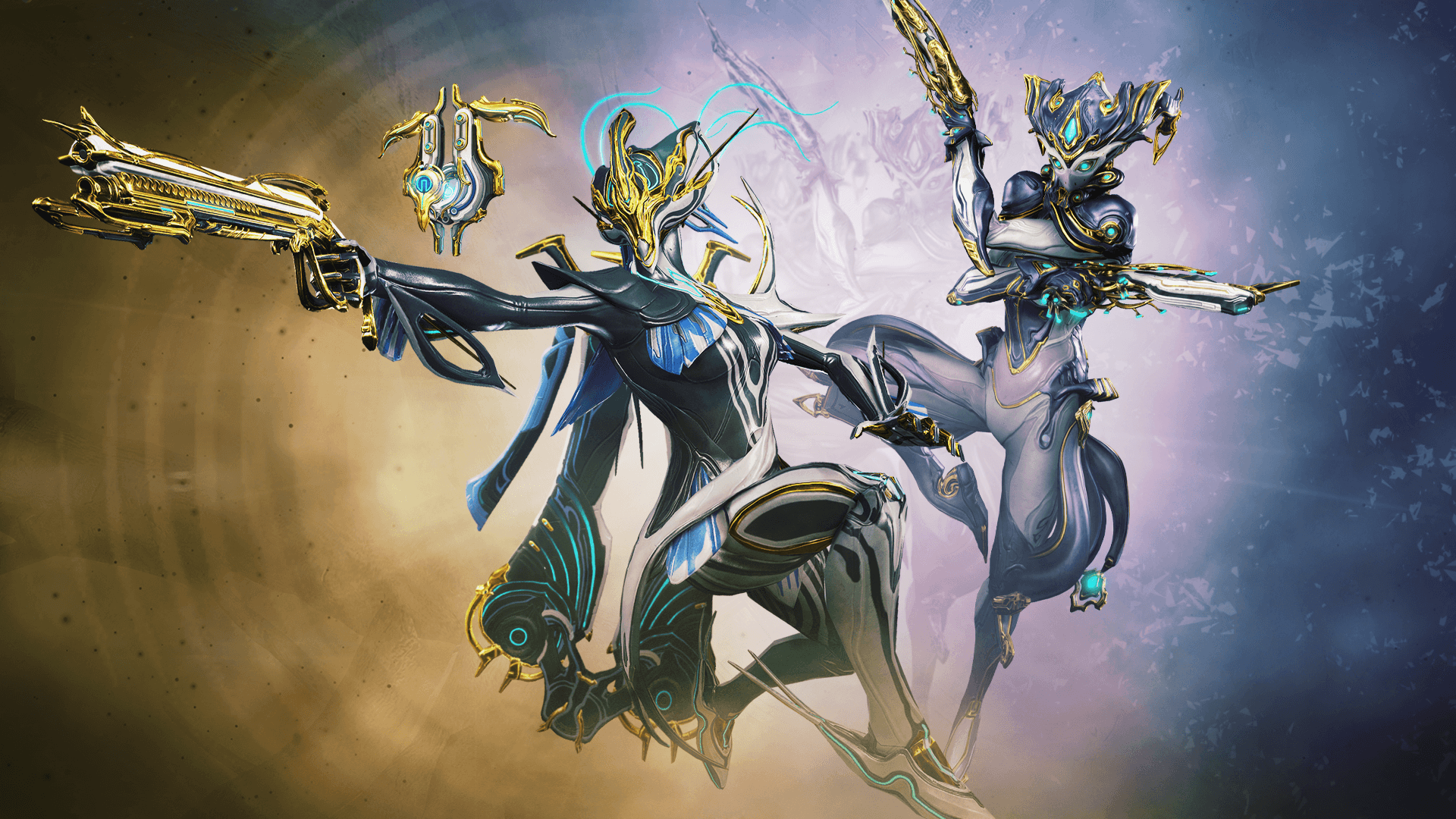
Digital Extremes have unveiled a new Prime Vault for Warframe, giving players a chance to acquire rare characters that have been out of circulation once again! Check out further details on the new Prime Vault below, including a short FAQ for those who want to know how to acquire these limited-time Frames.

For a limited-time only, players can instantly unlock or earn Banshee Prime and Mirage Prime to bolster their arsenals with manipulative abilities and overcome enemy onslaught with ultimate satisfaction.

The Banshee Prime and Mirage Prime Packs, which includes the Prime Warframes along with their signature Prime Weapons and exclusive Customizations, are now available for purchase through the Prime Vault program on all platforms. Individual Prime Accessories Packs are also available for purchase. Players can also gain access to Banshee Prime and Mirage Prime by earning Void Relics in-game and unlocking through gameplay.

Prime Vault FAQ:

What is Prime Vault?

Prime Vault is an extension of the Prime Access program. Prime Vault is a limited-time only, rotating program reintroducing previously retired Prime Warframes and Prime Gear available as a bundle with discounted Platinum.This Prime Vault offer gives players the ability to purchase Prime Vault packs to instantly unlock Banshee Prime and Mirage Prime.  Players can also choose to earn both Prime Warframes by unlocking through in-game Void Relics.

What is a Prime Warframe?

A Prime Warframe offers increased base stats and extra Polarity Slots which provides for more Mod customization and stronger builds. Not every Warframe or Weapon has a Prime variant, but when given the choice, players should progress their Primes for ideal performance in battle over their regular counterparts.

Can players still unlock and play as the base Warframe Banshee and Mirage?

Yes, players have access to the base Warframe’s Banshee and Mirage right now. Banshee’s blueprints can be researched from the Tenno Lab in the Dojo and then crafted, or purchased, in the Warframe Market. Mirage’s blueprints can be purchased from the Warframe Market or acquired by processing through the Hidden Messages quest from the Pluto/Sedna junction.

Will players be able to earn Banshee Prime and Mirage Prime without paying?

Yes, players can collect Void Relics which can then be cracked open to unlock Banshee Prime and Mirage Prime and the various Components needed to build him.

When will Banshee Prime and Mirage Prime release?

Banshee Prime and Mirage Prime are now out of the Prime Vault for a limited-time and can be instantly unlocked from the Warframe Market or earned by collecting Void Relics.

In case you missed it, check out the latest Warframe patch notes released for update 2.07 here.

MP1st Staff

Home > News

The Sims 4 Update 1.52 Brings New Content, Improvements This February 15

Maxis has released The Sims 4 update 1.52 patch today, and this is quite a significant update that preps the game for the big My Wedding Stories Game Pack’s release later this week! There are new clothing items for characters, bug fixes, gameplay improvements and more! Check out the complete The Sims 4 February 15 patch notes below.

The Sims 4 Update 1.52 Patch Notes | The Sims 4 February 15 Patch Notes:

PC: 1.84.171.1030 / Mac: 1.84.171.1230

Console: Version 1.52

WHAT’S NEW?

Are your Sims looking for love? Maybe they’ve already found it? With this update, your Sims have a new relationship option in Create a Sim. Sims can start out Engaged if they set their relationship to Fiancé. With this new relationship option, your Sims will be ready to experience the upcoming My Wedding Stories Game Pack to its fullest.

Do you love Weddings? What about building? If you do, we’ve got you covered. There is a new Wedding Venue lot type that can be created by anyone who owns The Sims 4. Love knows no bounds and neither do Wedding Venues.

We heard you like music… The World station is now available for everyone, with four new songs added with My Wedding Stories in mind. Previous World station songs will continue to be part of their original pack, but everyone can enjoy these new songs as part of the base game experience. Additionally, the perfect love song that was featured in the My Wedding Stories trailer is available on the Romance station for anyone who is looking to listen to it over and over again.

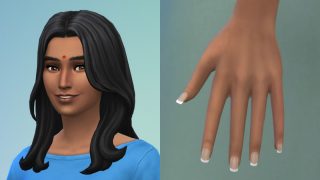
There are also a few Create a Sim item updates for all players. To support My Wedding Stories, we’ve added a few new items plus additional color swatches to some older ones. New items include a bindi, a toddler full body swimsuit, and french tip nails. We have updated 10 items with a variety of new colors, spanning all ages and genders:

  • 5 dresses for Women
    • yfBody_DressWeddingMermaid
    • yfBody_DressWeddingTiered
    • yfBody_DressFrillyRomantic
    • yfBody_DressFlutter
    • yfBody_DressBridesmaid
  • 2 Suit Jackets for Men
    • ymTop_Coat
    • ymTop_CoatDoubleBreasted
  • 1 Suit for Children
    • cmBody_Tuxedo
  • 1 Suit for Toddlers
    • puBody_SuitShorts
  • 1 Dress for Children
    • cfBody_FP01Dress (Free Holiday Pack)

Additionally in Build Buy you will see that the two Base Game wedding arches and the Pergola now come in a few more colors.

Sims 4

  • Male Celebrity Sims will no longer use the feminine walking or jogging walk style unless that’s what you prefer them to do.
  • Clicking on a Sim’s face in Create a Sim will take you to the general Face, Hair or Accessories selection mode now instead of taking you to the Detail Edit Mode straight away. Sims do also deserve a little personal space. 🙂
  • Improved performance when switching from Live to Build Mode in certain cases.
  • Fences should no longer disappear when hovering a gate over them after using the bb.moveobjects cheat.
  • Playing with Genetics in Create a Sim will no longer generate Teens with crow’s feet skin details. There are so many things that teenagers worry about – crow’s feet shouldn’t be one of those things.
  • Error 142: 9a63747c should no longer appear in future saves when loading certain lots.
  • Sim can move or travel to lots after returning from a concert now without getting stuck in the Manage World screen.
  • Selecting the yfHair_SP19CurlyUndercut_Red hair style for your Sim in Create a Sim will no longer apply the color of the hair to the Sim’s eyelashes.
  • Children should have matching eye colors of their parents now if both parents have purple or red eyes.
  • Some players reported an error saying “Entitlement missing” when attempting to move or delete walls of Lots placed from the Gallery. This error should no longer occur.
  • Obese Sims’ upper bodies should no longer shrink in size when zooming out while wearing specific outfits (ymTop_EF15ShirtCollared & yfBody_SP16Pajama).
  • Turning off the console legend option in the game options menu will now properly hide controller hints from time control and Sim selectors.
  • Long nails no longer poke through the gloves of certain outfits.
  • Fixed some issues that may cause an endless loading screen when attempting to load certain lots or saves.
  • The Create a Sim interface was a little slow when loading thumbnails and color swatches in the hair section. We made some tweaks, and the images should load much faster now.
  • There was a funky toddler thumbnail displayed under the Accessories section for toddlers. This thumbnail did not serve any purpose and has been removed. Enough funk for you, sneaky toddler.
  • Heeled shoes no longer appear glitched while wearing ymBottom_EF28JeansSkinTight pants.

Cottage Living

  • Grim Reaper now possesses the emotional fortitude to deal with the death of two animals at the same time. Life can be harsh buddy, I know.
  • Pants ymBottom_EP11PantsCorduroy_SolidGinger should now properly appear when selecting the masculine filter. We also updated the fit on feminine frames.
  • The yfHair_EP11BunTwists_broen hairstyle should no longer create white lines on your Sims face when selecting this hair style in Create a Sim.
  • Toddler shorts pfBottom_EP11ShortsDrawstring no longer show a gap between upper and lower body.
  • Wisteria and Ivy plants placed against a wall inside a room appeared darker in some spots than they should have. We shed some light on those plants and they should appear much better now. 🙂

Eco Lifestyle

  • Lots in Evergreen Harbor should now have some proper ground beneath them when accessed through build mode and the world should not look like it’s underwater any longer.

Discover University

  • The yfTop_EP08CardiganButtonup top now works properly with boots.

Dream Home Decorator

  • Dress yfBody_GP10DressSuspender_SquareNavy no longer causes discoloration on certain shoes.
  • GP10SkinnyJeanFlanel pants look fabulous combined with boots now.
  • The ymBottom_GP10WorkPants should now be properly resizable on male Sims.
  • The Mid Century Style Filter will include items from all packs now, not just from Dream Home Decorator.
  • Switching from Build and Buy Mode to Live mode and back to Build and Buy mode while working on an Interior Decorator gig, caused the amount of Simoleons already spent not to be deducted from the Client budget. This has been fixed now and the Client budget should always account for already spent Simoleons.

Star Wars: Journey to Batuu

  • We fixed an issue that caused Batuu Credits to be falsely displayed as Simoleons in the Household Funds.

Strangerville

  • You can harvest Bizarre Fruits from Bizarre Plants now. ΜØŦĦ€Ř… Ć▲ŁŁŞ ŦØ Μ€…

Spa Day

  • Sims with the Self-care Specialist Aspiration can sell Harvestables without issues now.

Dine Out

  • There was some discrepancy in Perk points shown for business owner Sim in the “Owned Business” menu vs. the “Restaurant Perks”. The “Owned Business” menu will show the correct number of remaining Perk points going forward.

Tiny Living

  • Toddlers should no longer have a bald spot on their head when wearing hair styles from Tiny Living. Hair clippers should be stored outside the reach of children.

Blooming Rooms Kit

  • Some plants from the Blooming Rooms Kit were updated to not cast a wrong shadow any longer.

Fashion Street Kit

  • Pants ymBottom_SP24ShortsTied & ymBottom_SP24PantsLayered do also no longer cause clipping when paired with boots.

Courtyard Oasis Kit

  • The Star of Paradise Fountain can be found in the Build & Buy catalog now when applying the Kits filter.
Source: EA
Avatar photo

Alex Co

Father, gamer, games media vet, writer of words, killer of noobs.

Home > Features

Cyberpunk 2077 PS5 DualSense Features Are Some of the Best We’ve Seen Yet

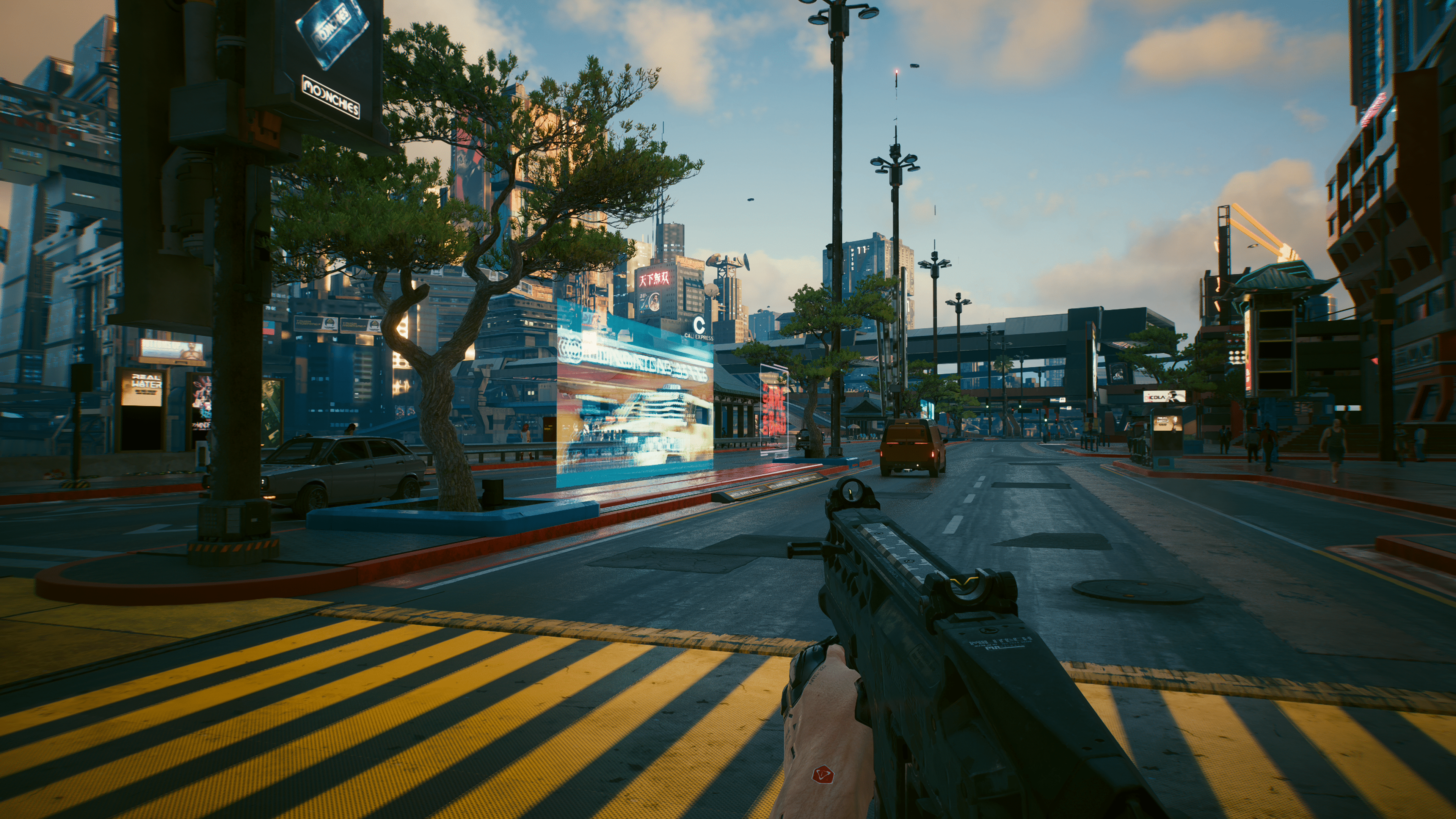
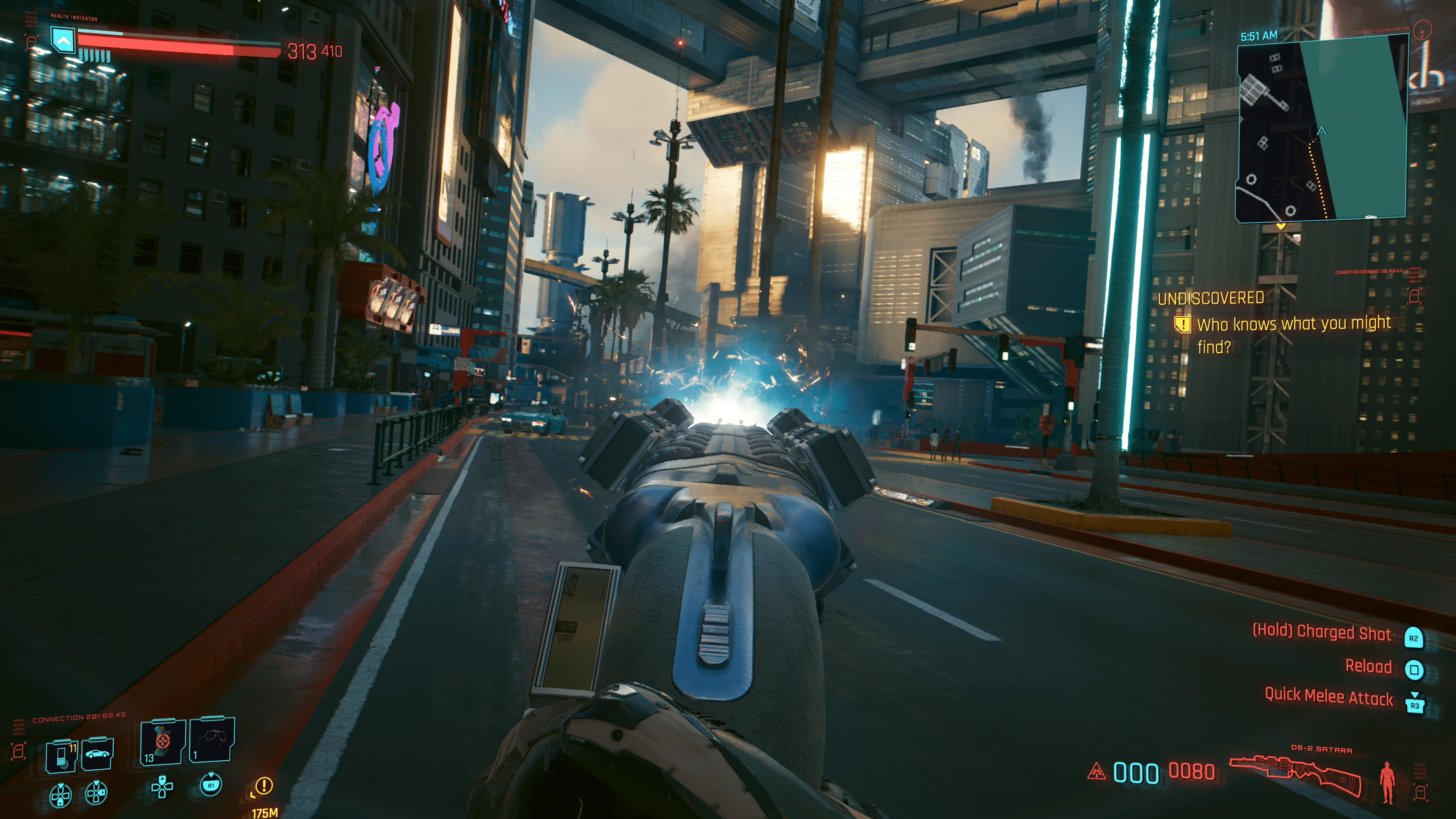
In case you missed the news, Cyberpunk 2077 launched today on the PS5 and Xbox Series, and while the next-gen version and the latest patch brings massive improvements to the title, perhaps one of the biggest game-changers is the inclusion of DualSense support on the PS5. So much so, that it may just be one of the best implementations in a third-party game yet.

Now, I’ve played titles such as Ghost of Tsushima, Returnal, Ratchet & Clank: Rift Apart, (and most recently, Horizon Forbidden West) and if there is one thing I can tell you: the DualSense is no gimmick. Being able to feel how a weapon handles, the trigger resistance of something being pulled, or just the vibration that is felt from the tune of rain hitting the ground. It’s immersive — a feeling that has never been experienced in gaming until now.

However, looking at the listed titles above, you can see that the best experiences are on those titles developed from the hardware creator themselves. That’s not to say that third-party studios haven’t taken advantage of the controller, as we have titles like Call of Duty, Dirt 5, Control, and even Marvel’s Avengers that put it to good use. There are plenty of third-party games out there that demonstrate the value of the DualSense. However, with Cyberpunk 2077 now on the PS5, I would argue that CD Projekt Red may have used the feature to the utmost, embedding it into several of their world mechanics. 

With the arsenal of weapons that Cyberpunk 2077 has, one would expect there to be quite a bit of variations in how the haptic and adaptive triggers work, and there is — tons of it, in fact. While I initially booted Cyberpunk 2077 to see if the PS5 version really was in a better state than the last-gen versions (spoiler: it is), I soon found myself tinkering with the adaptive controller as I fired off a gun. My first tested weapon was a shotgun, and boy, does it have a kickback. The adaptive triggers have some of the highest level of resistance I’ve felt in a game thus far, and getting a slight kickback feeling followed by vibration from the haptics as a response to firing was sheer joy. 

The revolver’s haptic and adaptive responses were pretty similar, and was only shorter since the firing rate was higher. However, despite the similarities, they did feel very different as the sound emitted made the revolver feel like the quick shooter we know it for, whereas the shotgun had a bit of a long pause in between shots and its haptics. In contrast, the shotgun felt a bit as deadly as you would imagine it to be, and although I’m holding a controller, the resistance certainly made it feel heavier than it really was. 

Some unique weapons with charges or mods also acted differently, even if they were of the same class. One of my weapons had electricity, and while the adaptive was the same as the one without, there was added haptic feedback that provided vibration as the electricity surged. 

And these features go beyond just weapons. For vehicles, players can expect small clicks and audio cues as the gear shift, along with resistance on both the accelerator and reverse. What’s more, if you hit an object while accelerating the controller will respond with a specific vibration on the right side trigger. The same is true if you crash going in reverse, only it’s on the left trigger. Taking damage from gunshots and melee weapons has a bit of feedback, but nothing drastic. Actions such as entering a vehicle, opening a door even have some unique cues.
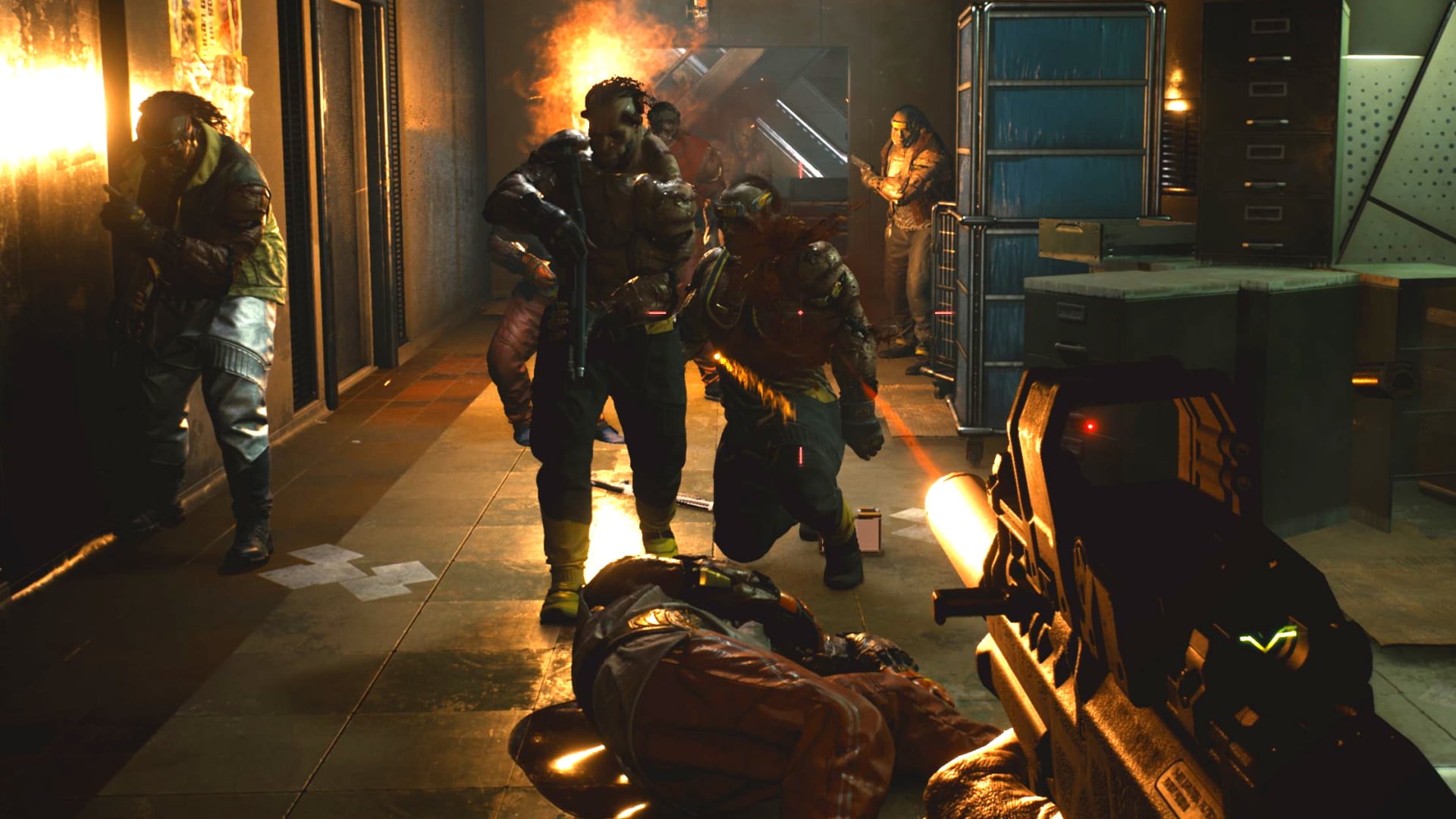
Honestly, it’s hard to describe, and as many would say, you need to experience it in order to know. But for PlayStation fans all familiar with the controller, trust me, Cyberpunk 2077 is one of those games that truly feel like it’s making  great use out of it. So much so that I would recommend playing on PS5 for the sole purpose of the haptics and triggers. It makes a world of difference, and despite beating and nearly hitting 100% Cyberpunk 2077 on PS4, the DualSense, along with the hefty amounts of improvements on the PS5 version, are giving me a reason to replay through the entire game again. 

The only disappointment is that in the overall campaign, as far as I can tell from the hour I played, the haptics and adaptive are turned off. So big moments, such as the opening where you get a view of the city from a craft, lack any noticeable haptic. We noticed in a scripted brawl from the intro it was the same. Hopefully down the road we see more updates around its implementations.

Regardless, Cyberpunk 2077 has easily become one of my favorite games to showcase the DualSenses’s features off. And luckily, there’s a free trial that everyone can play right now, so I urge PS5 owners to give it a go, come back, and tell me your own thoughts. 

Avatar photo

James Lara

A gamer at heart, James has been working for MP1st for the last decade to do exactly what he loves, writing about video games and having fun doing it. Growing up in the 90's gaming has been in his DNA since the days of NES. One day he hopes to develop his own game.

Home > News

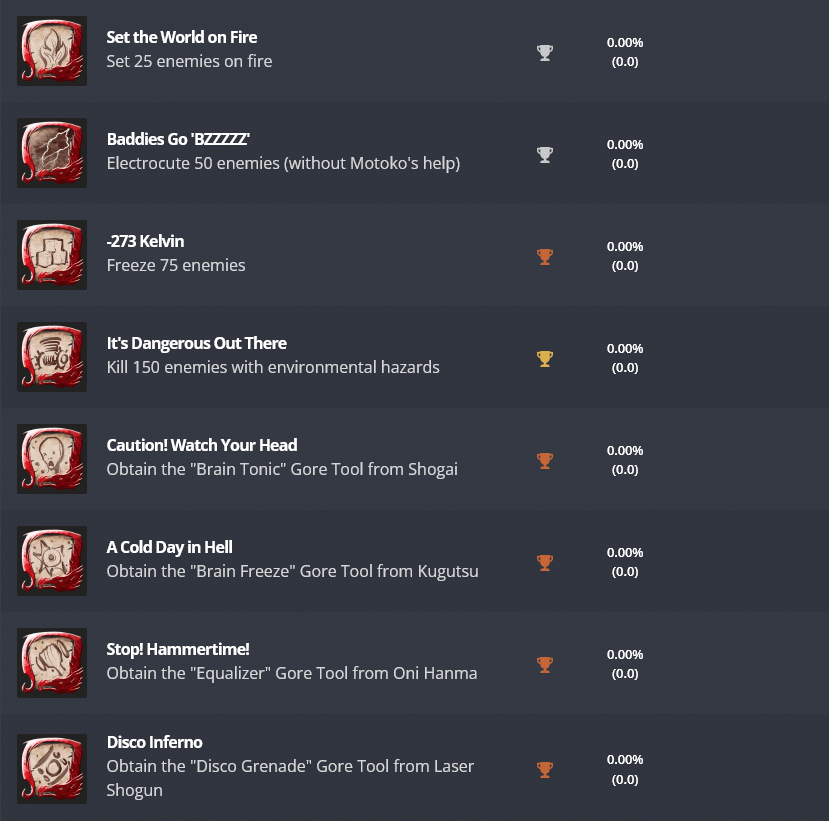
Shadow Warrior 3 Trophies Revealed, 39 Trophies in Total

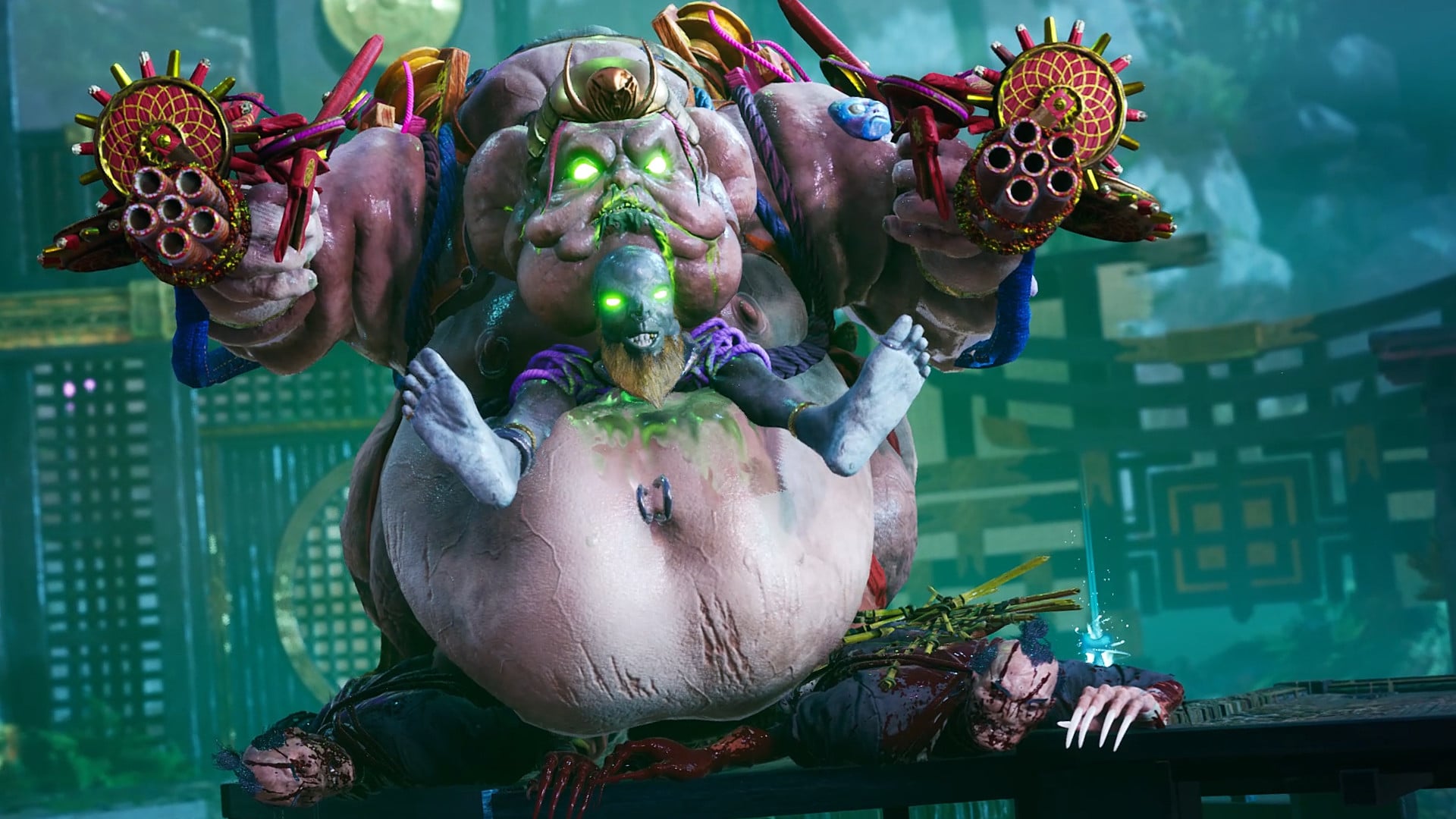
Ahead of its release next month, the Shadow Warrior 3 complete list of Trophies for the game has been revealed, with 39 in total for perfectionists to collect. Check out the full list of Trophies below.

Shadow Warrior 3 Trophies:

Here is a set of features for the game as per its Steam page:

Bring a Katana to a Gunfight
Conduct a symphony of death with each encounter by mixing overwhelming firepower with devastatingly precise katana strikes as you dash in and around the demonic hordes.

Fancy Footwork
Flow between nimble movement techniques including air dashes, wall running, double jumps, and the fancy new grappling hook busts your combat and movement options wide open in every battle.

Execute Then Annihilate
Execute spectacular finishing moves to claim a piece of your conquered foe and unleash its powers back on the horde in a burst of unstoppable fury and powerful magic.

Dynamic Combat Arenas
Each environment is lined with hazardous structures and devices that can be activated to add another layer of creative choice to the offensive strategy.

Neo Feudal Japan
Trek across a mythic Asian land infused with the magic and technology of ancient samurai, now overrun by the demonic yokai from Japanese folklore.

Funny Business
Brace for expertly delivered one-liners from Lo Wang, pointed banter with Zilla, and an intense thrillride of absurd predicaments on the way to turning doomsday into a new day.

In case you missed it, check out the weapon showcase for Shadow Warrior 3 here.

Source: Exophase

MP1st Staff

Home > News

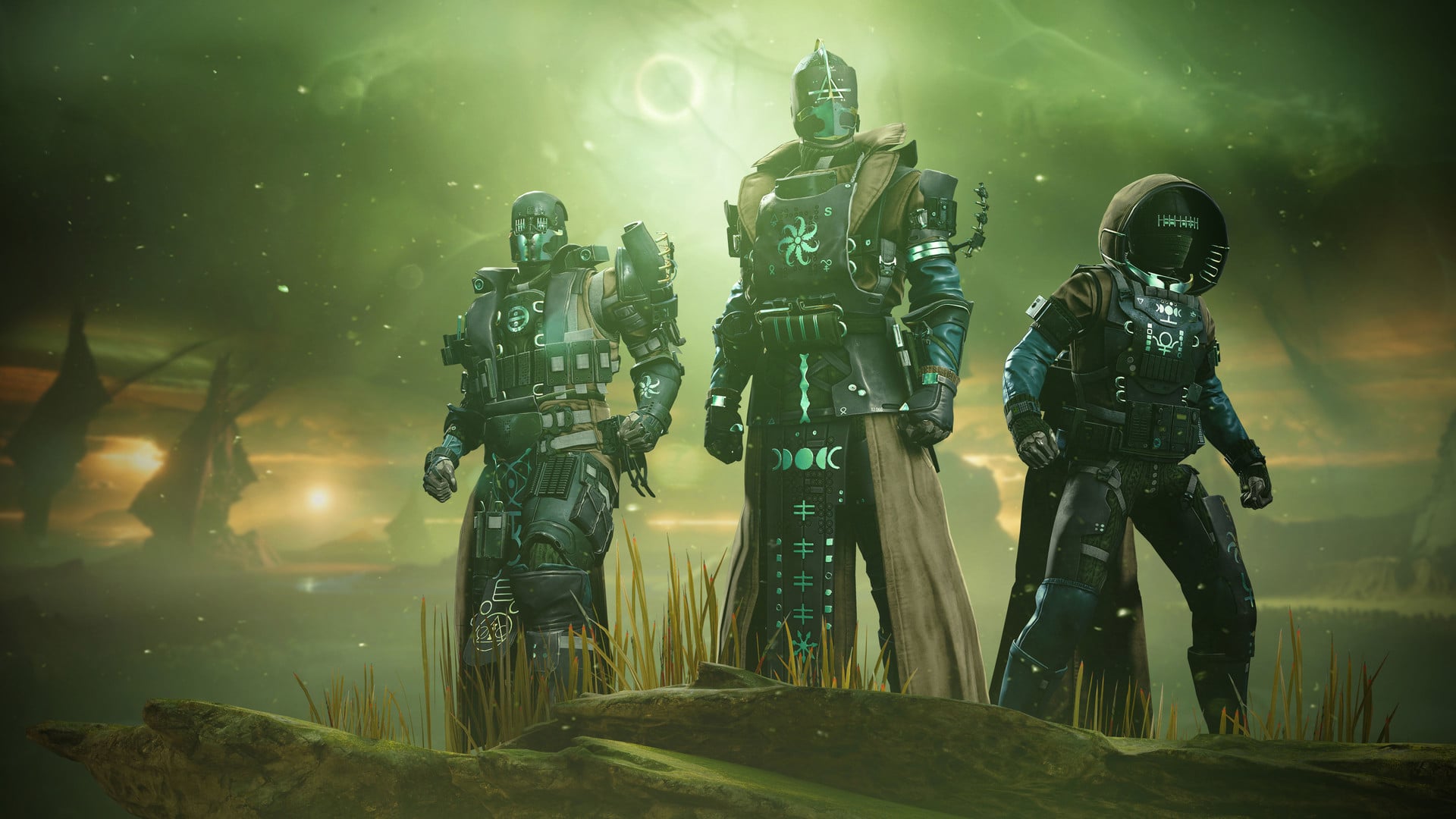
Destiny 2 Exorcism Mission Bug Surfaces for Players This February 15

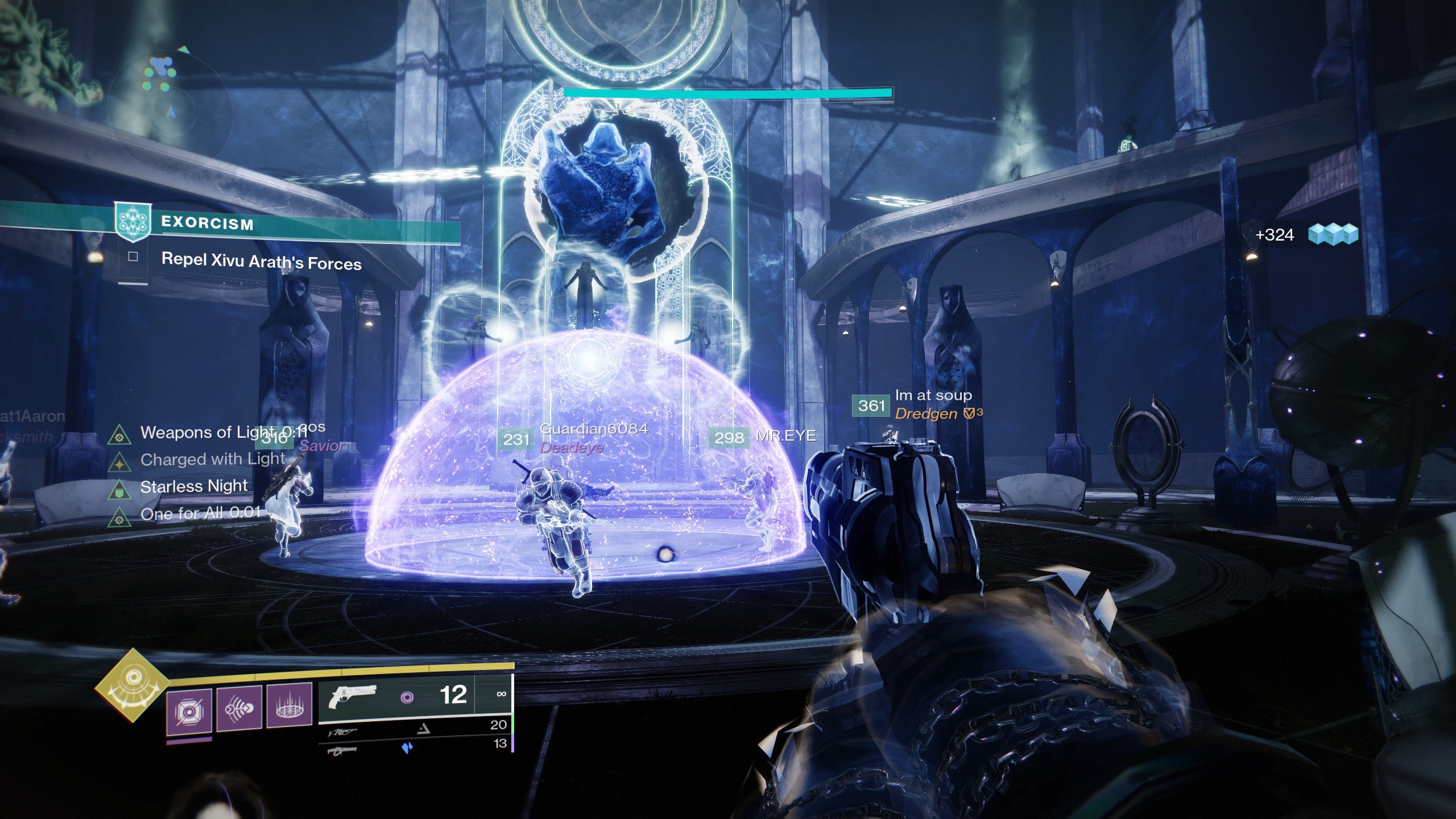
While there’s no patch released today for Destiny 2 during maintenance, it seems something got triggered when it happened, as players are reporting of a Destiny 2 Exorcism mission bug that prevents guardians from progressing! So, if this is happening to you, don’t fret, as it is a known issue.

Destiny 2 Exorcism Mission Bug – February 15 Report:

Here’s the announcment from Bungie:

We are currently investigating reports of issues with the Exorcism mission and quest. Players experiencing issues with this mission or quest should report to the Help forum: https://bungie.net/en/Forums/Topics?pNumber=0&tg=Help…

As we continue to investigate, please note:

❖ Progression can be blocked if moving too quickly on the Bridge encounter. Double back if blocked.
❖ Don’t skip the final cutscene
❖ We’re disabling the option to join this activity in progress via Matchmaking

Unfortunately, even if you don’t want to skip the final cutscene, if one on your team does, well, then, you’re screwed too. Once Bungie posts an update, we’ll be sure to update this post accordingly.

Don’t forget to check out this week’s reset of activities and what Eververse has in her inventory. Bungie also released The Witch Queen launch trailer as well, since it’ll be out in a week.

Avatar photo

Alex Co

Father, gamer, games media vet, writer of words, killer of noobs.

Home > News

Dying Light 2 New DLC ‘Ronin’ Unveiled; Key Art Revealed

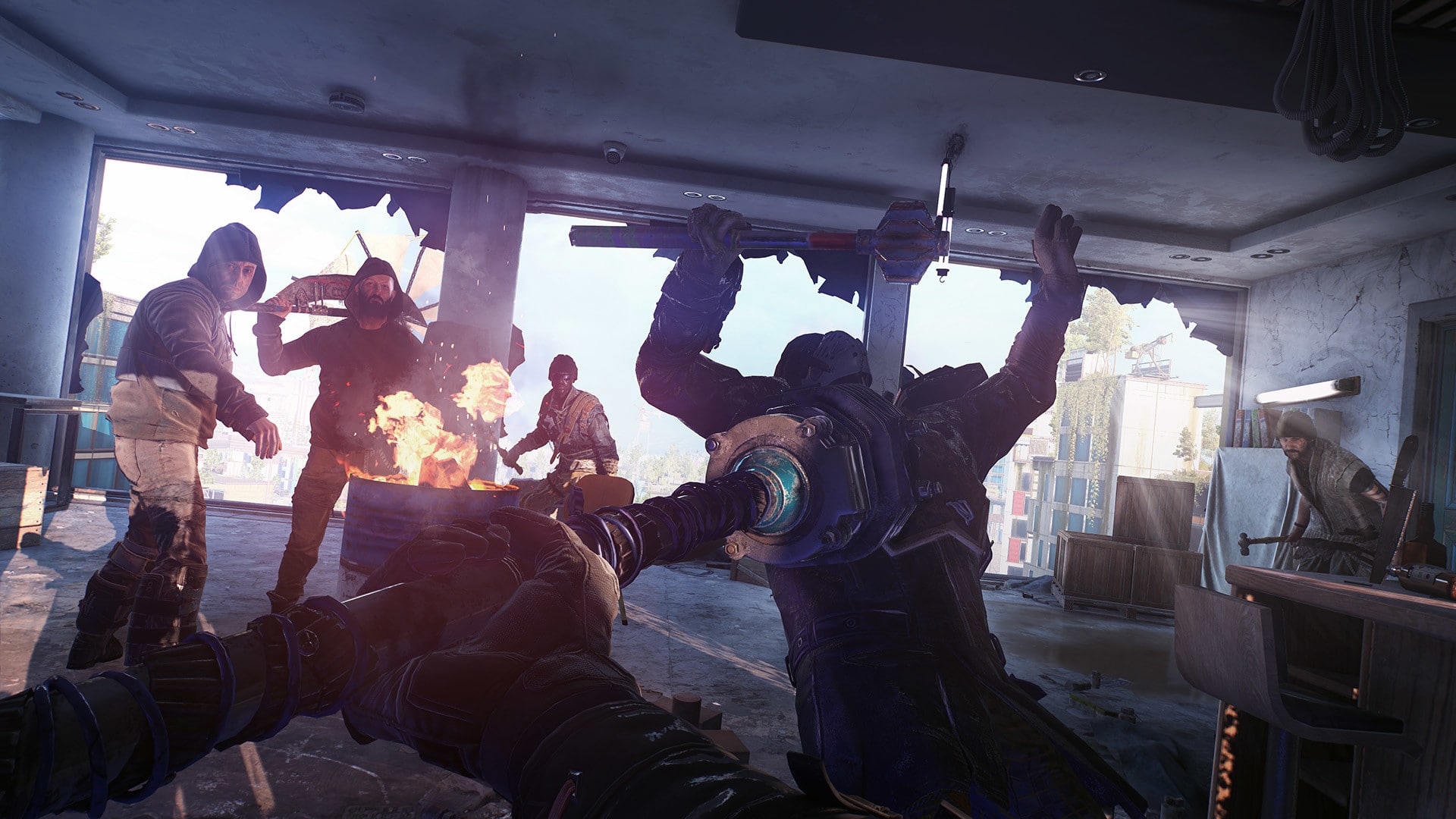
While the first piece of add-on content is now live across all platforms, there’s still more to look forward to as a Dying Light 2 new DLC called ‘Ronin’ has just been unveiled via a new key art. Check out the details on this still-unannounced DLC below.

As mentioned, Ronin, the new DLC for Dying Light 2, has not yet been announced; that said, PlayStation Game Size over on Twitter has managed to snag a key art for the add-on content, most likely from its official PlayStation database. Check it out below.

As mentioned in the tweet, it looks like this new pack is one for the Survivors, and it is part one of three. This very much follows the same trend as the first DLC called Authority, which will be released in three parts. Currently, one part for that particular DLC has been released, with the second one coming on the 16th and the third one coming on the 18th.

Following the game’s roadmap, we will most likely see this new Ronin DLC sometime before March as it is part of the factions-inspired content.

In case you missed it, check out our review for Dying Light 2 here, where AJ writes, “While Dying Light 2 improves on its predecessor in nearly every way, occasional bugs hamper the experience and a few of the gameplay changes are ones I could have done without. Still, if you’re someone who’s been looking forward to the game, nothing that I experienced in my nearly 30 hours with the game was a complete deal breaker, and in fact I enjoyed my time quite a bit. If you’re someone that’s been on the fence, or perhaps mildly interested in Dying Light 2, I definitely think it’s an experience that’s worth your time, and one that stands out amongst the crowded zombie genre. If you were a fan of the original and have been eagerly anticipating Dying Light 2, it’s an easy day one purchase, and one that delivers on every promise that Techland set for it.”

MP1st Staff

Home > News

Baldur’s Gate 3 February 15 Update Out for Patch 7 Barbarian Class on PC

Larian Studios has released the Baldur’s Gate 3 February 15 update today on PC, and this one is for Patch 7 which brings the Barbarian class  to the game! Head down below for the complete  Baldur’s Gate 3 February 15 patch notes on this latest update.

Baldur’s Gate 3 February 15 Update Patch Notes | Baldur’s Gate 3 Patch 7 Notes:

Patch 7 for Baldur’s Gate 3 is here, and with it comes a new Barbarian class, the introduction of goblin-tossing (AKA improvised weapons), improvements to nearly 700 cinematics, and a major overhaul of our HUD UI – among many other tweaks and fixes! We’ve also seen your comments, and are happy to announce that Shadowheart’s ponytail now abides by the laws of physics – we blame forces beyond our control for it being so wild and untameable.

If you’re looking for the full notes for Patch 7, it’s time to pour yourself a glass of something strong, cozy up in your favourite chair, and get those tiny reading spectacles on – because they’re quite sizable. We’ve picked out some highlights for you to jump into first, and of course recommend you read the full Community Update for a deeper dive into said highlights. Otherwise, on with the notes! As ever, there may be spoilers in here – don’t say we didn’t warn you.

Patch notes related to community-reported issues and feedback are indicated with an asterisk. Like this.*

HIGHLIGHTS
  • Added the Barbarian class with two new subclasses – Berserker and Wildheart.
  • Berserker:

    Grow your Rage into a relentless frenzy and gain the ability to deal additional damage in the heat of battle. When you are filled with Rage, you can use improvised weapons as a bonus action to do extra damage.

  • Wildheart:

    Draw from the power of your Bestial Heart and wield ferocious combat abilities inspired by the eagle, elk, tiger, bear, or wolf. As a Wildheart Barbarian, you can flaunt unique facial piercings based on which animal you choose to guide you.

  • Overhauled the HUD UI. We are continually refining and improving all of these new features, but we’re excited for you to try them out!
  • Designed a brand new hotbar to better help you explore all the options and features your characters have to offer. The hotbar, now more intuitive and less cluttered, allows you to thematically collect common actions, class-specific actions, and spells and items into ‘Decks’. We’re also working on ‘Custom Decks’, which allow you to fully customise your hotbar tabs – you can dip your toes into this feature through the custom deck we’ve made available. The new hotbar also allows for resource-based filtering, especially useful in combat.
  • Introduced brand new Character Sheet and Party Panel views, which combine the old Equipment, Inventory, and Stats panels. You can now continue to play while you have these open and move them around the screen as needed.
  • Added extensive quality-of-life search filters for items, weapons, and abilities.
  • Updated the Turn Order UI to appear at the top-centre of the screen and allow for scrolling.
  • Added a Party Management panel (and an associated tooltip) below the party member portraits that includes toggles for Group Mode and Group Sneak.
  • Vertically aligned the party member portraits.
  • The minimap is now a circle – the most noble shape.
  • Added new melee combat options.
  • Thrown weapons:

    You can now throw a new class of weapons from a distance. Thrown Weapons like Daggers, Javelins, Handaxes, and Spears do damage based on their Damage stats rather than their weight. Barbarians will begin the game with two Handaxes in addition to their primary Greataxe weapon.

  • Improvised weapons:

    You can now attack by using furniture, instruments, animals, limbs, and NPCs as Improvised Melee Weapons.

  • Expanded throwing:

    You can now throw objects or characters that weigh up to three times your Strength ability score. The range of the throw scales based on your Strength and the object’s weight. Rile enemies up by throwing a badger at them or yeet a goblin to test their aerodynamics.

  • Placed 24 new hand-crafted Magical Loot items throughout the world. Seek out the Hamarhraft – an Uncommon Maul that deals 1d4 Thunder damage within a 10ft radius upon landing after a Jump. Or find a pair of Linebreaker Boots and gain +1 melee damage for one turn after a Dash.
  • Implemented a new ‘Room Portal’ system, which conceals the details of characters and objects in closed-off or unexplored rooms. This brings more surprise and tension to exploration.
  • Added new music.
  • Added a new live orchestral suite to the Character Creation playlist.
  • Added new ambient pieces to Grymforge.
  • Added a new piece to the main Camp.
  • Added brand new spell-casting animations that are tailored to each spell-casting class, giving each class a unique look.
  • Improved the detection of light and dark areas.
  • You are now less likely to miss during combat in lit regions.
  • Your ability to hide from NPCs is now more accurately affected by how dark it is.
  • Improved how Darkvision is visualised: characters with Darkvision can now see in the dark via a cone of vision.
  • Improved cinematic pacing and visuals.
  • Refined animations and cameras across nearly 700 cutscenes.
  • Implemented over 400 new animations.
  • Improved animal and creature animations across over 200 interactive dialogues.
  • Added Barbarian reactivity to interactive dialogues.
  • Re-recorded and remastered portions of the narrator’s voice-over audio.
  • And the update we’ve all been waiting for: we’ve improved the chicken wing flap SFX and enhanced the VO for nervous squawking to bring you a truly authentic depiction of chicken anxiety.
BALANCE CHANGES
  • Companions no longer self-heal after being recruited.
  • The Ranger’s starting kit now includes an Arrow of Ice instead of grease bottles.
  • Wizards now benefit from the Savant feature of their subclass.
  • Added Poison Resistance to duergar as per D&D lore.
  • Lowered the Armour Class of the Goblin Warriors Kramp, Clack, and Skrut to be more consistent with other goblins.
  • Characters who are Downed during their turn now automatically give their turn to the next character with shared Initiative.*
  • NPCs affected by a Polymorph or Charm spell will now have a negative attitude towards the spellcaster. At least say you’re sorry.
  • Removed Sleeping Advantage from your Ability Check when you attack Astarion at Camp.
  • The Intransigent Warhammer now causes knockback and applies Prone on a critical hit or when dealing a killing blow.
  • When wearing the Poisoner’s Robe, you now deal additional damage when casting Chromatic Orb: Poison.*
TWEAKS
Gameplay
  • Some NPCs are now Barbarians and will act accordingly.
  • Improved aim for the Jump action to make it easier to descend into the Underdark in the Whispering Depths.
  • Krolla now shoves the chicken accurately the first time during the chicken chase. The chicken signed a waiver so it’s fine.
  • Astarion’s default proficiencies are now applied to him before he is recruited to your party.
  • Arka and Memnos will now react to Kanon even if you change into a Wild Shape in front of them. #priorities
  • Party members now stop following you if you are caught trespassing and enter into dialogue about it.
  • You can now jump across the pillars behind the Druid Grove with 9 Strength to reach the heavy chest.*
  • You can now complete the Saving Arabella quest with Mol before rescuing Mirkon.
  • The default action for Poisonous Slime Bombs is now Throw instead of Coat Weapon. Still pretty gross though.
  • In addition to a broken spear, Edowin now drops random loot when he dies.
Usability
  • Fixed an issue blocking players from overwriting existing saves from the previous patch.*
  • Redesigned tooltips so they are more compact on screen.
  • Added new keybinds and reassigned some old ones to be more intuitive. The Inventory (I), Spellbook (K), and Character Sheet (N) keybinds open and close your character’s Character Sheet. When in Party Panel view (TAB), these same keybinds let you access those panels within that view.
  • Pinned tooltips can now open and close with a secondary keybind.
  • An error message now appears if you have a modded UI that can’t be loaded in the game.
  • When playing on Stadia, you are now able to actually throw items with the controller using the Throw action.
Visuals
  • Replaced the black void in Mol’s Lair with stone walls that are now visible if you have a light source or have Darkvision.
  • Made the explosion at the Zhent Hideout more explodey.
  • Made the entrance to the secret Myconid area slightly less obvious and thereby more secret.
  • Increased the lighting in the Owlbear Cave to make the owlbear egg more visible.
  • Added extra lights in Grymforge to highlight the levers used in the Adamantine Forge fight.
  • Gave pikes longer shafts and wider tips. Please be careful where you stick those things.
FIXES
Crashes, Freezes, and Blocks
  • Fixed a crash that would occur if you had a modded game. A pop-up will now indicate that files have errors and the game will close.
  • The game now shows a ‘Game Over’ window if all players are Downed and there are no more Short Rests left.
  • CloudManager no longer crashes when trying to delete cloud saves when there are multiple profiles.
  • Fixed a crash that occurs when creating or switching in-game profiles.
  • Loading a savegame where a character is under Nere’s control no longer causes a crash.
  • Fixed a crash in the AI system.
  • You can no longer name your savegames using reserved file names, so you can now access the files and load these savegames without the game crashing.
  • The game no longer crashes after you throw a runepowder vial at the cave-in.
  • Casting Cloud of Daggers on the Nautiloid no longer freezes the game.
  • The game no longer crashes after the cinematic at the Myconid Circle.
Continuity
  • Fixed an issue blocking you from being released from your chains after you’re rescued by an NPC from Priestess Gut.
  • Fixed the Frightened condition not disappearing after you see the dragon in the Githyanki Patrol scene.
  • You are no longer blocked from interacting with your surroundings after talking to Jeorna in the Druid Grove.
  • Halsin and Kagha no longer skip certain lines of dialogue.
  • Fixed a dialogue continuity error in ‘Find the Mushroom Picker’.
  • A specific dialogue with Andrick now only triggers if the owlbear has been killed.
  • Fixed the response options in the dialogue about the attack on the Druid Grove.
  • Zarys no longer repeats her dialogue when you inform her that you’ve found the missing Zhent shipment.
  • The Escape Artist inspiration point is now applied correctly once triggered.
Multiplayer
  • If you rejoin a multiplayer session, you now regain control over your old character.*
  • Items that weren’t being shared automatically between users in multiplayer will now transfer successfully.
  • If you’re hosting, your character no longer becomes stuck when you recruit Us and switch characters with a client player.
  • Improved the message when you encounter a NATPunch server failure issue when you start multiplayer.
Travel
  • You can now leave the Nautiloid if you touch the Transponder while another character is in dialogue.
  • If Us dies on the Nautiloid, you can activate the Transponder to leave the ship.
  • You can no longer pass through a wall on the Nautiloid by squeezing through a fleshy wall texture. Use a door like the rest of us. This is a society.
  • Fixed a platform on the Nautiloid so you won’t get trapped inside it. You can now jump on and off after climbing the platform with low Strength.
  • Made sure Gale’s recruitment cinematic always plays after you teleport to the Roadside Cliff for the first time.
  • Fixed issues with door buttons in the Dank Crypt.
  • You can now enter Kagha’s lair in the Emerald Grove and look through her things. But have you no shame?
  • The door to the Druids’ Chambers now remains open.
  • You no longer get stuck on the door to the Servants’ Quarters in the Druid Grove.
  • You must now actually be inside the Thayan Cellar to access the lever behind the trick wall.*
  • An area in Grymforge that looked safe but was actually a GIANT CHASM is no longer accessible. The Chasm death trigger has been removed, so you will no longer die unexpectedly.
  • Made a small room in the small, basement-level camps accessible through an equally small door.
  • Fixed certain ladders and knotted ropes so they can be climbed.
  • The trap near the Cragged Rock in the Underdark now launches you into the chasm as intended. Enjoy.
  • You no longer teleport through the floor of the Merregon room in Grymforge.
  • Tweaked the rope netting in Grymforge so you can’t fall through and into the lava. Please don’t touch the lava.
  • Characters no longer become unresponsive if they take fall damage.
Combat
  • Fixed an issue causing you to move before casting a ranged attack even though your position was valid.
  • Characters no longer skip turns in combat after being Downed or following a long rest.
  • Adjusted the Rush attack so you correctly attack one enemy instead of two.
  • Ensured NPCs who apply invisibility on themselves don’t immediately remove it. Way to stay stealthy, hot shot.
  • NPCs no longer skip a turn if they fail to use a consumable during combat.
  • NPCs are less likely to get stuck when trying to pick up a weapon while having no remaining Movement.
  • The weapon you start with in Character Creation now carries over into the game.
  • Force Tunnel now works correctly on characters and containers.
  • Characters are no longer unresponsive after interrupting dialogues through combat.
  • You can now exit Turn-Based Mode if you become Prone.
  • Fixed a bug that could block you from ending your turn while in Turn-Based Mode.
  • Tweaked the combat with Herdmaster Skarjall to ensure he is always armed with a whip.
  • The Spore Servant’s immunities now match D&D lore.
  • Redcaps will now only join the fight with Auntie Ethel if they are within range.
  • Fixed the Absolute’s Warboard shield providing an extra +2 bonus on top of the base bonus.*
  • Fixed Hook Horrors not being able to multi-attack Prone characters in some situations.
  • The Underdark Spectator no longer gets stuck if it moves to certain coordinates.
  • Fixed an issue causing dismissed companions to become hostile if you pick up a Supply Pack that you dropped at Camp.
  • The Magma Mephit can now fly back onto platforms without getting stuck.*
  • Auntie Ethel no longer continues to be hostile when you choose the Lolth-sworn option as a drow to strike a deal with her.
  • If you cast a Friends or Charm spell on Scratch, he no longer becomes hostile towards you at Camp.
  • The Guardians in the Thayan Cellar will now attack after they have all been freed. We insulted their taste in crypt decor, and now they’re angry and ready to fight.
  • Applied Light Armour proficiency to Stonemason Gergerann.
  • Fixed an issue causing Auntie Ethel to end her turn without moving or attacking if Mayrina’s cage is lowered before she can attack it.
  • Nere’s Coerced condition now disappears with non-psychic damage.
Spells
  • Spells that target an area around you will now more accurately highlight the affected area.
  • Burning Hands no longer benefits from the Metamagic: Extended Spell.
  • The Megamagic: Careful Spell can now be applied to Acid Splash.
  • Adjusted the Metamagic: Careful Spell so it can’t be used on spells that don’t target allies.
  • Fixed a bug causing Flaming Sphere and Moonbeam to have an incorrect Difficulty Class.*
  • The Ranger class can now replace spells at Level 4.
  • Adjusted the Metamagic: Heightened Spell so it works with the Reduce, Heat Metal, and Light spells.
  • The Metamagic: Subtle Spell no longer affects spells that can be cast while Silenced.
  • Spike Growth now properly disappears after Concentration is broken.*
  • NPCs affected by a Friends or Charm spell will now react appropriately when you approach them after the spell ends.
  • Removed the Prepared Spells gauge from the UI for non-spellcasting classes.
  • Crown of Madness no longer causes the target to roll a Saving Throw with Advantage.
  • You no longer receive damage when you cast the Ring of Absolute Force’s Thunderwave spell if you aren’t branded with the Mark of the Absolute.
  • The bodies of halflings and dwarves no longer stretch in cinematics after casting Disguise Self.
Items
  • Increased the weight of the Idol of Eldath from 1kg to 35kg despite it looking like an enormous chocolate figurine.
  • The Nautiloid’s doors can no longer be targeted and destroyed.
  • You can now reach all items in Waukeen’s Rest.*
  • Adjusted a floating chest in the Druid Grove so it complies with gravity.
  • Made it easier to pick up items in the Acrid Workshop.
  • Fixed duplicate containers appearing at the Putrid Bog.
  • Removed a bunk bed in Waukeen’s Rest so you can’t accidentally fall down onto the balustrade when you climb to the top bunk.
  • A fireplace in the Selûnite outpost is no longer clickable.
  • The book ‘Fables of Faerûn V: The Boy and the Beholder’ is now on the floor in the Blighted Village and can be reached.*
  • Removed random Bandit Armour from the Duergar skiff in the Underdark. Clean up after yourselves, bandits.
  • The Eldritch Rune now disappears from your inventory upon use.
  • You are now only rewarded with a single lock of Auntie Ethel’s hair, not two, if you make a deal with her.
  • Tweaked a guard’s vision cone so it’s not obscured by the Grated Iron Doors in the Worg Pens jail.
  • Fixed an issue causing Gloves of Fire Resistance not to take effect if you equip the gloves with less than half your health.
  • Wearing a Whispering Mask now applies the Ephemeral Whispers condition, allowing you to walk through the Gnarled Door.
  • Added a ‘Split Items’ option to the context menu for splitting items in the Traveller’s Chest.
Gameplay Animations
  • Fixed an animation issue causing your character to pop into their idle animation after cancelling or casting a spell.
  • Shadowheart’s ponytail now abides by the laws of physics.
  • Sazza no longer walks through her cage if she catches you lockpicking the cage door.
  • The correct idle animation now plays for halflings’ Jump, Throw, Help, Disengage, and Shove actions.
  • The Protection from Poison spell now features the correct casting animation.
  • Made changes to the Light spell’s casting and hit reaction animations.
  • Made changes to Minthara’s buff and hit reaction animations.
  • Adjusted halflings’ heads so they no longer look too high when targeting an enemy with a ranged weapon.
  • The Rush attack animation now plays correctly.
  • Killing Shadowheart will now trigger the dying animation rather than the idle animation.
  • Updated the preparation and casting animations and the VFX for the Shadow of Menzoberranzan’s Shrouded in Shadow spell.
  • Improved the Dipping weapon animation so your character’s upper body no longer appears frozen.
  • Adjusted the animation for NPCs so they appear more natural when turning to look at you.
  • Damage and reaction are no longer delayed after an object hits a character.
  • Sitting down right after unsheathing a weapon no longer causes the animation to freeze.
  • Unsheathing a dagger right after turning around no longer causes the animation to freeze.
  • The sitting animation now only plays once if you trigger the Hide bonus action while moving into position.
  • Pressing the CTRL key no longer triggers the animation for preparing an attack twice when playing as a shielded female dwarf.
  • Fixed slight animation overlaps when casting spells with the Touch range.
  • Improved the Electrified Steam Cloud surface and added electricity and lightning VFX.
  • The correct hand-glow effect now appears when preparing to cast Lesser Restoration, Cure Wounds, Healing Word, and Crown of Madness.
Cinematic Animations
  • Torgga’s pants no longer float in the air if she is dead. But she still wakes up at night thinking about that one time it did happen.
  • VFX are now present when using the Speak with Dead spell in a cinematic.
  • Fixed camera issues during Aradin and Zevlor’s confrontation.
  • Improved the Adamantine Golem so it appears Superheated in its cinematic.
  • The Auntie Ethel animation is now more fluid during dialogue at the Druid Grove.
  • Fixed animation issues with Gale in the dialogue after you rescue Mirkon from the harpies.
  • Fixed the player positioning in the cinematic with the Scrying Eye.
  • Repositioned the camera so Barcus Wroot appears slightly further away after being freed from the windmill in the Blighted Village.
  • When you choose to cure Thulla with Noblestalk in the Myconid Circle, the animation now shows you giving her Noblestalk instead of a bottle of antidote.
  • Shadowheart now looks at characters correctly on the Nautiloid.
  • Astarion now claps as Abdirak tortures you. Thanks, pal.
  • Fixed the flute disappearing or being misaligned when you play the wrong note for Gale’s resurrection.
  • Updated the Mindmeld visual effect so it appears correctly around your character’s head.
  • Fixed the Speak with Dead visual effect appearing around your character’s head.
  • Added missing Speak with Dead VFX for the deceased bugbear in the Blighted Village.
  • Re-staged the Mindmeld shot to avoid two Mindmeld VFX playing simultaneously.
  • Fixed the wrong Camp being shown in the cinematic if a dead companion is in a different region.
  • Added VFX for Abridrak in the Goblin Camp.
  • Halflings’ hands no longer clip into Nere’s body during the decapitation in Grymforge.
  • The eyes and mouth of the pale corpse now glow as intended when you trigger Speak with Dead.
  • Adjusted the camera so Volo’s cage doesn’t block your face if you are playing as a halfling.
  • The addled frog is no longer submerged underwater in the Putrid Bog. Things are looking up for that guy!
  • Fixed an issue causing Shadowheart to teleport during the scene where her magic manifests in the Blighted Village.
  • Gale no longer stands right behind Astarion while he’s trying to have a conversation with you at camp, like a weirdo.
  • Tweaked the camera angle in the cinematic where the goblin children are kicking a dead body in the Goblin Camp.
  • Returned the goblins’ missing weapons in the Nautiloid crash cinematic.
  • Added missing Mindmeld VFX and SFX in the cinematic featuring Lae’zel and the Githyanki Patrol.
  • Wyll’s animation no longer freezes when he tortures Liam.
  • Made numerous animation fixes for Astarion during the conversation about hunger at Camp.
  • Fixed the positioning of Asharak’s forearm and elbow in the cinematic before the attack on the Druid Grove.
  • Fixed weird camera changes and freezes in the dialogue between Halsin and Kagha after saving the tiefling child and siding with tieflings.
  • If named leader of the Grove, Cerys no longer slides and freezes during the cinematic that follows the attack on the Druid Grove.
  • Fixed an issue causing you to teleport during the attack on the Druid Grove cutscene after speaking to Cerys.
Camera
  • The camera now stays at the correct height at the entrance to the Hag’s Lair.
  • The camera no longer jumps to different heights near the rocky slide in the Underdark.
  • The camera no longer slides up and out of reach in Grymforge.
  • The camera no longer gets blocked when you walk through the hidden door in Grymforge.
  • The freecam can no longer scoot out of bounds on the Nautiloid.
Lighting
  • Moving the camera towards the Shar Temple from the platform behind Nere’s cave no longer causes the environment to fill with sunlight.
  • Fixed artefacts and lighting problems when playing the game on Vulkan.
  • Fixed specular flicker in depth-of-field scenarios.
  • Fixed the lighting in the Worg Pens at the Goblin Camp.
  • Fixed the lighting on the Nautiloid where Shadowheart is freed from the Mindflayer pod.
  • Fixed the lighting in Minthara’s betrayal scene.
  • Fixed the lighting in the BOOOAL scene.
  • Fixed a light bloom issue near the fishermen at the crash site.
  • Improved the lighting in the cinematic with Warrior Trinzas.
  • Fixed a sudden bright light appearing when you enter the Underdark via the lift.
Audio
  • In combat with harpies, their musical luring vocals are now synced to the music and positioned in 3D space for more accurate presentation and feedback.
  • Shadowheart now groans in pain if she is knocked out on the beach when you approach her.
  • Imps no longer continue speaking to the Cultist once combat has begun.
  • Added a slight delay to the dialogue with Johl and Demir once they leave you after your initial encounter.
  • You now react to the rat trap in the Shattered Sanctum only after it’s been activated by a rat.
  • Added Halsin’s missing voice-over and subtitles.
  • Fixed a bug causing missing voice-overs.
  • Fixed a looping sound emitted by a barrelstalk when entering the Myconid Circle.
Text
  • Added missing information on Saving Throws and Attack Rolls to the combat log tooltips.
  • Added missing Saving Throw indicators for Web, Ray of Sickness, Shatter, and Melf’s Acid Arrow.
  • Resistances now display correctly in the Examine UI.
  • Fixed the supply total not updating when picking up or dropping containers with supplies.
  • Tooltips no longer show an incorrect −1 level on some enemies.
  • The tooltip for Prepare and Brace no longer displays in metres if the game is set to the imperial system.
  • Correct tooltips now appear in the Combine/Insert/Extract Item panel.
  • The tooltips now correctly display the condition-related info for certain consumables.
  • The tooltips now correctly display the description of certain throwable items.
  • The text indicating the keyboard shortcut for pinning tooltips now fits in its designated box.
  • The Spike Growth tooltip now displays correctly, showing 2d4 damage.
  • Fixed a mismatch between the Draconic Resilience tooltip within Character Creation and in the Character Sheet.
  • Healing potion tooltips no longer have duplicated information.
  • Fixed inconsistencies in the Circle of the Land druid subclass tooltip.
  • Fixed the Potion of Speed tooltip description.
  • Fixed duplicate Quasit scrolls and improved the Shovel’s scroll text.
  • Fixed text relating to the Spider Infested condition on the ettercap.
  • Fixed the Hunt the Devil quest journal entry not displaying correctly even if you complete the quest.
  • Fixed your companion’s condition text following the first dream at Camp.
Icons
  • Fixed missing icons for Gekh Coal’s Enlarge and Animate Dead actions.
  • Fixed missing icons for the Goodberry, Rotten Chicken Eggs, and Duergar’s Antidote.
  • Fixed missing icons for conditions given by food.
  • Fixed the missing icon for the Witness condition.
  • Follower portraits no longer disappear after a save and load.
Clips, Pops, and Other Questionable Visuals
  • Your legs no longer swing back and forth like a weird pendulum during the owlbear cinematic.
  • Fixed Guex’s vanishing sword prop and curbed his weird tail spasms.
  • Lia and Cal now move their heads more naturally during Rolan’s magic trick cinematic and the camera angle has been improved throughout the scene.
  • Fixed issue causing Welso’s neck to twist into nightmarish pretzel during dialogue.
  • Improved Studded Leather Armour so it doesn’t clip the gloves of tall female characters.
  • Characters no longer clip through the wall when moving towards the shelf in the tollhouse.*
  • Astarion’s ‘The Exorcist’ legs have been exorcised. He stands as he should throughout the recruitment cutscene.
  • Lakrissa’s chin has been fixed and no longer clips into the collar of her armour.
  • Barcus Wroot’s necklace no longer clips through his sleeve and hand.
  • Your eyes no longer clip through your eyelids during the first Mindmeld with Astarion.
  • Liam no longer clips into the torture rack because he’s been through enough.
  • Improved VFX and fixed clipping for Wyll and the Unfortunate Gnome quest.
  • If you are playing as a halfling, your head will no longer do a crazy spin thing when you talk to Aradin.
  • Equipping Tarnished Charm no longer causes your hands to disappear.
  • Fixed an issue causing Gale to stretch during dialogue after using Disguise Self to become a smaller race.
  • Removed jitters in Shadowheart’s pod scene on the Nautiloid.
  • Adjusted the cinematic so Shadowheart’s body doesn’t shift downward suddenly at the beach.
  • Untwisted the twisting heads in the cinematic during the Githyanki Patrol scene.
  • Over-encumbered characters no longer begin to slide when sneaking.
  • Fixed character positioning and clipping and characters not holding items correctly in the cinematic in the Nautiloid helm.
  • Fixed minor jittering in Shadowheart’s cinematic after the confrontation between Aradin and Zevlor at the Druid Grove.
  • Fixed a mocap pop for halfling heads.
  • Fixed pops and the missing sickle in the BOOOAL scenario.
  • Fixed clipping, pauses, and issues with the dagger during Astarion’s recruitment scene.
  • Fixed multiple mocap pops in Wyll’s practise duel cinematic.
  • Fixed mocap pops in the BOOOAL situation.
  • Removed a twitch in the Mizora cinematic.
  • Fixed Doni’s animation pop.
  • Fixed Nettie’s animation pop and ensured that she now looks in the correct direction when speaking to you.
  • Fixed clipping on items worn by characters in the cinematic that plays when you return a locket to Barth.
  • Fixed Brakkal clipping through the cage.
  • Removed mocap popping and freezing from the Goblin Toast cinematic.
  • Fixed Memnos having little animation jerks and twitches. In short, Memnos is no longer a jerk. 🥁
  • Fixed clipping and animation issues in the Nettie cinematic.
  • Improved the cinematic between Halsin and Kagha to remove freezing and popping.
  • Fixed minor twitching issues with Tracker Kirz’s head.
  • Fixed a jittering animation present when you jump.
  • Fixed cinematic clipping in the Crusher scene.
  • Fixed a camera pop in Aradin and Zevlor’s confrontation.
  • Fixed characters’ outlines turning purple after they leave the party.
  • Fixed character positions in the scene before you enter the Druid Grove.

That’s about it for the patch.

Source: Steam

MP1st Staff

Home > News

Risk of Rain 2 Void Fiend Introduced in New Survivors of the Void Trailer

Hopoo Games has revealed more of their upcoming DLC, as the Risk of Rain 2: Survivors of the Void new trailer introduces the Void Fiend, the latest Survivor in the action title! Check out the trailer below as well as details on Railgunner as he makes his appearance on Risk of Rain 2.

Here is a rundown of the Void Fiend’s skills in Risk of Rain 2:

  • His unique mechanic, Void Corruption, grants a huge power boost and affects Void Fiend’s other skills. Corruption is increased by taking damage and reduced by healing, but is always slowly creeping higher and higher. Once your Corruption reaches 100%, Void Fiend transforms into a more aggressive form.
  • Corruption is also Void Fiend’s healing mechanic: you’ll need to spend Corruption to heal Void Fiend, constantly balancing between healing and damage-dealing to survive. 
  • Each of Void Fiend’s four abilities have dramatically different effects based on his form at the time:
    • In Void Fiend’s controlled form, Drown fires a slowing long-range beam for 300% damage. In his corrupted form, Drown transforms into a short-range rapid-fire beam that rips and tears through your enemies foolish enough to attack you
    • Flood fires a plasma missile for 600% damage, and can be charged to deal 1100% damage. When Corrupted, Flood fires instantly at 1100% damage and also has twice the explosive radius.
    • Trespass, in Void Fiend’s controlled form, vanishes him into the void, cleansing all debuffs and moving him forward in an upward arc – it’s great for escaping tough situations or reaching higher ground. When Corrupted, Trespass becomes an aggressive leap forward, allowing him to quickly close the distance and get to damage-dealing while up close and personal.
    • With Void Fiend, everything comes at a price, and Suppress holds the key to maintaining his current form. In controlled form, Void Fiend consumes 25% Corruption and converts it into instant 25% healing, and when Corrupted, he consumes 25% of his health to instead increase corruption by 25% allowing him to remain in the more aggressive corrupted form for longer.
    • Escape Petrichor V with Void Fiend to unlock additional ability variations and an alternate skin.

Risk of Rain 2: Survivors of the Void launches on Steam on March 1, 2022 for a suggested retail price (SRP) of $15 USD, with the console release coming in Q2 of 2022.

MP1st Staff

Home > News

Chivalry 2 Update 1.013 Patch Notes; Out for New Content This Feb. 15

Torn Banner has released the Chivalry 2 update 1.013 patch for all platforms, and this is for the big House of Aberfell content drop, which also includes gameplay-related improvements. Read on for the full Chivalry February 15 patch notes.

Chivalry 2 Update 1.013 Patch Notes | Chivalry 2 February 15 Patch Notes | Chivalry 2 House of Aberfell Patch Notes:

Update Highlights

  • New Team Objective map – The Raid on Aberfell

  • New Vanguard weapon – Highland Sword

  • New Objective Carriables / throwables – Peasants, Pigs (oink oink)

  • New Playable VIP Character – Mason Druid

  • 10 new Facepaint Customization items

  • Two new Armour Sets with 9 variants total

    • Two Helmet Customization items with 4 Mason and 4 Agatha variants

  • Two new male Voice Over characters – Agatha Highlander and Mason Berserker

  • 12 new Weapon Skins for Greatsword, Messer, and War Club

New Changes Following 2.4 Public Test (1/27/22)

  • Adjusted 3p and 1p animations on highland sword to be more consistent with tracers

  • Reverted maul changes from House Aberfell Public Test

  • Increased the combination input press window for gamepad users to make throwing easier to execute

  • Fixed an issue where you could sometimes be hit during active riposte

  • Fixed exploit – Swapping weapons negates the effects of an opponent’s tackle

  • Fixed exploit – Vanguard sprint attack can be set up to be done infinitely

  • Falmire – Added a closer spawn for attackers after the VIP has progressed past a certain point

  • Falmire – VIP health increased from 1000 to 1250

  • Raid – Slightly reduced stage times over multiple stages

  • Raid – Increased fuse time from 60 to 90 in stage 2

  • Raid – Reduce capture rate slightly in stage 3

  • Raid – Increase Druid health from 300 to 400

Weapons and Carryables

  • Added carriable peasants (currently only on Aberfell)

  • Added carriable pigs (currently only on Aberfell)

  • Warbow:

    • Adjusted total ammo count from 20 arrows to 12

  • Rapier:

    • Special attack’s turn rate has been slightly reduced

    • First person camera now ducks to match the player’s head position during the special attack

    • Tweaked lean and root motion animations during the special attack for improved attack avoidance

  • Halberd:

    • Increased all damage values from 5 to 10

  • Executioner’s Axe:

    • Reduced slash damage from 50 to 45

Customization

New Customization

  • New weapon – Highland Sword:

    • Giant Claymore variants

    • Executioner Sword variants

  • Voices:

    • Agatha – Highlander

    • Mason – Berserker

  • Vanguard:

    • Agatha – Balmoral Helmet with four variants, Gallowglass Armour with six variants

    • Mason – Clan Helmet with four variants, Clan Armour with three variants

  • Greatsword:

    • Claymore variants

  • Messer:

    • Dacian Falx variants

  • War Club:

    • Shepherd’s Staff variants

  • 10 new Face Paint variants (male and female):

    • Forest

    • Seer

    • Venator

    • Radiant

    • Hunter

    • Tracker

    • Stalker

    • Feral

    • Scavenger

    • Venerant

Customization Fixes

  • War Bow – fixed a string texture issue for the Superior and Engraved variants

  • War Axe – fixed pricing issue to allow purchase using crowns

  • Fixed an issue where the Longbow would be drawn when selecting the War Bow customization tab in the customization menu

Combat

  • Counters:

      • Counter windows are now variable depending on the speed of the weapon

      • Faster weapons now have a slightly smaller counter window

  • Headbutting:

      • Jabbing while having lost the left arm will result in a headbutt

    • Dismemberment:

      • When having lost an arm, being attacked on the other arm will result in only a dismemberment and not a lost in HP

      • Fixed an issue where ragdolls would not be able to be dismembered

  • Vanguard:

    • Ambusher:

      • Increased backstab damage from 35% to 50%

      • Increased throwing knife damage from 35 to 40 units

      • Clarified class description in regards to the backstab damage bonus only being effective when using native weapons

    • Devastator:

      • Added the Highland Sword as an unlockable weapon

  • Footman:

    • Engineer – increased the instance limit of constructible barricades from 2 to 4 (The carry limit remains the same, so keep an eye out for those resupply crates!)

  • Knight:

    • Officer – added the Greatsword to the primary weapon loadout

    • Officer – fixed an issue where weapons would unlock in the incorrect order

    • Fixed an issue where knights could spawn with no primary weapon when Shuffle mode is enabled

  • Bots no longer add to combo chain score count

  • Fixed an issue where picking up a dagger would not bind to an inventory slot

  • Disabled early overhead tracers to prevent instant overheads

  • Players can now throw/drop a weapon when Out of Combat

  • Arrows and bolts are now automatically picked up when walked over. This only applies to the owner that launched said arrow or bolt

  • Zooming in with a ranged weapon is now only available to the subclasses with the Focus perk

  • Controller – Increased the combination input press window for gamepad users to make throwing easier to execute

  • Fixed an issue where you could sometimes be hit during active riposte

  • Fixed exploit – Swapping weapons negates the effects of an opponent’s tackle

  • Fixed exploit – Vanguard sprint attack can be set up to be done infinitely

Maps

  • New Team Objective map added – “The Raid on Aberfell”

Coxwell

  • Fixed an issue where defenders would spawn as peasants if accepting the forward spawn prompt on the final objective stage

  • Fixed an issue where the Announcer VO would overlap between stages

  • Adjusted VO timing on the final stage for when Agatha runs out of reinforcements

Darkforest

  • Widened debris ramp during the gatehouse capture stage

  • Opened up side paths on the side of the ruins gate

  • Made the bridge at the end of the ruins wider

  • Changed the map layout to the back of the throne

  • Improved bot navigation on the bridges during the second push of the convoy

Falmire

  • TO – Changed the overall map layout for the final objective stage

  • TO – Split single spawner on Agatha side into two during the second gate objective stage

Fighting Pit

  • Adjusted outer wall collision to allow placed shields to be interactable

  • Removed duplicate placed shields that were layered on top of each other

Galencourt

  • TO – Added Noble Female Peasants

  • TO – Improved bot navigation on the Agathian ships

  • TO – Improved bot navigation around the gate house

  • LTS – Adjusted spectator camera boundaries

  • Further map optimizations made to improve performance

Lionspire

  • Increased main gate’s HP from 20000 to 22500 units

  • Added Noble Female Peasants

  • Fixed an out of combat issue during the beginning of the “Defend the Gate” stage to allow Agatha to retreat all the way to the gate as needed

  • Delayed combat zone changes for attackers at the start of the banners stage

  • Fixed an issue where Mason bots would not be able raise the ramps when attacking the last two trebuchets

Rudhelm

  • TO – Stage 2 – Defender spawns moved slightly back

  • TO – Stage 4 – Increased score given to attacker per capture tick

  • Widened the main keep’s gates

  • Brawl – Fixed collision issue with the stones next to the throne

Gamemodes

  • TO:

    • Fixed an issue where defenders would receive capture score even after fully recapturing an objective

    • Bots will prioritize objectives less

  • TDM:

    • Changed default tickets number to 75

  • FFA:

    • Enabled class limits

      • FFA – Class limit on Archers

      • Duel servers – No Archers

  • Team Switching – Adjusted team swapping

    • After the start of the match, a player will only be allowed to switch teams manually if your previous team, including yourself, has at least 2 more players than the other team.

    • Auto-balance is not affected by this change.

  • Examples:

    • If your previous team has 32 players including yourself, and the other team has 30 – you are allowed to switch manually.

    • If your previous team has 32 players including yourself, and the other team has 29 – you are allowed to switch manually.

    • If your previous team has 32 players including yourself, and the other team has 31 – you are not allowed to switch manually.

Matchmaking

  • [Consoles] Fixed an issue where enabling/disabling crossplay would sometimes not save in the game’s settings

  • Made improvements to the regular and crossplay disabled matchmaking experience to make it easier to get into matches

2.4 Queue Changes (2 weeks):

  • Matchmaking

    • Temporary Featured Queue – 64p Team Objective (where Aberfell appears twice as often)

    • 40p Mixed Modes has Aberfell appearing twice as often

    • Brawl has removed from the 40p FFA queue

  • Standalone Servers

    • Duel Servers – Removed FFA Fighting Pit and Adding FFA Wardenglade

Parties

  • Fixed an issue where party invites could not be sent or received on Windows 11

  • Fixed an issue where players could attempt to join servers that have less open spots than their party size

  • Fixed an issue where party invites would not always be sent out when inviting multiple players

  • Fixed an issue where the party leader would be unable to connect to standalone servers while in a party

Performance and Crash Fixes

  • [PS4/XB1] Further animation optimizations made to reduce stress on performance

  • [Xbox] Fixed a crash when returning to the game after suspending during the loading screen of an online match

  • Fixed a crash where equipped items would not always populate

  • Fixed a rare server crash for when there is no valid killer player state

  • Fixed a rare server crash for when a ballista bolt hits a shield

  • Fixed a stuttering issue when setting View Distance to Low or Medium while viewing in first person

Animation

  • Fixed an animation issue involving the slight dodge after changing movement directions from a sprint. This animation would not play server side, causing attacks to hit/miss when they visibly should/shouldn’t to the player

  • Fixed an issue where player and bot movement would not animate properly when viewed from a distance

  • Improved third person slash windup animation when looking downwards. This change is aimed at making slashes and overheads more readable when players look down and initiate an attack

  • Adjusted strafing animation when moving at slower speeds

  • Fixed animation issue with shield when crouching with a rapier in first person

  • Fixed an issue where the fire particle effect would not appear when drawing an arrow inside the brazier’s ignition volume

  • Lowered the throwing windup/draw animation speeds for the following weapons:

    • Glaive, Dane Axe, Poleaxe, Greatsword

Audio

  • Fixed an issue where VO previews would play and overlap on mouse-over

  • Fixed an issue where Peasant NPCs would sometimes not use voice lines

  • Adjusted Cinematic VO levels for Brawl – Cathedral

UI

  • Fixed an issue where tertiary weapons would sometimes appear twice on the HUD when picking up another weapon as the Raider subclass

  • Fixed an issue where the name of the player being revived would disappear if the player reviving the team mate is killed during the revive

  • Fixed the “Back” buttons hover state to have a golden highlight instead of silver on all screens featuring it

  • Fixed an issue where the cursor would default to the bottom after exiting a weapon selection in Customization

  • Added a “News” button to the main menu

  • Adjusted the “Play” button visuals to match the new “News” button 

  • Added a banner behind the Chivalry 2 icon on the upper left corner of the screen

  • Added a glow behind the main featured mode to make it stand out more prominently

  • Added unique loading screens for the recent LTS/TDM versions of TO maps

  • Death screen UI will now list same killed players with a multiplier instead of listing their name multiple times on the screen

  • LTS – fixed UI element to not show “FIGHT” at the start of the next round’s countdown

  • Multiple localization UI fixes for the following languages:

    • Chinese

    • Danish

    • French

    • Italian

    • Spanish

Misc

  • Fixed a backend issue where special edition items and other awards were being awarded inconsistently. Please contact Chivalry 2 support if you are still having issues with receiving these items

  • [PS4 / PS5] Brawl – Fixed an issue where the camera would not focus on the NPCs during the intro cinematic

  • [PS4 / PS5] Fixed an issue where currency bought from the PS Store would not be visibly given to the player until they restarted the game

  • Fixed an issue where the player would be unable to join either team from Spectate if the teams were perfectly balanced

  • Fixed an issue where tutorial rewards would not be given out to players in a broken state pre version 2.2

Avatar photo

James Lara

A gamer at heart, James has been working for MP1st for the last decade to do exactly what he loves, writing about video games and having fun doing it. Growing up in the 90's gaming has been in his DNA since the days of NES. One day he hopes to develop his own game.

Home > News

Dead by Daylight Sadako Rising Introduces Japanese Horror Legend

The Japanese horror legend Sadako is coming to Dead by Daylight in a future update, and there’s a new trailer for players to check this new Killer out in action! Check out the new trailer below as well as more details on this upcoming update for Dead by Daylight.

Slowly crawling out of the stagnant water of her well to haunt her victims is the new Killer Sadako, known in game as The Onryō. With immense powers and a fearsome temper, Sadako was left to perish and rot in a watery grave. Gifted with otherworldly power, her violent wrath manifested into a cursed videotape that allowed her to appear before the viewers, to curse them and leave them dead, their faces twisted in a mask of terror. The Onryō’s fury is so profound that Survivors will soon find themselves condemned to a haunting fate. Though the flickering glow of a television has long been a source of comfort, the mere sight of one will soon send shivers down their spine.

The new update also brings with it a new Survivor, Yoichi Asakawa. Read more on his backstory in The Ring franchise below:

Haunted by memories of loss, darkened by the shadow of evil. His journey is far from over. No stranger to Sadako’s fury is Yoichi Asakawa, whose young life was forever altered by The Onryō’s rage. First introduced to fans as a boy in the original 1998 Ringu movie, Yoichi is the only hero of the cult Japanese franchise to ever have made it alive after facing Sadako’s anger. His reappearance in Dead by Daylight is thus the first occasion for fans to reconnect with the beloved child more than 20 years after his escape and finally know what came of him. Now a respected marine biologist, his story continues as his search for answers drove him through treacherous waters, deep into a realm beyond rational understanding.

Dead by Daylight Sadako Rising is arriving on PC and consoles this March 8.

MP1st Staff

Home > News

Take Back the Light in the Destiny 2 The Witch Queen Launch Trailer

In just one more week, Guardians will finally face off against Savathun and her Lucent Brood, and Bungie is now urging its players to take back the Light in the epic Destiny 2 The Witch Queen launch trailer! Check out the trailer below to see one last teaser before the expansion’s release next week.

https://youtube.com/watch?v=PYM7KDrx_Ho

Besides the launch trailer, check out some more information on Destiny 2 The Witch Queen before its impending launch:

Savathûn has gifted her soldiers with the powers of the Light. As the Knight you’ve struck down rises from the dead for the second time, a feeling of betrayal washes over you and you can’t help but wonder: When the Light offers no shelter – no solace – where will you turn?

A twisted wonderland of corruption and splendor, Savathûn’s Throne World plays host to a fragile balance of terrifying power. From the foundation of her glistening palace to the gnarled roots in the swamp, all that she hides can be found here. Seek the truth and learn that in this place, mystery makes its home in both the Darkness and the Light.

Destiny 2 The Witch Queen is arrriving on consoles and PC this February 22. Stay tuned here at MP1st for the full patch notes once the expansion blasts out next week!

MP1st Staff

Home > News

Dying Light 2 Death Loop Bug Acknowldeged by Techland, Shares Info About It

Developer Techland has acknowledged the Dying Light 2 death loop bug that’s been going around recently, in addition to sharing more information on the upcoming fixes for several issues! Check out the official announcement straight from the Dying Light Twitter account below.

Dying Light 2 Death Loop Bug:

Image

Survivors! We hear you: death-loop bug is a serious problem we know of and we do everything to solve this issue ASAP. Thank you for your patience and feedback!

We are aware that death-loop bug is not the only issue with the game. We’re working hard on fixes for other bugs, including co-op.

The death loop bug issue itself is quite serious, as it affects both solo and co-op players in Dying Light 2. In the meantime, there’s no workaround for this issue, so this may upset some players; however, Techland is at least aware of this problem, so here’s hoping that this gets resolved immediately.

In other Dying Light 2 news, the first DLC for the game was released yesterday, and yes, it’s a freebie! As for bugs and whatnot, Techland released a major patch last week that included a lot of big changes, which you can read about here.

If you still haven’t picked Dying Light 2 yet, go read our review here, where we said, “If you were a fan of the original and have been eagerly anticipating Dying Light 2, it’s an easy day one purchase, and one that delivers on every promise that Techland set for it.”

MP1st Staff

Home > News

Destiny 2 Weekly Reset February 15, 2022 and Eververse Inventory

It’s Tuesday, and that means another heaping of activities are live for players to complete in Destiny 2 are now live! The Destiny 2 weekly reset February 15, 2022 refresh of activities is now live along with the Eververse inventory of items for sale. Read on for the full info for this week.

Destiny 2 Weekly Reset February 15, 2022 and Eververse Inventory:

Nightfall – The Ordeal: Lake of Shadows

Modifiers:

  • Nightfall: Adept
    • Empath: Enhanced radar. Take increased damage from melee.
  • Nightfall: Hero
    • All previous modifiers
    • Champions: Unstoppable: This mode contains Unstoppable Champions, which cannot be stopped without an Unstoppable mod.
    • Champions: Overload: This mode contains Overload Champions, which cannot be stopped without an Overload mod.
    • Champions: Taken: This mode contains both Overload and Unstoppable Champions, which cannot be stunned without an Overload or Unstoppable mod, respectively.
    • Hero Modifiers: Extra Shields
    • Grask’s Bile: Incoming environmental damage increased. Knockback damage and distance increased.
  • Nightfall: Legend
    • All previous modifiers
    • Equipment Locked: You will not be able to change your equipment after this activity starts.
    • Match Game: Enemy shields are highly resistant to all unmatched elemental damage.
    • Legend Modifiers: Locked Loadout & Match Game & Extra Shields
  • Nightfall: Master
    • All previous modifiers
    • Famine: All ammunition drops are significantly reduced.
    • Master Modifiers: Champions: Mob & Locked Loadout & Match Game & Extra Shields
    • Champions: Mob: This mode contains additional Champions.
  • Nightfall: Grandmaster
    • All previous modifiers
    • Epitaph: Taken combatants generate blight geysers when defeated.
    • Chaff: Radar is disabled.
    • Grandmaster Modifiers: Extinguish & Limited Revives & Contest & Join In Progress Disabled & Champions: Mob & Locked Loadout & Match Game & Extra Shields
    • Extinguish: If your fireteam falls in a Restricted Zone, everyone is returned to orbit.
    • Limited Revives: Limited fireteam revives. Gain additional revives by defeating Champions.

Rewards:

  • Nightfall Exclusive Drop: The Militia’s Birthright (Grenade Launcher)
  • Powerful (Tier 1) reward: Get 3 points by completing runs. Higher difficulties grant more points.
  • Pinnacle reward: Get a score of 100k. Since modifiers are fixed, this requires a high difficulty run.

Weekly Crucible Rotator: Momentum Control

Achieve victory by capturing zones and defeating opponents. All weapons are more lethal; abilities replenish only with targets defeated, and tracker is disabled.


Vanguard Burn: Solar Singe

The other modifieres rotate daily, check out the Daily Reset Thread for them!


Europa

  • Eclipsed Zone: Eventide Ruins
  • Empire Hunt: The Technocrat: Defeat Eramis’s technology expert, Praksis, the Technocrat.
  • Exo Challenge: Simulation: Safeguard: Simulated Skill-Set Training: Test your defensive abilities amongst a Vex onslaught.

Legacy Activities

  • Moon:
    • Wandering Nightmare: Nightmare of Xortal, Sworn of Crota (Sorrow’s Harbor)
    • Trove Guardian is in Hellmouth
    • Nightmare Hunt: Isolation: Defeat the Nightmare of Taniks, the Scarred.
    • Nightmare Hunt: Rage: Defeat the Nightmare of Dominus Ghaul.
    • Nightmare Hunt: Servitude: Defeat the Nightmare of Zydron, Gate Lord.
  • Dreaming City: Strong Curse
    • Petra is at Rheasilvia.
    • Weekly Mission: Dark Monastery – Provide recon for Petra’s forces by investigating strange enemy activity in Rheasilvia.
    • Ascendant Challenge: Ouroborea, Aphelion’s Rest
    • Blind Well: Taken, Plague: Inomina

Eververse Bright Dust Offerings

Name Description Type Cost
Concentrated Mattergem An Upgrade Module ionizer created from refined Mattergems. Consumable 200 Bright Dust
Glimmershard A shard with the ability to generate Glimmer during combat. Consumable 250 Bright Dust
Scavenger’s Boon A transmutation device with the ability to create planetary materials. Consumable 250 Bright Dust
Robot Dance Emote 700 Bright Dust
Mud-Caked Monstrosity Vehicle 2500 Bright Dust
Obsidian Wings Ship 2000 Bright Dust
Bungie Projection Equip this item to change your Ghost’s projection. Ghost Projection 1500 Bright Dust
Spinning Juggle Emote 3250 Bright Dust
Too Cool Dance Emote 700 Bright Dust
Wheelie Shell Ghost Shell 2850 Bright Dust
VG-17 Flying Fortress Ship 2000 Bright Dust
Stardevil Racer Vehicle 2500 Bright Dust
You Think You’re Big Time? Equip this weapon ornament to change the appearance of Xenophage. Once you get an ornament, it’s unlocked for all characters on your account. Weapon Ornament 1250 Bright Dust
Helm of the Exile Projection Equip this item to change your Ghost’s projection. Ghost Projection 1500 Bright Dust
Safety First Apply this shader to change the color of your gear. Shader 300 Bright Dust
Chalco’s Finery Equip this shader to change the color of your gear. Shader 300 Bright Dust
Bloody Tooth Equip this shader to change the color of your gear. Shader 300 Bright Dust
Jacarina Equip this shader to change the color of your gear. Shader 300 Bright Dust
Reflection Effects Modifications for your ship’s transmat systems, so you’ll always arrive in style. Transmat Effect 450 Bright Dust
Darkblade Effects Modifications for your ship’s transmat systems, so you’ll always arrive in style. Transmat Effect 450 Bright Dust
Cabal Shield Breaker Modifications for your ship’s transmat systems, so you’ll always arrive in style. Transmat Effect 450 Bright Dust

Weekly Records

Name Description Objectives Rewards

No more records this season!


Notable Armor Rolls

Only notable rolls (stat total >= 59 or single stat >= 26) are listed here.

Class Name Vendor Type MOB RES REC DIS INT STR Total Cost
Titan Cinder Pinion Boots Crucible Leg Armor 8 16 6 2 6 21 59 25 Legendary Shards & 1000 Glimmer
Hunter Icarus Drifter Vest Ada-1 Chest Armor 2 14 12 13 16 2 59 25 Legendary Shards & 1000 Glimmer
Warlock Calamity Rig Helm Gambit Helmet 2 14 12 13 16 2 59 25 Legendary Shards & 1000 Glimmer
Warlock Terra Concord Helm Ada-1 Helmet 26 2 2 12 12 2 56 25 Legendary Shards & 1000 Glimmer

Thanks, Reddit!

MP1st Staff

Home > News

Chivalry 2 Update 1.13 Rides Out for House Aberfell 2.4.0 This February 15

Torn Banner has released the Chivalry 2 update 1.13 patch this February 15, and this one is for the huge House Aberfell update! Check out the full patch notes on this latest release below.

Chivalry 2 Update 1.13 Patch Notes | Chivalry 2 Update 2.4.0 Patch Notes:

The House Aberfell update is almost here! This update, which will be released February 15 at 11am ET, brings the sprawling new Team Objective map The Raid on Aberfell, the huge new Highland Sword and much more. Play it early on January 27th using the Public Testing app!

Update Highlights

  • New Team Objective map – The Raid on Aberfell
  • New Vanguard weapon – Highland Sword
  • New Objective Carriables / throwables – Peasants, Pigs (oink oink)
  • New Playable VIP Character – Mason Druid
  • 10 new Facepaint Customization items
  • Two new Armour Sets with 9 variants total
    • Two Helmet Customization items with 4 Mason and 4 Agatha variants
  • Two new male Voice Over characters – Agatha Highlander and Mason Berserker
  • 12 new Weapon Skins for Greatsword, Messer, and War Club

New Changes Following 2.4 Public Test (1/27/22)

  • Adjusted 3p and 1p animations on highland sword to be more consistent with tracers
  • Reverted maul changes from House Aberfell Public Test
  • Increased the combination input press window for gamepad users to make throwing easier to execute
  • Fixed an issue where you could sometimes be hit during active riposte
  • Fixed exploit – Swapping weapons negates the effects of an opponent’s tackle
  • Fixed exploit – Vanguard sprint attack can be set up to be done infinitely
  • Falmire – Added a closer spawn for attackers after the VIP has progressed past a certain point
  • Falmire – VIP health increased from 1000 to 1250
  • Raid – Slightly reduced stage times over multiple stages
  • Raid – Increased fuse time from 60 to 90 in stage 2
  • Raid – Reduce capture rate slightly in stage 3
  • Raid – Increase Druid health from 300 to 400

Weapons and Carryables

  • Added carriable peasants (currently only on Aberfell)
  • Added carriable pigs (currently only on Aberfell)
  • Warbow:
    • Adjusted total ammo count from 20 arrows to 12
  • Rapier:
    • Special attack’s turn rate has been slightly reduced
    • First person camera now ducks to match the player’s head position during the special attack
    • Tweaked lean and root motion animations during the special attack for improved attack avoidance
  • Halberd:
    • Increased all damage values from 5 to 10
  • Executioner’s Axe:
    • Reduced slash damage from 50 to 45

Customization

New Customization

  • New weapon – Highland Sword:

    • Giant Claymore variants
    • Executioner Sword variants
  • Voices:
    • Agatha – Highlander
    • Mason – Berserker
  • Vanguard:
    • Agatha – Balmoral Helmet with four variants, Gallowglass Armour with six variants
    • Mason – Clan Helmet with four variants, Clan Armour with three variants
  • Greatsword:
    • Claymore variants
  • Messer:
    • Dacian Falx variants
  • War Club:
    • Shepherd’s Staff variants
  • 10 new Face Paint variants (male and female):
    • Forest
    • Seer
    • Venator
    • Radiant
    • Hunter
    • Tracker
    • Stalker
    • Feral
    • Scavenger
    • Venerant

Customization Fixes

  • War Bow – fixed a string texture issue for the Superior and Engraved variants
  • War Axe – fixed pricing issue to allow purchase using crowns
  • Fixed an issue where the Longbow would be drawn when selecting the War Bow customization tab in the customization menu

Combat

  • Counters:
      • Counter windows are now variable depending on the speed of the weapon
      • Faster weapons now have a slightly smaller counter window
  • Headbutting:
      • Jabbing while having lost the left arm will result in a headbutt
    • Dismemberment:
      • When having lost an arm, being attacked on the other arm will result in only a dismemberment and not a lost in HP
      • Fixed an issue where ragdolls would not be able to be dismembered
  • Vanguard:
    • Ambusher:
      • Increased backstab damage from 35% to 50%
      • Increased throwing knife damage from 35 to 40 units
      • Clarified class description in regards to the backstab damage bonus only being effective when using native weapons
    • Devastator:
      • Added the Highland Sword as an unlockable weapon
  • Footman:
    • Engineer – increased the instance limit of constructible barricades from 2 to 4 (The carry limit remains the same, so keep an eye out for those resupply crates!)
  • Knight:
    • Officer – added the Greatsword to the primary weapon loadout
    • Officer – fixed an issue where weapons would unlock in the incorrect order
    • Fixed an issue where knights could spawn with no primary weapon when Shuffle mode is enabled
  • Bots no longer add to combo chain score count
  • Fixed an issue where picking up a dagger would not bind to an inventory slot
  • Disabled early overhead tracers to prevent instant overheads
  • Players can now throw/drop a weapon when Out of Combat
  • Arrows and bolts are now automatically picked up when walked over. This only applies to the owner that launched said arrow or bolt
  • Zooming in with a ranged weapon is now only available to the subclasses with the Focus perk
  • Controller – Increased the combination input press window for gamepad users to make throwing easier to execute
  • Fixed an issue where you could sometimes be hit during active riposte
  • Fixed exploit – Swapping weapons negates the effects of an opponent’s tackle
  • Fixed exploit – Vanguard sprint attack can be set up to be done infinitely

Maps

  • New Team Objective map added – “The Raid on Aberfell”

Coxwell

  • Fixed an issue where defenders would spawn as peasants if accepting the forward spawn prompt on the final objective stage
  • Fixed an issue where the Announcer VO would overlap between stages
  • Adjusted VO timing on the final stage for when Agatha runs out of reinforcements

Darkforest

  • Widened debris ramp during the gatehouse capture stage
  • Opened up side paths on the side of the ruins gate
  • Made the bridge at the end of the ruins wider
  • Changed the map layout to the back of the throne
  • Improved bot navigation on the bridges during the second push of the convoy

Falmire

  • TO – Changed the overall map layout for the final objective stage
  • TO – Split single spawner on Agatha side into two during the second gate objective stage

Fighting Pit

  • Adjusted outer wall collision to allow placed shields to be interactable
  • Removed duplicate placed shields that were layered on top of each other

Galencourt

  • TO – Added Noble Female Peasants
  • TO – Improved bot navigation on the Agathian ships
  • TO – Improved bot navigation around the gate house
  • LTS – Adjusted spectator camera boundaries
  • Further map optimizations made to improve performance

Lionspire

  • Increased main gate’s HP from 20000 to 22500 units
  • Added Noble Female Peasants
  • Fixed an out of combat issue during the beginning of the “Defend the Gate” stage to allow Agatha to retreat all the way to the gate as needed
  • Delayed combat zone changes for attackers at the start of the banners stage
  • Fixed an issue where Mason bots would not be able raise the ramps when attacking the last two trebuchets

Rudhelm

  • TO – Stage 2 – Defender spawns moved slightly back
  • TO – Stage 4 – Increased score given to attacker per capture tick
  • Widened the main keep’s gates
  • Brawl – Fixed collision issue with the stones next to the throne

Gamemodes

  • TO:
    • Fixed an issue where defenders would receive capture score even after fully recapturing an objective
    • Bots will prioritize objectives less
  • TDM:
    • Changed default tickets number to 75
  • FFA:
    • Enabled class limits
      • FFA – Class limit on Archers
      • Duel servers – No Archers
  • Team Switching – Adjusted team swapping
    • After the start of the match, a player will only be allowed to switch teams manually if your previous team, including yourself, has at least 2 more players than the other team.
    • Auto-balance is not affected by this change.
  • Examples:
    • If your previous team has 32 players including yourself, and the other team has 30 – you are allowed to switch manually.
    • If your previous team has 32 players including yourself, and the other team has 29 – you are allowed to switch manually.
    • If your previous team has 32 players including yourself, and the other team has 31 – you are not allowed to switch manually.

Matchmaking

  • [Consoles] Fixed an issue where enabling/disabling crossplay would sometimes not save in the game’s settings
  • Made improvements to the regular and crossplay disabled matchmaking experience to make it easier to get into matches

2.4 Queue Changes (2 weeks):

  • Matchmaking
    • Temporary Featured Queue – 64p Team Objective (where Aberfell appears twice as often)
    • 40p Mixed Modes has Aberfell appearing twice as often
    • Brawl has removed from the 40p FFA queue
  • Standalone Servers
    • Duel Servers – Removed FFA Fighting Pit and Adding FFA Wardenglade

Parties

  • Fixed an issue where party invites could not be sent or received on Windows 11
  • Fixed an issue where players could attempt to join servers that have less open spots than their party size
  • Fixed an issue where party invites would not always be sent out when inviting multiple players
  • Fixed an issue where the party leader would be unable to connect to standalone servers while in a party

Performance and Crash Fixes

  • [PS4/XB1] Further animation optimizations made to reduce stress on performance
  • [Xbox] Fixed a crash when returning to the game after suspending during the loading screen of an online match
  • Fixed a crash where equipped items would not always populate
  • Fixed a rare server crash for when there is no valid killer player state
  • Fixed a rare server crash for when a ballista bolt hits a shield
  • Fixed a stuttering issue when setting View Distance to Low or Medium while viewing in first person

Animation

  • Fixed an animation issue involving the slight dodge after changing movement directions from a sprint. This animation would not play server side, causing attacks to hit/miss when they visibly should/shouldn’t to the player
  • Fixed an issue where player and bot movement would not animate properly when viewed from a distance
  • Improved third person slash windup animation when looking downwards. This change is aimed at making slashes and overheads more readable when players look down and initiate an attack
  • Adjusted strafing animation when moving at slower speeds
  • Fixed animation issue with shield when crouching with a rapier in first person
  • Fixed an issue where the fire particle effect would not appear when drawing an arrow inside the brazier’s ignition volume
  • Lowered the throwing windup/draw animation speeds for the following weapons:
    • Glaive, Dane Axe, Poleaxe, Greatsword

Audio

  • Fixed an issue where VO previews would play and overlap on mouse-over
  • Fixed an issue where Peasant NPCs would sometimes not use voice lines
  • Adjusted Cinematic VO levels for Brawl – Cathedral

UI

  • Fixed an issue where tertiary weapons would sometimes appear twice on the HUD when picking up another weapon as the Raider subclass
  • Fixed an issue where the name of the player being revived would disappear if the player reviving the team mate is killed during the revive
  • Fixed the “Back” buttons hover state to have a golden highlight instead of silver on all screens featuring it
  • Fixed an issue where the cursor would default to the bottom after exiting a weapon selection in Customization
  • Added a “News” button to the main menu
  • Adjusted the “Play” button visuals to match the new “News” button
  • Added a banner behind the Chivalry 2 icon on the upper left corner of the screen
  • Added a glow behind the main featured mode to make it stand out more prominently
  • Added unique loading screens for the recent LTS/TDM versions of TO maps
  • Death screen UI will now list same killed players with a multiplier instead of listing their name multiple times on the screen
  • LTS – fixed UI element to not show “FIGHT” at the start of the next round’s countdown
  • Multiple localization UI fixes for the following languages:
    • Chinese
    • Danish
    • French
    • Italian
    • Spanish

Misc

  • Fixed a backend issue where special edition items and other awards were being awarded inconsistently. Please contact Chivalry 2 support if you are still having issues with receiving these items
  • [PS4 / PS5] Brawl – Fixed an issue where the camera would not focus on the NPCs during the intro cinematic
  • [PS4 / PS5] Fixed an issue where currency bought from the PS Store would not be visibly given to the player until they restarted the game
  • Fixed an issue where the player would be unable to join either team from Spectate if the teams were perfectly balanced
  • Fixed an issue where tutorial rewards would not be given out to players in a broken state pre version 2.2

That’s about it for the patch.

Source: Chivalry 2

MP1st Staff