Home > guides

Resident Evil 4 Remake Mercenaries S++ Rank Guide: General Tips and Character Loadouts

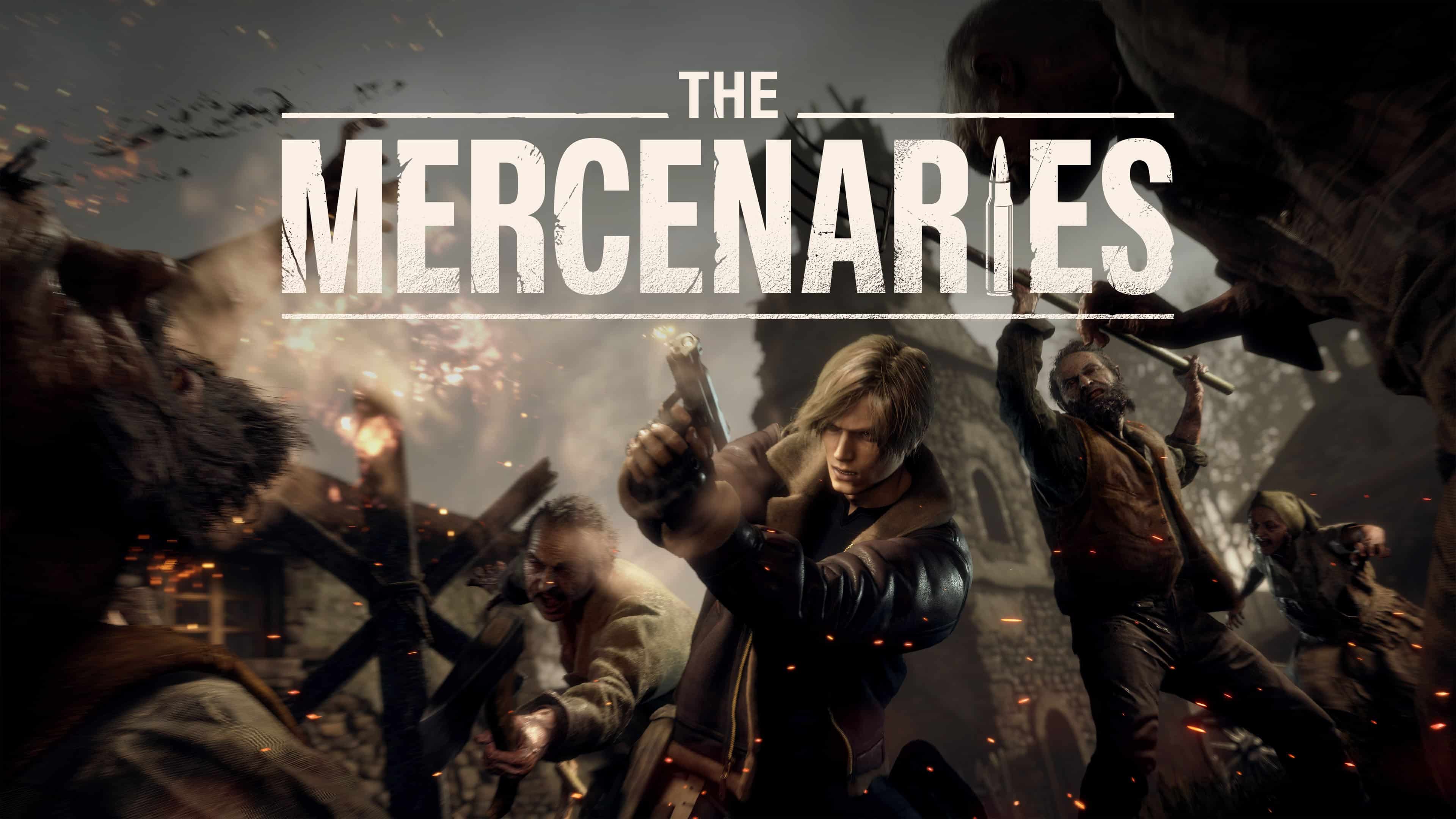
In this Resident Evil 4 remake Mercenaries S++ Rank guide, we’ll be going over what you need to do in order to score as many points as possible to get the highest rank in the recently released Mercenaries DLC. We’ll include general tips that will help no matter what character you use, as well as a brief rundown on each Mercenaries character to give you an idea of how to play them.

If you’re interested in checking out more Resident Evil 4 remake guides, click here.

Resident Evil 4 Remake Mercenaries S++ Rank Guide:

WHAT IS MERCENARIES MODE?

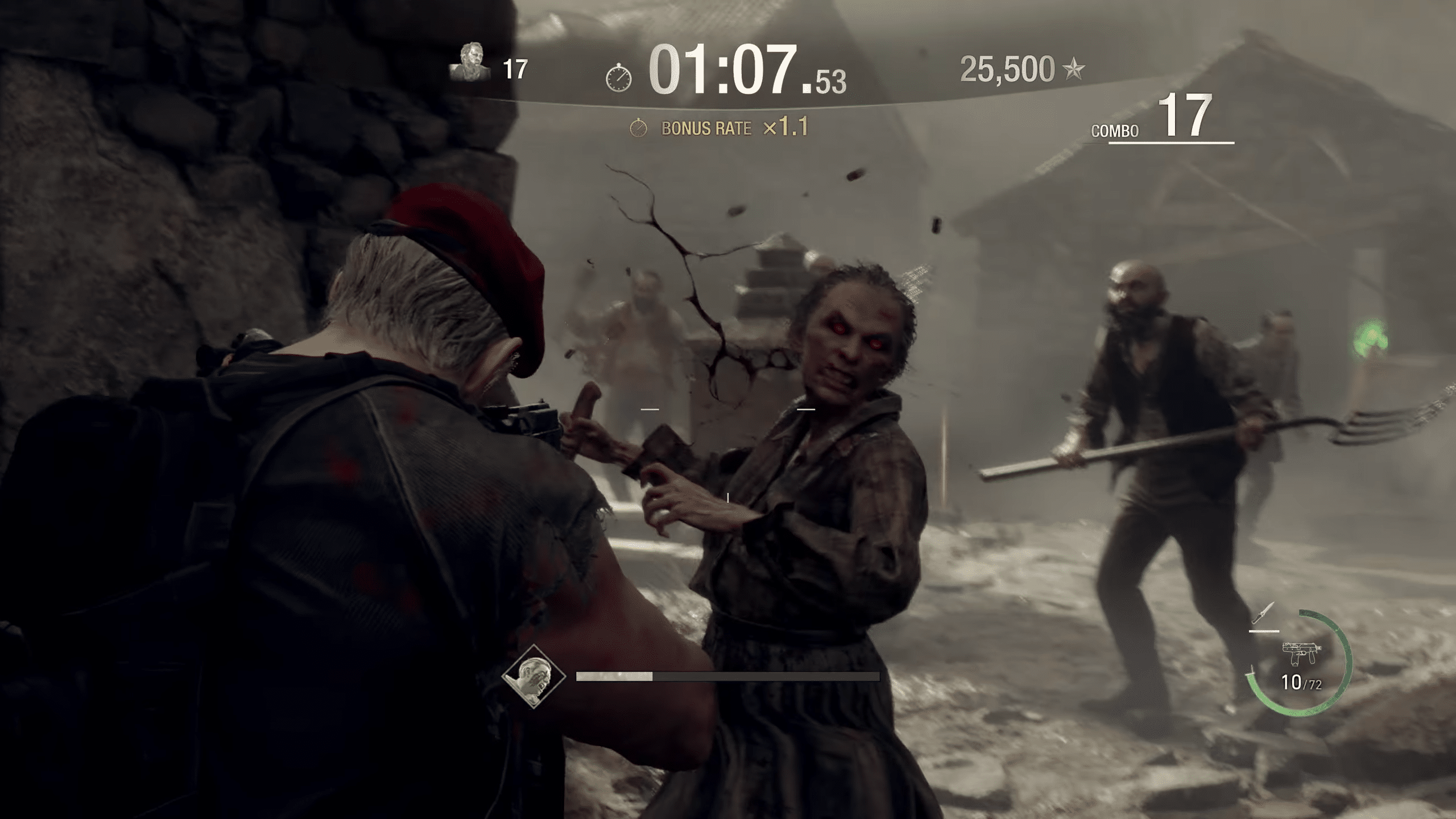
In summary, Mercenaries Mode is an alternate game mode for Resident Evil 4 that allows players to tackle up to three different stages with four unique characters to play as. The goal of Mercenaries Mode is to score as many points as possible within the given time frame by killing enemies, with various ways to increase the rate of earning points and extend your remaining time. 

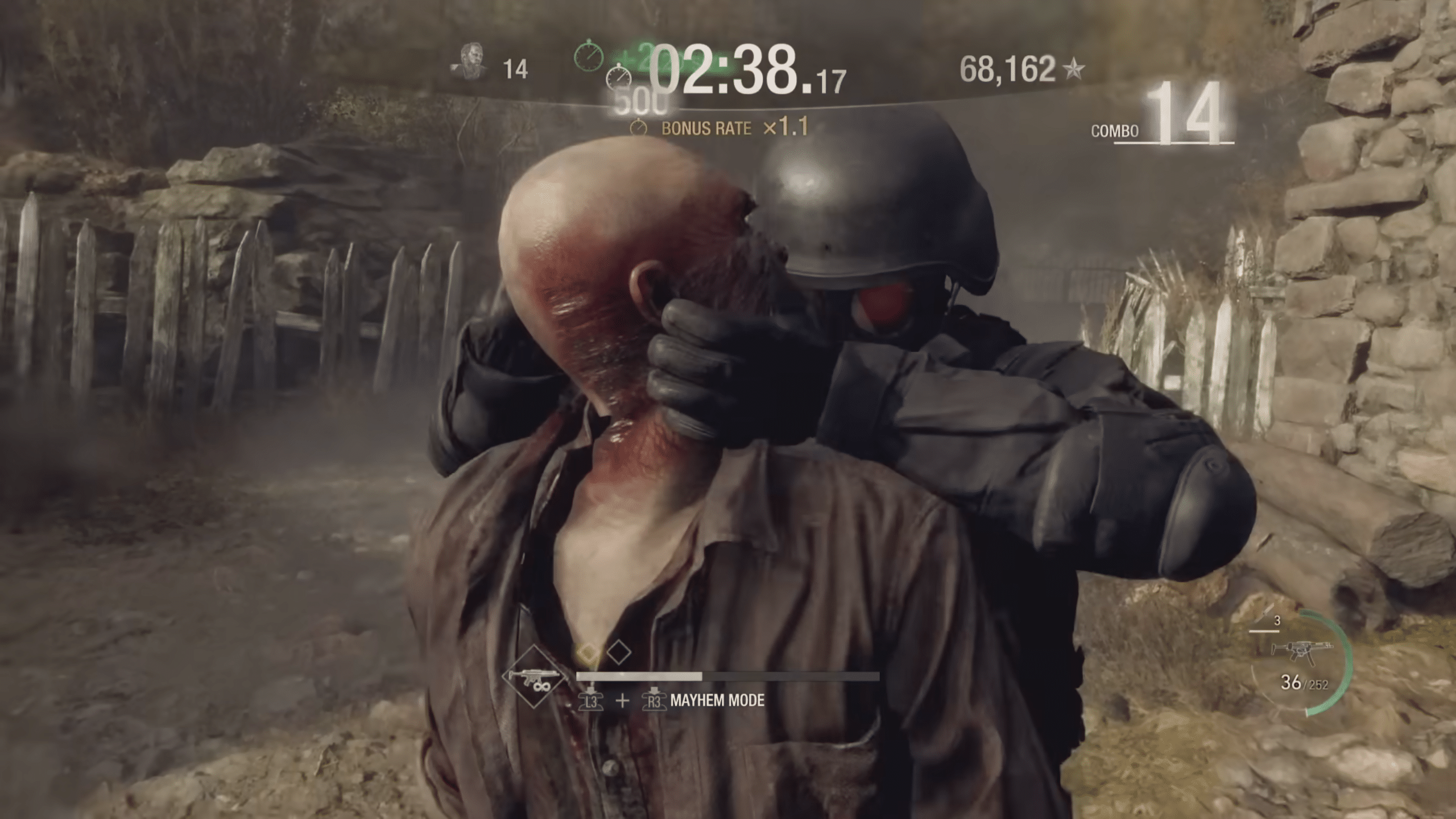
While playing through the stage, your character will build up a resource that unlocks Mayhem Mode, a special ability that gives your character access to powerful buffs that last for a certain period of time. Players can use their character’s Mayhem Mode to deal with multiple enemies at once for huge bonuses (more on that in a bit).

GENERAL TIPS

  • Grab the orbs – When playing Mercenaries mode, you will find green and yellow orbs scattered across the stage, and these can help you increase your overall score. The green orbs extend the time limit of the stage whereas the yellow orbs increase your Mayhem Mode energy.
  • Go for melee kills and headshots – You can gain extra time by killing staggered enemies with melee attacks or with headshots. Try going for both if you want to maximize your remaining time as much as possible.
  • Kill the chickens – Killing any chickens you come across in a stage may reward you with extra points. Some chickens drop Gold Chicken Eggs, and these give you a 50,000-point Egg Bonus that you can also use as a max HP recovery item after picking it up.
  • Parry – Parrying is extremely effective in Mercenaries mode, as you build your Mayhem Mode energy whenever successfully parrying an attack. If you’re confident enough, going aggressive and parrying attacks is an easy way to unlock your Mayhem Mode more often.
  • Go fast – Speed is key when it comes to the Mercenaries mode. If you manage to kill all 150 enemies in a stage, the round will end, with every extra second remaining netting you a bonus of 1,000 points each. 
  • Make use of combos – Performing combos in Mercenaries mode will increase your point multiplier up to 1.5 times the usual rate. To increase your combo counter, you simply need to kill enemies consecutively and consistently. You can do this by gathering all enemies in a single area and taking them down at once, as this will make it easier to keep the combo going.
  • Save elite enemies for high multipliers – If possible, try saving elite enemies for when you’ve got a high enough combo going. Doing this will allow you to multiply the elite enemy’s points by the multiplier you currently have.

CHARACTER OVERVIEWS

Leon 

Unlock Condition: Unlocked by default
Mayhem Mode Ability: Attack and speed buff
Loadout: SG-09 R, Stingray, Riot Gun

Leon is an all-rounder and is the first Mercenaries character you start with. He boasts good close-range attacks and a decent weapon arsenal, with his Mayhem Mode ability giving him an increase to his attack and speed. Be sure to make use of his shotgun when dealing with elites, as it is highly effective at close range.

Luis

Unlock Condition: Score rank A or higher as Leon
Mayhem Mode Ability: Timed explosive
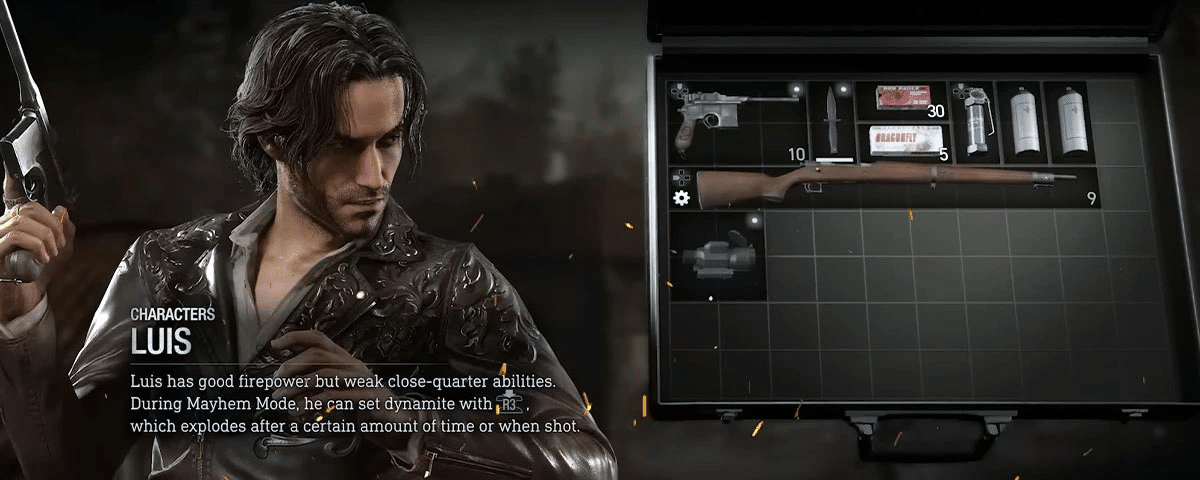
Loadout: Red9, SR M1903

Luis excels at taking down enemies from a distance. His kit makes him far more effective at playing from afar, so try not to get too close to enemies whenever possible. Luis’ Mayhem Mode ability allows him to place a timed explosive on the ground up to three times, and this has the potential to do some serious damage, so you’ll want to gather enemies together before planting the explosives on the ground.

Krauser

Unlock Condition: Score rank A or higher as Luis
Mayhem Mode Ability: Monster transformation
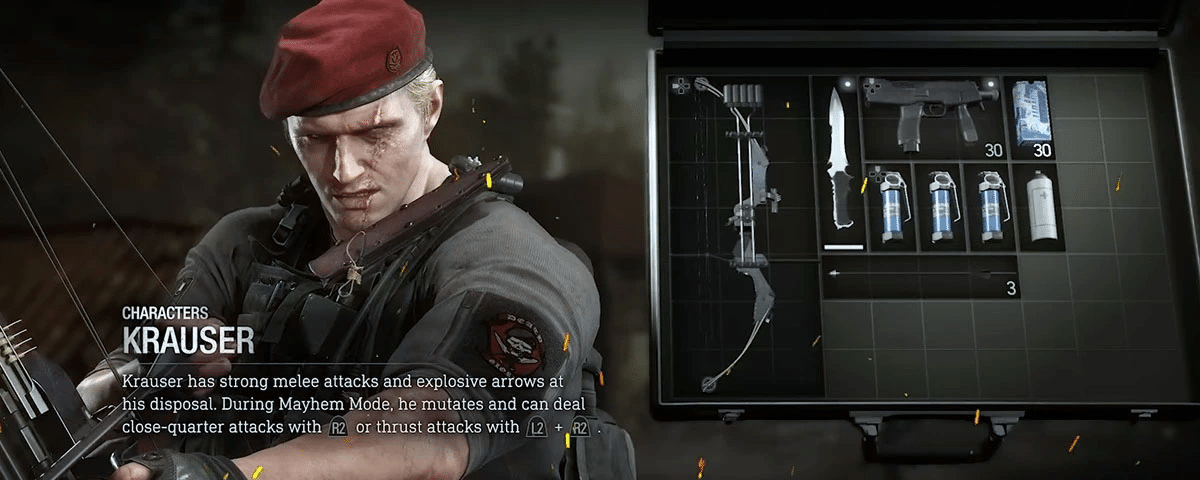
Loadout: TMP, EJF-338 Compound Bow

In stark contrast to Luis, Krauser works best when he’s up close and personal with the enemy, as his melee attacks are far more effective than other Mercenaries characters. While his weapons aren’t the best at long-range attacks, his Mayhem Mode ability lets him easily deal with enemies, elites included, though you’ll need to be within range of the enemies to swing your monster arms at them. 

Hunk 

Unlock Condition: Score rank A or higher as Krauser
Mayhem Mode Ability: Infinite ammo
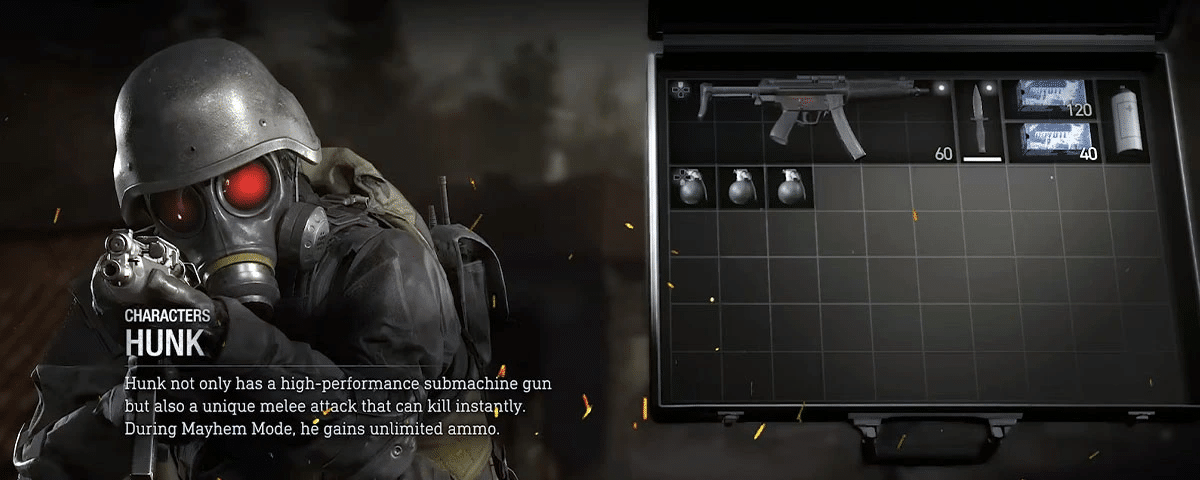
Loadout: LE 5

Hunk is an interesting Mercenaries character, with only one weapon to work with, the LE 5. His melee attack allows him to instantly kill any staggered enemy, while his Mayhem Mode ability gives him infinite ammo for a certain duration. This gives Hunk plenty of options when fighting up close or from afar, though he may have trouble dealing with larger groups of enemies, so try not to let them overwhelm you.


Mercenaries mode gives players replayable content with a system that rewards mastery over the character and stage you choose. While the new game mode may seem overwhelming to some, this guide should give you a general idea of how you can improve your runs. Good luck with your S++ rank attempts!

Carlos Perez

Home > News

Modern Warfare 2 Update for April 8 Rolled Out for “Hillcat” Log-In Fixes

Infinity Ward has released the Call of Duty: Modern Warfare 2 update for April 8, and this is a server-side patch, which means players won’t be required to do anything, as the patch will automatically be applied once players connect to the game’s servers. This patch doesn’t include any gameplay-related changes outside of fixes related to log-ins and the like.

Modern Warfare 2 Update for April 8 Patch Notes:

Here’s the announcement from Infinity Ward regarding the “Hillcat” issue players have been experiencing:

Here’s a list of the known issues the studio is looking into (via the Trello Board):

GLOBAL ISSUES:

Fix Incoming:

  • We’re aware of an issue affecting Double Kill Challenge tracking for some Players.

Investigating:

  • We’re investigating an issue following the latest update to Polyatomic camos where some surfaces do not display as intended.
  • We’re aware of an issue some Players are experiencing affecting progression and attachments on the ISO Hemlock.
  • We’re aware of an issue where changing the fire mode on the M16 is not reflected on the UI indicator.
  • [Gunsmith] We are investigating an issue where some players cannot acquire additional camos in Gold, Platinum and Polyatomic tiers if they have already acquired enough camos to unlock the next tier. For example, if you have 51 Platinum camos, you are unable to earn additional Platinum camos because 51 is the number you need to unlock Polyatomic.

MULITPLAYER KNOWN ISSUES:

Fix Incoming:

  • We’re aware of an issue in Hardcore Private Matches that can prevent the proper HUD elements from displaying in game.

Investigating:

  • We’re aware of irregular animation and behavior of Tactical Sprint in Private Matches.

As for other changes, Infinity Ward is set to roll out a major patch with Season 3 this coming week! Check out the list of new content being released for Modern Warfare 2 and Warzone 2 right here.

Avatar photo

Alex Co

Father, gamer, games media vet, writer of words, killer of noobs.

Home > News

Report: Advanced Warfare 2 Was in Development, Executive Decision to Switch to COD: WW2, Internal Demo Created

Call of Duty: Advanced Warfare, the sci-fi FPS title released back in 2014, reportedly had a sequel in the works for some time, according to a recent interview from former Sledgehammer Games Creative Director Bret Robbins. Robbins revealed that Advanced Warfare 2 had an internal demo already prepared before switching focus to Call of Duty: WWII instead.

Robbins explained in an interview with MinnMax that while Sledgehammer Games ended up switching to WWII, he was glad that he did, as it proved to be an “educational” experience.

Q: I remember with Advanced Warfare there was so much talk about, like, “Winky winky, we’re saving this for the sequel, Advanced Warfare 2, this is gonna be sweet, alright, let’s make sure [to] leave Kevin Spacey alive, winky winky,” which, y’know, time has judged that differently. But how far did you all get with Advanced Warfare 2? 

A: We started down that road, we had some early prototypes, I think we might have even done a demo level of it. And then, I can’t remember all the reasons or decisions but it felt like WWII had come back and it felt like a better opportunity, and so we just shifted gears and started working on that. It was cool for me because I honestly didn’t know a whole lot about the lore, kind of an average person’s knowledge of it, so being to research it and dig into it was pretty educational, so I’m glad we did it, I’m glad we switched gears. I think Advanced Warfare 2 would have been awesome, but, you know.

When asked whether or not the decision to switch to WWII was an executive one, Robbins mentions that while it did partially influence the switch, there were still those that had an interest in Advanced Warfare 2.

Q: Yeah, but that’s an executive thing again, of them being like, y’know, maybe World War II’s the way to go?

A: A little bit, yeah, but I think also once it was sort of, like, brought to the team, as like “Hey, we can do one or the other,” we did find a lot of, y’know, even on the team, a lot of people interested in going back, it felt like a bit more of a story and bit more of something exciting and different. 

While the original Advanced Warfare 2 demo never got fully fleshed out back then, recent rumors of Advanced Warfare 2’s development have surfaced, and by Sledgehammer Games no less, so time will tell if the studio has finally decided to bring back one of the more unique entries in the Call of Duty franchise.

Source: MinnMax (thanks, CharlieIntel)

Carlos Perez

Home > News

Destiny 2 Lightfall Launch Issues Acknowledged by Bungie; Changes for Season 20 and 21 Revealed

Destiny 2’s Lightfall expansion, while being a success in many metrics, had many issues during launch that made it difficult for players to enjoy the game to its fullest. Bungie, the game’s developer, acknowledged Destiny 2 Lightfall’s launch issues in a recent post on the official Bungie website, outlining the changes planned for the game in Seasons 20 and 21.

The post began with Bungie conceding that Lightfall “didn’t provide the full clarity” originally intended by the developers. Here’s what Game Director Joe Blackburn had to say about the expansion:

We’re floored by how many new and returning faces have been devouring Destiny 2 these last few weeks, and while it’s clear the initial experience we delivered on day one didn’t provide the full clarity we originally planned for when we set out creating Lightfall, the team has taken the feedback to heart in both what’s coming this year, and with how we’re ending the Light and Darkness Saga in The Final Shape.

The rest of the post covers all the planned changes for Season 20 and 21, including improvements to Guardian Ranks, Commendations, and difficulty adjustments for Season 20, as well as buildcrafting updates, artifact perk refunds, and exotic armor focusing for Season 21, among other things.

SEASON 20 CHANGES

Season 20’s changes are aimed at making the Guardian Rank system feel more rewarding and Commendations become less tied to progression than before. The Guardian Rank system will allow players to carry over their Guardian Rank to a new season by completing certain activities, so while players will need to work to regain their former rank, it won’t be a hard reset at the start of every season. For Commendations, players will need fewer of them to reach milestones faster, so you won’t feel as forced to Commend other Guardians all the time simply for the sake of progressing your own.

There will also be difficulty adjustments for Lightfall, which will include a 10% HP scalar reduction for Legend and Master activities, changes to spawn rates for patrol zones, and more. Interestingly, Bungie will not be adjusting Lost Sectors just yet, as the developers believe that players will be able to take them on more easily as Season 20 continues.

SEASON 21 CHANGES

As for Season 21, players can expect buildcrafting updates, with two new armor mods and a rework to the Shoot to Loot weapon perk. There will also be three new Strand Aspects for Lightfall owners come Season 21, giving players even more buildcrafting possibilities. You will also be able to apply and refund Artifact perks individually, a feature that Bungie was unable to ship this Season despite aiming to do so.

There will also be Exotic Armor focusing starting Season 21, which will allow you to decrypt Exotic engrams through Rahool. This will cost one Exotic engram, one Ascendant Shard, and 30,000 Glimmer. Season 21 will also run Trials of Osiris during Week 1 and Grandmaster Nightfalls in Week 4.

While the Lightfall expansion didn’t come off to a great start, Bungie has outlined their plans for this season and the next one, and this will hopefully turn things around as the game inches its way to the end of the Light and Darkness Saga.

Source: Bungie

Carlos Perez

Home > News

Overwatch 2 Season 4 Patch Notes, Roadmap Revealed, Brigitte Rework Showcased

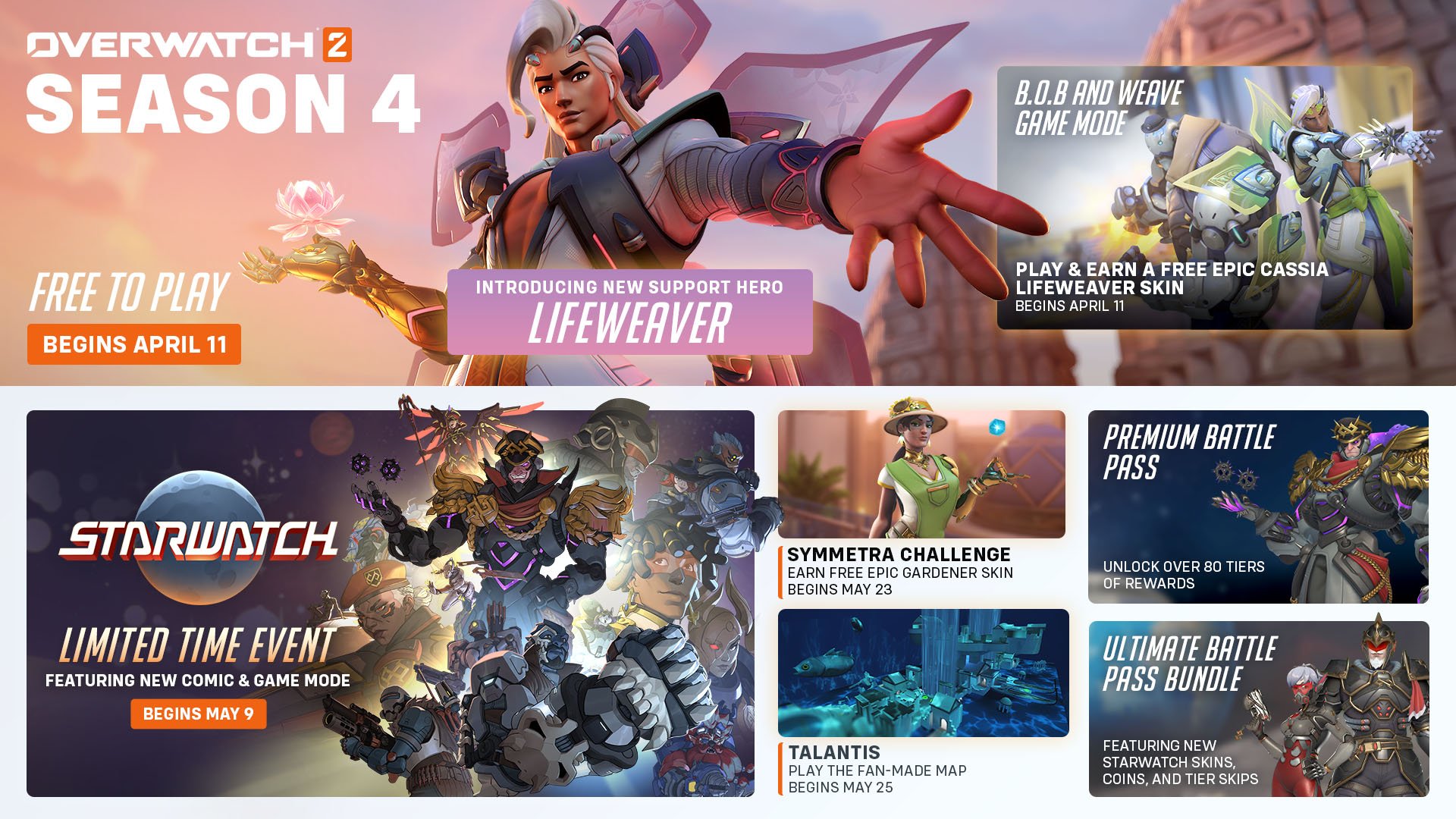
In case you didn’t know, Overwatch 2’s next season — Season 4 — will be kicking off next week on April 11! Aside from getting a new support hero in Lifeweaver, we’ll also be getting Competitive changes, hero adjustments and more! Thankfully, Blizzard has released the Overwatch 2 Season 4 patch notes ahead of its release.

Alongside that, we have the roadmap (featured in the image above), as well as a look at how Brigitte’s rework will, uh, work.

Overwatch 2 Season 4 Patch Notes:

OVERWATCH 2 SEASON FOUR

Fight for a better future in Season Four! Our newest Support hero Lifeweaver, who hails from Thailand and wields biolight, enters the fray. Take combat to the cosmos with the new Battle Pass featuring Mythic Space Conqueror Sigma, and earn free rewards in events happening throughout the season.
overwatch 2 lifeweaver

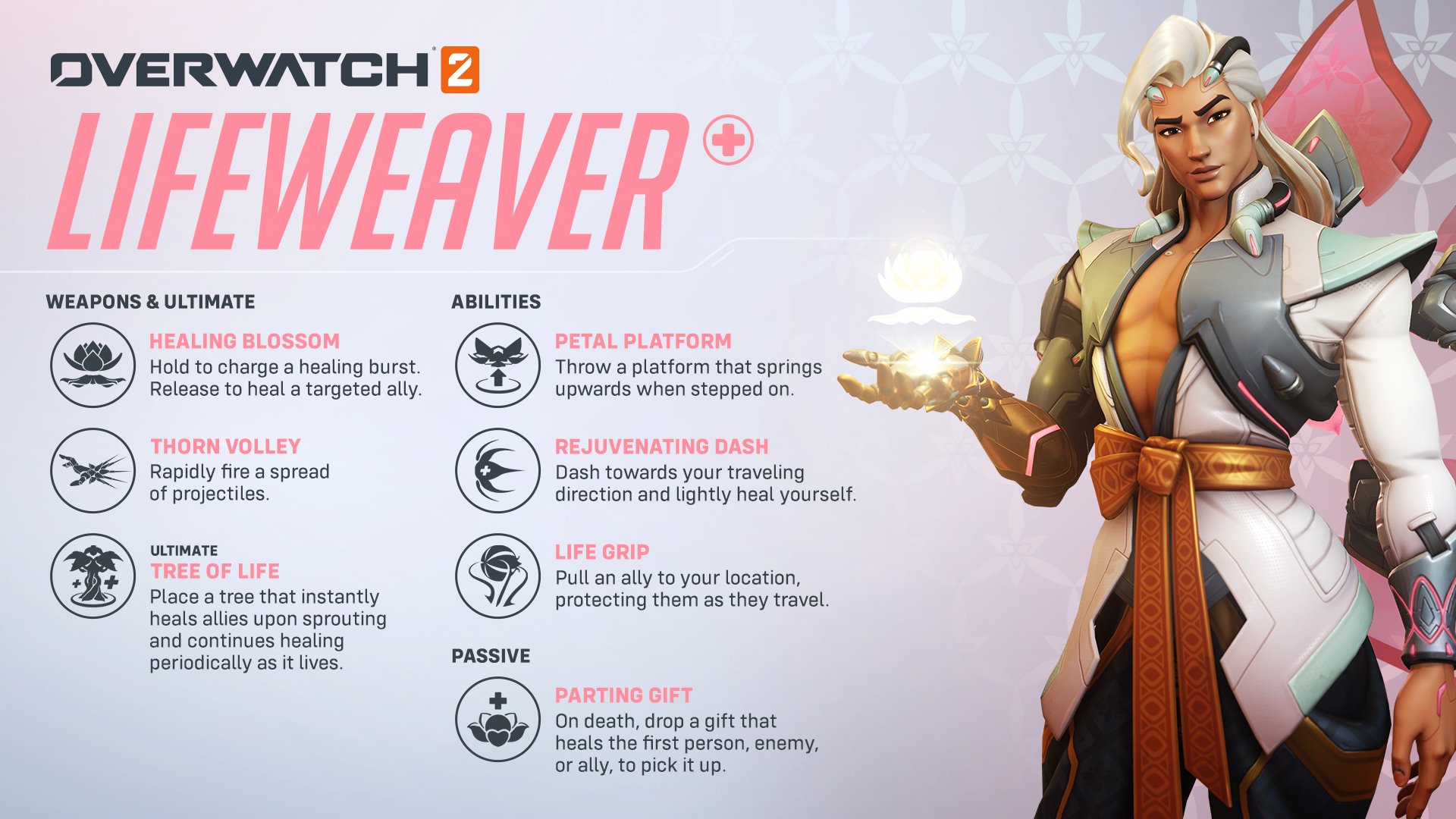
INTRODUCING LIFEWEAVER

Scientist, artist, and activist: Overwatch 2’s latest hero entwines the beauty of nature with the practicality of science. He dreams of healing the world.

Lifeweaver

Lifeweaver has been added to the line-up.

Healing Blossom

  • Hold to charge a healing burst. Release to heal a targeted ally.

Thorn Volley

  • Rapidly fire a spread of projectiles.

Petal Platform

  • Throw a platform that springs upwards when stepped on.

Rejuvenating Dash

  • Dash toward your traveling direction and lightly heal yourself.

Life Grip

  • Pull an ally to your location, protecting them as they travel.

Tree of Life

  • Place a tree that instantly heals allies upon sprouting and continues healing periodically as it lives.

Parting Gift (Passive)

  • On death, drop a gift that heals the first enemy or ally to pick it up.

GENERAL UPDATES

This patch is a rebase and will require a large download for all platforms. Check out our forums for more information 509.

Accessibility

Added a setting to select custom colors for health, armor, shields, and overhealth in health bars. Improved preview feature for custom color settings with different preview backgrounds.

Stranded Spawn System

Regrouping with your team after getting stranded in a spawn room has never been easier! Spawn rooms that shut down due to capturing or losing an objective will now remain partially active for 7 seconds. While you still can’t change heroes in these spawn rooms, other new features have been activated. In these “stranded spawns,” the doors remain locked to the opposing team, the healing field remains active, and you can now use the Interact key to instantly teleport to the new active spawn room.

Matchmaking

Backfilling players in Unranked modes will now prioritize finding players closer to the skill level of the other players in the match. Minor optimizations for large groups improving matchmaking quality.

COMPETITIVE UPDATES

Top 500 Leaderboard Eligibility

Players will now be required to win 25 Competitive matches before being eligible to enter the Top 500 leaderboard for a specific role, queue, or region.

Developer comments: Previously, we only required 25 games to be completed regardless of winning prior to becoming eligible for the Top 500 leaderboards; however, this change should help make sure that players are consistently pushing toward winning matches, which should help ensure the leaderboards have the best players in each region.

Competitive Leaver Penalty Changes

Matches left in different Competitive queues are still considered separate for purposes of determining the lengths of suspensions or receiving a seasonal ban from Competitive Play.

The start of a new Competitive season also no longer fully resets the severity of these suspensions and bans. This should hopefully prevent players from leaving Competitive games at the end of a season without facing meaningful consequences at the start of the next.

Matches left in Competitive Play will also have a more negative effect on a player’s Skill Tier and Division after a 5-win Competitive Update.

Competitive Point Reward Changes

The number of Competitive Points (CP) rewarded for a win in Competitive Play has been changed from 15 to 25.

The number of Competitive Points earned from seasonal challenges based on your final seasonal rank has also been updated. Games played after your last Competitive Update during a season will still count towards your final seasonal rank. You must still compete in the season’s Competitive Play Qualification challenge to receive bonus Competitive Points.

  • Ending in Bronze will now earn 300 Competitive Points (previously 65)
  • Ending in Silver will now earn 450 Competitive Points (previously 125)
  • Ending in Gold will now earn 600 Competitive Points (previously 250)
  • Ending in Platinum will now earn 800 Competitive Points (previously 500)
  • Ending in Diamond will now earn 1000 Competitive Points (previously 750)
  • Ending in Masters will now earn 1200 Competitive Points (previously 1250)
  • Ending in Grand Masters will now earn 1500 Competitive Points (previously 1750)

Competitive Challenge Titles

Seasonal Competitive titles earned from challenges now distinguish between whether they are earned in Open Queue or Role Queue. For example:

  • Ending in Diamond rank in Open Queue will earn the “Diamond Open Challenger” Title
  • Ending in Diamond rank in Role Queue will earn the “Diamond Role Challenger” Title

Developer Comments: The goal of these changes is to prevent confusion about a player’s rank from the previous season if they participate in multiple Competitive queues.

Competitive Match Rank

The initial loading screen that shows all the participants of Competitive matches will now show an icon at the top of the screen representing the average Skill Tier and Division of all players in that match. This should provide players with a better comparison of their own rank to other players in the match.

Seasonal Rank Decay Removed

Starting with Season Four, a player’s Competitive Play rank will no longer be reduced at the beginning of a season. Furthermore, the effects of this reduction of rank from previous seasons will also be removed. Depending on how many games they played during the previous season, most players will see their skill tier and division increase. A player’s skill tier and division at the beginning of Season 4 will now closely match the matchmaker’s estimate of your current skill.

Developer Comments: The previous seasonal rank decay was causing considerable confusion for players, who would see players in their Competitive games who did not appear to be of a similar rank. Often these players were actually of similar skill, but they had not played enough games during the season to compensate for the initial decay.

Competitive Skill Update and Progression

Both the Competitive progress and Competitive update screens will now include information about a player’s losses and ties as well as their wins.

The Competitive Update screen will also now provide players with an indication of their current percentage progress within a skill division. This will hopefully make it more clear how the results of games played during the update affect a player’s Skill Tier and Division.

It is possible for players to have a positive win/loss record, but not go up a skill division because the progress occurs entirely within a single division. This new message will allow players to see that they did in fact make positive progress, just not enough to reach a new skill tier or division.

There is also a similar message with Competitive Updates for players who are Grandmaster 1, but not yet on the Top 500 leaderboard. This should provide those players with feedback about their progress towards earning a spot on the Top 500 leaderboard.

HERO UPDATES

TANK

Reinhardt

  • Armor health reduced from 300 to 250
  • Base health increased from 175 to 200

Developer Comment: Reinhardt has been overperforming after the recent increases to his offensive capabilities. Those changes have been playing well, so to adjust his overall power, we’re reducing his overall health through this armor reduction.

Sigma

Accretion

  • Impact damage reduced from 60 to 40 (80 damage total with explosion)
  • Knockdown duration increased from 0.8 to 1.1 seconds

Developer Comment: Like Roadhog’s Chain Hook, Sigma’s Accretion and primary fire combo can be highly lethal and can feel like a guaranteed kill against 200 health targets. We’re reducing the damage slightly to require an additional volley of primary fire but are also increasing the stun duration to provide allies with more opportunity to follow up on successful impacts.

DAMAGE

Cassidy

  • Base health reduced from 225 to 200

Magnetic Grenade

  • Damage reduced from 131 to 120

Developer Comment: Magnetic Grenade only requiring one additional primary fire shot after sticking to a target was too reliable to execute on, even though it only works at close range. We’re reducing the total damage on Magnetic Grenade, evenly split between the direct target damage and explosion. The reduced falloff-damage buff his primary fire received recently enables Cassidy to play from safer engagement ranges now, so we’re reducing his health back to 200.

Sombra

  • EMP can now disable Blizzard

Developer Comment: We are expanding what Sombra’s EMP turns off to keep it consistent with how it affects other device-controlled ultimates.

SUPPORT

Ana

Sleep Dart

  • Maximum duration on Tank heroes reduced 30%, from 5 to 3.5 seconds

Developer Comments: We’ve been watching how effective Sleep Dart has been in 5v5 gameplay. It hasn’t been overly disruptive as a whole, but since it is significantly more reliable to land against Tank heroes due to their large hit boxes and even more valuable to do so with only one tank on the field, we’re reducing its maximum duration against those targets.

Brigitte

Rally

  • Brigitte now gains 100 restorable armor health pool for the duration of Rally
  • Brigitte no longer gradually builds temporary health like her nearby allies
  • Rally now upgrades her Barrier Shield, increasing both its size and health
  • Barrier health increased from 300 to 750 during the ultimate
  • During Rally, Shield Bash now impacts multiple enemies and briefly stuns them
  • Bonus movement speed reduced from 30 to 15%

Repair Pack

  • Range reduced from 30 to 25 meters

Developer Comments: Rally lost some of its power with the change from granting allies additional armor to temporary health, and overall took a relatively long time to build up its defensive benefits. This rework is intended to keep it as a defensive ultimate ability but with a more immediate impact due to gaining an increased armor health pool upfront and the enhanced barrier, which can be utilized to block for teammates while their temporary health builds or interrupt enemies with the stun.

Mercy

Caduceus Staff

  • Healing-per-second increased from 45 to 55
  • Healing is no longer increased for allies under half health

Guardian Angel

  • Cooldown reduced from 2.5 to 1.5 seconds
  • Jump and Crouch cancel active ability state duration increased from 1.0 to 1.5 seconds
  • The Jump and Crouch cancel active ability state can no longer be manually interrupted to begin the cooldown early

Valkyrie

  • Support role passive healing is now active for the duration of Valkyrie

Developer Comment: The recent increase to Guardian Angel’s jump-cancel mobility still needs to be kept in check in some way, but while the last iteration was simple, it also had some unintended effects, such as not being ready to use GA again after flying in and using Resurrect. This revision provides more flexibility, and allows Mercy to opt into an additional 1.5 second cooldown when using the increased mobility from the jump/crouch cancel options or otherwise waiting for the base cooldown time.

The increased healing multiplier condition on Caduceus Staff was intended to help Mercy players feel more agency in trying to save critical-health allies and to add depth to the healing mechanic without changing the total time to heal to full health. However, the overall rebalance of the healing values received significant negative feedback, both from those playing as Mercy and those playing against it. There wasn’t a satisfying middle ground where we could reduce the potency of this effect while still having it feel impactful, so we’re reverting it.

Moira

Fade

  • Can now be activated during Coalescence

Coalescence

  • Bonus movement speed reduced from 50 to 40%

Biotic Grasp

  • Lingering heal duration increased from 2 to 3 seconds

Developer Comments: Being able to use Fade during her Coalescence ultimate gives Moira more playmaking ability by being able to reposition even more quickly and avoid potential threats with quick reactions. Due to the more spread-out playstyle of 5v5, we’re increasing the lingering heal duration from her primary fire, meaning it will heal more in total.

MAP UPDATES

General Updates

Map Pools have been disabled, all maps are now in rotation

New Arcade Map: Talantis

You designed it, we built it: an underwater Talon base with jump pads, pit traps, giant fish, and waterfalls.

Talantis will be playable for a limited time from April 25th through May 1st.

Season 4 Map Lighting

Push

  • New Queen Street – Dawn (New)
  • Colosseo – Morning
  • Esperança – Morning

Hybrid

  • Blizzard World – Morning
  • Eichenwalde – Morning
  • Hollywood – Night (New)
  • King’s Row – Evening
  • Midtown – Morning
  • Numbani – Morning
  • Paraíso – Morning

Escort

  • Dorado – Night
  • Havana – Night
  • Watchpoint: Gibraltar – Evening
  • Junkertown – Morning
  • Circuit royal – Morning
  • Rialto – Morning
  • Route 66 – Morning
  • Shambali Monastery – Night

Control

  • Antarctic Peninsula – Night
  • Busan – Morning
  • Ilios – Morning
  • Lijiang Tower – Night
  • Nepal – Morning
  • Oasis – Evening

WORKSHOP UPDATES

Introducing Workshop Projectiles

There are three new Workshop actions allowing you to create either a fully functioning projectile or a cosmetic projectile effect:

  • Create Projectile
  • Create Homing Projectile
  • Create Projectile Effect

Additionally, there is a corresponding workshop extension that enables 19 projectile visual effects.

BUG FIXES

GENERAL

  • Fixed a bug in Competitive Modes that resulted in the rank-up animation playing when a player was actually ranking down
  • Fixed a bug where Relative Aim Sensitivity was unable to be set to a value of 0%
  • Fixed a bug where Hero Options could become unresponsive if modified during the respawn period
  • Fixed an issue where some map preview images were missing from Game Reports and Replays
  • Fixed Streamer Mode failing to obfuscate BattleTags in some cases
  • Fixed an issue with Custom Game Browser sorting by decreasing ping by default
  • Fixed an issue where the round transition screen in Competitive could break when played on 21:9
  • Fixed a bug with the Round Transition screen being significantly darker if you had colorblind options enabled
  • Fixed a bug that could cause the camera to become displaced if you used a Souvenir as you loaded into the map
  • Fixed a bug that prevented you from navigating the Endorsement UI while on the Challenge Progress Screen
  • Fixed a controller/gamepad issue that prevented players from accessing the While you Wait menu unless the middle card on screen was highlighted first

MAPS

Circuit Royale

  • Fixed multiple lighting issues in Circuit Royale

Hanamura

  • Fixed multiple cases of lighting and geometry

Ilios

  • Fixed areas in Ilios where players could become stuck

New Queen Street

  • Fixed multiple cases of lighting an geometry in Toronto

Oasis

  • Fixed areas in Oasis that blocked players and gameplay

Shambali Monastery

  • Fixed areas in Shambali Monastery that allowed players to stand in unintended locations

HEROES

Ashe

  • The Raijin skin has been adjusted so that Ashe’s Viper no longer takes up a large amount of screen space when scoped in
  • Fixed a bug that allowed Ashe to gain Ultimate while B.O.B was active

Bastion

  • Fixed a bug where some abilities were able to interact with Artillery’s targeting reticle
  • Fixed a bug where Bastion’s attack animations could appear sped up (though they actually weren’t) after the effects of Kitsune Rush expired

Cassidy

  • Fixed in a previous update – Fixed a bug with Cassidy’s Deadeye not taking armor mitigation into account which resulted in a Killing Blow before the enemy was marked with a skull
  • Fixed in a previous update – Fixed a bug where the damage from Deadeye could be multiplied by reacquiring the same target before Deadeye completed

Doomfist

  • Fixed an issue with Seismic Slam not always registering when used on uneven surfaces

Echo

  • Fixed an issue with Echo’s Duplicate sometimes failing when duplicating a D.Va as she casts Self-Destruct

Genji

  • Fixed an issue where some abilities did not function correctly after being Deflected by Genji

Kiriko

  • Fixed an issue where in some cases Swift Step would fail to teleport the player
  • Fixed an issue with Kitsune Rush appearing orange to enemies if Kiriko had ‘Terrible Tornado’ equipped
  • Fixed invisible entities within Kiriko’s ultimate Kitsune Rush being pingable for a brief duration

Mercy

  • Fixed a bug that allowed Mercy, when using Valkyrie to clip for extended periods into the environment and prevent critical shots
  • Fixed an issue where Mercy could negate the effects of Rocket Punch in some cases
  • Fixed an issue with Mercy’s footsteps being extra quiet while crouched

Moira

  • Fixed an issue with Moira’s hand animations breaking during gameplay

Orisa

  • Fixed a bug with the art on Orisa’s Forest Spirit Spear

Pharah

  • Fixed an issue with the Barrage play of the game not using custom rockets from the selected skin

Roadhog

  • Fixed an interaction with Whole Hog and Hook where the hook would clip into the camera of the hook’s target

Sigma

  • Fixed a bug with Gravitic Flux picking up reviving heroes just before the Revive completes
  • Fixed a typo in Kinetic Grasp’s tooltip. It now correctly states it grants ‘extra health’

Sombra

  • Fixed a bug with Sombra’s footsteps remaining silent to players who had detected her

Torbjorn

  • Fixed a bug where Molten Core projectiles could become stuck in the air if deflected with Orisa’s spear

Tracer

  • Fixed a bug where in some cases Tracer would not get all her Blink charges back upon respawn

Widowmaker

  • Fixed a bug where Venom Mine would be missing a team color if Widowmaker was wearing an Away OWL Skin

Zarya

  • Fixed an issue where Zarya would not receive charge from Brigitte’s Shield Bash

Zenyatta

  • Fixed an issue where Zenyatta’s ability prompts on target characters being reversed when using a gamepad/controller
  • Fixed an issue where Orb of Discord could appear team-colored Blue when applied to an enemy

In addition to the changes, we now have a look at the Brigitte rework in the form of gameplay! It’s one thing to read about the changes, it’s another to see it in action.

Same as always, once the patch is live, we’ll be sure to let our readers know about it ASAP.

Source: Blizzard Forums 

Avatar photo

Alex Co

Father, gamer, games media vet, writer of words, killer of noobs.

Home > News

The Last of Us Update for April 7 v1.0.2.0 Addresses Performance, Crashing Issues on PC

Iron Galaxy has deployed The Last of Us update for April 7 for PC, and this will show up for players as patch v1.0.2.0, and this once again helps fix some of the title’s performance issues and then some. Read on for everything new in the patch notes.

The Last of Us Update v1.0.2.0 for April 7 Patch Notes:

A patch for The Last of Us Part I is now live. This update addresses fixes for performance, user experience, visuals, and more. It also includes platform and hardware-specific fixes.

  • Fixed a crash that may occur while quickly swapping between character skin thumbnails
  • Fixed a crash that may occur on version 1.0.1.6 during shader loads when booting the game for the first time
  • Fixed one known crash that would happen randomly during gameplay
  • Updated texture streaming to reduce CPU usage
  • Fixed an issue where DualSense and Xbox One controllers’ analog sticks failed to respond
  • Fixed an issue where extraneous SFX played in both main and in-game “Options” menus
  • Fixed an issue where the Depth of Field setting’s (Options > Graphics > Post-Effects Settings > Depth of Field) sharpness may change based on the Render Scale’s settings (Options > Display > Resolution Scaling > Render Scale)
  • Updated Graphics settings (Options > Graphics) user interface to accurately display VRAM usage
  • Fixed an issue where Environments Texture Quality setting (Options > Graphics > Texture Settings > Environments Texture Quality) did not display the correct VRAM usage
  • Fixed an issue where the pop-up to enable diagnostics after a crash did not appear
  • Fixed an issue where certain artifacts and weapon skins textures may not properly render
  • Fixed an issue with the tutorial’s user interface not displaying correctly
  • Fixed an issue where mouse wheel scrolling in menus with dropdown options may accelerate faster than intended
  • Increased active loading to reduce load times on gameplay progression
  • Fixed an issue where camera orientation may warp to cursor position after exiting the Pause menu
  • [Photo Mode] Fixed an issue where camera will not rotate in while in the Lighting tab
  • [The Quarantine Zone] Fixed an issue where the player and buddy characters may suddenly appear wet during gameplay
  • [The Quarantine Zone, Left Behind] Fixed an issue where lighting and texture may flicker during gameplay
  • [The Outskirts] Fixed a gap in geometry visible during gameplay
  • [The Suburbs] Fixed an issue where animations may fail to load during gameplay
  • [The Suburbs] Restored the window-breaking and car-shaking FX in the sniper in-game cinematic
  • [Tommy’s Dam] Fixed an issue where horse animations would fail to load during an in-game cinematic
  • [Bus Depot] Fixed an issue where water FX may appear choppy during gameplay
  • [The Firefly Lab] Fixed a LOD issue where enemy NPCs’ helmets may vanish or appear corrupted
Left Behind Standalone

  • Fixed an issue where watergun shots would appear to hit Riley but not register while using Slow Motion with V-Sync off
  • Fixed a crash that may occur while following Riley in the mall
  • Improved level of detail in the Halloween store
  • Fixed a crash that may occur when triggering the optional conversation at the Affordable Getaways poster
  • Fixed an issue where textures of narrative elements appeared low-quality in a cutscene
  • Updated ESDF control scheme in the arcade minigame to use ‘G’ as the alt key to better match gameplay punching input

Accessibility

  • Fixed an issue where the Screen Magnifier may fail to work 
  • Fixed an issue where Navigation Assistance’s directional icon may clip through the player character model

Localization

  • [ENGLISH, HUNGARIAN] Adjusted language used when referring to the DualSense controller’s adaptive triggers and touch pad
  • [THAI, LATAM SPANISH, KOREAN] Corrected translations in menus
  • [SWEDISH] Added missing text-to-speech in menus
  • [SWEDISH] Corrected language on crash window

AMD

  • Fixed an issue where incorrect defaults for graphics settings were applied to AMD RX 5700 and RX 6600 Series GPUs

Steam Deck

  • Fixed an issue where PSO Caching may freeze at 50% completion 
  • Fixed an issue where plugging in a DualSense controller while viewing cutscenes from the Cinematics menu may force a player into gameplay
  • Adjusted the user interface to show Steam Deck controls in the Screen Magnifier menu
  • Adjusted positioning of the Weapon and Health HUD elements

Epic Games Store Version

  • Fixed an issue where the “Who’s a Good Boy?” achievement did not unlock despite the player meeting the requirements
  • Fixed an issue where the sky may render black

Given the state the game released on, this won’t be the last patch players will get. You can keep track of all the updates right here.

Source: Naughty Dog

Avatar photo

Alex Co

Father, gamer, games media vet, writer of words, killer of noobs.

Home > guides

Meet Your Maker Raiding Tips and Tricks: How to Die Less and Raid Faster

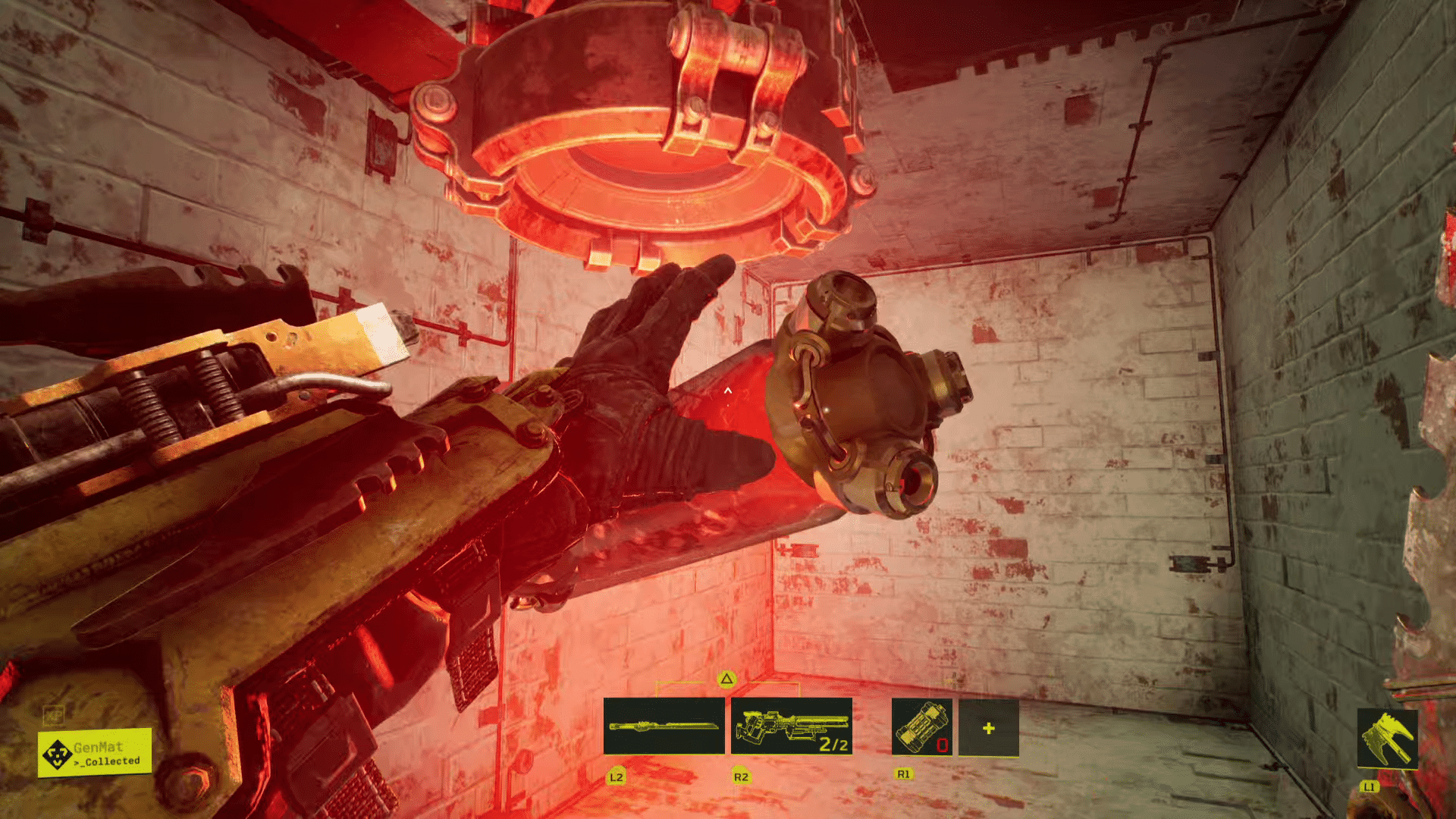
Looking for Meet Your Maker raiding tips and tricks? We’ve got a few helpful Meet Your Maker raiding tips and tricks to help you get started. Raiding in Meet Your Maker is a unique PvE experience, as you’re tasked to retrieve GenMat from an outpost that’s designed and planned out by another player. You’ll come across cheesy trap placements, clever puzzles, and sometimes a huge mess of a layout that’ll scratch your head on where to go next. 

If you’re struggling with nabbing GenMat from other Outposts, here are some raiding tips and tricks to help you get better at raiding.

Meet Your Maker Raiding Tips and Tricks

Peek Through Corners

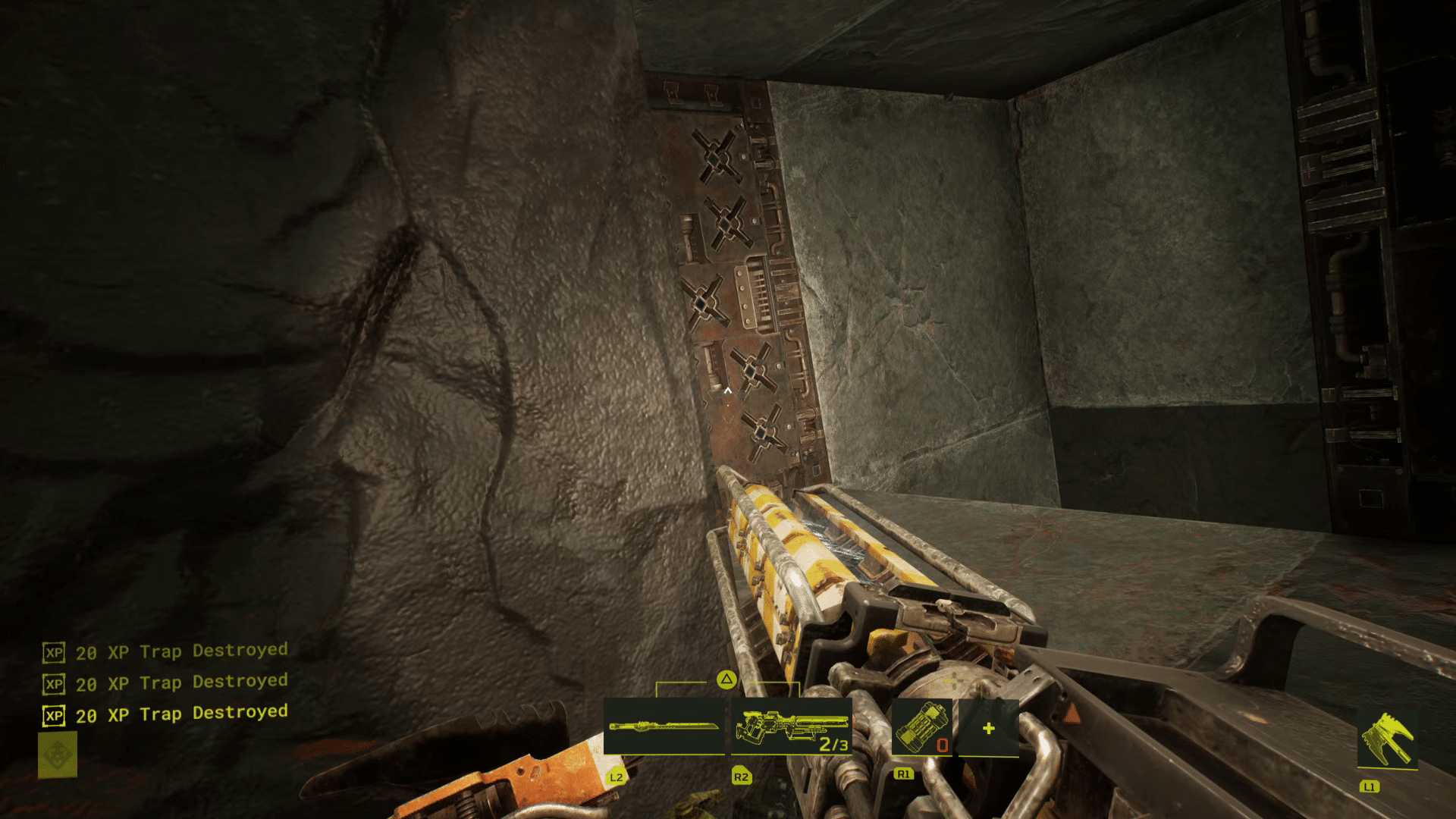
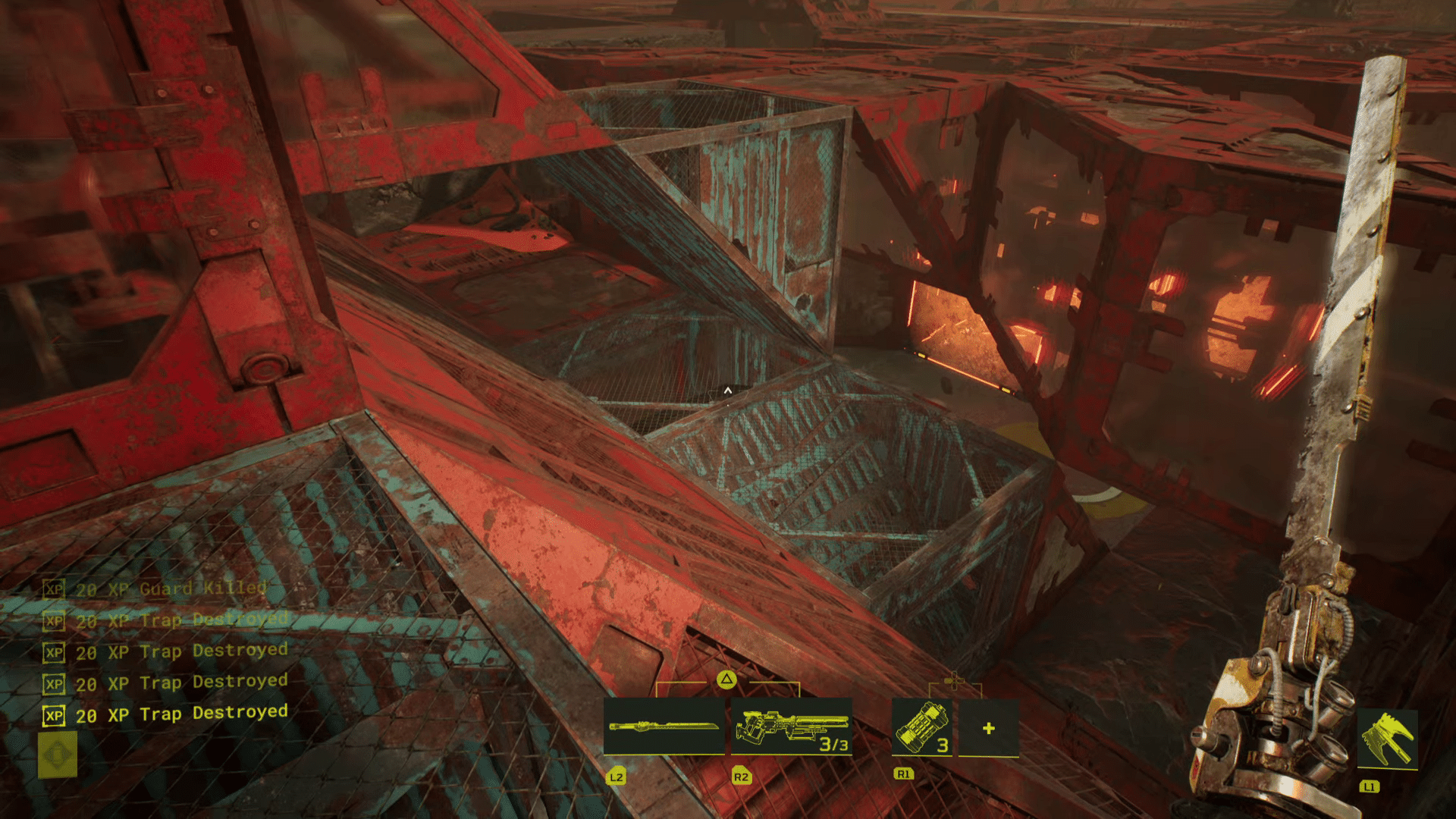
Traps can lurk around every corner in Meet Your Maker, and clearing them out can be difficult if you’re greeted by one the moment you pass by one. Thankfully, the game allows you to peek through corners, allowing you to get a quick look at any potential traps on the other side of a wall without actually triggering them. You can do this on a controller by pressing on the left and right sticks to lean left and right, respectively.

While it can be tempting to peek all the time, doing so actually slows down your movement, which will make it difficult to run away from traps or Guards. As such, you’ll only ever want to use peeking for checking corners. Knowing when and where to peek will make your raiding attempts a lot smoother.

Be Wary of Blind Spots

While peeking can help you clear corners fairly easily, there’s more than one way to hide a trap, and that’s through the use of blind spots. By positioning traps above, below, or to your side in such a way that you won’t notice them at a glance, they can catch you off guard, resulting in death. Fortunately, once you’ve familiarized yourself with how these blind spots work, you’ll find that it’s easier to plan for them.

A lot of blind spots are usually found near ramps. You can find them on the floor at the end of a ramp or right behind the ramp as you’re climbing it. Ramps themselves are also great spots for traps themselves, as they can cover angles in interesting ways. In other words, when there’s a ramp nearby, stay alert. 

Whenever you die to a trap for the first time, consider why you died and how you weren’t able to notice the trap in the first place. If it was hidden in a potential blind spot, try remembering how it was hidden, so that you’ll be able to be wary of similar designs in future raids.

Second Wave Traps

There are some traps, known as Second Wave traps, that only appear after collecting the GenMat. Depending on how the player designed the Outpost, this can make it pretty difficult to actually get out of the Outpost without dying a few times. There are certain limitations to these types of traps, however.

For one, Second Wave traps cost a little bit more than traps that are active from the get-go. This means that builders will need to expend more of the Outpost capacity to actually install them, and as a result, you’ll typically not see a whole lot of them. Secondly, Second Wave traps cannot appear where traps originally were placed. So if you break a trap on a certain wall or floor, that same wall or floor will not have a Second Wave trap on it when leaving with the GenMat.

By knowing these limitations, you can figure out where Second Wave traps may or may not be. As they’ll need to be on a wall or floor that wasn’t already occupied by a trap, areas of the Outpost with lots of broken traps will likely be clear of them entirely. Alternatively, innocuous-looking sections of the Outpost that you simply breezed past may have a trap or two in them, so keep that in mind when making your way out.

Follow the Harvester

Early on in the game, you learn that the Harvester actually knows the way to the GenMat, and following it will lead you to your objective. This means that on Outposts with maze-like structures and complicated layouts, the Harvester will be your key to finding the shortest possible path. However, there are a couple of things you need to keep in mind while doing this.

The Harvester doesn’t trigger any traps, nor does it become the target of any nearby Guards. This allows it to cross the shortest path to the GenMat no matter how dangerous that path is. And while it may not activate traps and alert Guards, you will, and this means that you’ll still need to do your due diligence and peek corners and look for traps whenever necessary.

It’s also worth noting that the Harvester can actually be killed. It is possible for you to kill it yourself, but you can also cause its death by triggering traps or Guard attacks while the Harvester is caught in the crossfire. Because of this, you want to avoid killing the Harvester if you want to follow its path. Try being just a few steps behind the Harvester to ensure that any traps you trigger or Guards you alert won’t end up killing the Harvester in the process.

Take Your Time

While it can be tempting to rush into an Outpost and take the GenMat in one fell swoop, you’ll likely die quite a few times as a result, and maybe even get frustrated in the process. Remember, players want you to die as many times as possible in order for them to collect resources, and this means that many Outposts are designed to kill, not necessarily protect. This is especially true when it comes to killboxes, which are Outposts that essentially contain an overwhelming amount of traps and guards to prevent the player from ever reaching the GenMat.

As such, you’ll want to be a bit slower when taking on Outposts. Try remembering where the traps were placed, especially the ones that killed you, so that your subsequent runs will become faster and more optimized. You’ll find that slowing down a bit can really give you a clearer view of the Outpost’s layout, especially if you take the time to remember where the traps and Guards were placed.


Raiding can be tough, especially for newcomers to Meet Your Maker, but with these useful tips, you’ll be well on your way to raiding tougher Outposts in no time. For a Meet Your Maker detailed settings guide, click here.

Carlos Perez

Home > News

“BlackCell” Premium Battle Pass Incoming for Modern Warfare 2 & Warzone 2 Season 3 for $29.99, Cannot Be Purchased With COD Points

While Activision is set to introduce new maps, modes and more in Call of Duty: Modern Warfare 2 (MW2) and Warzone 2 (WZ2) Season 3, that’s not the only thing players should expect in the new season, as the “BlackCell” premium Battle Pass is also on the way.

Priced at $29.99, the BlackCell premium Battle Pass will replace the Battle pass bundle released every season and cannot be purchased with COD Points unlike your regular Battle Pass. 

BlackCell Premium Battle Pass Contents:

Here are the contents players can expect for springing $29.99:

  • Access to the full Season 03 Battle Pass and 20 Tier Skips (25 on PlayStation®).
  • 1,100 COD Points instantly awarded.
  • Up to 1,400 COD Points awarded throughout the Battle Pass.
  • A BlackCell Operator, attired in an imposing animated Camo skin.
  • A Pro-Tuned Weapon Blueprint, Vehicle Skin, and Finishing Move.
  • An exclusive BlackCell Sector within the Battle Pass AO serves as an alternative starting location.
  • Immediate unlocking of adjacent Battle Pass Sectors to the BlackCell Sector.
  • Additional, BlackCell-only Battle Pass content: Every Season 03 Battle Pass Sector with an Operator Skin has a BlackCell variant (12 Skins in total) to unlock.

According to Activision, this new premium Battle Pass will include “over 7.000 CP of value.” More details regarding BlackCell the regular Battle Pass will be revealed next week.

Modern Warfare 2 and Warzone 2’s Season 3 will kick off this April 12. You can check out the Season 3 roadmap and confirmed new content incoming for it here.

Avatar photo

Alex Co

Father, gamer, games media vet, writer of words, killer of noobs.

Home > News

Harvest Moon: The Winds of Anthos Platforms Revealed; New In-Game Screenshots Published

A recent announcement from Japanese game developer Natsume has confirmed that upcoming farming game “Harvest Moon: The Winds of Anthos” is set to launch on various platforms. The game is set to come out on PS4, PS5, Xbox One, Xbox Series X|S, Nintendo Switch, and PC via Steam.

The announcement was made alongside a message from Natsume CEO and President Hiro Maekawa:

We are very excited to show players more of the expansive world of Anthos, starting with Providence Village! We’re sure our fans are looking forward to exploring every inch of it as we continue to reveal the people, animals and crops in this new world!

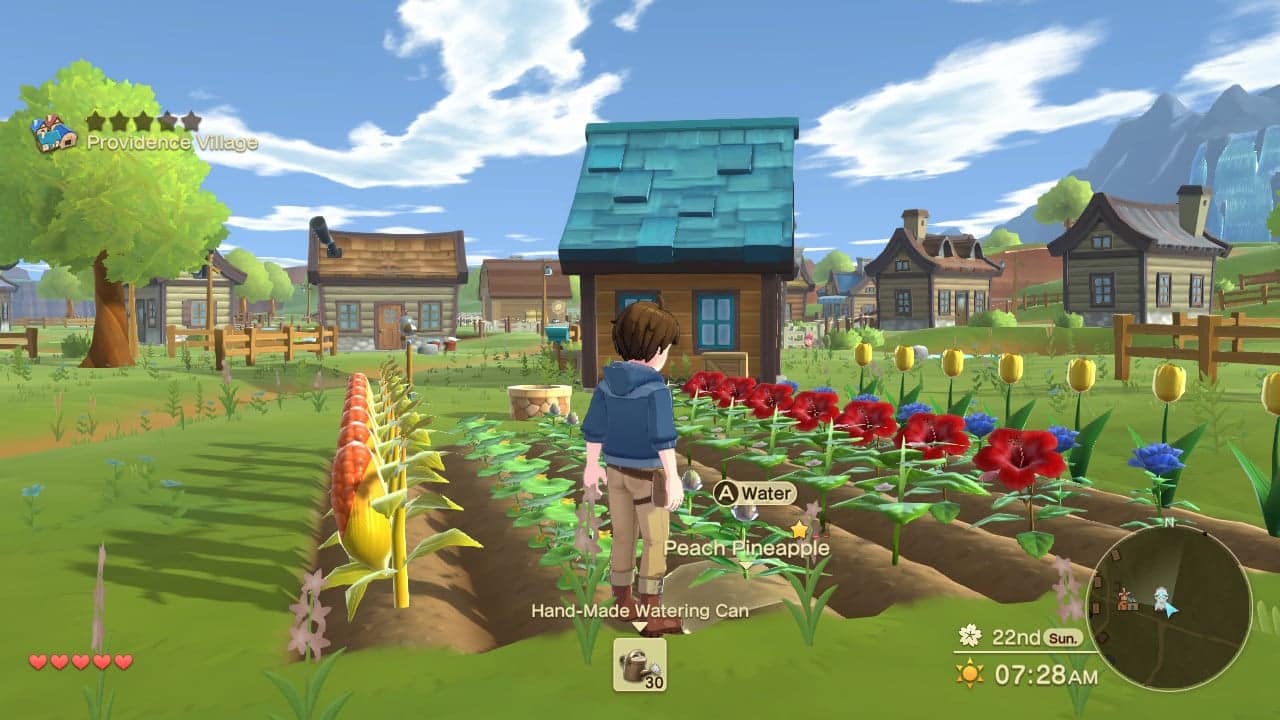
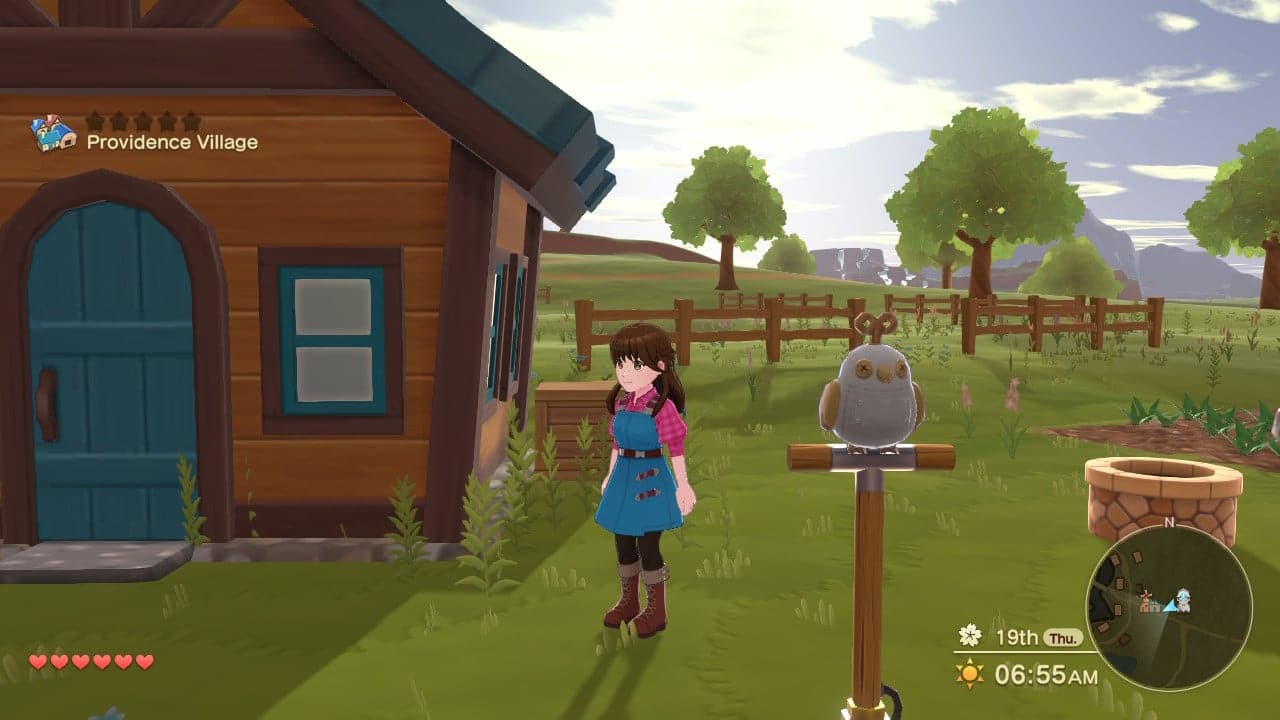
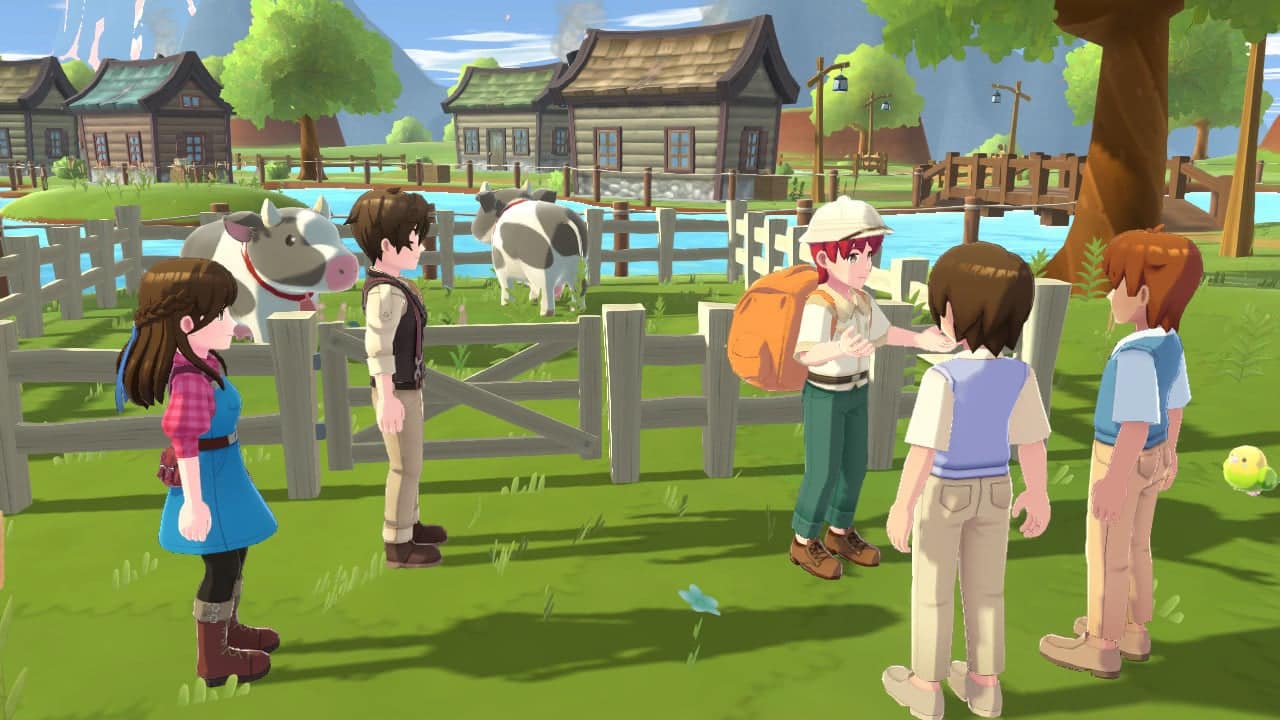
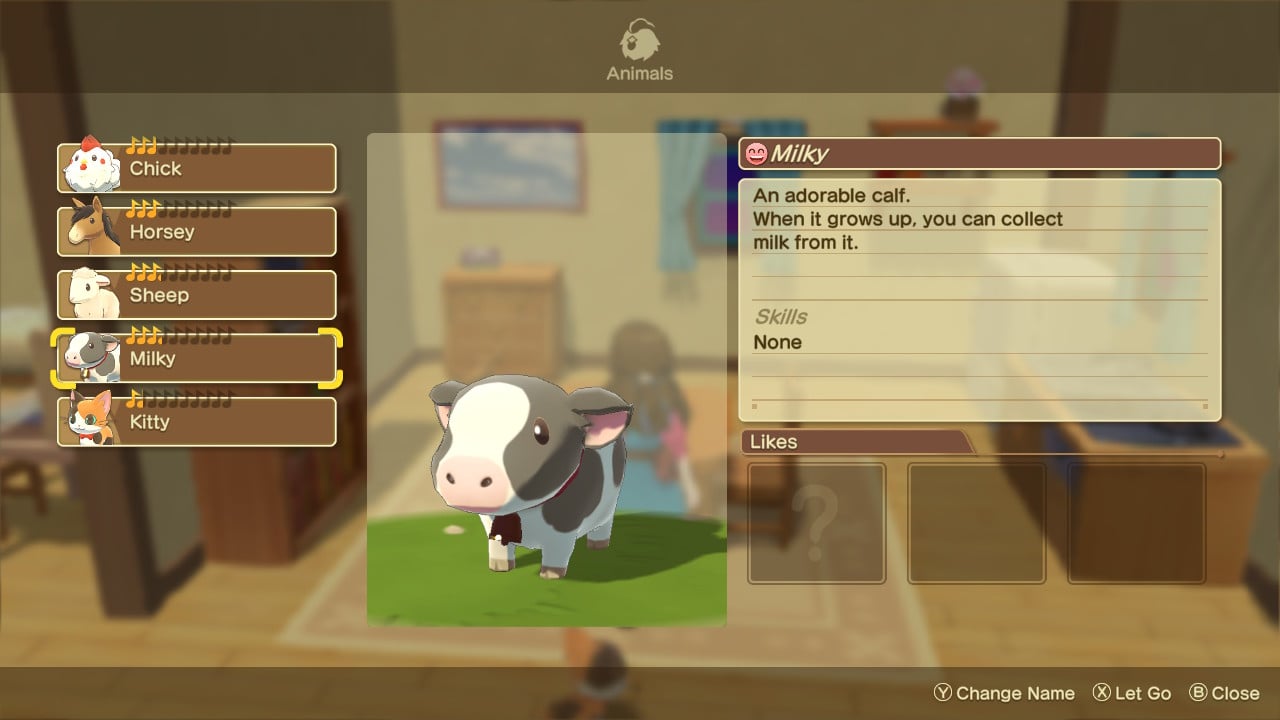
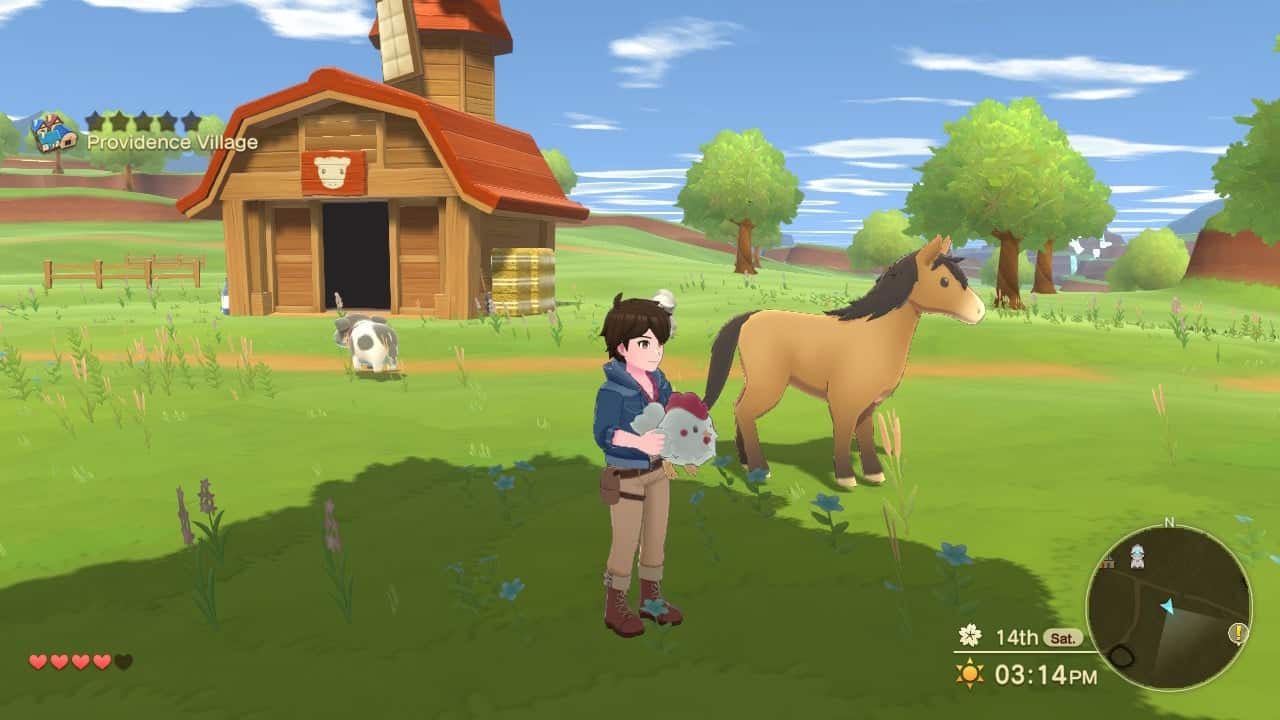
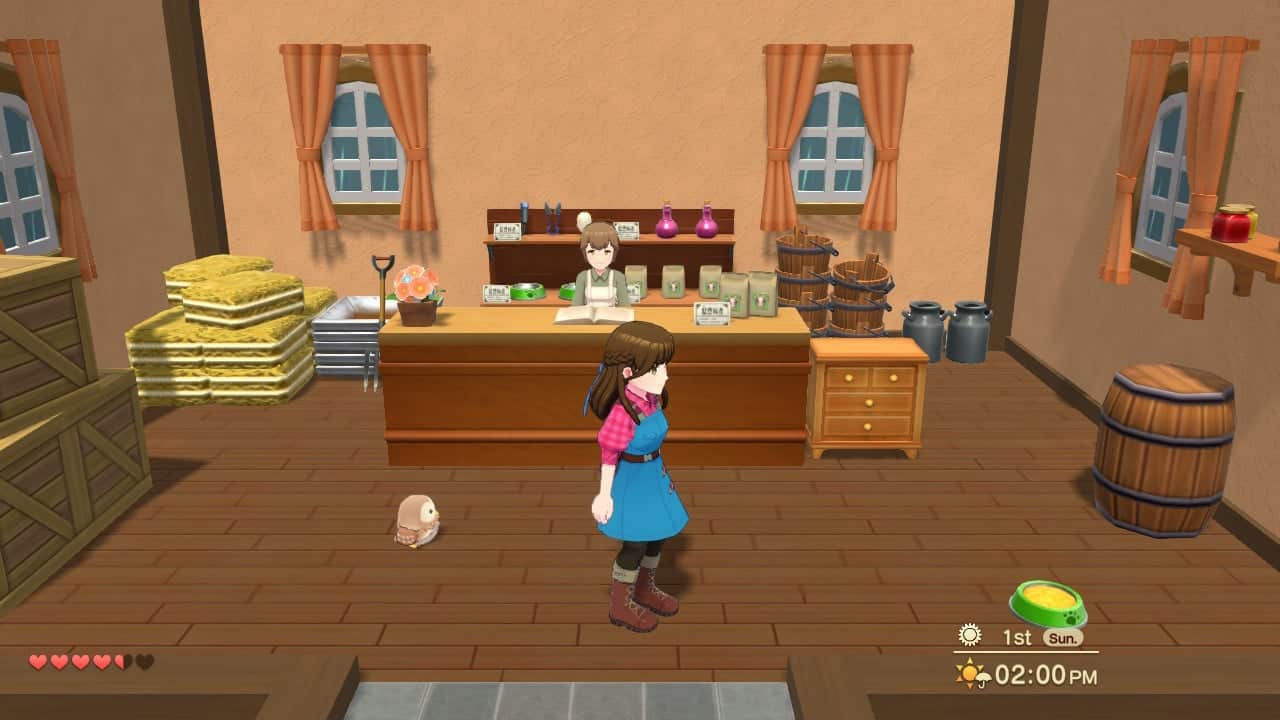
A new set of screenshots were also published, which you can find below:

Here’s an official description of the game if you’re interested:

Players will be able to find and care for a variety of animals, including traditional farm animals like cows, chickens, sheep, and horses, but will also be able to befriend pets like parakeets, owls, and rabbits, as well as wolves and Bengal tigers! Players can also ride their horse (or other mounts) to travel around Anthos!

It’s essential to grow variety of crops like corn, giant squash, and pineapples, as well as beautiful flowers including hibiscus and tulips to run a successful farm! Players will need to collect seeds from around the world with the help of the Harvest Wisps to grow both regular and rare crops.

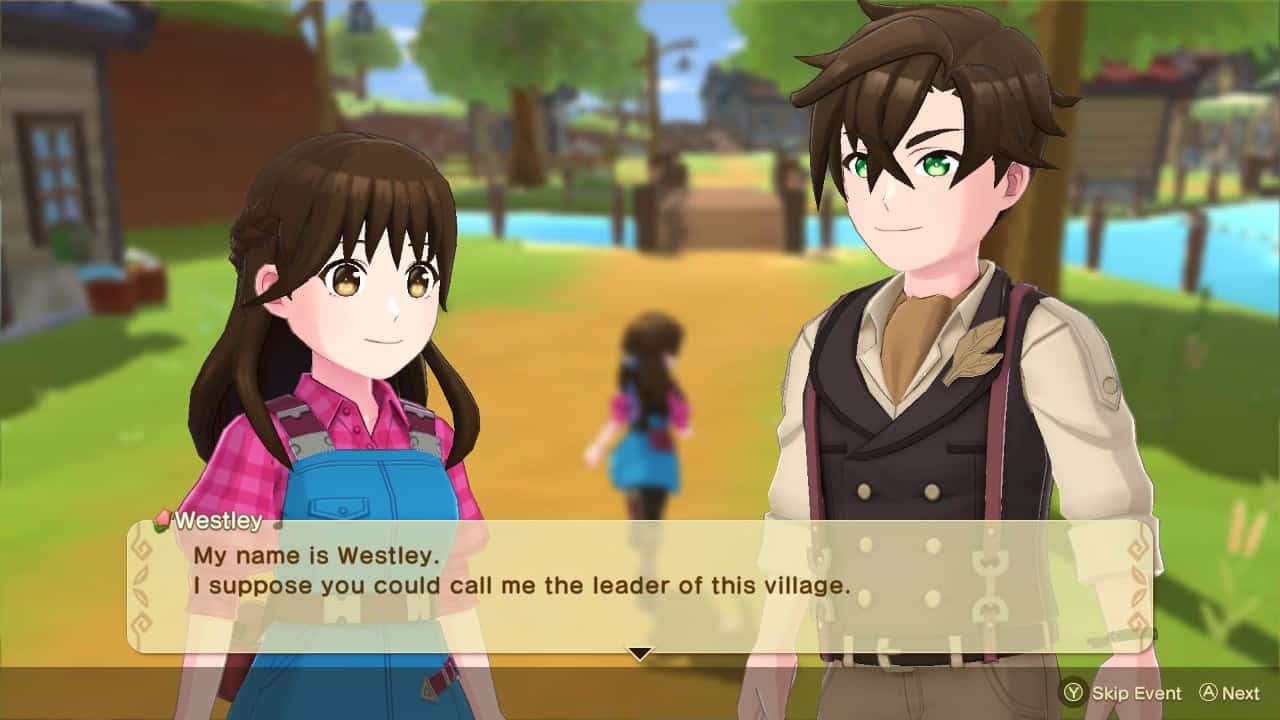
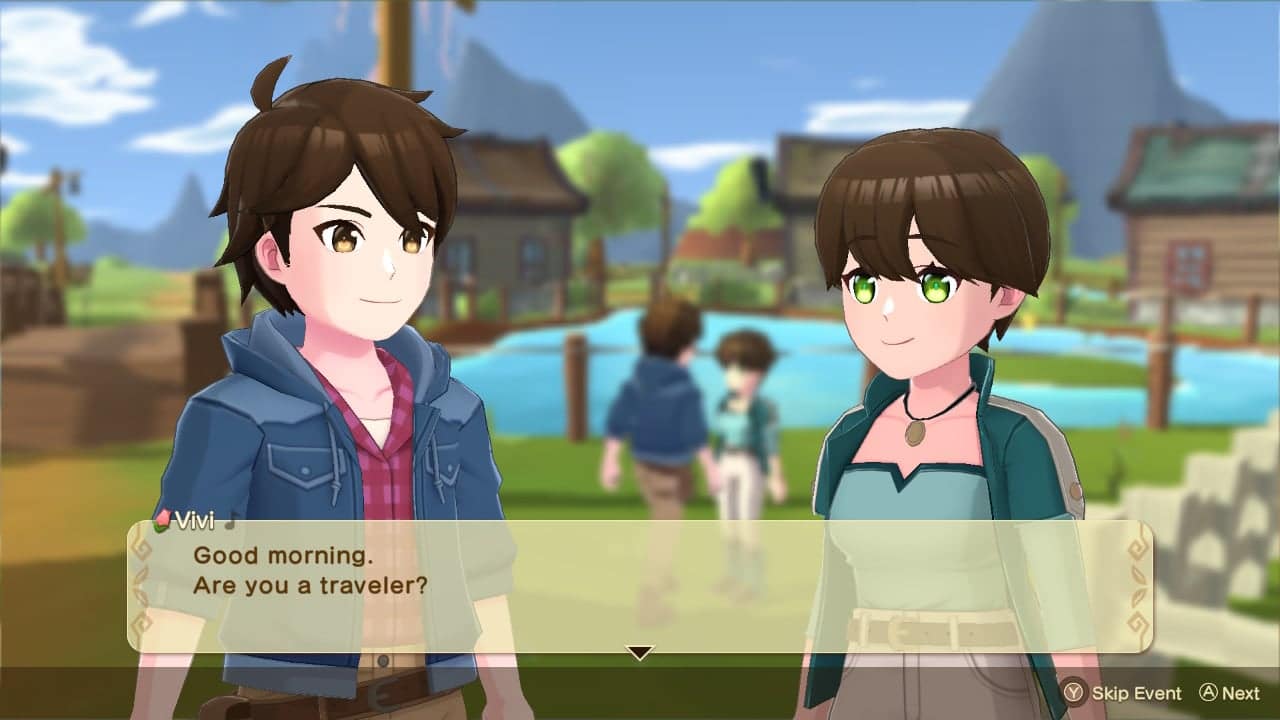
Meet a variety of interesting characters, like Westley, who helps lead Providence Village alongside his adventurous younger sister, Vivi! Many of the people who were caught outside of their own villages during the eruption ended up seeking refuge in Providence Village, so it’s become something of a multicultural hub since then.

The land players will explore is known as Anthos, and is home to the Harvest Sprites, spirits that protect people and nature, as well as the goddess of nature known as the Harvest Goddess. However, about 10 years ago, an unprecedented eruption in Anthos’s volcanic region forced the Harvest Goddess and her Harvest Sprites to use all their powers to protect the people. The people were saved, but the eruption left the villages cut off from each other…

Believing that the separated villages and people would one day be reconnected, the Harvest Goddess sent a bottle into the ocean with a letter and a magic key, then fell into a deep sleep…

Harvest Moon: The Winds of Anthos launches on all aforementioned platforms sometime in Summer 2023.

Carlos Perez

Home > guides

Meet Your Maker Building Guide: How to Design the Perfect Outpost

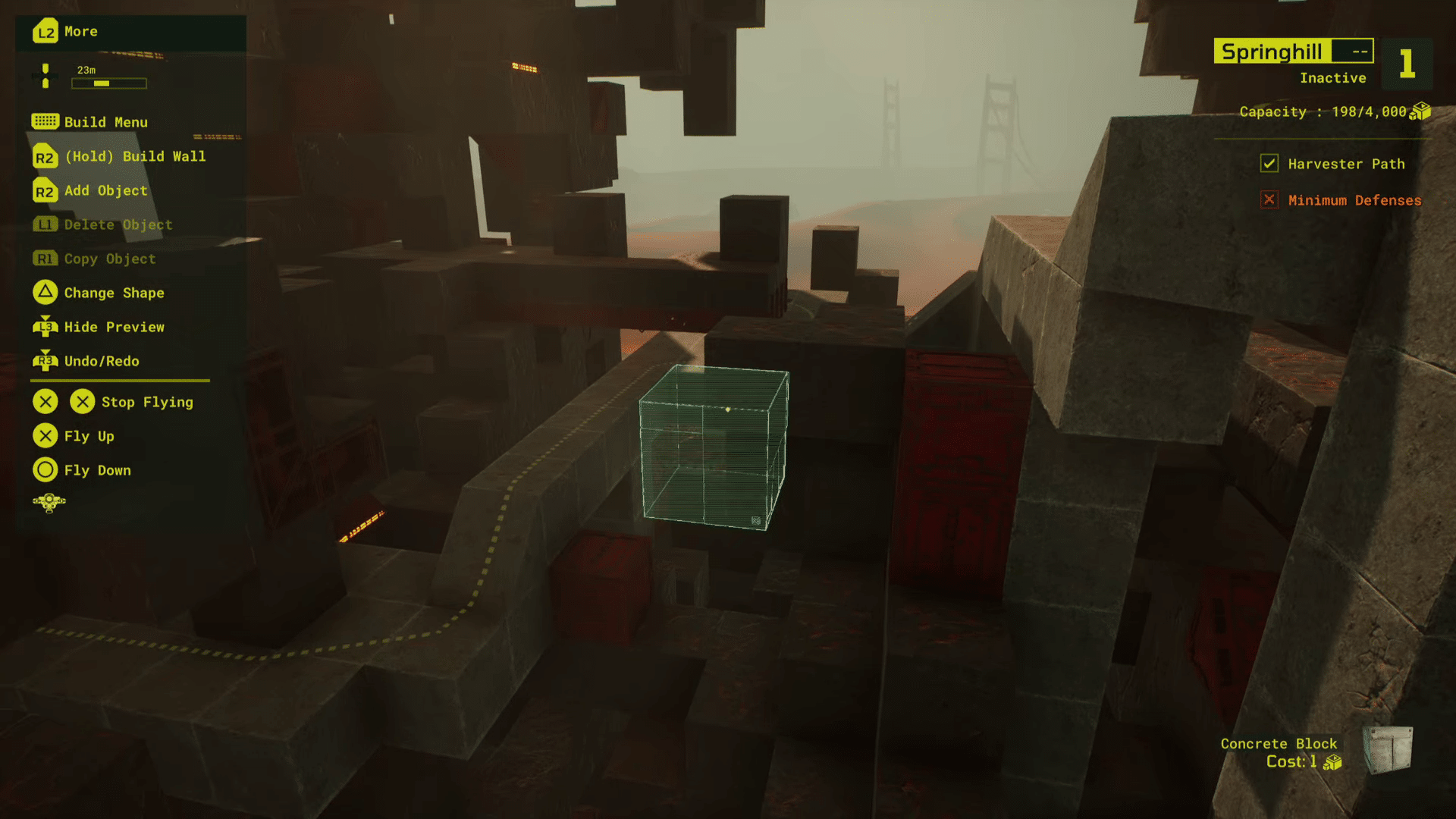
Building in Meet Your Maker is a pretty lengthy but rewarding process. This Meet Your Maker building guide will go over some high-level concepts about building that you should consider when designing your own Outpost. There are many ways to design one, but building an Outpost that’s engaging and challenging at the same time can be difficult without understanding what makes them work.

If you want to take your building game to the next level, here are four Meet Your Maker building concepts that will help you design better (and deadlier) outposts.

Meet Your Maker Building Guide:

Understanding Trap Value

While all traps have a set price, not all of them are of equal “value.” To understand this better, consider two identical traps—one that’s placed in plain sight and one that’s sneakily hidden behind a blind spot. The obvious trap will be destroyed instantly, as the raider will have no trouble spotting it and avoiding it. On the other hand, the trap that’s hidden in the blind spot may end up killing the raider once or twice before they learn to clear it during future attempts. While both traps cost the same price, the latter has more value, as it netted you a kill while the former did not.

With this in mind, it’s always a good idea to try and set up high-value traps. These are traps placed in optimal positions that will increase the chances of killing the raider if they aren’t careful. Don’t just place traps along the floor of a hallway because you have the resources to do so—instead, find creative ways to hide them, or place them in such a way that it will become a challenge for the raider to deal with them, even if they’re aware of the trap the entire time (more on that later).

Mislead the Raider

One interesting way to make your Outposts deadlier is by misleading the raider into certain scenarios. There are various ways to do this, but we’ll be talking about two methods: diversion traps and dead ends. Diversion traps are, as the term suggests, traps that exist to divert the attention of the raider. This sort of trap is not meant to kill the raider on its own; instead, it is there to draw the raider’s attention away from the true trap, which is more cleverly hidden from them. By using this approach, you can bait players into destroying a trap when in fact they’ve just walked into another one.

Another way to mislead the raider is through dead ends. Outposts don’t need to be a straightforward path; they can be entire mazes of corridors, hallways, and false leads that will make it difficult for the raider to find their way to the GenMat. Of course, it’s important to note that each Outpost has a Harvester, which will always travel the shortest possible distance to the GenMat, but if you place enough obstacles along the path, raiders will either kill the Harvester through collateral damage or lose track of it entirely as they’re too busy dealing with the traps and guards.

Consider the Raider’s Resources

Raiders don’t start off with a whole lot of ways to take down traps. Aside from reusable ammo and consumables such as explosives, raiders often rely on their melee weapon to destroy traps. You can use this limitation to your advantage by creating scenarios where the raider must expend resources in order to progress deeper into the Outpost. 

One great way of doing this is by placing traps over or near other traps. This will force the raider to take down multiple traps at a time or attempt to avoid them entirely. If the traps are placed at a distance, the raider will also need to pick up any ammo they use to disable the traps. You can also set up areas full of Guards that will make raiders want to use their consumables.

While raiders have all the time in the world to clear an Outpost, resources are a different matter entirely, and you can exploit this limitation to force raiders into making tough decisions.

Keep Raiders Invested

Finally, it’s always important to keep players invested in your Outpost. Lead them on by displaying the GenMat in plain sight, or make the Outpost just tough enough that they’ll want to die repeatedly in order to complete the raid. It can be tempting to set up killboxes, which are essentially just large rooms full of traps and Guards. And while killboxes certainly do what their name implies, raiders may quickly lose interest in your Outpost and abandon the raid instead of attempting multiple runs. 

If you want to earn as many resources as possible, you’ll want to have many deaths in your Outpost, and you’ll want to keep the raiders interested enough in your Outpost for them to want to clear it in its entirety.


It can take hours to build a decent enough Outpost that players will want to try out, and these concepts should hopefully give you some sort of direction on how you want your Outpost to shape up.

Carlos Perez

Home > News

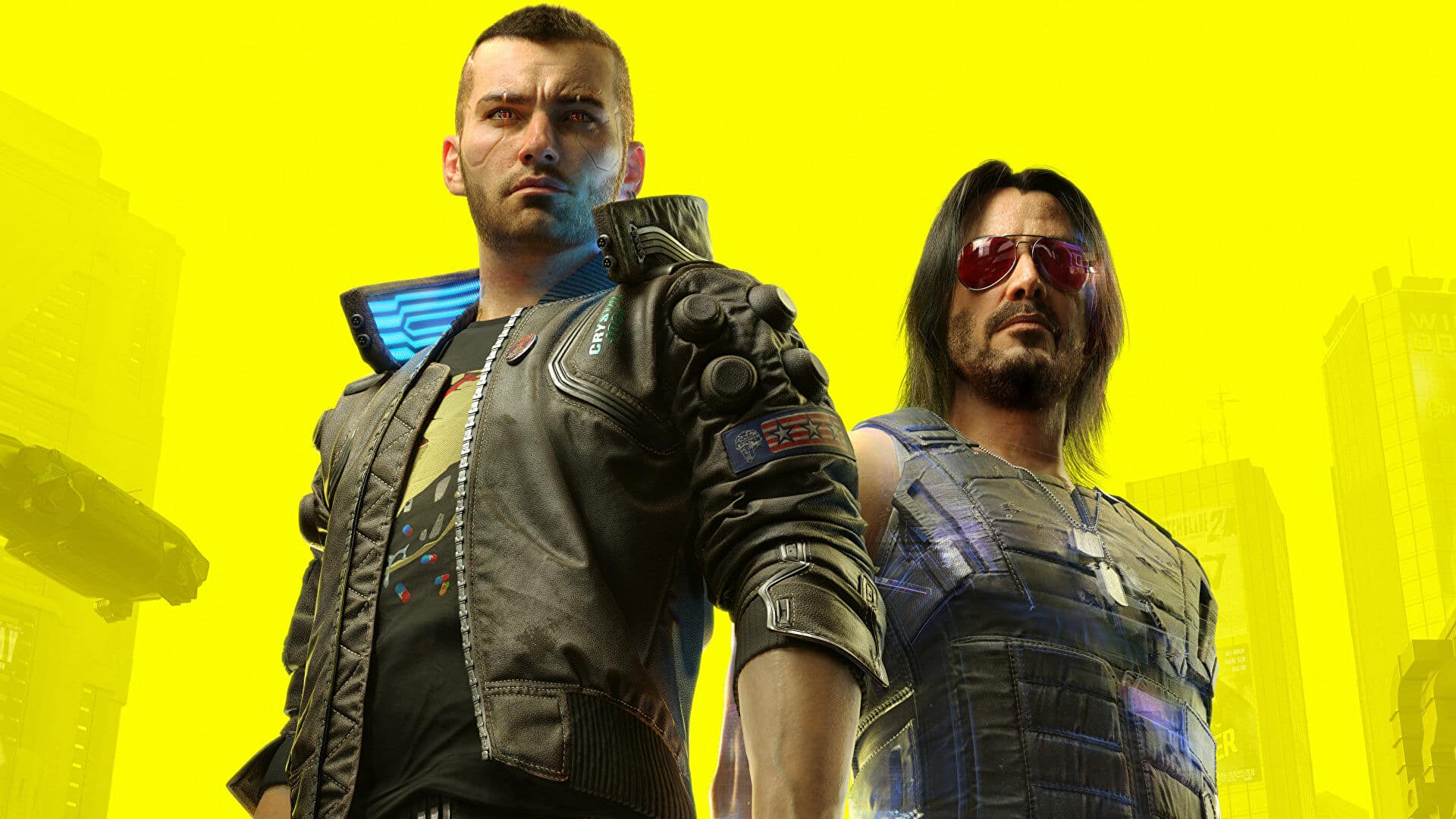
CD Projekt RED: Cyberpunk 2077 Unused Content Is “Unused For a Reason,” Cites Quality “Not There”

Cyberpunk 2077, like many other games, contains a variety of content for players to explore and try out, with one of the major features involving quests that will lead to interesting storylines and in-game rewards. For large-scale games such as Cyberpunk, however, there will usually be quite a bit of cut or unused content, and Cyberpunk 2077’s unused content is “unused for a reason,” according to one of the devs at CD Projekt Red.

Paweł Sasko, CD Projekt Red’s quest designer for Cyberpunk 2077, revealed in a recent livestream his work as a designer and how he influences what sort of content makes the final cut. 

One important point I wanted to make here, whatever unused content there is and you want to make material about it, always unused content is used [for] a reason, you know. And I always try to explain it to the players but also to the press that when you’re actually making a game, your responsibility as a designer is to actually make all of those calls about what actually gets into your game, you know, that is your responsibility. And when stuff is weak and just the quality is not there, and sometimes just you will look at the idea and the potential of the idea is not there. You can see that there’s no way you can bring it up to, you know, let’s say, nine out of ten quests, or locations, or gameplay feature[s].

Sasko also stressed that “We normally want to make our games as rich and as deep as we can for you,” with the goal of providing “the best possible game” that the developers have. While chatters in the livestream asked about any new content for Cyberpunk 2077, Sakso was tight-lipped, mentioning he had “no knowledge about new content” from other departments. 

You can watch the full livestream from Twitch here.

As for what’s coming next, CDPR is set to drop info on Cyberpunk 2077’s upcoming DLC “Phantom Liberty” this June/

Carlos Perez

Home > News

TMNT: The Cowabunga Collection Has Sold Over 1 Million Copies

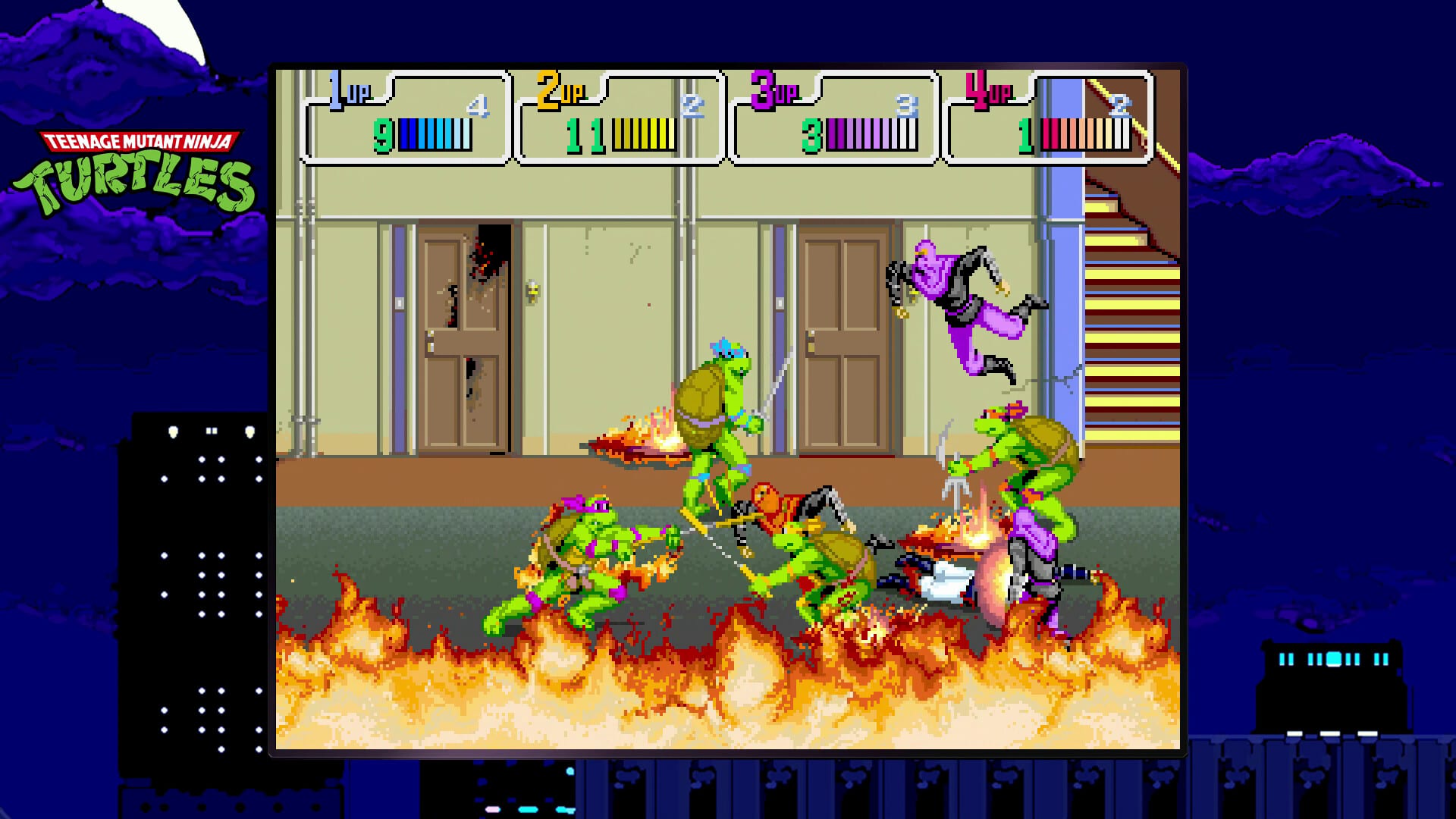
Konami’s Teenage Mutant Ninja Turtle games are enjoying a second life nearly 30 years after the release of the Tournament Fighters NES title. The company has announced that TMNT: The Cowabunga Collection has sold over a million copies less than a year into release, serving as testament to the longevity of the beloved titles.

Check out the official announcement below:

TMNT: The Cowabunga Collection is a compilation of thirteen TMNT games released by Konami between 1989 and 1984, beginning with Teenage Mutant Ninja Turtles and ending with TMNT: Tournament Fighters, both on the NES. The new Digital Eclipse-developed compilation adds several quality-of-life features including save states, rewind functions, button mapping, and multiplayer for certain games in the collection.

Konami also revealed the following gameplay statistics aggregated from players over the last year for TMNT: The Cowabunga Collection:

  • Six million pizzas eaten
  • 350 million Foot Soldiers defeated
  • Two million of Shredder’s plans shredded
  • One million times the Turtles saved their friends

TMNT: The Cowabunga Collection is available on PC, PS5, PS4, Xbox Series X|S, Xbox One, and Nintendo Switch.

Avatar photo

Salman Haider Zaidi

That's a nice argument, Senator.

Home > News

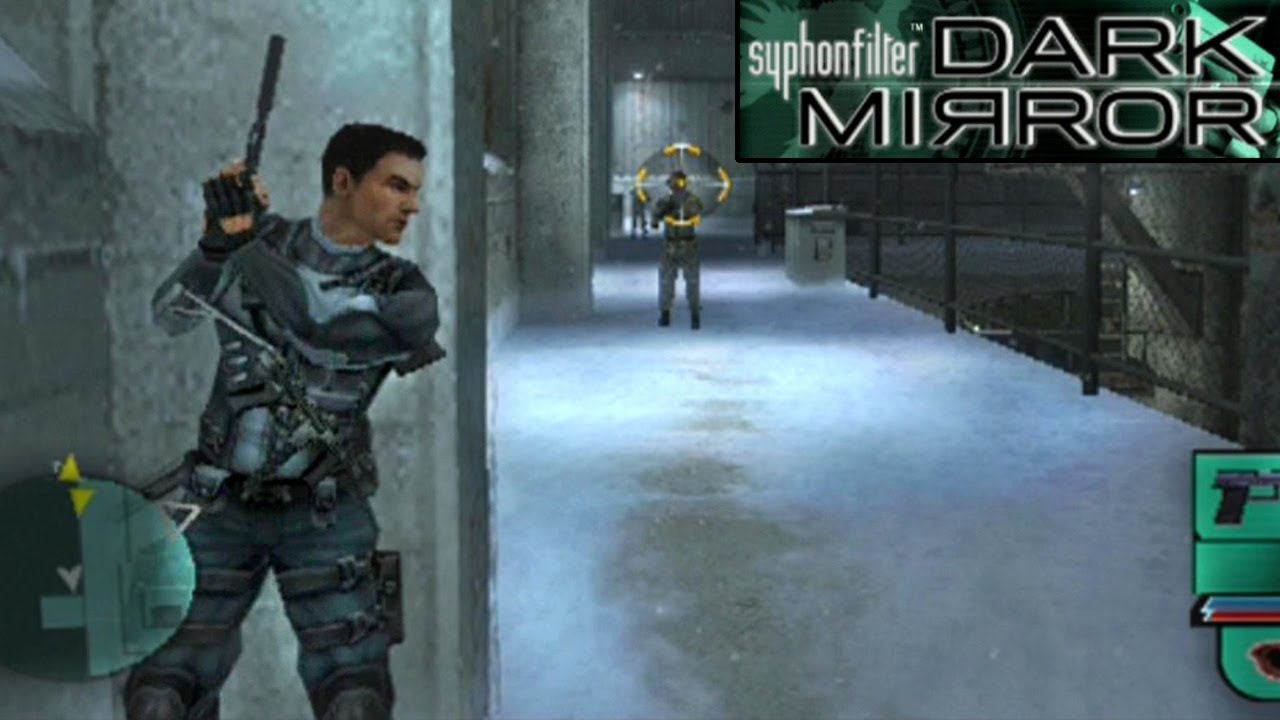
Syphon Filter Dark Mirror Update 1.02 Adds Right Stick Aiming Functionality

Sony has rolled out Syphon Filter Dark Mirror update 1.02, and this one adds a very important feature into the game, and that’s implementing right analog stick functionality to the game!

Syphon Filter Dark Mirror Update 1.02 Patch Notes:

The PS4 update history states the following:

  • Added Right Stick functionality.

That’s about it. We’re not expecting any gameplay-related changes to be made outside of that given the game’s age and all. Of course, the addition of being able to aim using the right stick is a game-changer. Back then, gamers were forced to use the L1 and R1 buttons to change where their character was aiming, which was quite cumbersome (speaking from experience).

For reference, Syphon Filter Dark Mirror was originally released on the PlayStation Portable (PS) back in 2006, before it was re-released on the PS2 a year later. It’s now available as part of the premium PlayStation Plus, or you can buy it separately for $9.99 on the PlayStation Store.

More PlayStation Reading:

Avatar photo

Alex Co

Father, gamer, games media vet, writer of words, killer of noobs.

Home > News

New Destiny 2 Xur Location Today April 7, 2023 (And What Xur Is Selling)

It’s Friday and for Destiny 2 players, this means Xur is back to sell his wares! If you’re asking what Xur is selling in Destiny 2 this week and where he’s holed up, we’re here to help! The MP1st new Destiny 2 Xur location today, April 7, 2023 post is live, and you can check out Xur’s list of items this week in one handy list below.

New Destiny 2 Xur Location Today April 7, 2023 (And What Xur Is Selling):

Xûr, Agent of the Nine

A peddler of strange curios, Xûr’s motives are not his own. He bows to his distant masters, the Nine.

Location

Watcher’s Grave

What’s a Xûr?

Xûr, Agent of the Nine, is a strange vendor who randomly appears in a Public Sector on one of the Worlds. Xûr sells Exotic equipment and only takes Legendary Shards in exchange for them.

TL;DR: He’s the Santa Claus of Destiny and every weekend is Christmas. Sometimes he brings you what you want, sometimes he brings you coal. Mostly it’s coal.

When does Xûr visit?

Xûr visits every Friday at 17:00 UTC and departs at Weekly Reset (Tuesday 17:00 UTC). If you would like to see all the live conversions of Time Zones, please follow this link here.

Thanks, Reddit!

Avatar photo

Salman Haider Zaidi

That's a nice argument, Senator.

Home > News

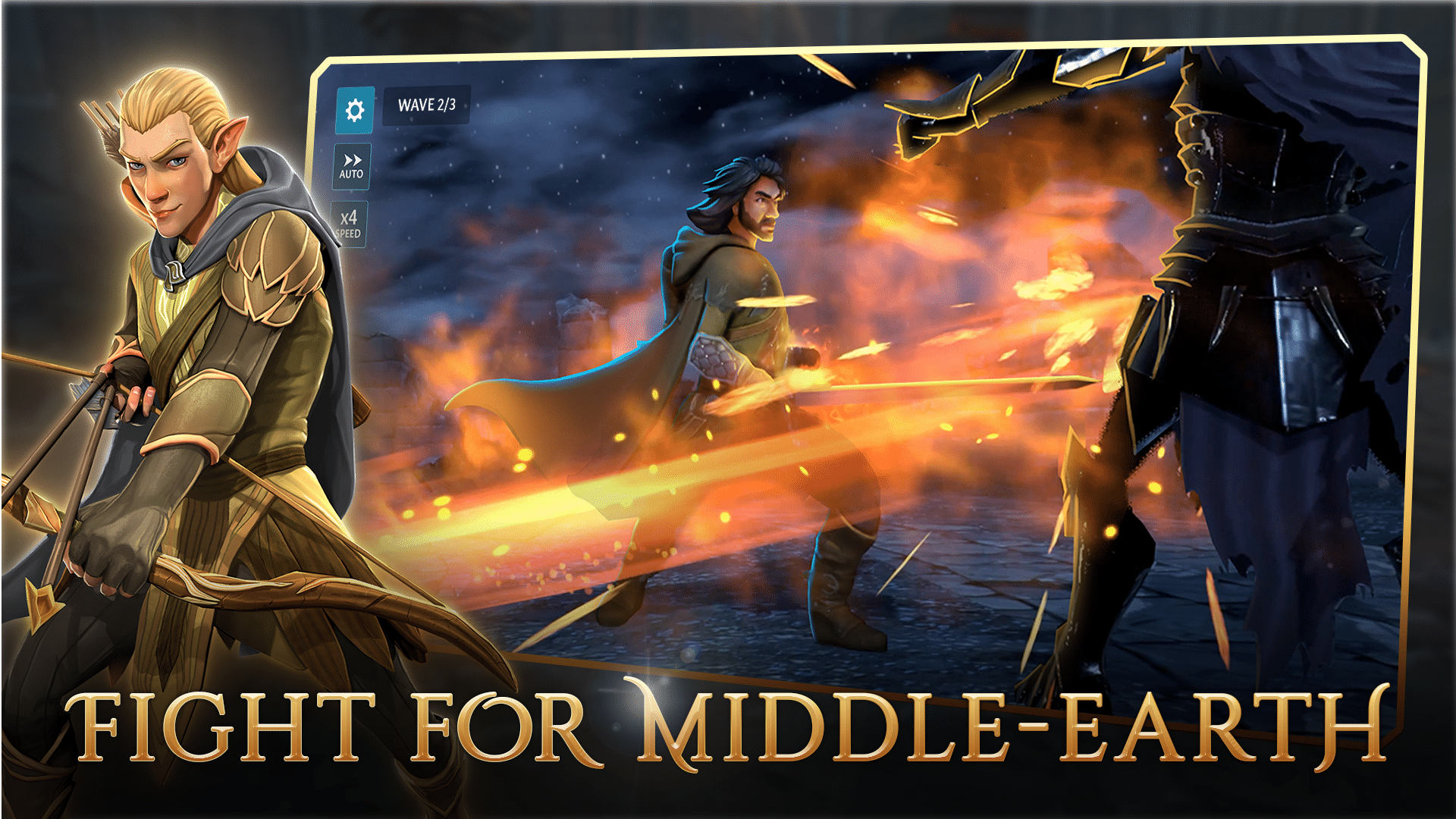
The Lord of the Rings: Heroes of Middle-earth Release Date Set for May 10, Gameplay Trailer Showcases Turn-Based Combat

Capital Games and Electronic Arts (EA) have revealed that their upcoming mobile RPG The Lord of the Rings: Heroes of Middle-earth is set for a May 10 release date on iOS and Android. A gameplay trailer showcasing its turn-based combat, battles, customization, and progression has also been released. Pre-registrations for the game are open now.

Watch the gameplay trailer below:

The Lord of the Rings: Heroes of Middle-earth is an upcoming mobile RPG from Capital Games and EA that features an original story centered around a Ring of Power, and expands on the lore and races of existing Tolkien writings to “create a more diverse and inclusive Middle-earth.” From the developers:

As the player discovers a mysteriously abandoned new Ring of Power, visions of their potential journey flash before our eyes – battles and adventures feature beloved and classic characters. Glimpses of the player menus detail hero preparation, team building, and exciting campaign selections. Customization, leveling, the turn-based combat, and much more is in store.

The Lord of the Rings: Heroes of Middle-earth goes live May 10 on iOS and Android devices. Fans can now pre-register for the game to receive all upcoming information about the game’s launch as well as exclusive behind-the-scenes content and more.

Avatar photo

Salman Haider Zaidi

That's a nice argument, Senator.

Home > News

gamescom Opening Night Live Returns August 22

The Game Awards’ producer Geoff Keighley has announced that his gamescom Opening Night Live event will return this year on August 22 before gamescom begins on August 23. The event will once again be held in Koelnmesse in Cologne, Germany.

Check out the official announcement below:

gamescom Opening Night Live is Keighley’s pre-show event for the German gamescom expo, with gamescom itself running from August 23 through August 27 this year. While Keighley confirmed the return of his own show, he has not revealed any specifics or schedule for this year’s Opening Night Live yet.

With the cancellation of E3 2023 and industry players’ move towards exclusive digital-only showcase events, Keighley has remained as the face of many of gaming’s biggest events. Besides gamescom Opening Night Live, he will also be holding his own Summer Game Fest in June and this year’s The Game Awards event as well. Stay tuned here at MP1st for all upcoming gamescom news and announcements.

Avatar photo

Salman Haider Zaidi

That's a nice argument, Senator.

Home > News

XDefiant Closed Beta Goes Live April 13 Along With Showcase Stream, PSN Page Live Now

Ubisoft has announced an XDefiant closed beta with no NDA that will run from April 13 through April 23, along with an XDefiant Showcase on April 13 featuring an inside look at the game and a showmatch. Additionally, the PlayStation Store page for the game is up now.

Unlike the Insider Session, the XDefiant closed beta will be NDA-free, with players allowed to record and stream content from the beta as they wish. The beta will also include an alpha test of ranked play as well as exclusive rewards. The closed beta will begin on April 13 at 7am ET/10am PT, alongside a simultaneous XDefiant Showcase that will showcase a ranked showmatch and a deep dive of the game’s features and the closed beta’s content.

Players can gain access to the closed beta in one of two ways:

  • Website

You can register in advance on our website over at playxdefiant.com.

  • Twitch Drops

Starting April 13th, Twitch Streams including the XDefiant Showcase (www.twitch.tv/ubisoft) will grant game access drops. You can gain access by watching for 30 minutes with a partnered streamer.

The following content will be available in the closed beta:

  • Factions

Libertad, Echelon, Phantoms, DedSec (locked until later in the Closed Beta), and the Cleaners

  • Maps

Attica Heights, Arena, Dumbo, Echelon HQ (NEW!), Emporium, Liberty, Mayday, Meltdown, Midway, Nudleplex, Pueblito, Showtime, Times Square, Zoo

  • Mode

Unranked Playlist – Escort, Zone Control, Domination, & Occupy. You can queue for which mode you prefer!

Additionally, the following rewards will be available through the closed beta:

  1. M4A1 “Disruption” Weapon Skin
  2. Emery “Dungaree” Character Skin
  3. M870 “Cobalt” Weapon Skin
  4. Emoji “XD Style”
  5. Magnum “Black & Bling” Weapon Skin
  6. MP7 “Graffiti” Weapon Skin
  7. MK20 “Pelagic” Weapon Skin
  8. Quinn “Hi-Velocity” Character Skin
  9. MVP/Profile/KS “Hi-Velocity” Player Card
  10. MP5 “TechX” Weapon Skin
  11. “Violet” D50 Pistol Weapon Skin (Twitch Reward)
  12. “Violet” MK 20 SSR Weapon Skin (Twitch Reward)

The closed beta ends April 23 at 8am ET/11am PT, and progress acquired during it will be carried over to the full game. The XDefiant Showcase can be tuned into over at the official Ubisoft and Twitch channels when it goes live.

The PlayStation Store page for the game is up now, where fans on PS5 and PS4 can now wishlist the game. If you’re looking to get into the game, check out our hands-on impressions from the Insider Session in which we detailed XDefiant’s design and gameplay mechanics as well as what we felt should be changed or reworked.

Source: Ubisoft

Avatar photo

Salman Haider Zaidi

That's a nice argument, Senator.

Home > News

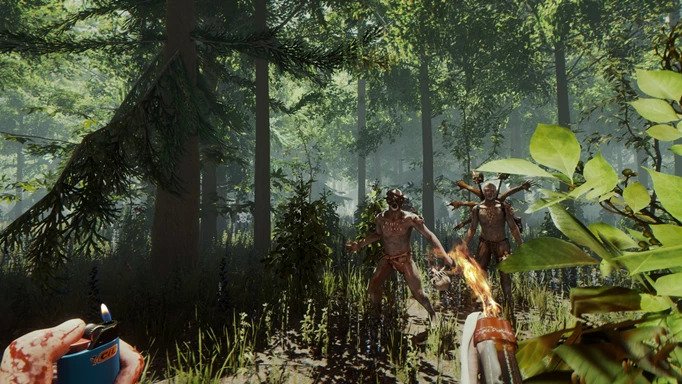
Sons of the Forest Update for Patch 3 Released This April 7

Developer Endnight Games has released Sons of the Forest update 3 today for Steam users. While the game is still in early access, a ton of bug fixes and gameplay improvements have been added today. Check out the Sons of the Forest April 7 patch notes down below. 

Sons of the Forest Update for April 7 Patch Notes:

Features
  • Rideable E.U.C. ‘Knight V’
  • Nightvision goggles
  • Solar panels, light bulbs and wires added to construction system
  • Ramps/Stairs can now be built between a beam and a wall
  • Buildable spring trap
  • Working armor rack (replaces mannequin)
  • Added button / option to delete saves (also limited amount of save slots to 30 to fix issues with steam cloud sync)
Improvements
  • Dead babies now have buoyancy in water
  • Mr. and Mrs. Puffton clothes now burn up when they are burned
  • Added security camera model to bunker luxury entrance
  • Cannibal lookout towers and large huts are now breakable
  • Adjusted navigation areas by lakes to fix issue with stuck animals/characters around edges
  • Can now pickup and throw puffy dead bodies
  • Dismembering dead characters with melee is now easier
  • Adjusted creepy spawning logic in caves, should no longer visibly spawn and should not lead to over the top amounts of enemies in caves over time
  • Improved some enemy base attack logic
  • Enemy damage game setting is now properly replicated to clients in multiplayer
  • Kelvin “return to shelter” command will also return to hunting shelters and beds
  • Kelvin can now pick up all types of arrows, visibly carry them, and drop the proper type of arrow
  • Fly Swatter and Bone Maker traps will no longer trigger on small animals
  • Improved morgue lighting in bunker residential and added some dead cultists there
  • Added flower wreaths to some dead cultists
  • Added world position fixer to block player going outside the bounds of the world on X and Z
  • Added quarter resolution mipmap limit option and set book pages to use it, to prevent them becoming unreadable at low texture settings
  • Set rock, stick and small rock to disable colliders when not dynamic
  • Fixed player clothing blend shapes not always properly applying visually to other players in multiplayer
  • Tarp and turtle shell will now show their item count in inventory
  • Renamed mannequin to armor rack
  • Changed amount of duct tape required to build armor rack to 1
  • Added shimmy area after boss fight in hell cave
  • Made it possible to leave hell cave if reentering it after completing game
  • Rope climb trigger for caves is now accessible from a wider angle
  • Creepies will now be hidden if they manage to wander into any cutscenes
  • Virginia will now stash guns when carrying a gift and drop gift when entering combat
Balance
  • Cannibal ability to dodge heavy attacks increased
  • Increased John2 damage to structures
  • Enemies now flee further when scared
Fixes
  • Fixed issue with nomad cannibal families spawning more than maximum allowed amount
  • Fixed more cases of enemies and large animals able to spawn in player bases
  • Fixed missing translation on find the Puffton tutorial messages
  • Fixed slight delay when hovering over the exit confirm button
  • Fixed some more cases of being able to glitch out of the world using a stick
  • Fixed animation pop in puffy male walk aggressive loop
  • Fixed some areas players could get stuck in hell cave
  • Dropped backpack should now properly spawn if the player saves and reloads before picking it up
  • Grab bag should no longer get the player stuck in a bad state if it is opened and closed quickly
  • Player should no longer get into a broken state if they begin swimming while performing the refill flask action
  • Added a safety measure that if the player somehow gets into a state where they are missing a vital item such as their lighter, tracker, combat knife, guide book or grab bag, they will be readded when a save game is loaded
  • When the player’s dropped backpack is picked up, it double checks to ensure that the player now has the backpack item
  • Player should no longer be able to lose their backpack from using their Quick select in some rare use cases
  • Fish on drying racks will no longer despawn when their max pickup count is reached
  • Items on the camp fire will no longer auto despawn
  • Fixed heavy actor sometimes popping to standing when hit again during hit head reaction
  • Fixed Kelvin not stopping trying to fill holder that player put final item in
  • Fixed player getting into stuck state if machete ground attack was interrupted
  • Fixed stun baton FX sometimes stuck on when interrupted
  • Fixed issue with there sometimes being more fish than maximum allowed amount
  • Improved logic to better prevent cases of seeing enemies pop in
  • Fixed falling trees not hitting cannibals
  • Fixed clients sometimes seeing extra GPS locators for Virginia
  • Fixed multiplayer client’s taking gun with multiple mods from Virginia losing a mod
  • Fixed visual issues decapitating heavy faceless cannibal and female puffy
Sound
  • Applied logarithmic scale to volume sliders
  • Add an audio event for animations where cannibals hits club against ground

Source: Steam

Damien Seeto

Home > News

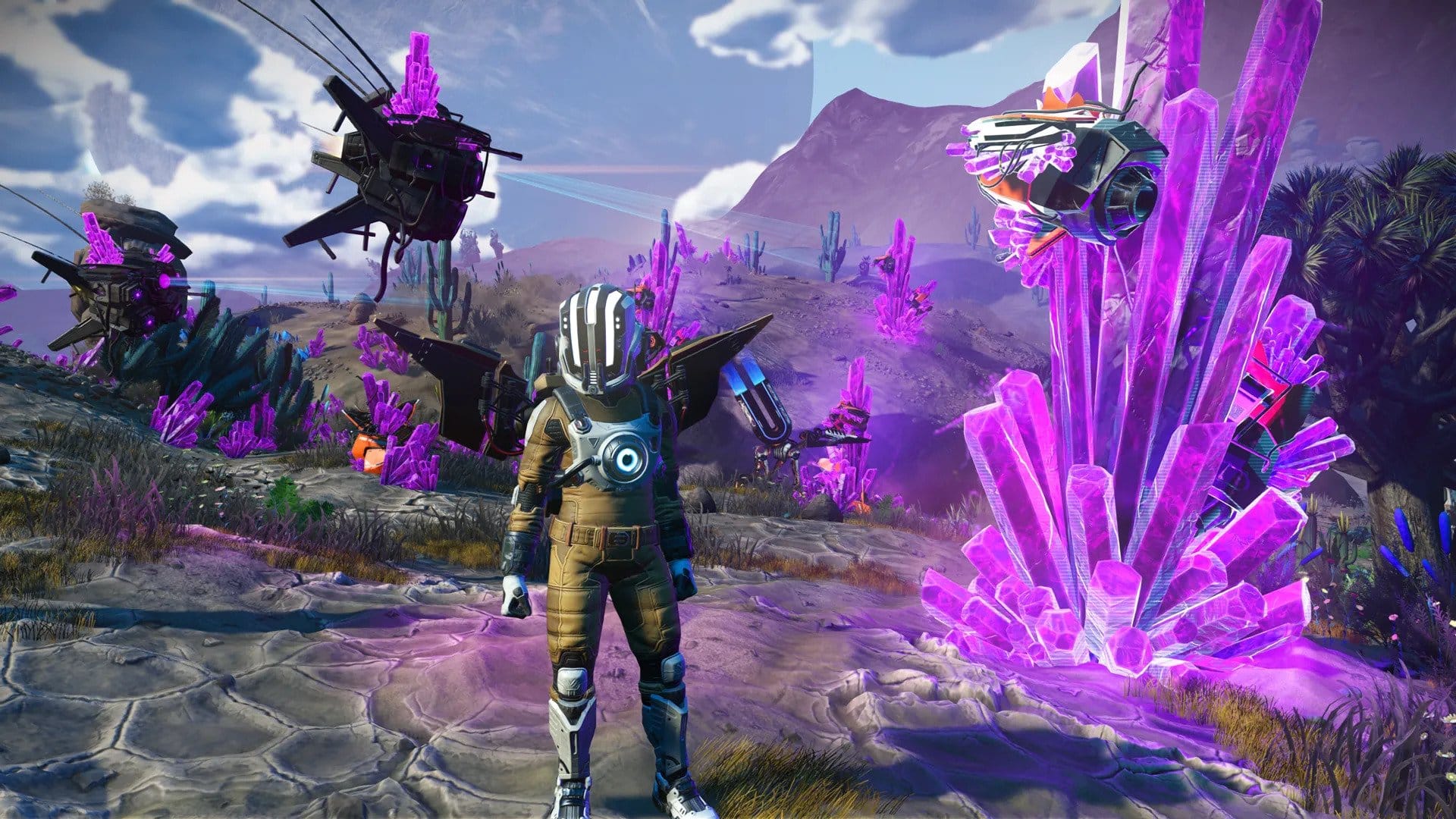
No Man’s Sky Update 4.21 Out for Interceptor Bug Fixes This April 7

Hello Games has released No Man’s Sky update 4.21 (PS5 version 4.021) today for all platforms. This update is available now and it includes bug fixes for the Interceptor patch. Check out the No Man’s Sky April 7 patch notes below. 

No Man’s Sky Update 4.21 Patch Notes | No Man’s Sky Update 4.021 Patch Notes | No Man’s Sky April 7 Patch Notes:

Thank you to everyone playing the Interceptor Update, especially those taking the time to report any issues they encounter via Zendesk or console crash reporting.

We are listening closely to your feedback, and have identified and resolved a number of issues. These fixes are included in patch 4.21, which is now live on Steam and will be coming to other platforms as soon as possible.

Bug fixes

  • Fixed a rare crash related to multiplayer starship combat.
  • Fixed a crash related to ground combat in multiplayer.
  • Fixed an issue that could cause incorrect controller configuration on Steam.
  • Fixed a crash related to NPC starship navigation.

Source: No Man’s Sky

Damien Seeto

Home > guides

Meet Your Maker Best Settings Guide: Options and Features to Make Use Of

Meet Your Maker’s novel gameplay concept makes it a little more difficult for players to get into, even for those coming from shooters and other similar genres. To make the learning curve a little smoother, this Meet Your Maker best settings guide will go over all the options you have at your disposal via the main menu. This includes your usual audio, video, and language options, as well as some other features you may want to check out from time to time.

With that being said, here are all the settings you should consider fiddling around with in Meet Your Maker.

Meet Your Maker Best Settings Guide (For All Platforms)

General

The general settings tab offers various options that don’t fall under the other settings categories. This includes language options for both text and audio, subtitle options, prompts for your HUD, and crossplay functionality. Aside from that, you also have the privacy policy and EULA at the bottom if you ever need to browse those.

The HUD prompts are quite useful when learning out Meet Your Maker, so you may want to leave them on until your muscle memory starts to kick in. For all the other general settings, simply go with whichever language you’re comfortable with, toggle subtitles if needed, and enable crossplay if you want to connect with players from other platforms.

Audio

The audio settings in Meet Your Maker are fairly straightforward, with volume sliders for various sound elements, including music, dialogue, and SFX, with SFX being split further into three categories for ambient, menu, and general sound effects. You can also toggle the game’s voice chat feature, adjust the volume for it, and turn your mic on or off if you’d rather not do it via the controller. As sound can vary greatly depending on what type of device you’re using, you may want to fiddle around with the sliders in order to clearly hear everything.

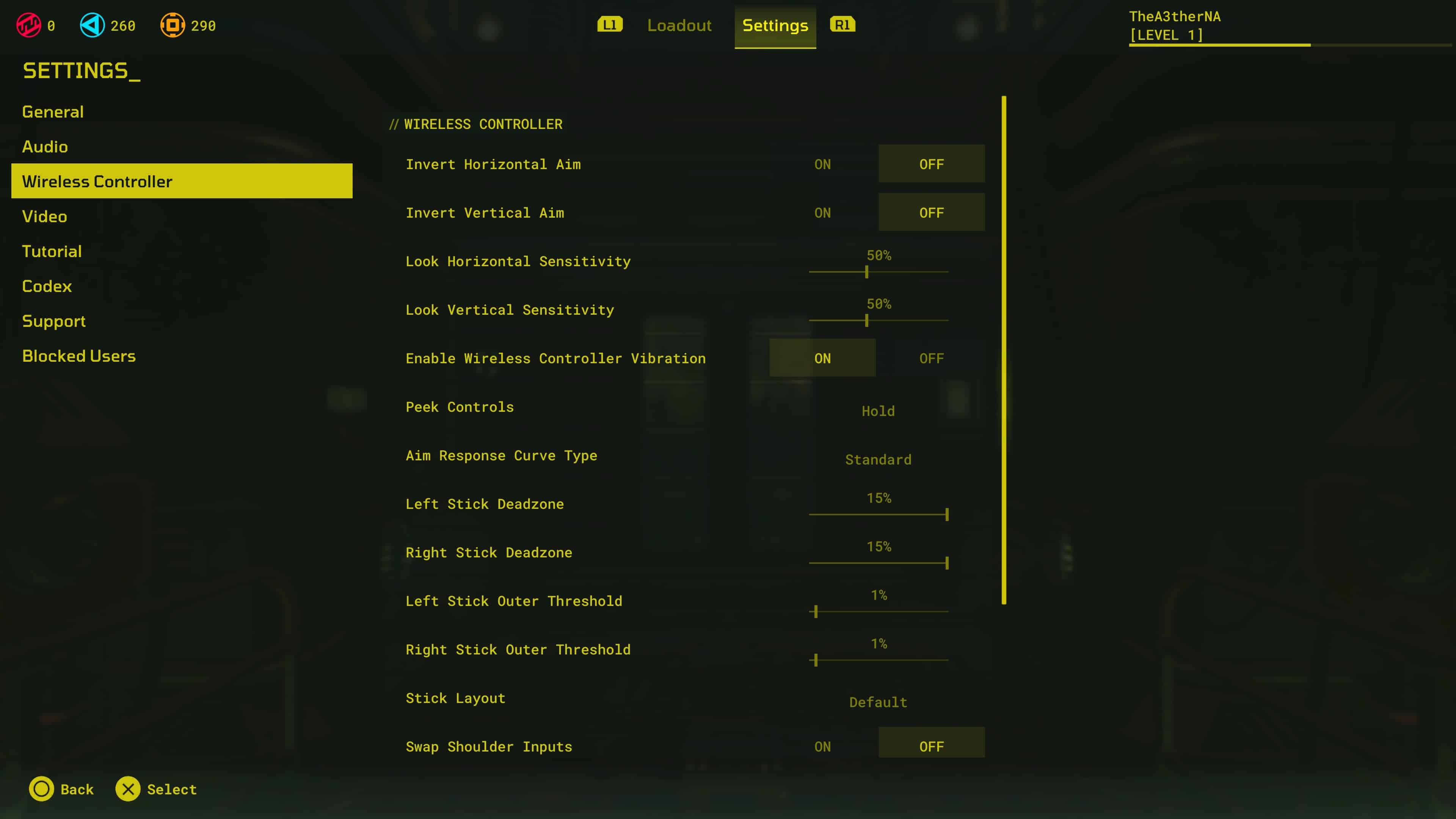
Wireless Controller

Meet Your Maker’s wireless controller settings allow you to tweak your controller’s sensitivity, deadzone, and other various elements. As Meet Your Maker has two very different types of gameplay (building and raiding), it’s important to have settings that you’re comfortable with using at all times. 

For starters, you can invert the horizontal and vertical aim of your controller, if you’re used to playing games that way. Then, there are horizontal and vertical sensitivity settings for looking, which will affect how quickly you can pan the camera around. If you’re newer to shooters on controllers, having this set to a slightly lower value could help you aim at targets more easily. Conversely, if you’re more familiar with controller aiming, then a higher sensitivity will allow you to aim at your target faster.

Aside from sensitivity, you also change your peek controls, aim response curve, shoulder input, and more. You can also adjust your controller’s deadzone and threshold on both sticks, which can be useful if you’re using a faulty controller. Of course, these settings won’t carry over to other games, but at least your controller will work better when playing Meet Your Maker.

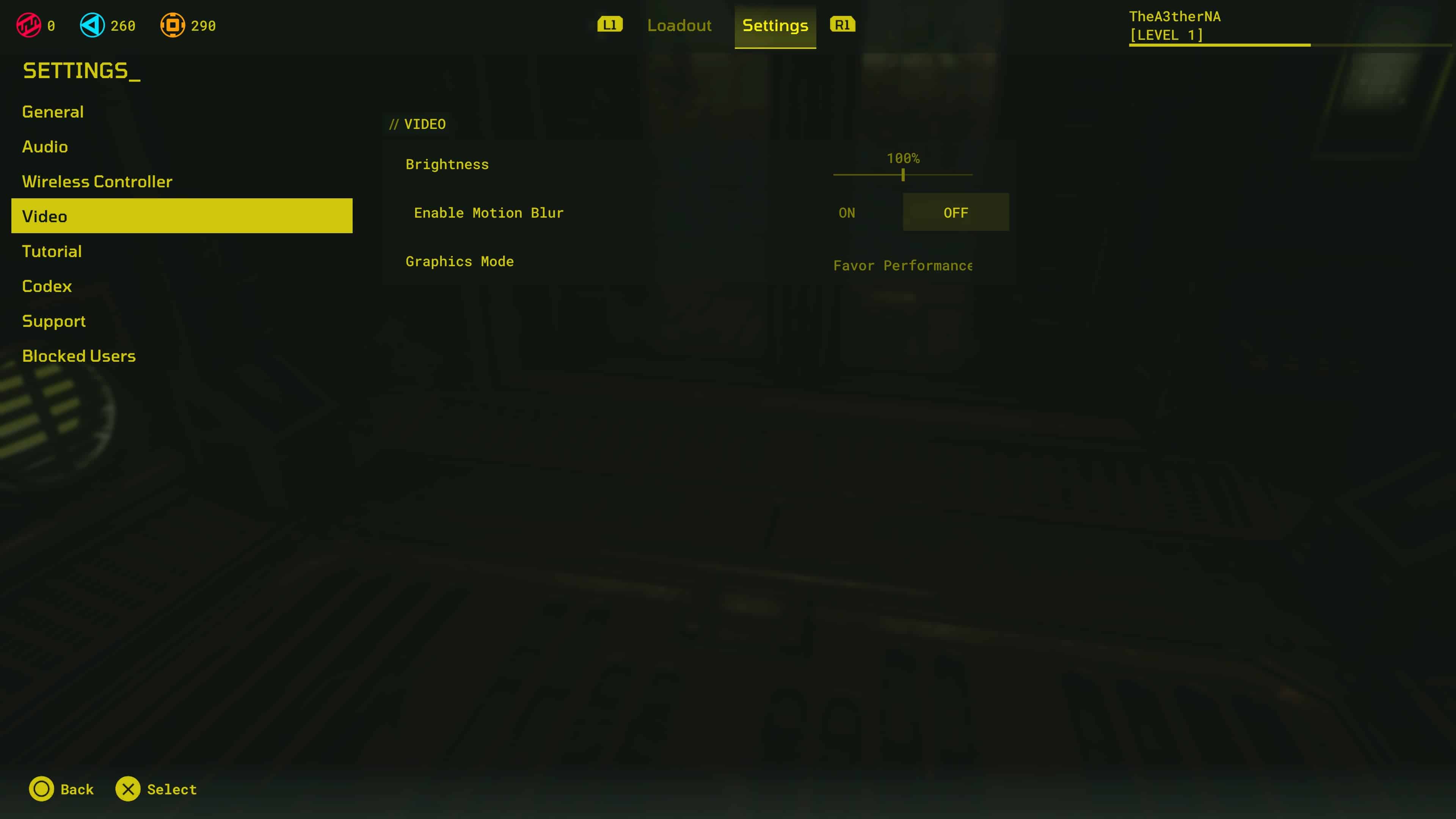
Video

On consoles, the video settings aren’t all too customizable, with only a few options to work with. Like many other games, Meet Your Maker has two graphics modes—one that favors performance and one that favors quality. As Meet Your Maker does contain shooting elements, players may favor the smoother framerate while raiding, though builders may appreciate constructing their outposts in higher graphic quality. Other than the two modes, you also have a brightness slider if the game seems too bright or dark for your tastes and a motion blur toggle is there for those who like the more immersive blurs when moving the camera around.

The next few sections in the settings menu don’t actually change the game’s settings per se, but they’re extremely convenient nonetheless, especially for newer players, so they’re worth going over briefly.

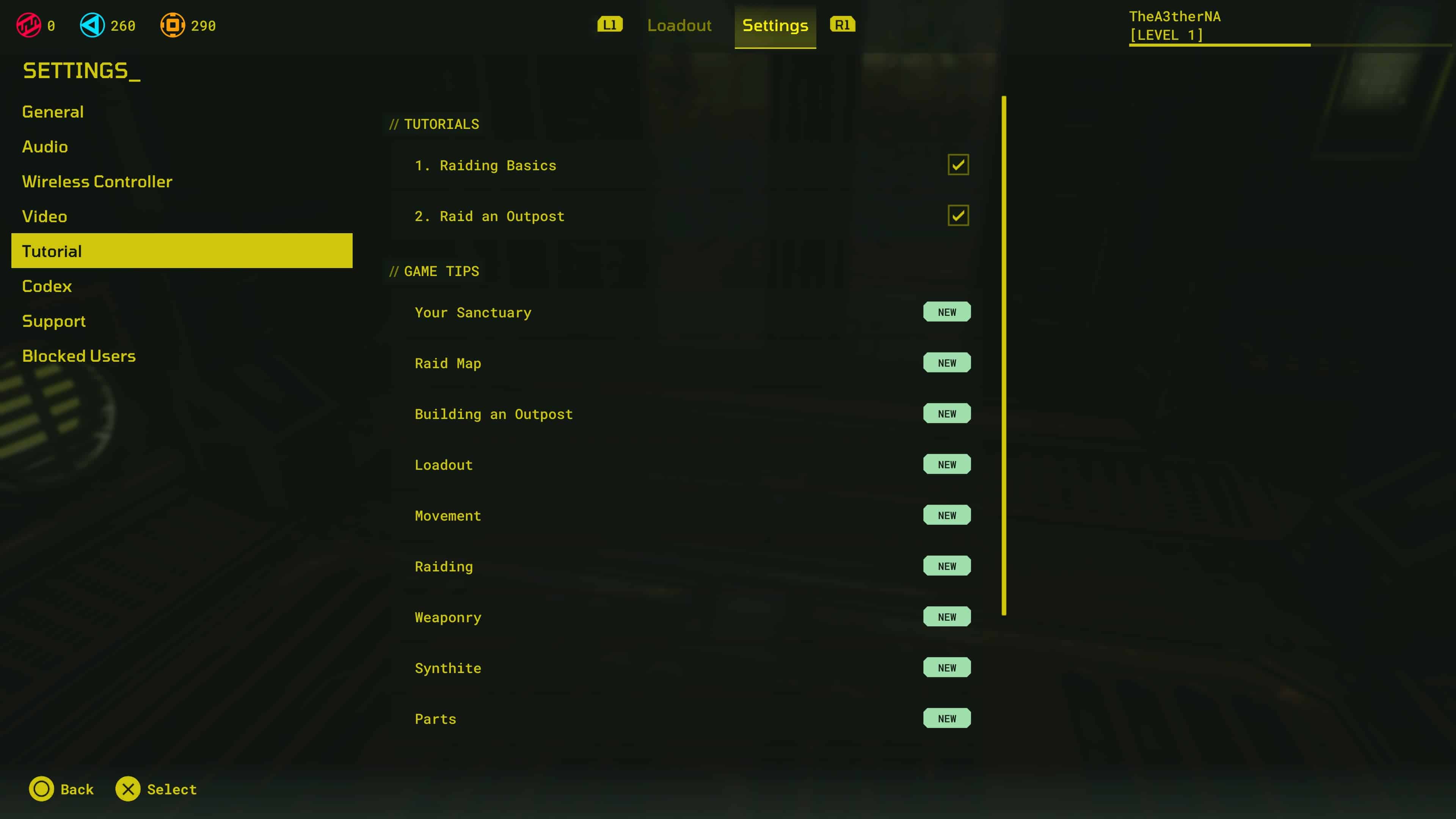
Tutorial

The Tutorial tab provides new players with lots of useful tips and information on all sorts of things, including raiding, building, and much more. Aside from the more comprehensive tutorials, game tips are also available for simpler bits of information that you can pick up and read whenever you’re a bit confused about a certain item, system, or feature.

Codex

The Codex is essentially a collection of information on everything you need to know about Meet Your Maker. You can access it from the settings menu at any time, which can be helpful if you’re not sure which upgrade to go for next or what sort of gear you need to bring to your next raid. 

Support

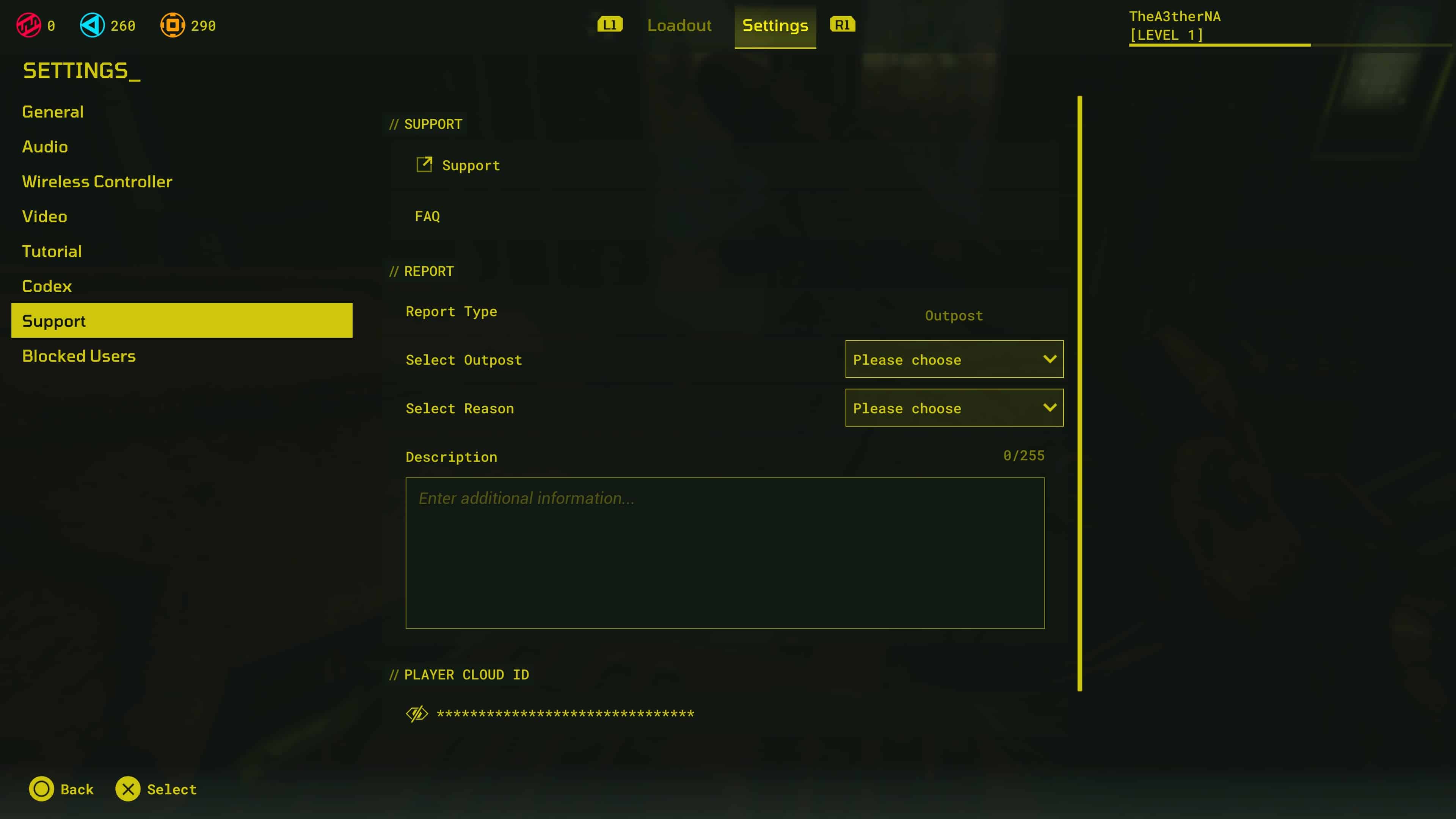
The Support tab lets you report anything that you think is inappropriate for the game. You can select the report type and details surrounding the report. You can even enter some additional information via a text box if you want to be a bit more thorough with the report. There’s also a FAQ section that lets you browse any questions you may have regarding the game.

Blocked Users

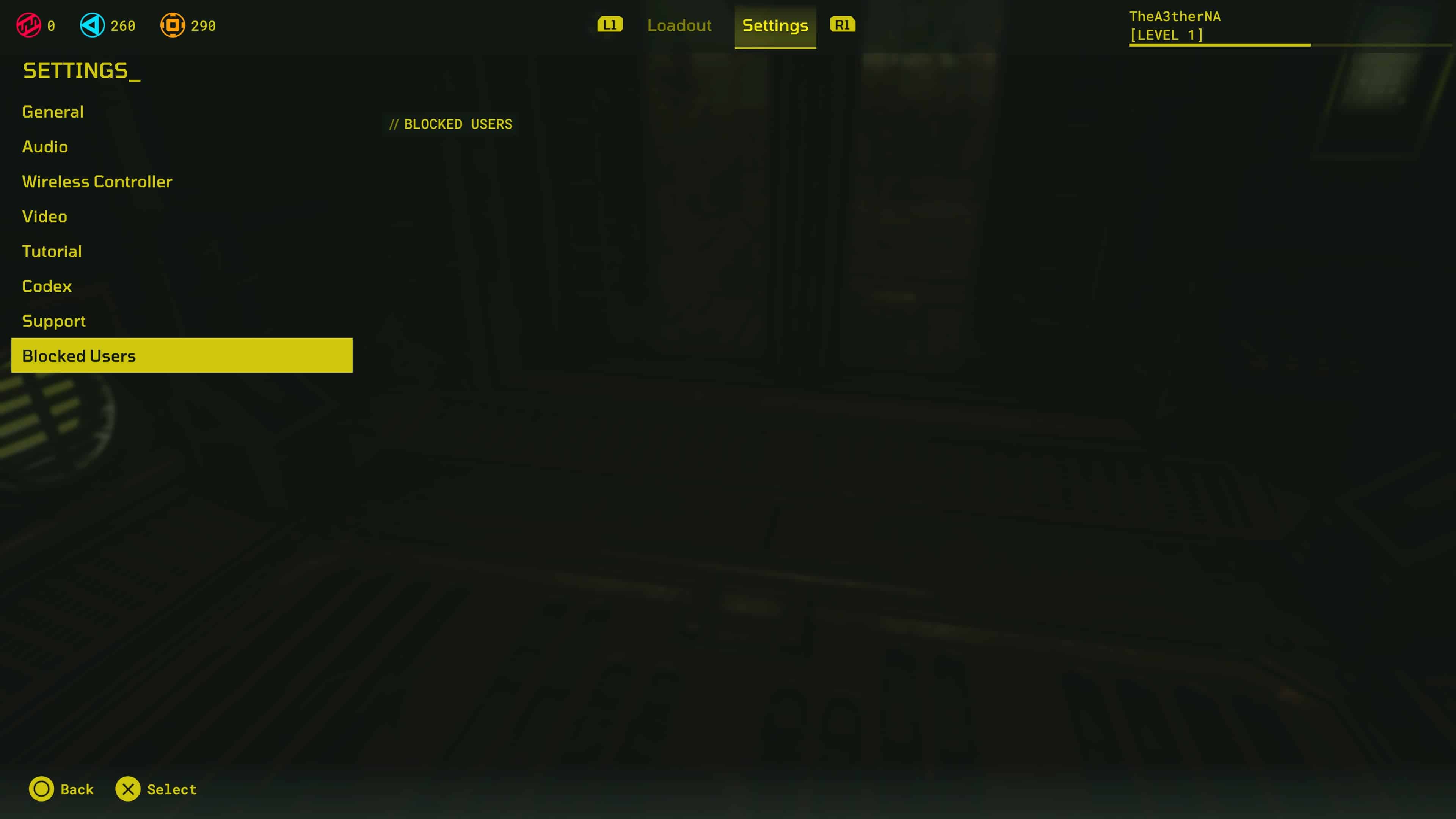
Finally, the Blocked Users tab simply lists all the users that you’ve blocked from the game. If you came across a player that you didn’t have a great experience with, this feature will show you who you’ve blocked whenever you want.


With helpful gameplay tips, support settings, and more, players can optimize and enjoy Meet Your Maker at their own pace. Got any settings recommendations of your own? Let us know in the comments!

Carlos Perez