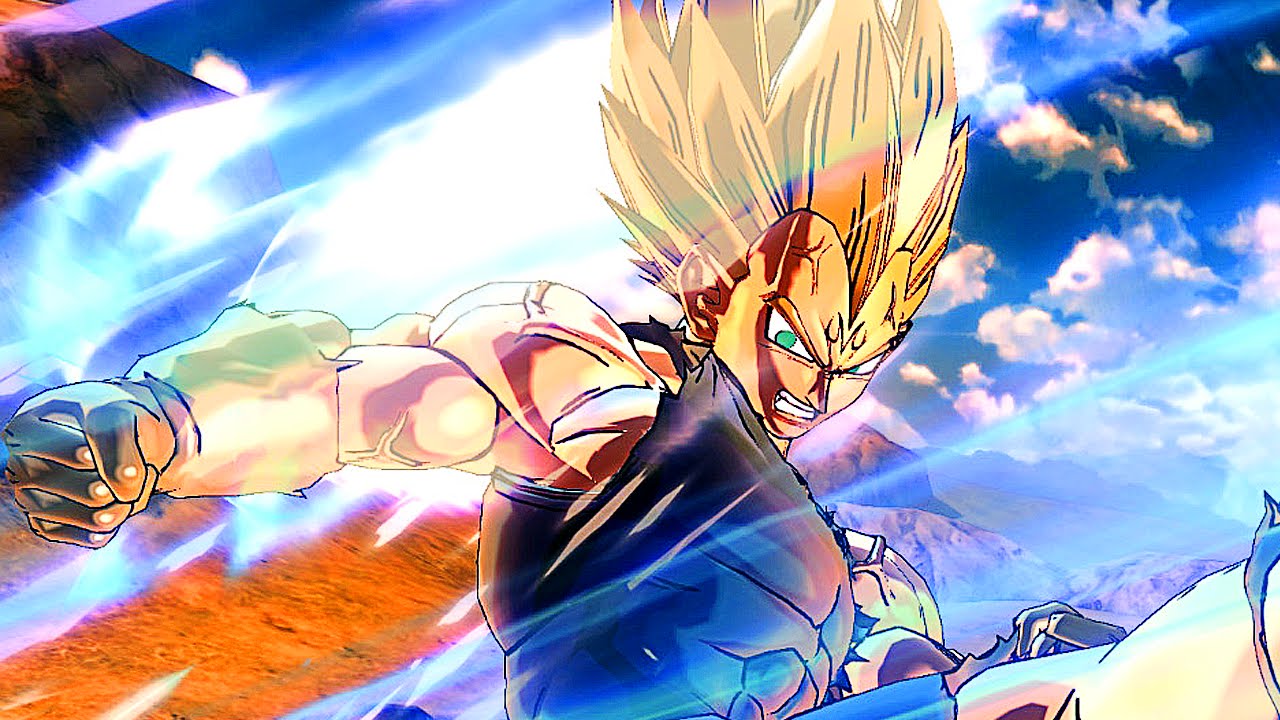
Bandai Namco has released the Dragon Ball Xenoverse 2 update 1.28 patch this November 4, and this is for the Legendary DLC Pack 2! Check out the full details straight from the press release sent by the publisher. Note that the DLC will be officially launching on November 5, Friday, though the game update includes the data for it.
– Added data for “Legendary Pack 2”
– Expanding save data capacity limit
– Added new lineup for Capsule Machines
– Rebalanced battle mechanics
– Made other improvements/adjustments
Legendary DLC Pack 2 contents:
3 New Missions
1 New Stage called the “Volcanic Wasteland”
4 New Playable Characters, including: Jiren (Full Power), Gogeta (DB Super), Caulifla (Super Saiyan 2) and Kale (Super Saiyan 2)
4 New Parallel Quests
10 New Skills
4 Super Souls
A plethora of new costumes and accessories
Accompanying Legendary DLC Pack 2 is a Free Update which will include:
New Raid Quests
New Ultimate Skills
Dual Ultimate Attacks
Photo Mode Goodies
More costumes and accessories
And more!
Once the official patch notes are out, we’ll be sure to update the post. Over on the game’s community, here are some of the stuff people have noticed:
Soo first things first:
HOW2SSG: MAX ALL THE RITUAL’S PARTICIPANTS’ FRIENDSHIPS (RIGHT BAR).
Goku, Vegeta, Gohan (and Videl by default), Gotenks (Goten and Trunks) and Pan.
No ki drain (FUCK YES), but no apparent boost to supers (awh). BUT! The boost to basic attacks, off some quick testing, seems to be around a whopping 40% or so (though I haven’t checked whether that’s from proper input timing or not, just the total damage dealt) and the boost to stamina recovery seems pretty impressive.
Also, damn it looks cool.
New wish is “I want to become a Super Saiyan God!”
Whoa, whoa, whoa! They already added new Custom Partners!? I was expecting that for the NEXT DLC! At any rate, Super Saiyan God seems to be unlockable by any race, same as the Blues. Will be testing ASAP and then going to bed because it’s past 2AM here. ^^;
Once the full patch notes are out, we’ll be sure to update the post.
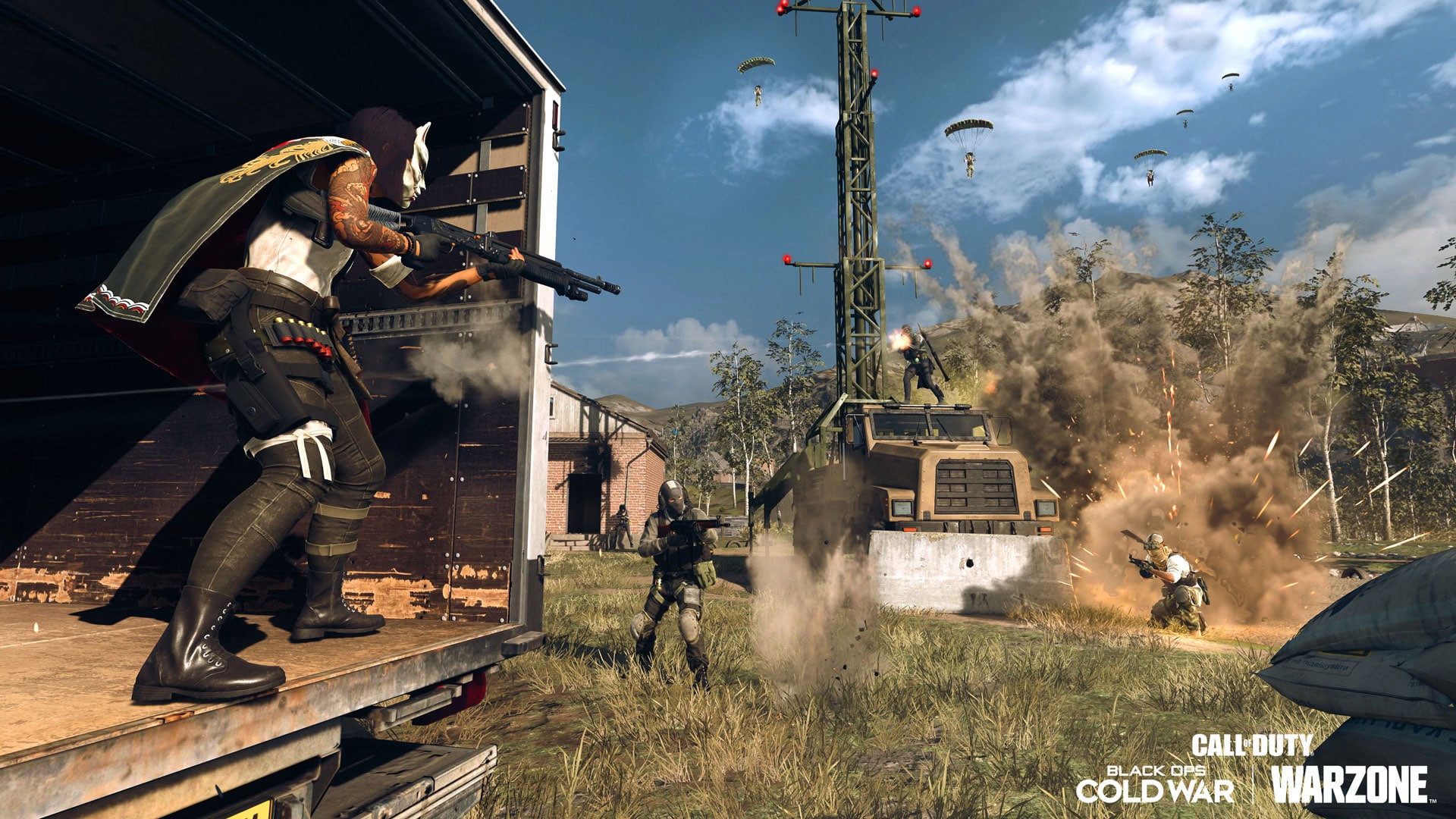
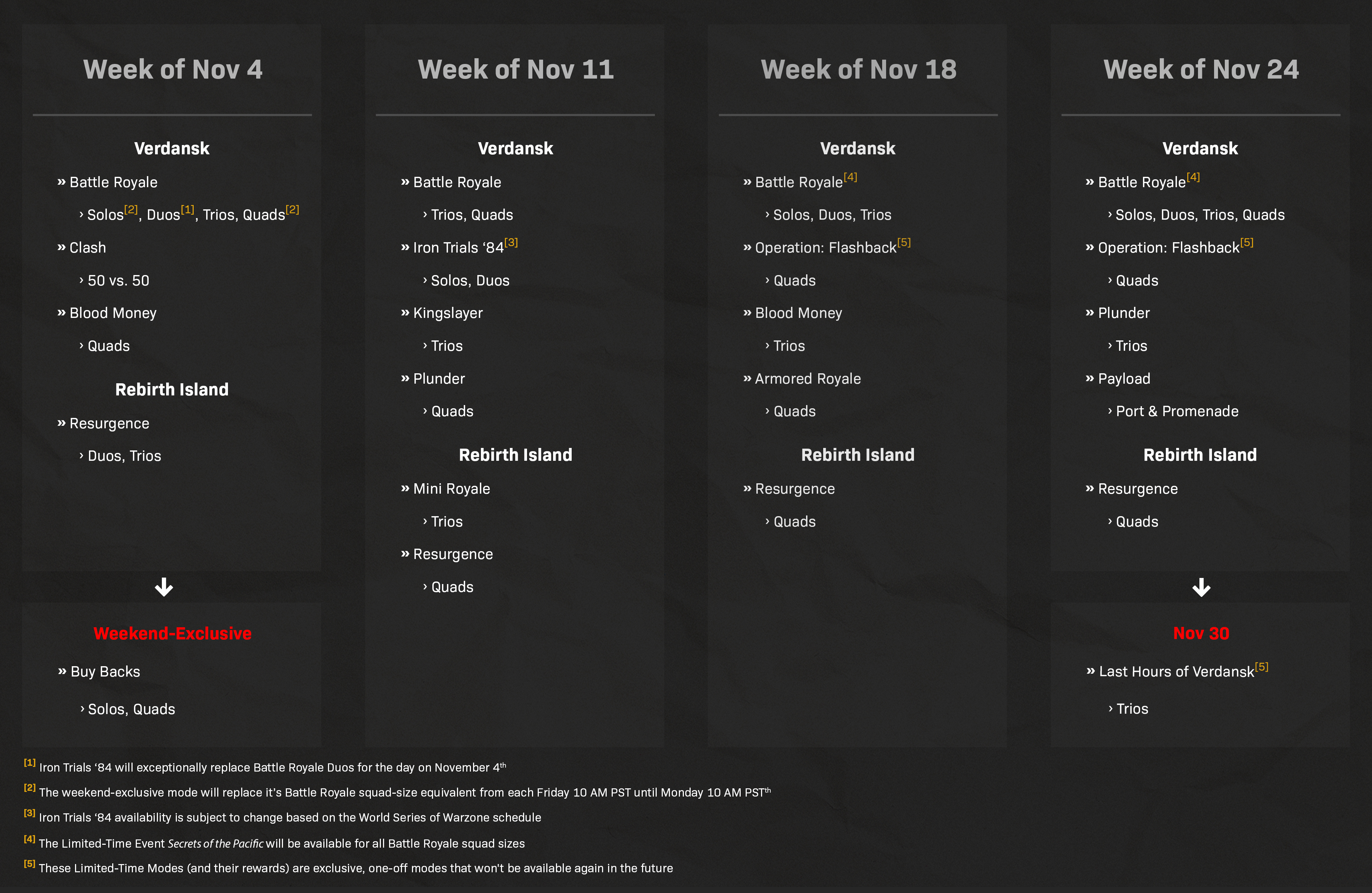
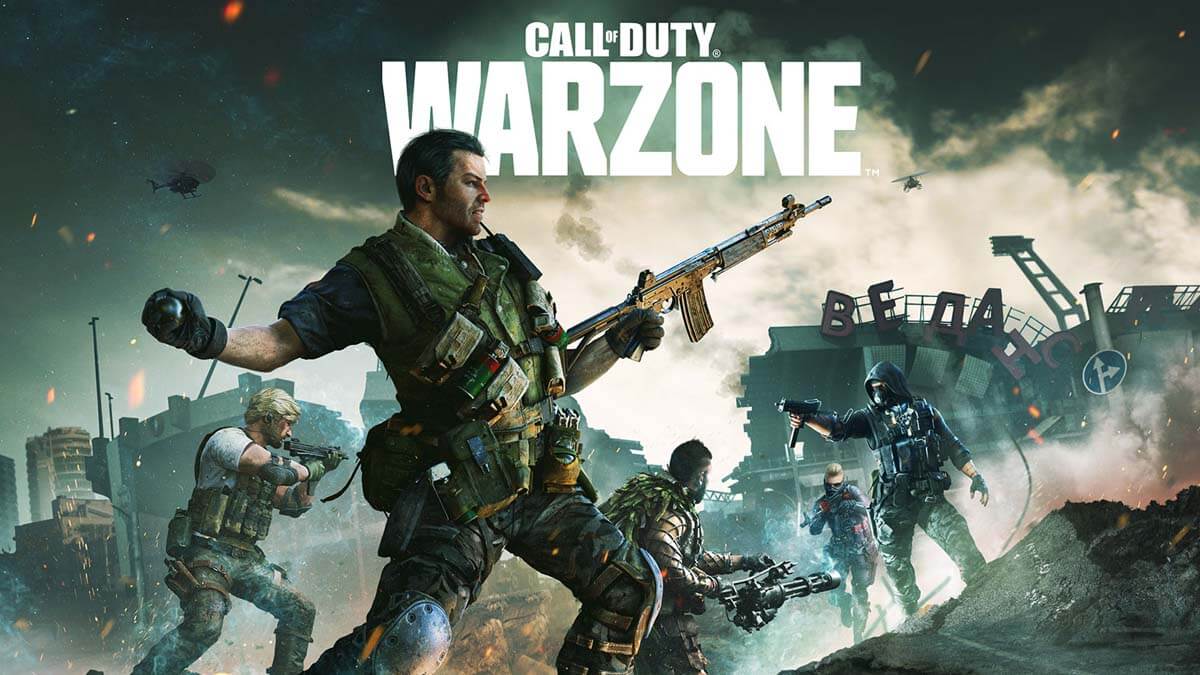
Raven Software has released the Call of Duty: Modern Warfare & COD: Warzone update 1.45 patch this November 3/November 4 (depending on your timezone), and it includes fixes, as well as a playlist shake up and more! Head on below for the full patch notes.
COD Modern Warfare & Warzone Update 1.45 Patch Notes:
General:
New Warzone Trello Board
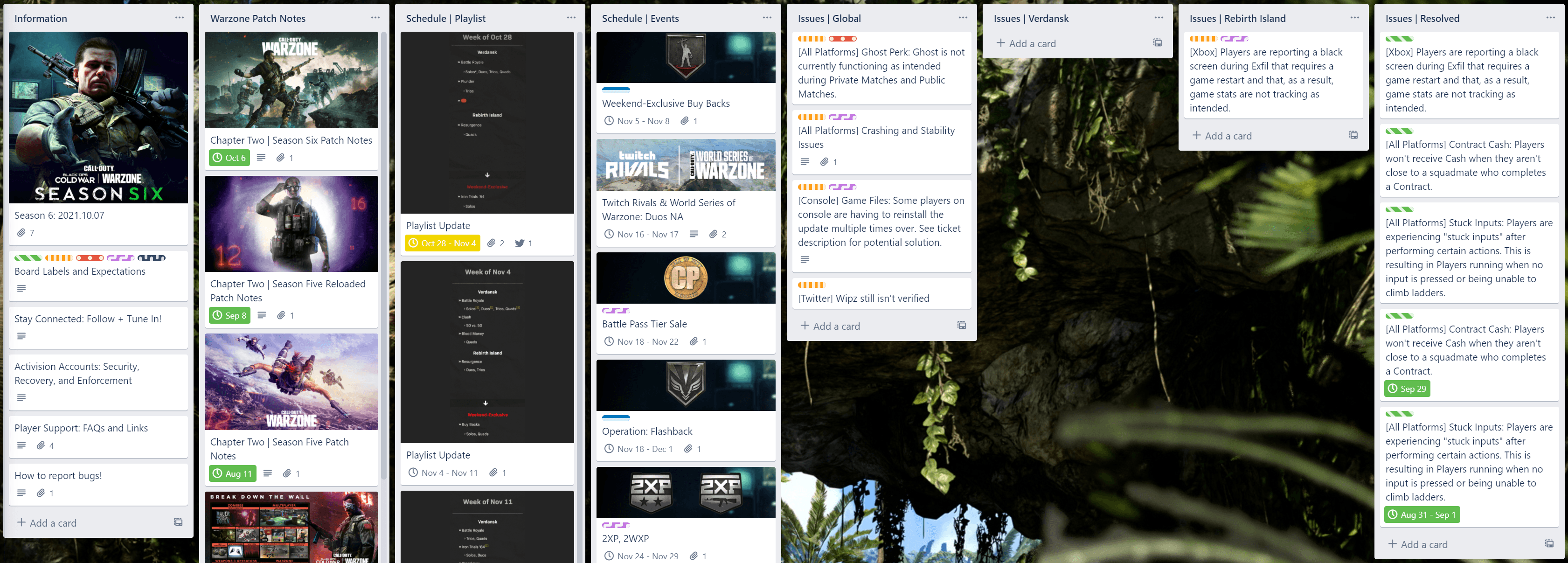
As of now, we will be using a new Warzone-only Trello board to aid us in our endeavor to improve the quality of our communication with you, our community! We hope that this board, alongside our continued Twitter updates, will keep you all as informed as possible on a number of items both in and out of the game.
The type of information you can expect to find on this new board includes:
Links to Patch Notes
Playlist updates
Schedules for Limited-Time Events/Modes, Double XP Weekends, and more
The top tracked Live Issues in Warzone
A history of past Playlists, Events, and Resolved Issues
Raven Software has released the Call of Duty: Modern Warfare & COD: Warzone update 1.45 patch this November 3/November 4 (depending on your timezone), and it includes fixes, as well as a playlist shake up and more! Head on below for the full patch notes.
Modern Warfare & Warzone Update 1.45 Patch Notes:
General:
New Warzone Trello Board
As of now, we will be using a new Warzone-only Trello board to aid us in our endeavor to improve the quality of our communication with you, our community! We hope that this board, alongside our continued Twitter updates, will keep you all as informed as possible on a number of items both in and out of the game.
The type of information you can expect to find on this new board includes:
Links to Patch Notes
Playlist updates
Schedules for Limited-Time Events/Modes, Double XP Weekends, and more
The top tracked Live Issues in Warzone
A history of past Playlists, Events, and Resolved Issues
In case you didn’t hear, pre-orders for Turtle Beach’s VelocityOne Flight Simulation control system went live early today. And while it does cost a pretty penny, it took almost no time for the new gaming peripheral to sell out, becoming one of Turtles Beach’s most pre-ordered products.
According to Turtle Beach, pre-orders for the new flight system sold out in less than 15 minutes, with 21,000 fans signing up before hand for alerts when the controller would be available for reservations.
They note that the VelocityOne has become one of the brand’s most pre-ordered products
“VelocityOne Flight pre-orders from our site selling out globally is a wonderful start to our entry into the rapidly growing flight simulation hardware market,” said Juergen Stark, Chairman and CEO, Turtle Beach Corporation.
For those that missed out on the initial pre-orders, Turtle Beach has confirmed that there will be more opportunities leading to launch with additional waves of orders being available.
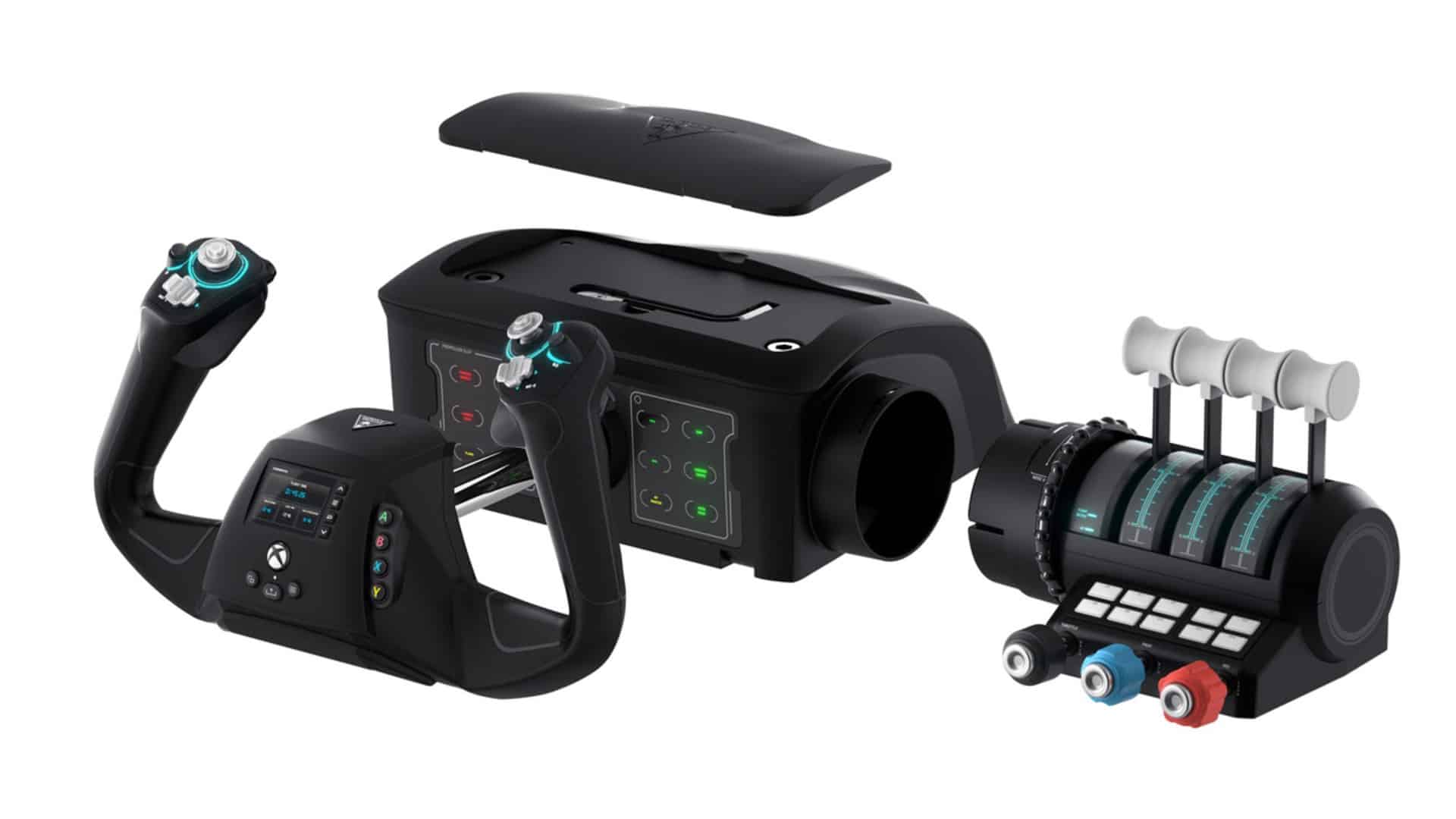
Announced during E3 this year, the VelocityOne Flight Simulator Control System is a product born of a partnership between Turtle Beach and Microsoft in order to give Xbox and PC gamers the ultimate flight simulator experience. A full breakdown of its features can be found below.
Features:
UNIVERSAL DESIGN
VelocityOne™ Flight includes everything you need to get off the ground. The included throttle quadrant with dedicated trim wheel and realistic yoke with integrated rudder controls equips every home-pilot with a full suite of controls right out of the box.
REALISTIC YOKE HANDLE
True to life 180° yoke handle rotation tuned for smooth and precise adjustments of any aircraft. Built to last with a non-contact hall effect sensor in the yoke shaft, you’ll have smooth control over long-term usage.
MODULAR THROTTLE QUADRANT
Dual lever and vernier controls along with 10 programmable buttons and an integrated pitch trim wheel provide a realistic experience for both light aircraft and heavy jets. Customize your throttle controls with included swappable throttle tops to match your preferred flight experience.
FLIGHT MANAGEMENT DISPLAY
The full color display with dedicated controls helps you learn and configure the system on-the-fly for Microsoft Flight Simulator. Easily switch between profiles for different aircraft and use the training feature to familiarize yourself with each control so you spend less time on the tarmac, and more time in the air*.
INTEGRATED RUDDER CONTROLS
Taxi, land and turn with ease using integrated rudder controls and toe brake buttons at your fingertips. Execute coordinated turns in the sky with ease and stay straight during takeoff and landing with dedicated rudder controls and make precise taxi maneuvers with integrated brakes.
COMPREHENSIVE CONTROLS
Flight is equipped with 12 analog axes, two POV switches and two 4-way HAT switches. The axes provide precise control of essential control surfaces and engine systems, and the POV switches ensure you can intuitively change view and focus on critical cockpit information. With an additional 18 assignable buttons, you have everything you need to navigate any aircraft in confidence and remap controls to your preference.
AUTHENTIC STATUS INDICATOR PANEL
Receive real-time status alerts and monitor essential cockpit, navigation and engine systems and warnings. Customize the color of the ambient light, and swap between different panels to fine-tune the cockpit to your liking.
PITCH TRIM WHEEL
The dedicated trim wheel enables fine adjustment of aircraft control surfaces and removes the need to maintain pressure on the yoke, for hands-free-flying.
CUSTOM LEVER HANDLES
Customize your throttle & lever controls to match your selected aircraft. Use the black, red, and blue tops for prop planes, or swap to all white tops for jet aircraft.
SECURE CLAMPING SYSTEM
The tight low profile secure mounting system ensures stable integration into your home setup.
DESIGNED FOR XBOX
Compatible with Xbox Series X|S, Xbox One, and Windows 10 PCs. The VelocityOne™ Flight also features familiar Xbox system controls.
3.5MM HEADSET PORT
Connect your 3.5mm headset for immersive audio and coordinate your flight.
The VelocityOne Flight Control System will launch on November 14, with a retail price of $349.99.
A gamer at heart, James has been working for MP1st for the last decade to do exactly what he loves, writing about video games and having fun doing it. Growing up in the 90's gaming has been in his DNA since the days of NES. One day he hopes to develop his own game.
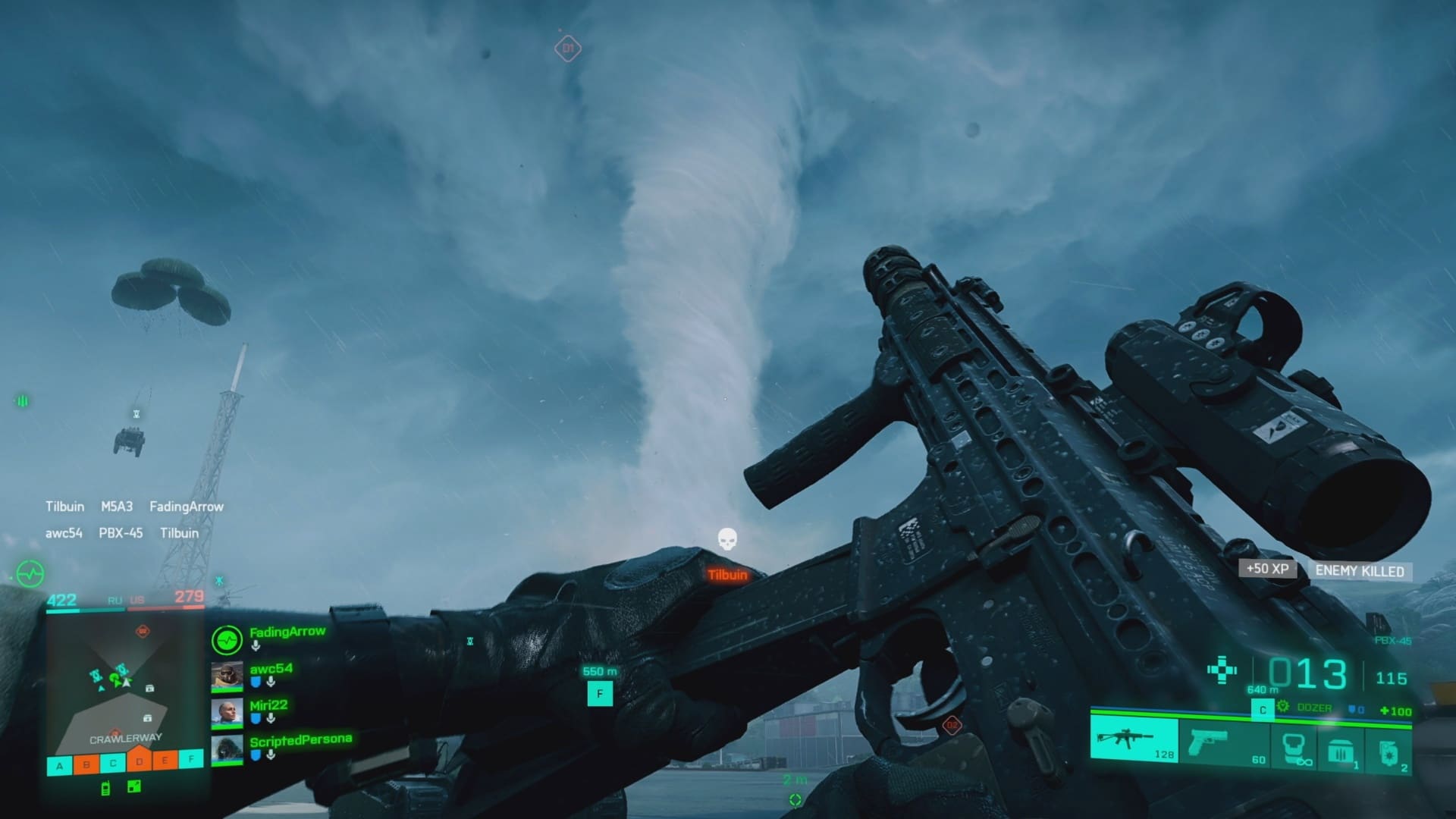
It looks like loads of players are looking forward to Battlefield 2042, and a load of people dipped their toes into the Battlefield 2042 beta pool! During EA’s quarterly earnings report, the publisher revealed that over 7.7 million players participated in the BF2042 beta! EA CEO Andrew Wilson divulged that the beta garnered over 3.1 million players during the early access period (available for pre-order buyers, and EA Play members), which makes it the biggest early access event in EA’s storied history.
While the beta did give us a taste of what’s to come later this month, it didn’t exactly wow us as we hoped (detailed in our extensive hands-on impressions piece). That said, DICE did drop a ton of info regarding what’s changed from the beta to the final launch build, and there are a lot of changes incoming.
Battlefield 2042 will shoot its way out this November 19 on the PS4, PS5, Xbox One, Xbox Series X|S, and PC, with early access for EA Play members available on November 12.
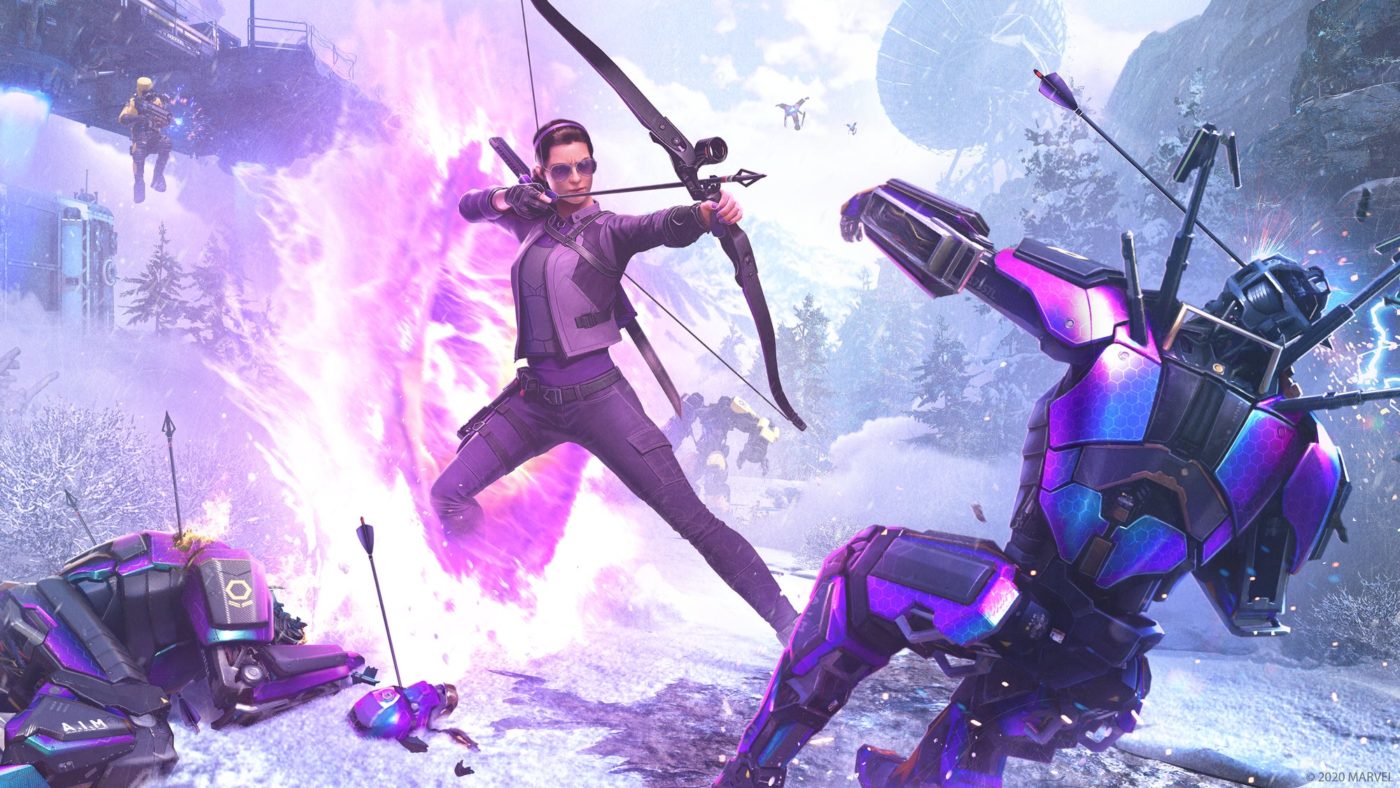
Much has been said about Marvel’s Avengers’ rather lackluster showing as a GaaS (Games as a Service) title, and it seems Square Enix agrees with the sentiments of players, as the publisher admits that the game was a “disappointing outcome” for the publisher.
During Square Enix’s latest quarterly financials report, Square Enix president Yosuke Matsuda released the following statement where he not only confirmed that Marvel’s Avengers underperformed, but that Crystal Dynamics — a studio most notably known for its work on single-player games like the Tomb Raider franchise — was not a good fit for the project.
I would also note that “Marvel’s Avengers” was an ambitious title for us in that we took on the GaaS (Games as a Service) model. We overcame a variety of unexpected difficulties in the final phase of the game’s development, including needing to transition to work-from-home due to the pandemic. We were able to surmount these challenges and release the game, but it has unfortunately not proven as successful as we would have liked.
Nonetheless, taking on the GaaS model highlighted issues that we are likely to face in future game development efforts such as the need to select game designs that mesh with the unique attributes and tastes of our studios and development teams. While the new challenge that we tackled with this title produced a disappointing outcome, we are certain that the GaaS approach will grow in importance as gaming becomes more service oriented. How we go about creating new experiences by incorporating this trend into our game design is a key question that we will need to answer going forward.
Hopefully, Square Enix rebounds from this, and manages to pull off a successful GaaS game in the future. That said, Marvel’s Avengers is still getting content up to this day, and has more incoming.
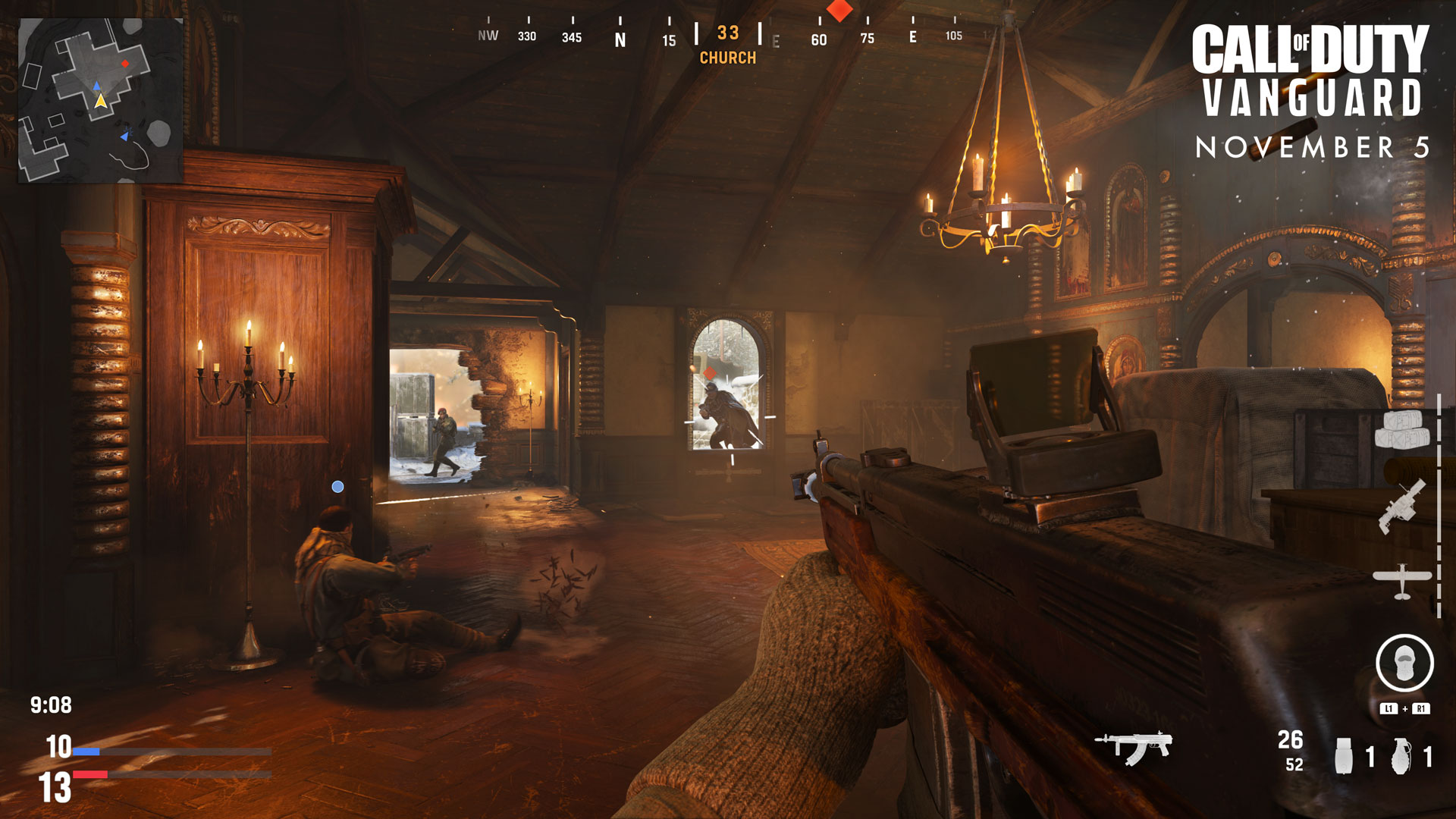
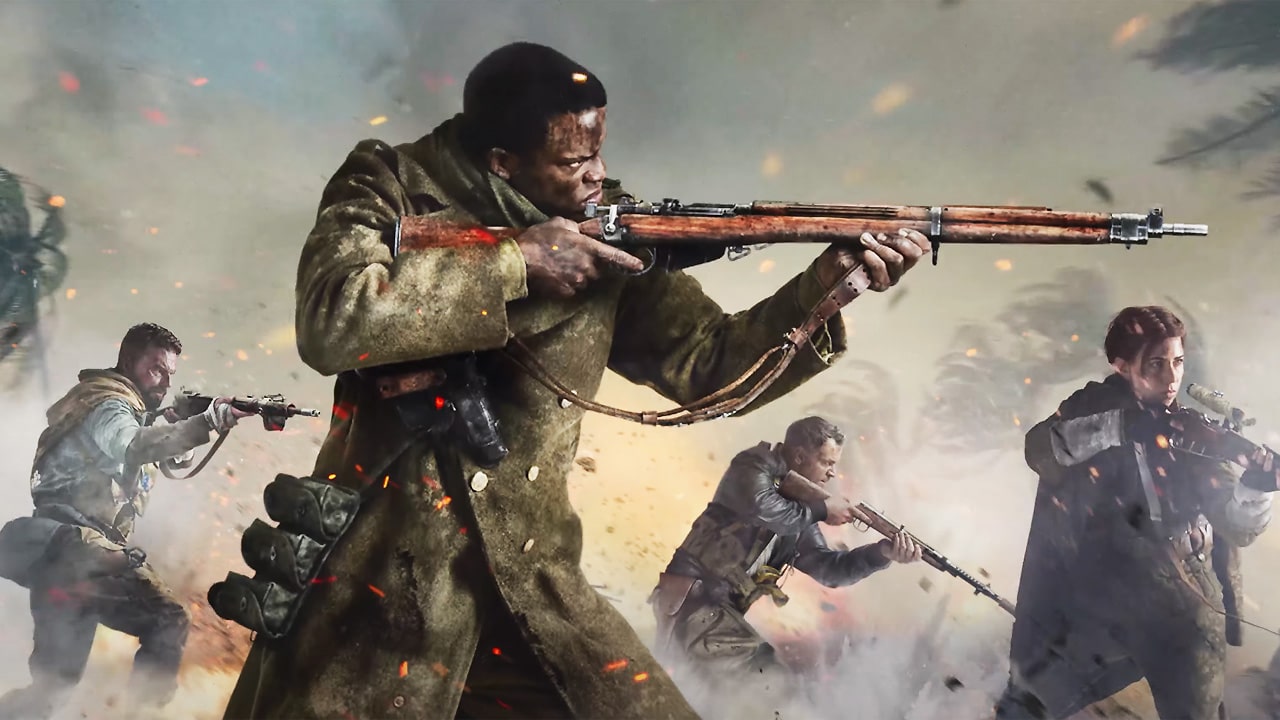
Excited for this year’s Call of Duty? If you’re deciding which mode to start first or what to do, Activision is here to help, as the Call of Duty: Vanguard boot camp info dump has been released, and it details the first 10 hours of the game and what you can do to get yourself acquainted with it.
Straight from the Activision, here’s the boot camp from getting started, engaging in the campaign, and the tips on how to survive this game.
Getting Started
When you first load up the game, you’ll be greeted with the boot-up sequence and title screen. Press the button prompt, read through and accept the Software License and Service Agreement, and then go on to adjust some basic settings.
These include setting the safe area for your display, adjust basic controls, select a preferred audio mix that matches your listening environment, and turn on any accessibility options. This includes numerous colorblind settings, right down to specific colors for player and enemy icons on the mini-map, and other accommodations put in to aid our community in playing the game with confidence.
Note: these settings can always be changed in-game, even during an online Multiplayer or Zombies match.
You’ll then have to sign into an Activision account. An Activision account allows you to connect with friends and share your progress across all platforms. If you don’t have an Activision account already, sign up for one in-game or create an account here. You can also choose not to sign in, although you will only be able to play offline.
After completing these simple steps and connecting to the online servers, you’ll move onto the main menu.
Campaign
In Vanguard, you’ll play as one of five ordinary soldiers who rise to become heroes in the crucible of World War II. Taking place across multiple fronts, the story depicts the origins of Special Forces as these soldiers form Task Force One. You’ll meet team leader Sergeant Arthur Kingsley, expert marksman Lieutenant Polina Petrova, demolitionist Private Lucas Riggs, ace pilot Lieutenant 1st Class Wade Jackson, and Kingsley’s right-hand man, Sergeant Richard Webb.
Completing the Campaign gives a solid foundation of the skills you’ll need to become the best fighter possible as you compete in close-quarters and at long-range in intense personal battles as well as in all-out warfare. Choose from a variety of difficulty options, including Recruit for new players or those just looking to enjoy the story, and Veteran for seasoned fighters.
Multiplayer
With 20 maps available at launch, Vanguard brings one of the largest day one offerings to Call of Duty Multiplayer. Experience fast-paced, tactical first-person combat across a variety of traditional Multiplayer modes — including Team Deathmatch, Kill Confirmed, Domination, and more — and brand-new modes like Patrol and Champion Hill, a multi-arena survival tournament where teams fight to be the last squad standing.
Featured Playlists and Quick Play Filters
The featured Playlists on the main Multiplayer menu include a rotating list of game modes that change every week. Choose from any of these or use the Quick Play feature to queue up for your favorite modes, set in the adjacent Quick Play filter. Select all the modes you’re interested in playing, across Core and Hardcore, and hit Quick Play to join any match that meets your settings. If you’re new or returning, start with Team Deathmatch to get a handle on the basics before adding in objectives.
New Feature: Combat Pacing
New to Vanguard is the Combat Pacing feature. Selectable in the Quick Play filter, this setting allows players to increase match intensity by raising player counts relative to map size. Choose Tactical Combat Pacing for an intimate and intense combat experience, Assault for a more balanced fight, and Blitz for high action and chaotic combat. Select All to change between them throughout your play session.
For first-time players, we recommend Tactical Combat Pacing to limit the number of enemy combatants, although those that love all-out chaos will want to go straight to Assault and Blitz Combat Pacing Levels.
Private Matches and Clans
Still hesitant on joining a Multiplayer match? Two of the biggest features to help you gain confidence in battle are Private Matches and Clans.
Private Matches can only be played by you and whomever is invited into the lobby. While you do not gain any experience, you are able to face computer-controlled opponents – bots – on any map and core mode with any loadout of your choosing.
Play a few Private Matches to familiarize yourself with the maps and modes available in public Quick Play or Featured Playlists, or to test out a new weapon that may have a difficult recoil pattern or other feature you want to gain confidence with.
In addition to Private Matches, joining a Clan with friends can help with mastering Multiplayer. When playing with Clanmates, you not only get to play with familiar teammates that can offer advice about the game, but it also gives various XP boosts and rewards to aid in your personal progression.
Zombies
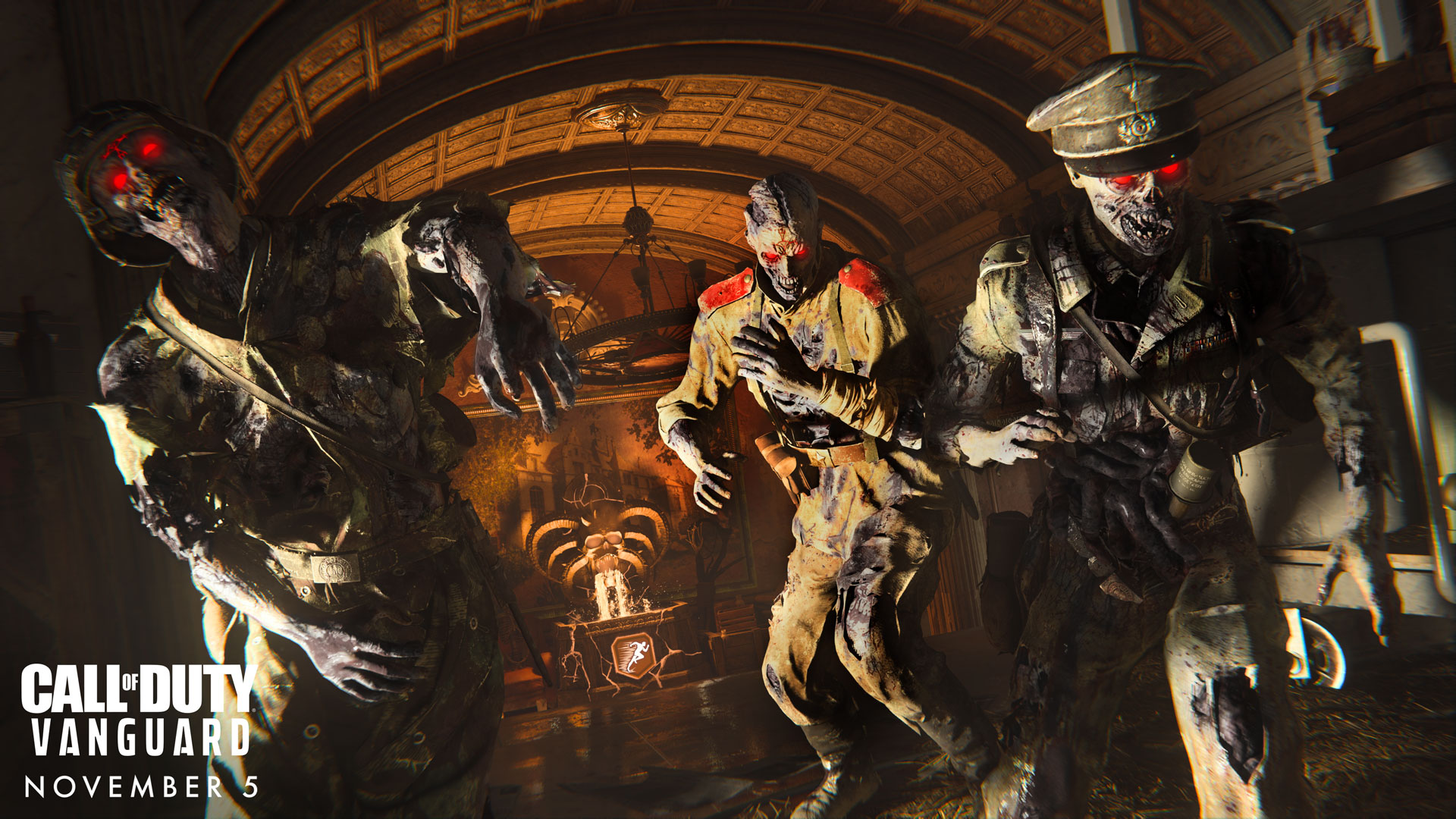
Continue the Dark Aether story first introduced in Call of Duty®: Black Ops Cold War with a whole new World War II setting and narrative, starting in the ruins of Stalingrad. Join up to three other players in the co-op experience of “Der Anfang” — or “the Beginning” — as you battle against hordes of zombies raised by Oberführer Wolfram Von List, a desperate Nazi bound to a former lord of the Dark Aether with the power to reanimate the dead.
In “Der Anfang,” you’ll form a bond with your own Dark Aether entity as you travel through portals to fight the undead army and complete objectives. Earn resources like Essence, Salvage, and Sacrificial Hearts as you battle and complete objectives. Use these resources to improve your weapons at the Pack-a-Punch machine, craft Armor and Equipment at the Crafting Table, and gain game-changing abilities at the Altar of Covenants.
After completing your fourth objective, you can attempt an Exfil to escape alive for bonus XP — that is, if you survive the onrush of zombies and make it to the portal in time. First-time players can choose a Solo match to learn the ropes of the Call of Duty: Vanguard Zombies experience before joining Public matches with other players or jumping into a lobby with friends.
New Feature: Altar of Covenants
Earn a Sacrificial Heart to spend at the Altar of Covenants each time you successfully complete an objective. Equip up to three Covenants at a time — for example, Unholy Ground to boost your damage when stationary, Ammo Gremlin to reload non-equipped weapons over time, and Cryofreeze for a chance to slow enemies when shooting them.
There are plenty of Covenants to choose from, allowing you to change up your gameplay and craft powerful new builds from match to match. The selection of Covenants will change after each objective completed, and Covenant rarities will increase the longer you survive into the match, so you’ll always have new strategies available at your disposal.
10 Tips for the First 10 Hours
1. Get Your Settings Right. Whether you’re on console or PC, it’s important to use the settings that provide the best play experience possible. Take some time going over and experimenting with various button layouts and aiming sensitivities. Adjust your field of view and customize the color palette of different game elements. Spend the time to get things just right!
2. Play the Campaign First. Particularly for new and returning players, we’ll say it again: the Campaign is a great place to start. This coincides with the above point, too, as you can freely pause and take your time to make adjustments at will. You’ll get a great introduction into the world of Vanguard, and by the time you’re finished, you’ll be more than ready to jump into Multiplayer competition.
3. Pick a Weapon and Go. In Multiplayer and Zombies, you’ll earn Weapon XP for eliminating enemies, thereby unlocking new attachment options for you to customize your weapon to preference. Once you’ve experimented with different weapon categories and found a weapon you like, stick with it for a few matches to start opening up its customization options.
4. Play the Objective. If you’re just looking for kills, load up Team Deathmatch. Otherwise, the best way to aid your team and earn XP is by focusing on the objective, whether that’s locking down objectives in Domination or picking up tags in Kill Confirmed. Stay focused on the task at hand and your abilities are guaranteed to improve quickly.
5. Go for Low-Cost Killstreaks. Low cost doesn’t mean cheap, and for new players, it’s a great way to experience the thrill of earning Killstreaks when starting out. Try Intel to reveal nearby enemies, the Spy Plane to reveal enemies to your entire team, and the Glide Bomb to get enemies off objectives fast.
6. Complete Challenges. Head to the Challenges menu in Multiplayer and Zombies to view specific tasks that, when completed, award bonus XP and cosmetic items like new Calling Cards. These are a great way to improve your abilities, as they challenge you with tasks you may otherwise not have considered.
7. Hit the Barracks. The Barracks is your go-to destination for following your current progress and creating your unique identity in Campaign and Multiplayer. Check stats like your current rank, combat record, and earned medals. Customize your profile with earned Calling Cards, Frames, Player Titles, Emblems, and Gestures & Sprays.
8. Invite Your Friends, Join a Clan. There’s nothing like jumping into a Multiplayer match or taking on the zombie horde with a group of friends. With the ability to connect across all supported platforms, it’s easier than ever to group up and get a game going. The friends that slay together, stay together – just be sure to create a Clan so everyone gets even more rewards for being a part of the same squad!
9. Check Out the Battle Pass. The Season Six Battle Pass from Black Ops Cold War includes 24 Free Tiers tied to Vanguard, which all can be earned just by playing the game. Progress is shared between Campaign, Zombies, and WarzoneTM, and free tiers are scattered among the pass for players who are just getting their bearings. Want to unlock them all? Purchase the Battle Pass at launch for access to all 100 tiers of content, including new Operator Skins, Weapon Blueprints, Emblems, Consumables, and enough Call of Duty Points to purchase the next Battle Pass.
10. Practice Makes Perfect. Nobody said war is easy. If you’re struggling in your first matches, keep your head cool and jump in again. The more you begin to understand the various maps, modes, weapons, and systems underlying Vanguard, the more confident and skilled you will become at handling even the toughest situations.
Rise on every front.
If you’re aiming for achievements, check out the list of Call of Duty: Vanguard trophies you can earn here.
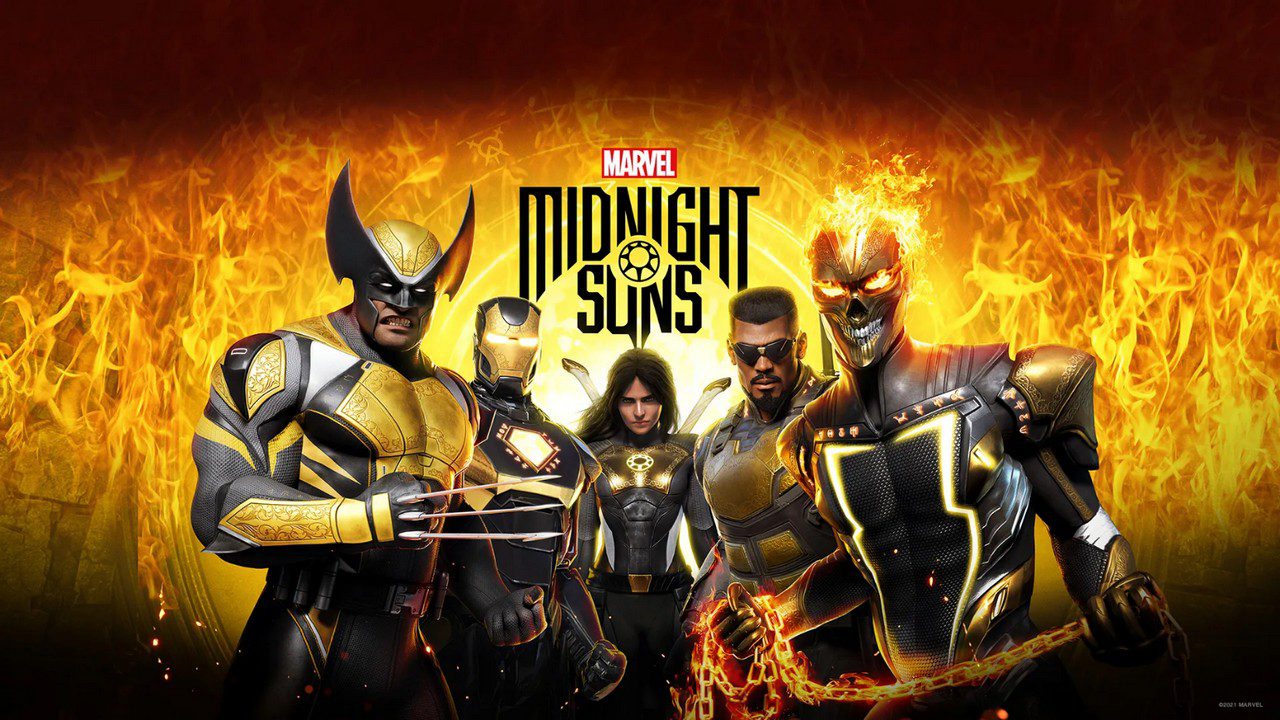
Fans of the dark and supernatural side of Marvel will have to be a little more patient, as Marvel’s Midnight Suns has been delayed to the second half of 2022 — with the developers needing more time to polish things up and make the best game possible.
Releasing a statement on the official Twitter account of the game, developer Firaxis Games thanked fans for their reactions and asked for their understanding on why the decision to delay the game was made.
Originally set for a Spring 2022 release, Marvel’s Midnight Suns is an upcoming tactical role-playing game that will feature several heroes and villains from the Marvel Universe such as the Midnight Sons and the Avengers. Here’s an overview of the plot from the official website of the game.
After centuries of sleep, Lilith, Mother of Demons, has been revived by Hydra through a twist of dark magic and science. Lilith stops at nothing to complete an ancient prophecy and bring back her evil master, Chthon. Pushed to the brink, the Avengers desperately look to fight fire with hellfire and enlist the help of the Midnight Suns – Nico Minoru, Blade, Magik and Ghost Rider – young heroes with powers deeply rooted in the supernatural, formed to prevent the very prophecy Lilith aims to fulfill. Together, they resurrect an ancient warrior – the Hunter, Lilith’s forsaken child and the only hero known to have ever defeated her. In the face of fallen allies and the fate of the world at stake, it will be up to you to rise up against the darkness!
If you missed the reveal trailer for Marvel’s Midnight Suns from Gamescom 2021, you can check it out here.
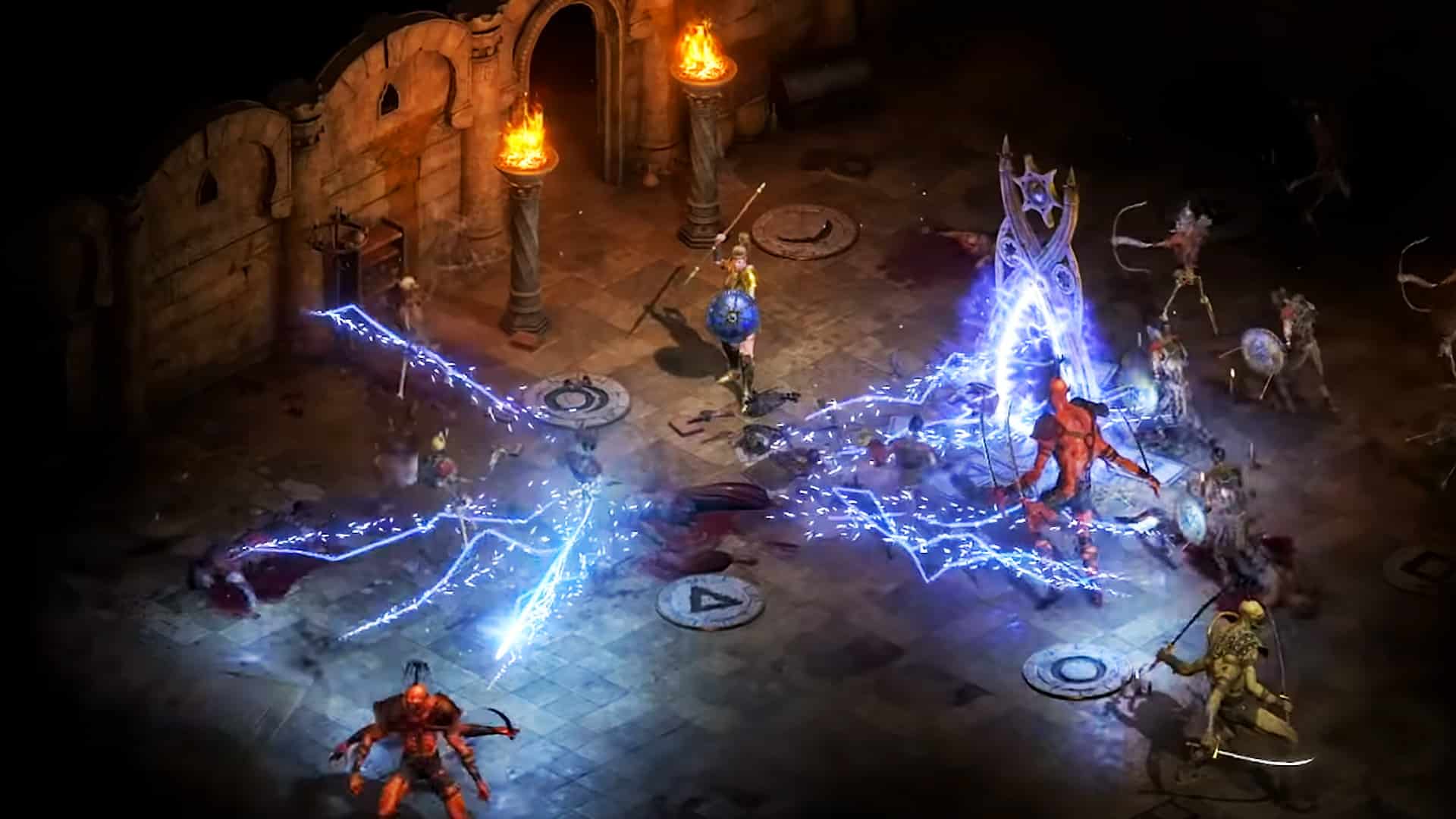
It looks like Activision’s plans to bring Diablo 2 back from the dead as Diablo 2 Resurrected proved to be the right call, as the remaster has already made history at the company. During Activision’s quarterly earnings call, the publisher confirmed that Diablo 2 Resurrected is the remaster with the highest-ever first week sales in Activision-Blizzard history.
During the earnings report’s Q&A portion, Kunaal Malde of Atlantic Equities asked about the performance of Diablo 2 Resurrected, and what it says about the franchise overall.
Kunaal Malde: Hi, thanks. Just wondering if you could talk about the performance of Diablo II: Resurrected and what sort of informed you about the opportunity for the Diablo franchise overall?
Mike Ybarra (Co-Leader of Blizzard): Hey Kunaal. Thanks for the question, this is Mike again, the reception of Diablo II: Resurrected has been great. As you heard, Daniel mentioned, first week sales were the highest recorded for a remaster from Activision Blizzard as a whole. This along excited the continued engagement with Diablo III really is confirmation that our plan for the Diablo franchise as a whole is the right one. There’s a huge appetite from our player community for more content from that dark gothic universe, and it’s our job to exceed player expectations.
Of course, not everything is coming up roses for the franchise, as during the same earnings call, Activision announced that both Diablo 4 and Overwatch 2 are getting delayed.
If you haven’t played Diablo 2 Resurrected yet, go read our review where we state, “Despite Blizzard’s recent track record of poor decisions and mishandling of the Warcraft 3 remake, in the case of Diablo 2 Resurrected, Blizzard shows they’re able to deliver on a solid remaster that improves the visuals and effects of the game, while still maintaining its classic charms.”
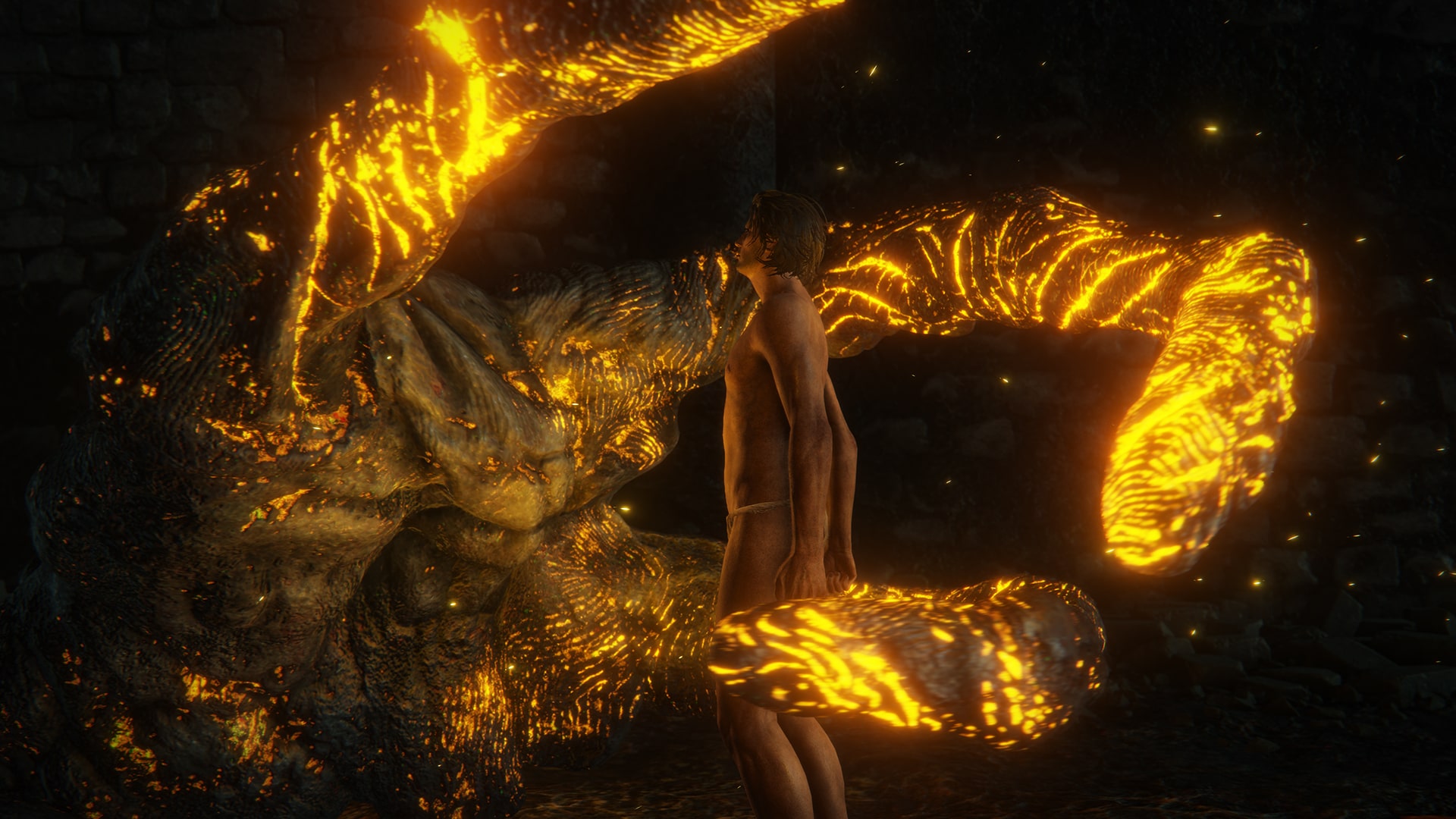
Prepare to learn more about FromSoftware’s upcoming action-RPG, as a new Elden Ring gameplay preview premieres tomorrow, Thursday, and everyone will be able to watch it.
Set to premire at 3 PM CET/7 AM PDT/10AM ET/10PM HKT on November 4, the gameplay preview video event will be 15 minutes long and will showcase some new things about the upcoming fantasy adventure.
If you’re new to the whole world of Elden Ring and don’t know what to expect, here’s the overview of the plot and features from the game’s Steam page.
Rise, Tarnished, and be guided by grace to brandish the power of the Elden Ring and become an Elden Lord in the Lands Between.
• A Vast World Full of Excitement
A vast world where open fields with a variety of situations and huge dungeons with complex and three-dimensional designs are seamlessly connected. As you explore, the joy of discovering unknown and overwhelming threats await you, leading to a high sense of accomplishment.
• Create your Own Character
In addition to customizing the appearance of your character, you can freely combine the weapons, armor, and magic that you equip. You can develop your character according to your play style, such as increasing your muscle strength to become a strong warrior, or mastering magic.
• An Epic Drama Born from a Myth
A multilayered story told in fragments. An epic drama in which the various thoughts of the characters intersect in the Lands Between.
• Unique Online Play that Loosely Connects You to Others
In addition to multiplayer, where you can directly connect with other players and travel together, the game supports a unique asynchronous online element that allows you to feel the presence of others.
While people wait for Elden Ring’s release in February next year, the closed network test happens this month and you can read the details here.
The newest game in the Call of Duty series has listed its achievements/trophies! Here’s the complete Call of Duty: Vanguard Trophies list, and here’s what you need to do in both single-player and multiplayer in order to get that coveted Platinum!
If you’re prepping up to play CoD: Vanguard on PC, check out the new trailer as well as the specs and pre-load details here. For those planning on getting the game on PlayStation, here are the list of perks you’ll get exclusive to it.
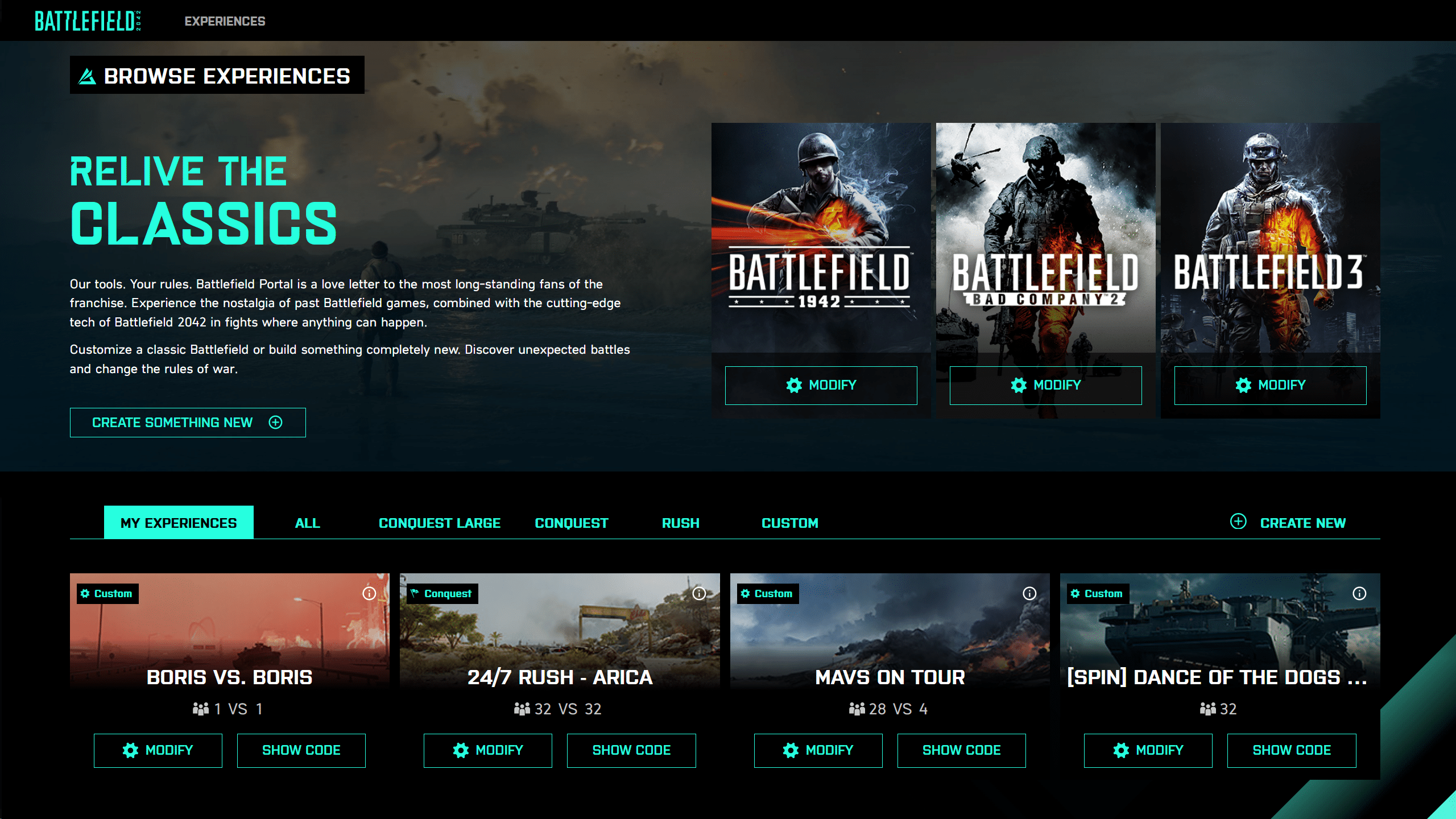
EA has released a ton of new info for Battlefield Portal — Battlefield 2042’s mode where players can concoct their own playlists and more! Kicking things off, there’s a Battlefield Portal new trailer that features Arica Harbor, El Alamein, and Battle of the Bulge!
Check it out in action, and then dive into the info-filled Battlefield Portal info dump where game modes, maps, customizations and more are revealed!
Battlefield Portal Overview:
Game Mode
Your first choice is deciding what Game Mode you want to use as the basis of your experience. At launch, you can choose from:
Conquest Large
Conquest
Rush
Free-For-All
Team Deathmatch
Conquest Large, Conquest, and Rush can each be customized/tweaked using all of our inbuilt modifiers and toggles that you’ll learn about shortly. Free-For-All and Team Deathmatch are adjustable with the same tools, but can also be further built upon with the Rules Editor, our powerful visual programming tool that allows you to visually code something truly unique.
Map Rotation
If you’re picking Conquest Large, you’ll be able to choose from all of our 128 player Maps in Battlefield 2042, and if you’re picking either Conquest or Rush, you’ll be able to also add any of Battlefield Portals classic maps into your rotations.
If you’re instead selecting one of our Rules Editor enabled templates of FFA, or TDM, you’ll also have the option to choose from predefined smaller variants of our existing maps, providing you with more variety, and more opportunity to find a map playstyle that best suits your vision
Note: Large Maps are not available on the PlayStation 4 and Xbox One editions of Battlefield 2042.
Game Mode Details
Before you get into applying your modifiers, the Core section of the Builder invites you to change the fundamental rules of your game mode. If you have your mode set on the Conquest ruleset, you can make adjustments to the maximum number of human players you want in your experience and simultaneously determine if you want that to be an asymmetrical experience or not. If you choose to keep that number below 128, you can later decide if you want to add in Bots to your mode up to the overall player limit.
What else you see on these screens will otherwise differ depending on your core ruleset.
In Rush and Conquest, you’ll be able to modify the Game Time, the Reinforcement Multiplier, the Reinforcements removed per kill, as well as the Per-Squad Character limit (up to a maximum of 4), and the rules for Squad Spawning.
In TDM, and FFA – you won’t need to edit all of the same options, so you’ll see a more streamlined set of sliders, toggles, and menus that focus on what makes the most sense for those modes. If you want to mix things up further, the Rules Editor will be the place to go, and you’ll find plenty more to tweak about the experience in the second stage of the Builder.
Gameplay
If you’re really keen to personalise the core ruleset, there are many options to choose from across the Modifiers section. Starting with Gameplay, you’ll find simple options that enable you to set on or off the following:
Friendly Fire
Extreme Weather Events (applicable maps only)
Stationary Weapon Emplacements
Classic Soldier Weapon Tuning
Aim Assist
Aim Assist Zoom Snap
You can then adjust sliders, or type in custom values within our limits that enable you to change Multipliers for Projectile Speed, Global Damage, Headshot Damage, and Body Shot Damage. There’s also a final option that allows you to determine if a player’s weapon and ammo drops, ammo only, or if nothing drops on a kill.
All of these options can be made asymmetric as well, so if you’re looking to give one faction an advantage over the other, you can start to determine some of those effects here.
Soldier
With the Core of the Gameplay designed, you can then start to manage the behaviour of Infantry on the servers. There are 9 on/off toggles at play here:
Prone
Strafe while sprinting
Sprint
Aim Down Sights
Health Regeneration
Traversal Sprint
Slide
Squad Revive
These options are great for helping to recreate some of the behaviours of our past titles, as well as allowing you to bring some of the more modern experiences to Battlefield games which never originally had some of these options.
Modifiable Multipliers are tweakable in the areas of Fall Damage, Move Speed, Maximum Health, Health Regeneration Rate, and Redeploy Delay.
The Man-Down type field will allow you to choose from Downed, Crawl (unique to Hazard Zone), and Instant Death.
Vehicle
If your mode utilizes vehicles (which you’ll be able to further define later on), you can establish the behaviours of them here.
There are On/Off toggles for Vehicle Health Regeneration, and whether or not a player can exit a vehicle once they’ve jumped in, as well as Multipliers for Vehicles Spawn Delay, its Maximum Health, and the Vehicle Health Regeneration Rate.
You’ll also have control over how it is that Combat Vehicles are spawned into the game. If you like call-ins in Conquest, and map spawns in Rush, you can leave this modifier alone and let the game mode determine how combat vehicles will spawn, otherwise you can select from:
No Combat Vehicles
On-Foot Call-ins Only
Deploy Menu Only
On-Foot Call-ins and Deploy Menu
Spawn on Map
A special note that if you’re choosing On-Foot Call-ins options from the drop down, this will work across all eras! If you want Battlefield 2042 to have vehicles spawned in the world, go for it. If you want 1942 Soldiers calling in air-dropped vehicles, fill your boots!
User Interface
If you’re keen to control the amount of information that players have access to on screen, you can decide which teams are able to see which elements of the UI. On/Off Toggles are available for:
Compass
Minimap (including Big Map)
HUD
Soldier Weapon Modification Plus Menu
Ally Identification
You can also make adjustments to the behaviour of our Ping system, using the 2042 default of Pinging Targets, or opting for the classic option of 3D Spotting. Alternatively, you can fully disable this system before leaving this screen.
AI
Depending on whether or not you maxed out the player count in earlier modes, you have the option here to determine how Bots can be leveraged to enhance the experience of your crafting.*
After deciding whether or not you want Bots active in your experience, you can then define if you want to set Bots as PvE, or PvP. Selecting PvE will ensure that the PVE AI Count stays locked in at the designated number, whereas if you set this option to PvP, Human players are able to take these slots away from Bots.
If you are using Bots, you’re able to either synchronise your settings with the options you’ve set for Human players previously, or you can separately define the behaviours using many of the same modifiers available for Human players you previously set.
*If at any point the gameplay experience goes above a total of 64 Human and AI, your game mode will not be accessible on the PlayStation 4 and Xbox One editions of the game. Don’t worry though, we’ll keep track of the maths and flag this to you once you’ve gone beyond that limit.
Teams
With the Core of your mode established, and your Modifiers set – you can now determine which Eras of Battlefield will compete in your experience.
If you’re looking to sustain variety, and have the factions change across your map rotations, you can select Map Defaults by clicking on the Battlefield Portal logo, left of the tile for Battlefield 2042. This means that if you’re playing on El Alamein, the faction will default to 1942, and then rotate to Battlefield 3 if the next map was Caspian Border.
If you go for this option, it will prevent you from determining any restrictions to Characters, Weapons, Attachments, Vehicles, or Gadgets. So if you’re looking to fine tune things, make sure to lock in a dedicated era specific team for use across all maps.
Characters
Depending on what you chose in the previous section, you’ll then be able to deselect which classes (or 2042 Specialists) are playable. You’ll also have the options to denote which factions show up in-game. The UK, US, and German factions are available for 1942, with the game appropriate versions of the USA and Russia available for the rest.
Weapons
In total, there are over 75 Weapons available across the entire experience of Battlefield Portal at launch. Now that you’ve chosen your factions, you’ll have the ability to manage what weapons are available. If both teams are from the same era, you can also make use of our unlink teams function to customize exactly which weapons each team is gaining access to.
To make things easy, there are filters you can use to refine what’s displayed, and global switches that enable quick deselection for each of the classes of Weapon. Disable all of the Weapons, and players will spawn with melee weapons instead.*
*Many of Battlefield 2042’s weapons unlock as you progress in rank, with many experiences in Battlefield Portal able to reward you with XP that help you level up, even when you’re not using 2042 Factions. If a player hasn’t unlocked a certain weapon that you’ve selected for use in your mode, you’ll also be required to select at least one default weapon so that new players can spawn with a weapon. All Battlefield Portal Weapons, Gadgets, and Attachments from our classic Battlefield games are otherwise unlocked from the start.
Attachments
You’ve experienced a selection of Battlefield 2042’s attachments during our Open Beta and had an early glimpse of how many more there are to unlock through progression. If you’re keen to restrict any of those attachments, and keep to a specific style of weaponry, you can choose which attachments can be enabled in gameplay.
We’ve also worked to include a huge range of attachments for the weapons that we’ve carried forward from Battlefield 3, Bad Company 2, and 1942.
Depending on what you selected in previous menus, the Plus Menu will also be accessible, though if you prefer this to be kept to a strictly classic experience, you can unset this option and ensure that attachments can only be changed on the Deploy Screen, or from Battlefield Portals Collection menu.
As with Weapons, we’ve ensured that you can deselect classifications of attachments en masse, and work through our filter system to get through to what you’re looking for, faster. You can also run asymmetric attachments in case you want to force one team to stick with Iron Sights, and have the other team dialed in at range with scopes.
Vehicles
Unless you’ve previously disabled Vehicles in a prior menu, you’ll now have the option to define which vehicles are restricted from the pre-selected Era’s chosen in the steps before, leveraging the same toolsets available when defining your Weapons, and Attachments.
Gadgets
Your final set of decisions now lie with deciding which Gadgets are equippable in your mode. Keen to keep it to launchers only? Fancy a Dynamite vs. Claymore face off? How about the David and Goliath setup of Launchers on Team 1, vs. Helicopters on Team 2?
Here’s where those dreams come alive.
If you want to read up on the rules editor, and other features (kicking players, etc.) you can do so, right here.
Once again, in case you didn’t know, players’ servers will remain active as long as one human player is in it. Once the server has no more human-controlled player, it will shut down.
Media Molecule has a surprise for Dreams gamers/creators, as the Dreams update 2.34 title update is out, and this adds Ghostbusters content into the game! Check out everything new in the official patch notes for today’s November 3 patch.
Dreams Update 2.34 Patch Notes:
What’s New?
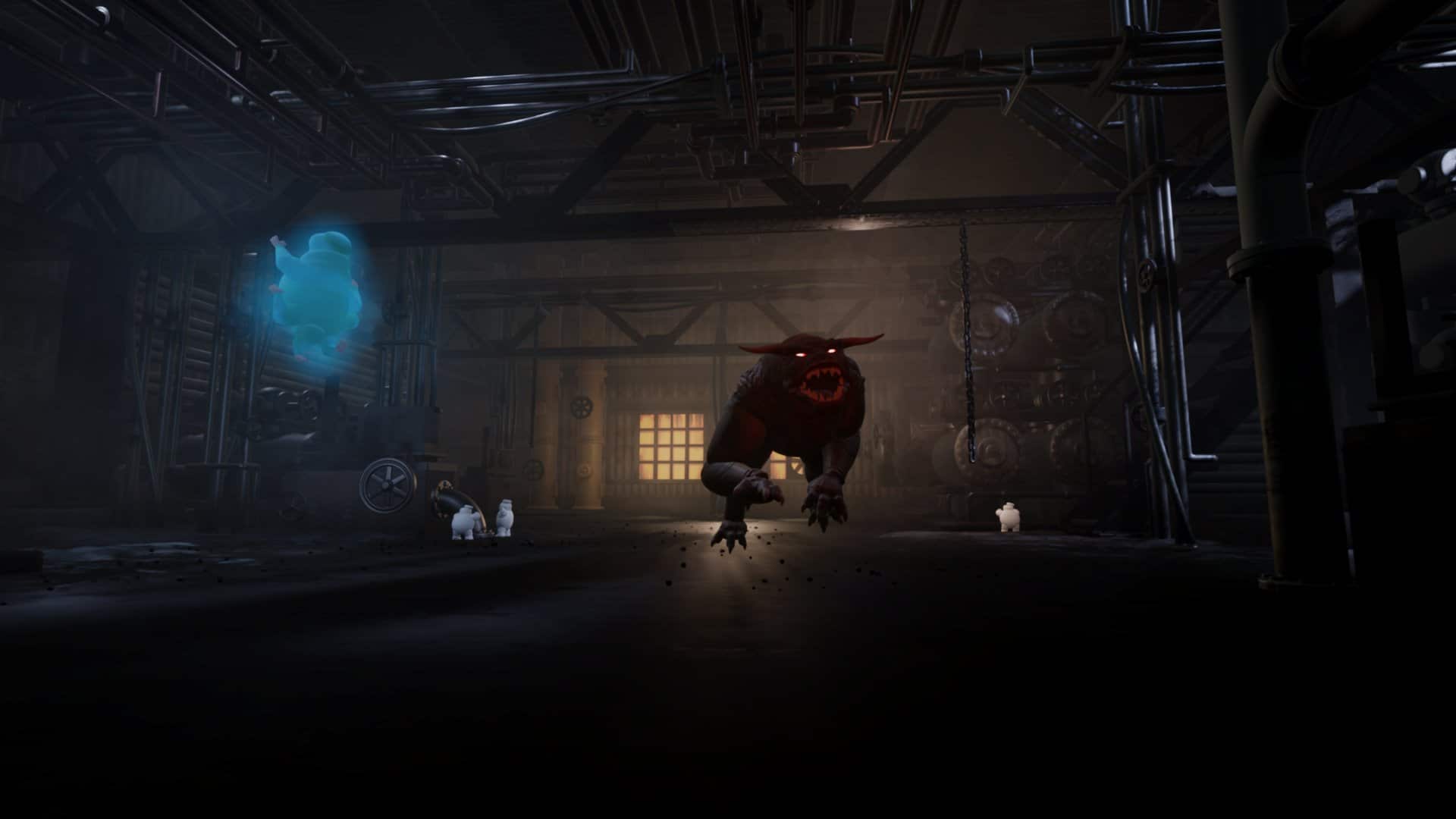
Ghostbusters: Afterlife in Dreams: A brand new, #MadeInDreams game created by us at Media Molecule, in partnership with Sony Pictures and the Dreams coMmunity! Jump in, strap on your Proton Pack and take on Mini-Pufts, Terror Dogs and, of course, a high-score leaderboard!
A screenshot of a marauding Terror Dog in Ghostbusters Afterlife In Dreams.
The CRT-style menu screen for Ghostbusters Afterlife In Dreams, made by Martin Nebelong, Dan Goddard and Emei Burell.
The dark, intimidating, ramshackle barn in which Ghostbusters Afterlife In Dreams takes place.
A screenshot of a player ‘busting some Mini-Pufts walking down the stairs in Ghostbusters Afterlife In Dreams.
A screenshot of a marauding Terror Dog in Ghostbusters Afterlife In Dreams.
The CRT-style menu screen for Ghostbusters Afterlife In Dreams, made by Martin Nebelong, Dan Goddard and Emei Burell.
Other Improvements
New Boot Image: We may be bustin’ ghosts with this new game, but we’re (sadly) moving away from the Halloween vibes set by #AllHallowsDreams! And that means a new boot image. Check out our beautiful new visual, ready and waiting for you the next time you load up Dreams!
With the GTA: The Trilogy – The Definitive Edition set to launch this month, it seems PS5 gamers will now know how much disk space they need to allocate for it, as the Grand Theft Auto: The Trilogy – The Definitive Edition PS5 file sizes for each game have been made public!
All three titles can be pre-loaded on November 9, and bear in mind, all three file sizes listed are without any day-one patch. We don’t know whether Rockstar Games will launch one alongside the trilogy, but we wouldn’t be surprised if they did.
You can check out how the remaster looks like in this trailer.
GTA The Trilogy – Definitive Edition will be releasing on consoles and PC this November 11 via digital, and on-disk on November 11.
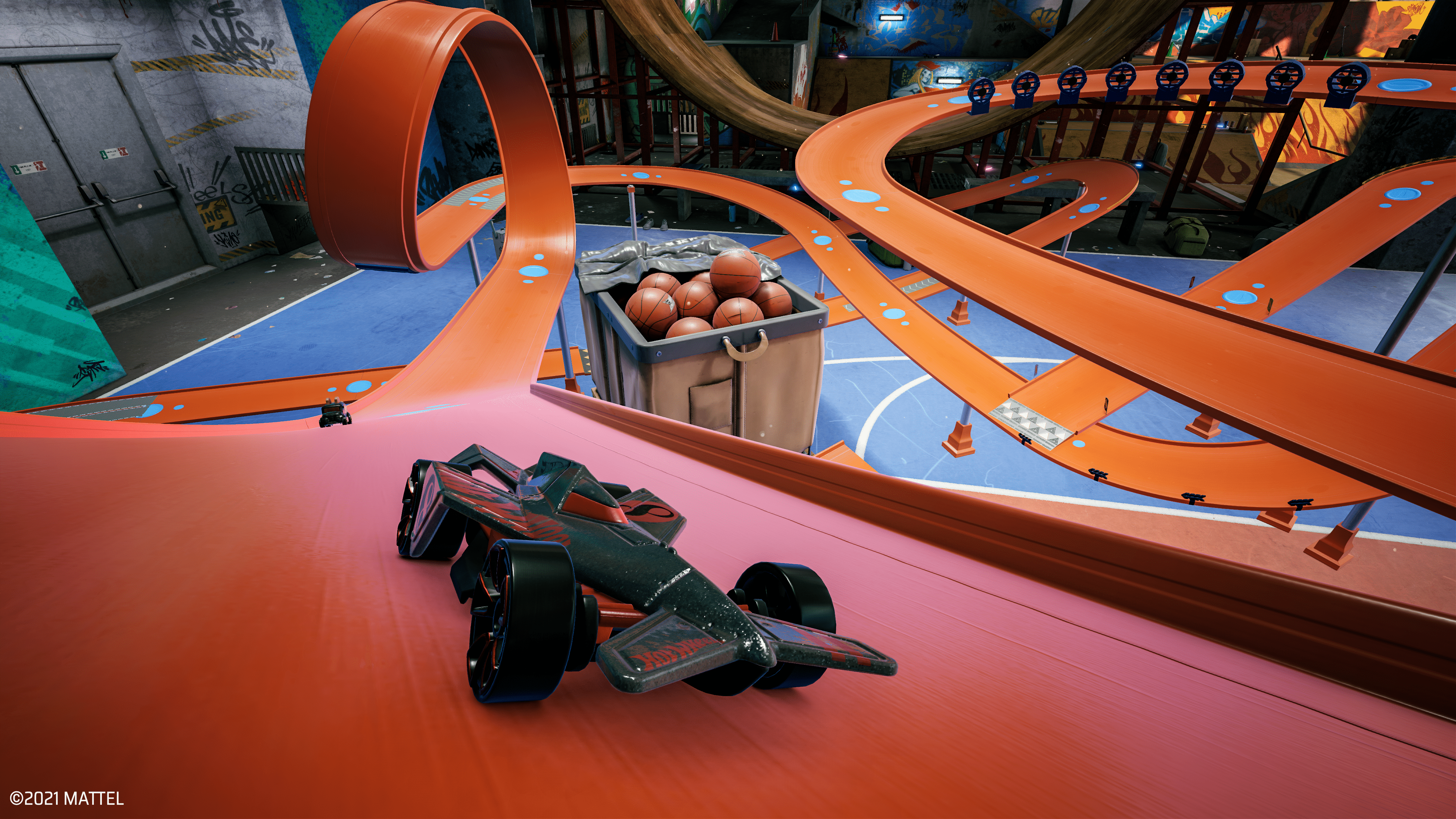
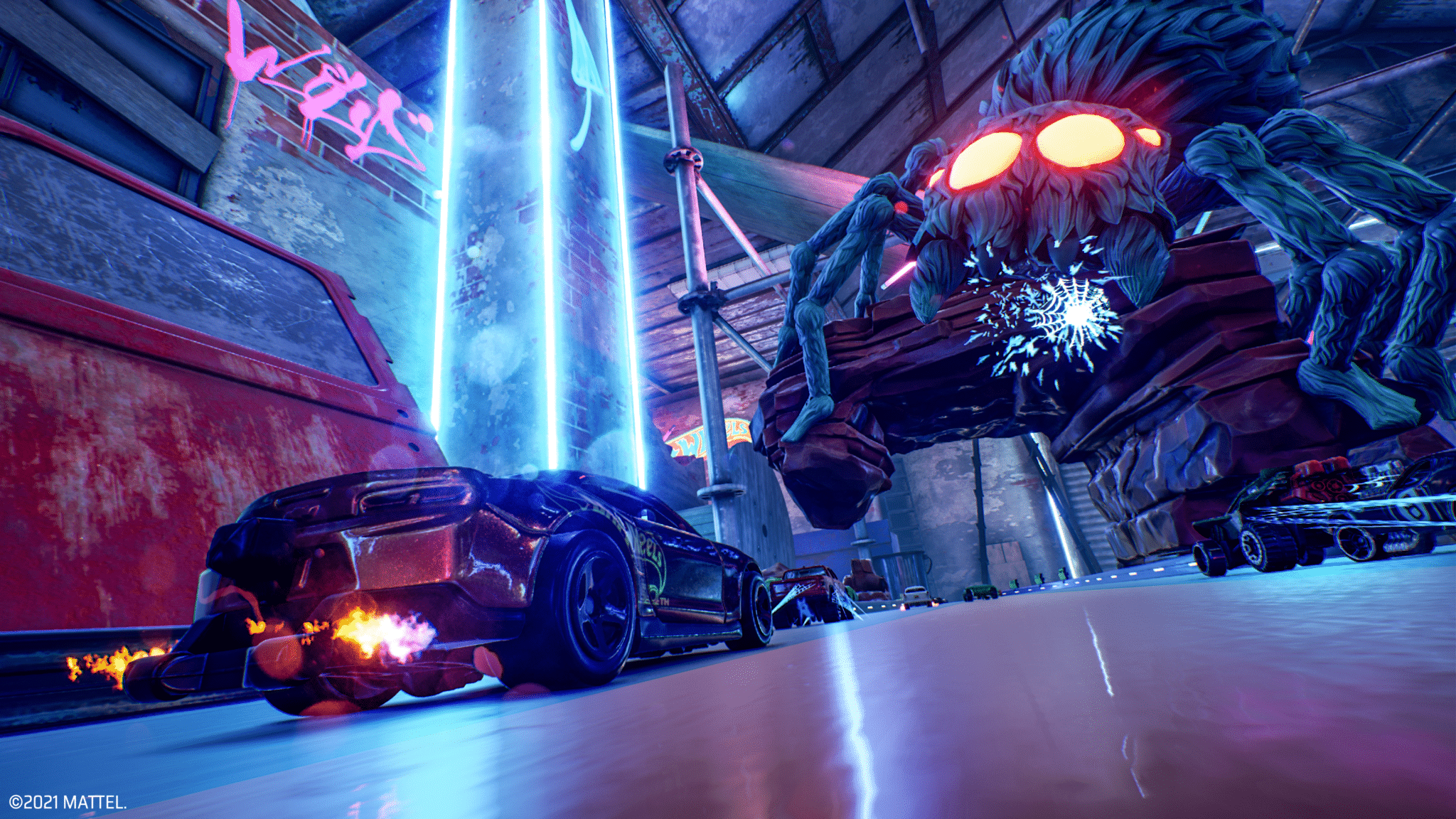
Milestone has released the Hot Wheels Unleashed update 1.005 patch this November 3 (both for last-gen, and next-gen platoforms), and this includes a number of fixes to AI, tracks, the track builder, in-game economy and more! Check out the official patch notes below.
Hot Wheels Unleashed Update 1.005 Patch Notes:
PS4 EU/USA Version 01.04 – PS5 EU/USA Version 01.005 -Xone/XSX Version 1.0.0.9 – PC Steam – PC Epic
AI:
1. Fixed AI difficulty being inconsistent on all levels.
Due to a bug, the AI behavior and performance on all tracks suffered from unpredictability, causing spikes in the challenge on all difficulty levels.
Tracks:
1. Added some checkpoints to the tracks previously lacking them.
We added a checkpoint to some tracks where it was possible to skip the entire course. Due to this change we also had to reset the leaderboards of these affected track:
1. Improved user experience with the Limited Offers Shop.
We increased the number of available vehicles form 5 to 7. Also the time needed to refresh it has been shortened from 4 h to 1:30 h. Moreover, we slightly reduced the chances to find common cars in this shop.
You will find these changes the next time the Limited Offers Shop will refresh for your game.
SFX:
1. Tuned music pitch during boost.
The pitch sound effect on the background music was activated every time the vehicle was boosting. Now we limited it to times when the vehicle hits a booster placed on the track.
2. Fixed the randomization of the special SFX of the boost for the following vehicles:
Time Machine – K.I.T.T.
Track Builder:
1. Added an info box to the Track Builder with addition useful information.
We added some texts with useful information appearing in several circumstances, mostly to inform the players when an operation is not available (for example, trying to place an interactive object on a special piece or trying to add mode modules when the construction limit is reached) or to remind them something important (for example, to confirm the modification on a module after editing it or to validate the track after finishing it).
2. Changed the default navigation speed to x3 in Track Builder.
3. Added a visual feedback on the selected track customization in Track Builder.
We added a small check mark to give the players an indication of which customization is actually used for the track modules.
Basement:
1. Added customization options for some Basement forniture.
Now the players can customize also the following forniture:
Kitchen: chairs – Kitchen: table – Kitchen: fridge – Living room: pool table cloth
2. Added the name of the customization items in use while viewing the basement of another user.
Now the players can check the names of each customization used by the others while looking at their basement, making it easier to replicate a particular setup in their own basement.
Graphics:
1. Added lighting effects to the boost flames (not available on Nintendo Switch).
Other UI / UX :
1. Added an “Environment” filter to the Community Track selection page.
2. Fixed default focus after opening a Blind Box.
The focus of the button doesn’t move anymore, making it easier to open several boxes in a row.
3. Removed the “on hold” button to some pages where it was not necessary.
Affected pages are:
First boot: game options – First boot: audio and image options – Shop: Blind Box opening – Hot Wheels City Rumble: exiting
4. Added a black background to the online timer.
5. Added another warning dialog to the Unpair profile functionality.
Using this function will delete the player profile on our servers, causing loss of any related content, including UGC, game progression, statistics. We strongly recommend to not use this function unless you have a very good reason. If in doubt, please contact our customer support before attempting this procedure.
Various:
1. Numerous bug fixes and stability improvements.
PC Version only:
1. Added DLSS support for RTX Nvidia graphic cards.
If you haven’t picked the game up yet, go read our review here where we state, “It’s a must-play. I’m pleased that it lived up to my expectations on that front. Hopefully we’ll see a resurgence in arcade racing on this generation of consoles”
Milestone has released the Hot Wheels Unleashed update 1.04 patch this November 3, and this includes a number of fixes to AI, tracks, the track builder and more! Read up on the official patch notes below.
Hot Wheels Unleashed Update 1.04 Patch Notes:
PS4 EU/USA Version 01.04 – PS5 EU/USA Version 01.005 -Xone/XSX Version 1.0.0.9 – PC Steam – PC Epic
AI:
1. Fixed AI difficulty being inconsistent on all levels.
Due to a bug, the AI behavior and performance on all tracks suffered from unpredictability, causing spikes in the challenge on all difficulty levels.
Tracks:
1. Added some checkpoints to the tracks previously lacking them.
We added a checkpoint to some tracks where it was possible to skip the entire course. Due to this change we also had to reset the leaderboards of these affected track:
1. Improved user experience with the Limited Offers Shop.
We increased the number of available vehicles form 5 to 7. Also the time needed to refresh it has been shortened from 4 h to 1:30 h. Moreover, we slightly reduced the chances to find common cars in this shop.
You will find these changes the next time the Limited Offers Shop will refresh for your game.
SFX:
1. Tuned music pitch during boost.
The pitch sound effect on the background music was activated every time the vehicle was boosting. Now we limited it to times when the vehicle hits a booster placed on the track.
2. Fixed the randomization of the special SFX of the boost for the following vehicles:
Time Machine – K.I.T.T.
Track Builder:
1. Added an info box to the Track Builder with addition useful information.
We added some texts with useful information appearing in several circumstances, mostly to inform the players when an operation is not available (for example, trying to place an interactive object on a special piece or trying to add mode modules when the construction limit is reached) or to remind them something important (for example, to confirm the modification on a module after editing it or to validate the track after finishing it).
2. Changed the default navigation speed to x3 in Track Builder.
3. Added a visual feedback on the selected track customization in Track Builder.
We added a small check mark to give the players an indication of which customization is actually used for the track modules.
Basement:
1. Added customization options for some Basement forniture.
Now the players can customize also the following forniture:
Kitchen: chairs – Kitchen: table – Kitchen: fridge – Living room: pool table cloth
2. Added the name of the customization items in use while viewing the basement of another user.
Now the players can check the names of each customization used by the others while looking at their basement, making it easier to replicate a particular setup in their own basement.
Graphics:
1. Added lighting effects to the boost flames (not available on Nintendo Switch).
Other UI / UX :
1. Added an “Environment” filter to the Community Track selection page.
2. Fixed default focus after opening a Blind Box.
The focus of the button doesn’t move anymore, making it easier to open several boxes in a row.
3. Removed the “on hold” button to some pages where it was not necessary.
Affected pages are:
First boot: game options – First boot: audio and image options – Shop: Blind Box opening – Hot Wheels City Rumble: exiting
4. Added a black background to the online timer.
5. Added another warning dialog to the Unpair profile functionality.
Using this function will delete the player profile on our servers, causing loss of any related content, including UGC, game progression, statistics. We strongly recommend to not use this function unless you have a very good reason. If in doubt, please contact our customer support before attempting this procedure.
Various:
1. Numerous bug fixes and stability improvements.
PC Version only:
1. Added DLSS support for RTX Nvidia graphic cards.
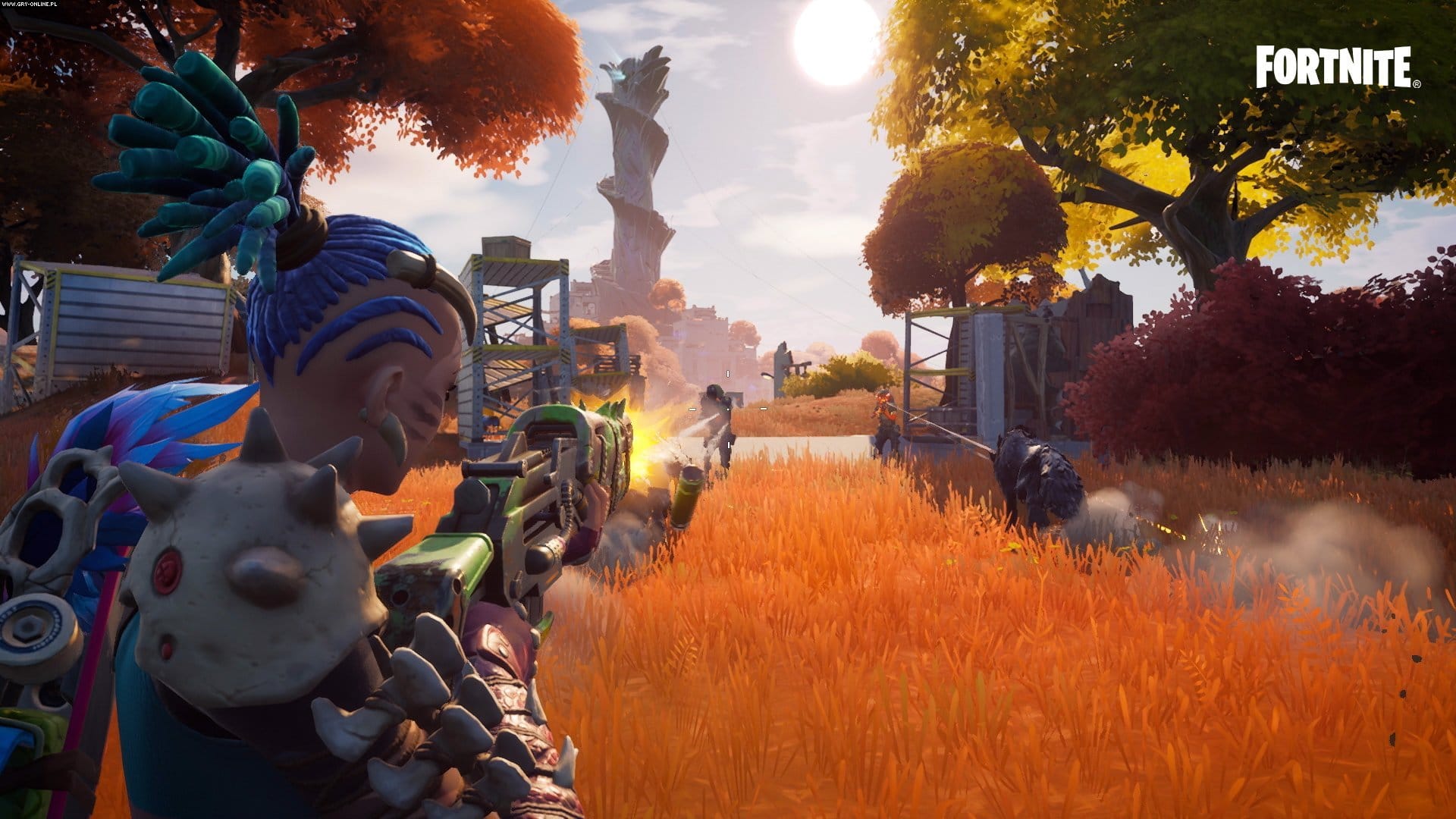
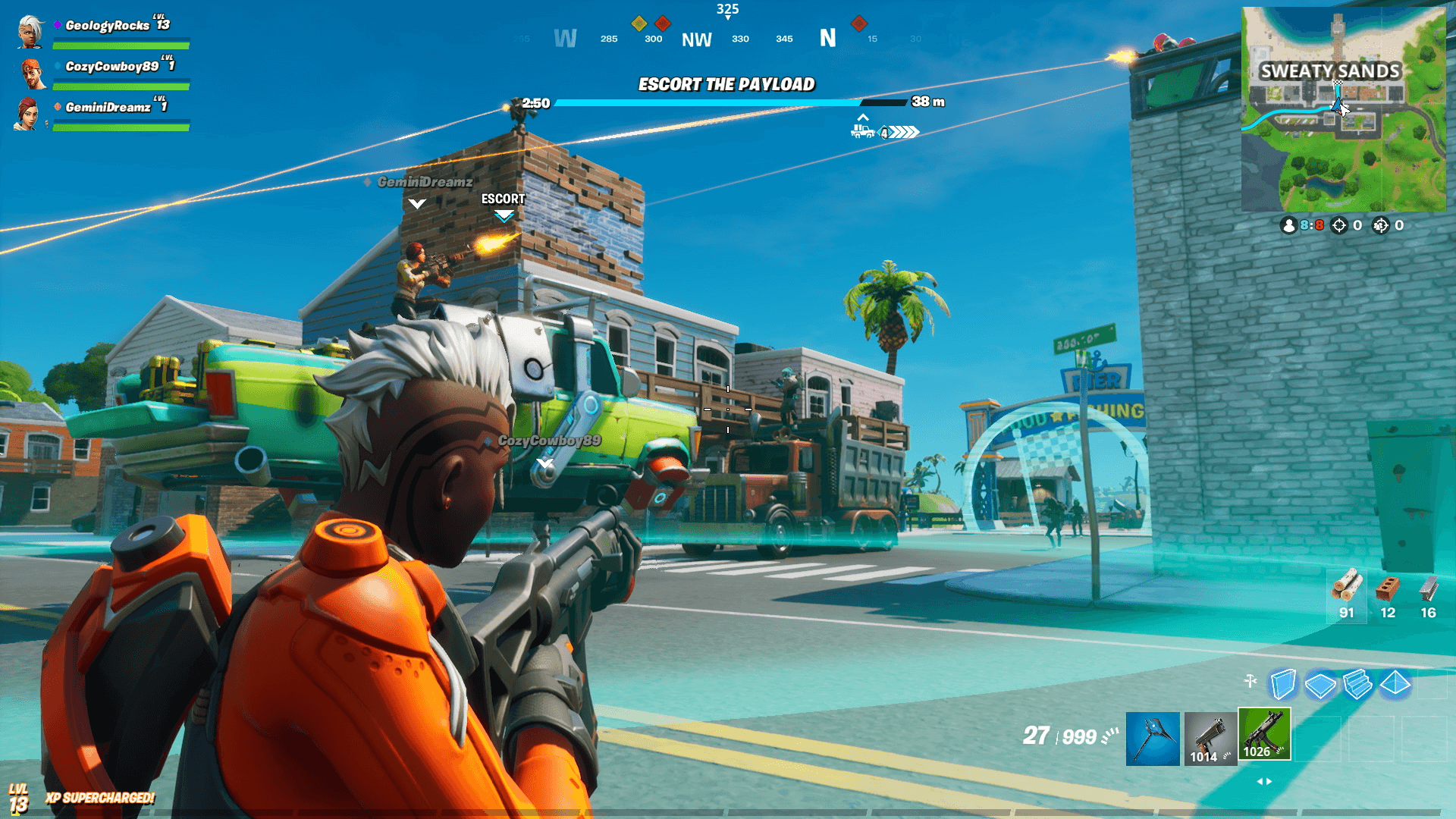
Epic Games has released the Fortnite update 1.000.047 patch for consoles (PS4, PS5, Xbox One, Xbox Series X|S, Switch), and this is a minor title update rolled out for fixes. Check out the full patch notes below.
Fortnite Update 1.000.047 Patch Notes for November 3:
We have deployed a maintenance patch on Nintendo Switch, and PlayStation and Xbox consoles.
This patch resolves the addresses stability issues on Nintendo Switch, as well as splitscreen issues on Xbox and PlayStation consoles. pic.twitter.com/KaNarpFJo7
We have deployed a maintenance patch on Nintendo Switch, and PlayStation and Xbox consoles.
This patch resolves the addresses stability issues on Nintendo Switch, as well as splitscreen issues on Xbox and PlayStation consoles.
That seems to be it for this patch. We did get the big v18.30 patch last week, which you can read about here (confirmed fixes and datamined info listed). If you spot any gameplay-related or technical fixes in this title update, leave a comment below and let us know.
Epic Games has released the Fortnite update 3.37 patch for consoles (PS4, PS5, Xbox One, Xbox Series X|S, Switch), and this is a minor title update rolled out for fixes. Check out the full patch notes below.
We have deployed a maintenance patch on Nintendo Switch, and PlayStation and Xbox consoles.
This patch resolves the addresses stability issues on Nintendo Switch, as well as splitscreen issues on Xbox and PlayStation consoles. pic.twitter.com/KaNarpFJo7
We have deployed a maintenance patch on Nintendo Switch, and PlayStation and Xbox consoles.
This patch resolves the addresses stability issues on Nintendo Switch, as well as splitscreen issues on Xbox and PlayStation consoles.
That seems to be it for this patch. We did get the big v18.30 patch last week, which you can read about here (confirmed fixes and datamined info listed). If you spot any gameplay-related or technical fixes in this title update, leave a comment below and let us know.
Sony has launched the new PlayStation Store sale for November 3, and it’s called the “Remasters and Retro” sale! There are over 100 games discounted, which are all listed below. Head on for the complete list below, just in case you didn’t like anything in the November Savings sale.
New PlayStation Store Sale for Nov. 3 “Remasters & Retro” List of Games:
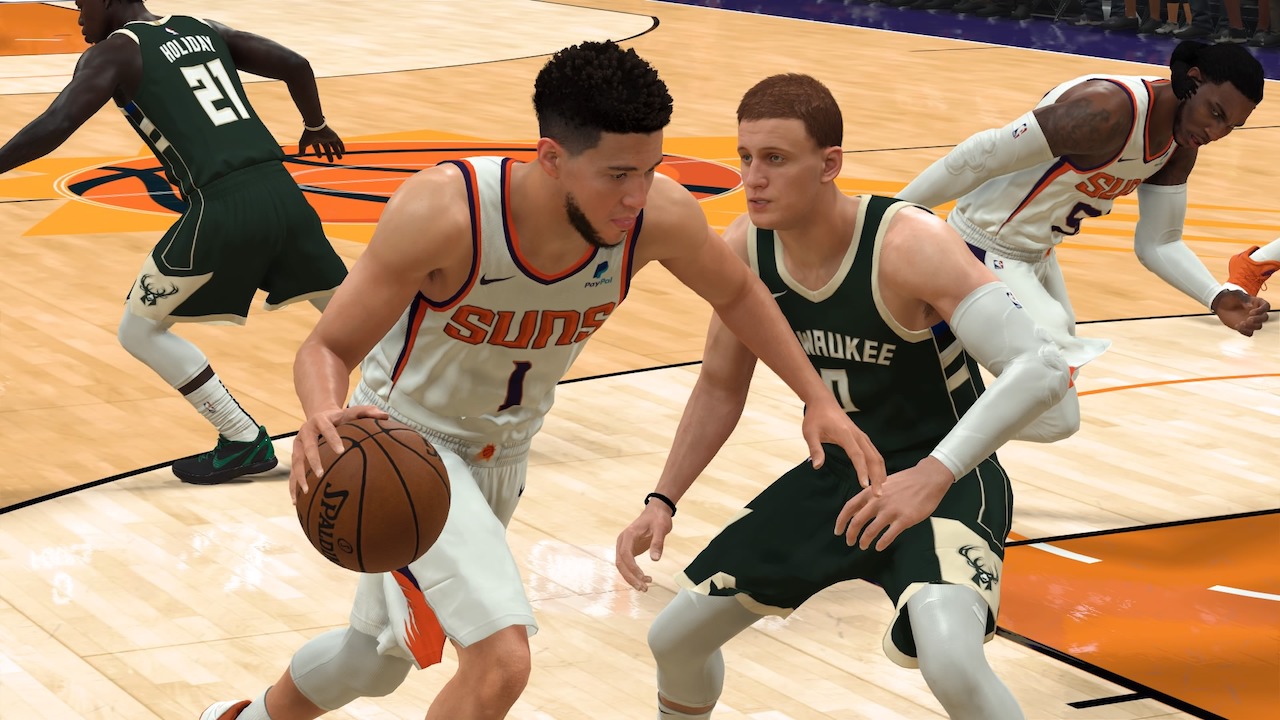
Visual Concepts has released the NBA 2K22 update 1.07 patch this November 3, and this is for last-gen platforms (PC, PS4, Xbox One, Switch). As far as we’re aware, there’s no patch available for next-gen (PS5, Xbox Series X|S), which isn’t surprising given how the two game versions have splintered off in terms of update and version numbers.
NBA 2K22 Update 1.07 Patch Notes for November 3:
Update: Visual Concepts has released the official patch notes!
GENERAL
Tightened collision detection to prevent “ghost” charging/blocking fouls during gameplay.
Rebirth (and the associated quest) should once again be attainable for those users still looking to properly acquire it.
The Gym Rat badge should once again be attainable for those users still looking to acquire it.
Addressed an issue with custom jerseys that resulted in invisible players in MyTEAM games.
2020-21 NBA Championship banners have been raised in the Bucks’ Fiserv Forum.
Many more fixes included to improve the overall experience of NBA 2K22 across all game modes.
Size: 28GB (PS4)
Same as before, Visual Concepts has not released the official patch notes, and chances are, we’ll hear more about it afternoon (PT). However, here’s some of the confirmed new stuff incoming for today:
#NBA75 jerseys are now available in The City and will drop tomorrow in Current-Gen 🎽
The studio released a significant patch two weeks ago which ushered in Season 2. You can read more about it here. There are changes included in the next-gen version patch which was released at the same time, which we’ve listed below
Once the full patch notes are out, we’ll be sure to update the post, so stay tuned!
We’ve updated the post with the official patch notes.













__5.jpeg "A screenshot of a marauding Terror Dog in Ghostbusters Afterlife In Dreams.")
_.jpeg "The CRT-style menu screen for Ghostbusters Afterlife In Dreams, made by Martin Nebelong, Dan Goddard and Emei Burell.")
__3.jpeg "The dark, intimidating, ramshackle barn in which Ghostbusters Afterlife In Dreams takes place.")