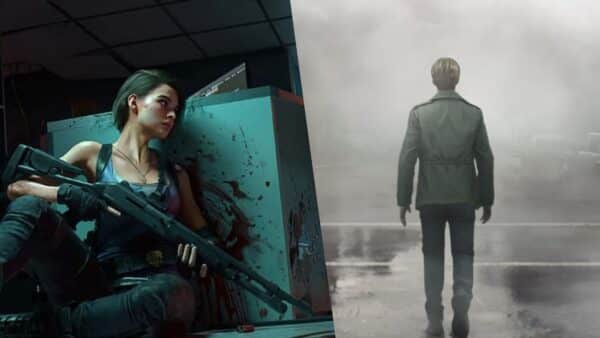
After the success of the Silent Hill 2 remake for Konami, expectations for Bloober Team’s next project is sky high. Thankfully, we don’t have to wait long for that, as the Polish studio already had another game waiting in the works in Cronos: The New Dawn.
While Cronos is also a third-person survival horror game, this one is based on an entirely new IP. It’s been in development in secrecy for quite some time now, given that the title was announced just last year, and here we are, seeing it hit retail already.
The big question here is: Does Bloober manage to hit two home runs in a row? It’s a question that doesn’t have a clear-cut answer, given that Cronos’ strength and weaknesses might vary from player to player.
It’s an Alternate Timeline, But It’s the Future Past

In Cronos, you play as the Traveler, a being tasked to collect essences that will help in finding a way to reverse the disease that wiped out humanity and made everyone grotesque monsters.
While it might seem that the plot is simple, it’s anything but. There are numerous story beats that keep it twisting and turning. As is the case in any story involving time travel, it’s quite complicated — sometimes a little too much, so that your head might reel trying to understand what’s happening.
I’m not sure whether it’s something lost in translation from Polish to English, but there were instances that made me scratch my head trying to understand what just happened, or why it happened.
There is a resolution at the end, though it depends on which of the multiple endings you managed to obtain. By our count, there are at least three, though there might be more. If there is, I expect the community to find it once the game’s out.
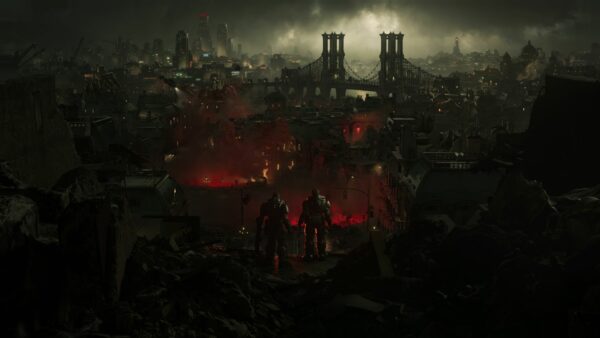
I commend Bloober for setting the game in Poland, rather than the US, which is the backdrop for most horror franchises more often than not. Everything in the game stays true to this; from the scribbles on the walls, character names, and whatnot, which further adds to the immersion.
Expect to meet a few characters along the way that will further deepen the storyline, and in most cases, complicate it even more. There are also newspaper clippings, notebooks, audio logs, and more, which add to the game’s lore and explain what happened to humanity. There are a lot of COVID allegories
Cronos: The New Dawn doesn’t have the tightest of narratives, so expect to check out videos and articles explaining what happened in the game.
Don’t Let Them Merge!
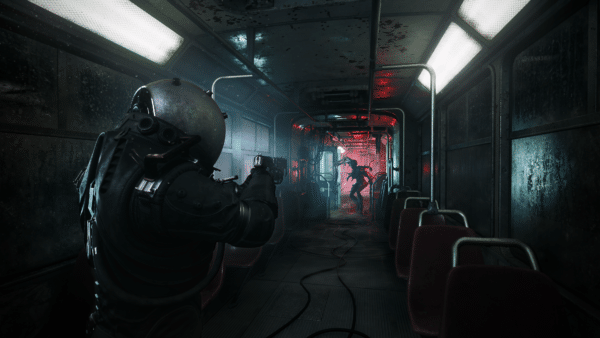
The moment you boot up Cronos and encounter your first enemy and get to your first upgrade station, you’ll be reminded a lot about Dead Space. – EA’s sci-fi horror classic that recently got remade.
Not only does the Traveler move the same as Isaac Clarke, but you even have the same stomp and melee animation. Even the game’s upgrade station/shop reminded me of Dead Space’s — not that there’s anything wrong with that, as what’s there is serviceable enough.
Same as in Dead Space, you’ll want to conserve ammo by stomping on enemies whenever you can, though it will be a lot harder to do here, as enemies are tougher and are usually more agile than your character.

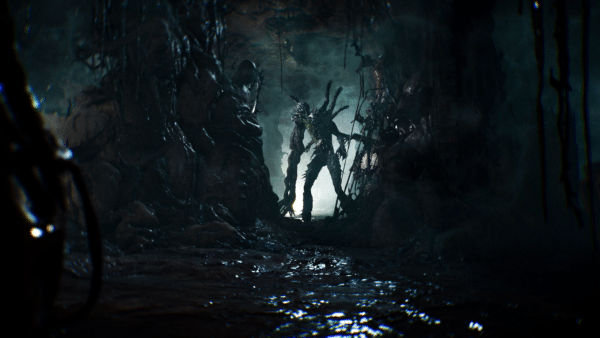
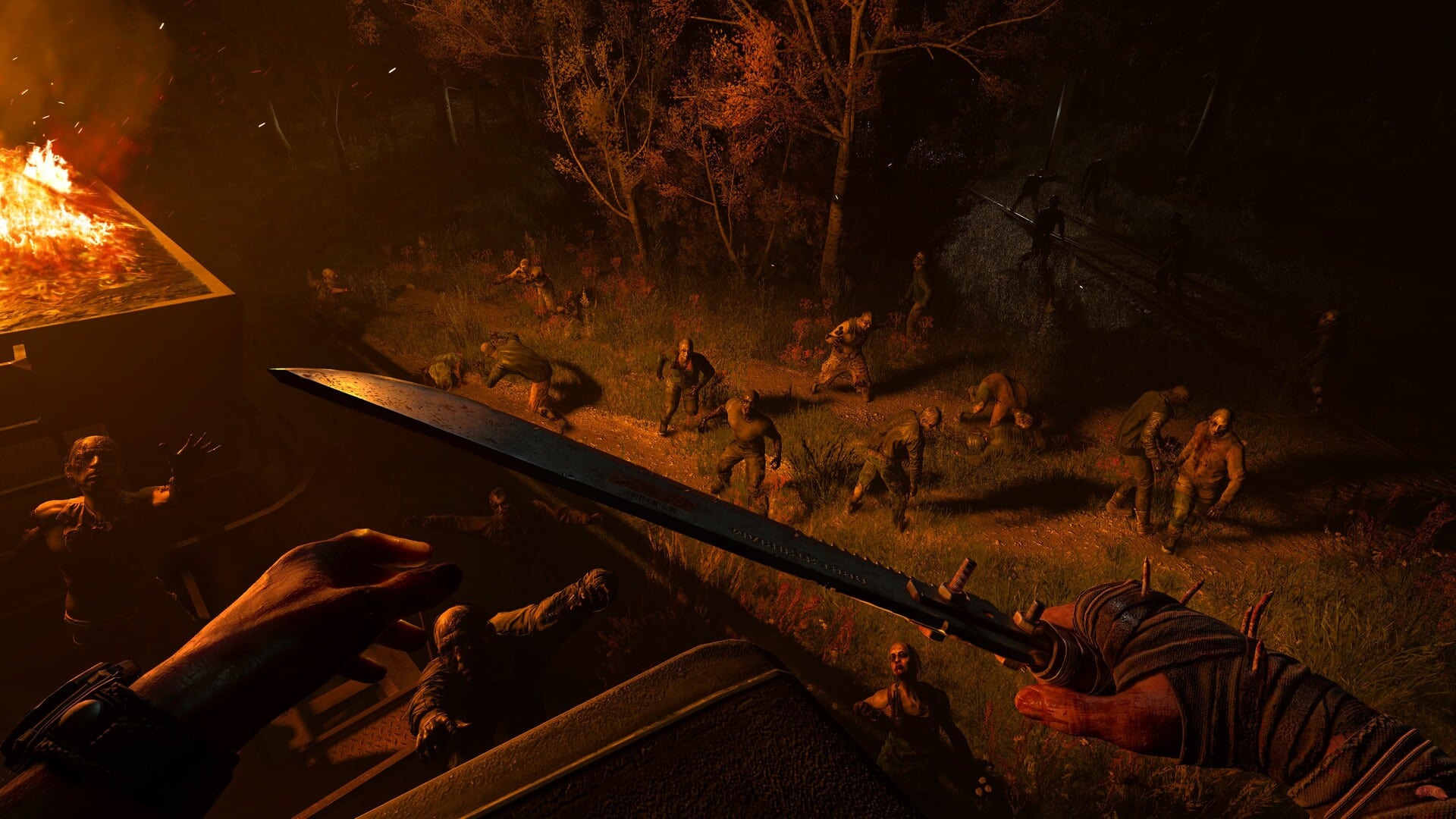
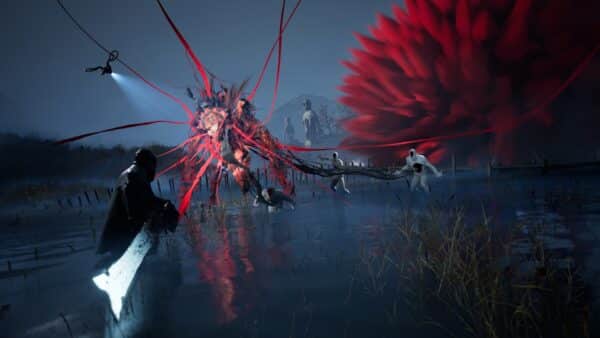
If Dead Space had dismemberment as its gimmick, Cronos: The New Dawn has monsters merge with other dead monsters to create a super monster that’s a lot harder to take down. In order to stop this, you’ll need to burn down the dead monster’s body before another monster can merge with it.
That might be what Bloober was going for (which is even explained in the game), but in reality, you won’t or can’t do that at all. You only have one torch available at a time (maximum of two with an upgrade), and you will never waste it on one dead body to stop another monster from merging. It’s way easier to just use the torch on a group of enemies, which will damage and stun them in an area.
If you followed the game’s advice and used the torch on a dead monster’s body, you’d be running back and forth to a save station every five minutes. There are literally dozens of dead monster bodies strewn about, and it’s a toss-up which ones will come to life once you’ve interacted with the trigger object.
The merge enemy mechanic is a nice touch, though midway through the game, you’ll probably not be fussed with it; there are moments when it does hike up the tension.
Fighting for Your Life
It’s expected that in survival horror games, combat is usually slow-paced, with a methodical way of dispatching enemies so you can save up on resources. That’s the same thing you can expect in Cronos, as resources will be quite limited, though not to the point that you’ll get stuck.
Scattered around the game’s various dark corridors are crates that house either energy, bullets or healing items. Not only that, but it pays to explore everything you can, as these usually reward the player with huge chunks of Energy (which is the game’s currency for buying bullets, health, to upgrading weapons), items to sell in the in-game shop that can be converted to Energy, Core upgrades, and more. Cronos is entirely linear, but there are hidden pathways, rooms, and whatnot to keep things fresh when you move from one area to the next. It’s not a simple matter of going from Point A to Point B. I mean, sure, you can do that, but doing so will leave you out of a lot of resources, secrets, and even lore-building.

When fighting off enemies, the combat itself is decent enough, as you’ll be using the usual gamut of weaponry available in most survival-horror games. There’s a handgun, a shotgun, a machine gun, and a few other surprises. The weapons feel fine enough, but it’s sometimes hard to tell if you’re damaging the enemies or not since they don’t always flinch or react when getting hit. You’ll get a gun attachment later on that should let you know an enemy’s health status, but I honestly didn’t find it useful at all, since it’s hard to check it when there are multiple enemies rushing at you.
That’s another thing to be mindful of. While it’s understandable that your character is slow, given the bulky armor you wear throughout the game, the same cannot be said about the enemies, which can move much faster than you. I’m OK with that, but a quick-turn feature would have helped a lot. The Traveler’s stiffness was never an issue to me for most of the game, even when going toe-to-toe with the game’s bosses, save for the final boss.
As a whole, combat is OK, but don’t expect anything revolutionary or a step-up from what you’ve experienced in other survival-horror games.
Limited Space
Look, I get it, inventory management is part of the survival-horror genre’s staples, right? It’s in almost all games of the genre, from Resident Evil, Silent Hill, and even Dead Space. However, Cronos: The New Dawn takes it to a whole new level, and one that I think most people won’t be happy with.
Your character has very limited space in their inventory, to the point that you’ll more often than not have to run back and forth to your stash crate. Every item takes up space. Weapons? Yeah, they take up a slot. Bullets, key items, sellable stuff you find? Yep. While other titles do this, they give you enough character inventory to make it manageable. In Cronos, it’s maddeningly made to artificially inflate the game’s difficulty. Shotgun bullets are capped at five per inventory space. So if you have 10 bullets? Take takes up two inventory slots. At most, when you have the inventory upgrade maxed out, it’s at 12. Add in 2-3 weapons, health, torch, bullets foe each weapon, and key items that you’ll need to open doors and whatnot, you’ll see your space capped almost always. This means that if you see an item you can sell, extra bullets, or even sometimes key items, you won’t have space to pick them up. Just be prepared to run back to the save room often, and it’s not even just to upgrade your weapons or suit, but just to store stuff, which does get annoying after a while. I wouldn’t be surprised if this gets an update in the future, since it just feels like your character inventory space was made to be super limited in order to make the game feel harder than it is.
There’s no map of any kind either. While Cronos is smaller than games like Resident Evil, the environments do tend to look similar in some cases, which might make players lose their bearings. The fact that door placements don’t really make sense adds to that too. Sometimes a door leading to a large area is tucked away inside a small room that connects the two areas. It’s a minor gripe, sure, but it’s still annoying sometimes when you’re backtracking to save room and just want to return to where you were previously.
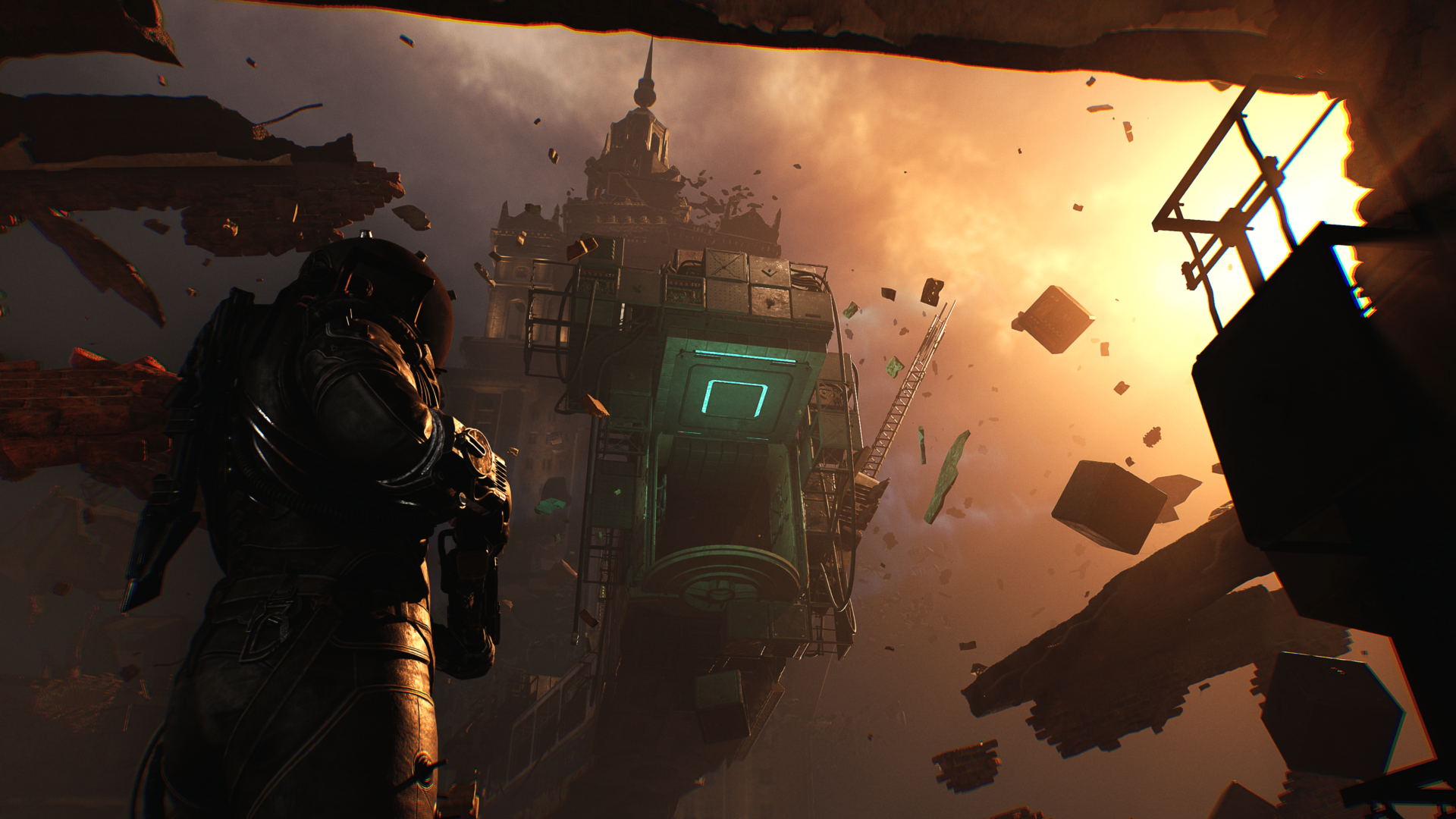
On the plus side, the anti-gravity parts of the game feel fresh. There’s also a “rebuild” or time-effect gadget you get early on that’s used to great effect throughout the game. This is where Cronos shines, as Bloober carves its own gameplay path when it comes to exploration, traversal and the like.
Such Is Our Calling
I played Cronos on a base PS5, and overall, the graphics are more than adequate, though it don’t look as good as the Dead Space remake, which was released in 2023. Its performance has issues, as there are multiple instances of frame drops, especially if you square up against multiple enemies at once, and there are all sorts of effects happening at the same time.

It’s not game-breaking, but it’s definitely noticeable, and something people might have issues with. I expect Bloober will release a patch or two to shore this up, alongside other minor bugs.
Another gripe I have is that some parts of the game felt, well, cheap. Not cheap in the sense that it lacked production values, but cheap in how some enemies are off-screen and will damage you unless you already know they’re there. This goes hand-in-hand with the super-limited inventory space, wherein it feels like it’s there to artificially hike up its difficulty. The last boss fight in the game highlights both the inventory issue and the enemy cheapness in full effect, and I wouldn’t be surprised if Bloober tweaks it a bit post-release.
However, possibly the biggest issue I have with Cronos is how confusing its story is. I’m not sure if it’s something lost in translation, but even after reading the letters and diary entries, listening to the audio logs, and finishing the 13-15 hour horror ride, I’m still unsure just what happened. I recall the main story beats, understand that there’s a sickness that plagues humanity, but I’m still unclear on how it originated and why it persists.
Even the game’s big twist is kind of predictable, which lessens its impact. At first, I thought it was just me being obtuse or something, but after speaking with another staff member who had played through the game, they also didn’t fully grasp what was happening.
There are multiple endings to the game, and it’s unknown which direction Bloober is going with if it ever gets the chance to do a sequel.
The Vocation, Successful

If it reads like I’m ragging on Cronos: The New Dawn a bit much, I’m not. It’s just that I really liked what I played of the Silent Hill 2 remake, and because of that, Cronos is one of my most anticipated games of the year. I was expecting the same level of polish, gameplay depth, and while Cronos delivers in a lot of areas, it stumbles in some that I wouldn’t think were issues.
However, at its core, Cronos: The New Dawn is still a good horror game with some interesting level design (the gravity stuff is ingenious). Technical issues aside, Bloober proved that its success with the Silent Hill 2 remake wasn’t a fluke and that it can establish its own IP, and even hang with the genre’s heavyweights.
Cronos: The New Dawn might not revolutionize the genre, but it’s still one journey worth taking. Hopefully, Bloober gets the chance to explore the game’s universe more in future entries, and if that happens, I’ll be there.
Score: 8/10
Pros:
- Theme and enemy design are well-made
- Multiple endings and New Game+ add replay value
- Combat is good
- Memorable boss fights
Cons:
- Story is confusing
- Performance issues (PS5)
- Artificially inflated difficulty due to inventory space
- No difficulty slider/level, which might be off-putting to some
Cronos: The New Dawn review code was provided by the publisher. You can read MP1st’s review and scoring policy right here.