Have you ever wanted to be The Law? If so, developer Aesir Interactive has just the thing, as the studio’s Police Simulator: Patrol Officers is now headed to consoles! While there’s no official release date just yet, the studio says that it will be available as a digital download title “soon.”
Check out the trailer alongside more details straight from the press release.
Police Simulator: Patrol Officers will launch on the PS4, PS5 Xbox One, Xbox Series X|S, and will also leave Steam early access at the same time as the console version’s release.
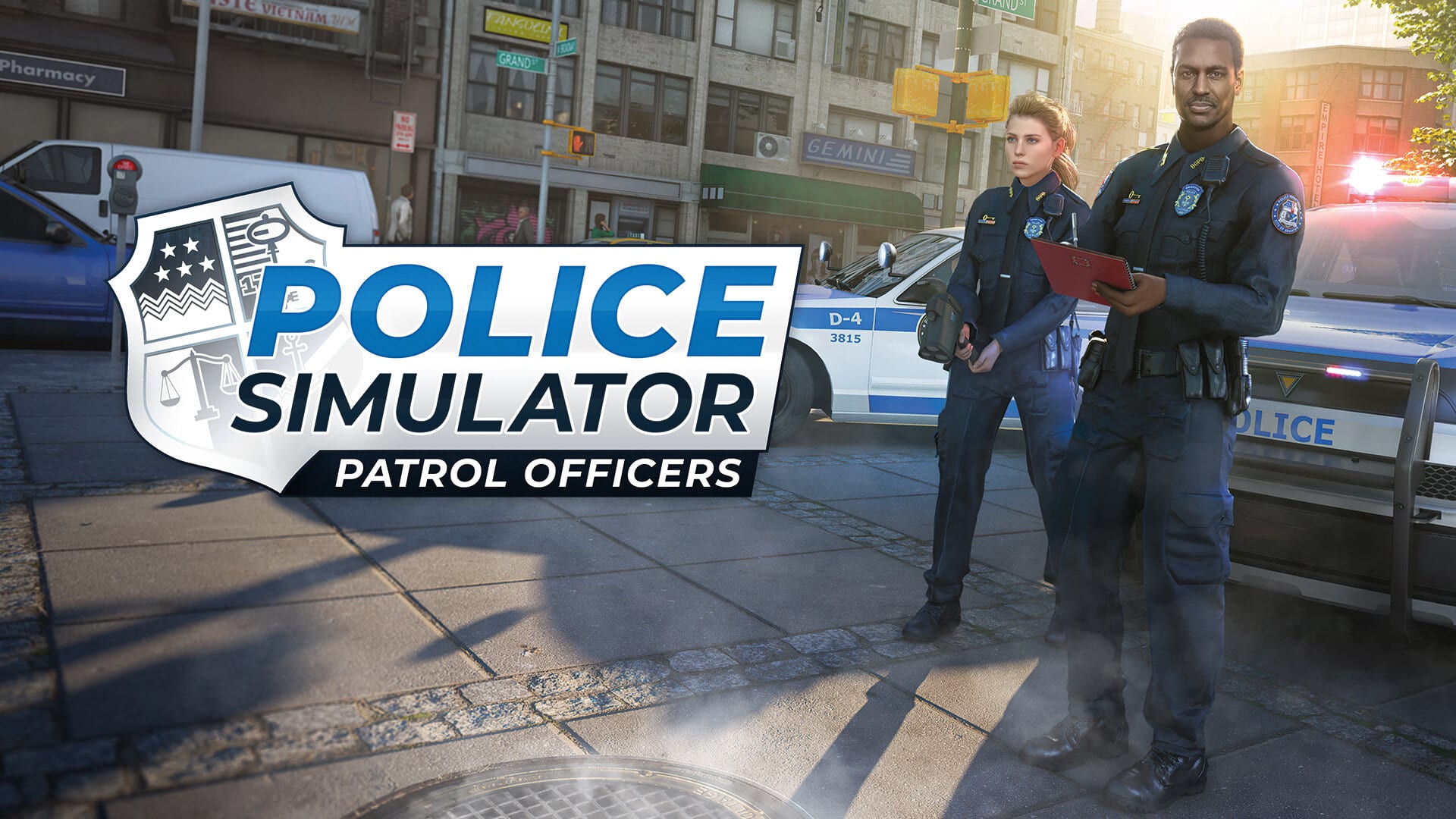
In Police Simulator: Patrol Officers, players slip into the role of one of 8 playable characters and start their first shift as a rookie patrol officer in the fictional US East Coast city of Brighton. As they learn the ropes of their law enforcement occupation, they will graduate from enforcing simple traffic rules or preventing littering, to handling minor and major accidents. Police officers will also search and arrest wanted suspects in cases of theft, bodily harm, property damage or even drug dealing. With growing experience, they will not only unlock three different police cars and more complex tasks, but also three lively city districts consisting of fifteen diverse neighborhoods. A two-player coop multiplayer mode gives virtual officers the opportunity to serve the public as a team together with a friend, while an open patrol mode offers them unrestricted access to the whole city.
Police Simulator: Patrol Officers by developer Aesir Interactive and publisher astragon Entertainment will be soon available for PlayStation®4, PlayStation®5, Xbox One and Xbox Series X|S for 39.99 Euro/34.99 GBP/39.99 USD.
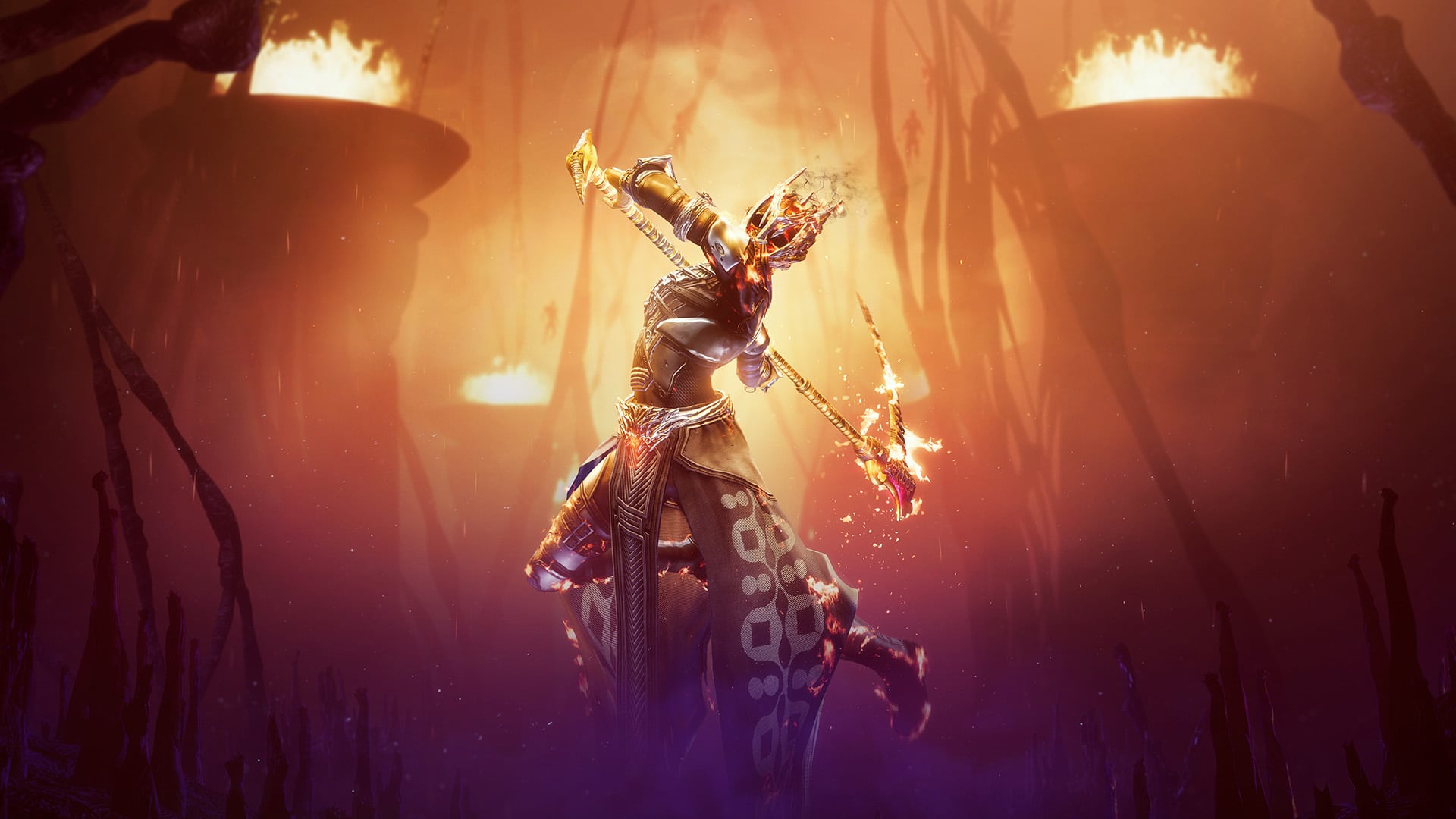
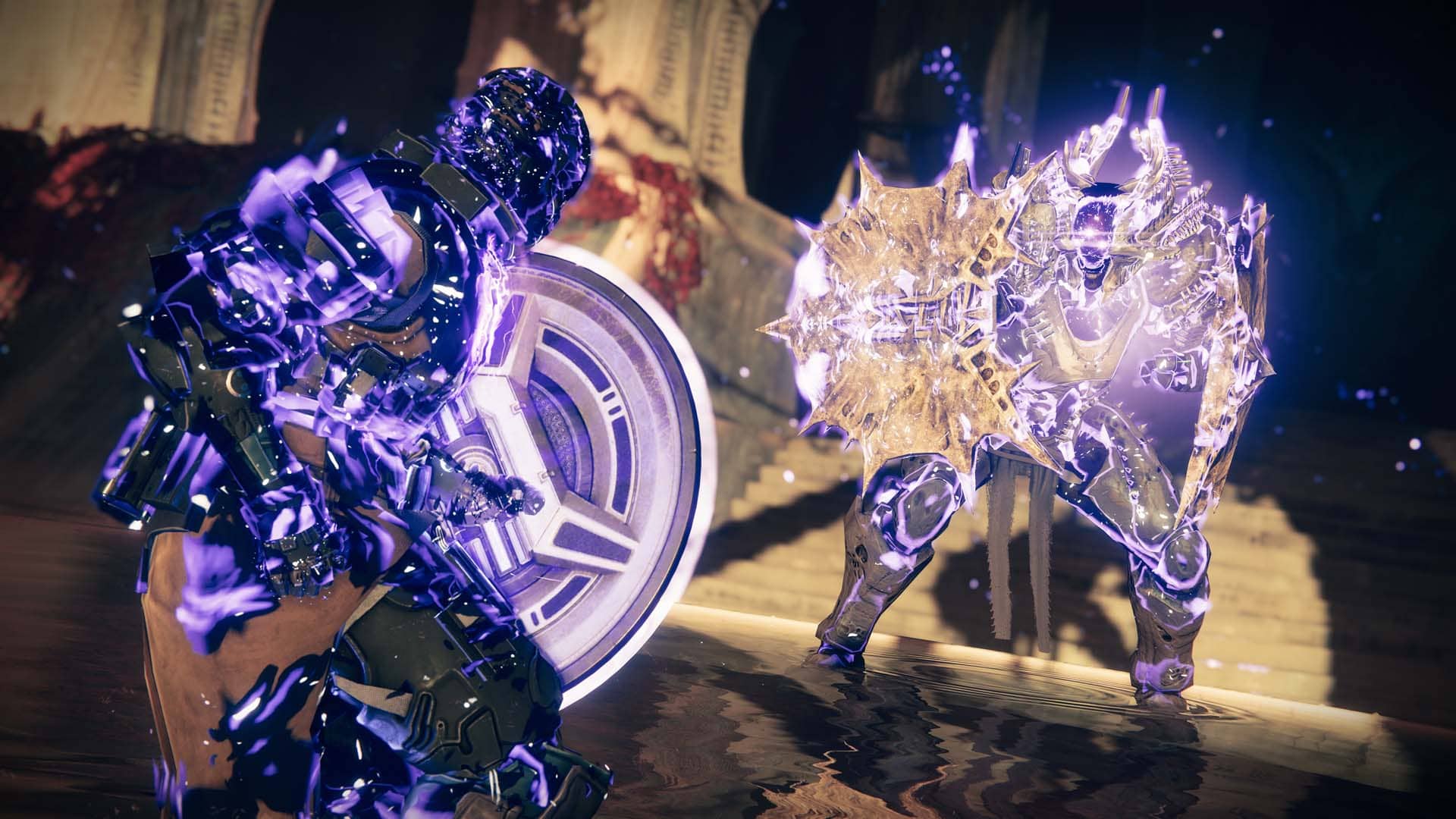
Bungie has pushed out Destiny 2 update 1.054 on all platforms today, and this is for hotfix patch version 4.1.5.2 that brings gameplay fixes and adjustments. Read up on the Destiny 2 August 2 patch notes below.
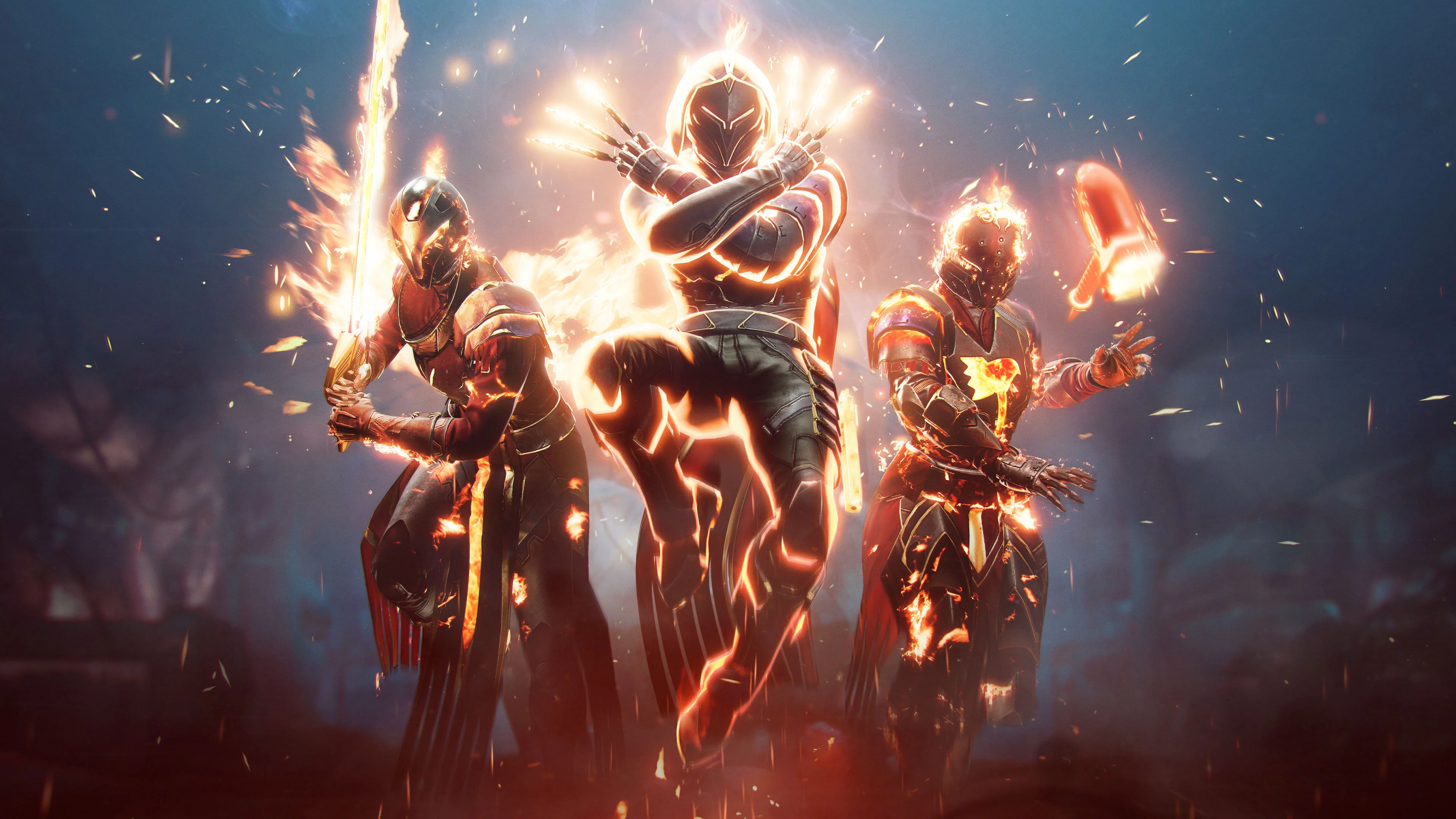
Fixed an issue where players couldn’t unlock the appearance of the Solstice armor sets to transmog.
The beacons are lit, fashion calls for aid!
Fixed an issue where players couldn’t reobtain armor from Eva Levante (Space Grandma) if armor has been dismantled after completing the step where players need to speak with her, post-equipping.
Fixed an issue where players weren’t receiving the Seashore Pack at the Eververse store.
Players can now grab their loot from Cryptarch. #Investment
Progress accelerators are now in place for players completing Solstice Event Challenges on second and third classes (Titan, Warlock, and Hunter, for any new players).
Partially fixed, progress accelerator missing on Hand Cannon challenge for Titans.
Fixed an issue where players were unable to progress second and third character armor sets after fully upgrading their primary Guardian’s armor.
Bungie has released Destiny 2 update 2.59, and this is for hotfix 4.1.5.2! Guardians can once again expect fixes to activities, adjustments, and more! Read up on the Destiny 2 hotfix 4.1.5.2 patch notes.
It’s Tuesday, and that means another heaping of activities are live for players to complete in Destiny 2 are now live! The Destiny 2 weekly reset August 2, 2022 refresh of activities is now live along with the Eververse inventory of items for sale. Read on for the full info for this week.
Champion Foes: You will face [Shield-Piercing] Barrier and [Stagger] Unstoppable Champions. You must equip Anti-Barrier and Anti-Unstoppable mods to your arms armor to defeat them. These mods come from the Seasonal Artifact.
Champion Foes: You will face [Shield-Piercing] Barrier and [Stagger] Unstoppable Champions.
Hero Modifiers: Extra Shields
Ashes to Ashes: Dealing damage with a Solar weapon now applies scorch to your targets, but your foes also now apply scorch to you when they deal Solar or explosive damage.
Nightfall: Legend
All previous modifiers
Equipment Locked: You will not be able to change your equipment after this activity starts.
Match Game: Enemy shields are highly resistant to all unmatched elemental damage.
Legend Modifiers: Locked Loadout Match Game Extra Shields
Shielded Foes: You will face combatants with [Arc] Arc, [Solar] Solar, and [Void] Void Shields.
Shielded Foes: [Arc] Arc, [Solar] Solar, and [Void] Void Shields
Nightfall: Master
All previous modifiers
Famine: All ammunition drops are significantly reduced.
Master Modifiers: Champions: Mob Locked Loadout Match Game Extra Shields
Champions: Mob: This mode contains additional Champions.
Nightfall: Grandmaster
All previous modifiers
Chaff: Radar is disabled.
Grandmaster Modifiers: Extinguish Limited Revives Contest Join In Progress Disabled Champions: Mob Locked Loadout Match Game Extra Shields
Grandmaster Modifiers: Contest Join In Progress Disabled Champions: Mob Locked Loadout Match Game Extra Shields
Extinguish: If your fireteam falls in a Restricted Zone, everyone is returned to orbit.
Limited Revives: Limited fireteam revives. Gain additional revives by defeating Champions.
Modular Algorithm: Incoming Arc and environmental damage increased.
Rewards:
Powerful (Tier 1) reward: Get 3 points by completing runs. Higher difficulties grant more points.
Pinnacle reward: Get a score of 100k. Since modifiers are fixed, this requires a high difficulty run.
Weekly Crucible Rotator: Momentum Control
Achieve victory by capturing zones and defeating opponents. All weapons are more lethal; abilities replenish only with targets defeated, and tracker is disabled.
Vanguard Burn: Arc Singe
The other modifiers rotate daily, check out the Daily Reset Thread for them!
Savathûn’s Throne World
Campaign Mission: The Ritual
Disrupt Savathûn’s ritual to steal the Traveler by revealing a lost secret from her past.
Legacy Activities
Europa
Eclipsed Zone: Cadmus Ridge
Empire Hunt: The Technocrat: Defeat Eramis’s technology expert, Praksis, the Technocrat.
Exo Challenge: Simulation: Safeguard: Simulated Skill-Set Training: Test your defensive abilities amongst a Vex onslaught.
Moon:
Wandering Nightmare: Nightmare of Xortal, Sworn of Crota (Sorrow’s Harbor)
Trove Guardian is in Hellmouth
Dreaming City: Strong Curse
Petra is at Rheasilvia.
Weekly Mission: Dark Monastery – Provide recon for Petra’s forces by investigating strange enemy activity in Rheasilvia.
Modifications for your ship’s transmat systems, so you’ll always arrive in style.
Transmat Effect
450 Bright Dust
Weekly Bounties
Petra Venj, The Dreaming City
Name
Description
Cost
Requirement
Reward
Ascendant Challenge
“The Awoken have long practiced the art of walking between worlds.” —Techeun Kalli
1500 Glimmer
1 Ascendant challenge completed
XP++ & Dark Fragment & Legendary Gear
Gateway Between Worlds
“The Blind Well can split wide the veins that run between realities.” —Techeun Sedia
40 Dark Fragment
10 Activity completions
XP++ & Offering to the Oracle & Baryon Bough
Eris Morn, Moon
Name
Description
Cost
Requirement
Reward
Slow-Wave Disruption
Complete waves of Altars of Sorrow in Sorrow’s Harbor.
1000 Glimmer
7 Waves completed
Hymn of Desecration
Lunar Spelunker
Loot chests in 3 of the Moon’s Lost Sectors.
1000 Glimmer
1 K1 Communion Lost Sector looted & 1 K1 Logistics Lost Sector looted & 1 K1 Crew Quarters Lost Sector looted
1 Firewall Data Fragment
Lectern of Enchantment, Moon
Name
Description
Cost
Requirement
Reward
Nightmare Hunter
Defeat Nightmares in Nightmare Hunts.
5 Phantasmal Fragment
100 Nightmares
XP++ & 1 Phantasmal Core
Nightmare Sojourner
Defeat Nightmares in Lost Sectors across the solar system. Nightmares defeated on the Moon only grant reduced progress.
5 Phantasmal Fragment
100 Nightmares
XP++ & 1 Phantasmal Core
Variks, Europa
Name
Description
Cost
Requirement
Reward
Courageous Expedition
On Europa, complete Lost Sectors, public events, and patrols.
1000 Glimmer
15 Progress
XP++
Controlled Experiment
During the Empire Hunt “The Technocrat,” defeat Praksis and earn points by defeating combatants with precision final blows. Higher difficulties grant more efficient progress.
1000 Glimmer
50 [Headshot] Precision & 1 Praksis, the Technocrat defeated
XP++
Shaw Han, Cosmodrome
Name
Description
Cost
Requirement
Reward
Public Disturbance
Complete public events on the Cosmodrome. Heroic public events grant the most efficient progress.
1000 Glimmer
3 Public events
XP++ & Glimmer
Full Spectrum
Defeat combatants on the Cosmodrome with Arc, Void, and Solar damage.
1000 Glimmer
25 [Arc] Arc & 25 [Void] Void & 25 [Solar] Solar
XP++ & Glimmer
Starhorse, Eternity
Name
Description
Cost
Requirement
Reward
Old-Fashioned Way
Complete the following objectives in a single run of Dares of Eternity. Objectives will reset if not completed when the activity ends. Defeat combatants with charged or uncharged melee abilities, defeat combatants with weapons equipped in the Kinetic slot, and complete the activity with an impressive score.
Complete the following objectives in a single run of Dares of Eternity. Objectives will reset if not completed when the activity ends. Defeat combatants with grenade abilities or Grenade Launchers, rapidly defeat combatants, and complete the activity with an impressive score.
Complete the following objectives in a single run of Dares of Eternity on Legend difficulty. Objectives will reset if not completed when the activity ends. Defeat combatants with Submachine Guns, Sidearms, Fusion Rifles, or Shotguns; defeat combatants within streaks; and complete the activity with an incredible score.
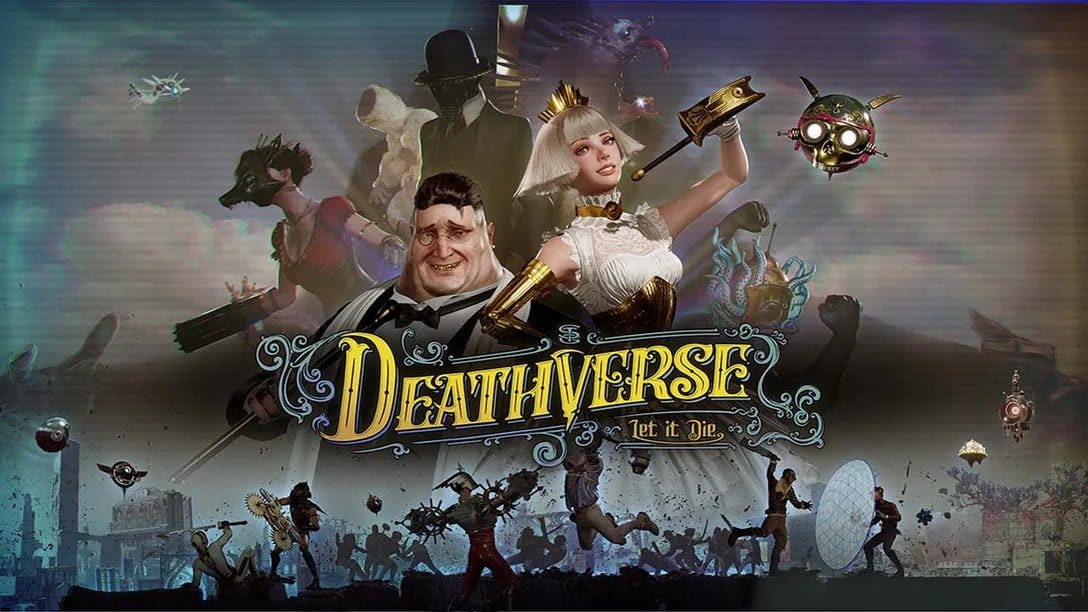
Supertrick Games has just announced the official delay of their newest title, Deathverse: Let It Die. The game was originally announced to launch in Spring 2022 but has now been officially delayed to Fall 2022.
The game was announced on the PlayStation’s State of Play last year. Since then, players had the chance to try out the game in an open beta that lasted from May 28 to June 5.
Supertrick Games is attributing the delay to the results from the open beta, deciding it was best that the game is postponed to give the studio more time to work on its issues.
Deathverse: Let It Die is a direct sequel to Let it Die and its events are set right after the events of its predecessor. It is a survival TV reality show where players fight for stardom. The show takes place in what is known as the “Deathverse”, which was created by the Yotsuyama Group as a destination for people’s souls.
Deathverse: Let It Die is now slated for release in Fall 2022 on the PlayStation 4 and the PlayStation 5
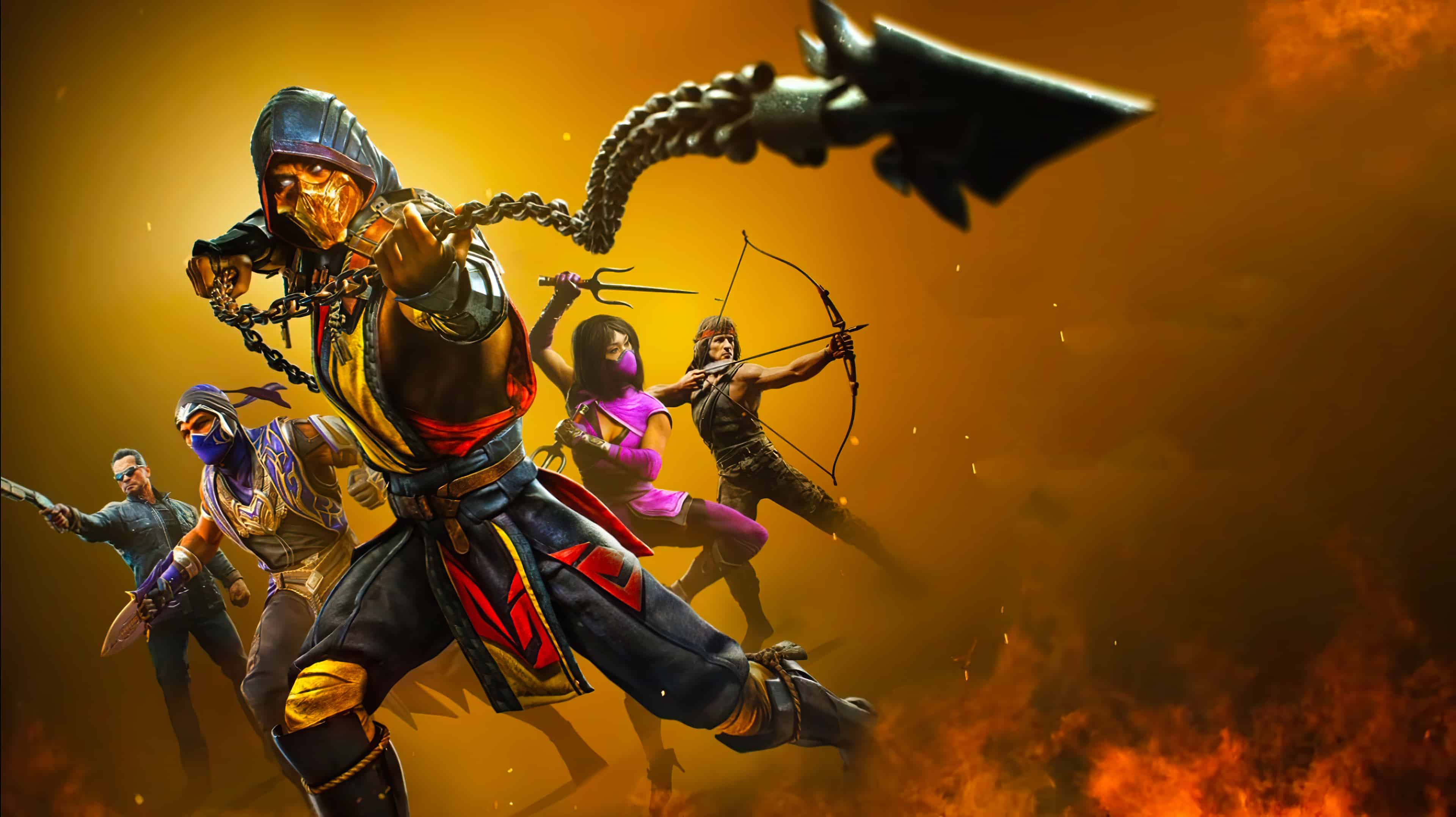
Chief Creative Officer at NetherRealm Studios, Ed Boon, clearly states that there will be no Mortal Kombat announcements or reveals planned for Evo 2022 or the PlayStation-hosted show Evo Lounge even if NetherRealm parent company Warner Bros. is attending
The statement was made in a tweet replying to an IGN report that suggested otherwise.
The original IGN article had suggested that Mortal Kombat will be at the fighting event but was then immediately shut down by Ed Boon in the following tweet:
Ed Boon also replied to his own tweet to celebrate other fighting games in a great display of sportsmanship.
“Its time for Street Fighter and other great fighting games to be in the sun! Let’s enjoy that! ” said Ed Boon.
Even though no Mortal Kombat news will be making headlines at the Evo 2022 fighting event, parent company still has another fighting game making waves with MultiVersus. Could we be getting new fighter reveals then? We wouldn’t bet against that given the publisher’s attendance.
Bungie has triggered Destiny 2 down for the server’s maintenance this August 2, 2022, which means some players will run into issues connecting to the game. During this time, players can expect hotfix 4.1.5.2 to be released across all platforms.
Destiny 2 Down Maintenance Schedule and Status for August 2, 2022:
Tuesday, August 2, 2022
9:00 AM PDT
1600 UTC
Destiny 2 will undergo maintenance.
Sign-on and game integration features will be unavailable on web, mobile, 3rd-party apps, and the Bungie Store.
Players who observe issues should report to the #Help forum.
9:45 AM PDT
1645 UTC
Destiny 2 will be brought offline for expected maintenance.
Players will be removed from activities and won’t be able to log back in until 10 AM PDT.
Ongoing Destiny maintenance is expected to conclude at 11 AM PDT.
10:00 AM PDT
1700 UTC
Hotfix 4.1.5.2 will be available across all platforms and regions.
Players will be able to log back into Destiny 2.
Sign-in to the Bungie.net site, 3rd party apps, and Bungie Store will be re-enabled.
Players logging into the game may be placed in a queue and may experience sign-on issues as background maintenance is still ongoing.
11:00 AM PDT
1800 UTC
Destiny 2 maintenance is expected to conclude.
Players who observe issues should report to the #Help forum.
Same as always, once the patch is out, we’ll be sure to let our readers know about it by updating this post with a link out. If there are any changes to the maintenance schedule, we’ll be sure to update the post accordingly as well.
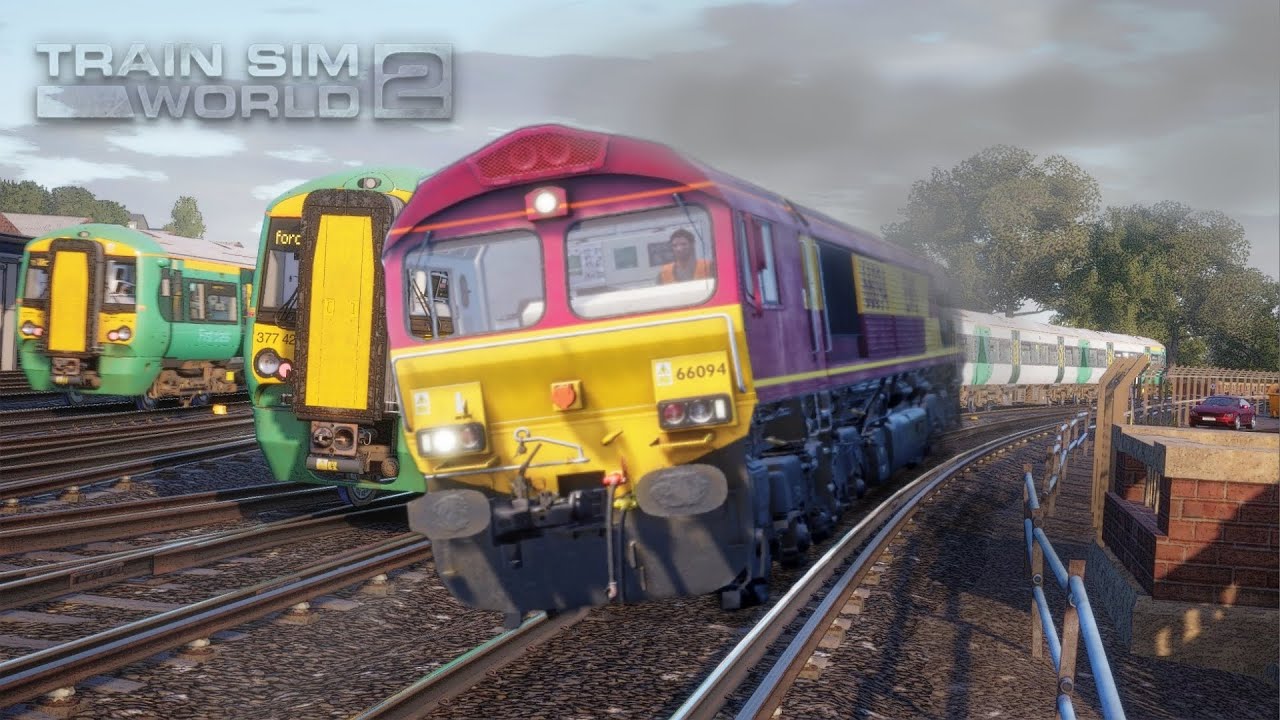
Dovetail Games has rolled out Train Sim World 2 update 1.89 (PS5 version 1.046), which is for derailment fixes that doesn’t seem to have fixed everything. Read on for the Train Sim World 2 August 2 patch notes.
Train Sim World 2 Update 1.89 Patch Notes | Train Sim World 2 Update 1.046 Patch Notes | Train Sim World 2 August 2 Patch Notes:
Today we’re releasing a fix to the derailment issues we’ve seen across the game. Initially we released a patch to help with derailments on Spirit of Steam and this has had an adverse knock-on effect to other areas of the game which was unintended, the patch today should fix and improve derailments and prevent these issues from happening.
Core Improvements
Fixed an issue that caused derailments so you can stay on track with your experiences.
Unfortunately, derailments are still happening, and here’s Dovetail’s latest update on the patch today:
Sadly we are aware of issues with derailment still occuring, we’re working on patching these last few issues as fast as we can and we ask that if you are experiencing any issues please share them with us in Technical Reports or via Discord / Support tickets.
Current know routes still affected by instant derailment:
SoS – LMS Jubilee, 16:29 Edge Hill – Edge Hill Sheds
Diesel Legends – Class 08 5X03 Coach Preparation 03:22
Main Spessart Bahn – BR 185.2, DB 83127 Heigenbrücken-Gemünden 11:21
If a new patch is released, we’ll let our readers know.
Behaviour Interactive has pushed Dead by Daylight update 2.57 (PS5 version 6.100.300) , which is for bugfix patces 6.1.2 and 6.1.3! Yep, Behaviour has lumped up the two patch versions into this one. Read up on the Dead by Daylight August 2 patch notes below.
Dead by Daylight Update 2.57 Patch Notes | Dead by Daylight Update 6.100.300 Patch Notes | Dead by Daylight Bugfix 6.1.2 Patch Notes | Dead by Daylight Bugfix 6.1.3 Patch Notes | Dead by Daylight August 2 Patch Notes:
The 6.1.2 & 6.1.3 Bugfix Patches go live today. These updates include fixes for a number of issues as well as several balance changes.
Some platforms will receive version 6.1.2 while others will jump straight to 6.1.3. These versions are largely the same with the latter including an additional fix for the Bloodweb. This will not affect crossplay: Everyone can play together, no matter which version they have!
Features
Perks
Thanatophobia
Decreased the penalty per injured, dying, or hooked Survivor to 1%/1.5%/2% (was 4.5%/5%/5.5%)
Added: If there are 4 injured, dying, or hooked Survivors, there is an additional 12% penalty to repair, sabotage, and Totem-cleansing speeds.
Mettle of Man
Reworked to use Endurance correctly
After you earn 2 Protection Hit scoring event, the perk activates. Once activated, you gain the Endurance status effect. As long as you have Endurance, your aura will be revealed to the Killer when you are further than 12/14/16 meters from the Killer. Mettle of Man will deactivate once Endurance is lost.
Pain Resonance
Affected generators now interrupt Survivors that are repairing them (Note: This does not notify the Killer with a scream)
Dead Man’s Switch
Decreased activation duration to 20/25/30 seconds (was 35/40/45 seconds)
Content
Re-enabled the Clown.
Fixed the localization of the Master Challenge “Furious Destruction” in Tome 2, Level 2.
Replaced the Orange Glyph “Glyph Massacre” challenge for a Red Glyph “Glyph Seeker” challenge in Tome 12, Level 1
Add-on rarity in low level bloodwebs increases as you increase your prestige level
Bug Fixes
Fixed a small visual issue that occurs after pressing the ‘Upgrade’ button in the tally screen.
Reduce rubber banding occurrences when interacting.
Fixed an issue that may cause the Clown to retain the Haste status from the Afterpiece Antidote.
Fixed an issue that caused succeeding the Overcharge skill check to grant permanent generator regression when the Call of Brine perk is also equipped.
Fixed an issue that caused the Haste bonus granted by the Hex: No One Escapes Death perk to be greater than intended.
Fixed an issue that caused the Dead Hard animation to last longer than the Endurance effect it grants.
Fixed an issue that caused the Off the Record perk to remain active when the exit gates are powered.
Fixed an issue that caused generators regressing from the Damage Generator interaction to stop regressing upon ending Feral Frenzy with the Fuming Mixtape add-on.
Fixed an issue that may cause survivors to not drop their item on the second Feral Frenzy hit when the Legion is equipped with the Stolen Sketchbook add-on.
Fixed an issue that may cause killers to remain stuck in an animation loop when destroying a pallet with their power at the same time as the Dissolution perk.
Fixed an issue that caused the aura of the illusionary Doctor to briefly flicker in front of the camera.
Tentatively fixed an issue that caused a loss of progression and cosmetics when linking to a Behaviour account.
Fixed an issue that caused a bloodweb error when switching characters during the bloodweb level-up animation.
Fixed an issue that sometimes caused the bloodweb level-up animation to be skipped.
Fixed an issue that caused bloodweb errors to happen intermittently.
Fixed an issue that caused Attack on Titan charms to appear missing until the application was rebooted.
Fixed an issue that caused the Orange Glyph SFX to remain despite completing the requirements.
Fixed an issue that caused the Nightmare Clock that can’t be used in the Industrial map.
Fixed an issue that caused an invisible collision that allows Survivors to walk along a cage in Gideon map.
Fixed an issue that caused Killers to be slow down due to collision in the basement.
Fixed a facial animation bug during Cenobite’s mori.
Just yesteday, Behaviour revealed some of the upcoming balance changes coming to the game, which you can read about here.
Earlier today, DICE released patch 1.2 for Battlefield 2042 that not only brought in the player profile and stats page, but also a load of gameplay improvements and fixes too. Unfortunately, it seems to have brought in a bug as well, which is not something unheard of in patches. As an answer to this, DICE has announced that they have temporarily turned off Battlefield 2042 loadout saving.
Over on Twitter, the official Battlefield Direct Comms account announced the following:
We are temporarily turning off the ability to save Loadouts between gameplay sessions while we investigate a related issue.
Previously saved Loadouts are not affected, but any new changes you make in-game won't transition into your next round or session. pic.twitter.com/L75endv4Aj
We are temporarily turning off the ability to save Loadouts between gameplay sessions while we investigate a related issue.
Previously saved Loadouts are not affected, but any new changes you make in-game won’t transition into your next round or session.
Chances are, this will be fixed via a server-side update from DICE. If there are other bugs that surface from this patch we’ll be sure to let our readers know.
Have you noticed any bugs that surface from this patch? Let us know what you find down in the comments.
Update: DICE has announced that they are still working on the issue, and will have an update tomorrow.
Thanks for the patience whilst our teams look to set this back to normal. We'll have new information on this tomorrow.
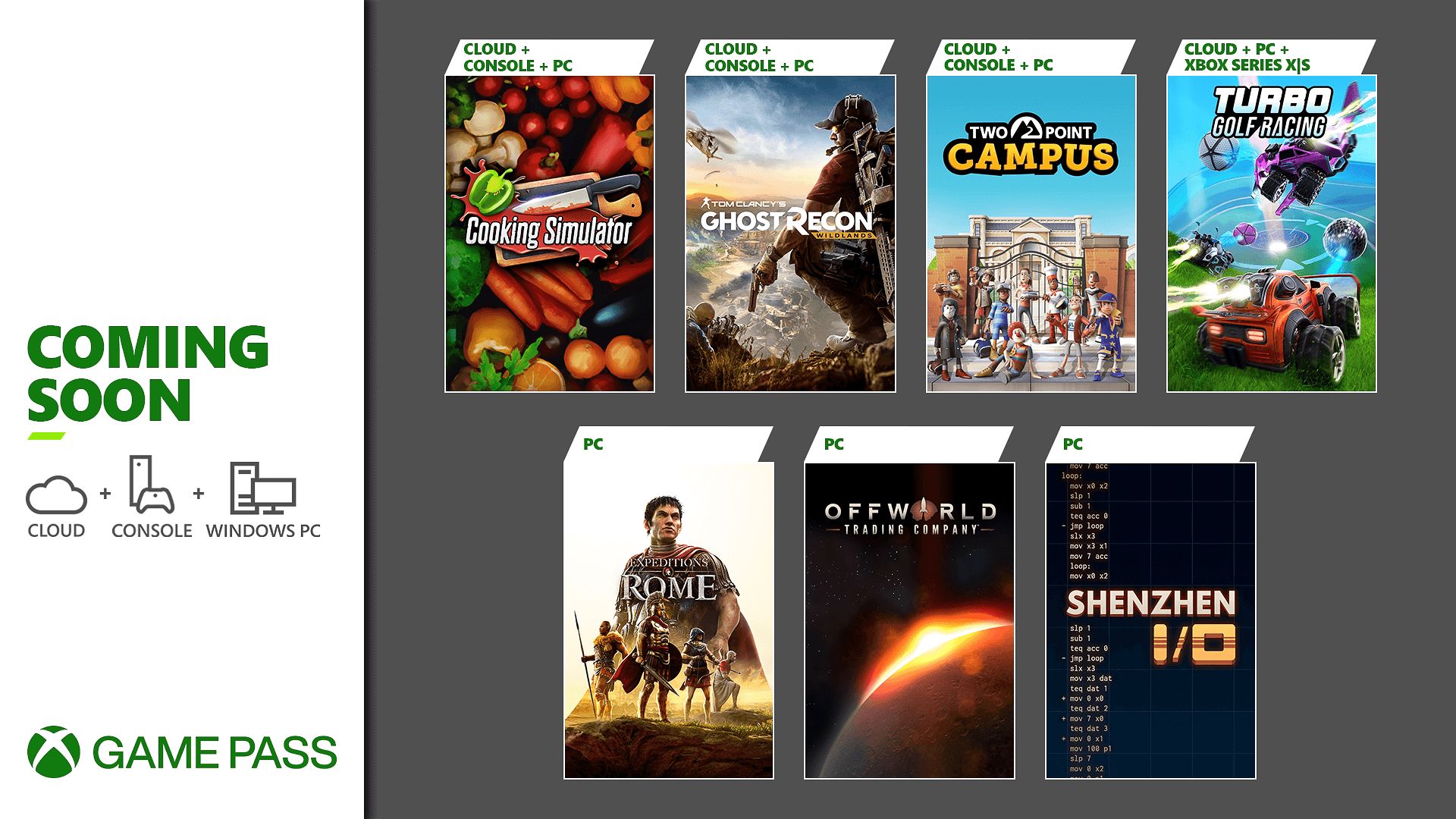
Xbox Game Pass August lineup is officially announced, with more to be announced in the second half of the month. The line-up is packed with seven games including Ghost Recon Wildlands, Turbo Golf Racing, Two Point Campus, and more.
Turbo Golf Racing (Cloud, PC, and Xbox Series X|S) – August 4
Two Point Campus (Cloud, Console, and PC) – August 9
Cooking Simulator (Cloud, Console, and PC) – August 11
Expeditions: Rome (PC) – August 11
Offworld Trading Company (PC) – August 11
The Xbox Game Pass August lineup includes four games that are coming to Xbox consoles, PC, and Cloud. These titles are Cooking Simulator, Ghost Recon Wildlands, Two Point Campus, and Turbo Golf Racing. It is worth noting that Turbo Golf Racing is only available for the Series X/S consoles.
On the other hand, the August lineup for Game Pass also includes three PC-only games. These games are Expeditions: Rome, Offworld Trading Company, and Shenzhen I/O.
Games Leaving on August 15:-
Boyfriend Dungeon (Cloud, Console, and PC)
Curse of the Dead Gods (Cloud, Console, and PC)
Library of Ruina (Cloud, Console, and PC)
Starmancer (Game Preview) (PC)
Train Sim World 2 (Cloud, Console, and PC)
All of these games are coming to the service within the first half of August 2022. Players can also expect even more games in the latter half of the month.
EA Sports has just announced that the upcoming EA Sports FC game (which will replace the FIFA brand as EA’s soccer sim) and LaLiga have agreed on a multi-year partnership. The new partnership will overhaul the LaLiga experience in future EA Sports FC games, starting with the first game due someime next year.
The new partnership includes naming rights for all LaLiga competitions, complete with rights for logos, graphics, fonts, and all other visual elements for Spain’s top professional football competition as well as its teams.
The partnership will also encompass both the first and second divisions of LaLiga and is promised to deliver groundbreaking experiences for football fans all around the globe.
With this partnership, EA SPORTS and LaLiga will deepen their collaboration. In addition to the naming rights partnership, fans will experience the benefit through technology, gameplay enhancements and development, and real-world football highlights. Both LaLiga and EA SPORTS are committed to grassroots initiatives to grow the game which will include increasing accessibility, upgrading facilities, and many more initiatives to truly immerse fans into the world of football.
EA also promises that more information about EA Sports FC will be revealed as soon as Summer 2023.
As for the current EA-backed football game set to launch, FIFA 23 is officially releasing on September 30, 2022, for the Xbox Series X/S, Xbox One, PS4, PS5, Google Stadia, and PC via Steam.
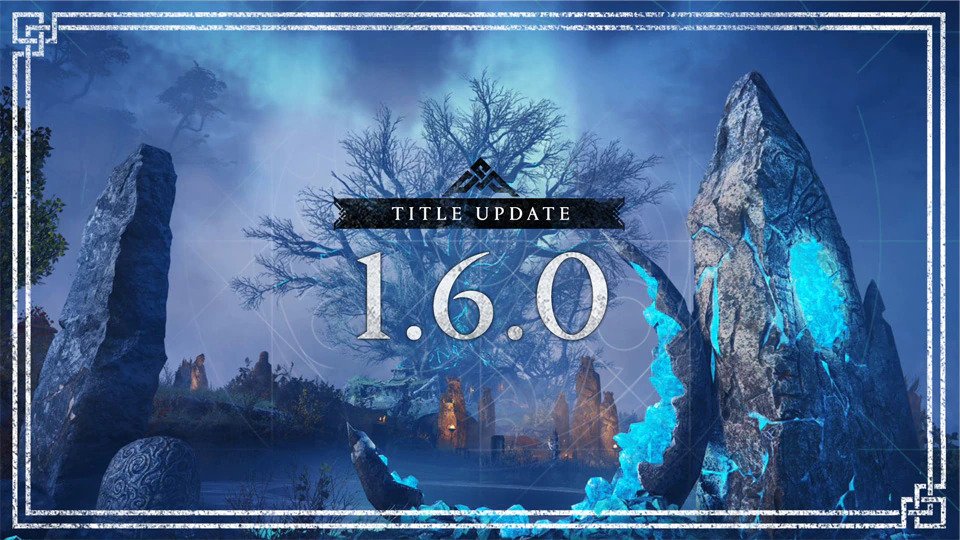
Ubisoft has released (Assassin’s Creed) AC Valhalla update 7.00, which is for Title Update 1.6.0, and brings The Forgotten Saga mode, the Sigrblot Festival, and of course, bug fixes! Read on for the AC Valhalla Title Update 1.6.0 patch notes.
AC Valhalla Update 7.00 Patch Notes | AC Valhalla Title Update 1.6.0 Patch Notes:
Patch Sizes:
Xbox Series X|S: 26 GB
Xbox One: 19.6 GB
PlayStation®5: 12.5 GB
PlayStation®4: 17.5 GB
PC: 23.7 GB
See below for the most notable changes in Title Update 1.6.0.
NEW CONTENT
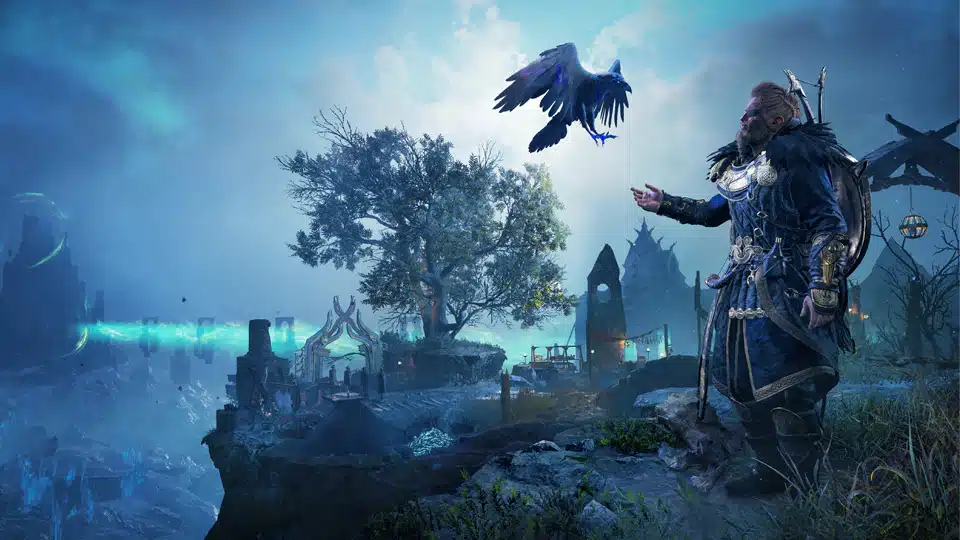
New Free Game Mode: The Forgotten Saga
Added the new free game mode to the game.
Plunge into the depths of Niflheim and face overwhelming odds in this exciting, rogue-lite inspired, free game-mode for Assassin’s Creed® Valhalla. Accessible for all players once they have reached Asgard in the main game. This new mode provides a formidable challenge for players with a unique quest to defy fate.
After you’ve visited Asgard for the first time, a new building can be constructed in Ravensthorpe that will provide access to the Forgotten Saga mode. There are no power level requirements to access this content, and the equipment and perks you have unlocked throughout England do not transfer over.
SIGRBLOT FESTIVAL RETURNS!
The Sigrblot Festival has returned to the game.
Sigrblot returns to Ravensthorpe for a limited time. From August 4-25 participate in the festival and exchange opals for exclusive festival rewards. To access the Sigrblot festival players much reach England and complete one of the first two narrative arcs (Grantebridgescire OR Ledecestrescire) and be at least at Settlement Level 2.
BUG FIXES & IMPROVEMENTS
EXPANSION 3: DAWN OF RAGNARÖK
MAIN QUESTS, WORLD EVENTS, AND SIDE ACTIVITIES
Addressed
The movable light beam in Alethorpis stuck, making it impossible to solve the puzzle for the Book of the Knowledge.
Unable to move the stone block to obtain the Dwarven Blacksmith Cloak in Svaldal.
ASSASSIN’S CREED VALHALLA
MAIN QUESTS, WORLD EVENTS, AND SIDE ACTIVITIES
Addressed
Cannot complete the quest Wedding Horns, as Rued spawns in dead.
WORLD
Addressed
Reda only offers one daily contract instead of two.
MASTERY CHALLENGE
Addressed
Anderitum Hideout Raven Challenge: Addressed the persisting issue that prevents the looting of the key from Destroyer if the player has already acquired it without unlocking the door.
MISCELLANEOUS
Addressed
When using Dual Spears the light combo finisher attack doesn’t work as intended.
When using the Algurnir Dane Axe, perks from other Bows and Gear will not activate.
Twilight pack shows as available for purchase when it is owned on Xbox and PC platforms.
Discounts for owning gear from a pack in the animus store isn’t consistent.
The VFX from the Blood Elf Eye-Wrap gear can be seen during some cutscenes.
Selecting “Sell all trinkets” at a store will sell trade goods as well.
UI/HUD
Addressed
Button prompts in pop-up messages in the store do not align correctly with the pop-up box.
Incorrect thumbnail for Edward Kenway’s outfit in the Inventory screen.
Ubisoft has released Assassin’s Creed Valhalla update 1.060 for both last-gen and next-gen platforms, and this is for (Title Update) TU 1.6.0. This update comes with new content such as the free The Forgotten Saga game mode and more. Read on for what’s new in the Assassin’s Creed Valhalla August 2 patch notes.
Xbox Series X|S: 26 GB
Xbox One: 19.6 GB
PlayStation®5: 12.5 GB
PlayStation®4: 17.5 GB
PC: 23.7 GB
See below for the most notable changes in Title Update 1.6.0.
NEW CONTENT
New Free Game Mode: The Forgotten Saga
Added the new free game mode to the game.
Plunge into the depths of Niflheim and face overwhelming odds in this exciting, rogue-lite inspired, free game-mode for Assassin’s Creed® Valhalla. Accessible for all players once they have reached Asgard in the main game. This new mode provides a formidable challenge for players with a unique quest to defy fate.
After you’ve visited Asgard for the first time, a new building can be constructed in Ravensthorpe that will provide access to the Forgotten Saga mode. There are no power level requirements to access this content, and the equipment and perks you have unlocked throughout England do not transfer over.
SIGRBLOT FESTIVAL RETURNS!
The Sigrblot Festival has returned to the game.
Sigrblot returns to Ravensthorpe for a limited time. From August 4-25 participate in the festival and exchange opals for exclusive festival rewards. To access the Sigrblot festival players much reach England and complete one of the first two narrative arcs (Grantebridgescire OR Ledecestrescire) and be at least at Settlement Level 2.
BUG FIXES & IMPROVEMENTS
EXPANSION 3: DAWN OF RAGNARÖK
MAIN QUESTS, WORLD EVENTS, AND SIDE ACTIVITIES
Addressed
The movable light beam in Alethorpis stuck, making it impossible to solve the puzzle for the Book of the Knowledge.
Unable to move the stone block to obtain the Dwarven Blacksmith Cloak in Svaldal.
ASSASSIN’S CREED VALHALLA
MAIN QUESTS, WORLD EVENTS, AND SIDE ACTIVITIES
Addressed
Cannot complete the quest Wedding Horns, as Rued spawns in dead.
WORLD
Addressed
Reda only offers one daily contract instead of two.
MASTERY CHALLENGE
Addressed
Anderitum Hideout Raven Challenge: Addressed the persisting issue that prevents the looting of the key from Destroyer if the player has already acquired it without unlocking the door.
MISCELLANEOUS
Addressed
When using Dual Spears the light combo finisher attack doesn’t work as intended.
When using the Algurnir Dane Axe, perks from other Bows and Gear will not activate.
Twilight pack shows as available for purchase when it is owned on Xbox and PC platforms.
Discounts for owning gear from a pack in the animus store isn’t consistent.
The VFX from the Blood Elf Eye-Wrap gear can be seen during some cutscenes.
Selecting “Sell all trinkets” at a store will sell trade goods as well.
UI/HUD
Addressed
Button prompts in pop-up messages in the store do not align correctly with the pop-up box.
Incorrect thumbnail for Edward Kenway’s outfit in the Inventory screen.
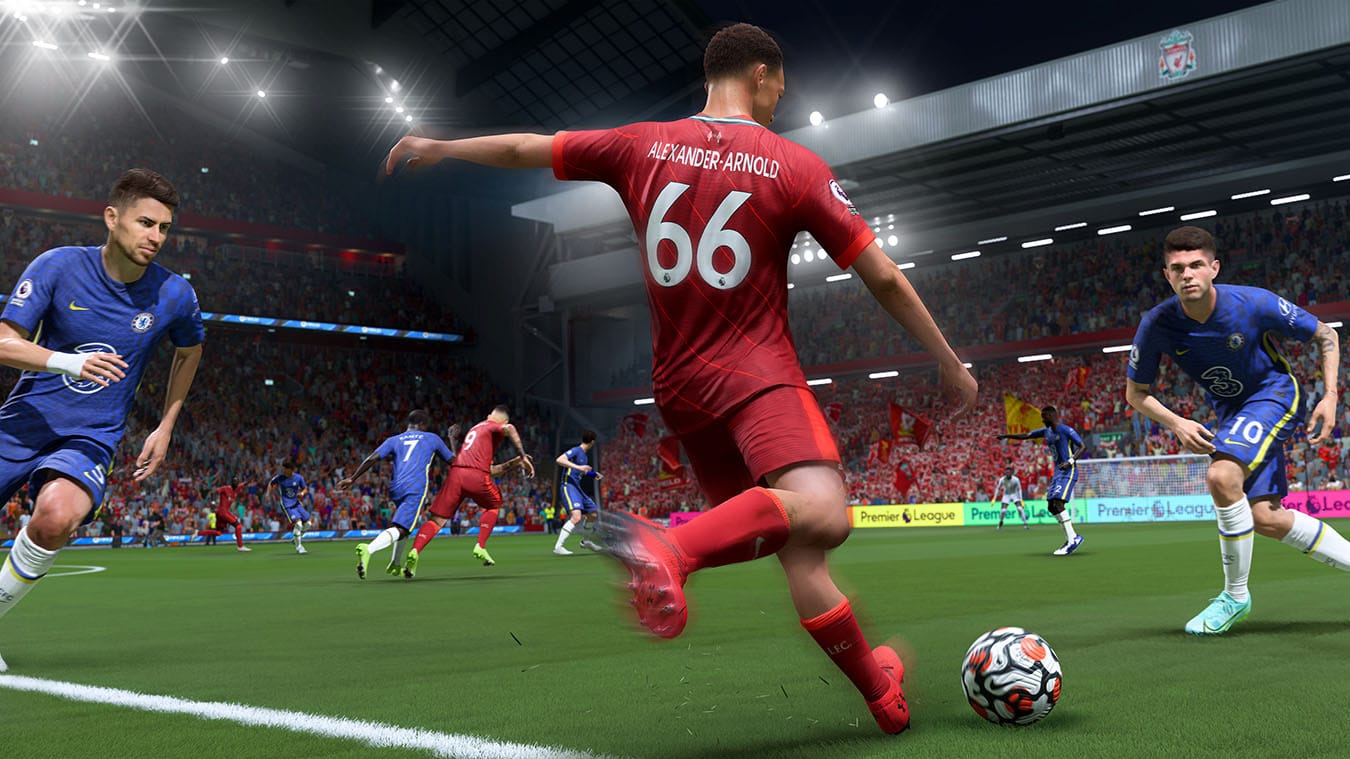
EA has released FIFA 22 update 1.000.017 on both last-gen and next-gen platforms today, and this is for Title Update 15, and includes a short list of fixes. Read on for what’s new in the FIFA 22 title update 15 patch notes.
FIFA 22 Update 1.000.017 Patch Notes | FIFA 22 Title Update 15 Patch Notes:
Addressed some instances of a Tifo not appearing correctly in game.
Thanks to those who’ve provided feedback. Throughout the course of the FIFA 22 season, we’ll provide you with more information and updates if and when they become available. Be sure to follow @EAFIFADIRECT on Twitter and the EASF Tracker for the latest updates.
Given how FIFA 23 is almost out, don’t expect any major changes to FIFA 22 anytime soon. You can keep track of all our FIFA 23 news stories right here! Don’t forget to bookmark it. FIFA 23 is out on September 30, 2022 for the Xbox Series X/S, Xbox One, PS4, PS5, Google Stadia, and PC via Steam.
EA Sports has released FIFA 22 update 1.28 for the console versions of the game. This update was released for PC gamers earlier this month. This is title update 15 and it just addresses one small gameplay issue. Check out the full FIFA 22 August 2 patch notes below.
FIFA 22 Update 1.28 Patch Notes | FIFA 22 August 2 Patch Notes:
General, Audio, and Visual
Addressed the following issue:
Addressed some instances of a Tifo not appearing correctly in game.
Thanks to those who’ve provided feedback. Throughout the course of the FIFA 22 season, we’ll provide you with more information and updates if and when they become available. Be sure to follow @EAFIFADIRECT on Twitter and the EASF Tracker for the latest updates.
That’s it for the patch notes. If EA Sports is to post more patch details, we’ll be sure to update this article as soon as possible. FIFA 22 is out now for the PC, PS5, Xbox Series X/S, PS4, Xbox One, and Google Stadia platforms.
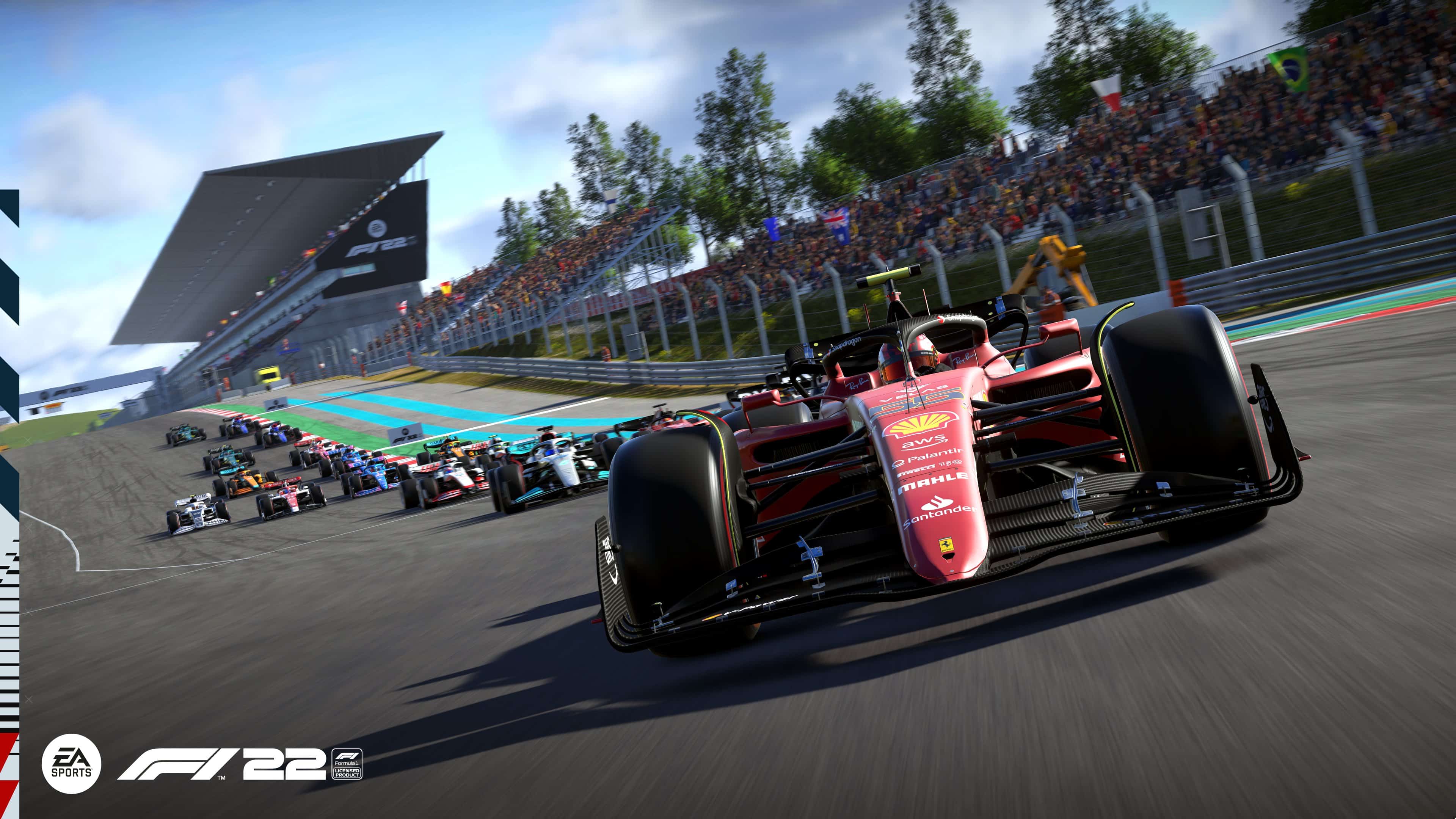
Codemasters has dropped the F1 22 update 1.07 (PS5 version 1.007) patch, which is for the Portimão Hot Lap free update! This adds the Autódromo Internacional Do Algarve course, as well as bug fixes. Read on for everything new in the F1 22 August 2 patch notes.
F1 22 Update 1.07 Patch Notes | F1 22 Update 1.007 Patch Notes | F1 22 August 2 Patch Notes:
Patch 1.07 Notes
Hey drivers,
Patch 1.07 is available now for F1® 22 on all platforms. Check out what’s in this patch below:
Portimao has been added to the available tracks in all modes
Refinements to response time of throttle application for players
Front Wing damage will now have a greater effect on handling and lap times
Resolved an issue where tyre temperatures can be above blanket temperature when starting the formation lap
Improved trigger feedback when using an Xbox Series controller on PC
Improved balancing of difficulty for Practice Programmes
Resolved graphical issue on the rear suspension of the Red Bull
Addressed a crash when re-joining a Two Player Career after disconnecting
Times under 1:27:000 for Abu Dhabi can now be posted on Time Trial leaderboard
Resolved an issue where Time Trial times could be posted on the wet leaderboard whilst driving in dry conditions
Addressed an issue where players could get stuck in the super license after adding a trophy
Corrected level of detail Supercar interiors in cockpit camera
General Stability Improvements
Various Minor Fixes
To check out the last patch released before this one which also included fixes, read it right here.
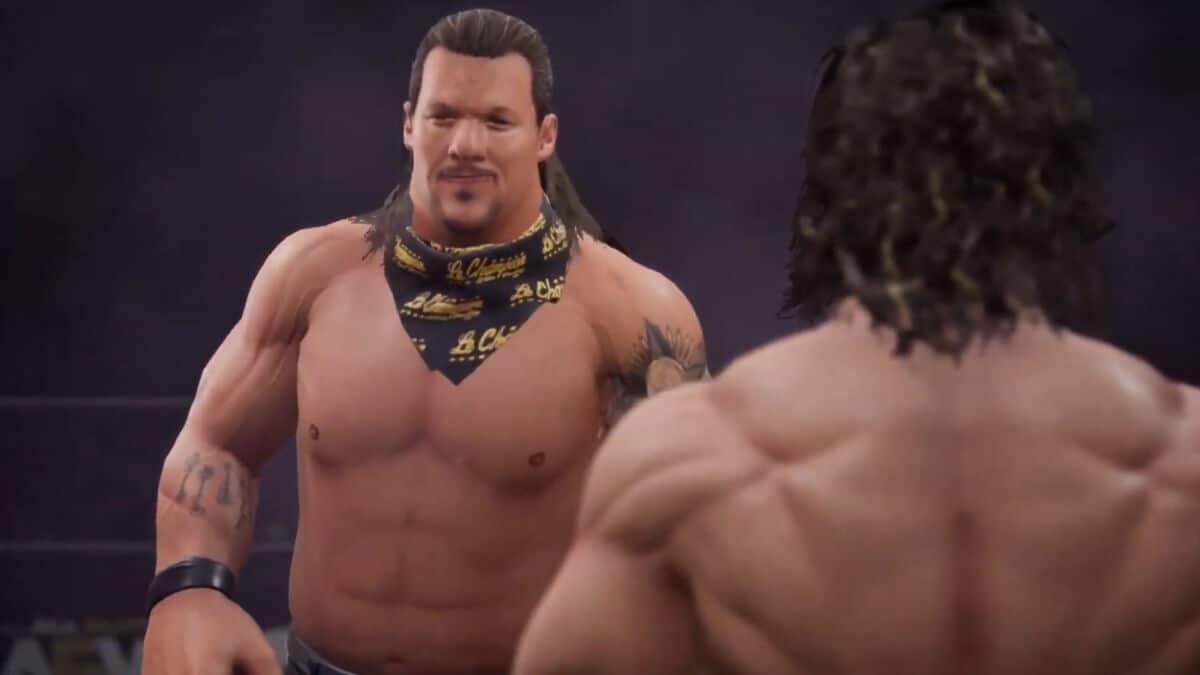
AEW has not released too much information about the AEW: Fight Forever game yet, but Amazon UK has revealed some more details about it. The listing of the game tells us the platforms it will be released on, and some small gameplay details and modes it will have.
According to the listing, AEW: Fight Forever will be available for the PC, PS5, Xbox Series X/S, PS4 and Nintendo Switch platforms. The Switch hasn’t had the more recent WWE 2K video games, so it’s nice that AEW is thinking about Nintendo wrestling fans.
The description below tells you more about the gameplay modes and details about AEW: Fight Forever. Read on below for all the details.
Combines nostagic arcade wrestling feel with innovative All Elite Wrestling finishers and offensive moves
Talent roster combines biggest legends to enter the ring pus brand new, high-flying AEW stars!
Single, tag-team, 3-way, 4-way, ladder, Casino Battle Royale, Falls Count Anywhere, Unsanctioned Lights Out, Exploding Barbed Wire Death and online co-op multi-player matches!
Online co-op multi-player!
Tag team matches feature a sequence of team maneuvers performed with simple commands
Developed by YUKE’s Co, Ltd., creators of numerous, multi-million unit selling wrestling games, AEW: Fight Forever combines that nostalgic arcade-wrestler feel with innovative All Elite Wrestling finishers and tandem offensive moves. All Elite Wrestling is currently taking TNT and TBS networks by storm every week with their Rampage and Dynamite shows, featuring some of the biggest legends to enter the ring plus a stable of brand new, high-flying, AEW talent. AEW: Fight Forever brings the best of the best from that talent roster together in one game! Online co-op wrestling is going completely next level in Fight Forever with Tag Team matches that feature sequences of team maneuvers performed with simple commands. A deep career mode, wrestler customization, signature AEW arenas, multiple match types and more match types than you can count, including some good ol’ fashioned, unsanctioned fun, all await!
While the game is being developed by the wrestling game veterans at Yuke’s, it is using the AKI wrestling game engine, which should fuel that nostalgic wrestling feeling.
Hopefully, AEW will reveal more about the AEW: Fight Forever game later this year. An official release date for the game has yet to be announced.
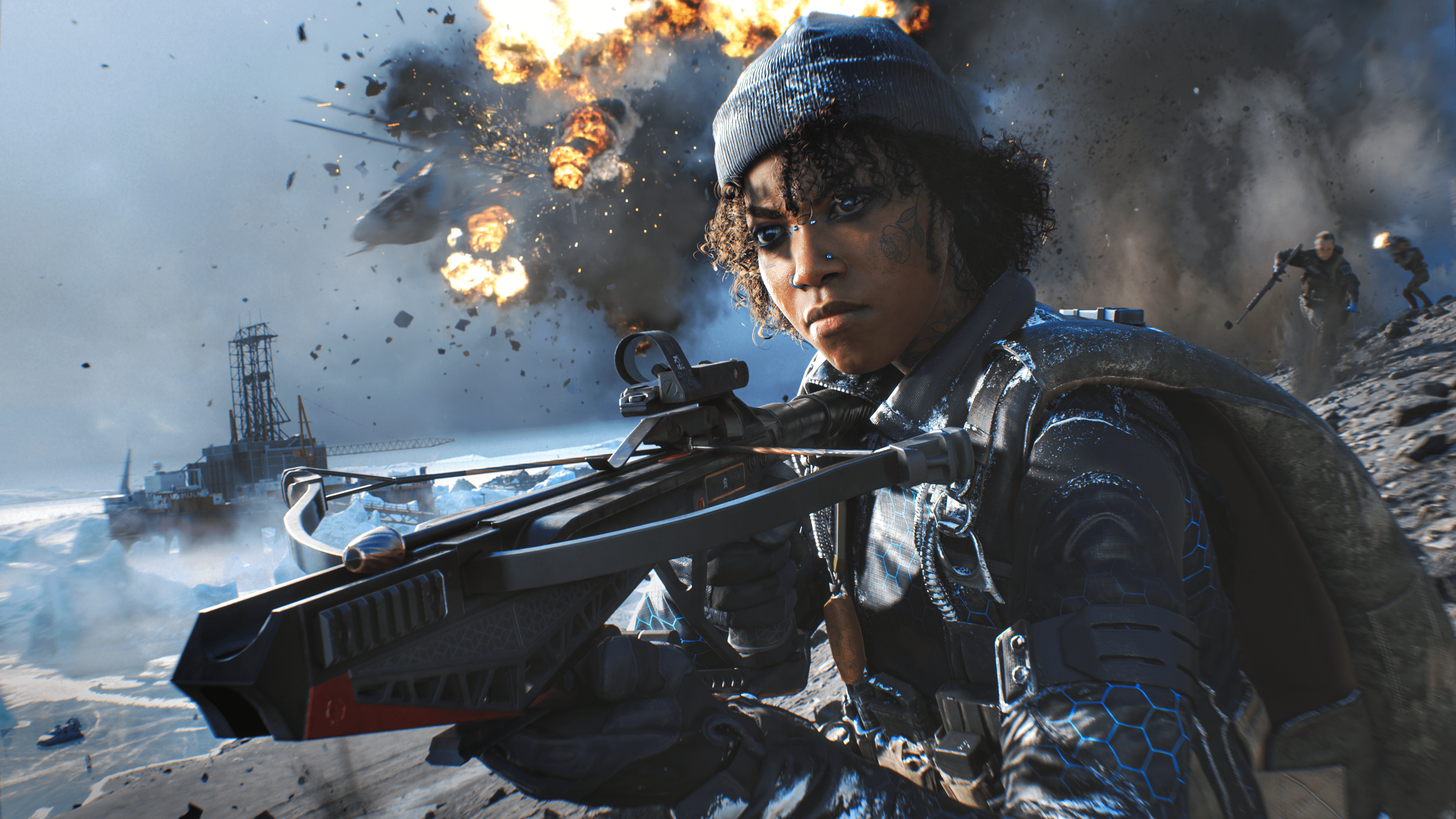
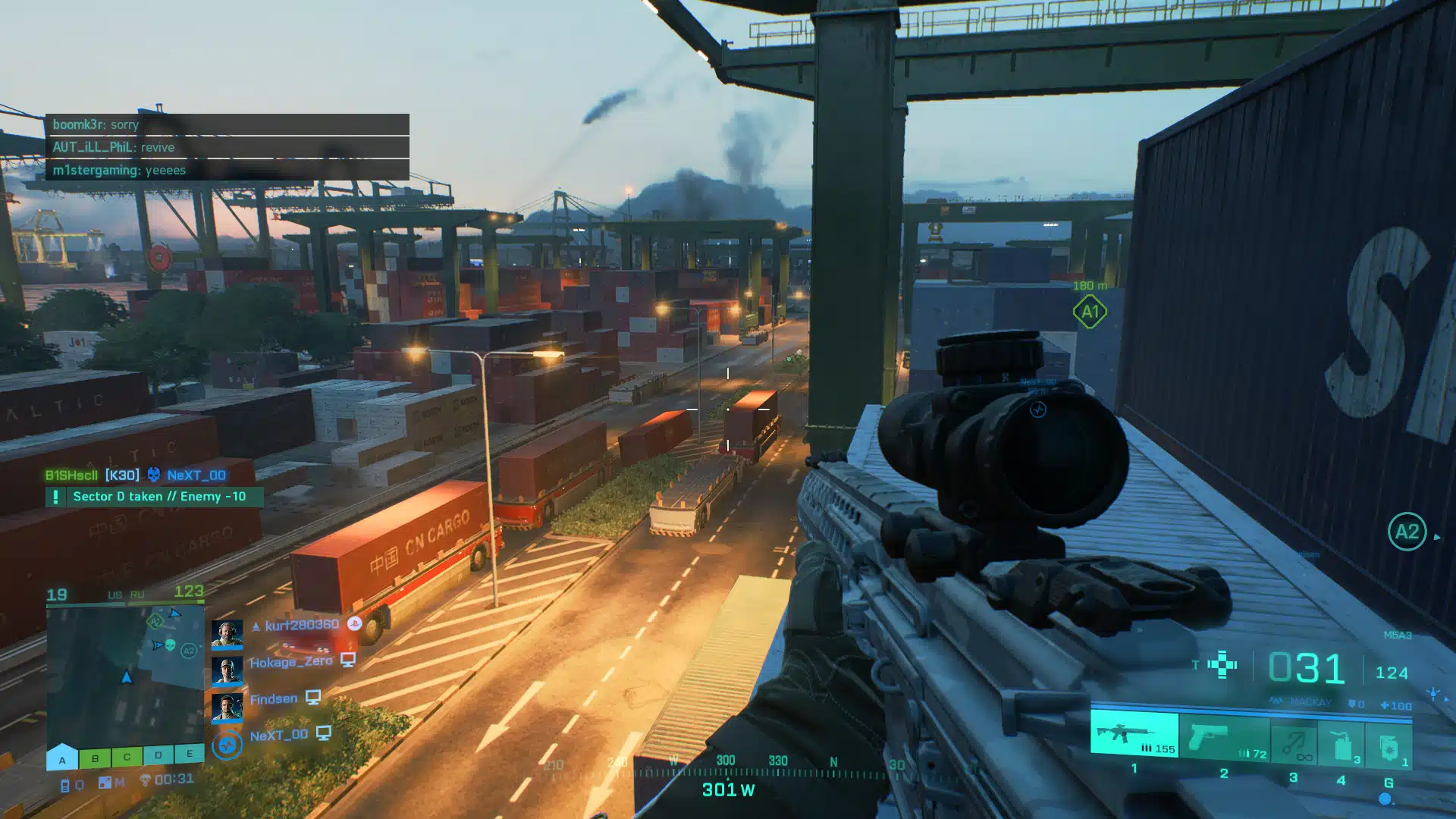
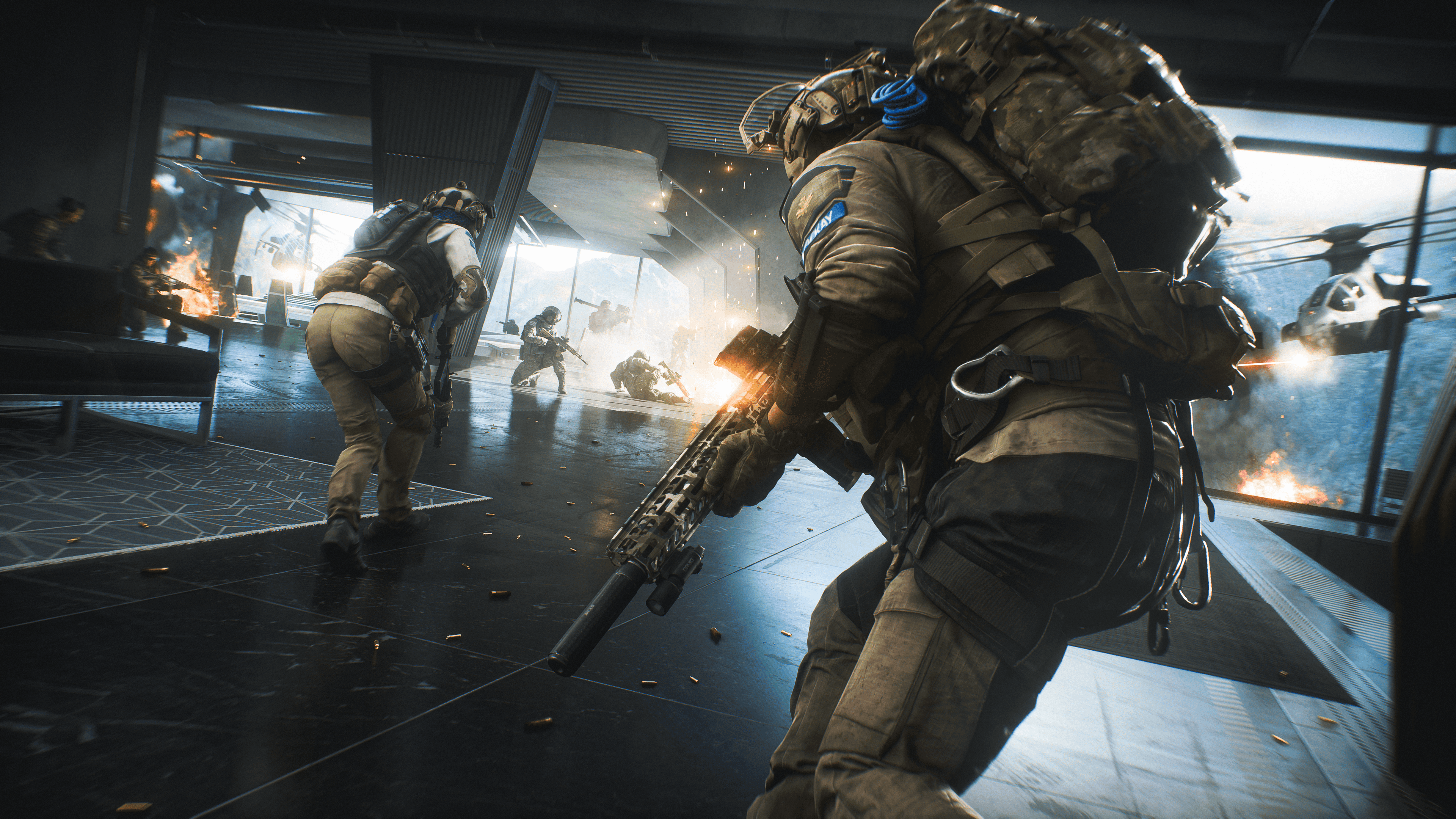
Developer DICE has fired out Battlefield 2042 update 1.000.017, which is for update version 1.2, and is the last patch scheduled for Season 1: Zero Hour! This title update brings tone and style changes to the Specalists, nerfs to the stealth chopper, the Player Profile and stats page, and more! Read on for the full BF2042 update patch notes for today.
This update includes not only new bug fixes, balance changes and Quality of Life improvements, but also the first of our planned launch map reworks, alongside the initial Style and Tone changes for some of our Specialists:
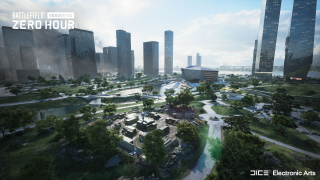
Kaleidoscope has been reworked to offer an improved gameplay flow through new cover assets, flag positions, terrain elevations and visual updates to several locations on the map
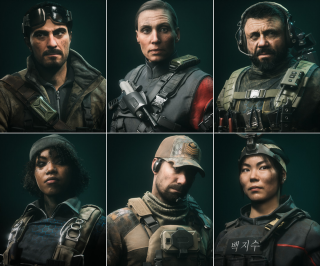
We are introducing the first Style and Tone change for our Specialists, which includes several updated character models
The power of the RAH-68 Huron and YG-99 Hannibal 30mm Cannon has been reduced by making it overheat at a much faster rate. This will help to limit their impact on infantry and bring it more inline with our balance
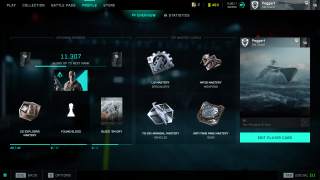
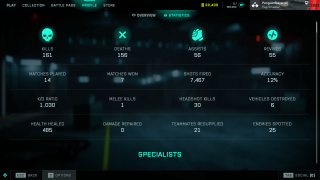
A Player Profile and Statistics page is now available in-game. It provides an overview of your performance and progression since launch
Aim Assist on Controllers has been adjusted to ensure it feels smoother and more consistent while tracking moving targets
The BSV-M Full Auto mode now receives an accuracy penalty, and High Power rounds now lose damage faster over distance
Content & Improvements
Kaleidoscope – Map Improvement
Earlier this year we had an open discussion with you on map design via our Core Feedback – Maps initiative. Through your feedback, we identified several focus areas for our launch maps where our quality standards could be improved through Cover, Intensity, Line of Sight, Pathing and Traversal changes. As a result, we have been reworking our launch maps to ensure their gameplay is updated to these revised standards of quality.
Reworking maps takes time, and Kaleidoscope is the first map for which we have completed this rework. You can play the improved version in this game update.
What’s changed?
We have revised the playspace to add more cover, creating new flag positions, and improved the flow across the whole map.
Cover has been added not only with the placement of new assets, but also in the raising of terrain to help break sightlines and let infantry move more purposefully around the map. Most importantly, these new assets bring more tactical destruction which help to ensure that the map evolves throughout the duration of each round, and provide both Attackers and Defenders with new options when playing in key areas.
We have also introduced new areas onto the map, by adding a Forward Operating Base into the park, with a second command post added close to the Tower. The Data Center has similarly received multiple passes from the teams to help ensure that there are more cover points, and new war torn looks to certain areas that help make the map more faithful to 2042’s setting.
We hope you will enjoy the new gameplay on this map, and we are looking forward to your feedback on how this updated version plays once you have tried it out.
As a reminder, Renewal is the next map we are reworking. That work is still ongoing, and the revised version will be available for play during Season 2.
Specialists – Style and Tone Updates
In this update, we are revising our art direction to ensure Specialists meet your Style and Tone expectations for our world of 2042. You will notice updated Specialist character models to better reflect the intense situations they have experienced.
Here are several examples of those updated models. We would love to hear your thoughts on the new Specialist looks once you have seen them in-game.
Player Profile
Another area of feedback we have heard from you is being able to view your in-game performance and stats. This feature will be in your hands in Update 1.2 through the introduction of the Player Profile.
Your Profile shows your current in-game progress and your performance stats since launch. View information such as your current Rank, XP required towards the next Rank and the associated unlocks, your top Masteries and the unlocks you are next closest to completing.
While on the Statistics screen, you can check out information such as your K/D Ratio, kills, deaths, assists, revives, accuracy, shots fired and much more.
We are excited for you to discover how you have been performing once the Player Profile is in your hands. And of course, we are looking forward to seeing those impressive K/D ratio screenshots coming our way.
Changelog
General
Fixed an issue with Aim Assist that prevented Auto Tracking from working as intended for moving targets
A scroll menu has been added while viewing weapon attachments
Previewing skins while in a game will no longer show character feet clipping into the ground
Text in the Collection screen identifying Ranger’s category is now easier to read
The Hide UI button in the Battle Pass screen no longer hides Player Card backgrounds or Tags
Battlefield Portal
Rush – corresponding era-specific MCOM’s have been added for all maps. The Bad Company 2 version also received visual improvements from its original look and feel
Fixed an issue where AI Soldiers driving tanks wouldn’t move in the El Alamein: Axis Airfield map layout
Modifiers
Dozer will no longer regenerate explosive damage even when Soldier Health Regeneration is On
The call-in Vehicle Cooldown modifier now affects the window of time when a vehicle is destroyed and when it’s available for use again
The call-in tablet now correctly displays when vehicles are unavailable due to limits being reached
AI Soldiers are now able to fly planes
Vehicle Superiority will now respect the ticket multiplier modifier
Vehicle Superiority ticket progress bar will now update based on max tickets remaining
A new separate Modifier has been added for enabling AI passenger seats
Rules Editor
Quad Bike vehicles placed in the map now respond to ModBuilder Blocks
Resolved a Rules Editor teleporting issue on Exposure
The “Equals” Rules Editor block now supports Capture Point type
Disabled Capture Points will no longer impact the game, such as still having ticket bleed
Teleport now works in vehicle superiority game modes
Several new Rules Editor blocks have been added
GetPreviousOwnerTeamId
GetOwnerProgressTeamId
GetCurrentOwnerTeamId
GetCaptureProgress
OnCaptured:CapturePoint
OnCapturing:CapturePoint
OnLost:CapturePoint
Gadgets
Picking up Ammo Pouches should now always register when collecting them in quick succession
An incorrect status is no longer displayed while using insta-lock projectiles such as Sundance’s Anti-Armor grenade
Fixed an issue where the player could use both IBA Armor Plates consecutively after placing Boris’s SG-36 Sentry Gun or Irish’s DCS Deployable Cover
Anti-Tank Mine
The handle of the Anti-Tank Mine no longer floats while held when changing to it from the NTW-50
C5
C5 no longer gets attached to the MV38-Condor when thrown from the passenger seat
Insertion Beacon
The Insertion Beacon health bar and icon should now not be offset when it’s placed on uneven terrain
Repair Tool
The Repair Tool now starts cooling down immediately when stopping a repair
There is no longer an incorrect delay before the overheat progress starts
Smoke Grenade Launcher
The Smoke Grenade Launcher now shows the correct category tag in the Battle Pass
Hazard Zone
There is now a chance for a powerful AI Tank to appear which guards a significant number of Data Drives. It’s marked on the map, so it’s up to you if you want to try and get the sweet loot…
In-world icons have been adjusted to make it easier to read how many Data Drives are at each location
You are now able to pick up Gadgets dropped by Players and AI Soldiers
An issue has been resolved that prevented Ranger and vehicle call-in items from being used after picking up the required Uplink
Soldier
Auto deploying a parachute should no longer deploy too late or cause fall damage
The camera will no longer clip in transition from 1P to 3P view while performing a takedown
Soldiers sometimes did not drop their weapons when dying in a vehicle. This has been resolved
Made changes to areas where explosion damage would still reach out of range soldiers
Fixed an issue where melee attacks could cause physical issues on transition areas such as slopes
Fixed as bug where reviving and trying to melee didn’t cancel the revive
Soldiers no longer clip into each other during takedown animations
Fixed an issue where downed animations were not played correctly if the player died before others players spawned in
Fixed an issue reviving an ally inside the elevator on Renewal wasn’t possible
Added high quality animations for occluded soldier kill cams
Spawning on a player that is prone will ensure you are now also in prone stance
Prone behavior on steep slopes has been improved which should prevent instances of inaccurate dispersion while firing
You are now able to go prone while walking backwards
Player models would sometimes stick through walls while prone, which allowed them to be damaged. This should no longer happen
Stairs or slopes should no longer sometimes show vaulting animations
You should no longer sometimes see a stuttering animation when starting a slide
Visuals for soldiers and vehicles popping into player view after being hidden has been made smoother
Fixed an issue where the forward button had to be held for a short duration to enter ladders
Jumping should no longer get interrupted directly after vaulting
An issue has been resolved that prevented sliding immediately after climbing a ladder
Jumping during a slide should now always trigger correctly
Specialists
Paik
We felt that Paik’s EMG-X Scanner was not consistently worth using as an offensive tool as it caused her to become spotted, and thus vulnerable. We therefore removed this self-spotting effect, and slightly increased the spot duration of scanned enemies to make the Scanner more reliable for use.
Increased the spot duration while using the EMG-X Scanner from 0.5 -> 0.85s
Paik is no longer spotted when using the EMG-X Scanner
Rao
Rao’s Hack effect should no longer last when in the passenger seat of a vehicle
Rao’s hacking animation should no longer sometimes get stuck
Rao’s hacking now properly goes through some penetrable or see through objects, while before it didn’t always do that
Sundance
Resolved discrepancies with Sundance Grenade Icons
Sundance’s Wingsuit audio should no longer continue playing when entering a vehicle
You should now be able to perform takedown while inside bushes
Angel
Angel’s Loadout Crate should no longer block ladders
Casper
The OV-P Recon Drone is now always destroyed when hit by air vehicles
Dozer
Bashing with Dozer’s SOB-8 Ballistic Shield should now always follow the enemy soldier
The camera should no longer clip through structures when attacking with Dozer’s SOB-8 Ballistic Shield
Irish
Ammo Crates and Medical Crates can no longer go through Irish’s DCS Deployable Cover
Lis
Fixed an issue where hitting the back of a T90 MBT with Lis’ G-84 TGM would deal 1% damage
Fixed issues with aircraft HUD disappearing when shooting and reloading the G-84 TGM from a passenger seat
G-84 TGM camera missile visuals now properly interact with the sandstorm on Hourglass
Lis’s animations should no longer sometimes clip during End of Round
Reduced the brightness for Lis’s Armor Hunter trait
UI/HUD
Added support for Aim Based Icons Opacity. This new feature allows the opacity of icons to be adjusted based on how close or how far they are from the center of the screen. Icons at the center of the screen will be more transparent, whereas icons at the edge of the screen will be more opaque.
This feature aims to prevent icons from blocking the visibility of enemy targets that you are aiming at. It is active at all times with greater effect when zoomed (very low opacity when the icon is in the center). Enemy player icons’ opacity are not affected by this feature.
Added options to customize the area of the screen where the opacity is affected as well as the transparency in the periphery of the area or at the center of the screen when zoomed and not zoomed. The option can be found under DIsplay > HUD Icons.”
Added a new HUD option called “Horizontal HUD Padding” which allows adjusting how far off the left and right side the HUD is positioned. When set to 0, elements such as the minimap and the inventory will be positioned at the edges of the screen. When set to 100, those elements will be close to the center. This option can be found under Display > HUD General
Improved readability of nearby grenade threats through an updated grenade warning indicator icon. Animation, size and opacity scaling over distances adjustments have been made to ensure it’s easier to see the warning when the grenade isn’t in the player’s view
In-world health bars, icons and names should now always be visible on unoccupied and friendly vehicles
Fixed issues with distance not being visible on location, danger and objective pings when these icons are sticking to edge of screen
Vehicles
Adjusted helicopter rotor transparency in 1P view to reduce potential photosensitivity risks.
Ammo counters and the actual replenish time are now fully synced properly on vehicle weapon pods.
Fixed an issue that was causing the MV38-Condor to not take off while in flight mode
Fixed an issue where the reload timer on missiles would stay on screen after switching weapons.
The spark element for miniguns has been adapted to light level so it doesn’t block player view while in low-light environments
A Minigun/20mm shell eject effect has been added for the MD540 Nightbird
Added 25mm shell eject effects for aircraft Anti-Aircraft weapon
Collision damage has been updated for light vs heavy air vehicles. This does not mean the vehicles are immediately destroyed while colliding, but they will take more damage than before
50mm Air Cannon Pod (Condor / Hind)
We felt the offensive capabilities from the MV-38 Condor and Mi-240 Super Hind against infantry were still too strong. We are adjusting their 50mm Cannon to help further limit their impact on infantry, and to put more focus on these helicopters being intended as a means of transport.
Ammo count reduced from 12 to 8
Blast radius reduced from 5 -> 3.5m
Replenish time increased from 3.5 -> 6s
EBAA Wildcat
We are adjusting the EBAA WILDCAT’s anti-air capabilities to ensure these weapons are more effective in their intended use of dealing with air vehicles.
Anti-Aircraft Missiles – Damage increased from 130 -> 210. This means it’s now a 2-hit kill against the Nightbird and Jets, and will leave Attack Helicopters at critical HP.
Anti-Aircraft Missiles lock on range increased from 400 -> 600m
Dual 30mm AA Cannons minimum damage has been removed. It now always does the same damage at all ranges
Dual 30mm AA Cannons now do slightly more damage against Jets and all Helicopters
RAH-68 Huron / YG-99 Hannibal
We felt the Stealth Helicopter 30mm Cannon Pods were too powerful against infantry because they could be fired for extended periods of time and leaving little opportunity for infantry to retaliate. We have therefore increased the overheat speed for these Cannons to limit their impact on infantry.
Increased overheat of the 30mm Cannon Pods on the RAH-68 Huron and YG-99 Hannibal
The wrong keybind is no longer being displayed for the Equipment Slot in the Gunner seat for RAH-68 Huron and YG-99 Hannibal
Adjusted entry icon position on the YG-99 Hannibal/ RAH-68 Huron
Weapons
Fixed an issue where Shotguns were dealing damage up to 300m. They no longer deal damage above 200m.
For those fired upon from distances with a shotgun, it means less instances of falsely giving you feedback that you might be in danger. For shotgun wielders, it should no longer mistakenly give you the indication that you could effectively eliminate your target from such distances
The Incendiary Grenade launcher no longer one shots enemies
Reduced the peripheral blur around weapon scopes when zoomed in to aid with general visibility
M5A3 barrel is no longer visible through some scopes
BKS Scope no longer clips with camera in NTW-50
Ghostmaker R10 barrel is no longer visible through certain scopes
A number of scopes have been updated to ensure a larger playable area is visible when Aiming Down Sights
Tweaked shell eject effects so that the shell casings aren’t visible when ADSing with the PSO-1 scope
Fixed an issue that was breaking scope visuals on the BKS 8X and SDB 10X when certain underbarrels were equipped
The Target 8T 1.25-4.5X scope is no longer missing its “Toggle Optic” label
Buckshot Shell’s default magazine now has the correct magazine size icon
The MP28 default red-dot sight is now using the correct icon
Fixed an issue that was causing incorrect visuals to be displayed through scopes with some skins
BSV-M
Full Auto mode on the BSV-M no longer provides Recoil Compensation and instead gives a 15% Dispersion Penalty
Adjusted the BSV-M High Power Magazine damage dropoff to begin at 50m instead of 100m
Fixed an issue where the BSV-M would not get reduced recoil while using the bipod
Fixed an issue where the BSV-M magazine size in the HUD did not match the one equipped on the weapon
K30
Reduced K30 ammo type damage for Subsonic, Standard Issue and High-Power rounds
Subsonic, 0-10m – 22 dmg > 18 dmg
Subsonic, 30-40m – 18 dmg > 15 dmg
Standard Issue, 0-10m – 22 dmg > 18 dmg
High-Power, 0-10m – 22 dmg > 18 dmg
M5A1
Reduced the M5A3 Close Combat rounds damage
0-20m – 22 -> 18 damage
MP9
Reduced the MP9 Close Combat rounds damage
0-5m – 28 -> 22 damage
30-40m – 22 -> 18 damage
Underbarrels
Reduced the size of the Masterkey’s attachment crosshairs
Players would take damage from the initial impact of the 40mm Incendiary launcher, but not the fire itself. Players will now burn as expected
Firing an underbarrel now also spots you on the minimap
Fixed a broken animation that would sometimes play when triggering an underbarrel attachment while being in the Plus Menu
An underbarrel icon will now be displayed while ADSing in Launcher/Masterkey mode
Added missing Default underbarrel to the Hazard Zone M5A3
Fire Mode UI icon is now present while using underbarrel attachments
Fire Mode Key bind is no longer present while using underbarrel attachments
Expect more news regarding the next update sometime this month.
DICE has pushed out Battlefield 2042 update 1.15, and this is for the game’s patch 1.2! This brings nerfs to stealth choppers, aim assist controller fixes and loads more! Read on for the BF2042 August 2 patch notes.
This update includes not only new bug fixes, balance changes and Quality of Life improvements, but also the first of our planned launch map reworks, alongside the initial Style and Tone changes for some of our Specialists:
Kaleidoscope has been reworked to offer an improved gameplay flow through new cover assets, flag positions, terrain elevations and visual updates to several locations on the map
We are introducing the first Style and Tone change for our Specialists, which includes several updated character models
The power of the RAH-68 Huron and YG-99 Hannibal 30mm Cannon has been reduced by making it overheat at a much faster rate. This will help to limit their impact on infantry and bring it more inline with our balance
A Player Profile and Statistics page is now available in-game. It provides an overview of your performance and progression since launch
Aim Assist on Controllers has been adjusted to ensure it feels smoother and more consistent while tracking moving targets
The BSV-M Full Auto mode now receives an accuracy penalty, and High Power rounds now lose damage faster over distance
Content & Improvements
Kaleidoscope – Map Improvement
Earlier this year we had an open discussion with you on map design via our Core Feedback – Maps initiative. Through your feedback, we identified several focus areas for our launch maps where our quality standards could be improved through Cover, Intensity, Line of Sight, Pathing and Traversal changes. As a result, we have been reworking our launch maps to ensure their gameplay is updated to these revised standards of quality.
Reworking maps takes time, and Kaleidoscope is the first map for which we have completed this rework. You can play the improved version in this game update.
What’s changed?
We have revised the playspace to add more cover, creating new flag positions, and improved the flow across the whole map.
Cover has been added not only with the placement of new assets, but also in the raising of terrain to help break sightlines and let infantry move more purposefully around the map. Most importantly, these new assets bring more tactical destruction which help to ensure that the map evolves throughout the duration of each round, and provide both Attackers and Defenders with new options when playing in key areas.
We have also introduced new areas onto the map, by adding a Forward Operating Base into the park, with a second command post added close to the Tower. The Data Center has similarly received multiple passes from the teams to help ensure that there are more cover points, and new war torn looks to certain areas that help make the map more faithful to 2042’s setting.
We hope you will enjoy the new gameplay on this map, and we are looking forward to your feedback on how this updated version plays once you have tried it out.
As a reminder, Renewal is the next map we are reworking. That work is still ongoing, and the revised version will be available for play during Season 2.
Specialists – Style and Tone Updates
In this update, we are revising our art direction to ensure Specialists meet your Style and Tone expectations for our world of 2042. You will notice updated Specialist character models to better reflect the intense situations they have experienced.
Here are several examples of those updated models. We would love to hear your thoughts on the new Specialist looks once you have seen them in-game.
Player Profile
Another area of feedback we have heard from you is being able to view your in-game performance and stats. This feature will be in your hands in Update 1.2 through the introduction of the Player Profile.
Your Profile shows your current in-game progress and your performance stats since launch. View information such as your current Rank, XP required towards the next Rank and the associated unlocks, your top Masteries and the unlocks you are next closest to completing.
While on the Statistics screen, you can check out information such as your K/D Ratio, kills, deaths, assists, revives, accuracy, shots fired and much more.
We are excited for you to discover how you have been performing once the Player Profile is in your hands. And of course, we are looking forward to seeing those impressive K/D ratio screenshots coming our way.
Changelog
General
Fixed an issue with Aim Assist that prevented Auto Tracking from working as intended for moving targets
A scroll menu has been added while viewing weapon attachments
Previewing skins while in a game will no longer show character feet clipping into the ground
Text in the Collection screen identifying Ranger’s category is now easier to read
The Hide UI button in the Battle Pass screen no longer hides Player Card backgrounds or Tags
Battlefield Portal
Rush – corresponding era-specific MCOM’s have been added for all maps. The Bad Company 2 version also received visual improvements from its original look and feel
Fixed an issue where AI Soldiers driving tanks wouldn’t move in the El Alamein: Axis Airfield map layout
Modifiers
Dozer will no longer regenerate explosive damage even when Soldier Health Regeneration is On
The call-in Vehicle Cooldown modifier now affects the window of time when a vehicle is destroyed and when it’s available for use again
The call-in tablet now correctly displays when vehicles are unavailable due to limits being reached
AI Soldiers are now able to fly planes
Vehicle Superiority will now respect the ticket multiplier modifier
Vehicle Superiority ticket progress bar will now update based on max tickets remaining
A new separate Modifier has been added for enabling AI passenger seats
Rules Editor
Quad Bike vehicles placed in the map now respond to ModBuilder Blocks
Resolved a Rules Editor teleporting issue on Exposure
The “Equals” Rules Editor block now supports Capture Point type
Disabled Capture Points will no longer impact the game, such as still having ticket bleed
Teleport now works in vehicle superiority game modes
Several new Rules Editor blocks have been added
GetPreviousOwnerTeamId
GetOwnerProgressTeamId
GetCurrentOwnerTeamId
GetCaptureProgress
OnCaptured:CapturePoint
OnCapturing:CapturePoint
OnLost:CapturePoint
Gadgets
Picking up Ammo Pouches should now always register when collecting them in quick succession
An incorrect status is no longer displayed while using insta-lock projectiles such as Sundance’s Anti-Armor grenade
Fixed an issue where the player could use both IBA Armor Plates consecutively after placing Boris’s SG-36 Sentry Gun or Irish’s DCS Deployable Cover
Anti-Tank Mine
The handle of the Anti-Tank Mine no longer floats while held when changing to it from the NTW-50
C5
C5 no longer gets attached to the MV38-Condor when thrown from the passenger seat
Insertion Beacon
The Insertion Beacon health bar and icon should now not be offset when it’s placed on uneven terrain
Repair Tool
The Repair Tool now starts cooling down immediately when stopping a repair
There is no longer an incorrect delay before the overheat progress starts
Smoke Grenade Launcher
The Smoke Grenade Launcher now shows the correct category tag in the Battle Pass
Hazard Zone
There is now a chance for a powerful AI Tank to appear which guards a significant number of Data Drives. It’s marked on the map, so it’s up to you if you want to try and get the sweet loot…
In-world icons have been adjusted to make it easier to read how many Data Drives are at each location
You are now able to pick up Gadgets dropped by Players and AI Soldiers
An issue has been resolved that prevented Ranger and vehicle call-in items from being used after picking up the required Uplink
Soldier
Auto deploying a parachute should no longer deploy too late or cause fall damage
The camera will no longer clip in transition from 1P to 3P view while performing a takedown
Soldiers sometimes did not drop their weapons when dying in a vehicle. This has been resolved
Made changes to areas where explosion damage would still reach out of range soldiers
Fixed an issue where melee attacks could cause physical issues on transition areas such as slopes
Fixed as bug where reviving and trying to melee didn’t cancel the revive
Soldiers no longer clip into each other during takedown animations
Fixed an issue where downed animations were not played correctly if the player died before others players spawned in
Fixed an issue reviving an ally inside the elevator on Renewal wasn’t possible
Added high quality animations for occluded soldier kill cams
Spawning on a player that is prone will ensure you are now also in prone stance
Prone behavior on steep slopes has been improved which should prevent instances of inaccurate dispersion while firing
You are now able to go prone while walking backwards
Player models would sometimes stick through walls while prone, which allowed them to be damaged. This should no longer happen
Stairs or slopes should no longer sometimes show vaulting animations
You should no longer sometimes see a stuttering animation when starting a slide
Visuals for soldiers and vehicles popping into player view after being hidden has been made smoother
Fixed an issue where the forward button had to be held for a short duration to enter ladders
Jumping should no longer get interrupted directly after vaulting
An issue has been resolved that prevented sliding immediately after climbing a ladder
Jumping during a slide should now always trigger correctly
Specialists
Paik
We felt that Paik’s EMG-X Scanner was not consistently worth using as an offensive tool as it caused her to become spotted, and thus vulnerable. We therefore removed this self-spotting effect, and slightly increased the spot duration of scanned enemies to make the Scanner more reliable for use.
Increased the spot duration while using the EMG-X Scanner from 0.5 -> 0.85s
Paik is no longer spotted when using the EMG-X Scanner
Rao
Rao’s Hack effect should no longer last when in the passenger seat of a vehicle
Rao’s hacking animation should no longer sometimes get stuck
Rao’s hacking now properly goes through some penetrable or see through objects, while before it didn’t always do that
Sundance
Resolved discrepancies with Sundance Grenade Icons
Sundance’s Wingsuit audio should no longer continue playing when entering a vehicle
You should now be able to perform takedown while inside bushes
Angel
Angel’s Loadout Crate should no longer block ladders
Casper
The OV-P Recon Drone is now always destroyed when hit by air vehicles
Dozer
Bashing with Dozer’s SOB-8 Ballistic Shield should now always follow the enemy soldier
The camera should no longer clip through structures when attacking with Dozer’s SOB-8 Ballistic Shield
Irish
Ammo Crates and Medical Crates can no longer go through Irish’s DCS Deployable Cover
Lis
Fixed an issue where hitting the back of a T90 MBT with Lis’ G-84 TGM would deal 1% damage
Fixed issues with aircraft HUD disappearing when shooting and reloading the G-84 TGM from a passenger seat
G-84 TGM camera missile visuals now properly interact with the sandstorm on Hourglass
Lis’s animations should no longer sometimes clip during End of Round
Reduced the brightness for Lis’s Armor Hunter trait
UI/HUD
Added support for Aim Based Icons Opacity. This new feature allows the opacity of icons to be adjusted based on how close or how far they are from the center of the screen. Icons at the center of the screen will be more transparent, whereas icons at the edge of the screen will be more opaque.
This feature aims to prevent icons from blocking the visibility of enemy targets that you are aiming at. It is active at all times with greater effect when zoomed (very low opacity when the icon is in the center). Enemy player icons’ opacity are not affected by this feature.
Added options to customize the area of the screen where the opacity is affected as well as the transparency in the periphery of the area or at the center of the screen when zoomed and not zoomed. The option can be found under DIsplay > HUD Icons.”
Added a new HUD option called “Horizontal HUD Padding” which allows adjusting how far off the left and right side the HUD is positioned. When set to 0, elements such as the minimap and the inventory will be positioned at the edges of the screen. When set to 100, those elements will be close to the center. This option can be found under Display > HUD General
Improved readability of nearby grenade threats through an updated grenade warning indicator icon. Animation, size and opacity scaling over distances adjustments have been made to ensure it’s easier to see the warning when the grenade isn’t in the player’s view
In-world health bars, icons and names should now always be visible on unoccupied and friendly vehicles
Fixed issues with distance not being visible on location, danger and objective pings when these icons are sticking to edge of screen
Vehicles
Adjusted helicopter rotor transparency in 1P view to reduce potential photosensitivity risks.
Ammo counters and the actual replenish time are now fully synced properly on vehicle weapon pods.
Fixed an issue that was causing the MV38-Condor to not take off while in flight mode
Fixed an issue where the reload timer on missiles would stay on screen after switching weapons.
The spark element for miniguns has been adapted to light level so it doesn’t block player view while in low-light environments
A Minigun/20mm shell eject effect has been added for the MD540 Nightbird
Added 25mm shell eject effects for aircraft Anti-Aircraft weapon
Collision damage has been updated for light vs heavy air vehicles. This does not mean the vehicles are immediately destroyed while colliding, but they will take more damage than before
50mm Air Cannon Pod (Condor / Hind)
We felt the offensive capabilities from the MV-38 Condor and Mi-240 Super Hind against infantry were still too strong. We are adjusting their 50mm Cannon to help further limit their impact on infantry, and to put more focus on these helicopters being intended as a means of transport.
Ammo count reduced from 12 to 8
Blast radius reduced from 5 -> 3.5m
Replenish time increased from 3.5 -> 6s
EBAA Wildcat
We are adjusting the EBAA WILDCAT’s anti-air capabilities to ensure these weapons are more effective in their intended use of dealing with air vehicles.
Anti-Aircraft Missiles – Damage increased from 130 -> 210. This means it’s now a 2-hit kill against the Nightbird and Jets, and will leave Attack Helicopters at critical HP.
Anti-Aircraft Missiles lock on range increased from 400 -> 600m
Dual 30mm AA Cannons minimum damage has been removed. It now always does the same damage at all ranges
Dual 30mm AA Cannons now do slightly more damage against Jets and all Helicopters
RAH-68 Huron / YG-99 Hannibal
We felt the Stealth Helicopter 30mm Cannon Pods were too powerful against infantry because they could be fired for extended periods of time and leaving little opportunity for infantry to retaliate. We have therefore increased the overheat speed for these Cannons to limit their impact on infantry.
Increased overheat of the 30mm Cannon Pods on the RAH-68 Huron and YG-99 Hannibal
The wrong keybind is no longer being displayed for the Equipment Slot in the Gunner seat for RAH-68 Huron and YG-99 Hannibal
Adjusted entry icon position on the YG-99 Hannibal/ RAH-68 Huron
Weapons
Fixed an issue where Shotguns were dealing damage up to 300m. They no longer deal damage above 200m.
For those fired upon from distances with a shotgun, it means less instances of falsely giving you feedback that you might be in danger. For shotgun wielders, it should no longer mistakenly give you the indication that you could effectively eliminate your target from such distances
The Incendiary Grenade launcher no longer one shots enemies
Reduced the peripheral blur around weapon scopes when zoomed in to aid with general visibility
M5A3 barrel is no longer visible through some scopes
BKS Scope no longer clips with camera in NTW-50
Ghostmaker R10 barrel is no longer visible through certain scopes
A number of scopes have been updated to ensure a larger playable area is visible when Aiming Down Sights
Tweaked shell eject effects so that the shell casings aren’t visible when ADSing with the PSO-1 scope
Fixed an issue that was breaking scope visuals on the BKS 8X and SDB 10X when certain underbarrels were equipped
The Target 8T 1.25-4.5X scope is no longer missing its “Toggle Optic” label
Buckshot Shell’s default magazine now has the correct magazine size icon
The MP28 default red-dot sight is now using the correct icon
Fixed an issue that was causing incorrect visuals to be displayed through scopes with some skins
BSV-M
Full Auto mode on the BSV-M no longer provides Recoil Compensation and instead gives a 15% Dispersion Penalty
Adjusted the BSV-M High Power Magazine damage dropoff to begin at 50m instead of 100m
Fixed an issue where the BSV-M would not get reduced recoil while using the bipod
Fixed an issue where the BSV-M magazine size in the HUD did not match the one equipped on the weapon
K30
Reduced K30 ammo type damage for Subsonic, Standard Issue and High-Power rounds
Subsonic, 0-10m – 22 dmg > 18 dmg
Subsonic, 30-40m – 18 dmg > 15 dmg
Standard Issue, 0-10m – 22 dmg > 18 dmg
High-Power, 0-10m – 22 dmg > 18 dmg
M5A1
Reduced the M5A3 Close Combat rounds damage
0-20m – 22 -> 18 damage
MP9
Reduced the MP9 Close Combat rounds damage
0-5m – 28 -> 22 damage
30-40m – 22 -> 18 damage
Underbarrels
Reduced the size of the Masterkey’s attachment crosshairs
Players would take damage from the initial impact of the 40mm Incendiary launcher, but not the fire itself. Players will now burn as expected
Firing an underbarrel now also spots you on the minimap
Fixed a broken animation that would sometimes play when triggering an underbarrel attachment while being in the Plus Menu
An underbarrel icon will now be displayed while ADSing in Launcher/Masterkey mode
Added missing Default underbarrel to the Hazard Zone M5A3
Fire Mode UI icon is now present while using underbarrel attachments
Fire Mode Key bind is no longer present while using underbarrel attachments
Expect more news regarding the next update sometime this month.





![[ACV] Title Update 1.6.0 Patch Notes - Forgotten Saga](https://staticctf.akamaized.net/J3yJr34U2pZ2Ieem48Dwy9uqj5PNUQTn/47r3mvRZEy6kMJ0v8P1IMi/b28a0a367955c1153d8f21fbf3f9dd6b/Forgotten_Saga_-_Resized.jpg)
![[ACV] Title Update 1.6.0 Patch Notes - Sigrblot](https://staticctf.akamaized.net/J3yJr34U2pZ2Ieem48Dwy9uqj5PNUQTn/6ye69V9tmgri2OKc6UwTyF/d92e3fd17f8cba2954a5d06d796603d4/Sigrblot_resized.jpg)