Home > News

Star Wars Squadrons Next Update for Nov. & Dec. Announced, New Maps & Ships Incoming

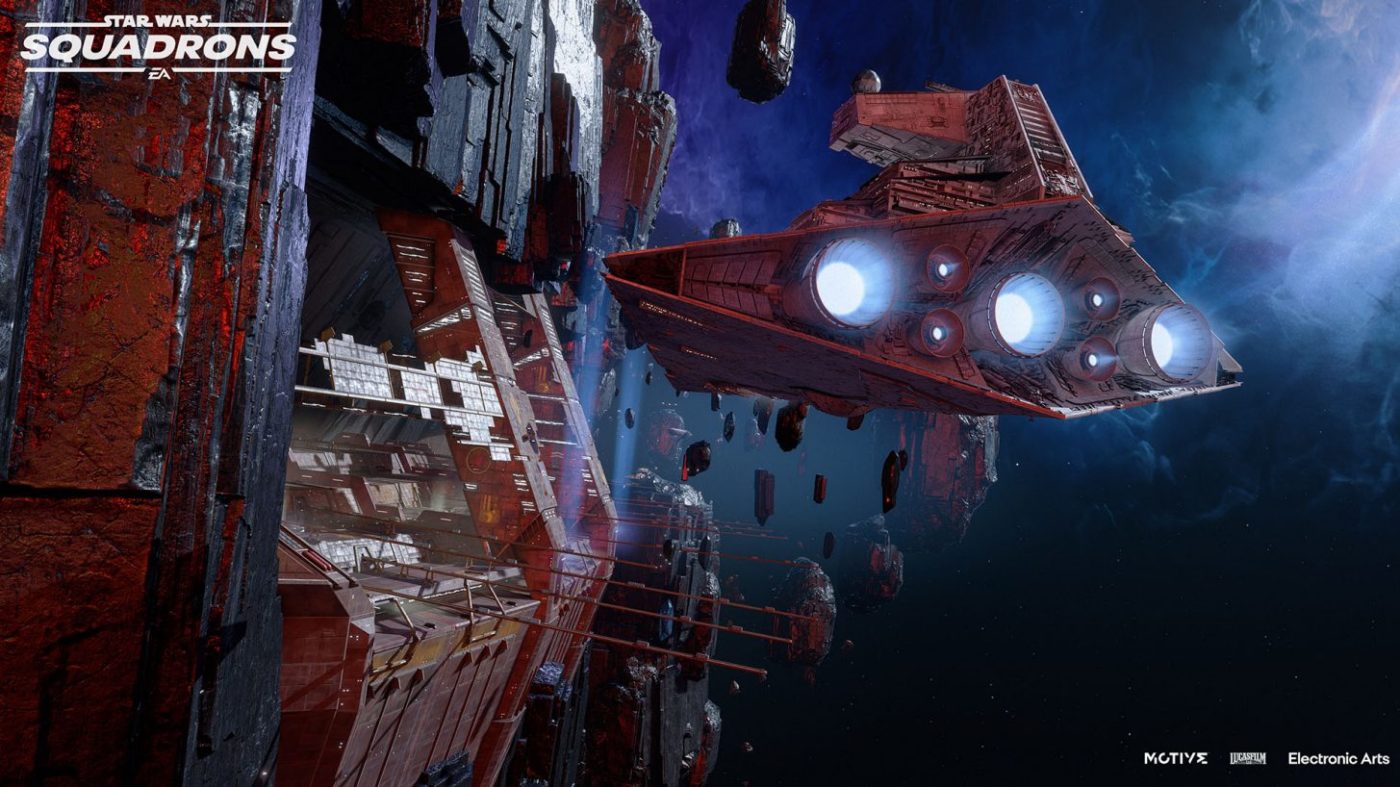
Pilots, rejoice! Motive Studios is delivering a load of new content for free for Star Wars Squadrons! The Star Wars Squadrons next update has been dated for next week, and there’s even one scheduled after that, too! Prepare for a new map, new ships and more.

The Star Wars Squadrons next update is set for release this November 25, and will give players a brand-new map called Fostar Haven! This map will be available in both Fleet Battles and Dogfight mode, and is part of the game’s November update, which also includes new ship components: Boost Extension Kit, Rockets, Prototype Piercing Torpedoes and an Anti-Material Rocket Turret.

Star Wars Squadrons New Map – Fostar Haven:

We’re adding a new map to multiplayer! A fan-favorite location from the single-player story and one we’ve seen requested for multiplayer is Fostar Haven from the game’s first prologue mission. In this update, the map will be added to Fleet Battles and the Dogfight mode.

Set in a remote, lawless area of space under the light of twin stars, this map has been updated from its story mode counterpart to provide a new experience that should fit well with the other six maps. In the Prologue of Squadrons, which is set at the height of the Galactic Civil War, Fostar Haven was an isolated trading station that welcomed smugglers and pirates. Helix Squadron was sent there to search the cargo docks for Alderaanian refugees.

Now, four years later, the denizens of Fostar Haven have made a few upgrades to their station, trusting neither the Empire nor the New Republic. You’ll have the chance to weave through the crowded dockyards or take the fight to open space.

New Components

With this first update will come four new components. For Fighters and Bombers, you’ll be able to use the Boost Extension Kit, a component that, when used, gives your starfighter a full boost. It’ll then recharge over time and can be used again. This will help these starfighters be able to change the pace of the battle in a new way, such as by giving them the ability to change the tide of dogfights or to get out of engagements with flagships if used wisely.

Next, we’re giving Interceptors and Fighters a way to provide more assistance against capital ships and flagships (or, with a steady hand, against starfighters, too). They’ll be getting the Ion Rockets, not unlike the Barrage Rockets they currently have. These will be great for hit-and-run attacks to strip enemy shields. These rockets move at half the speed of standard rockets, but they can be used at the same time as other components, including their non-ion counterparts. Time them well for the best results.

Bombers and Fighters (the latter with half the ammo count) will also be receiving the Prototype Piercing Torpedoes, providing these two ships with a new tactic for taking on capital ships. Though these torpedoes do less overall damage than others of their class, they have the ability to bypass capital ship and flagship shields, making them very well-suited for striking enemy flagship subsystems before shields have been taken down.

And of course, we couldn’t forget the U-wing and TIE reaper. They’ll be getting a new way to support their allies when taking on enemy capital ships and flagships with the Anti-Material Rocket Turret. Though this turret doesn’t target enemy starfighters, it’s very well poised to take on flagship subsystems, capital ships, and even turrets and other deployables from enemy support ships.

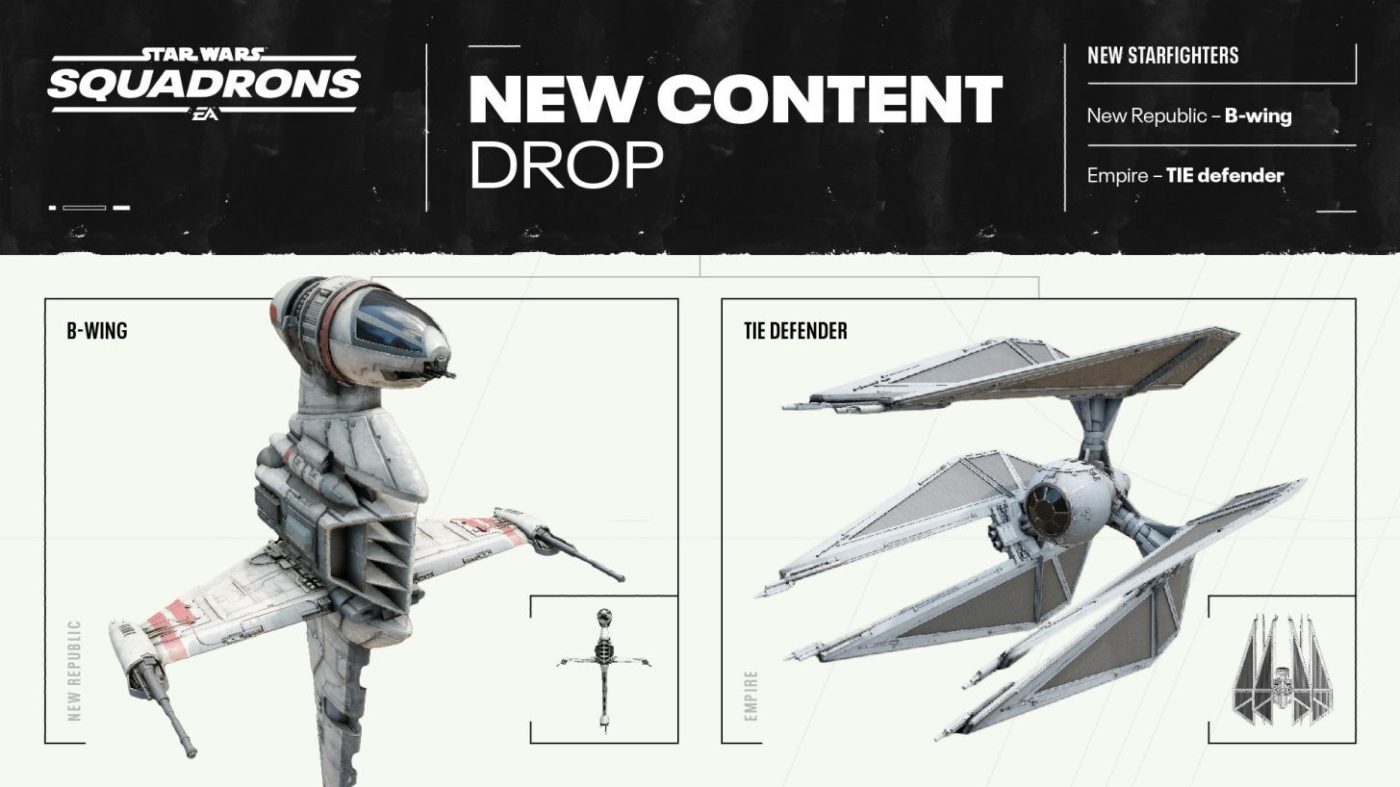
Aisde from the November update, the December update proves to be even bigger! There are two new Starfighters incoming — one for the New Republic, and one for the Galactic Empire!

Note that a cosmetic variant of the B-wing seen in Episode IV will also be available.

Designed as the “Blade Wing” prototype by Mon Calamari engineer Quarrie and finely tuned under General Hera Syndulla’s guidance, the A/SF-01 B-wing starfighter makes its way into the New Republic’s fleet in this update.

Naturally, there’s a fitting counterpart for it going to the opposing faction, too. From the mind of the brilliant military tactician Grand Admiral Thrawn and Sienar Fleet Systems, the TIE/d “Defender” multi-role starfighter will join the Imperial Navy as well.

These two starfighters are as powerful as they are iconic, though understandably balanced out for the purposes of the game. The B-wing will be categorized as a Bomber-class starfighter and the TIE defender will be a Fighter, each being able to use the components relevant to their faction and class, but they’ll also come with their own unique aspects in line with what you’d expect from them, such as the B-wing with its gyro-cockpit and swiveling wings and the TIE defender with its shields.

These functions and a couple unique components will help them differentiate themselves from the other starfighters in their classes and factions, but we’ve also made sure they aren’t outright better by default. There’s still going to be good reasons to pick a Y-wing over a B-wing or a TIE fighter over a TIE defender and vice versa. It’ll depend on your playstyle and what the situation calls for.

Custom Matches

And of course, above all else—well, maybe aside from the cosmetic of The Child—there’s something that’s been greatly requested to be an addition to the game: custom matches! We were so excited from the moment we heard about your community-run tournaments to actually getting to see them in action, so we knew this was something we had to provide in some way.

Custom matches will allow one to five players per side across two teams to play on any of the (now) seven maps in both Dogfight and Fleet Battles. There will also be some additional restrictions and modifiers that you can change. These include things like hull/shield/damage modifiers, changing capital ship health, restricting certain starfighters, and other tools to help you change how you play. With this, there will also be a custom matches server browser for you to search through private matches made by your friends as well as public ones made by strangers!

Lastly, Creative Director Ian Frazier has also released a statement thanking fans for their support of Star Wars Squadrons, which he calls “humbling.” You can read the entire letter to fans here.

Once the patch is out next week, we’ll be sure to let our readers know.

Avatar photo

Alex Co

Father, gamer, games media vet, writer of words, killer of noobs.

Home > News

Marvel’s Avengers Next War Table Tomorrow Focuses on Kate Bishop

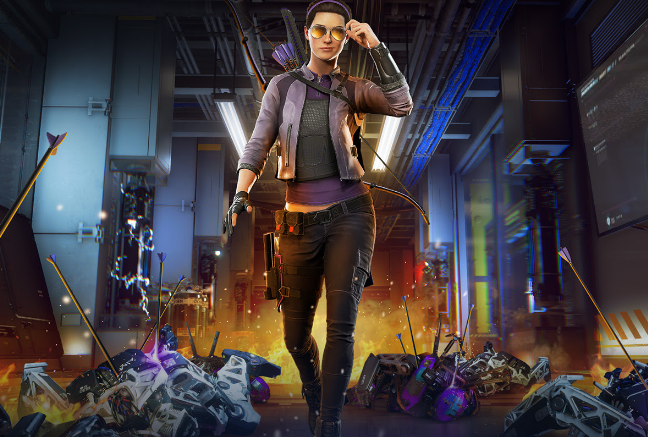
For Marvel’s Avengers players who got bummed out that the free Kate Bishop DLC for the game has been pushed back, it looks like we’ll be getting a ton of info tomorrow!

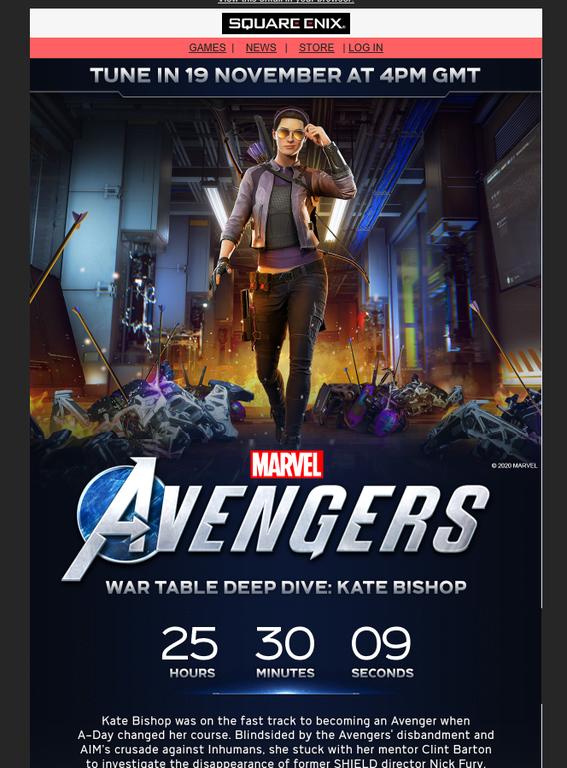
Square Enix is sending out emails letting people know that tomorrow, November 19 at 8 a.m. PST/11 a.m. EST, Crystal Dynamics will give us a deep dive into new free hero, Kate Bishop! There’s an accompanying countdown in the email that counts down to the time we mentioned above.

Kate Bishop was on the fast track to becoming an Avenger when A-Day changed her course. Blindsided by the Avengers’ disbandment and AIM’s crusade against Inhumans, she stuck with her mentor Clint Barton to investigate the disappearance of former SHIELD director Nick Fury. Find out more in the next Marvel’s Avengers War Table Deep Dive: Kate Bishop!

It seems Kate Bishop’s involvement in the game will also explain what happened to Nick Fury! This should tie up some parts of the story, which is good, since there’s quite a few blanks left in it from the main campaign.

We’ll get the info up tomorrow once Crystal Dynamics lets us know when Kate Bishop will become available, and what’s coming in the future for the game.

Avatar photo

Alex Co

Father, gamer, games media vet, writer of words, killer of noobs.

Home > News

Rocket League Update 1.87 November 18 Rolled Out (Update)

Psyonix Studios has released the Rocket League update 1.87 November 18 patch, and should be live on all platforms right now. According to the studio, this is a “small update,” which clocks in at just 80MB on PS4, so don’t expect a lot of new content or gameplay-related changes.

Rocket League Update 1.87 November 18 Patch Notes:

To date, this is the only info Psyonix has released so far:

Heads up! We’re releasing a small update on all platforms tomorrow at 8am PST / 4pm UTC.
Today’s update is now live on all platforms! Please restart if you don’t see the update on your console.

On the PS4, the Update History just says this:

  • -Various Bug Fixes 

Yep., that’s basically it. This is the second minor patch released by Psyonix this month, as another small one was released in the first week of November.

Checking the Rocket League community, some are having issues finding games after the latest update. It seems people from all over the world and on different platforms are having issues finding matches after the update. Multiple threads on the game’s subreddit have surfaced stating the same thing:

I cannot join any competitive game
byu/ricohh inRocketLeague

Did the update break matchmaking?
byu/vxx inRocketLeague

Update (11/18/20): Psyonix has announced that matchmaking issues have been resolved!

We’re keeping our eyes peeled for any gamepla-related changes, though we’re expecting this has been released for backend fixes and whatnot.

Same as before, if you spot anything tangible in this update, let us know down in the comments. Once we verify it, we’ll update the post and credit you.

Update: Added Reddit threads stating that matchmaking is an issue after the update.

Update #2: Psyonix has announced that matchmaking issues have been resolved!

Avatar photo

Alex Co

Father, gamer, games media vet, writer of words, killer of noobs.

Home > News

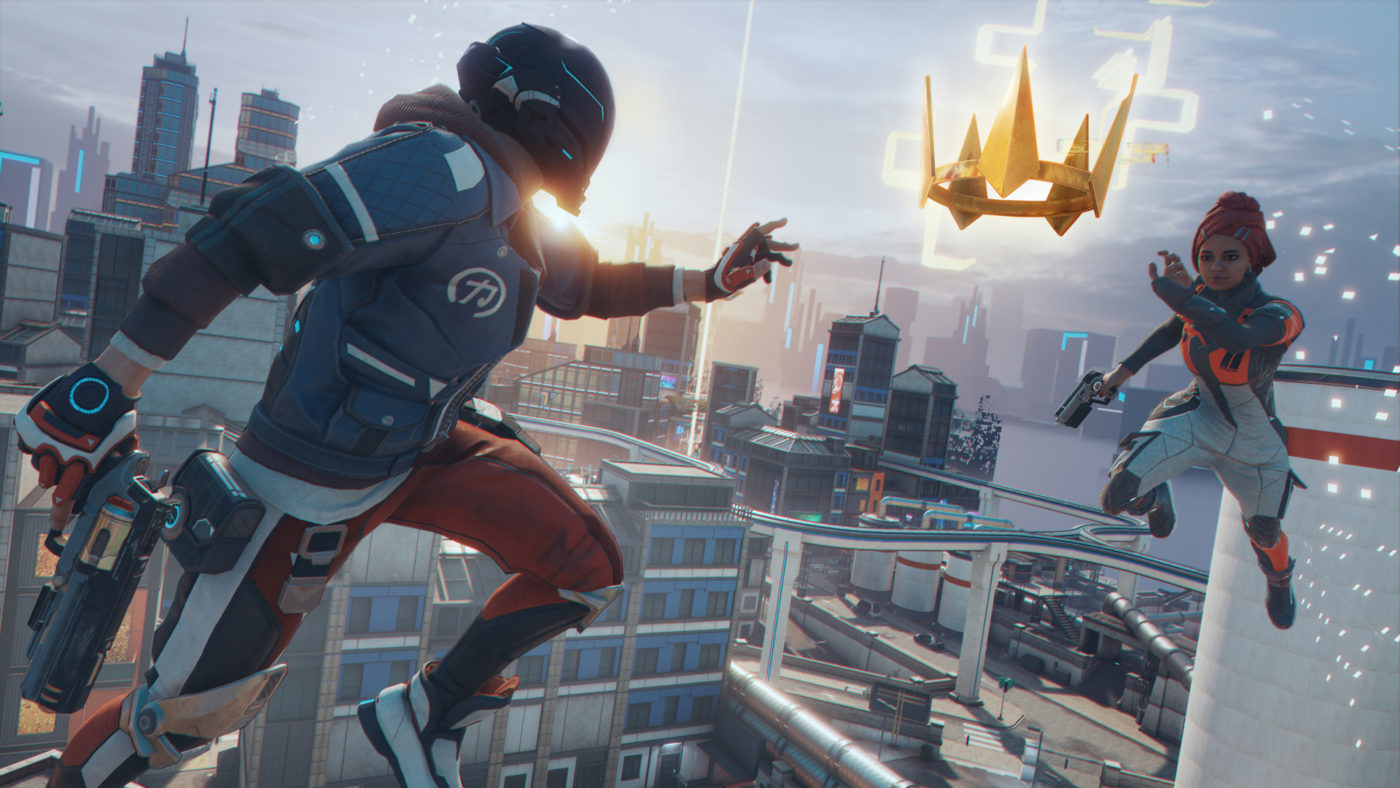
Hyper Scape Update 1.23 November 18 v2.3 Introduces New Features

Ubisoft has released the Hyper Scape update 1.23 November 18 patch, or what the studio calls patch v2.3! This brings Team Deathmatch, a free roam mode and more into the game. Head on below for the full patch notes.

Hyper Scape Update 1.23 November 18 v2.3 Patch Notes:

NEW FEATURES

BETA TEAM DEATHMATCH

Patch 2.3 finally introduces the long-awaited Team Deathmatch (aka “TDM”) game mode!

Team Deathmatch is a new fast-paced 6v6 game mode taking place in specific areas of Neo Arcadia. In this mode your goal is to be the first team to score 40 enemy eliminations or be the team with the highest elimination score after 10 minutes, whichever comes first.

In TDM, each time you get eliminated you will respawn at a safe location after a few seconds, and you will keep your hacks & weapons at their current fusion level. Loot can be found all around the map when the match starts and will respawn over time so you can try to maximize your loadout during the match.

Team Deathmatch will be available for several consecutive weeks following the release of patch 2.3, as a third game mode next to Crown Rush Solo & Duo – but based on its success we might extend its availability. At launch TDM will use the Foundry map, but we plan to test new maps in rotation in the following weeks.

Key Mechanics: – The match starts after a short warmup phase, replacing the waiting lobby. During warmup players are free to play and experiment with weapons and hacks before the match starts. – 6v6 mode via multiple squads of any size. Players can join with a squad, or alone if they disable backfilling. – Eliminated contenders do not drop their equipment but drop ammo. – Eliminated contenders Respawn automatically after a few seconds. – Contenders respawn with their previous loadout including Fusion levels to provide a tactical and progression layer to the match. – Loot respawns slowly over time; the loot content is randomized for each new match but stays the same during the match. – Victory Condition: – Score (first team to reach 40 points). – Timer (team with the highest score after 10 minutes).

Important: Team Deathmatch is still in beta. We are already working on multiple improvements, but we intend to monitor it closely and adjust our plan based on your feedback.

TDM Beta Disclaimers: – The mode is still work in progress and may still contain important bugs or exploits. – Game rules & major balancing points could be changed frequently as we tune the experience and address bugs & exploits on the fly. – For now, only one map will be available to play at a time. However, we plan to rotate the chosen maps in order to test several of them (look for official communication for more details during the TDM weeks). – Challenges are disabled in Team Deathmatch for now. – Crowncast features may not all work as expected in Team Deathmatch for the moment.

BETA ARCADIUM (FREE ROAM MODE)

The Arcadium is a new free-roam training mode where the entire city of Neo Arcadia is yours to explore at your own pace.

In Arcadium you’ll be able to practice your parkour and train with different hacks and weapons without worrying about interruptions. Target bots and flying drones will be present in Neo Arcadia to help you improve your marksmanship. Arcadium is a Solo mode for now, but we are looking into making it accessible to a Squad of friends in the future.

You can access Arcadium in the Play Portal under the Train tab or from the Training portal in the back of the HUB.

Key Mechanics: – Solo – No Sector Decay & no Game Events. – Player spawns in the Throne Hall. – All Season 2 hacks and weapons available. – AI Bots/drones spread across The Red Tiger district, and near The Line and Throne Hall. – Bots/Drones Behavior: – Respawn after 1 minute when destroyed. – Flying Drones strictly follow their set path – ignore any obstacles or forces that might slow, stop or move them from their path such as Wall, Shockwave or Magnet hacks. – Do not attack the player. – Do not drop loot on destruction. – Exit/End the mode through menu by going back to Hyperscape.

ImportantArcadium is still in beta. We are already working on multiple improvements, both on AI & content, but we intend to monitor it closely and adjust our plan based on your feedback.

CONTROLLER AIM ASSIST

Improving the game’s aiming comfort is critical to make Hyper Scape more accessible and more welcoming for new players. In this patch, we are introducing a series of controller aiming comfort improvements, in particular on the Aim-assist Adhesion that has been fully refactored.

*Reminder: There is a controller setting to let players reduce the intensity of the adhesion if they wish. *

To maintain balance between Keyboard and Mouse (KBM) & Controller on PC, the level of aim-assist has been increased for KBM players on several weapons.

As always, we will be monitoring the game and your feedback closely to continue adjusting the level of comfort in the future.

HEALTH KIT PICKUPS

We received positive feedback regarding the Candy pickups of Halloween and decided to extend the idea beyond the event. With patch 2.3, health pickups will be added all over Neo Arcadia when playing Crown Rush modes (Solo, Duo, Squad).

Health Kits will instantly restore 20 HP when picked up (note: you can pick them up even when at full health, but they will not increase speed like the Halloween Candies did).

With this change, the “Health Kit” Game Event will be removed from all Crown Rush game modes.

CROWNCAST TWITCH EXTENSION ON MOBILE

Starting November 20th, the Crowncast Twitch extension will now work on Twitch’s mobile app!

All the features found on the desktop version like Game Event voting and Battle Pass level-up by watching streams will now work on mobile. For a quick refresher on everything Crowncast offers, please check out the overview page on our official website!

COMMUNITY VOTING

We’re adding a Voting/Feedback system that will enable us to directly ask specific questions to the community and allow for collection of multiple-choice responses. These will be questions coming directly from the developers which will give players new opportunities to provide their feedback on certain elements of the game and the overall experience.

Developer Notes: Your feedback will help us shape the future of Hyper Scape, let us know how you feel about the game!

SYSTEMS

EXTENDED SEASON 2

With our new frequent Title Updates approach (read more about it in our blog post), we’ve made the decision to extend the duration of Season 2.

This means several things: – We’ll be updating the Game modes lineup that was already planned. Stay tuned for official communications and roadmaps to know when certain modes will become available – We’re removing the end of season timer in the Battlepass – We’ll be extending the Daily Shop rotation and Challenges

As always, we will be communicating any changes and new features ahead of Title Updates to give everyone a glimpse of what we’re working on. Stay tuned for more exciting new stuff coming soon to Hyper Scape!

PLAYER RANKING & DIVISIONS

Patch 2.3 will reactivate the Player Ranking system by making Duo Crown Rush a ranked mode. The current Rankings will be reset to allow players to compete fairly following all the recent changes in that system.

Each of the 6 Player Ranks have now been broken down into more granular Divisions. Each Rank will have 5 Divisions, and each Division will have its own logo allowing for quick comparison between players. As part of this change, the Ranking thresholds have been rebalanced to allow for a wider spread of competition providing more opportunity for progression and player comparison.

Also, the Ranking page is now available from the Hall of Champions in the HUB: You can now view your Top 10 Matches which contribute to your Season Score at any time.

CHALLENGE SYSTEM REFACTOR

As of patch 2.3 the whole challenge system is starting to get overhauled. The current Season 2 Challenges will be replaced by a new rotating Challenge system with reset.

The Weekly Challenges will be completely wiped, and instead players will get one set of 3 Challenges every week to complete. These new Weekly Challenges will be much broader in scope, so anyone can complete them with enough effort (no specific weapon or map locations necessary). They will also change every week as part of a rotating cycle across several weeks, so if you don’t complete them when the time runs out, they’re gone.

The 3 Daily Challenges will be simplified as well. A lot of our daily Challenges were very specific and didn’t mesh well together. After patch 2.3 refactor, the daily Challenge will be based on a series of sets that rotate every few days and put an emphasis on playstyle rather than specific weapons or hacks.

All the existing challenges will be removed and replaced by this new system at patch 2.3, with the exception of the Challenges linked to collectibles that will stay available.

Developer Notes: Sticking to simpler challenges and reducing the number of weekly Challenges to three per week (for a total of 6 challenges maximum) should make it easier for players to focus on what they need to do to get their rewards.

Important Note: the new Challenges are intended to be more rewarding & easier to complete. This update is a first step of the Challenge System overhaul that we will monitor closely in the coming weeks.

TIME-OF-DAY

Several game modes will now feature different times of day each match. This includes all Crown Rush modes (Solo, Duo and Squad) as well as Turbo Mode and Faction War.

Time of Day Ratios: – Sunrise: 40% – Morning: 40% – Night: 20%

Developer Notes: The Morning setting is the typical one you’ve been using so far. The Sunrise setting, as its name entails, shows Neo-Arcadia as its virtual sun is rising, impacting shadows and light color. The Night setting is the one you’ve experienced in Crown Rush Solo and Squad during our Halloween event.

WEAPON RETICLE IMPROVEMENTS

  • Weapons’ aiming reticles are now white in ADS (previously red) to improve their readability over the enemy outline & health bar.
  • The hit marker will now only turn red to feedback an elimination.
  • The weapons’ Holo-sights have been uncluttered to make ADS shooting more readable.
  • The ammo counters located directly on the weapon models have been made more visible.
  • Several weapons have received art changes to their hip-fire reticle (Ripper, Hexfire, DTAP, Harpy, Salvo)

Developer Notes: Most weapons have received a series of small visual improvements on their aiming reticles and holo-sights to improve combat readability.

SQUAD FEEDBACK IMPROVEMENTS

  • Squad marker shape was reworked to make it more visible.
  • Squad marker behavior on screen edges has been improved to be less unpredictable.

GAME MENU & SQUAD MENU REFACTOR

The Game Menu has been refactored to prepare the arrival of Crossplay in December. It is now divided in tabs, one for the typical game options and the other for the Squad. As part of the change the Squad menu (previously Social menu) itself has been modified, to give players an improved access to Player Profile Stats and Squad options.

  • Merged Game menu and Social menu into one screen with quick navigation.
  • Renamed Social menu to Squad menu.
  • Updated visuals on Squad menu to prepare for Crossplay integration.
  • Added Player Profile to player select on Squad Menu.

Developer Notes: The goal here is to improve the access to the squad menu page and the stats, as well as prepare the game for the arrival of Crossplay in December.

LOADING SCREENS IMPROVEMENTS

  • New loading screen visuals with a panel containing the game mode rules on the left and side loading tips on the right.

CONTROLLER LAYOUT MODIFICATIONS

  • In response to Community Feedback with this particular layout, the Jump shoulder controller layout has been updated: Weapon swap is now on Y, Melee on Right Bumper, Ping on DPAD up.

QUALITY OF LIFE

CROWNING CEREMONY SKIP BUTTON

  • You can now skip the Crowning Ceremony sequence at the end of a match.

MARKETPLACE IMPROVEMENTS

  • The purchase button in the Marketplace is now a “Hold” prompt button to prevent accidental purchases from occuring.
  • Discounts on bundles are now more visible.

RENDERING & LOADING IMPROVEMENTS

  • Added fast anisotropic specular material highlights, affecting the look and overall brightness of some surfaces such as metals.
  • Improved texture streaming strategies to achieve faster refresh times. You may notice a small delay in achieving full resolution and quality on certain textures such as (but not limited to) UI and ground textures.
  • Improved UI texture quality to ensure 4K/UHD capability even on the lower texture quality settings

BUG FIXES

WEAPONS

  • Fixed the clip size of the D-TAP weapon. New D-TAP Clip size Across Fusion: 15/17/19/21/23 (previously 15/17/18/20/23)

Developer Notes: This ammo changes only intends to fix a glitch in the fusion logic of the weapon, where some fusion levels were not as valuable as the other. It does not change the weapon value overall.

  • Fixed an issue where critical hits (“headshots”) were too easy to do. This fix should reduce slightly the amount of critical hits.
  • Environment damages from the Salvo and the Komodo have been fixed to reflect the damages they do on enemy target.

UI

  • Fixed an issue where Fusion stat gain text was missing for Skybreaker.
  • Fixed an issue where Fusion damage stat gain info was missing for Salvo EPL.
  • Fixed an issue where the Second Chance death icon would not appear in Compass.
  • Fixed an issue causing text on already bought items to be hard to read.
  • Fixed an issue with the critical damage from MAMMOTH MKI not appearing red.
  • Fixed an issue with the “Find Another Match” option in the End Flow not responding when Right Enter is pressed.
  • Fixed an issue where incorrect text was displayed in ping prompts when hovered over in the World Map.
  • Fixed an issue where Reticle did not change with Field of View setting changes except D-TAP, PROTOCOL V and DRAGONFLY.

AUDIO

  • Fixed an issue with Deployment Pod’s engine SFX dropping after it starts dissolving above higher buildings.
  • Fixed an issue where Reviving sound is played after contender leaves the tombstone while being revived.
  • Fixed an issue where the dormant Mine sound disappeared after setting second Mine.

ART

  • Fixed an issue with character models missing proper textures in onboarding.
  • Fixed and issue where D-Tap ammo counter display was mismatched on Anime, Autumn, Caster, Slasher and Warzone skins.

CHALLENGES

  • Fixed an issue where Daily challenge ‘Get to the Top 15 in any squad game mode’ could not be completed in Duo mode.
  • Fixed “fuse fully fusioned items” Challenge to properly progress if you fuse a fully fusioned item from a supply crate .

GENERAL

  • Fixed multiple crashes and improved the general stability of the game.
  • Fixed several text and localization issues.

Now that’s one big update! Once we hear of the next one, we’ll let our readers know.

Source: Reddit

Avatar photo

Alex Co

Father, gamer, games media vet, writer of words, killer of noobs.

Home > News

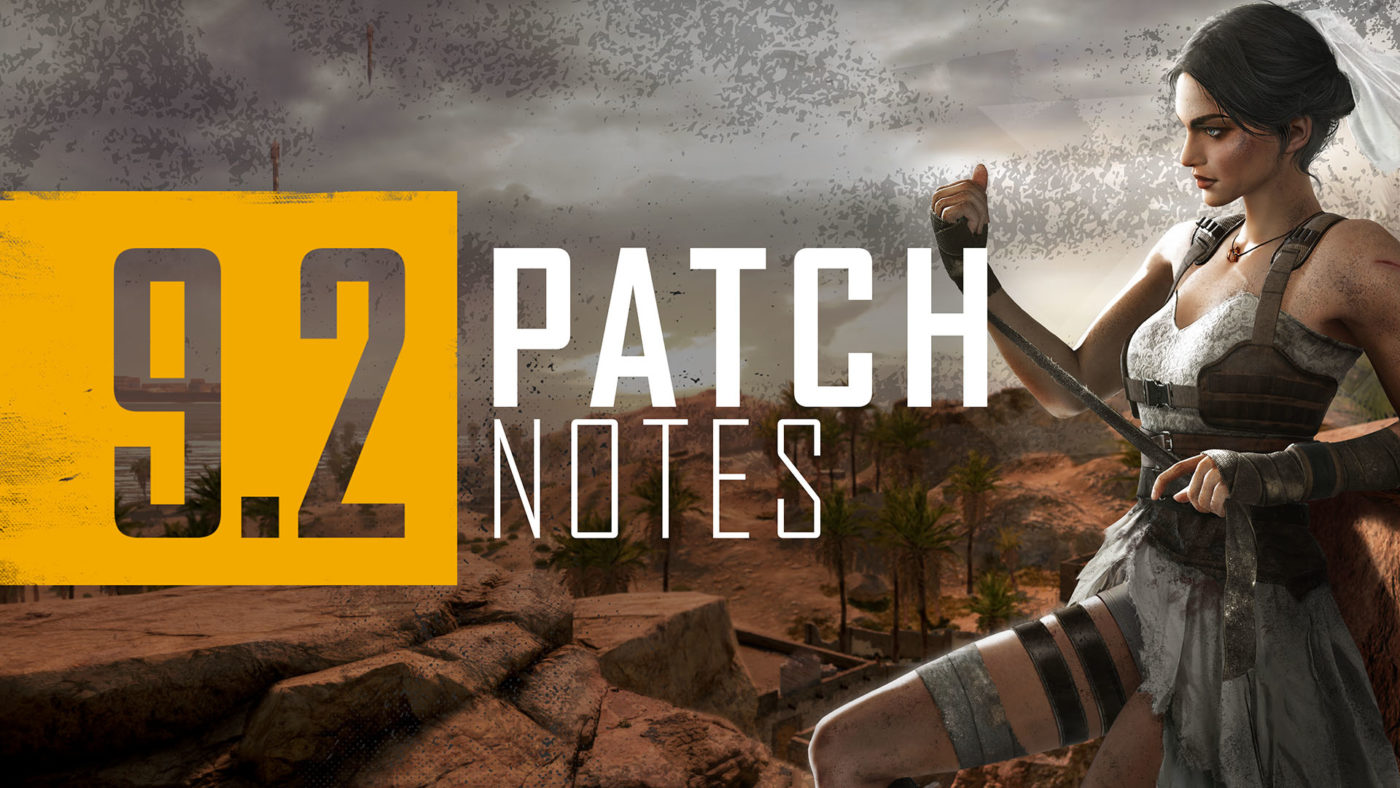
PUBG Update 9.2 Now Live on PC, Patch Notes and Info Listed

PUBG Corp. has released the PUBG update 9.2 on PC today and will be rekeased on conols this November 26. There’s a new Battle Pass, a new vehicle, weapon balance pass and more! Head on below for the highlights and complete patch notes below.

PUBG Update 9.2 Patch Notes:

Summary of New Content:

  • Battle Bride Pass: This new kind of pass focuses on a single character vs a seasonal theme. This pass follows Sadiya Qureshi, the hero from Karakin’s lore, and lets players unlock some of her iconic skins they saw in our motion comics. The Battle Bride pass progresses independently from Survivor Pass: Highlands and has 15 levels for players to complete by earning XP from matches.

  • Dirt Bike: We’re revving the engines with a new type of vehicle, the dirt bike. They are fast, up to 130km/h, and designed to handle every terrain and map, with the exception of Karakin.

  • Driver Shooting: There is more good news for vehicle lovers, we are also adding driver shooting to let players relive Hollywood-style car chases! The new system allows you to fire sidearm weapons while driving and maintaining control over the vehicle.

  • Weapon Balances: With the addition of driver firing, we’ve decided now is a great time to balance sidearms. All sidearms across the board have received improvements to damage multipliers, aiming, ADS movement speed, and more.

Gameplay

New Vehicle: Dirt Bike

The new single-seater Dirt Bike is more than just a lite version of the Motorbike. It has its own independent clutch system to rev the engine, improved suspension for offroading, and some other fun features we know it won’t take you long to find, not to mention another fun addition coming in the future. The Dirt Bike spawns on all maps except for Karakin and will replace 50% of the existing bikes out there. We’re looking forward to a whole slew of new stunt videos with this one!

  • The Dirt Bike is a new single seater motorcycle.
  • Spawns on all maps, excluding Karakin.
  • Available in Normal, Custom Matches and Training Mode.

Characteristics

  • Great acceleration with a top speed of 130 km/h.
  • Off-road suspension provide superb performance on uneven terrain compared to other vehicles.
  • Outstanding maneuverability with the ability to disengage the clutch when handbraking to block auto-gearbox and allow hard turns while preserving engine RPM and momentum
  • Added ability to alter pitch using Shift and Ctrl keys during acceleration/braking.

New Feature: Driver Shooting

It’s been requested for a long time and we’re finally happy to add shooting functionality to vehicle drivers! The new system allows you to fire sidearm weapons while driving and maintaining control over the vehicle (albeit with slightly reduced response while reloading). This functionality works for most vehicles and there are a couple of limitations which you can read about below. We’re excited to see the new kinds of gameplay that emerge from these additions, and please let us know how it feels!

  • Vehicle drivers can now draw, reload and fire sidearms while having full control over vehicle inputs.
    • The power of vehicle steering input decreases slightly when the driver is reloading.
  • Driver shooting feature is enabled in all vehicles except boats and BRDM.

Vehicle Aiming Overhaul

  • Driver and passenger views are now heavily stabilized while aiming. The camera rotation will not follow the rotation of the vehicle.
  • Driver and passenger TPP cameras have been adjusted and moved closer to the character for easier and more accurate aiming.
  • Aiming angles are restricted according to player visibility and relation to other passengers
    • For example, you’re unable to aim fully upwards in a closed-top vehicle or aim behind if there’s a passenger on behind you in a 2 seater motorbike
  • The camera will no longer flip sideways when vehicles roll or pitch upside-down.

Please see below for driver shooting enabled sidearms.

  • Deagle
  • P18C
  • P1911
  • P92
  • R1895
  • R45
  • Skorpion
  • Flare gun
  • Sawed-off
    • Sawed-off can only be equipped by drivers on Bike-type vehicles.

Weapon Balance Adjustment: Sidearms

With the addition of driver firing, we’ve decided now’s a great time for a balance pass on those weapons. All sidearms across the board have received improvements to damage multipliers, aiming, ADS movement speed, and more. The goal is to make all secondary weapons more viable throughout the game, not just in vehicles. It’s a pretty extensive list, so check down below for full details!

For detailed changes, please see below.

All sidearms

  • Increased headshot damage multiplier: 2.0 → 2.1
  • Increased limb damage multiplier: 1.0 → 1.05
  • Decreased aim deviation multiplier (aiming is now more accurate)
    • Increased laser sight deviation multiplier 0.3 → 0.5. This is to counter above mentioned change, making pistols more accurate in general but not totally dependent on laser sight.
    • Increased prone stance deviation 0.6 → 0.8 (less accurate in prone)
  • Now you are able to move faster while aiming or in ADS mode.
    • Increased aimed movement speed multiplier 1.8 → 2.0
    • Increased ADS movement speed multiplier 1.6 → 2.0
  • More accuracy while moving.
    • Increased min reference velocity for movement deviation (speed at or below which movement deviation is not applied): 160 → 200
    • Increased movement ADS stabilization (decreased weapon sway caused by movement):
      • Revolvers (R1895, R45): 0.2 → 0.9
      • Pistols: 0.2 → 0.8
      • Full-auto pistols (P18C, Skorpion): 0.2 → 0.7

Revolvers (R1895,R45)
Now, you can shoot more accurately while moving

  • Decreased movement deviation multiplier: 1.7 → 1.4
  • Increased min reference velocity for movement deviation (speed at or below which movement deviation is not applied): 160 → 250

R1895

  • Increased damage: 62 → 64
  • Increased ROF: 150 RPM → 300 RPM
  • Heavily decreased aim deviation (because it cannot attach laser sight, so it is more accurate by default): 1.5 → 0.6
  • Increased recoil anim speed

R45

  • Increased damage: 55 → 65

P92

  • Decreased damage: 35 → 34
  • Increased ROF: 444 RPM → 600 RPM

P1911

  • Increased damage: 41 → 42

Deagle

  • Increased ROF: 240 RPM → 300 RPM
  • Increased recoil animation speed to better match new ROF.

Sawed-off

  • Decreased base pattern scale: 1.45 → 1.2
  • Decreased choke spread scale (lower spread): 0.85 → 0.8
  • Increased damage multiplier at 15m: 0.5 → 0.55

Skorpion

  • Can now attach Extended Quickdraw mag.

Other

Lava Damage Calculation Update

  • The method for processing damage inflicted near the edges of lava has been improved
    • Now lava damage is inflicted more precisely when players come in contact with the lava surface.
  • Now Gas Cans will explode when they come in contact with lava.
    • Also, spilled gas will catch fire when coming into contact with lava.

Regional Matchmaking Changes

With Update 9.1 we introduced Solo Ranked Mode and also removed some queue options which had historically had excessive matchmaking times, to improve the overall health of matchmaking.

We have received a lot of feedback from players and heard your feedback loud and clear. This patch, we have adjusted matchmaking options to open back up some of those modes for certain regions, while still providing the best gameplay experience for players.

Reopened queues are shown below:

AS
FPP: Solo

KRJP
FPP: Duo

SEA
FPP: Solo, Duo

EU
TPP: Duo

RU
TPP: Duo

OC
TPP: Duo
FPP: Duo

Battle Bride Pass

The Battle Bride Pass is an entirely new kind of pass focusing on a single character vs a seasonal theme. This pass follows Sadiya, the hero from Karakin’s lore, and lets you unlock some of her iconic skins you saw in our motion comics. The Battle Bride pass progresses independently from the Survivor Pass and has 15 levels for you to complete by earning XP from playing matches. If you’re looking to pick up some of Sadiya’s unique looks, pick up the Battle Bride Pass!

  • Exclusive page
    • Battle Bride Pass only has a premium track which available after purchase.
  • Progression
    • There are no missions for the Battle bride pass.
    • However, you will be able to climb through the pass via XP gained from gameplay.
      • Max lv to collect all rewards is lv 15.
    • Level-up coupons cannot be used in the pass.
      • However, you will still be able to purchase levels with G-Coin.
  • The Battle Bride Pass will be available from Nov 18th (KST) to Dec 16th (KST) both with the end of live server maintenance.
    • The Battle Bride Pass period runs for 28 days from your date of purchase.

UI & UX

New feature: Team Finder

The new Team Finder feature lets you connect with other players before the match begins instead of being randomly matched up in the pre-game zone. You can let friends and other players know that you’re looking for a team and accept invites to their lobbies. The Team Finder takes your selected game mode and language settings into account, so you know you’ll matched up where you want to be. If you’re looking to get some squad games in without the completely random element, try Team Finder today!

You can now look for a team to play with using the Team Finder function.

If you’re not in a team, you can toggle team finder to let friends or other players know you are looking for a team and you’ll then be listed on the team finder player list, waiting to be invited by a searching player. If you are already in a team or want to create your own team, you can invite players from the team finder list.

Settings

  • Team Finder will automatically be set based on your selected game mode, perspective and language settings.
  • The mic setting is automatically determined after checking whether you have a functioning mic connected.
    • Ensure voice input is enabled and not muted.
    • PUBG must also be granted access to your mic through your operating system.
  • Team Finder search and discovery are based on your local region
    • Players with same game mode/perspective settings will be shown on the Team Finder list
    • When using Team Finder for Ranked Matches, only players in similar tiers will be shown.

New Feature: Lobby Chat System

Another new method of communication with your teams is the new lobby chatbox. Now you’ll have access to text chat with your team before you enter the game and drop onto the Battlegrounds. Lobby chat features spam, ad, and abusive language filters, and also let you report anyone using it inappropriately. For now, Lobby Chat is only available on PC versions of the game.

  • You can now text chat with party members in the lobby.
  • Spam and toxic words are automatically filtered.
  • You can report players for using abusive language and spamming or advertising.
  • Please note, chat will be only available on the PC version of PUBG at the moment.

PUBG ID Visibility

  • When killing other players, your PUBG ID will be displayed to the victim.
  • PUBG ID will be also displayed in Death Cams and while spectating other players.
  • The PUBG ID will be also displayed when looking at stats of other players.

Other

  • Outgame UI components, such as dropdown menus and system messages have been visually improved to provide a more consistent experience.
  • Voice Chat ‘ALL’ is now disabled in Team Deathmatch
  • Team Deathmatch in arcade and Custom Matches will now have voice chat channel to ‘ALL’ disabled due to abuse which was disrupting gameplay.

Performance

  • CPU performance has been improved by cost optimization of characters outside the player POV.
  • Performance improvement by rendering optimization of atmospheric fog.
  • Optimized hitching that occurs when the plane is airborne in low specs/console environment
  • Optimized the excessive loading time when loading certain type of map in custom match sessions.

Vikendi Quality of Life Update

Vikendi is also getting a few small convenience adjustments this update. We’ve adjusted the circle settings to be a little more inland, removed some small clutter that was hindering vehicle movement, adjusted the number of house sets to make final phases more open, and more.

  • Fixed tendency for the first circle to lean too much towards the outskirts of the map. The Safe Zone will now commonly appear more inland.
  • We have removed small objects around farms and fields which were inhibiting vehicle movement.
  • The number of house sets has been reduced, as the space between house sets has been modified to ensure late game Blue Zones aren’t overly abundant with buildings. We hope this will have more fights in the fields.
  • Large rocky areas around the center of the map and rocky hills at the East of the cement Factory have been changed to enable access while on foot and in vehicles.
  • Removed small objects around the river which were not able to be used as a cover and hindered player movement.

Bug Fixes

Gameplay

  • Fixed the issue where players were only able to enter Ranked Mode in FPP/Squad after restarting the client or refreshing the lobby.
  • Missing trees around Ruins on Sanhok are now back.
  • Fixed the issue where partner a exclusive item could be equipped and unequipped freely.
  • Fixed the camera stutter occurring to a driver in TPP every time when a passenger switches seats.
  • Fixed the issue where default value of weather type was not available in certain Custom Match War Mode presets.
  • Fixed the issue where players are forced back to the lobby with an exclamation mark UI displayed when entering dual matchmaking.
  • Fixed the issue where ADS’ing with a weapon obstructed by collision object would result in severe camera jitter.
  • Fixed incorrect collision distance of certain weapons.
  • Fixed the issue where incorrect vehicle information displayed on the players HUD when entering a vehicle with destroyed wheels.
  • Fixed the issue where a character’s movement would look incorrect when crouching or proning on fire.
  • Fixed the issue where the effect displayed only at the initial point of explosion when multiple sticky bombs explode nearby.
  • Fixed the awkward rendering of a character when holding certain weapons with a grip attachments added.
  • Fixed the case of teammates sometimes not displaying on the Team list UI during squad mode.

UI/UX

  • Fixed misaligned UI in the settings menu.
  • Fixed the excessive speed of character rotation in the customize menu affected by ‘General Sensitivity’ value.
  • Fixed the edges of the reward icon box not being highlighted when selected in the pass screen.
  • Fixed the issue where ‘Render scale’ value is set to default when selecting ‘Full screen / Windowed’.
  • Fixed a typo in one of the pass reward items.
  • Fixed the graphics error shown at the bottom of the G-Coin page in certain resolution settings.
  • Fixed the issue where players could not replace multiple missions in a row.
  • Fixed the issue where waypoints could be displayed incorrectly on the minimap when spectating players when they marked a waypoint.
  • Fixed an issue with the Survival Mastery level up animation and UI.
  • Fixed the incorrect system message shown when inviting a kicked player to that custom match session.

Skin & Items

  • Fixed the issue where players could equip ‘Eyes’ category items with Merc Team Uniform .
  • Fixed the issue where players could not preview emotes after selecting weapon skin items from the pass reward page.
  • Fixed the misaligned weapon skin when previewing Malevolent Mime – DBS skin.
  • Fixed the social widget unintentionally displaying on the LABS page.

For the skins and items, head on over here. Once the patch is out on consoles, we’ll let our readers know.

Source: PUBG

Avatar photo

Alex Co

Father, gamer, games media vet, writer of words, killer of noobs.

Home > News

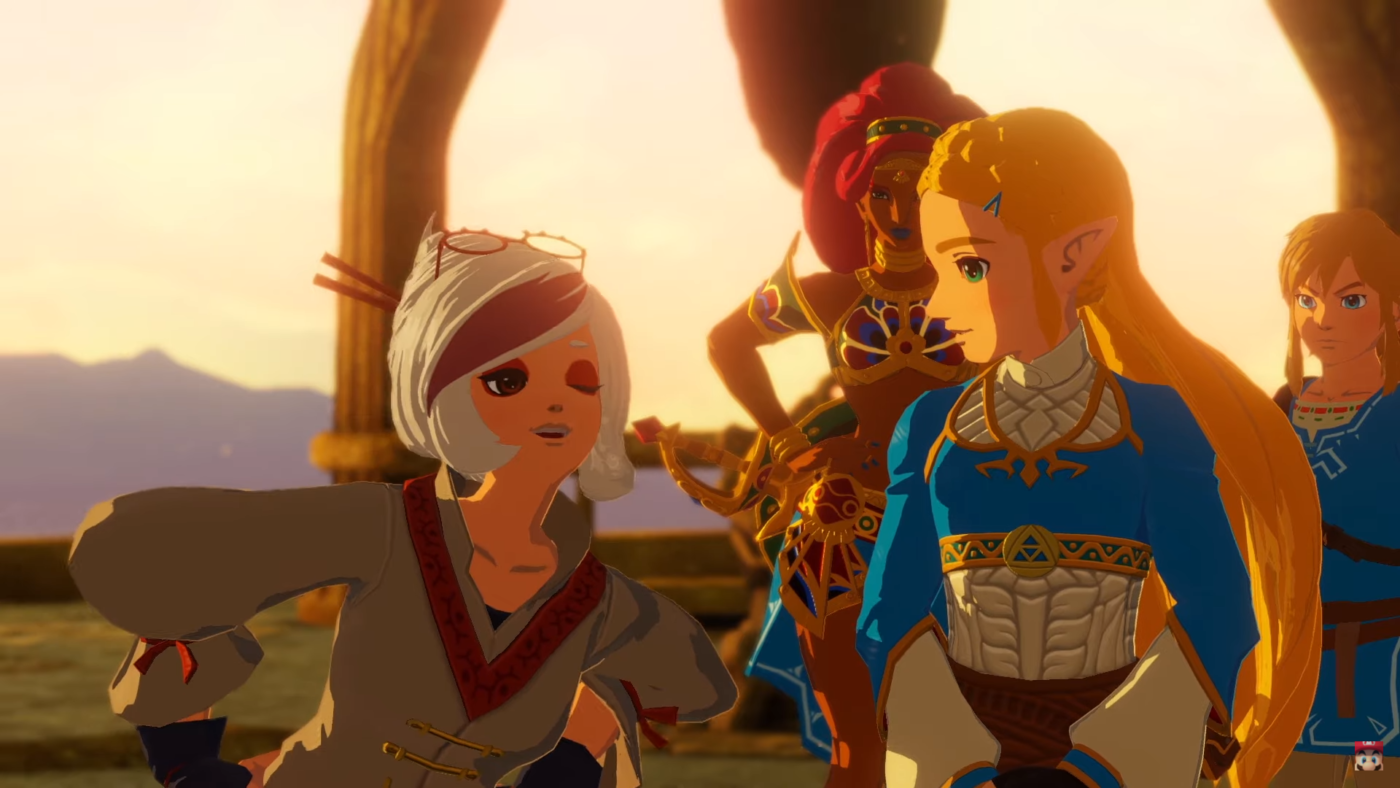
Hyrule Warriors: Age of Calamity Launch Trailer Released

Giving Legend of Zelda fans something good to look forward to just before this turbulent year draws to a close, Nintendo has released their launch trailer for Hyrule Warriors: Age of Calamity — which acts as a prequel to the 2017 action adventure game The Legends of Zelda: Breath of the Wild.

Here’s the trailer showing Zelda uniting brave warriors amidst “The Great Calamity”.

For those who need a refresher on the plot, here’s the official synopsis from Nintendo.com.

See Hyrule 100 years before the Legend of Zelda: Breath of the Wild game and experience the events of the Great Calamity

Join the struggle that brought Hyrule to its knees. Learn more about Zelda, the four Champions, the King of Hyrule and more through dramatic cutscenes as they try to save the kingdom from Calamity. The Hyrule Warriors: Age of Calamity game is the only way to see firsthand what happened 100 years ago.

– Battle hordes of Hyrule’s most formidable foes –

From barbaric Bokoblins to towering Lynels, menacing monsters have emerged in droves. In addition to Link and Zelda, take control of characters like the four Champions and a young Impa. Use their distinct abilities to carve through hundreds of enemies to save Hyrule from the impending Calamity.

If you missed it, check out our other feature on the other Hyrule Warriors: Age of Calamity trailer teasing the enemies the game.

Hyrule Warriors: Age of Calamity will be released for the Nintendo Switch on November 20.

Tim Villasor

Home > News

IO Interactive New Project Announcement Happening on November 19

Hitman devs IO Interactive has something new to share this week! The IO Interactive new project reveal has been teased today, with the actual announcement set for November 19!

The new project (which we assume is a new game) will be revealed on November 19 at a .m. PT/9 a.m. PT/3 p.m/ CET on IO Interactive’s YouTube channel.

Will this be a new chapter in the Hitman saga? Given we’re getting a new entry early next year in Hitman 3, that’s highly unlikely. Maybe a new franchise? One can hope. With IO Interactive’s background, I gather this will involve guns somewhat and be serious in tone.

What do you want to see from IO Interactive? A Hitman spin-off or something else entirely? Let us know your thoughts down below.

Avatar photo

Alex Co

Father, gamer, games media vet, writer of words, killer of noobs.

Home > News

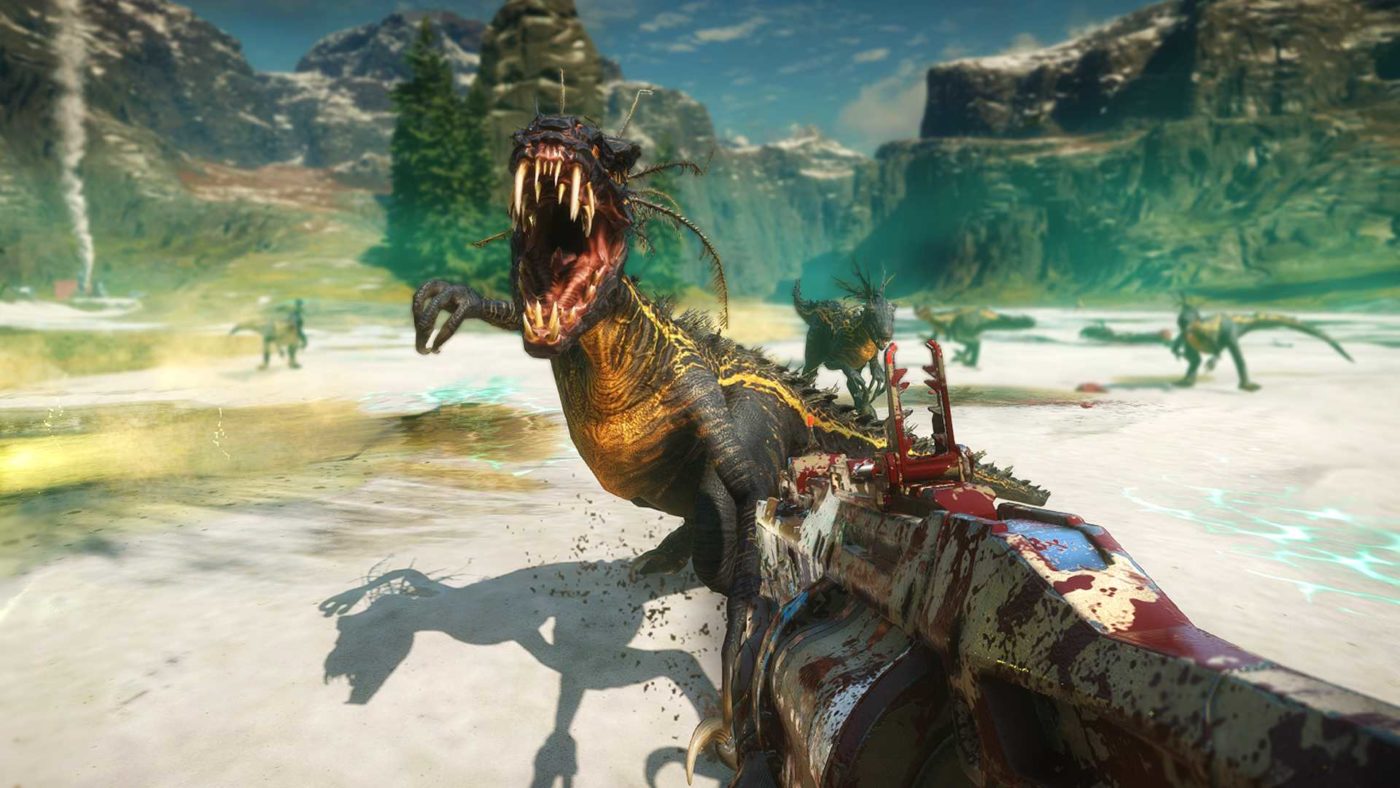
Second Extinction Supply Drop #1 Update Now Out With New Insane Difficulty & More

Calling all dino hunters, the first Second Extinction Supply Drop #1 (update) for the early access version of the game has gone live!! This update introduces a number of fixes, but more notably, the new difficulty mode accompanied with new rewards and contracts!

Down below you’ll find a short teaser trailer for the new insane difficulty, along with the patch notes for the very first supply drop!

Second Extinction Supply Drop #1 Patch Notes

ABILITIES AND PERKS

  • Issue got fixed where the player was able to throw infinite airstrikes with no cooldown. Sorry for stopping the mayhem but we started feeling bad for the dinosaurs.
  • Issue got fixed where the upgrade token buy indicator was at the wrong place after unlocking all slots on another weapon.
  • Issue got fixed where Rosy’s barricade did not despawn.
  • Issue got fixed where the Scythe perk rendered the Dragon’s Breath perk non-functional if both perks were active at the same time.

AUDIO

  • Issue got fixed where Amir warned about a watcher raptor that wasn’t there. Such an Amir thing to do, but we’ve talked to him and he won’t do it again.
  • Issue got fixed where no sound was played when the player was buying upgrade points.
  • Issue got fixed where the weapon upgrade unlock sound did not play when the player unlocked an upgrade slot.

CONTRACTS

  • Issue got fixed where the player got previously completed contracts as new contracts.

CONTROLS AND SETTINGS

  • Issue got fixed where a monitor loses signal when NVIDIA G-Sync is enabled for window mode windowed mode.
  • Issue got fixed where keyboard settings were not read and controls remained on the same button. No more bamboozlement!
  • Issue got fixed where the player couldn’t rebind WASD/movement directions.
  • Issue got fixed where the player could bind an action to a mouse key and it would perform that action in-game while being in the settings menu.
  • Issue got fixed where the minimum resolution scale was reset to 75 in the background when changing display options.

CRASHES AND BLACK SCREENS

  • Issue got fixed where the game triggered asserts when the player was getting in the down state in a single-player session.
  • Issue got fixed where the game was crashing upon restart.
  • Issue got fixed where the player saw a black screen after changing to fullscreen window mode on a 4K monitor.
  • Issue got fixed where a crash occurred when attempting to exit back to the main menu when being in the dropship before insertion.
  • Issue got fixed where the game crashed after the player initiated the extraction process (calling in the dropship).
  • Issue got fixed where the game would crash for players with two GPUs, where the higher-performing GPU is not connected to a monitor.
  • Issue got fixed where the game would crash after completing the Gas Pump activity in a multiplayer session.
  • A memory crash issue got fixed.
  • Several additional crash fixes.

ENEMIES

  • Issue got fixed where the T-Rex went flying.
  • Issue got fixed where the T-Rex would walk outside of the cave and stand there, disrupting the flow of the fight. She is now instructed to stay in the cave and look busy.

GAMEWORLD

  • Issue got fixed where the player was able to exploit research points.
  • Issue got fixed where the player was stuck in the drop pod and unable to drop to start a mission.
  • Issue got fixed where the terrain was cutting into the stairs in the mines causing problems for the AI.
  • Issue got fixed where respawn points were not available after two minutes of gameplay.
  • Issue got fixed where the player could unintentionally reach a roof in Lata Plains.
  • Issue got fixed where mini hollows took full damage from enemy attacks.
  • Issue got fixed where the player could get on top of a dropship in Nova Ridge.
  • Issue got fixed where the player could shoot down a drone into an area that is impossible to reach.
  • Issue got fixed where activity icons lead the player to an empty location.
  • Issue got fixed where the player could get killed when entering the dropship.
  • Broken nav-mesh on different locations got fixed.
  • Issue got fixed where the player was stuck in a drop pod up in the air during the respawn sequence.
  • Issue got fixed where players occasionally did not receive any loot after dying once during a mission.
  • Issue got fixed where the kill player trigger on the extraction dropship was too large and too close to the ramp.
  • Issue got fixed where the mission failed screen was triggered during the extraction for players that were still alive.
  • Issue got fixed where a misplaced tree at Aga Hills clipped with the dropship.
  • Improvement: Terrain changes for the T-Rex caves.
  • Improvement: Adjustments to the T-Rex sites were made where some objects did not snap to the ground anymore after the terrain changes.
  • Improvement: Logic for the T-Rex caves got an update for the mission Vestige and the emergence event.

GRAPHICS

  • Issue got fixed where a weird blob looking circle was visible after using the mine’s ability. Be gone, weird blob!
  • Issue got fixed where the green fog glitched when the player was entering caves.
  • A lighting issue got fixed when the player was entering and exiting the cave next to the Blacksite facility.
  • Issue got fixed where random cylinder shapes could be seen at the south-east of the Nova Ridge insertion point.
  • Issue got fixed where the title could end up with a critical FPS drop after the player was fighting off enemies for longer than 10 minutes when extracting.
  • Issue got fixed where the scorched earth VFX could be observed after a placed mine exploded.
  • Issues got fixed where visual glitches on roads appeared in different locations.
  • Issue got fixed where the fog looked weird before entering the caves.
  • Issue got fixed where shadows were shifting at a location.

MENU, HUD, UI, ETC.

  • Issue got fixed where the navbar was missing in the pause menu.
  • Issues with missing names in the menu for weapons and character skins got fixed.
  • Issue got fixed when entering the objective area while tracking a map icon removed it from the compass.
  • Issue got fixed where it was possible to scroll down in the lobby party screen and select the nameplates after returning from a mission.
  • Issue got fixed where the ammo pick up showed everyone’s ammo type.
  • Issue got fixed where the default weapon skin said “text field” rather than default.
  • Issue got fixed where No Loc strings were visible in the text field on hero outfits.
  • Issue got fixed where the map icons appear tilted.
  • Issue got fixed where the wrong icon set was used for the Assault Rifle skin.
  • Issue got fixed where some Steam achievements did not get unlocked.
  • Issue got fixed, where, when the player rejoined a game the mission started text showed up.
  • Issue got fixed where an old concept art was visible in contracts.
  • Issue got fixed where the player could open the map while having the pause menu open.
  • Issue got fixed when the pause menu reopened when the player tried to close it.
  • Issue got fixed where UI indicators behaved poorly on Ultrawide screens.
  • Missing strings for loot rewards are added.
  • Issue got fixed where achievements counters were reset if the game was reset.
  • Corrupted letter issue for the letter Œ got fixed.
  • Issue got fixed where the navbar was present on screen after the hosting player rejoined the party.
  • Issue got fixed where the Cancel Matchmaking button was available for the client while the host was searching for a third player.
  • Issue got fixed where the player characters sometimes were missing weapons in victory pose on the result screen after rejoining a game.

MISSIONS

  • Issue got fixed where the scanner did not show the location for the Rex nest in the missions Vestige and Research and Rescue.

MULTIPLAYER

  • Issue got fixed where a session error was caused in multiplayer sessions after the host left the party.

WEAPONS

  • Issue got fixed where the Grenade Launcher’s projectiles did not collide with enemies.
  • Issues got fixed where fire effects were not replicated when using the Dragon’s Breath perk.

And if you are wondering when the next content drop is happening, you can look forward to it in December with the pre-season 2 update! As a tease, the team has confirmed that Expedition Mode will drop, along with a more solo friendly experience! Stay tuned as we’ll have more details on the next update as we get closer to release, and be on the look out for our hands-on preview of Second Extinction!

Source: SecondExtinction 

Avatar photo

James Lara

A gamer at heart, James has been working for MP1st for the last decade to do exactly what he loves, writing about video games and having fun doing it. Growing up in the 90's gaming has been in his DNA since the days of NES. One day he hopes to develop his own game.

Home > News

Fortnite Update 2.94 November 18 v14.60 Patch Now Out, Datamined Content Listed (Update)

Epic Games has disabled the Fortnite servers and that’s not only for maintenance, but also to roll out the Fortnite update 2.94 November 18 patch, or what the studio calls the v14.60 title update. Clocking in at 3.5GB on PS4, this patch includes bug fixes, a store redesign and more.

Fortnite Update 2.94 November 18 v14.60 Patch Notes:

General:

Disabled voice chat cannot be re-enabled on Xbox Series X|S.

Description
Disabling Voice Chat puts it in a state where it cannot be re-enabled to speak with friends on Xbox Series X|S.


Platforms
Xbox Series X, Xbox Series S


Workaround
Opening the social menu and re-enabling Voice Chat underneath the Friends List.

Creative:

Team Size setting does not properly function when Join In Progress is set to Join Next Round.

Description
Team Size does not properly limit the number of players when join in progress is set to Join Next Round.

Save the World:

Wild West Llama not granting Steampunk weapon.

Description
Wild West Llamas may not have Steampunk / Wild West items in them. It’s recommended not to purchase them if Steam Punk items are not shown in the X-Ray Llama contents.


Platforms
All

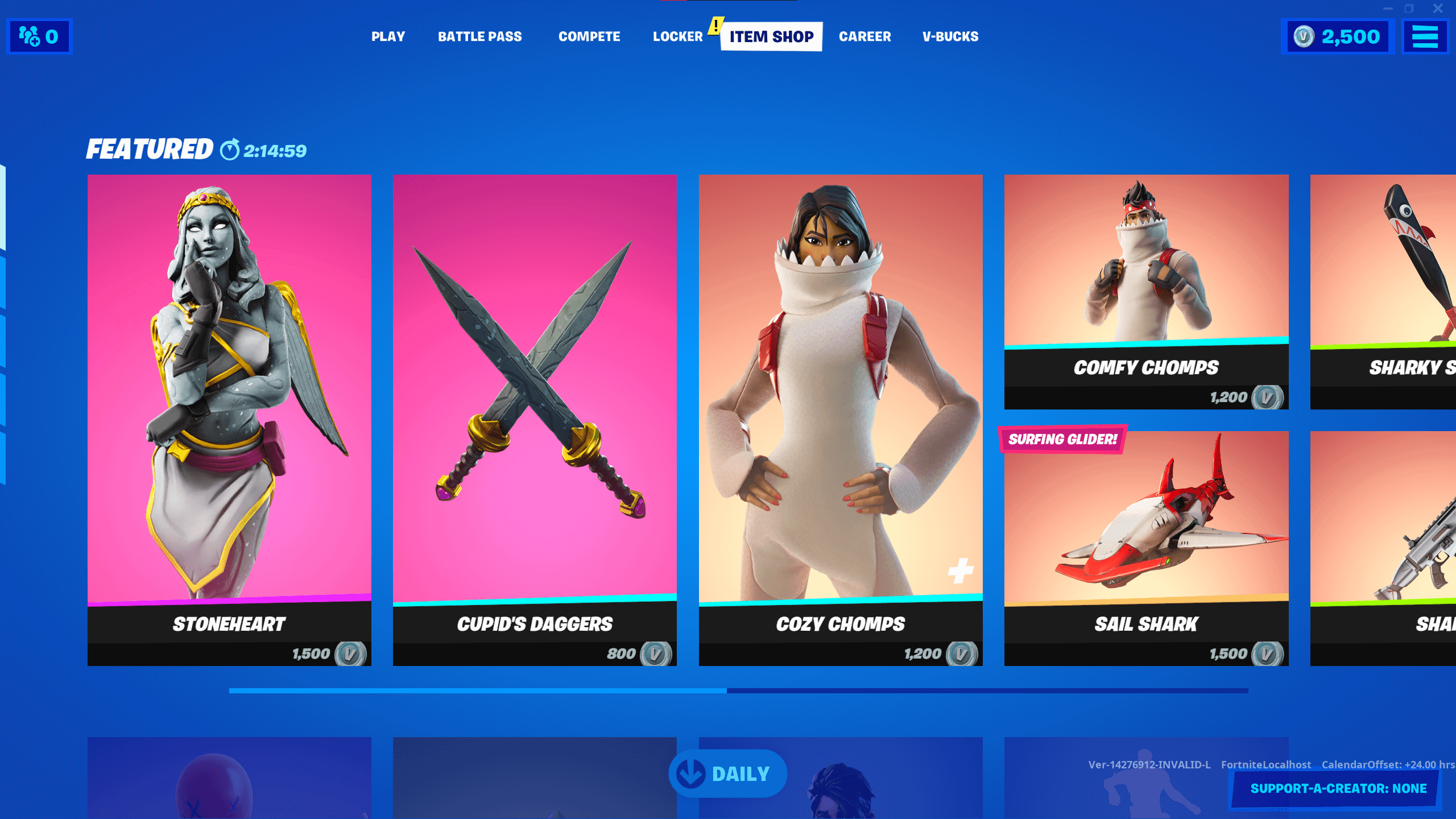
FORTNITE ITEM SHOP REDESIGN IS LIVE:

After release in test markets and listening to lots of feedback, today we’re rolling out the redesign of the Item Shop to all players. The new look provides a refreshed layout and navigation for everyone.

CREATIVE UPDATE – V14.60

HIGHLIGHTS

  • You can now hide the Elimination Feed and mute Elimination Audio to encourage sneaky sniping!

ISLANDS 

  • Updated the Hub Island portal layout to accommodate the recent updates to hub creator guidelines.

ISLANDS BUG FIXES

  • Fixed an issue where the time of day lighting appeared differently on featured islands and personal islands.

GAMEPLAY

  • Added a new option to My Island > Settings
    • Player Elimination Audio: Off, On (Default: On) – causes eliminated players to be despawned silently.
  • Added new options to My Island > UI
    • Hide Elimination Feed: Yes, No (Default: No) – completely hides the elimination feed during the game.
    • Hide Party Eliminations: Yes, No (Default: No) – hides the number of eliminations for each party member in the Party UI during the game.

GAMEPLAY BUG FIXES

  • Fixed an issue where an eliminated player could spectate a player on the enemy team.
  • Fixed an issue where Team Size did not limit the number of players when Join in Progress was set to ‘Spawn Next Round’.
  • Fixed an issue where the sky would flicker on PS4.

WEAPONS AND ITEMS BUG FIXES

  • Fixed an issue where the X-4 Stormwing was de-synced after player interaction.
  • Fixed an issue where husks did not fall off edges to follow players.

CREATIVE TOOLS AND PHONE BUG FIXES

  • Fixed an issue where players could not open the Creative Inventory after cutting and pasting a device.
  • Fixed an issue where the Creative Inventory appeared distorted when customizing a device.

PREFABS AND GALLERIES BUG FIXES

  • Fixed a collision issue with the pillar wall asset from the Princess Castle Wall galleries.
  • Fixed an issue with the bush from Winter Variant Foliage Gallery A having a yellow glow.
  • Fixed an issue with a bridge girder asset from the Steel Bridge galleries being difficult to place with the phone.
  • Fixed an issue with some of the Steel Bridge prefabs & galleries placing outside of the preview boundary.
  • Fixed an issue with the bridge street asset from the Steel Bridge set having a misaligned grid snap box.
  • Fixed an issue with assets from the Swamp Cliff Gallery displaying the wrong texture.

DEVICES

  • Added new options to the Class Selector device.
    • Activation Audio: On, Off (Default: On) – allows the audio effect played when a player changes class to be muted.
    • Zone Audio: On,Off (Default: On) – allows the ambient audio effect for the zone and the audio effects for players entering and leaving the zone to be muted.
  • Added new options to the Mutator Zone device.
    • Selected Team: None, 1-16 (Default: None)
    • Affects Team: Selected, All But Selected (Default: All But Selected)
      • These two options replace the old Safe Team option to allow the zone to affect all teams (Selected Team = None), just the Selected Team, or every team except the Selected Team.
    • Selected Class: None, Any, 1-16 (Default: None)
    • Affects Class: Selected, All But Selected (Default: All But Selected)
      • These two options replace the old Safe Class option to allow the zone to affect all classes (Selected Class = Any), players without a class (Selected Class = None), just the Selected Class, or every class except the Selected Class.
    • Update Selected Team When Receiving From: No Channel, 1-150 (Default: No Channel) – sets the Selected Team on the device to be the same team as the player who instigated the signal.
    • Update Selected Class When Receiving From: No Channel, 1-150 (Default: No Channel) – sets the Selected Class on the device to be the same class as the player who instigated the signal.

DEVICES BUG FIXES

  • Fixed an issue with the Player Spawn Pad’s lighting being too bright on PS5 during mixed island filters.
  • Fixed an issue where the Mutator Zone Class Selected option was offset by 1.

SAVE THE WORLDS NEWEST UPDATE 11-18-2020

THIS WEEK – BUNDLE UP FOR THE WINTERFEST VENTURES SEASON

Fortnite Save The World Winterfest Ventures

It’s time to grab your winter coats, Commanders. The next Save the World Ventures season begins on November 20 at 7PM ET.

The Winterfest Venture Zone modifier is the powerful Super Heroic Modifier.

The frosty Wintery winds swing this modifier in favor of Homebase’s Heroes. Each class will gain super heroic benefits that play off of their current playstyle.

Soldiers, do you love landing headshots? Great. The damage of headshots is doubled and you’ll benefit from reduced cooldowns when eliminating Husks with ranged weapons. Sling bullets and grenades to your heart’s Desire.

Constructors, do you love building? Do you ever find yourself short on materials? You’ll love the reduced building and repair costs. Prefer to swing a giant hammer? We’ve got you covered. You’ll benefit from reduced cooldowns when triggering Kinetic Overload and benefit from more impact damage as well.

Ninjas, a healthy blend of Melee and Ability weaving will be key with this modifier. Focus your efforts on ability eliminations to gain increased melee damage and attack speed. Use that to your advantage as melee eliminations also reduce your ability cooldowns.  Synergize your playstyle for maximum efficiency. You’ll also gain double the Shadowstance stats so get in their faces and show em’ who’s boss.

Outlanders, it’s time for some punchin’ (looking at you, Jess) as Anti-Material charge will have no cost during this Ventures Season. For all you T.E.D.D.Y slingers out there,  you’ll benefit from a free Fragment every 50 seconds along with increased ability damage.

The crystalized winds of the Winter also make Husks more resistant to weapon and trap damage. Bring a healthy blend of Heroes to overcome their defenses. Nothing you can’t handle, Commanders.

Note on Winterfest Season: Thanks to your player feedback, the experience required to complete the season has been significantly reduced.

Beginning on November 20 at 7pm ET,  venture out and keep the Burner filled with scavenged BluGlo. If it  runs out, things get real cold, real quick. As the burner health decreases the Storm Shield shrinks, so fill ‘er up.

The Krampus Smashers who dwell in these cold regions are dangerous but worth the fight, dropping some much needed BluGlo. Check your quest log for Frostnite rewards, such as the loading screen / music pack and be on the lookout for weekly challenges in the coming weeks.

Survive as long as you can with only your basic starting weapons, schematics, and wits to protect you.

Stw Holly Jolly Ransom

HOLLY JOLLY RANSOM RETURNS IN TIME FOR THE FESTIVITIES

It’s that time of year again! Starting Friday, November at 7pm ET. Time to decorate trees, sing holiday songs, and… resolve hostage situations? Join the crew and investigate the disappearance of Homebase’s most festive Hero, Crackshot.

Fortnite Save The World Crackshot Soldier
CRACKSHOT, THE HOLIDAY SOLDIER RETURNS.

“HEY! Who kidnapped me?” – Crackshot

  • Standard Perk: Mad Tidings
    • Firing a ranged weapon grants 1 stack of Holiday Spirit, up to 50 stacks. Each stack of Holiday Spirit increases Ranged Weapon Damage by 1% but decreases Weapon Stability by 0.2%. Buff removed on weapon swap or reload.
  • Commander Perk: Mad Tidings+
    • Firing a ranged weapon grants 1 stack of Holiday Spirit, up to 50 stacks. Each stack of Holiday Spirit increases Ranged Weapon Damage by 2.9% but decreases Weapon Stability by 0.7%. Buff removed on weapon swap or reload.

Available from the Holly Jolly Ransom questline on November 20 at 7pm ET

Fortnite Save The World Paper Shredder

SPREAD YOUR WINGS WITH THE PAPER SHREDDER

You don’t want to be in the way when this paper airplane goes off! This pistol uses shells ‘n’ slugs to launch a slow-moving paper airplane that damages groups of enemies when it explodes.

Available from Frostnite quests on November 20 at 7pm ET

Fortnite Save The World Sentry Gunner
 DELIVER THE COAL WITH SENTRY GUNNER KRAMPUS 

He’s not here for the presents.

  • Standard Perk: Racking up the Coal
    • Each R.O.S.I.E elimination increases R.O.S.I.E damage by 4%, up to a maximum of 30 stacks.
  • Commander Perk: Racking up the Coal+
    • Each R.O.S.I.E elimination increases R.O.S.I.E damage by 12%, up to a maximum of 30 stacks.

Available from Frostnite quests on November 20 at 7pm ET

Fortnite Save The World Winter Llama

STAY FROSTY WITH THE HOLIDAY LLAMA

Even the Llamas are filled with holiday spirit. Beginning on November 20 at 7pm ET, break out the cocoa and bust open this Llama to unlock festive Heroes and Weapons. The more the merrier.
NEXT WEEK – CHALLENGE 1 OF FROSTNITE BEGINS

Fortnite Save The World Frosty Turf Frostnite
IT’S A SLIPPERY SLOPE IN THE FROSTY TURF CHALLENGE!

Starting on November 27 at 7pm ET, take on the Frosty Turf Frostnite Challenge. The weather balloon forecasts extremely frosty weather for this week in Frostnite. We’re already getting cold feet just thinking about stepping on snow and the slower trap reloads.

Overcome the Frosty Turf challenge to unlock Tank and a unique banner.

Fortnite Save The World Tank
TANK JOINS THE CREW

This Constructor puts the ‘action’ in ‘action figure’! 

  • Standard Perk: Bouncy Shield
    • Up to 5 attacks blocked by Goin’ Constructor create a sonic wave, dealing 64 base damage to enemies within 0.5 tiles
  • Commander Perk: Bouncy Shield+
    • Up to 8 attacks blocked by Goin’ Constructor create a sonic wave, dealing 128 base damage to enemies within 0.5 tiles

Available from the Frosty Turf challenge starting November 27 at 7pm ET

Fortnite v14.60 Datamined Content:

Note: We will be updating the list of datamined content as it is unearthed. This takes time as miners decrypt the files in real-time.

Once the full datamined content and bug fixes are listed above, we’ll provide an update to the headline to let our readers know.

Update: Post has been updated with the official list of fixes via the official Fortnite Trello board.

Update #2: Added the new stuff in Save the World and Creative via Epic Games. Full list of datamined content have been listed as well.

Avatar photo

Alex Co

Father, gamer, games media vet, writer of words, killer of noobs.

Home > News

PS4 Update 8.01 Rolled Out, Causing Issues for Some Gamers

Sony has released PS4 update 8.01 just now and it’s a small download at just 470MB. This seems to be a mandatory download, as gamers have reported that it won’t let them connect online without downloading the update.

PS4 Update 8.01 Patch Notes:

According to the console itself the update includes:

Main features in version 8.01 update

  • This system software update improves system peformance.

That’s basically it. Given the PS5 is out, and will soon be released worldwide, I wouldn’t expect any major additions to the PS4’s system features.

Unfortunately, multiple gamers have reported on the PS4 subreddit that this latest firmware update has caused issues for them. Some have cited that their console won’t turn on after the update, and some have reported that the system patch won’t even install!

For me personally, I’ve downloaded and installed the new update without any issues — at least so far.

We’re keeping a close eye out and monitoring the situation and will update the post if new developments arise.

For those who downloaded it, is it working normally for you or has this new PS4 firmware update caused problems for your console? Let us know down below in the comments.

More PlayStation Reading:

Avatar photo

Alex Co

Father, gamer, games media vet, writer of words, killer of noobs.

Home > News

DIRT 5 Review – Reputable Racing

I’m going to be honest here, I’m not at all a car fanatic. I happily drive a crappy old 2002 Ford, and while I can admire the aesthetics of a nice vehicle, I know nothing of the mechanics. I may not be a revhead, but I’ve always had a strong appreciation for racing games, mainly of the arcade variety. Need for Speed, Forza and Burnout are all examples of  series I have long revered. Racing games may not be a genre I’m constantly indulging in, however it only takes a few months of sobriety for the craving to return, forcing me to dive into the latest release. DIRT 5 presents itself as my latest venture into the world of racing, bringing with it a bevvy of content . Is it a racer worthy of your time, or a bumpy road that should be avoided? Read on for our DIRT 5 review.

Buckle Up, Rookie

Debuting for the first time in DIRT 5 is a narrative-driven career mode. You assume the role of an up and coming racer in the DIRT World Series, a racing competition that sees drivers competing in various racing challenges in locations such as Brazil, Morocco, China and the USA to name a few. Under the tutelage of esteemed racer Alex ‘AJ’ Janicek (voiced by Troy Baker), your goal is simple: become the greatest driver on tour. Placing highly in each race that comes your way is the key to make your goal a reality, edging you closer and closer to Bruno Durand (voiced by games voice acting mainstay Nolan North), a competitive and confident champion who stands in the way of your quest for Dirt World Series supremacy. 

It’s a basic little story that can easily be overlooked if you’d rather just jump into races and be spared the details, but at the same time it succeeds in providing some character to the Dirt World Series. Instead of playing out in cutscenes as you might expect, DIRT 5’s story is presented through an in-game audio program known as the DIRT Podcast by Donut Media. Donut Media for those of you that don’t is an extremely popular car culture YouTube channel. The podcast is hosted by Donut Media members James Pumphrey and Nolan Sykes, with the highly entertaining and lovable duo discussing what is happening in the world of DIRT in between races. They often speak to AJ and Bruno Durand throughout these podcast episodes, allowing for the personalities of characters you don’t physically see to come to life. Both Troy and Nolan do a great job as they always do, but the Donut Media duo arguably steal the show with their silly dialogue and chemistry. If you care to listen to the simple story DIRT 5 has to tell, you will likely enjoy it, as it does a good job of being a complementary element of the career mode. 

Dirt 5 Review Screen 2

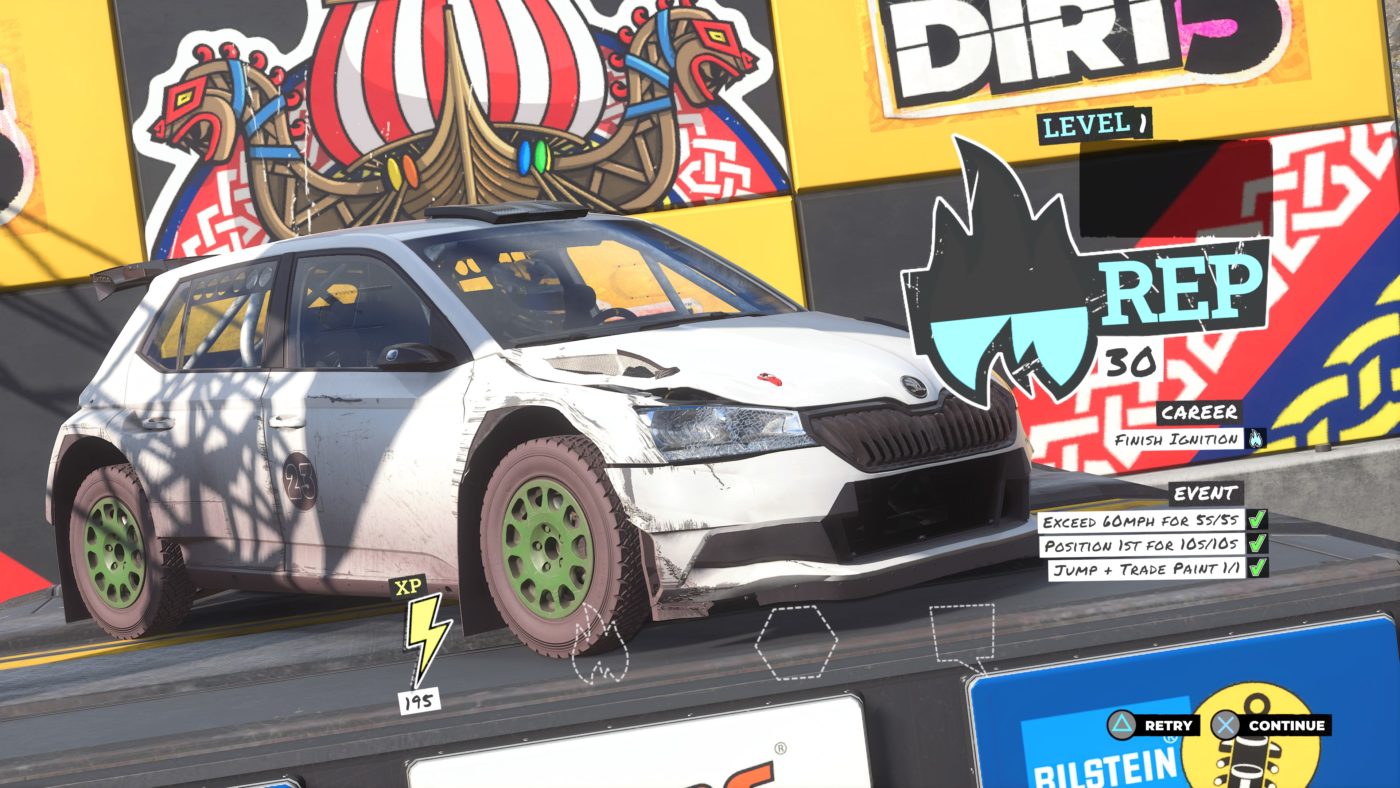
When it comes to playing DIRT 5, the majority of the experience is contained within the Career Mode. There are five chapters to play, with each containing a glut of events to complete. You don’t have to complete every race in a chapter, as there are numerous paths you can take, which in turn allows you to actively skip event types that you dislike (I’m looking at you Sprint Races!). Each race has three stamps to collect. Finishing first nets you three stamps, coming second gives you two, while merely crossing the finish line will reward you with a single participation stamp. Non-racing events such as Gymkhana and Pathfinder give stamps based on the total score or finish time respectively. Stamps aren’t difficult to accrue but you will need to make an effort in nabbing them, as the races at the end of each chapter require a certain amount of stamps to unlock them. 

Completing the optional tasks in each level such as performing a certain amount of drifts or overtakes will raise your reputation, which in turn will level up your sponsorship. Sponsors in DIRT 5 serve as an easy way to earn more cash and goodies throughout the game. Signing on with a sponsor will present you with a set cash reward you will earn per race. Completing optional challenges and levelling up your sponsor by earning reputation will up your cash earnings, whilst also earning cosmetic rewards such as decals for your car. The cool thing about the sponsors is that they are actual brands such as AMD, Michelin, and everyone’s favorite, Monster Energy. Sponsorships aren’t really that important, but they do serve as an efficient way to generate money to spend on buying new cars. 

Dirt 5 Review Screen 4

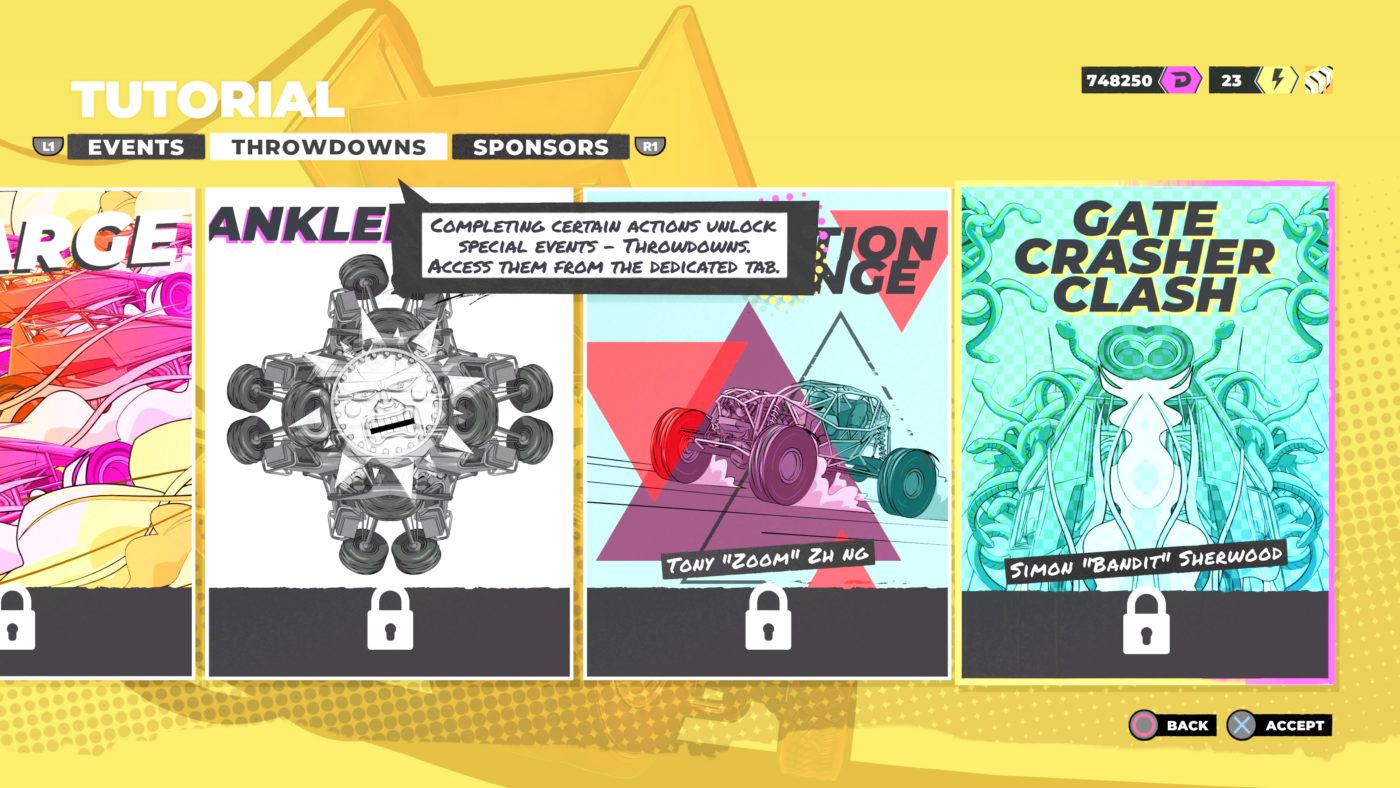
Throughout the career mode you also unlock Throwdowns, which serve as 1v1 challenges that pit you against drivers on tour that want to see what you’re made of. Beating these competitors will get you more money and rewards like player card backgrounds. While you don’t have to play every event to complete the career mode, the fact that there are over 130 events spanning eight different event types is proof that DIRT 5’s Career mode is packed to the brim with content. 

Event Overload

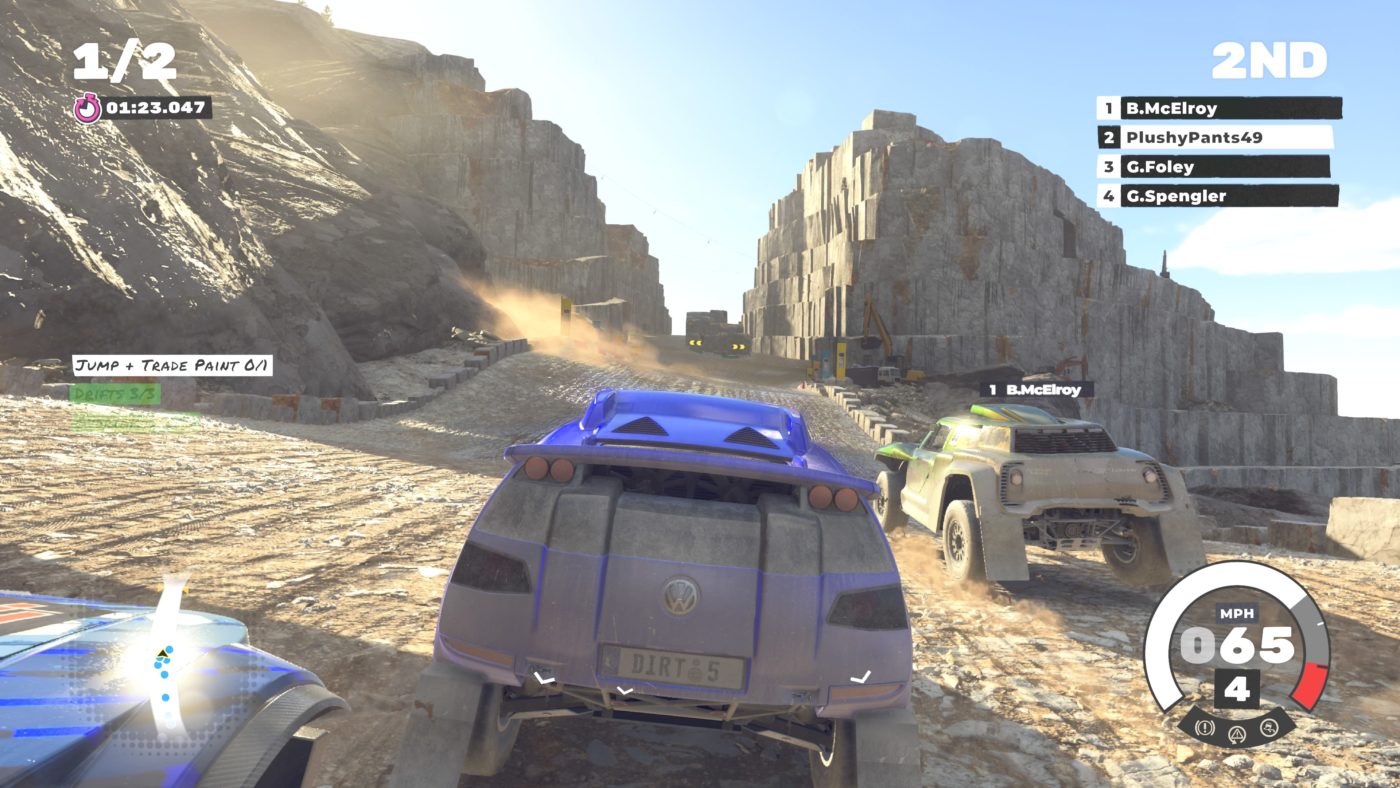
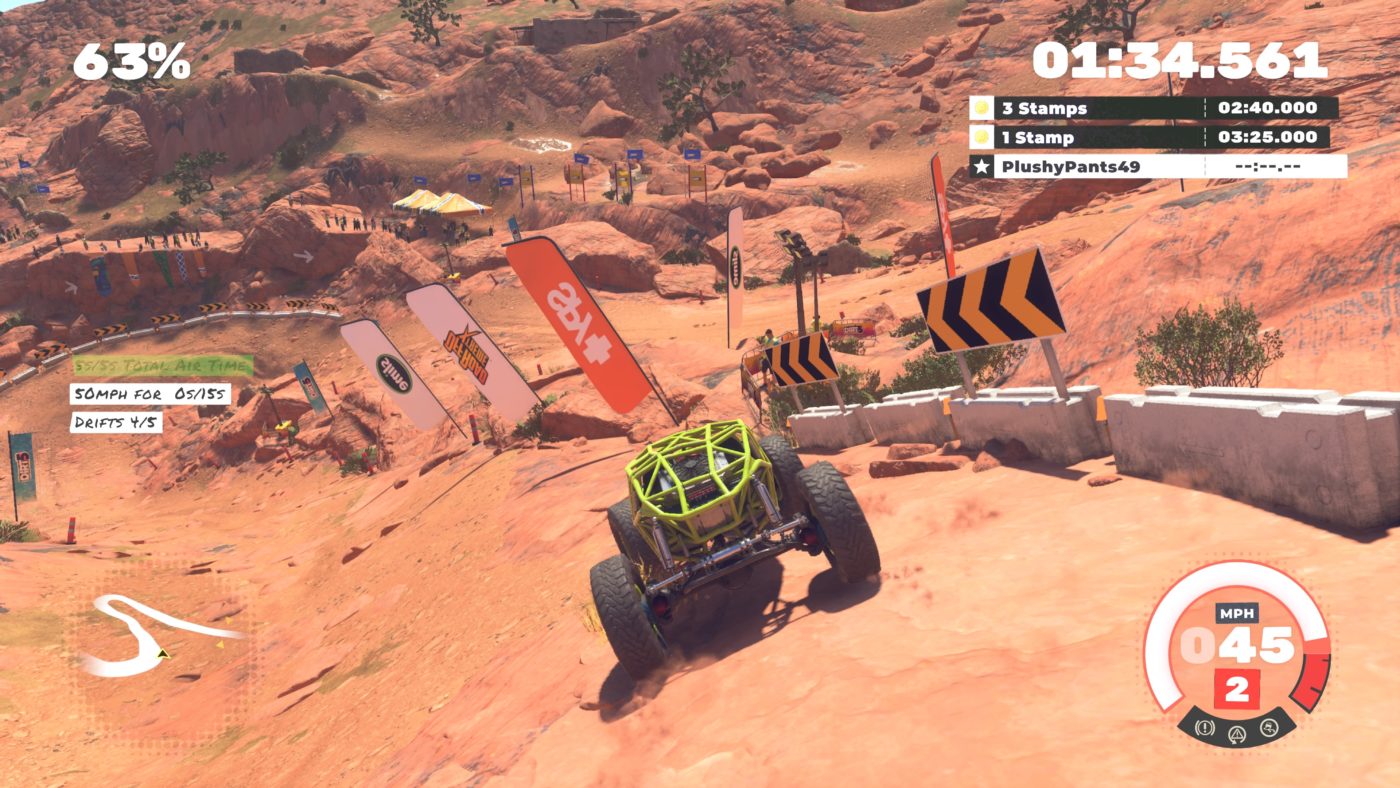
When it comes to the eight event types in career mode, I can happily report that there are more hits than misses. Definite high points include Ultra Cross, Rally Raid, Landrush and Stampede, which are all off-road races that feel the most approachable despite their minor variances in terrain and track design. Stampede for example features an unmarked track with areas littered with mud and sand, while Rally Raid offers a more traditional rally experience with jumps and split routes. Ice Breaker despite being a mode I know will frustrate many was also lots of fun, featuring extremely slippery ice courses where near constant drifting is the key to success. The Path Finder mode which debuts in DIRT 5 are also fantastic, forcing you to maneuver a Rock Bouncer amongst heavily mountainous and rock terrain. Modes that didn’t click with me include Sprint and Gymkhana, with my hot take on the latter sure to upset DIRT 3 fans. I think I may just be average at it, but the act of drifting and jumping around an arena to generate a high score simply wasn’t as fun as the races. The Sprint events are just plain bad, with their difficulty to control leading to many frustrating moments where my car would be holding the railing of the course like a kid when they first learn to ice skate. Despite my hatred for Sprint events and mixed thoughts on Gymkhana, DIRT 5 offers up plenty of engaging and enjoyable races with a multitude of different types of cars to take for a spin.

While Career mode is DIRT 5’s main mode, there are still multiple other modes for you to tinker with. Free Play mode which can be found alongside Time Trial mode allows you to customize your own race. You can pick the location, the class of cars, the weather, the number of laps, as well as the amount of drivers and their difficulty. Time Trial mode as its name suggests sees you race a course in an attempt to complete it in as little time as possible. Online allows you to compete with other players online in either races or party games. Racing others is fun of course, but the party games can be a lot of fun if you can get a group together. My pick is Vampire, a mode I can’t help but compare to the Infected mode from Call of Duty games. One car is the vampire and must come in contact with another car to make them a vampire also, leaving those yet to be turned driving away in an attempt to escape.

Dirt 5 Review Screen 1

Playgrounds is a mode in which players can create their own tracks to race on and share online. I’m not one to spend much time with the creation tools, but from what I tried, it appears really fun and easy to build a track from scratch. Seeing what the community has crafted already is proof that plenty more life can be brought to the game through this mode. Lastly we have the Garage, a spot where you can purchase and customize vehicles to your heart’s content. I think it’d be fair to say that there is a surprisingly large amount of things to do in DIRT 5.

Lookin’ Good

What’s also surprising is how good DIRT 5 looks on current gen hardware, with the PlayStation 4 Pro version in HDR looking particularly solid in the 30Hz option. The environments while not majorly detailed look pretty enough, and while I’m sure the PlayStation 5 and Xbox Series X/S versions will appear far more attractive, it’s nothing to turn your nose up at. The dynamic weather system is a feature that is cool to see take hold over an environment. A race that begins with clear skies can end with heavy rain, which acts as both a cool visual spectacle and an unexpected obstacle.

Dirt 5 Review Screen 3

The 60Hz option that prioritizes frame rate over graphical fidelity does a decent job, however I feel it smears the background to the point where the overall look is a bit too smudged and ugly looking. I’m usually the first person to recommend the higher framerate, but I feel sticking with the 30Hz mode is the right decision in this case. I also encountered some screen tearing, frame drops and weird texture flicker in both performance modes which was disappointing. Another minor annoyance were the loading times between each level. They aren’t obtusely long, but the fact that they commonly occur leads to the game feeling like it resides on a loading screen a tad too much.

DIRT 5 is a celebration of off-road racing that is crammed full with plenty of worthwhile content. It’s simplistic story while throwaway for some provides decent fun, and the variety of different racing modes ensure that the long career mode doesn’t get stale. Additional modes such as Arcade, Online and Playgrounds guarantee that even when you’ve cleared the Career that there is still plenty more entertainment to be had. Despite the occasional bumps in the road with performance and lackluster events, DIRT 5 is a great racing title that is deserving of your time. 

SCORE: 8/10

PROS:

  • Enjoyable story content
  • Looks great 
  • Sturdy gameplay

CONS:

  • Sprint races just aren’t fun
  • Performance isn’t great
  • Loading times .

Dirt 5  review code provided by the publisher. Game tested on the PlayStation 4. You can read SP1st and MP1st’s review and scoring policy right here.

Dylan Blereau

Author

Home > News

Bluepoint Made Sure to Protect Mysterious Demon’s Souls Door From Glitches

There’s a new Demon’s Souls glitch that allows players to clip into objects, bypassing certain areas. However, it seems that Bluepoint had accounted for this as one of the recently uncovered new additions to the game is still well guarded.

As discovered by YouTuber Distortion, this new glitch abuses the game load-ins as object’s collisions aren’t loaded immediately after the initial load from the main menu. Using this glitch has allowed players to reach different areas in the game, though one in particular that has the whole Demon’s Souls community talking in the newly added door in the first world map.

Does anyone know how to open this door in 1-3?
byu/OrganizedBonfire indemonssouls


After the discovery of the door had been made, many players had abused the game’s photomode, in which they found an item waiting for them past the door.

Has anyone figured out how to get past the illusory wall locked door in 1-3?
byu/Cosmic-Vagabond indemonssouls

With no clear way as to how to get access to this area, Distortion did a little testing of his own with the newly found glitch, only to discover that Bluepoint Games had added an additional layer of protection as the area is sealed behind some invisible walls.

This must have come as a bit of a surprise, considering that the glitch was only recently discovered. Still, have to hand it to Bluepoints for guarding whatever secret item is behind that door. We’re hopeful that a solution is found sooner rather than later, and hopefully the item isn’t a disappointing one!

Demon’s Souls (remake) is now available for PS5. If you are interested in reading up on our thoughts, be sure to read up our official Demon’s Souls review, which received a perfect 10!

Avatar photo

James Lara

A gamer at heart, James has been working for MP1st for the last decade to do exactly what he loves, writing about video games and having fun doing it. Growing up in the 90's gaming has been in his DNA since the days of NES. One day he hopes to develop his own game.

Home > Features

Black Ops Cold War 120fps Multiplayer Is Mostly Buttery Smooth on PS5 & XSX – Here’s Our Analysis

We put Call of Duty: Black Ops Cold War through the test at it’s highest performance setting on both the PS5 and Xbox Series X! Our findings? Black Ops Cold War 120fps (frames-per-second) in multiplayer is buttery smooth, but there’s a little bit more to it.

Note: Due to current available consumer capture cards only being capable of capturing resolution up to 1440p, we have adjusted the console settings to match those specifications. As of right now, as far as we are aware, there are no capture cards that allow full 4K resolution at 120 frames-per-second (fps) capturing available for public purchasing. While both PS5 and XSX support 4K recording from their internal cards, it can only be captured up to 60fps. This goes without saying that YouTube also doesn’t support 120fps yet, though our frames-per-second counter will indicate the number of frames being displayed. We also don’t have a Xbox Series S so we can’t say for certain on anything regarding the performance on the budget end Xbox Series console.

Next-gen console players are sure in for a treat with Black Ops Cold War, especially those planning on playing the game at it’s highest performance setting. For those who aren’t aware, Call of Duty Black Ops Cold War features a performance mode that sports 120fps at 4K (dynamic) on both next-gen consoles. A pretty beastly feat. if we do say so ourselves, but exactly how well does this mode perform in the multiplayer? Well, surprisingly well.

Black Ops Cold War Multiplayer Xbox Series X 120fps at 1440P Analysis:

Black Ops Cold War Multiplayer PS5 120fps at 1080p Analysis:

As you can see, both the PS5 and Xbox Series X console can hold a solid 120fps for the most part, with single digit drops here and there during actual gameplay. However, one noticeable difference between the two is how they render killcams, with the PS5 being consistent in its single frame drops and the Series X seeing bigger drops in pretty much every death.

Considering that the dips only occurred during killcams and not in the actual gameplay, we can’t say it’s that big of an issue, at least for us since we tend to skip cams. Still, it’s rather odd to see these drops throughout killcams, and while the Series X is running at a higher resolution, when we went back to test it at an equal 1080p the results still were similar, if not surprisingly a bit worse despite being lower res.

Note: At the time of recording on the PS5, servers had yet to be active so the mode is using bots. However, we had since then ran another test as seen above, which results remain generally the same on the PS5.

Warzone’s Performance

As we learned last week, Warzone for the Xbox received an update which stealthily added 120fps support for the Series X console. In a early test that Digital Foundry performed, they found that the Series X generally runs between 100-120fps on 4K. We decided to test this out between the 1080P option and the 1440P, which showed similar results.

The short of it, we found that running 120fps @ 1440P yielded a more stable experience than running it over 1080P output/capture. Again, because we can’t capture using the 4K option at 120fps we cannot determine if the performance of the higher res is comparable to either of the lesser ones.

A Bit On Campaign

If you are wondering on the campaign side of things, the results are similar for gameplay with both systems dropping a single frame here and there, however the cutscenes are rather interesting as it tanks on both systems. It appears that the PS5 version can hold 120fps longer, though even so it ends up tanking drastically in some parts.

During our 4K playthrough we did notice jitters and slow downs on both consoles in this particular scene. Honestly this most likely is due to some poor optimization on both systems that hopefully may get fixed later.

Conclusion:

If you are looking for a clear winner, then we would have to give it to the PS5 only because of the killcams, otherwise both systems are pretty toe-toe when it comes to producing a stable 120fps. And while the PS5 does seem to hold a more stable 120fps, the 1 frame drop every now and then is so marginal you probably won’t notice much of a difference between the two consoles. It really just boils down to preference at this point.

Avatar photo

James Lara

A gamer at heart, James has been working for MP1st for the last decade to do exactly what he loves, writing about video games and having fun doing it. Growing up in the 90's gaming has been in his DNA since the days of NES. One day he hopes to develop his own game.

Home > News

Demon’s Souls PS5 Review – What’s Old Is New Again

FromSoftware has been around for over three decades, but if we’re being honest, they didn’t become the widely revered developer they are today until the last decade or so. And a large part of that is because of the original Demon’s Souls which was released exclusively for the PlayStation 3 in 2009. Even then, they didn’t have the level of industry respect they have now. Demon’s Souls was the very definition of the word “niche;” a super challenging action-RPG with opaque systems and story that really relied on the small following of the game to help suss out exactly what the story was and what the systems were. Since the game didn’t quite set the sales charts on fire, From tried again with another publisher with the pseudo sequel Dark Souls, and the rest is, as they say, history. The Dark Souls games have become mainstream successes, inspired a whole new sub-genre, and have become highly profitable.

Sony, clearly seeing the opportunity to capitalize on the recent success of the Souls games dusted off their Demon’s Souls IP, the one that started it all, and tasked Bluepoint games with doing a remake. After the success of Bluepoint’s remake of another PlayStation cult favorite, Shadow of the Colossus, it stands to reason why Sony chose Bluepoint. They’re good at what they do. And nothing shows that more than what they’ve managed to accomplish with Demon’s Souls. Read on for our Dark Souls PS5 review to see what we mean.

By the Power of Boletaria

Visually, Demon’s Souls is stunning. Right off the bat, the character creator is incredible. Having the best looking character models I’ve ever seen in a character creator, there are so many preset options that can be combined and tweaked that someone could literally spend hours making an exact replica of themselves or a close approximation of themselves. Once I was in the game proper I was taken aback by how gorgeous and new everything looked. From the fabric of my character’s clothing, to the environments and lighting to the particle effects of my Soul Arrows as I fired upon my first enemy. Each of the worlds you will visit in the Kingdom Boletaria is beautifully realized and unique to themselves. I could go on and on about how wonderful Demon’s Souls looks now but to sum up, the work Bluepoint has done here is absolutely stunning.

I might argue that the sound is even better? The sounds of everything from spells, to the clanking of metal swords, to the ambient wails of Storm Beats in the raining Shrine of Storms, the sound is impeccable. So much so that I’ve been playing the entire game with headphones to really soak up the 3D audio.

With Reverence and Power

So we know that Bluepoint is able to bring the entire presentation of the game into the modern era, how about the gameplay? It speaks to just how good FromSoftware are as developers because in this regard it remains largely unchanged, only minor tweaks to make it feel “smoother.” For example, rolling is now in eight directions as opposed to the original four. They have also put a limit on how many healing items you can carry of each type of Grass (before the Estus and Bloodvials Demon’s Souls healing was done by different types of “Moon grass), whereas in the original there was no real limit. There are also little tweaks that make the game much more “friendly,” for lack of a better word. Such as being able to visably see the damage done to your weapons through use. Another handy improvement that I made great use of is being able to use the archstones (spawn points in each section that are unlocked either upon first entering a world or when defeating a boss) as a reset. By touching the archstone you can choose the same location you’re at to “travel” to and it will simply reload the area which makes it great for farming items needed to upgrade weapons or Souls (the game’s form of currency and experience points, for the uninitiated). You can now also use the Archstones to travel between other words instead of having to go back to the Nexus first. In continuation of this, being able to avoid returning to the Nexus to put items in the storage box and instead being able to send items directly there from the item menu is a godsend. It’s good to see that the changes made, for the most part, is to make the experience more focused on keeping you playing as opposed to managing your stuff.

What remains untouched are the core tenets of these games, which is the challenge, the obfuscation of the story, and the bosses. Unlike later Souls games, many of the bosses in Demon’s Souls are kind of gimmicky and have a “trick” to beating them that is less about your stats and more about your wits, figuring out what that trick is. That’s not to say you still won’t be fighting challenging bosses where you stats do matter, because you will, but even those all have some kind of trick or specific tactic to focus on, such as one boss has a broken sword sticking out of its belly for you to wack until he falls over, leaving his head exposed to do some serious damage. All the while avoiding its massive cleaver attack and tongue. Of course, you can also cheese this same boss without ever getting close to if it if you know what to do. And that’s part of what I love about this remake. Bluepoint clearly understands that these exploits are part of the experience and they remain unchanged and as effective as ever.

This reverence and adherence to the way Demon’s Souls plays also means its quirks come with it. Fun things like dropping off a small ledge at the wrong angle will bounce you over the landing and you will fall to your death. Or enemies swords clipping right through what looks like a concrete wall to hit you and of course kill you. So, yea!

Dying feels far less punishing here than in the original thanks to the amazingly fast custom SSD on the PS5. I can’t even begin to stress what a literal game changer this is. In the original game dying or traveling meant sitting during long load times, which could make the experience drag. Here, it’s literally a matter of seconds. Even starting the game from the home screen to getting back in the game takes under 30 seconds. This quality of life improvement is appreciated and goes a long way in making the experience much more enjoyable.

Tendency to Suffer

My one negative in the game is the returning World Tendency system. Based on not only how well you play but your actions and the actions of other players, it affects the world you’re in. Die too many times in body form (as opposed to Soul form) and the game actually gets harder by inserting tougher versions of enemies. It also makes areas of the levels accessible or not. Having a pure white tendency will have things like ladders show up giving you access to other items. On paper this is a neat feature but considering how the world tendency is also dependent on other players it can close you off to other items and even NPCs in the world. It’s absolutely brutal for people that aren’t very good at the game.

For newcomers it should be noted that Bluepoint made no changes to the challenge or the opaqueness of the story. So if you’re looking for selectable difficulty options or prefer narratives that are passively experienced, this game will still not be for you. Regarding the challenge, however, you do have options available to make the game easier that come from inside the game. First of all, magic allows for ranged combat which is highly effective in most instances, and this game does include co-op where you can summon other players who volunteer to help into the game to assist you. Once you beat the boss or one of you die, they return to their world. Bluepoint did, however, bring in the password system from the more recent From games so you and a couple of friends can share a private password that you create with each other and then you can all play together.

A Masterful Update

Remaking a cult classic for any game isn’t an enviable task, let alone the game that put one of the most revered developers of modern gaming on the mainstream map and yet, I’ll say it from the start; Bluepoint Games’ remake of FromSoftware’s Demon’s Souls is an incredible game. From’s gameplay and impeccable level design remains largely uncharged, Bluepoint gives the entire experience a fresh coat of visuals and audio paint, as well as quality of life improvements that brings the 11 year old cult classic into modern gaming with applaudable success and is a true showpiece for the power of the PS5.

Score: 10/10

Pros:

  • Everything about the visuals and audio feels next gen
  • All of the great gameplay from the original remains in tact
  • Insanely fast load times
  • Tons of customization options in character creator
  • Those boss fights

Cons:

  • The challenge will still be off putting to people wanting easy mode in these games, I guess?
  • World Tendency can close you off from reach different pieces of loot as well as upgrade items.

Demon’s Souls was not provided for review by the publisher. You can read SP1st and MP1st’s review and scoring policy right here.


Sean Mesler

Home > News

Overwatch Update 3.00 November 17 Ushers in Symmetra’s Restoration Challenge

Blizzard Entertainment has another event for Overwatch players today, as the studio has released the Overwatch Update 3.00 November 17 patch! This brings Symmetra’s Restoration Challenge until November November 30, and there are, of course, limited-time rewards!

Overwatch Update 3.00 November 17 Patch Notes:

SYMMETRA’S RESTORATION CHALLENGE

Celebrate the release of Christie Golden’s new Overwatch short story, “Stone by Stone,” with Symmetra’s Restoration Challenge! Through November 30, earn limited-time rewards, including the new Marammat Symmetra skin, by winning games and watching Overwatch on Twitch.

Learn more about Symmetra’s Restoration Challenge on the Overwatch website.

GENERAL UPDATES

Feature Update: Minimum Latency Support

Competition is at its best when it’s fair. Historically, we’ve run tournament events like the Overwatch League and the Overwatch World Cup with teams competing head to head, in person, with local servers to provide the lowest possible latency and the best player experience.

In today’s world, with so many events and tournaments moving online and teams spread across the world, we wanted to provide a mechanism to ensure that the experience is as fair as possible, regardless of how close the teams are to the tournament’s servers.

The Minimum Latency option sets a target latency for Custom Games, leveling the playing field between competitors whether they’re 50 or 500 miles away. Players with latency lower than the minimum setting will automatically have their network traffic delayed to meet the minimum target, while players with latency higher than the target won’t have any additional delay introduced.

This feature is designed to work with a variety of network conditions, and will generally keep players within 8 milliseconds of the target setting.

We hope this feature will be useful, especially for community-driven competitions that want to Play Nice, Play Fair.

CUSTOM GAMES UPDATES

New Custom Game Maps
  • Workshop Green Screen

COMPETITIVE UPDATES

Competitive No Limits

For the first time (Season 1), experience Competitive No Limits with placement matches, skill rating, leaderboards, and the opportunity to earn competitive points. In No Limits, there are no restrictions on hero selection.

HERO UPDATES

BAPTISTE
Amplification Matrix
  • Width increased from 5 meters to 9 meters

LÚCIO

Wall Ride

  • By default, Lúcio will now perform his Wall Jump boost immediately upon releasing Jump to leave the wall, instead of requiring a second Jump press immediately after leaving the wall
    • This new setting appears inside Lucio’s settings page as “Wall Jump On Release”
  • While using the new setting, Lúcio can cancel wall rides by pressing Crouch, which will not trigger the automatic jump
    • When using the “Wall Jump on Release” option, after crouching, releasing jump within 0.2 seconds will provide a jump boost (Jump release timing is consistent with pre-existing live server Jump re-press timing)

WORKSHOP UPDATES

General
  • Increased max Workshop Element Count to 32768
  • Added Type field to Start Forcing Player Outlines
  • Added Spray options to Communicate, Is Communicating, and Is Communicating Any
  • Added Sort Order field to Workshop Settings Values and increased the max Workshop Settings Count to 128
  • Allow Button, Disallow Button, Press Button, Start Holding Button, Stop Holding Button, and Is Holding Button now accept Button Values
  • Create Beam Effect, Create Effect, Create HUD Text, Create Icon, Create In-World Text, Play Effect, and Start Forcing Player Outlines now accept Color Values and support options for Color Value Reevaluation
  • Added Black, Gray, Rose, and Violet color options
  • Added a new option to the Apply Impulse action allowing horizontal and vertical velocity to be modified together (instead of each considered separately) when canceling contrary motion
New Workshop Actions
  • Log to Inspector
  • Wait Until
  • Set Knockback Dealt
  • Set Knockback Received
  • Set Environment Credit Player
  • Start Assist
  • Stop Assist
  • Stop All Assists
  • Create Progress Bar HUD Text
  • Destroy Progress Bar HUD Text
  • Destroy All Progress Bar HUD Text
  • Create Progress Bar In-World Text
  • Destroy Progress Bar In-World Text
  • Destroy All Progress Bar In-World Text
New Workshop Values
  • Color
  • Custom Color
  • Workshop Setting Combo
  • Workshop Setting Hero
  • Evaluate Once
  • Update Every Frame
  • Magnitude Of
  • Number of Slots
  • Spawn Points
  • String Contains
  • String Length
  • Last Assist ID
  • Is Communicating Any Spray
  • Player Stat (limited to current match stats)
  • Player Hero Stat (limited to current match stats)

Evaluate Once can be used to isolate a part of a reevaluating parameter and “freeze” it at its initial value. One way this can be useful is when a reevaluating parameter (such as an effect’s position) makes use of a For loop’s control variable. For example, if you want to create a vertical stack of effects that move with a player, you could loop over a Create Effect action using Global.Y as your control variable and “Position Of(Event Player) + Vector(0, Evaluate Once(Global.Y), 0)” as your position (with reevaluation enabled). Doing this, the position of each effect would move along with the player, but thanks to Evaluate Once, the vertical offset for each effect would be frozen to the value of Global.Y when that particular effect was created (instead of the final value of Global.Y when the loop ends).

Update Every Frame increases the rate at which certain values will update. For example, “Position Of(…)” only updates 12.5 times per second, but “Update Every Frame(Position Of(…))” will evaluate 62.5 times per second for conditions and other logical checks and as fast as your framerate for visual output, such as effects and camera. This value can be used to create highly sensitive positional triggers and smooth movement for effects and camera work. Depending on your usage, this value could have a significant impact on server load, framerate, or both, so use it only when needed. That said, executing a single condition or action that contains an Update Every Frame is still much more performant than repeatedly executing an action in a tight loop to try and achieve the same result.

BUG FIXES

General
  • Fixed a bug with Capture the Flag that caused the overhead flag to not appear properly during sudden death
  • Fixed a bug that would cause colorblind friendly names for duel and elimination game modes to not appear properly
  • Fixed a bug that would default players to the legendary loot box screen even if players did not have one available
Heroes

Doomfist

  • Fixed a bug that caused VFX to not appear correctly during the One Punch highlight intro

D.Va

  • Fixed a bug with her footstep sound effects when equipping the Shin-Ryeong skin

Hanzo

  • Fixed a bug that caused an animation issue with his Hero Select animation

Pharah

  • Fixed a bug that caused Pharah’s eyes to face the wrong direction in her HUD portrait when equipping the Lifeguard skin

Sombra

  • Fixed a rare bug where Sombra’s translocator could be on cooldown after use if it was shot at the same time it was used
  • Fixed a bug that would cause Sombra to not receive a detect notification when being seen or receive a detect notification without being seen by an enemy
  • Fixed a bug that would allow Sombra to see her translocating animation if she was killed while triggering that ability
  • Fixed a bug that would sometimes cause translocate to display incorrectly when viewed within a replay

Wrecking Ball

  • Fixed a bug that caused his gun to clip into his mech during the Medal victory pose
Workshop
  • Fixed a crash that could occur when swapping the parent/child relationship between two players (using the Attach Players action)
  • Fixed a bug where Disable Messages was also disabling messages sent from Workshop (e.g. Small Message and Big Message)
  • Fixed a bug where setting multiple Ability Cooldowns within the same frame could fail
  • Fixed a bug where the camera override from Start Camera could be overridden from other sources (e.g. emote cameras)
  • Fixed a bug where Wrecking Ball could leave from ball form even if the Ability 1 and Primary Fire buttons were disabled
  • Fixed a bug where the user could lose focus when interacting with the Array Value in the editor
  • Fixed a bug where Set Move Speed and Set Jump Vertical Speed couldn’t set the speed to 0
  • Fixed a bug where Declare Team Victory could fail in Elimination
  • Fixed a bug where the Start Camera and Chase Variable actions would not update smoothly at high framerates or during slow motion
  • Fixed a bug where D.Va and Echo could use their flight abilities to break away from an Attach Players action
  • Fixed a bug where values with redundant parentheses would fail to paste from text correctly
  • Fixed a bug where values with mismatched units (for example, a directional vector instead of a positional vector) would fail to paste from text correctly
  • Fixed a bug where the element count could be higher than expected when pasting from text
  • Fixed a bug where multiple 0.016-second Waits running on the same player (or the global entity) could result in some Waits taking an extra 0.016 seconds to complete
  • Fixed a bug where the Phased Out status behaved inconsistently when applied to a dead player (since Phased Out and Dead are mutually exclusive)
  • Fixed a bug where a Set variable action (not a Modify) would behave incorrectly when a previously-Chased variable was on both the left and right side (such as Global.A = 1 – Global.A)
  • Fixed a bug where a player’s current health would be incorrectly limited to the player’s original max health between executions of multiple Set Max Health actions
  • Fixed a bug where Team Score would fail in non-Control game modes
  • Fixed a bug that caused Sombra to not be detected properly when scaled over twice as large

Make sure to read up on what we have to say regarding Overwatch in our Games of the Generation list.

Source: Overwatch

Avatar photo

Alex Co

Father, gamer, games media vet, writer of words, killer of noobs.

Home > News

Mortal Kombat 11 Kombat Pack 2 Fighters Now Available, MK11 Ultimate Patch Notes Released

For those who bought the Kombat Pack 2 for Mortal Kombat 11 (MK11) or bought the MK11 Ultimate Edition, the fighters can now be accessed and played! Rambo, Rain, and Mileena can now be selected and unleashed! While the studio released the data patch for the Kombat Pack 2 yesterday, the actual MK11 Ultimate patch notes have just been released today.

For the new fighters, head on below for the links showcasing the details for each, and as an added convenience, we included the MK11 Ultimate patch notes below too.

MK11 Ultimate Patch Notes:

General Gameplay Adjustments

  • Move list corrections
  • Improvements to AI logic
  • Added several new Brutalities for players to discover
  • Added an option to toggle the ability to use Kustom Variations in Tournament Mode Options
  • Slightly adjusted the head victim region location for all characters
  • Most Basic & Kombo Attacks now allow for button input buffer during their last 4 frames of recovery
  • Hop attacks are now also immune to Down + Front Punch Basic Attacks until their recovery frames
  • Getup recovery is now 4 frames faster
  • Delayed Getup now uses a unique animation, displays in-game message, and only has one timing of 20 frames (previously Short was 15 and Long was 30 frames)
  • Fatal Blows now have a larger 6 frame window to Flawless Block, have slightly less pushback on block, and no longer pushback from blocking cornered opponents
  • Fixed a rare issue with throw escapes that could cause weapons held in hands to use an incorrect animation
  • Toward & Back Throws now lose trades to most other attacks and they do 10 less damage on their initial hit
  • When a Basic Throw startup is interrupted it will now cause the hit reaction to occur at the current location of the character, instead of the starting location of the throw
  • Fixed a rare issue that could cause Krushing Blow DOTs to linger after resurrections if the additional damage from the Krushing Blow cinematic caused the death
  • Fixed an issue that could cause incorrect victim regions to be used for a few frames if the player performed a forward dash then held down without any further inputs
  • Most Kombo Attacks can no longer hit opponents from behind unless the opponent is in a combo
  • Fixed a rare issue that could cause a physical attack to be ignored by the opponent if a projectile collided with a background at that very specific timing
  • Slightly adjusted victim regions on several regular reactions

Kombat League / Online

  • Minor online stability improvements
  • Fixed several rare online desync causes
  • Added an Online Tutorial when you first go to the Online Menu that explains some parts of Kombat League & Matchmaking
  • Players can now use Kustom Variations in Kompetitive Modes
  • Players can now view an opponent’s First Party online profile on the rematch screen after an online match
  • Added support for Kross-Generation Play where kross-Play can be used
  • There is now a Main Menu popup message informing a user if they have been banned from the online servers

Krypt

  • Added new Nether Forge Recipes for players to discover
  • Added New Krypt Events

Towers of Time

  • Added New Player Module Rewards
  • Added a new Summonable Tower
  • Added new Augments for all characters
  • Added a new Konsumable called Elixir
  • Fixed various gameplay & visual issues with several Augments
  • Replaced some opponents in the Gauntlet with new characters

Character Specific Adjustments

Baraka

  • Baraka – Low Stab (Down + Front Punch) is now -6 on block (down from -4), has 2 more recovery frames on miss, and 4 more frames of hit advantage on a grounded opponent
  • Baraka – Straight Shank (Down + Towards + Front Punch) is now -6 on block (down from -3) and has 3 more recovery frames on miss
  • Baraka – Opponent’s hop attacks are now immune to Straight Shank until its recovery frames
  • Baraka – Low Poke (Down + Front Kick) is now -5 on block (down from -4) and has 3 more recovery frames on miss
  • Baraka – Low Shank (Down + Towards + Front Kick) is now -6 on block (down from -4), has 2 more recovery frames on miss, and 2 more frames of hit advantage on a grounded opponent

Cassie Cage

  • Cassie Cage – Straight Punch (Down + Front Punch) is now -6 on block (down from -4), has 2 more recovery frames on miss, and 3 more frames of hit advantage on a grounded opponent
  • Cassie Cage – Side Kick (Down + Front Kick) now has a different hit reaction, has 2 more recovery frames on miss, and 4 more frames of hit advantage on a grounded opponent
  • Cassie Cage – Opponent’s hop attacks are now immune to Ball Buster until its recovery frames
  • Cassie Cage – BLB-118 Bitchin’ Bubble now has a 300 frame duration (down from 400) and will now disappear when Cassie is hit, has an attack parried, or performs Back Throw

Cetrion

  • Cetrion – Low Wind (Down + Front Punch) now has 3 more recovery frames on miss and 4 more frames of hit advantage on a grounded opponent
  • Cetrion – Krystal Kick (Down + Front Kick) now has a different hit reaction, has 4 more recovery frames on hit, 2 more recovery frames on miss, and 4 more frames of hit advantage on a grounded opponent
  • Cetrion – Krystal Heel (Down + Back Kick) is now -6 on block (down from -5), has 1 more recovery frame on miss, and 2 less frames of hit advantage on a grounded opponent
  • Cetrion – Fixed a rare issue with Conflux of Elements which could cause other elements besides Hallowing Winds to alter the opponent’s air movement

D’Vorah

  • D’Vorah – Low Sting (Down + Front Punch) now has 3 more recovery frames on hit and 3 more frames of hit advantage on a grounded opponent
  • D’Vorah – Slight Sting (Down + Back Kick) now has 4 more frame of hit advantage on a grounded opponent
  • D’Vorah – Adjusted the hit regions of Tsetse (Towards + Back Punch, Back Punch, Down + Front Punch + Front Kick) and it can now be directed close or far
  • D’Vorah – slightly reduced the hit regions of Bug Bash (Towards + Front Punch)
  • D’Vorah – slightly increased the range of Bot Fly (Towards + Front Punch, Front kick) when opponent is in a combo

Erron Black

  • Erron Black – Ducking victim regions slightly increased
  • Erron Black – Low Boot (Down + Front Kick) is now -5 on block (down from -3) and 2 more recovery frames on miss
  • Erron Black – Ankle Biter (Down + Towards + Front Kick) now has 8 startup frames (down from 9), has 1 less recovery frame on miss, 2 more frames of hit advantage on a grounded opponent, and has an increased hit region when opponent is in a combo
  • Erron Black – Sandy Sole (Down + Back Kick) is now -7 on block (down from -3)
  • Erron Black – Slightly increased the hit regions of Ghost Koins (Fatal Blow) when opponent is in a combo
  • Erron Black – Down Peacemaker now has 20 startup frames (up from 15), is a low block, -14 on block (down from -8), -19 on flawless block (down from -8), and 1 less recovery frame on miss
  • Erron Black – Removed some instances where Zaterrean Spit could damage opponents when they are invulnerable to attacks
  • Erron Black – Fixed an issue that could cause juggle hits after Rising Stock (Locked And Loaded) Krushing Blow juggle during Finish Him to not allow a fatality to be performed

Frost

  • Frost – Frigid Palm (Down + Front Punch) is now -5 on block (down from -4)
  • Frost – Chest Cold (Down + Front Kick) is now -6 on block (down from -3), has 1 less recovery frame on hit, and 4 more frames of hit advantage on a grounded opponent
  • Frost – Slightly adjusted the victim regions on the hit reaction to Freezer Burn (Away + Front Punch, Back Punch)
  • Frost – Removed some instances where Core Trap could damage opponents when they are invulnerable to attacks

Geras

  • Geras – Knee Bash (Down + Front Punch) is now -6 on block (down from -5), has 3 more recovery frames on miss, and 2 more frames of hit advantage on a grounded opponent
  • Geras – Gauntlet Slam (Down + Front Kick) now has 5 more frames of hit advantage on a grounded opponent
  • Geras – Pounding Sand (Down + Back Kick) now has 3 more frames of hit advantage on a grounded opponent

Jacqui Briggs

  • Jacqui Briggs – Straight Jab (Down + Front Punch) is now -6 on block (down from -3), has 3 more recovery frames on miss, and 3 more frames of hit advantage on a grounded opponent
  • Jacqui Briggs – Side Strike (Down + Front Kick) now has a different hit reaction, has 5 more recovery frames on miss, and 3 more frames of hit advantage on a grounded opponent
  • Jacqui Briggs – Slightly adjusted the hit regions of Leaping Bow (Away + Front Punch) and it now has 1 less active frame, 1 more recovery frame on miss, and no longer pushbacks from blocking cornered opponents
  • Jacqui Briggs – Bionic Dash is now -12 on block (down from -7)
  • Jacqui Briggs – Jump Attacks & Special Moves when executed during Bionic Bounce do slightly less damage and have a larger 6 frame window to Flawless Block
  • Jacqui Briggs – Prototype Rocket is now -16 on block (down from -14), has 12 more recovery frames on hit and has 2 more recovery frames on miss
  • Jacqui Briggs – Removed some instances where the dot damage of Grenade Launcher could damage opponents when they are invulnerable to attacks

Jade

  • Jade – Straight Palm (Down + Front Punch) is now -6 on block (down from -4), has 2 more recovery frames on hit, has 2 more recovery frames on miss, and 4 more frames of hit advantage on a grounded opponent
  • Jade – Side Heel (Down + Front Kick) now has a different hit reaction, and is now -5 on block (down from -4), has 1 more recovery frame on hit, and 4 more frames of hit advantage on a grounded opponent
  • Jade – Pierced (Down + Back Kick) is now -7 on block (down from -6), has 2 more recovery frames on hit& on miss, and 2 more frames of hit advantage on a grounded opponent
  • Jade – Getup/Flawless Block Attack (Up + Front Kick) is now -8 on block (down from -6), and -13 on flawless block (up from -16), and 3 less recovery frames on hit & on miss
  • Jade – adjusted the repel region on Pole Vault during its startup frames
  • Jade – Fixed an issue that could cause visual effect lingering on Delia’s Dance Gear Ability
  • Jade – Slightly reduced the combo damage scaling after Toward Throw Krushing Blow

Jax

  • Jax – Knee Jab (Down + Front Punch) ) is now -5 on block (down from -4), has 1 more recovery frame on miss, and 1 more frame of hit advantage on a grounded opponent
  • Jax – Slightly adjusted the hit regions of Quick Drill (Down + Front Punch, Back Punch) and it now has 4 active frames (up from 2), 2 less recovery frames on miss, and its cancel frame is 2 frames earlier
  • Jax – Side Strike (Down + Front Kick) now has a different hit reaction, and is now -6 on block (up from -7), has 4 more recovery frames on hit, 2 more recovery frames on miss, and 5 more frames of hit advantage on a grounded opponent
  • Jax – Step Back (Down + Back Kick) has 4 less recovery frames on hit and 5 more frames of hit advantage on a grounded opponent

Johnny Cage

  • Johnny Cage – Low Jab (Down + Front Punch) is now -5 on block (down from -3), has 5 more recovery frames on hit & on miss, and 1 more frame of hit advantage on a grounded opponent
  • Johnny Cage – Low Boot (Down + Front Kick) is now -5 on block (down from -4), has 2 more recovery frames on hit, has 4 more recovery frames on miss, and 4 more frames of hit advantage on a grounded opponent
  • Johnny Cage – The Gist Of My Fist (Towards + Back Punch, Front Punch, Back Punch) is now considered grounded 7 frames earlier, matching when he visually lands on the ground
  • Johnny Cage – Cage Match (Front Kick, Back Kick, Up + Front Kick) is now considered grounded 5 frames earlier, matching when he visually lands on the ground
  • Johnny Cage – Making Headlines (Away + Front Kick, Back Kick, Up + Front Kick + Back Kick) is now considered grounded 5 frames earlier, matching when he visually lands on the ground
  • Johnny Cage – Tear Jerker (Towards + Back Kick, Front Kick) is now considered grounded 2 frames earlier, matching when he visually lands on the ground
  • Johnny Cage – Slightly adjusted the hit regions of Hop Kick (Hop + Front Kick/Back Kick) and it now has 5 active frames (up from 3) and 2 less recovery frames on miss
  • Johnny Cage – Nut Punch amplify will now auto face the opponent
  • Johnny Cage – Pissed Off now breaks armor
  • Johnny Cage – Opponent’s hop attacks are now immune to Nut Punch until its recovery frames
  • Johnny Cage – Fixed a rare visual issue with Sunglasses when Throwing Shades is flawless blocked
  • Johnny Cage – Adjusted camera & controller shakes on Toward & Back Throws

Kabal

  • Kabal – Knee Buckle (Down + Front Punch) is now -5 on block (down from -4), has 3 more recovery frames on hit & on miss, and 3 more frames of hit advantage on a grounded opponent
  • Kabal – Side Kick (Down + Front Kick) now has a different hit reaction, and is now -5 on block (up from -4), has 4 more recovery frames on hit & on miss, and 4 more frames of hit advantage on a grounded opponent
  • Kabal – Flash Parry now does 90 damage (was 0), is now +25 on hit (up from +9), and now enables autoblock which no longer allows for followup hits to combo
  • Kabal – Fixed a rare issue that could cause an improper animation to be used briefly on Kabal’s Hook Swords when using Flash Parry

Kano

  • Kano – Knee Cutter (Down + Front Punch) is now -6 on block (down from -5), has 1 more recovery frame on hit & on miss and 5 more frames of hit advantage on a grounded opponent
  • Kano – Low Hinge (Down + Front Kick) now has a different hit reaction and 6 more frames of hit advantage on a grounded opponent
  • Kano – Devo Strike (Down + Back Kick) now has 6 more frames of hit advantage on a grounded opponent
  • Kano – Wheel Kick (Towards + Back Kick) will no longer sometimes switch sides with the opponent when done in certain circumstances
  • Kano – Removed some instances where Molotov Cocktail could damage opponents when they are invulnerable to attacks
  • Kano – Removed some instances where Bio-Magnetic Trap could damage opponents when they are invulnerable to attacks

Kitana

  • Kitana – Heal Poke (Down + Front Kick) now has a different hit reaction, and now has 1 more recovery frame on hit, 4 more recovery frames on miss, and 5 more frames of hit advantage on a grounded opponent
  • Kitana – Fan Stab (Down + Back Kick) is now -9 on block (down from -8), has 1 more recovery frame on hit & on miss, and 7 more frames of hit advantage on a grounded opponent
  • Kitana – Neck Slice (Back Punch) now has 11 startup frames (down from 13)
  • Kitana – Royal Protection now increases damage on Quick Execution and Toward & Back Throws
  • Kitana – Edenian Razors now has 3 less recovery frames and only attacks with one Fan instead of three
  • Kitana – Edenian Razors can now be Amplified to attack with 2 additional Fans
  • Kitana – Edenian Twist Krushing Blow no longer is possible if Kitana is above 300 health while Fatal Blow is still on cooldown
  • Kitana – Upward Fan Toss now has 5 more recovery frames
  • Kitana – Upward Fan Toss Amply now has 1 more recovery frame and now enables autoblock which no longer allows for followup hits to combo
  • Kitana – Cancel (Half-Blood Stance) is no longer throw immune during some of its frames
  • Kitana – Far Dark Plunge (Edenian Fade) is now +12 on hit (up from -10) when connecting on the first active frame

Kollector

  • Kollector – Bloody Nails (Down + Front Punch) is now -6 on block (down from -5), has 1 more recovery frame on hit & on miss, and 5 more frames of hit advantage on a grounded opponent
  • Kollector – Leg Check (Down + Front Kick) now has a different hit reaction, and now has 1 less recovery frame on miss, and 6 more frames of hit advantage on a grounded opponent
  • Kollector – Low Mace (Down + Back Kick) is now -5 on block (down from -4) and has 3 more frames of hit advantage on a grounded opponent
  • Kollector – Removed some instances where Vial of Sorrow could damage opponents when they are invulnerable to attacks

Kotal Kahn

  • Kotal Kahn – Low Swipe (Down + Front Punch) now has 3 more recovery frames on hit, 4 more recovery frames on miss, and 4 more frames of hit advantage on a grounded opponent
  • Kotal Kahn – Side Strike (Down + Front Kick) now has a different hit reaction, and now has 3 more recovery frames on miss, and 3 more frames of hit advantage on a grounded opponent
  • Kotal Kahn – Warrior Spin (Down + Back Kick) is now -9 on block (down from -8), has 1 more recovery frame on hit & on miss, and 4 more frames of hit advantage on a grounded opponent
  • Kotal Kahn – Slightly adjusted the victim regions on the hit reaction to Blade Push (Towards + Back Punch)
  • Kotal Kahn – Slightly adjusted the victim regions on the hit reaction to Tlaneltocaz (Towards + Back Punch, Back Kick) and it is now -5 on block (up from -7), has 2 less recovery frames on hit & on miss, 2 more frames of hit advantage on a grounded opponent, and its cancel frame is 2 frames earlier
  • Kotal Kahn – Slightly adjusted the victim regions on the hit reaction to Macuahuitl Swipe (Away + Back Punch)
  • Kotal Kahn – Slightly adjusted the hit regions of Tonaltzintli (Away + Back Punch, Back Punch) and it now has 20 startup frames (down from 22), 4 active frames (up from 2), and is now -19 on block (down from -16)
  • Kotal Kahn – Mehtizquia (Away + Back Punch, Back Punch, Front Kick) is now considered grounded 19 frames earlier, matching when he visually lands on the ground
  • Kotal Kahn – Slightly increased the range of the first hit of Yeyecame Disk Amplify
  • Kotal Kahn – Adjusted the repel region of Tecuani Maul and the first hit now has 32 more frames of hit advantage

Kung Lao

  • Kung Lao – Low Palm (Down + Front Punch) is now -5 on block (down from -4), has 1 more recovery frame on hit, has 4 more recovery frames on miss, and 5 more frames of hit advantage on a grounded opponent
  • Kung Lao – Side Kick (Down + Front Kick) now has a different hit reaction, and now has 2 more recovery frames on miss, and 4 more frames of hit advantage on a grounded opponent
  • Kung Lao – Back Kick (Down + Back Kick) is now -7 on block (up from -9), has 2 less recovery frames on hit & on miss, and 6 more frames of hit advantage on a grounded opponent
  • Kung Lao – Slightly increased the hit region of Hat Toss when opponent is in a combo
  • Kung Lao – Possessed Hat now releases only one hat, 18 more frames of hit advantage on a grounded opponent, can now be amplified, and has a slightly increased hit region when opponent is in a combo
  • Kung Lao – Shaolin Slam (Teleport) on hit now causes both characters to be considered airborne until visually landing
  • Kung Lao – Guided Hat now has 8 more frames of hit advantage on a grounded opponent and a slightly increased hit region when opponent is in a combo
  • Kung Lao – “Buzz Saw” now loses trades

Liu Kang

  • Liu Kang – Low Backhand (Down + Front Punch) is now -5 on block (down from -4) and has 2 more frames of hit advantage on a grounded opponent
  • Liu Kang – Crouching Kick (Down + Front Kick) now has a different hit reaction, is -7 on block (down from -5), and has 2 more frames of hit advantage on a grounded opponent
  • Liu Kang – Dragon’s Tail (Down + Back Kick) is now -7 on block (down from -4) and has 1 more frame of hit advantage on a grounded opponent
  • Liu Kang – Slightly increased the hit regions of This Will Hurt (Away + Front Kick, Back Kick)
  • Liu Kang – Slightly increased the hit regions of Shaolin Strike

Noob Saibot

  • Noob – Knee Hook (Down + Front Punch) is now -6 on block (down from -4), has 4 more recovery frames on hit, has 3 more recovery frames on miss, and 2 more frames of hit advantage on a grounded opponent
  • Noob – Boot Slide (Down + Front Kick) now has 3 more recovery frames on hit & on miss, and 3 more frames of hit advantage on a grounded opponent
  • Noob – Sickle Strike (Down + Back Kick) now has 3 more frames of hit advantage on a grounded opponent
  • Noob – Slightly adjusted the hit regions of As One (Away + Front Punch, Front Punch + Front Kick)
  • Noob – Fixed a rare issue with As One (Away + Front Punch, Front Punch + Front Kick) & For The Brotherhood (Away + Front Punch, Front Punch + Front Kick, Back Punch) that could cause weapons held in hands to use an incorrect animation

Raiden

  • Raiden – Side Strike (Down + Front Punch) is -6 on block (down from -3), has 3 more recovery frames on hit & on miss, and 3 more frames of hit advantage on a grounded opponent
  • Raiden – Low Boot (Down + Front Kick) now has a different hit reaction, is -5 on block (down from -3), has 2 more recovery frames on hit, 5 more recovery frames on miss, and 4 more frames of hit advantage on a grounded opponent
  • Raiden – Sweeping Storm (Down + Back Kick) now has 13 startup frames (down from 14), 2 less recovery frames on hit & on miss, and 3 more frames of hit advantage on a grounded opponent
  • Raiden – Distant Thunder (Away + Front Punch, Back Kick) has 15 more frames of blockstun with increased pushback when normal blocked and 5 more frames of blockstun with slightly increased pushback when Flawless Blocked
  • Raiden – Slightly adjusted the hit regions of Heavy Thunder (Jump + Front Kick)
  • Raiden – Removed some instances where Rolling Thunder could damage opponents when they are invulnerable to attacks
  • Raiden – Super Bolt now has 10 more frames of blockstun, has 6 more recovery frames on hit & on miss, and is now considered grounded after its active frames
  • Raiden – When Super Bolt is charged for the 20 frames it now has 8 less recovery frames on hit and 10 less recovery frames on block & on miss

Scorpion

  • Scorpion – Low Jab (Down + Front Punch) is now -6 on block (down from -4), has 2 more recovery frames on hit & on miss, and 4 more frames of hit advantage on a grounded opponent
  • Scorpion – Side Strike (Down + Front Kick) now has a different hit reaction, is -6 on block (down from -4), has 3 more recovery frames on hit & on miss, and 4 more frames of hit advantage on a grounded opponent
  • Scorpion – Quick Kick (Down + Back Kick) now has 1 more frame of hit advantage on a grounded opponent
  • Scorpion – Demon Dash now has 12 startup frames (up from 7)
  • Scorpion – Cancel (Misery Blade) is no longer throw immune during some of its frames

Skarlet

  • Skarlet – Silent Stab (Down + Front Punch) now has 1 more recovery frame on miss, and 3 more frames of hit advantage on a grounded opponent
  • Skarlet – Spear Strike (Down + Front Kick) is now -7 on block (up from -10)
  • Skarlet – Spinning Scythe (Down + Back Kick) is now -13 on block (down from -12), has 4 less recovery frames on miss, and 3 more frames of hit advantage on a grounded opponent
  • Skarlet – Removed some instances where Red Mist could damage opponents when they are invulnerable to attacks

Sonya Blade

  • Sonya – Energy Burst (Down + Front Punch) is -6 on block (down from -3), has 3 more recovery frames on hit, and 1 more frame of hit advantage on a grounded opponent
  • Sonya – Side Boot (Down + Front Kick) now has a different hit reaction, has 5 more recovery frames on hit & on miss, and 4 more frames of hit advantage on a grounded opponent
  • Sonya – Low Burst (Down + Back Kick) now has 2 more recovery frames on hit and 6 more frames of hit advantage on a grounded opponent
  • Sonya – (Air) Soaring General is now a high block and breaks armor

Sub-Zero

  • Sub-Zero – Slightly adjusted the hit regions Low Back Hand (Down + Front Punch) and now has 2 more recovery frames on miss, and 4 more frames of hit advantage on a grounded opponent
  • Sub-Zero – Quick Kick (Down + Front Kick) now has a different hit reaction, is -7 on block (down from -5), has 5 more recovery frames on hit, 2 more recovery frames on miss, and 4 more frames of hit advantage on a grounded opponent
  • Sub-Zero – Swing Kick (Down + Back Kick) now has 1 more frame of hit advantage on a grounded opponent

Shao Kahn

  • Shao Kahn – Dragon Fist (Down + Front Punch) is now -5 on block (down from -4), has 2 more recovery frames on hit, has 1 more recovery frame on miss, and 4 more frames of hit advantage on a grounded opponent
  • Shao Kahn – Knee Shatter (Down + Front Kick) now has 3 more recovery frames on miss and 4 more frames of hit advantage on a grounded opponent
  • Shao Kahn – Side Spike (Down + Back Kick) is now -9 on block (down from -8), has 1 more recovery frame on hit & on miss, and 5 more frames of hit advantage on a grounded opponent

Shang Tsung

  • Shang Tsung – Serpent Stab (Down + Front Punch) is now -5 on block (down from -4), has 2 more recovery frames on hit, has 5 more recovery frames on miss, and 3 more frames of hit advantage on a grounded opponent
  • Shang Tsung – Ankle Snap (Down + Front Kick) now has a different hit reaction, is -7 on block (down from -4), has 3 more recovery frames on miss, and 5 more frames of hit advantage on a grounded opponent
  • Shang Tsung – Slightly adjusted the hit regions of Stance Breaker (Down + Back Kick) and it is now -7 on block (down from -6) and has 1 more recovery frame on miss
  • Shang Tsung – Slightly increased the victim regions on Sorcerer Sweep (Away + Front Kick, Down + Back Kick)
  • Shang Tsung – The duration of Malignant Sorcery & Vile Inscriptions is now 240 frames (down from 420)
  • Shang Tsung – Corpse Drop now does 80 damage (down from 90)
  • Shang Tsung – When Explosive Corpses Gear Ability is equipped, Corpse Drop now does 60 damage (down from 90)
  • Shang Tsung – When Explosive Corpses Gear Ability is equipped, Corpse Drop Amplify now does 30 damage (down from 60), and has 5 less block advantage frames with slightly reduced pushback when blocked
  • Shang Tsung – Soul Swap can no longer kill an opponent but can still trigger Chip Avoided & Last Breath
  • Shang Tsung – Fixed a rare visual issue where an opponent’s weapon props could get stuck in the ground during Shang Tsung’s Back Throw

Nightwolf

  • Nightwolf – Low Stab (Down + Front Punch) is now -6 on block (down from -4), has 2 more recovery frames on hit & on miss, and 3 more frames of hit advantage on a grounded opponent
  • Nightwolf – Uncertain Ground (Down + Front Kick) now has 2 more recovery frames on miss
  • Nightwolf – Hobbling Kick (Down + Back Kick) now has 6 more frames of hit advantage on a grounded opponent
  • Nightwolf – Fixed an issue causing Rising Blades (Down + Back Punch) while Moon Fall is active to be immune to high attacks if the down input is held

Terminator

  • Terminator – Gut Buster (Down + Front Punch) is now -5 on block (down from -4)
  • Terminator – Rising Boot (Down + Back Kick) now has 3 more frames of hit advantage on a grounded opponent
  • Terminator – Gut Buster (Down + Front Punch) while Endoskeleton is active now has the correct frame data
  • Terminator – Fixed a rare issue with Dark Fate (Away + Front Punch, Front Punch + Front Kick) & Dark Fate Amplify (Away + Front Punch, Front Punch + Front Kick, Amplify) that could cause weapons held in hands to use an incorrect animation

Sindel

  • Sindel – Edenian Burst (Down + Front Punch) is now -5 on block (down from -3) and has 3 less recovery frames on hit
  • Sindel – Slightly adjusted the hit regions of Kewl Whip (Down + Back Kick) and it now has 3 less recovery frames on hit & on miss, and 6 more frames of hit advantage on a grounded opponent
  • Sindel – Slightly adjusted the hit regions of Getup/Flawless Block Attack (Up + Front Kick)
  • Sindel – Fixed a rare issue that could cause Deadly Echo to become disabled if used in certain circumstances

Spawn

  • Spawn – Low Claw (Down + Front Punch) is now -6 on block (down from -4)

Joker

  • Joker – Joking Jab (Down + Front Punch) is now -6 on block (down from -5) and has 2 more recovery frames on miss
  • Joker – Wing Tip (Down + Front Kick) is now -6 on block (down from -5)
  • Joker – Big Finish (Down + Back Kick) now has 5 more frames of hit advantage on a grounded opponent
  • Joker – Toward Throw Krushing Blow no longer is possible if Joker is above 300 health while Fatal Blow is still on cooldown
  • Joker – Getting Lit Amplify no longer autofaces the opponent

Fujin

  • Fujin – Gut Shot (Down + Front Punch) is now -6 on block (down from -4) and has 2 more recovery frames on miss
  • Fujin – Adjusted the victim regions of Low Drift (Towards + Front Kick)
  • Fujin – Slightly adjusted the victim regions on the hit reaction of Typhoon Release (Back Kick, Back Punch)
  • Fujin – Slightly adjusted the hit regions of Fatal Edge (Away + Front Punch, Front Punch)
  • Fujin – Adjusted the hit regions of Getup/Flawless Block Attack (Up + Back Punch)
  • Fujin – Getup/Flawless Block Attack (Up + Front Kick) ) is now -9 on block (down from -5), has 5 less recovery frames on hit, and has 1 less recovery frame on miss
  • Fujin – Adjusted the hit regions of the last hit of Wind Kicks Amplify
  • Fujin – Quick Slice (Away + Front Punch) now correctly plays a red hit effect on Kounter

RoboCop

  • RoboCop – Knee Kapper (Down + Front Punch) is now -6 on block (down from -5)
  • RoboCop – Ankle Breaker (Down + Front Kick) is now -9 on block (up from -10)
  • RoboCop – Quick Spray (Down + Back Kick) now has 1 more frame of hit advantage on a grounded opponent
  • RoboCop – Removed some instances where Cheval Trap could damage opponents when they are invulnerable to attacks
  • RoboCop – Slightly increased the projectile parry region of Riot Shield
  • RoboCop – Fixed an issue allowing Throw Escape to be possible during the recovery frames of Riot Shield

Sheeva

  • Sheeva – Short Hammer (Down + Front Kick) is now -6 on block (down from -4)
  • Sheeva – Crushing Backhand (Down + Back Kick) is now -5 on block (down from -3) and has 3 more frames of hit advantage on a grounded opponent
  • Sheeva – Slightly increased the range of Blood Lust (Back Punch, Front Punch) & Slam Dance (Back Punch, Front Punch, Front Punch)
  • Sheeva – Slightly adjusted the hit regions of Tele-Stomp and it now has 1 less frame of startup and 1 more active frame
  • Sheeva – Spinning Dragon Amplify is no longer throw immune during some of its frames
  • Sheeva – Fixed a visual issue with several attacks displaying incorrect blood color against opponents that have non-red blood
  • Definitive Mortal Kombat 11 Experience – Two critically acclaimed story campaigns taking players on a time-bending adventure that continues the epic Mortal Kombat saga, along with the full roster of 37 playable characters.

  • Kombat Pack 2 – Newly added fighters Mileena, the hybrid Edenian and Tarkatan clone of Kitana; Rain, the royal Edenian demigod; and Rambo, the iconic Special Forces soldier featuring the voice and likeness of actor Sylvester Stallone.

  • Mortal Kombat 11: Aftermath Expansion – Franchise-first story expansion, three playable characters (Fujin, Sheeva, RoboCop) and 10 additional character skins.

  • Kombat Pack 1 – Six playable characters (Shang Tsung, Nightwolf, Sindel, The Joker, Terminator T-800, Spawn) and 25 additional character skins.

  • Mortal Kombat 11 – Packed to the brim with multiple features and modes for all players including Story, Custom Character Variation System, Stage Fatalities, Friendships, Online, Towers of Time, Tutorial, Krypt, Kombat League and the signature roster of returning and franchise-first fighters, all equipped with unique Fatalities that display devastatingly brutal cinematic visuals.

  • PS5 Upgrade Available – Delivering 4K dynamic resolution, enhanced visuals, improved loading times and cross-generation console compatibility for select modes. Mortal Kombat 11 and Mortal Kombat 11 Ultimate owners and new buyers on PS4 and PS4 Pro can also access a free upgrade to the PS5 version of their game, available in conjunction with the Mortal Kombat 11 Ultimate launch.

  • Xbox Series X|S Smart Delivery Enabled – Providing 4K dynamic resolution, enhanced visuals, improved loading times and cross-generation console compatibility for select modes. Mortal Kombat 11 and Mortal Kombat 11 Ultimate owners and new buyers on Xbox One consoles can also access a free upgrade to the Xbox Series X|S version of their game, available in conjunction with the Mortal Kombat 11 Ultimate launch.

  • Krossplay Support – Allowing PS5, PS4, PS4 Pro, Xbox Series X|S and Xbox One players to fight against other players on opposite platforms in select modes.

Don’t forget, NetherRealm has released the next-gen upgrade for free, so be sure to take a look at the improvements made if you have a next-gen console.

Avatar photo

Alex Co

Father, gamer, games media vet, writer of words, killer of noobs.

Home > News

Rainbow 6 Siege Update 1.97 November 17 Released (R6 Siege) for Y5S3.3.1

Siege players, Ubisoft has deployed the Rainbow 6 Siege update 1.97 November 17 patch or what the studio calls the Y5S3.3.1 Tachanka community update. The R6 Siege update 1.97 patch isn’t for Operation Neon Dawn, but it does bring quite a number of balancing changes and of course, reworks Tachanka!

Rainbow 6 Siege Update 1.97 November 17 Patch Notes:

BALANCING

SHUMIKHA LAUNCHER

  • Tachanka’s RP-46 Degtyaryov turret has been replaced with the Shumikha Laucher.
  • This launcher shoots grenades that generate areas of fire 1 second after the first bounce.
  • The Shumikha Launcher is equipped with a fixed 5-grenade magazine. Tachanka has a total of 10 grenades available. Grenades are inserted one by one.

DP27 LMG

  • The DP27 LMG is now available as a primary weapon option for Tachanka and will be replacing the SASG-12.
  • This weapon allows players to open rotations on soft walls and destroy hatches.

WITHSTAND ABILITY

  • After his time on the TS, Tachanka will no longer have the ability to Withstand.

TACHANKA VOICE LINES

  • Due to unavoidable constraints, voice lines have been recorded with a new voice actor for Tachanka upon the release of his rework. We thank Anatoly Zinoviev for his past work as Tachanka’s voice actor and for the passion he was able to provide to both the role and to the community.

BUG FIXES

  • FIXED – Several issues with visuals and functionality on Shumikha Shells.
  • FIXED – Various SFX issues with the grenade launcher.
  • FIXED – Visual issues present with the grenade launcher.
  • FIXED – Several UI and store visuals with the Slava Korolyu Elite items and icons.
  • FIXED -Tachanka’s Elite fire VFX from the MVP dance are present on his model in multiple maps.
  • FIXED – Frag bounce sound can sometimes play unintentionally.
  • FIXED – Tachanka’s DP27 LMG currently has the full penetration attribute.
  • FIXED – DP27 does 48 damage instead of 49.
  • FIXED – There is a major visual obstruction when Tachanka guard breaks a shield with his DP27.
  • FIXED – The DP27 benefits from 1 additional round, despite being an open bolt machine gun.
Stay tuned for Operation Neon Dawn, as we should be getting that new content soon.
Avatar photo

Alex Co

Father, gamer, games media vet, writer of words, killer of noobs.

Home > News

Rogue Company Update 1.42 November 17 Deployed for Fixes Except for Switch

First Watch Games has released the Rogue Company update 1.42 November 17 patch for fixes. This patch is available on almost every platform except the Nintendo Switch, which we’ll get to in a bit. Check out the full patch notes below.

Rogue Company Update 1.42 November 17 Patch Notes:

  • Enemy nameplates should no longer be visible through the Church building on the Windward map
  • Dahlia’s ability should no longer remain available if a player switches Rogues during halftime
  • Using The Fixers thermal ability will no longer cause him to stand up
  • Swinging Ronin’s Ballistic Knife should no longer use up it’s charge
  • Made improvements to address a variety of crashes due to memory issues
  • Fixed an issue that was preventing Dahlia’s ability from being used in later rounds (please continue to report any issues with this)

The Fixer

Tyr:

  • Reduced body damage from 70 to 60

Warrant:

  • Adjusted falloff damage range
  • Fixed an issue where the weapon would retrieve faster than intended
  • Fixed an issue where the Warrant could should faster than intended after sprinting and/or dodge rolling

As for the Nintendo Switch version, that one will be available “as soon as possible,” as a second patch was set to be released later this week on consoles. Read up on First Watch Games’ explanation on what happened below.

Yesterday the team submitted a hotfix with a few very important changes to certification for our console partners (which is a requirement to do updates) to be released later this week. Unfortunately there was a change in the process for certification for one of the platforms, which resulted in their client being published well in advance of the others meaning it was no longer compatible with the current game version.

We quickly reviewed the options available to us (for instance ‘rolling back’ isn’t something these platforms support) and have decided the best course of action is to push out the remaining clients available. For you Switch folks, unfortunately we are not through that certification process yet and have reached out to them to expedite this process as quickly as possible. In the interim we are afraid your version will not be able to access the game until we resolve this issue.

Your update will be published as soon as feasibly possible when it’s approved. Thank you for your patience and our apologies for the unanticipated issues.

Based on the studio’s statement, it looks like we should be getting a patch or two soon-ish. Once we know more news, we’ll let our readers know.

Source: Reddit

Avatar photo

Alex Co

Father, gamer, games media vet, writer of words, killer of noobs.

Home > News

Minecraft Update 2.18 November 17 Brings the 1.16.100 Changes

Mojang has released the new Minecraft update 2.18 November 17 patch, or what the studio calls the 1.16.100 changes! There are new features included in this, as well as changes and fixes as one might expect. Head on below for the official patch notes.

Minecraft Update 2.18 November 17 Patch Notes:

New Features:

  • Added a new Achievements screen design and brand new achievement artwork
  • Over a dozen new Character Creator items have been added and can be unlocked with achievements

Vanilla Parity Changes and Fixes:

  • Sea Turtles now play a sound when they lay eggs
  • Dolphins will now dry out at the same rate as they do in Java Edition; 120 seconds
  • Undamaged Mending items will no longer prevent damaged Mending items from being repaired (MCPE-80156)
  • Basalt can no longer be destroyed by Ghast fireballs (MCPE-75252)
  • Basalt blocks now take slightly more time to destroy
  • TNT no longer activates when a Redstone Torch is placed directly on it (MCPE-81258)
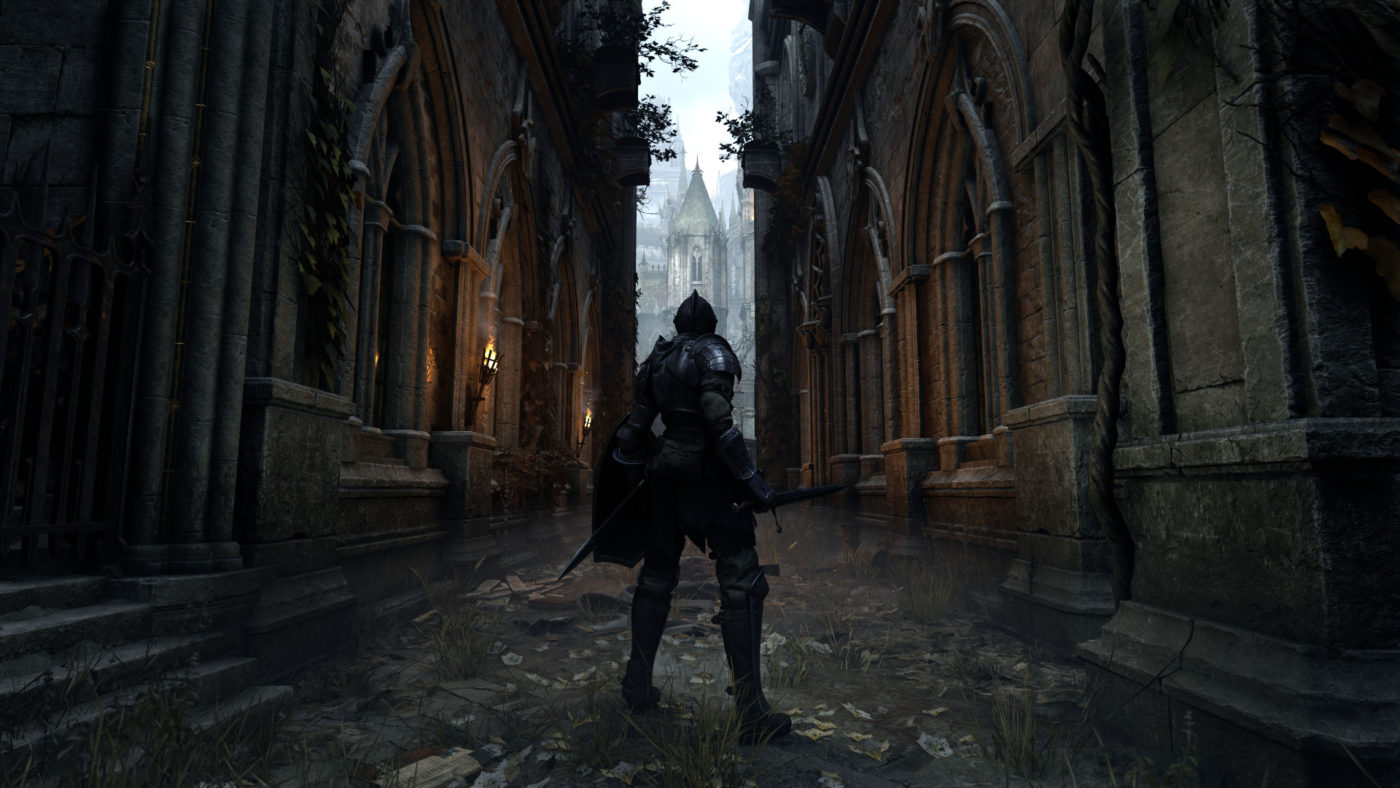
  • Experience Orbs now float in water (MCPE-64039)
  • Adjusted Netherite movement in lava (MCPE-65372)
  • Netherite armor no longer take durability loss when standing on magma blocks (MCPE-76532)
  • Trade discounts from Hero of the Village and Curing Zombie Villagers now match the Java Edition (MCPE-70782)
  • Phantom wings now make flapping sounds
  • Pistons can no longer be extended above the build height limit or into the void (MCPE-37825MCPE-51067)
  • Brewing Stands can now be crafted with Blackstone (MCPE-90465)
  • Players can now spawn farmland with the /give command and pick it with Pick Block (MCPE-25691)
  • Cod and Salmon killed by fire damage now drop cooked fish (MCPE-30693)
  • It’s now possible to place chains so that they are aligned horizontally (MCPE-93995)
  • Floor and ceiling surface generation now correctly match Java Edition
    • Soul Sand Valleys now have ceilings covered with Soul Soil and Soul Sand (MCPE-69159)
    • Basalt Deltas now have Basalt ceilings (MCPE-79608)
  • Striders with passengers can now be tempted
  • Piglins now drop their inventory when zombified (MCPE-81503)
  • Allow Piglins and Piglin Brutes to preserve equipment when zombified (MCPE-83683)
  • Piglin Brutes now give 20xp instead of 10 when killed by player (MCPE-94089)
  • Lanterns can now be placed underwater and do not pop when a water source block is placed on them
  • Piglins now offer similar bartering items as they do in Java Edition (MCPE-92662)
  • Soul Fire no longer melts snow or ice blocks (MCPE-74901)
  • Zombified Piglins no longer float above Striders while riding (MCPE-80188)
  • Warped Fungus can now grow in Crimson Forests (MCPE-83616)
  • Piglins now offer Nether Bricks instead of Nether Brick blocks when bartering (MCPE-74395)
  • Baby Zoglin and Baby Hoglin now have drops after being killed by the player
  • Baby Zoglins now have cute, oversized heads (MCPE-65454)
  • Wither Skeletons now automatically attack Piglins and Piglin Brutes (MCPE-65456)
  • Hoglins will now flee from Respawn Anchors (MCPE-71534)
  • Iron Golems now attack Hoglins (MCPE-73838)
  • Zoglins now take damage from Healing effect and heal from Harming effect (MCPE-79314)
  • If Ruined Portal chests contain Glistering Melon, they no longer contain only a single melon slice (MCPE-92675)
  • Zombified Piglins that are jockeys on Striders now hold a Warped Fungus on a Stick (MCPE-94002)
  • Piglin Brutes no longer have enchanted Golden Axes
  • All expected Nether plants can now be composted (MCPE-78026) (MCPE-82999) (MCPE-94671)
  • Crimson and Warped Fungus can now be placed on Mycelium (MCPE-88588)
  • Soul Speed enchantment found in chests is now limited to Bastion Remnant chests (MCPE-75468)
  • Soul Campfires now drop Soul Soil instead of Charcoal when mined (MCPE-74709) (MCPE-74709)
  • Increased Strider health from 15 to 20 (MCPE-76425)
  • Piglins can now equip Shields, Elytra, Turtle Shells, and various Mob Heads (MCPE-75863)
  • Piglin Brutes no longer become angry from specific blocks being broken, they still always attack a player on sight though (MCPE-94106)
  • Baby Zombified Piglins now correctly display items held in their hands
  • Quick crafting a Piston will now work with Warped Planks and Crimson Planks (MCPE-87659)
  • Baby Hoglins now deal appropriate damage
  • Piglins now spawn naturally in Nether Wastes on Peaceful difficulty (MCPE-95718)

Changes:

  • Added several new experimental toggles to enable previews of upcoming engine technology and support Add-Ons and Marketplace content
  • Added the new Mojang Studios logo splash screen on Android devices (MCPE-79353)

Known Issues:

  • Xbox One controllers don’t work as expected when playing on Oculus Rift

Fixes:

Performance / Stability

  • Fixed a crash that could occur during gameplay
  • Fixed a crash that could occur when the player opened a Shulker Box they’re standing on after rejoining a multiplayer session (MCPE-51711)
  • Fixed a crash that could occur if a player joined a game in a sleeping state (MCPE-79465)
  • Improved reliability of Nintendo Switch players joining other Nintendo Switch games
  • Adding tags to the Ender Dragon will no longer crash the game when reloading the world (MCPE-89076)
  • Fixed a crash that could occur when a stunned entity loaded into the world
  • Fixed a crash that could occur when Player 1 in a split-screen session disconnected their controller (MCPE-99565)
  • Optimized chunk loading performance (MCPE-85614)
  • Various bandwidth optimizations

General

  • Fixed worlds disappearing from the worlds list during crash at world start on Xbox One (MCPE-84649)
  • “The Beaconator” achievement can now be reliably unlocked
  • The “Archer” can now be reliably unlocked (MCPE-86371)
  • Fixed the ‘Super Fuel’ achievement not being awarded when using lava bucket in a furnace (MCPE-64453)
  • 24-bit PNGs without an alpha channel are no longer accepted as valid custom skins (MCPE-50094)

Gameplay

  • Fishing Rod will now correctly cast when close to a mob (MCPE-65249)
  • Custom named boats and minecarts will now save their name after placing and breaking. Their names will also be shown in the world (MCPE-25845)
  • Fixed empty worlds getting generated after closing a PS4 world import midway through the process
  • End City loot chests once again generate correctly (MCPE-72920)
  • Fixed players and mobs not taking damage when walking through berry bushes
  • Killing mobs that have armor equipped with ranged weapons now results in armor loot (MCPE-44408)

Mobs

  • Villagers no longer get locked into the wrong profession (MCPE-62080)
  • Bees now leave their hive/nest after an allotted time in the End and Nether dimensions (MCPE-58322)
  • Hostile mobs can now spawn in thunderstorms during the day (MCPE-34409)
  • Foxes no longer take damage when falling on berry bushes (MCPE-82273)
  • Fixed Vex movement along the x and z directions (MCPE-41879)
  • Blaze now switch between melee attack and ranged attack based on the distance from the player (MCPE-45469)
  • Mob’s inactivity timer is now reset when closer than 32 blocks from the nearest player
  • Shearing a Snow Golem now drops a carved pumpkin (MCPE-66967)
  • Turtles and Dolphins on land will now successfully move towards water (MCPE-44918)
  • Ghasts once again spawn in all light levels (MCPE-85747)
  • Mobs in lava were not able to find a path out. This fix makes it so they can enter a lava block if they are already in lava
  • Mobs can no longer move Minecarts they stand in (MCPE-46804)
  • Mob spawn range now scales with simulation distance (MCPE-95568)
  • Villagers from older versions now level up correctly when trading (MCPE-85013)
  • Improved performance of farmer villagers when harvesting or sowing crops
  • Fixed a bug which could prevent farmer villagers from harvesting crops
  • Player-ridden Striders now jump onto magma blocks as well as non-full blocks in front of them when guided by Fungus on a Stick (MCPE-77096)
  • Baby animals can once again be tamed, before growing up (MCPE-96973)
  • Bees can now only exit Beehives and Bee Nests through air blocks (MCPE-97185)
  • Slimes can now spawn in slime chunks inside frozen biomes (MCPE-49303)

Blocks

  • Fixed issue where some walls were not correctly connected on world load
  • Walls converted from Console Edition saves are now joined properly
  • Water from bubble columns now flows as it should (MCPE-36463)
  • Hoppers with containers above them can no longer collect dropped items (MCPE-80555)
  • Fence gates now align with Blackstone Walls (MCPE-78002)
  • Placing blocks on Crimson Roots and Warped Roots will now properly remove the roots (MCPE-81521)
  • Target blocks no longer power additional blocks above them (MCPE-85455)
  • Beehives and Bee Nests now show the correct front-facing texture (MCPE-92468)
  • Lava and water textures are now visible after placing Slime block or Honey block next to or above them (MCPE-62255)
  • End gateways will now correctly calculate distance to the center block when searching for an exit position (MCPE-48922)
  • Plants and crops now grow more consistently when near chunk borders
  • Brown and Red Mushrooms can now be grown into huge mushrooms on Nylium
  • Cocoa Beans can now be placed on and survive on all jungle wood variants (MCPE-46638)
  • Gravity affected blocks no longer break when their supporting block is moved by a piston (MCPE-81106)
  • Falling blocks now break after falling for extended periods of time (MCPE-73124)
  • Podzol no longer generates below the top layer when spawning large spruce trees (MCPE-71995)
  • Observer block textures no longer get stuck in an active state after being moved by a piston (MCPE-61175)
  • Fixed a bug that could cause falling blocks to duplicate near a portal (MCPE-68229)
  • Fixed an issue that caused rails to not be powered correctly along the x-axis (MCPE-81987)
  • Saplings no longer incorrectly transform into a bee nest when next to a tree and flowers (MCPE-80543)
  • Dragon Egg no longer disappears if placed on pedestal and Ender Dragon is respawned (MCPE-78400)
  • Signs can no longer be placed on End Rods

Items

  • Compass items will now point the correct direction when the player is in a boat (MCPE-56876)
  • Compasses with custom names now retain their names when linked to a Lodestone
  • Compasses with Curse of Vanishing now retain their enchantment when linked to a Lodestone
  • Lodestone Compasses can now be enchanted with the Curse of Vanishing using an Anvil (MCPE-74016)
  • Boots enchanted with Soul Speed no longer become stuck on mobs or the player after breaking (MCPE-75375)
  • Smelted items (prior to 1.13) no longer contain incorrect damage values and can be stacked (MCPE-54617)
  • Dropped items no longer float too low to the ground
  • Dragon Egg now always drops when it is destroyed by an explosion (MCPE-52632)
  • Totem of Undying now applies the correct effects upon dying (MCPE-52364)
  • Armor no longer gets stuck in the hot bar after interacting with an armor stand (MCPE-84368)
  • Corrected map color representation for multiple blocks (MCPE-19228) (MCPE-83797)
  • XP orbs once again ignore world lighting, allowing it to always be at max brightness (MCPE-67448)
  • Banner patterns can now be crafted in the 2×2 crafting grid (MCPE-91247)
  • The “Thing” banner can now be crafted at the Loom (MCPE-70449)
  • Fixed an issue that caused item durability to not be assigned until a world was reloaded (MCPE-62324)
  • Spawn Eggs can now be used on an underwater Monster Spawner
  • Fixed dropped item stacks becoming invisible after merging with another item stack (MCPE-71139)
  • Iron pickaxes can now be dropped by mobs during raids (MCPE-44417)

Realms

  • Added more detailed error messages with possible solutions when a world fails to upload to a Realm (REALMS-474)
  • Fixed a crash that occurred when downloading large worlds from Realms (MCPE-69269)
  • Selecting the “Manage” button for Realms subscriptions now opens the appropriate Microsoft account page
  • Content that is owned through a Realms Plus subscription now roams across all platforms (REALMS-5171)

Graphical

  • Fixed an issue with the skybox background graphics not rendering correctly on some devices
  • Fixed an issue with missing animation when damaging bamboo
  • Fixed a graphical issue with glass blocks on the City Living world that affected some devices on Windows 10
  • Touchscreen input “Chat and Commands” UI element now has a darker border

Audio

  • Music is no longer interrupted when entering water in ocean biomes (MCPE-76213)
  • Reduced raid horn sound (MCPE-85593)

Crafting Screen

  • Various improvements to the Crafting Screen experience when using a controller
  • Cobblestone is now shown as the default ingredient for stone tools (MCPE-71843)
  • Items in the inventory will no longer move into the crafting grid when hovering over recipes
  • The selected recipe will no longer be cleared when changing tabs, even if you don’t have all the necessary ingredients for that recipe
  • Picking up items while the cursor is hovering over a recipe now updates to the recipe’s new index
  • Crimson and Warped Stems/Hyphae are now in their correct Creative inventory groups (MCPE-74611)
  • Nether and Warped Wart blocks are no longer in an unfolding section in the creative menu

Structure Blocks

  • Removed the name field from the structure block 3D Export screen
  • Fixed incorrect chunk position calculation for block changes that occur during the Structure Block preview window
  • Structure loading/saving no longer affects ticking blocks in nearby chunks
  • Fixed the Reset button not re-rendering the wireframe bounding box

User Interface

  • Added Noto Sans font license button and pop-up dialog to Profile section of the Settings screen
  • Updated splash texts and loading screen tips (MCPE-85381)
  • Fixed system language settings for Simplified and Traditional Chinese not honored by the game
  • Fixed an issue that meant the block highlight/selection box was extending above blocks
  • Time played now displays correctly on the Achievements screen (MCPE-66331)
  • The Beacon container interface no longer shuffles items around the inventory slots when trying to quick-move items from the inventory while the hotbar is full
  • Pressing the ‘Leave Boat’ button on touch devices will no longer make the player hit a passenger or destroy the Boat (MCPE-78113)
  • A button icon has been added to the NPC dialog screen to show which gamepad button to press to close the window (Education Feature)
  • The hovered slot data is now cleared properly whenever the cursor is moved off an item slot. This way the gamepad helpers are correct when not hovering over an item slot
  • The item name text that appears when the player changes the hotbar selection now anchors from the bottom. This way when it grows, it will not overlap with the hotbar (MCPE-79566)
  • Fixed the ‘Profile’ button in the Pause Menu not being sized correctly
  • “Ride Exit” hint now clears action bar messages (MCPE-75097)
  • The Smithing Table screen now contains the hammer icon and user interface elements appear correctly when using the “Pocket” UI profile setting (MCPE-79541)
  • Custom names now modify boss bars (MCPE-43473)
  • Grindstone no longer shows a result unless it changes the item (MCPE-54256)
  • Fixed navigation problems between Featured Items, Achievement Rewards, Emotes, and the Dressing Room (MCPE-89179)
  • Change Gamertag and Manage Account buttons on the Settings screen now open xbox.com URLs on iOS and Android
  • The Dressing Room now shows cached items when not connected to the internet

Commands

  • Fixed a crash could occur when using the ‘/fill ‘ command to fill huge amounts of blocks with Portal blocks
  • Text and background for the title command (Title, Subtitle, and Actionbar) have been adjusted and spaced out
  • Fixed a bug where a request queued with ‘/schedule’ would not clear out when executed and would execute when re-entering a level
  • Added to the ‘/schedule on_area_loaded’ command with an overload that allows you to track a circular area, by specifying a center and a radius. Also added serialization for the queue of requests
  • Fixed issues with the ‘/schedule’ command that would consider an area loaded before it was actually loaded, and the command now respects which dimension it is queued in

For Map Makers and Add-On Creators:

Updated Template Packs

Fixes

  • Fixed particles when using animation controllers to play particles and switching to a different state that also plays particles
  • Striders now have a separate texture mapping for each leg, and their leg textures are properly mirrored
  • Pitch written in ‘sound_definitions.json’ is now correctly played (MCPE-49430)
  • FMOD music channel now sets its priority to 0 when music is played to prevent FMOD virtual channel from stealing it when a regular sound is played in game (default priority is 128)
  • Villagers/Zombie Villagers once again correctly spawn as a baby when using the summon command to summon them with the event “minecraft:entity_born”
  • Attempting to load a custom material that is not defined no longer causes a crash. A proper content error is now thrown

Commands

  • Added ‘/structure’ command that allows saving and loading of structures without having to use Structure Blocks
  • Added the ability to animate the placement of a structure with the ‘/structure’ command
  • Added the ‘/music’ command, allowing creators to play and control custom music
  • Added ‘/playanimation’ command that allows you to run a one-off animation. It assumes all variables have been setup correctly for the animation to run
  • Added ‘/camerashake’ command to enable a camera shaking effect
  • Added ‘/ride’ command that allows you to make entities ride other entities, stop entities from riding, make rides evict their riders, or summon rides and riders
  • Added ‘/clearspawnpoint’ command that allows you to clear a player’s spawn point
  • Added ‘/event’ command that can be used to trigger an event on an entity
  • Using the ‘/spawnpoint’ command will no longer affect Players that are sleeping (MCPE-91565)
  • Older command versions using ‘/execute’ now use the proper position for command selectors when calculating the radius

Data-Driven Blocks

  • Added documentation for block event responses and re-organized block documentation
  • Blocks that have ticking components will now clear their pending ticks from the ticking queue upon removal
    • Added the ‘on_player_destroyed’ trigger component
  • Made data-driven blocks pathable with disabled collisions
  • Added the BlockDisplayNameComponent to allow display names to be configured in the localization table
  • Added support for parsing and performing the following event responses:
    • Added the ‘set_block_at_pos’ event response
    • Spawn Loot
    • Set Block
    • Added support for the ‘on_interact’ trigger component
  • Added support for the ‘on_player_placing’ trigger component
    • Also added MoLang queries for ‘cardinal_block_face_placed_on’ and ‘cardinal_player_facing’ for getting placement context

Data-Driven Block Models

  • Added the first pass of the new data-driven block tessellation pipeline
  • Added the “minecraft:geometry” component to allow using a block model for rendering
  • Added the “minecraft:unit_cube” component to allow using a default unit cube for rendering. Unit cubes get some extra effects like ambient occlusion and face removal
  • Added the “minecraft:material_instances” component to allow mapping faces and material_instances in a geometry file to an actual material
  • Fixed smooth lighting and ambient occlusion with new data-driven blocks

Placement Filter

Added “minecraft:placement_filter” component which allows you to set conditions for where this block can be placed. This component will also kick in whenever neighboring blocks change and pop its loot if it is no longer in a valid location

  • Added serialization to Block Descriptor
  • Added static anyMatch functions to BlockDescriptor to compare a list of BlockDescriptors against: Block*, BlockLegacy, or BlockDescriptor
  • Added a function to compare two BlockDescriptors. This covers: matching blocks, any tag of either descriptor match, block states with matching permutations
  • Changed the BlockDescriptor BlockLegacy member variable to a Block* so we can set the block states during deferred block resolution and get the block with the states set
  • Removed all the existing Block* json parsing

Schema

  • Split ‘allowed_blocks’ into ‘use_on’ and ‘dispense_on’
  • ‘use_on’ specifies what blocks an entity placer item is allowed to be used on, omit to allow all blocks
  • ‘dispense_on’ specifies what blocks an entity placer item is allowed to be dispensed on, omit to allow all blocks

Execute Command

  • Added support to item json events for the ‘execute_command’ keyword. It supports both a string and string array format, where the string is the command intended to run. Commands are compiled at load time and executed after add/remove_mob_effect and teleport actions, but before other triggers for events. Commands will be segmented in sequence and randomize nodes as expected

Run Command

  • Added support to entity json events for the ‘run_command’ keyword alongside the current add and remove keywords. It supports both a string and string array format, where the string is the command intended to run. Commands will be run after component groups have been added and removed, and will be segmented in sequence and randomize nodes as expected
  • Updated the following components to parse and use BlockDescriptor instead of Block*
    • BlockBreakSensorComponent
    • BlockListEventMap
    • BreathableComponent
    • BreedableComponent
    • BuoyancyComponent
    • EntityPlacerItemComponent
    • PreferredPathComponent
    • SeedItemComponentLegacy
  • Updated the following features to parse and use BlockDescriptor instead of Block*
    • NoSurfaceOreFeature
    • OreFeature
    • SingleBlockFeature
  • Updated the following goal definitions to parse and use BlockDescriptor instead of Block*
    • GoalDefinition
    • RaidGardenGoal
    • VanillaGoalDefinition
  • Updated the following surfaces code to parse and use BlockDescriptor instead of Block*
    • MesaSurfaceAttributes
    • SurfaceMaterialAdjustmentAttributes
    • SurfaceMaterialAttributes
  • Updated the following tests to reflect the changes from updating code to use BlockDescriptors
    • BuoyancyComponentServerTests
    • FeatureHelperTests
    • NoSurfaceOreFeatureTests
    • OreFeatureTests
    • SingleBlockFeatureTests
  • Updated the following trees to parse and use BlockDescriptor instead of Block*
    • AcaciaTreeCanopy
    • AcaciaTreeTrunk
    • FallenTreeTrunk
    • FancyTreeCanopy
    • FancyTreeTrunk
    • MegaPineTreeCanopy
    • MegaTreeCanopy
    • MegaTreeTrunk
    • PineTreeCanopy
    • RoofedTreeCanopy
    • SimpleTreeCanopy
    • SimpleTreeTrunk
    • SpruceTreeCanopy
    • TreeHelper

Actors

  • Squid rendering is now data-driven
  • All types of minecarts are now data-driven
  • The ‘minecraft:behavior.controlled_by_player’ goal is now data-driven
  • Physics component’s ‘has_gravity’ field is now used to decide whether a mob should apply water gravity, if the mob does not have a navigation component
  • Spatial Bandwidth Optimizations are now exposed through a component, “minecraft:conditional_bandwidth_optimization”
  • Spatial Bandwidth Optimizations are now utilized by every actor using “minecraft:conditional_bandwidth_optimization”
  • Added the selector component to raw text, which can be used to print entity names in commands such as ‘tellraw’ and ‘titleraw’
  • Pathfinding will now account for the “minecraft:scale'” component
  • Updated BrewingStand, ButtonBlock, ChestBlock, EnderChestBlock, SlabBlock, and SoulSandBlockblock types to allow path-finding and navigation (MCPE-47075)
  • Updated Actor Properties. Two fields that were invalid and appeared in some vanilla content will now give a content error. The field “value” on “minecraft:can_fly” and the property “minecraft:foot_size” should simply be removed from any entity files
  • The ‘MoveToLiquidGoal has been changed to use data for its target block
  • Strider now correctly executes the ‘move_to_liquid’ goal
  • Made boats use the Buoyancy component. Added two new components, the “inside_block_notifier” component, which fires specified events when the actor enters or exits specified blocks, and the “out_of_control” component, which sets a corresponding actor flag, in order to make this possible
  • Exposed new data parameters to control the behavior of Drop Item For Goal. This includes: “seconds_before_pickup”, “cooldown”, “minimum_teleport_distance”, “max_head_look_at_height”, “teleport_offset”, and “entity_types”. Check out the new Actor component documentation!
  • Exposed new data parameters to control the behavior of Harvest Farm Block Goal, including “max_seconds_before_search”, “search_cooldown_max_seconds”, and “seconds_until_new_task”. Check out the new Actor component documentation!
  • Added error checks to parsing of Minecraft shareables items. Displays content log if item name is invalid or the array is empty

Fog

  • Created ‘/fog’ command for managing active fog settings for players; these fog settings override fog driven from the client such as biome location of player camera
  • Updated “biomes_client.json” to link each biome to a fog definition identifier
  • Added child object “volumetric” which contains “density” and “media_coefficients” objects. These hold the data values used for the volumetric fog

Record Item Component

  • Items can now be made records to play music in Jukeboxes
  • Component Variables
    • sound_event – A string value correseponding to a sound event in the game code. This string must be one these for music to play: “13”, “cat”, “blocks”, “chirp”, “far”, “mall”, “mellohi”, “stal”, “strad”, “ward”, “11”, “wait”, “pigstep”
    • duration – A float value that determines how long particles are spawned from the JukeBox Block, should approximately match length of sound event
    • comparator_signal – An integer value that represents the strenght of the analog signal, used by the Comparator Block
  • Examples
    • When added to JukeBox Block this will play the sound clip of “record.chirp”
    • Example 1: “minecraft:record”: { “sound_event”: “chirp”, “duration”: 185.0, “comparator_signal”: 4 }

Items

  • Renamed items to be consistent with the list of Java Edition items
  • Created RepairableItemComponent that data-drives how an item is repaired in game
  • Items can now override their display name with a localized ‘value’. If a value is not supplied, the component will stay with its default name. If the value supplied is not in the localization file, the display name will be the value string
  • Added a Lock in Inventory component that can be applied to an item via the ‘/give’ and ‘/replaceitem’ commands. This prevents the item from being removed from the player’s inventory, dropped, or crafted with
    • Example of use: `/give @s apple 1 0 {“item_lock”: {“mode”: “lock_in_inventory”}}`
  • Added a Lock in Slot component that can be applied to an item via the ‘/give’ and ‘/replaceitem’ commands. This prevents the item from being moved or removed from its slot in the player’s inventory, dropped, or crafted with
    • Example of use: ‘/give @s apple 1 0 {“item_lock”: {“mode”: “lock_in_slot”}}’
  • Added a Keep on Death component which can be applied to an item via the ‘/give’ and ‘/replaceitem’ commands. This component prevents the item from being dropped when the player dies
    • Example of use: ‘/give @s apple 1 0 {“keep_on_death”: {}}’

Item Icon Component

  • Items now have an easy way to set the icon for an item for displaying in the user interface
  • Component Variables
    • “texture”: Full path to icon image to use as item’s icon. No default
    • “frame”: Molang script to be executed at runtime to determine the icon’s current frame. Can be a constant, defaults to: 0
    • “legacy_texture_id”: The name of the texture used on legacy items. No default
    • “legacy_frame”: Molang script to be executed at runtime to determine the icon’s current frame. Can be a constant, defaults to: 0

Item Parsing

  • ‘any_tag’ functionality added to several actor components. In addition to representing items as item names in json they can now be represented as a set of tags
  • Examples:
    • “item”: {“any_tag”: “food”}
    • “item”: {“any_tag”: [“food”, “wood”]}
    • “bribe_items”: [“emerald”, {“any_tag”: “stone”}]
  • Components and fields that can now use ‘any_tag’ functionality:
    • ‘minecraft:ageable’
    • ‘minecraft:breedable’ breed_items
    • ‘minecraft:bribeable’ bribe_items
    • ‘minecraft:giveable’ items
    • ‘minecraft:healable’ items
    • ‘minecraft:tamemount’ feed_items and auto_reject_items
    • ‘minecraft:equippable’ accepted_items

Technical Changes

  • Item names of the format “minecraft:item.someitem” no longer need the “item.” portion and it will be ignored
  • Added Entity Movement Prediction
  • Changed LegacyCubemap from opaque to transparent (MCPE-94275)
  • Added ‘decrement_count’ event response for items
  • ‘minecraft:behavior.send_event’ Changes
    • ‘minecraft:behavior.send_event’ no longer uses -1 in ‘max_activation_range’ as a value to indicate unlimited range, the default has been changed to 32
    • Added content log warnings for when ‘min_activation_range’ and ‘max_activation_range’ is less than 0
    • Added content log warnings for when ‘min_activation_range’ is greater than ‘max_activation_range’
  • ‘minecraft:behavior.summon_entity’ Changes
    • ‘minecraft:behavior.summon_entity’ no longer uses -1 in max_activation_range as a value to indicate unlimited range, the default has been changed to 32
    • Added content log warnings for when ‘min_activation_range’ and ‘max_activation_range’ is less than 0
    • Added content log warnings for when ‘min_activation_range’ is greater than ‘max_activation_range’
  • Fixed a difference with the default return type of the script function, which differed from the usual return type (No ID)
  • Added new BlockRaycastComponent that can override the AABB used for outlines and raycasting
  • Added new BlockCollisionComponent that can override the AABB used for entity collision
  • Added new BlockPropertyComponent that can replace the blockProperties : Unwalkable, Infiniburn, PreventsJumping, Immovable, BreakOnPush, OnlyPistonPush and BreaksWhenHitByArrow
  • Added new BlockQueuedTickingComponent that triggers events for a block on a range of time set by the creator
  • Added new BlockRandomTickingComponent that triggers events for a block randomly
  • Added a Rotation Component that allows a block to rotate. The component only allows axis-aligned rotations
  • Adds the base implementation of the CraftingTableComponent
    • Allows the creation of custom crafting tables
    • Currently only supports 3×3 grids

Animations

  • Added a new ‘loop_delay’field to skeletal animation files that controls how to wait between each iteration of a looping animation
  • Fixed a bug where ‘start_delay’fields in skeletal animations were being used for both the initial delay before playing an animation and for inter-loop delays

MoveTowardsRestrictionGoal

  • This goal has been removed in favor of the two new child goals that make the behavior clearer. The behavior works the same, but is now separated out properly into the two goals

MoveTowardsDwellingRestrictionGoal

  • This goal is for Actors that are part of the Village construct
  • The “DwellerComponent” is necessary for this goal

MoveTowardsHomeRestrictionGoal

  • The “HomeComponent” is necessary for this goal
  • Exposed a new data parameter for the range at which the Actor will stay within in relation to their home: “restriction_radius”

Send Event Goal

  • “minecraft:behavior.send_event” no longer uses -1 in ‘max_activation_range’ as a value to indicate unlimited range, the default has been changed to 32
  • Added content log warnings for when ‘min_activation_range’ and ‘max_activation_range’ is less than 0
  • Added content log warnings for when ‘min_activation_range’ is greater than ‘max_activation_range’
  • Added a new json field ‘look_at_target’ which allows and disallows entities to turn and face their target

Once we know more info regarding the next patch, we’ll let our readers know.

Avatar photo

Alex Co

Father, gamer, games media vet, writer of words, killer of noobs.

Home > News

Cyberpunk 2077 PlayStation Gameplay Planned for Release, Specific Date to Be Revealed in the “Near Future”

While Xbox Series X fans got a sneak peek at how the game will look on Microsoft’s next-gen console, PlayStation fans might be wondering whether they’ll see gameplay for the PS4 or PS5. Well, safe to say you will! This was confirmed by CD Projekt RED in a new press release sent out today.

In the press release, CD Projekt RED announced that a Cyberpunk 2077 PlayStation gameplay video is planned to be released, though there’s no definite date for that yet.

A PlayStation gameplay video is also planned for release, with a specific date set to be revealed in the near future via the game’s official channels.

No word on whether we’ll see a PS4 gameplay demo or for the PS5, though. That said, I assume we’ll see both when the gameplay video is revealed.

Cyberpunk 2077 will be out this December 10, 2020, for PC, Xbox One, PlayStation 4, and Stadia. The game will also be playable on Xbox Series X|S and PlayStation 5 consoles. At a later date, a free upgrade to Cyberpunk 2077, will become available for owners of the Xbox One and PS4 versions respectively.

Avatar photo

Alex Co

Father, gamer, games media vet, writer of words, killer of noobs.