Home > News

Avowed Anniversary Update Released Alongside PS5 Day-One Patch 2.000.001

Obsidian Entertainment’s former Xbox exclusive RPG Avowed is now out on PS5! Not only that, but the release timing has been made so that it’s also the game’s annivesary.

To mark the occasion, Obsidian has released the action-RPG’s Anniversary Update that adds a slew of new features and more. This shows up as the Avowed Day-One Update version 2.000.001 for PS5 gamers.
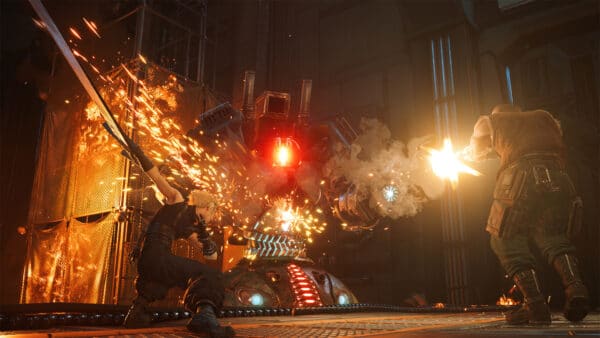
The Anniversary Update adds New Game+, new races, new weapon type and more. There’s a lot to take in, so read on for the complete patch notes.

Avowed Anniversary Update Releases as the First Patch for the PS5 Version

New Playable Species

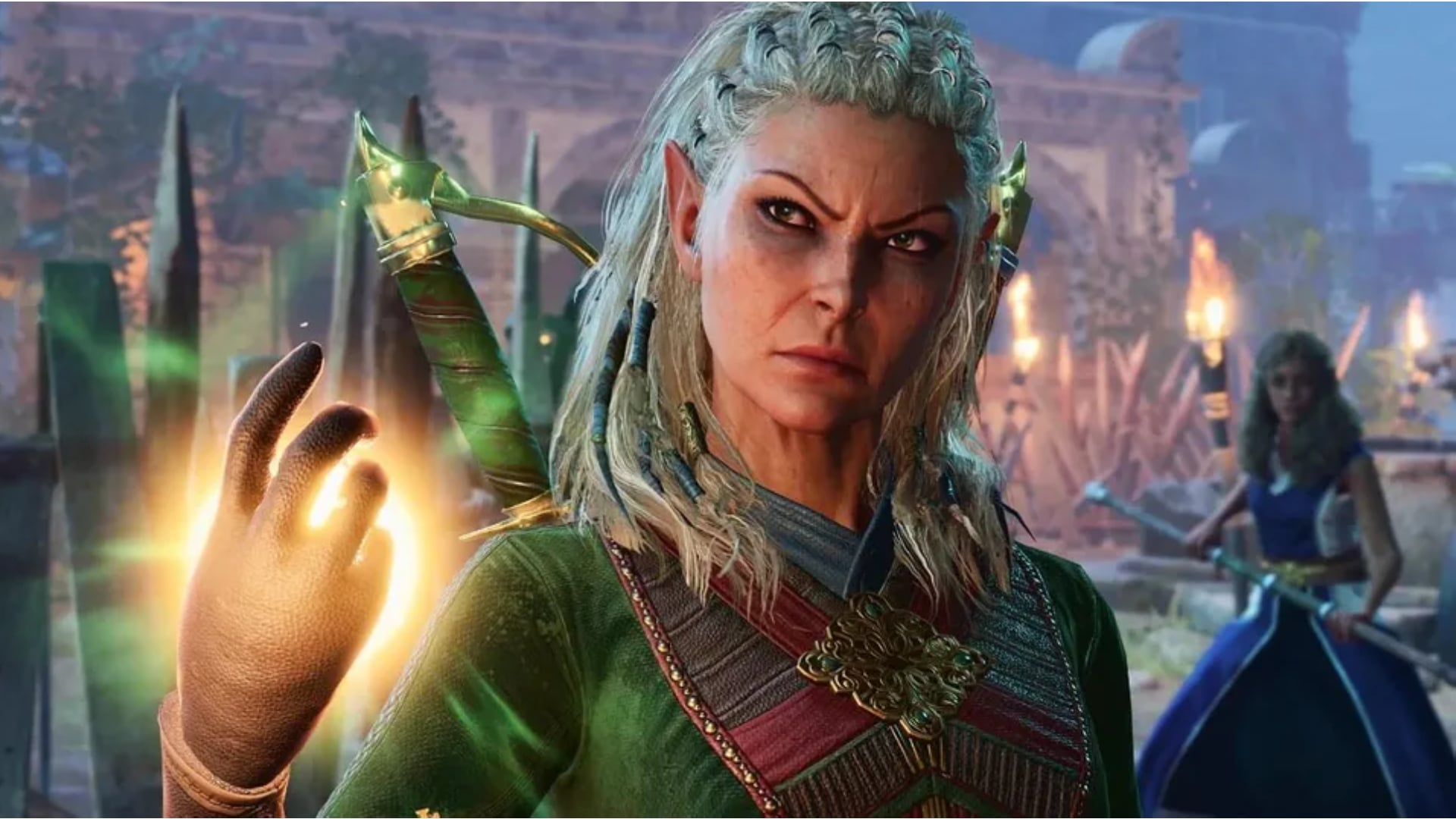
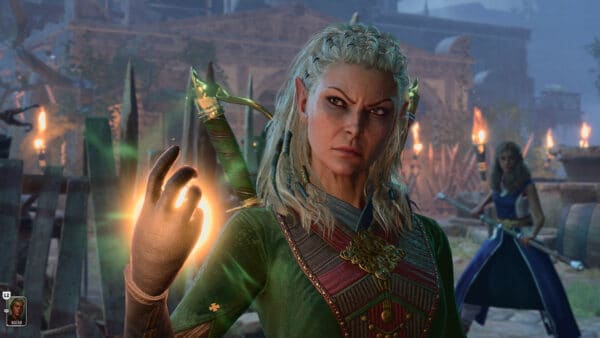
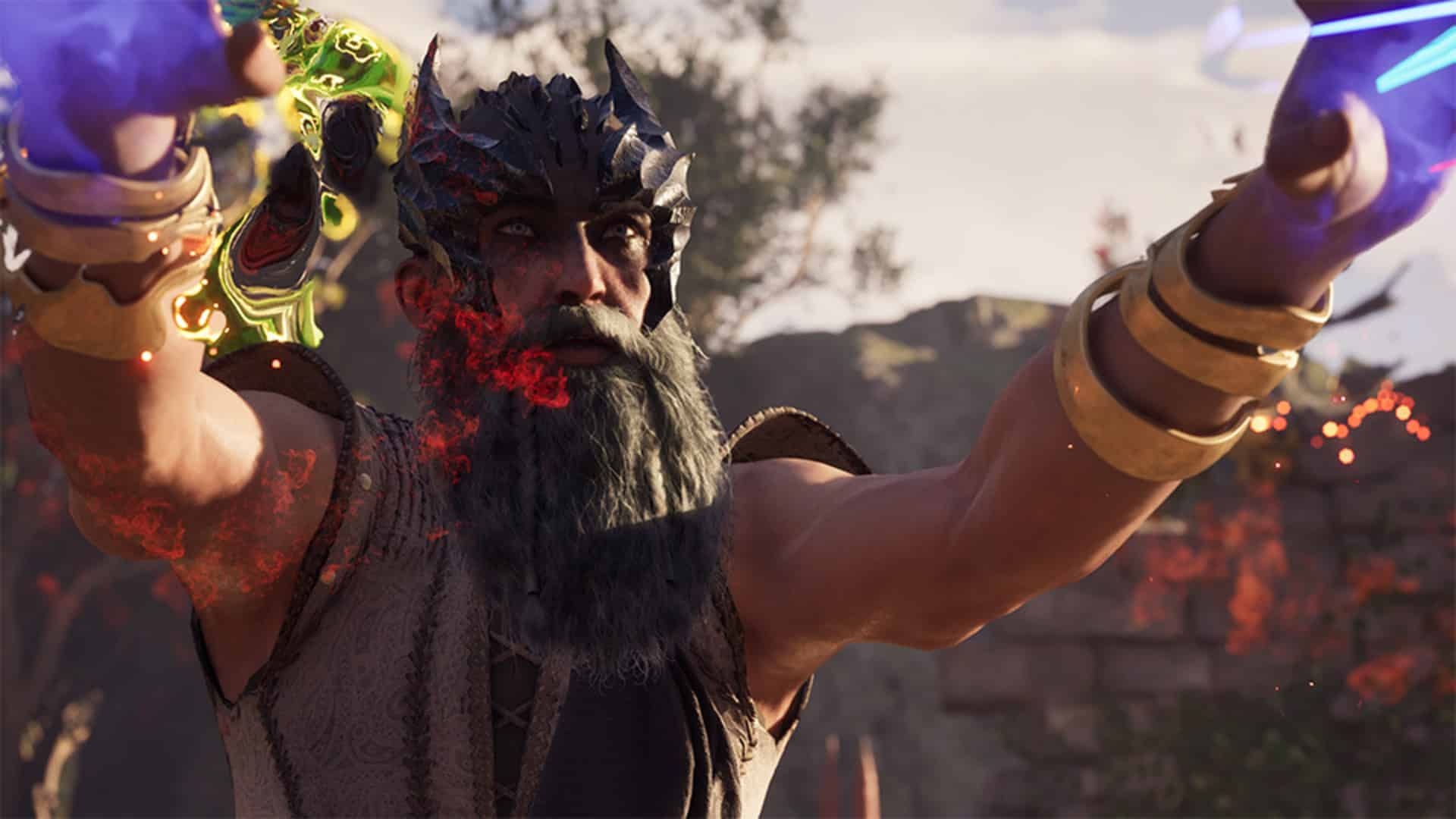
Headlining the anniversary update is a major expansion to character creation: three new playable species join the existing Humans and Elves. 

  • Dwarves – The most well-traveled species in Eora, the stout dwarves are known for their great strength and tenacity. 
  • Orlans – Their two-toned skin, prominent ears, and hirsute bodies all in the smallest size of Kith make them stand outs in Eora. 
  • Aumaua – Towering, powerfully built, and physically imposing. 

With all five of the Eoran kith species now available, players have more ways than ever to define who their envoy is as they decide the fate of the Living Lands. The new species are available for selection at character creation, but for those who are looking are currently in the middle of an adventure and are looking for a change, a mirror has been added to the Party Camp that allows players to change their appearance, including species, at any time!

Not only do the different species change how you look, but the team has also added in stat bonuses for all species adding another layer to character creation.

Humans 

  • +1 Might 
  • +1 Resolve 

Elves 

  • +1 Dexterity 
  • +1 Perception 

Aumaua 

  • +2 Might 

Dwarves 

  • +1 Might 
  • +1 Constitution 

Orlans 

  • +1 Perception 
  • +1 Resolve 

To team up with species specific stat boosts, we have also added a stat boost that comes along with your background choice, adding more to your build variety.

  • Arcane Scholar – +2 to Intellect
  • Court Augur – +2 to Resolve
  • Noble Scion – +2 to Perception
  • Vanguard Scout – +2 to Dexterity
  • War Hero – +2 to Constitution

Return to the Living Lands Again and Again With New Game+

New Game Plus is now available after completing the main story. This mode is designed to reward mastery, experimentation, and making the all-powerful build. 

When starting a New Game Plus save, players will bring along with them: 

  • All unlocked abilities (with the exception of godlike abilities which are gained through story progression/world exploration) 
  • All spent attribute points 
  • All unique weapons and armors—but they are reset to level 1 
  • All unlocked enchantments remain 
  • All unique gloves and boots 
  • All necklaces, all rings, and all trinkets 
  • Any equipped Common Weapons or Armor items are kept, but they are reset to level 1 

The following are removed from the player at the start of a New Game Plus: 

  • All common weapons and armor that aren’t equipped 
  • Companions must be picked up via story progression 
    • Companions keep their talent points and start at level 1 
  • All resources that had been collected 

    • Gold 
    • Upgrade materials 
    • Enchanting materials 
    • Food ingredients 
  • All consumables that had been collected 

    • All potions 
    • All food 
  • All quest items 
  • All god totems/trinkets 
  • Fast travel points/fog of war 
  • The aforementioned godlike abilities 

To ensure challenge scales alongside player power: 

  • Enemy stats are increased across the board 
  • Enemies now have a chance to have modifiers applied to them 

Elemental Modifiers 

  • Fire: Immune to Fire damage and accumulation. Attacks also now deal Fire damage. 
  • Frost: Immune to Frost damage and accumulation. Attacks also now deal Frost damage. 
  • Shock: Immune to Shock damage and accumulation. Attacks also now deal Shock damage. 
  • Poison: Immune to Poison damage and accumulation. Attacks also now deal Poison damage. 
  • Bleed: Immune to Bleed damage and accumulation. Attacks also now deal Bleed damage. 

Physical Modifiers 

  • Haste: Increased movement speed, attack speed, and lowered cooldown timings 
  • Glass Cannon: Increased damage dealt and damage received 
  • Colossal: Increased maximum health 
  • Life Steal: Attacks restore the enemy’s health by a percentage of the damage dealt 
  • Crippled: Reduced movement speed and attack speed 
  • Sturdy: Increased stability making it harder for them to be stunned 
  • Natural Immunity: Immune to all status accumulations 
  • Forceful: Increased impact on attacks 
  • Vindictive: Increased damage dealt based on the amount of health lost 
  • Attribute stat cap rises from 15 to 30 

An important note for those who have already completed Avowed: Since New Game Plus is being added post release and the game was not initially designed with it in mind, a completion save will be necessary in order to take advantage of the mode. You will need to load a point of no return save or later and beat the game to make a proper New Game Plus save.
Your Game, Your Way (Custom Modifiers)

For players who want even finer control, Avowed now includes custom difficulty modifiers, allowing you to tune the game’s systems to your preferred experience. These new options are found by scrolling down through the “Game” tab of the settings menu. 

Adjust player: 

  • Damage dealt 
  • Health, stamina, and essence resources 
  • Elemental status effect threshold 
  • Health and essence regeneration rates 
  • Potion and food restoration rates 
  • Interrupt or knockdown ease 
  • Second Wind cooldown time 
  • Carry capacity 
  • Parry window 

Adjust enemy: 

  • Damage output 
  • Health pool 
  • Stun, interrupt, or knockdown ease 
  • Attack speed 
  • Elemental status effect threshold 
  • Aggro threshold 

Adjust companion: 

  • Damage dealt 
  • Health max 
  • Elemental status effect threshold 
  • Aggro threshold 

As well as general adjustments: 

  • Merchant prices 
  • Equipment upgrade material costs 
  • Fall damage 
  • Trap damage 
  • Item quality damage reduction 

Custom game options allow you to better play the game your way. These options can be changed and adjusted at any time during the game so be sure to mix and match all you’d like. Some also add in XP modifiers to boost your gains further. 

Important note: While changing these options will not negate most achievements that you may be hunting down, they will invalidate a Path of the Damned achievement. That achievement must be done without use of the custom game options. 

New Weapon Type: Quarterstaff 

A brand new weapon type is joining the arsenal with the quarterstaff. Designed with the archmage fantasy in mind, the quarterstaff is a new bludgeoning weapon that comes complete with wand style stun finishers. Unleash brutal physical combos along with a fury of spells that would make even Concelhaut jealous. 
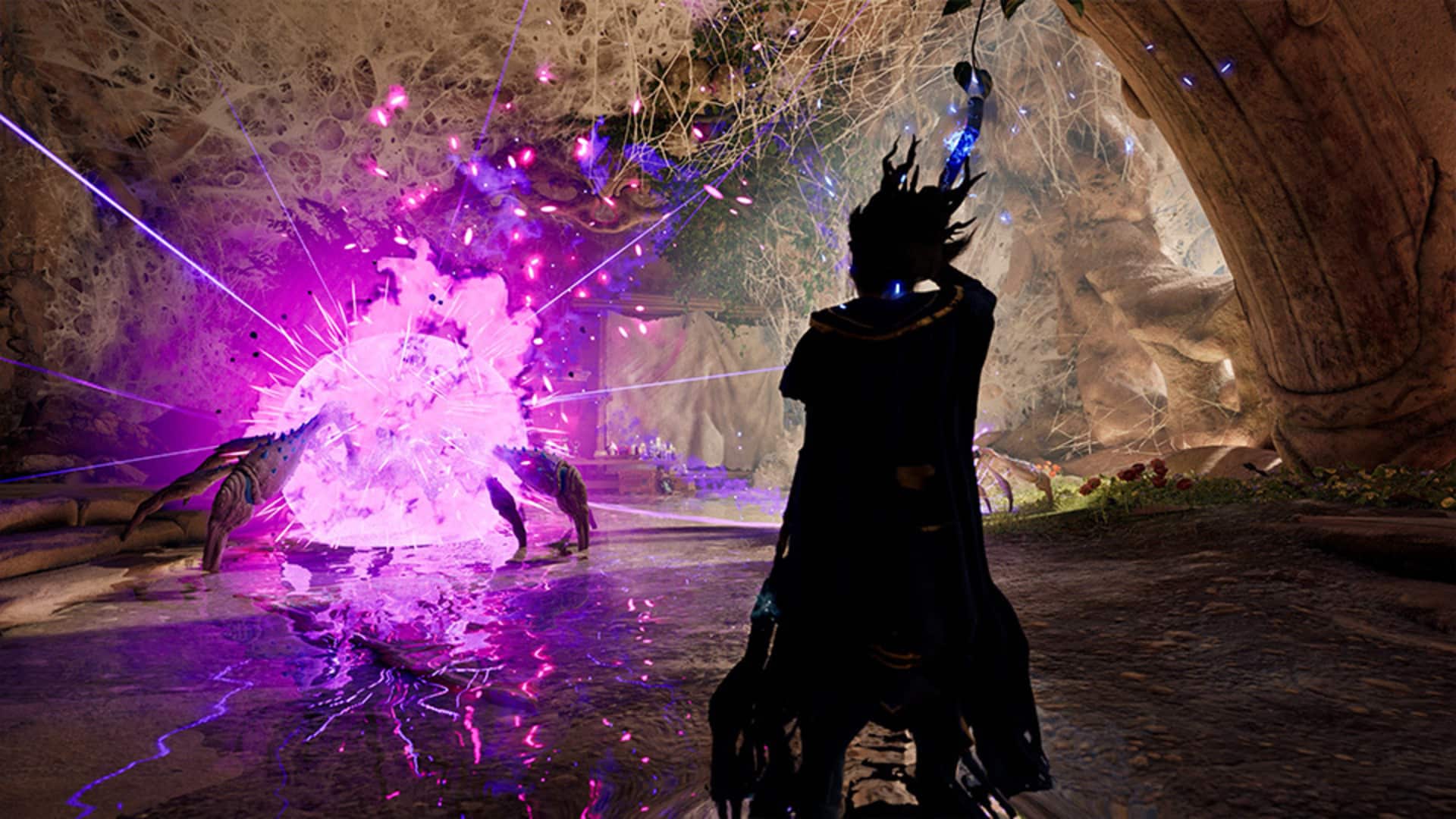
Photo Mode and Quality-of-Life Enhancements 

Photo Mode

Capture your envoy, companions, and the Living Lands from any angle and share your journey. Includes a free or fixed camera, filters, character rotation and toggle, post-process effects, and gradients. Photo Mode is accessed from the pause menu.

New Weapon

A brand new weapon type is joining the arsenal with the quarterstaff. Designed with the archmage fantasy in mind, the quarterstaff is a new bludgeoning weapon that comes complete with wand style stun finishers. Unleash brutal physical combos along with a fury of spells that would make even Concelhaut jealous.

New Stun Finishers

New stun finishers added for One-Handed Weapons and Two-Handed Weapons.

Respawning Encounters

Respawning encounters have been added to Dawnshore, Emerald Stair, Shatterscarp, and Galawain’s Tusks.

New Quality of Life Features

  • Players can now change their Envoy’s appearance after character creation via the mirror in the party camp.
  • Newly placed workbenches allow players to upgrade gear without returning to party camp.
  • All player Backgrounds now have an added attribute bonus. 
  • Added option to end dream conversations early.
  • Powder keg chain reactions now occur with a short delay, instead of all exploding simultaneously.
  • Increased max Controller Vibration Intensity (in the Controller Settings menu) from 1.0 to 2.0.
  • Added keyboard-based turning in accessibility options.

Improvements to Lighting

  • The lighting has been improved across all regions.
  • Improved the lighting in conversations.

Graphics

  • Updated XeSS to 2.1. Xe Frame Generation, Xe Super Resolution, and Xe Low-Latency mode are now available to more GPUs.

All Bug Fixes

Crashes and stability

  • The game should now longer crash after Fog of War has been cleared.
  • Addressed an issue causing Barbaric Smash killing blow VFX to remain on the player indefinitely
  • Fixed an issue when creating save games that could cause NPCs to be stuck when reloading

Performance and Optimizations

  • Resolved an issue where NVIDIA Reflex Low Latency was missing “Off” option while upscaling is disabled.
  • Ray tracing is now off by default on Handheld PCs.
  • Added Mid Luminance values to HDR settings.
  • Various performance improvements.

Animation

  • Fixed an issue with the Two-Handed Axe special attack not being aligned while in third person view.
  • Companion animations no longer stutter during conversations and exploration.

Audio

  • All audio should now play properly when cooking.

Quests & Conversations

  • Decals for puzzle in Sallow Steppe should now render properly.
  • The camera should behave normally during conversation with Tazaraak.

UI/UX

  • Ability and Grimoire Cost Discounts are now shown in the Character tab of the Ledger, as well as the maximum (-90%) available.
  • Fixed Tanglefoot’s icon on Player’s and enemy’s HUD.
  • New Icon added to help distinguish Flurry of Blows on enemy’s HUD.
  • Text should no longer overlap tabs in certain languages.
  • Fixed description for several active abilities that were incorrectly labeled as passive.
  • Resolved an issue where “confirm override” pop-up was not showing while switching presets in the Extras tab.
  • Fixed an issue where Marius’ Hunter Sense disappeared from hotbar after leaving Party Camp.
  • Vital bars are showing proper preview values for some skills when upgraded.
  • Fixed an issue where “Survivalist” ability did not reflect additional bonuses in UI.
  • Blunted hits no longer include blood VFX when “Combat Blood” is disabled.

Combat/Systems Fixes

  • Fixed issue where various Area of Effect sources like Arcane Veil interfered with aiming player spells.
  • Swinging guillotines in the Garden remain disabled after loading a save.
  • Fixed an issue where Yatzli’s Explosive Blast did not break destructibles.
  • Some unique weapon enchantments now work properly while Dual Wield Mastery is active.
  • Already broken destructibles no longer receive damage numbers.
  • Loot now directly drops at the feet of a shattered frozen enemy.

With a patch this hefty, don’t be surprised if a follow-up hotfix is released on all platforms.
Avatar photo

Alex Co

Father, gamer, games media vet, writer of words, killer of noobs.

Home > Title Updates and Patches

Assassin’s Creed Shadows Version 1.1.8 Adds New Features via Update 1.018.029

The latest major update for Assassin’s Creed Shadows is here, and it brings a slew of new features. The developers call this the version 1.1.8 patch, while console gamers will see this as AC Shadows update 1.018.029.

Expect this to be a hefty download aon Xbox, while the PS5 and Steam versions have moderately-sized file packs.

For the complete list of new features and gameplay improvements, read on for the patch notes.

Assassin’s Creed Shadows February Update Ushers in New Features via Patch 1.018.029

Patch Sizes:

  • Xbox Series X|S: 15.77 GB
  • PlayStation®5: 1.73 GB
  • Nintendo Switch™ 2: 2.91 GB
  • PC: 13.24 GB
  • Steam: 2.2 GB
  • MAC: 9 GB

Manual Jump

We’ve heard your request and are bringing back a fan favorite feature for Parkour: The Manual Jump.

With the “Advanced Parkour” gameplay option enabled, the Parkour Up button now allows Naoe and Yasuke to jump at any time, making the world an even more dynamic playground for Parkour enthusiasts!

Detailed Stats Sheet

Take a deeper dive into the stats of your Loadouts and gear with the Detailed Stats Sheet.

Head to the Inventory Menu, and click either the right analog stick on Controller or TAB on Mouse and Keyboard, to see how all your gear, perks and loadouts work together in great detail to curate your build to your playstyle.

Critical Hits – Visual Improvements

We’ve significantly increased the visual feedback on enemies’ health bars when a Critical Hit lands. Allowing you to get a much better feel for how lethal your newest and greatest build actually is in practice.

New Entry Point for the Animus Menu

We’ve added a new entry point to the Animus Menu!

At the entrance of your Hideout you will find the Animus glitch. A new entry point to access the Projects, Exchange and Vault features quickly.

Bug fixes & Improvements

Stability

  • Fixed stability issues.
  • Fixed crashing issues when starting New Game+ on a platform where Claws of Awaji isn’t owned, using a save file that had already progressed through the Awaji storyline.

Gameplay

  • XP earned from contracts will no longer be reduced when the season changes.

World

  • Seasons will no longer transition when swapping characters.
  • Fixed an issue preventing NPCs from appearing in the hideout.
  • Collision with the eagle at viewpoints will no longer prevent interaction to synchronize.

Weapons & Perks

  • Fixed an issue where the Kusarigama and Naginata were granted double critical damage.
  • Perks that would throw smoke bombs will now reflect that while in Expert or Nightmare difficulties.
  • Addressed an issue where perk affliction buildup would visually impact items that were not equipped.
  • Perks will consistently work on afflicted enemies.
  • Fixed ‘Trigger Affliction On Deflect’ Engraving not working as stated.
  • Poison Damage perks will no longer increase Fire Affliction damage.
  • Fixed an issue where the “+50% Critical Chance while undamaged in combat” perk incorrectly only gave +5% for the Moonlight Crescent Robes.
  • Corrected an issue where the “+5% damage reduction per enemy in combat” perk was not functional.
  • Corrected an issue where the “+6% affliction buildup with tools” perk was not functional.
  • The Assassin Mastery perk now gives the correct amount of adrenaline on assassinations.
  • Addressed an issue where the “+10% damage per 10% health missing” perk granted extra damage while health was full.
  • The “Hawkeye” perk for the Tenzutsu Burst Teppo will no longer increase all damage by 50% and instead only the Teppo’s.
  • Fixed an issue where the following perks increased damage in unintended ways and would not affect armor damage:
    • Misfire perk: “+15% Damage, but 15% chance to Misfire” for the Bad News Teppo.
    • Damage Against a Single Enemy: “+35% damage when facing a single enemy” for the Eye of the Dragon Katana and Claw of the Dragon Long Katana.
    • Stack Damage After Block: “Stack +10% damage on next hit with each block” for the Sage’s Reach Naginata.
    • Damage While Surrounded: “+35% damage when surrounded by 2 or more enemies” for the Kaen Kusarigama.
    • Damage on Timed Hit: “+15% damage on next hit when pressing Light or Heavy Attack Button on hit” for the Flying Leaf Katana.
    • Celestial Hunger: “+100% Damage but removes all rations” for the Moon Eater Blade Katana.
    • Mystic Reach: “Far Reach increases Posture Damage by 15% and stacks up to 3 times” for the Fox Tail.
    • Damage for Unused Ability Slots: “+10% damage per unused Ability slot” for the Amaterasu’s Blessing.
    • Damage for Empty Armor Pieces: “+50% damage per empty Armor Piece” for the Minogame’s Protection.
    • Damage for Non-Legendary Gear: “+15% damage per non-Legendary or non-Artifact Gear equipped” for the Oni’s Fury.
    • Damage for Alerted Provinces: “+10% damage per alerted province” for the Fujin’s Tempest.

UI

  • Fixed an issue where Yasuke’s Teppo Mastery Armor Damage increase was incorrect.
  • Fixed an issue where text was missing at the Forge for the Fire and Frost perks.
  • The “Spread 25% affliction buildup on afflicted enemy kill” perk now specifies the buildup amount for the Noh Masterstroke Costume.
  • The Artist’s Tear Tanto perk now correctly mentions the bonus is lost upon being hit.
  • The Time-Honored Crescent Naginata perk now mentions the first strike is a Postured attack.
  • Corrected the description of the Dark Encryption Kanabo’s perk to “+75% damage”.
  • Fixed an issue where the “15% chance to gain a Valuable on kill” perk was wrongly categorized at the Forge.
  • Corrected the description of the Damage on Horseback perk for the Falling Leaf Teppo.
  • Corrected the description of the Ranged Damage Out of Combat perk for the Master Archer Outfit.

PLATFORM SPECIFIC

Xbox

  • Fixed a crashing issue when using or resetting Skill and Knowledge Points in the Skill Tree.

SPOILERS AHEAD!

Quests

  • The Lesson“: Corrected an issue where the reward was not granted after completing the mission.
  • The Lesson“: Fixed an issue preventing interaction with Junjiro.
  • Revenge“: The player can leave Hiruga Bay without desynchronization occurring.
  • The Lost Envoys“: The player can now interact with the envoy without issues.
  • A Different Kind of Samurai“: Fixed an issue preventing the player from performing Kata.
  • Temple Stories“: Joken Hokkyo will no longer die during the mission.
  • The Puppet Show”: They player can now collect the Imperial Regalia box without issues.
  • Hunting The Hunters“: Quest Objective will update as you progress.
  • Stray Dogs“: Fixed an issue preventing the mission from being completed.
  • War Horse“: Rin will no longer remain standing still, preventing the quest from being completed.
  • A Puzzlement”: Fixed an issue where some items and skills were missing. Players afflicted by these removals will automatically gain them back when loading the game.

Aside from fixes, don’t expect another patch anytime soon.

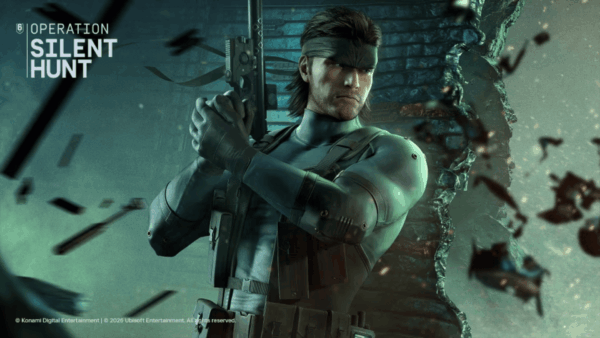
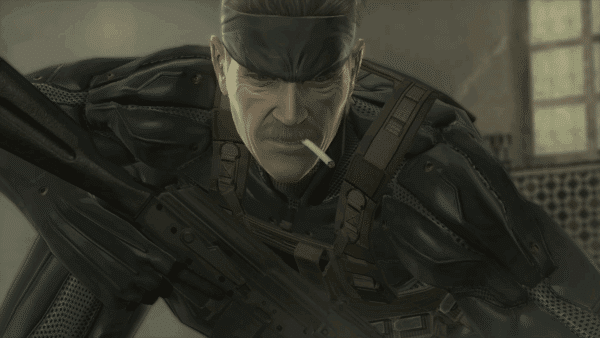
In other Ubisoft news, Solid Snake is joining the Rainbow Six Siege roster! Check out his kis and what other news additions are coming to the first-person shooter.

Avatar photo

Alex Co

Father, gamer, games media vet, writer of words, killer of noobs.

Home > News

Konami Delists Some Metal Gear Games From Digital Stores Following Master Collection Vol. 2 Announcement

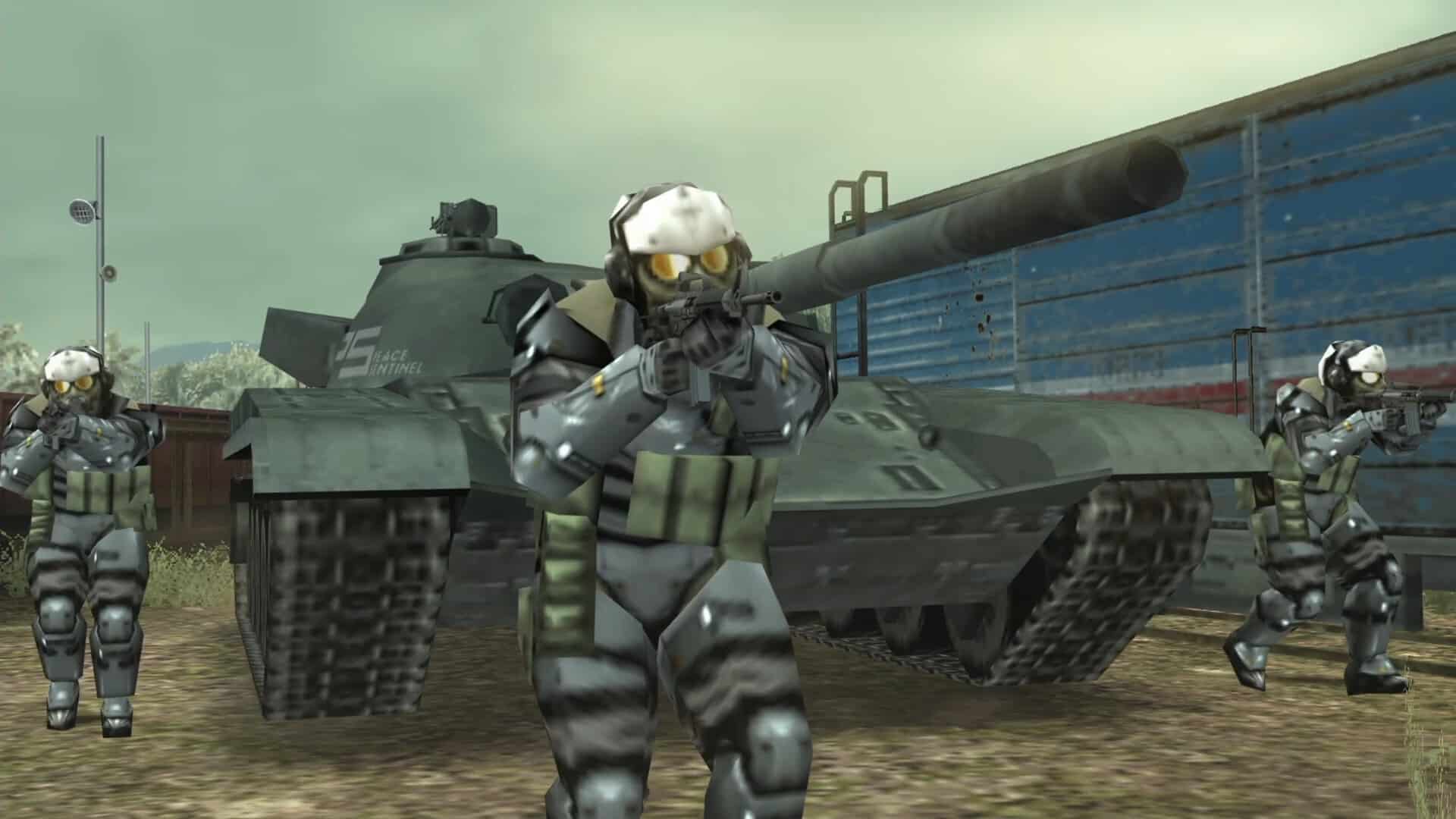
If you were planning to grab some classic Metal Gear titles from digital stores like PlayStation or Xbox Store, you may be out of luck. Without any announcement or warning, Konami quietly pulled several entries from sale.

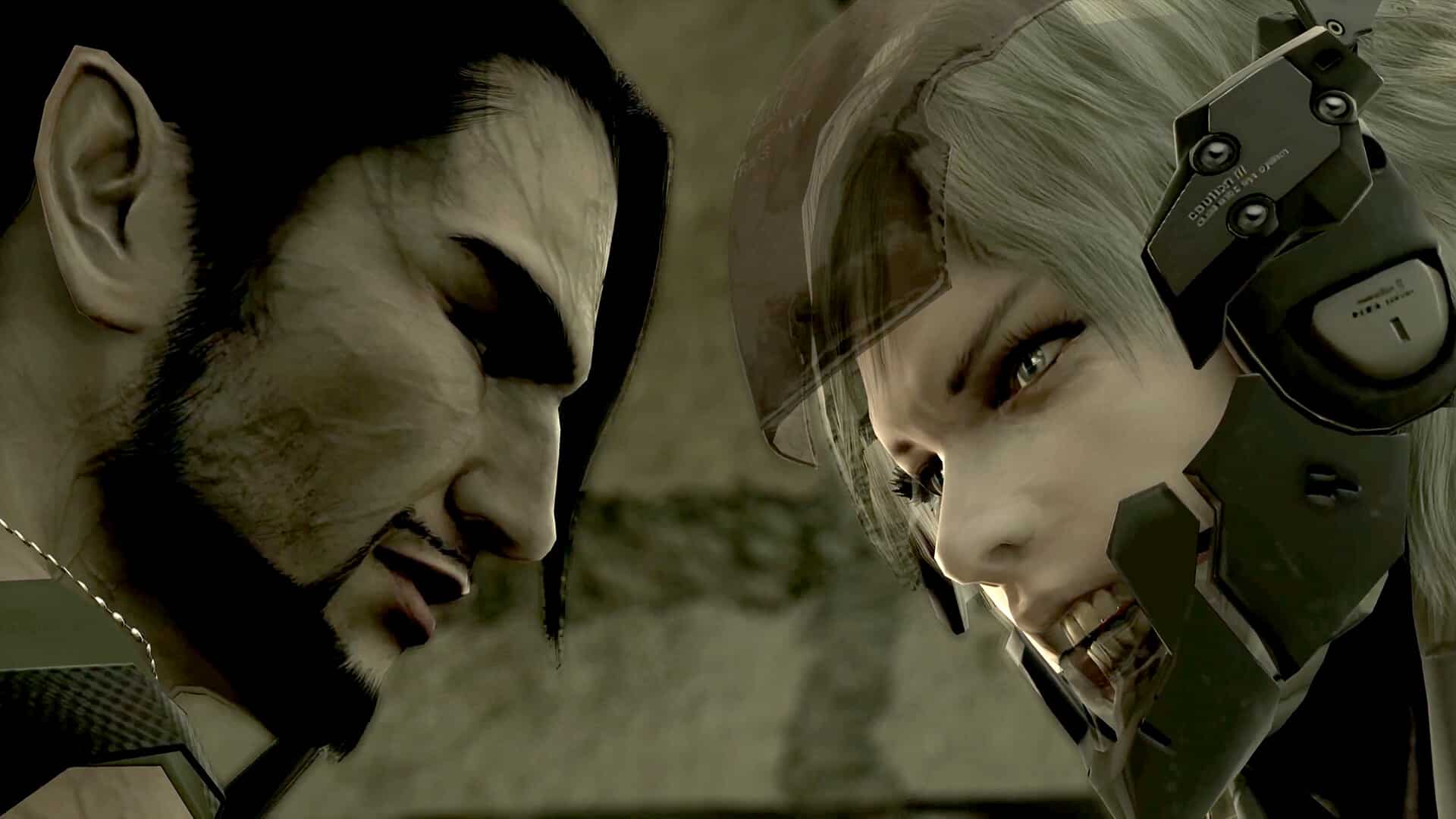
We are talking about Metal Gear Solid 4: Guns of the Patriots and Metal Gear Solid: Peace Walker HD.

Konami Takes Down Metal Gear Solid 4 and Peace Walker From Digital Stores

Metal Gear delisted from stores

The likely reason is the recent announcement of Metal Gear Solid: Master Collection Vol. 2 during the State of Play, as both games are included in that collection.

Players who already bought the games will still have them in their library and can download and play them as usual. However, new buyers can no longer purchase them. Peace Walker has also been removed from the Xbox 360 store. Basically, the games have been taken down from sale before the collection is released.

Considering that we are talking about old games, available on consoles that are no longer on the market such as PS3, PSP, and Xbox 360, Konami’s decision feels unnecessary. It’s hard to believe many new players would buy old consoles and the original versions instead of waiting for the Master Collection, especially since that would cost more. Maybe the goal was simply to avoid confusion in the store search results?

In any case, Vol. 2 will not be released until August 27. Konami could have at least warned players before removing the games. A simple notice would have been enough instead of taking them down without saying anything.

Avatar photo

Taha

Television kills your vision.

Home > Title Updates and Patches

ARC Raiders Update 1.000.023 Released on February 17 Issues Enforcement Actions Against Cheaters

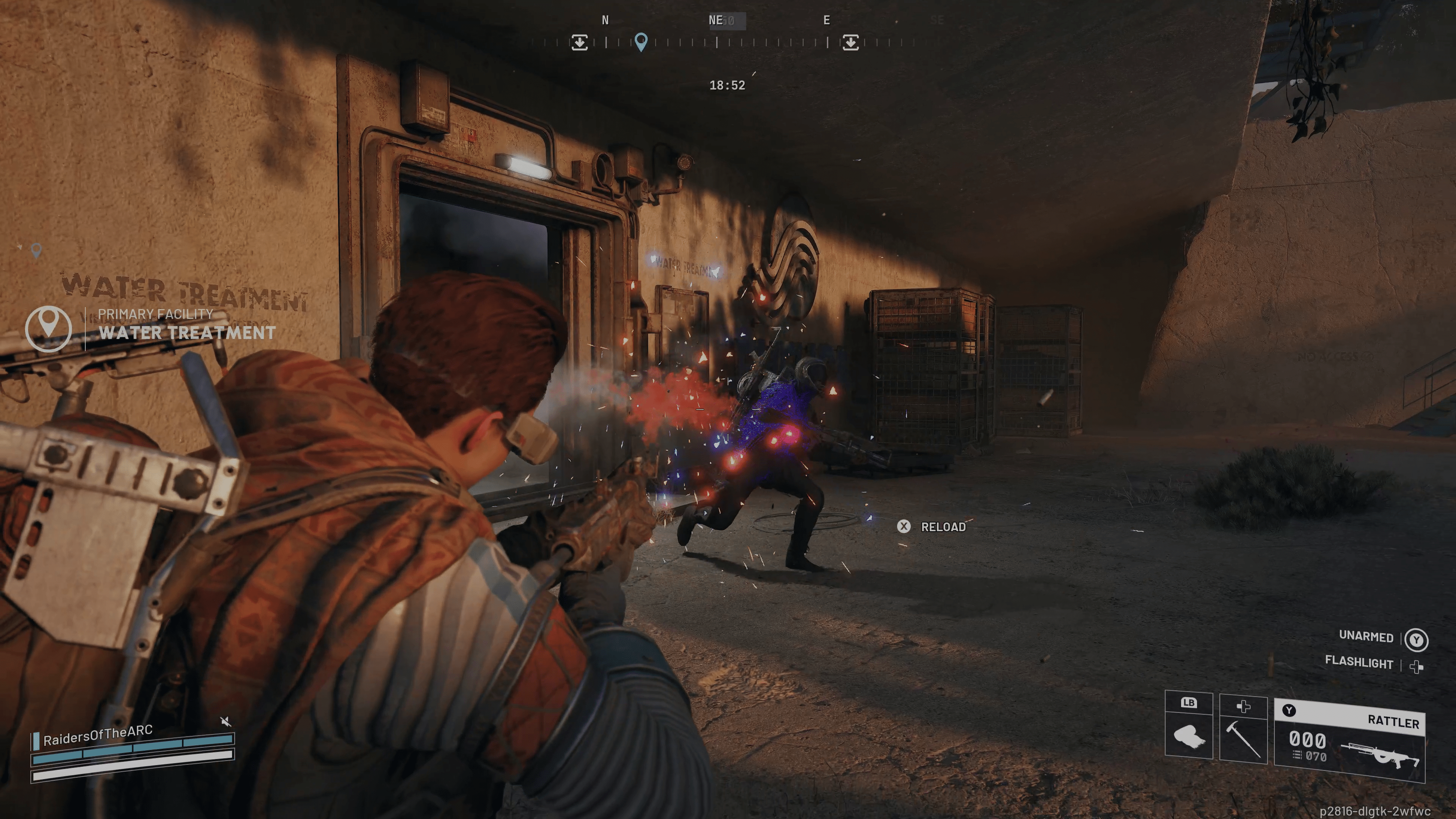
True to their word, ARC Raiders developer Embark Studios has provided an update on the anti-cheat situation for the extraction shooter.

Today, February 17, a new patch has been released, which shows up as ARC Raiders update 1.000.023, and is a small download across all platforms.
This doesn’t bring any new content, but does apply an enforcement action against cheaters, which is something a lot of players will be happy about.

ARC Raiders Receives Update 1.000.023 Takes the Fight Against Cheaters

ARC Raiders Update February 11

Embark said, “Over the course of the next week, we will begin issuing enforcement actions to accounts that we can confirm took advantage of these exploits.”

A more detailed explanation is available below.

Why this took time

We understand the desire for fast action, especially when both gameplay and the economy suffers. At the same time, our responsibility is, and must be, to act with fairness and accuracy.

When we take action on player accounts, we do it based on what we can define, prove, and stand behind. In practice, that includes:

  • Validating reports against data
  • Confirming exploit usage, scope and effect
  • Separating accidental/edge-case behavior from repeated and intentional abuse
  • Assessing the measurable impact on the economy and competitive integrity

We want to act once, with intention, and with confidence that we’re doing the right thing. This is the first time we’ve handled an incident of this nature at such scale in ARC Raiders. Rather than rushing, we chose to take the time needed to fully understand the situation and make sure our response was consistent with our values and expectations.

What are the consequences?

We will be taking actions based on severity, intent, frequency, and impact. Outcomes will vary, but actions will include:

  • Warnings for low-severity cases where abuse was limited
  • Removal of Coins tied to exploit activity
  • Suspensions for the severe cases, particularly, where exploit usage had a significant impact on the in-game economy or other players’ experience

Our goal is to keep the game fair for everyone, and that means holding all players to the same standard.

Moving forward

Starting with today’s update and over the course of this week, we will be issuing enforcement actions to accounts that we can confirm took advantage of these exploits.

It’s our hope that this response provides a platform for future action, and we’ve already improved our detection and tracking, internal review tools, and safeguards to limit the impact of similar exploits.

We take this incident seriously, and we’re approaching it as both a corrective effort and a learning opportunity to strengthen the systems that support fair play.

We’ll keep monitoring for confirmed exploits and will take action appropriately, fairly and consistently. If you run into issues, please report them through the designated channels (discord.gg/arcraiders); it helps us respond faster and with more confidence.

Thank you to everyone who reported these issues, and to everyone who continued playing in good faith while we worked through this. We understand the severity of this situation and have done our best to act in a way that provides a fair outcome for all our Raiders.

The next major update for ARC Raiders is due next week, per the game’s first roadmap of the year. Expect the Shrouded Sky content to be rolled out on Tuesday, February 24.

Avatar photo

Alex Co

Father, gamer, games media vet, writer of words, killer of noobs.

Home > Title Updates and Patches

No Man’s Sky Update 6.22/6.022 Released on February 17 for Fixes

As expected, another round of fixes is live in No Man’s Sky after the big Remnant patch. Players will see this as No Man’s Sky update 6.22/6.022 (complete version 6.022.000), and this applies another host of gameplay fixes.

So far, this is the second set of fixes released for Remnant, and we suspect there are more on the way.

Read on for the official changelog.

No Man’S Sky February Update #3 Applies Update 6.22

Bug Fixes

  • Fixed an issue that could cause the player to be immediately placed in the driver’s seat when summoning an Exocraft.
  • Improved the Exocraft Radar’s ability to locate nearby buildings when scanning.
  • Improved the appearance of the Gravitino Coil crosshair.
  • Fixed an issue that could cause Exocraft to clip with terrain when summoned on a steep incline.
  • Improved the visual effects on the Colossus Exocraft.
  • Fixed some missing collision at waste heaps.
  • Fixed an issue that could cause the Exocraft Mining Laser to fail to consume fuel.
  • Fixed a number of camera issues while driving an Exocraft, especially while on slopes.
  • Improved the appearance of the customisation UI (for example, when customising an Exocraft).
  • Added audio to the “Toot Toot!” gesture.
  • Improved the appearance of the Waste Processing Plant valuation scale.
  • Improved the visual effects on industrial waste being processed by other Travellers in the Remnant expedition.
  • Fixed an issue that could cause the wheels of other players’ Exocraft to appear to spin erratically.
  • Fixed a camera transition issue that could occur after multiple uses of the auto-collection utility at Waste Processing plants.
  • Improved the appearance of the trees on the Remnant expedition planet.
  • Improved the Gravitino Coil’s ability to magnetise armoured Sentinel drones.
  • Fixed a rendering issue with Exocraft cabins when using the Cyclops Scope in first person.
  • Improved the collision of the Colossus Exocraft.
  • Fixed some missing collision at Waste Processing Plants.
  • Fixed some minor visual issues with Exocraft cockpits.
  • Fixed an issue that could cause weapons fired from the Exocraft in first person to clip with the vehicle.
  • Fixed a minor visual issue with the Gravitino Coil.
  • Fixed an issue that could cause the Colossus Exocraft mechanical legs to get caught on obstacles.
  • Fixed an issue that could prevent the player from colliding with Exocraft wheels after reloading a save.
  • Improved the damage and stun potential of objects launched by the Gravitino Coil.
  • Fixed an issue that could cause the Personal Forcefield to collide with Exocraft.
  • Fixed an issue at the end of the Remnant expedition that could cause the Starship to permanently run out of fuel.
  • Fixed an issue that could cause invisible collision to block the opening of the Colossus-mounted furnace.
  • Fixed an issue in the Remnant expedition that could prevent waypoints to fail to count towards the Roadsigns milestone.
  • Fixed a rare timing-based issue that could cause the player to spawn in space if reloading an autosave immediately after loading into an expedition.
  • Fixed an issue that could cause the mission notifications HUD to be suppressed in Exocraft.
  • Added additional guidance to the Industrial Cleanup tutorial.
  • Fixed an issue that caused the Industrial Cleanup persistent mission to display incorrect icons in the log.
  • Improved the context awareness of the Industrial Cleanup persistent mission.
  • Added additional guidance to the Road Trip milestones in the Remnant expedition.

Technical Fixes

  • Fixed an issue which caused overly birght lighting in starship cockpits.
  • Fixed an issue that could hide the Collect Expedition Rewards guidance mission from the Mission Log.
  • Fixed an issue that would cause some Discovery thumbnails to render incorrectly.
  • Fixed an issue that could cause the camera to get stuck in third person mode if using a gesture while riding a creature in first person.
  • Fixed an issue that caused some objects to appear excessively bright in the Analysis Visor.
  • Fixed an issue that could cause some 3D objects (such as fishing floats) to render incorrectly on UI screens and in VR.
  • Fixed an issue that removed the lines from the crafting steps UI.
  • Fixed an animation issue with jetpack wings.
  • Fixed an issue that could cause other players’ Multi-Tools to be visible while holstered.
  • Fixed an issue where climbing a ladder into a bioroom would cause the player to appear on top of it.
  • Fixed an issue which caused some base parts to be incorrectly offset or rotated.

Platform-Specific Fixes

  • Fixed an issue that could cause a black screen in VR if GTAO was disabled.
  • Improved the appearance of a number of UI textures in sub-4K resolutions on PC.
  • Fixed an issue with the virtual keyboard on PS5 Pro in 8K.
  • Fixed an issue that prevented the Field of View sliders in the Options menu from functioning on Nintendo Switch 2.
  • Fixed the rendering of Terrain Manipulator reticle effects on Nintendo Switch 2.
  • Fixed a rendering issue with the player torch on PlayStation 4 and Nintendo Switch 1 / 2.
  • Fixed an issue that could cause planetary objects to flicker on Mac.

Once another patch is out, expect it here on MP1st.

Avatar photo

Alex Co

Father, gamer, games media vet, writer of words, killer of noobs.

Home > News

Battlefield 6 Update 1.000.012 Drops for Season 2

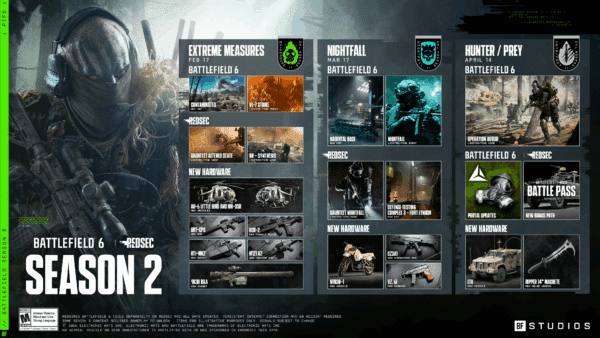
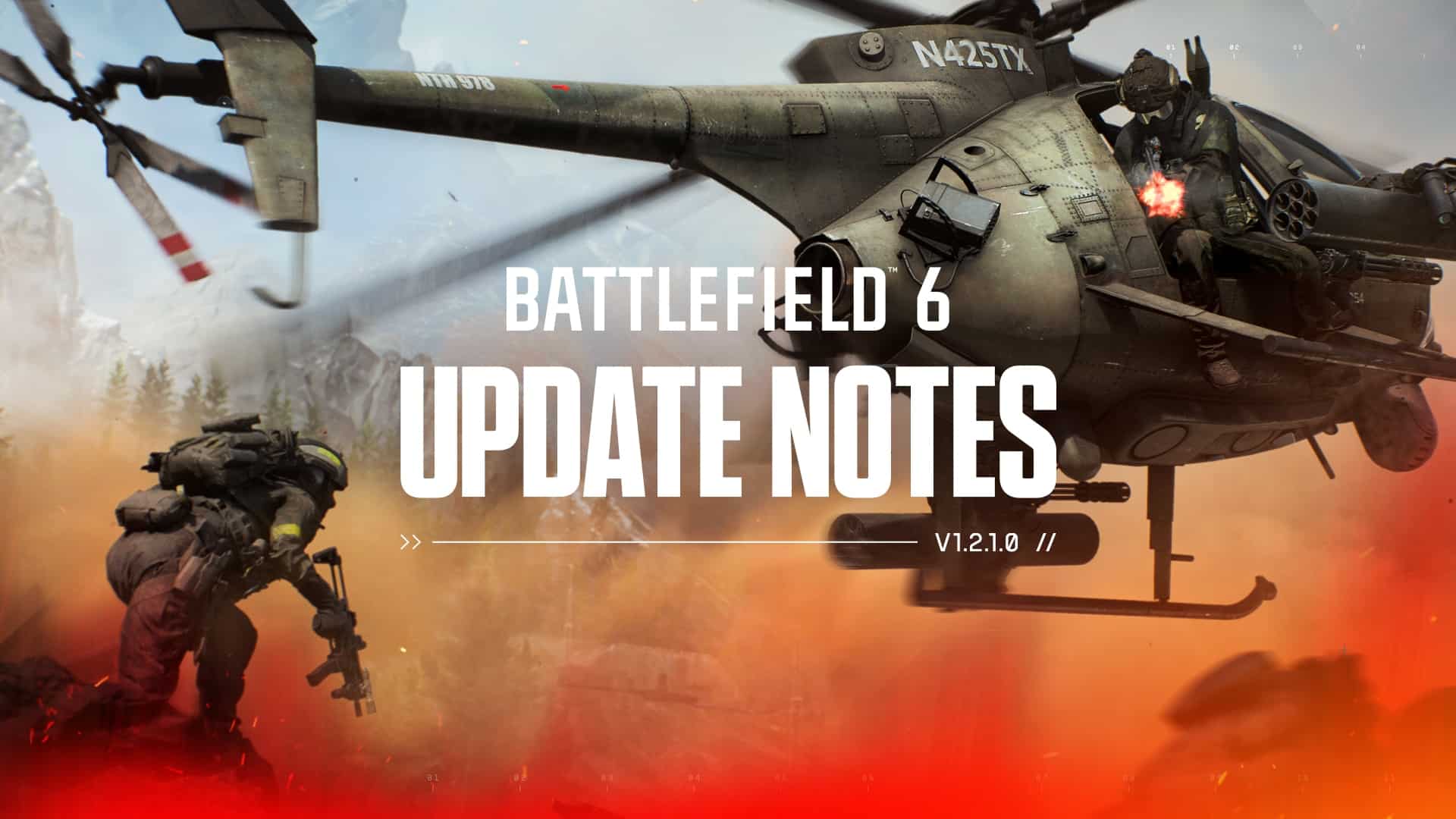
After a long wait, it’s finally here! Season 2 of Battlefield 6 drops today and that starts with a new game update! Called patch version 1.2.1.0 by DICE, console gamers will see this as Battlefield 6 update 1.000.012, and this is another hefty download that adds new content for free.

Check out the slate of new content on the way, as well as the gameplay changes, which are significant.

Battlefield 6 Season 2 Live on February 17 via Update 1.000.012

New Map: Contaminated

A large-scale European mountainside battlefield set around a strategic German airbase.

  • Supports all combat sizes
  • Includes land vehicles and helicopters
  • Available across Conquest, Breakthrough, Escalation, Squad Death Match, and Strikepoint

New Limited-Time Modes

Season 2 introduces a set of limited-time experiences built around VL-7, a new psychoactive smoke weapon spreading across multiple battlefields. As contaminated zones emerge, squads must adapt their tactics, manage masks and filters, and fight for control in increasingly hostile environments across multiplayer, Battle Royale, and Gauntlet.

VL-7 Strike: A limited-time mode where the psychoactive smoke VL-7 spreads across select areas in multiplayer and REDSEC. Players must use masks and manage their filters carefully, as running out will leave them exposed to VL-7’s disorienting effects.

Battle Royale – Synthesis: Smoke engulfs Fort Lyndon, transforming the battleground. Fight and loot within contaminated zones while securing masks and filters to survive the smoke’s effects.

Gauntlet: Altered State: Gauntlet returns with a new twist. Squads compete in a knockout-style elimination format while navigating psychoactive smoke and racing to complete missions under pressure.

New Vehicle

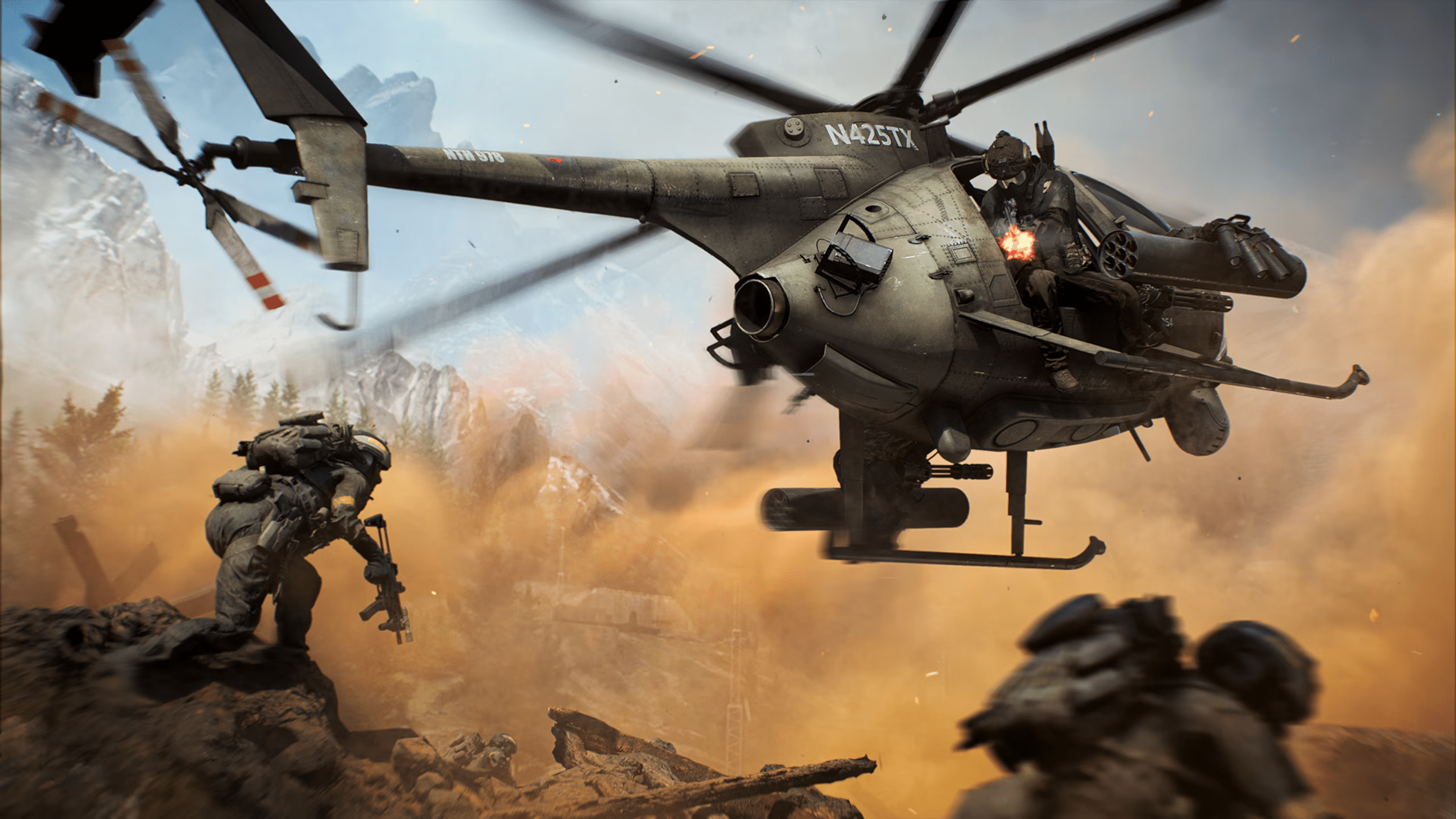
  • AH-6 Little Bird: The iconic attack helicopter returns for NATO forces, offering high mobility and lethal firepower in skilled hands.

New Weapons

  • M121 A2: A belt-fed machine gun delivering high damage, especially effective at close range.
  • GRT-CPS: A semi-automatic designated marksman rifle designed for mid- to long-range engagements, featuring a high-capacity magazine for sustained fire.
  • VCR-2: A short-range assault rifle with a rapid rate of fire, built for intense close-quarters combat.

New Gadgets

  • 9K38 IGLA: A lock-on, anti-air missile launcher that requires active guidance from engineers to stay on target. Provides  superior missile maneuverability to adept users.
  • HTI-Mk2: A short- to medium-range Recon device that can detect and reveal enemy gadgets, overload recon drones, and neutralise incoming rockets.
  • Protective Mask: Essential equipment for contaminated zones, protecting players from psychoactive smoke. Additional filters can be acquired and equipped to extend protection time.

Battle Pass & Progression

  • Season 2 Battle Pass: Instantly unlock 6 rewards and progress through 4 themed paths featuring new hardware, weapon packages, soldier skins, XP boosts, and more. Complete all paths to unlock the Ultimate Path.
  • BF Pro: In addition to the regular Battle Pass, BF Pro includes 6 instant unlocks, 25 tier skips, BF Radio, Portal Server Hosting, and access to an exclusive bonus path with additional tactical rewards.

Game Update 1.2.1.0 delivers over 240 gameplay improvements and quality-of-life fixes across nearly every part of Battlefield 6. These changes are shaped by community feedback and real match data, with a focus on improving weapon handling, movement, vehicles, gadgets, UI, audio, and overall gameplay reliability. This update continues our ongoing commitment to improve consistency and reliability across the core Battlefield experience.

Major Updates for Battlefield 6 Version 1.2.1.0 for Season 2

  • Weapon Balance and Recoil Improvements: Delivered a broad recoil tuning pass across automatic weapons, alongside targeted balance fixes to improve consistency, role clarity, and long-term weapon handling.
  • Movement and Traversal Fixes: Improved soldier movement predictability with refined acceleration, slide and jump behaviour, smoother vaulting logic, and improved ladder animations in both first- and third-person. Vehicle and Gadget Reliability: Resolved multiple issues affecting vehicles and gadgets, including anti-vehicle interactions, drone behaviour, deployables, and vehicle damage feedback.
  • Maps and Mode Fixes: Addressed numerous map exploits, traversal issues, capture logic problems, and world reset bugs across Conquest, Breakthrough, Strikepoint, Gauntlet, and other modes.
  • UI, HUD and Progression Polish: Introducing a new stat screen in the Player Profile, as well as Improved clarity and reliability across the HUD, Battle Pass, challenges, End of Round flow, matchmaking, and party systems.
  • Portal Stability and Tooling Updates: Fixed a wide range of issues affecting Portal creation tools, scripting, mutators, assets, exploits, and server stability.
  • Audio, Visual and Stability Improvements: Improved audio reliability, visual consistency, cosmetic presentation, and overall game stability across platforms.

PLAYER:

  • Adjusted the acceleration curve of slide and jumps to better account for the player’s speed when entering a slide or a jump.
  • All squad members now display animated health icons when downed, clearly indicating who is able to revive you.
  • Fixed a matchmaking error that could occur when a player left the party while the party leader was already in a match.
  • Fixed a movement extrapolation issue that could cause other soldiers to appear jittery when traversing uneven terrain or changing states.
  • Fixed a rare issue where melee could become unusable if switched to immediately after being revived.
  • Fixed an issue where a player’s legs could clip through thin walls or objects when backpedalling into them.
  • Fixed an issue where a soldier could become invisible and continue moving after dying in a swimming pool.
  • Fixed an issue where a victim’s facing direction could be briefly incorrect when starting a melee takedown on a prone target.
  • Fixed an issue where accepting a squad invite on Xbox could unintentionally select a highlighted tile in the main menu.
  • Fixed an issue where Battle Pickups would sometimes be dropped after being revived.
  • Fixed an issue where deployable Gadgets could be used while on a zipline.
  • Fixed an issue where equipping a camo skin on one vehicle could cause vehicle thumbnails or icons to incorrectly appear camouflaged across all vehicles.
  • Fixed an issue where melee animations could break when initiated immediately after exiting a vehicle in first-person.
  • Fixed an issue where revived players could occasionally receive an unintended weapon state.
  • Fixed an issue where soldiers could be launched unexpectedly when entering a ladder positioned above the camera.
  • Fixed an issue where stickers were not applied correctly on the War Wolf Legendary weapon package for the L85A3.
  • Fixed an issue where the left hand could be seen floating while doing a takedown with the knife equipped.
  • Fixed an issue where the selected player patch could appear duplicated and incorrectly placed on the backpack when using the Veritas Epic skin.
  • Fixed an issue where the Spiteful Mirage skin was missing hair during the End of Round flow.
  • Fixed an issue where the Thunder Engineer skin did not focus the camera on the correct uniform patch location.
  • Fixed an issue where the uniform patch appeared twice on the Peregrine Sniper Epic skin.
  • Fixed an issue where the Wraith Recon skin could become partially transparent in first-person view when starting a match in King of the Hill.
  • Fixed an issue where unlocking characters via the Battle Pass deeplink would not correctly unlock the character.
  • Fixed an issue where unlocking the Brodie character via the Battle Pass deeplink would not correctly unlock the character.
  • Fixed an issue where vaulting onto a vehicle could sometimes destroy it and launch the player unexpectedly.
  • Fixed an issue where weapon pose could fail to update correctly when firing while sprint-jumping.
  • Fixed an issue where weapon switching after being revived could leave players without a usable weapon. The game now prioritises equipping a weapon with available ammunition.
  • Fixed case scenarios where it would sometimes be possible to grab ledges much higher than intended with vault grab
  • Fixed duplicate naming for some of the weapon charms.
  • Fixed excessive mud weathering on the Two-Faced Epic skin’s character model.
  • Improved first-person ladder animations for entering, climbing, and exiting.
  • Improved foot placement when climbing ladders.
  • Improved predictability and consistency of player movement with new acceleration curves instead of linear accelerations. Those updated accelerations retain responsive movement while allowing micro-adjustments of movement (i.e. to peek corners) and ensure that other players’ movement looks more correct to improve the quality and predictability of gunfights.
  • Improved the transition of the soldier’s lower body in first-person view when stopping movement.
  • Improved third-person ladder animations, including hand and foot placement on ladders.
  • Improved vault detection near overhangs while airborne.
  • Made animation and logic improvements to vaulting over medium-sized obstacles, refining momentum and smoothing transitions into movement.
  • Prevented players from vaulting back onto the same ladder when jumping down backwards from it.
  • Reduced the intensity of hit reactions while on fire to improve visual clarity during combat.
  • Reduced the maximum slide impulse length by 25% to improve balance and readability during fast movement.
  • Updated the Winter Warning cosmetic to better align with Battlefield’s visual identity.

VEHICLES:

  • Disabled angle-based damage mitigation on the Traverser Mark II to better reflect its lighter armour profile. It now takes consistent damage from all directions.
  • Fixed an issue where attack helicopter rocket trails could disappear when firing at long distances.
  • Fixed an issue where helicopter rotary cannon tracers could sometimes originate behind the muzzle.
  • Fixed an issue where jet throttle input could remain active after ejecting from the aircraft.
  • Fixed an issue where tank turret aiming speeds differed between first-person and third-person zoom views.
  • Fixed unreliable bullet collision on Anti-Air vehicle radar dishes.
  • Reduced muzzle flash intensity on Anti-Air Tanks and stationary Anti-Air weapons when zoomed in.
  • You can no longer move vehicles forward or backward while the Big Map is open, preventing input conflicts with map zoom controls on controllers.

GADGETS:

  • Fixed an issue where Anti-Tank Mines could fail to deploy correctly in first-person view.
  • Fixed an issue where attached M4A1 SLAM AV Mine explosives on the XFGM-6D Recon Drone did not correctly affect battery life or top speed. Attached explosives now behave consistently and detonate when the XFGM-6D Recon Drone is destroyed.
  • Fixed an issue where the RPG-7 and the MBT-LAW launchers would be inaccurate if fired right after the zoom transition is completed.
  • Fixed an issue where the Smoke Grenade was missing from the Support class Loadout #2.
  • Fixed an issue where the XFGM-6D Recon Drone could be destroyed when its operating soldier was downed.
  • Fixed an issue where the CSB IV EOD Bot could instantly regain an ammo charge when destroyed.
  • Fixed an issue where the LTLM II Portable Laser Designator could prioritise already-painted targets instead of the vehicle being aimed at.
  • Fixed an issue where the Repair Tool torch flame video effect was misaligned in third-person view using non-default FOV values.
  • Fixed an issue where the Repair Tool would not repair vehicles when targeting glass components.
  • Fixed an issue where the RPG-7 could fire unintentionally when switching weapons after releasing the trigger.
  • Fixed a bug that prevent the player from returning properly to the previous weapon after throwing a supply pouch and would keep throwing more supply pouches
  • Improved consistency when destroying Anti-Tank Mines and M4 SLAM AV Mines with explosives. Clearing out minefields should be easier and more consistent using a tank.
  • Improved consistency of Defibrillator revives detection on stairs and uneven terrain.

WEAPONS:

  • Adjusted in-world spotting range when firing a weapon without a suppressor or flash hider, reducing it from 75 to 54 metres.
  • Adjusted minimap spotting range when firing suppressed weapons, increasing it from 15 to 21 metres to better align with intended balance.
  • Fixed consistency with recoil compensation, making sure that the amount of aim input needed to compensate for recoil matches the amount of recoil.
  • Fixed a visual issue with the standard fire mode on the SL9 being incorrectly set to safe; it is now set to full auto by default.
  • Fixed an issue where locked weapon skins could be used in the Firing Range.
  • Fixed an issue where shooting the first target dummy could generate particle effects at the player’s position.
  • Fixed an issue where the 5 mW Green Laser was too expensive to equip on the DRS-IAR.
  • Fixed an issue where the Flashlight could appear slightly misaligned when equipped on the MP5.
  • Fixed an issue where the LA-23 Laser pad could appear floating when equipped on the RPKM.
  • Fixed an issue where Scope glints and laser sight lens flares would be visible through the cover of smoke grenades.
  • Fixed inconsistent knife melee timing to improve reliability during close-quarters combat.
  • Fixed multiple weapon attachment visual issues, including lasers, flashlights, and optic alignment.
  • Fixed the LMR27s Fast 15- and 20-round magazines not reducing reload time as intended.
  • Fixed the SGX RO-M 1.75x sight to function consistently with other weapons.
  • Fixed visual issues with bolt-action rifle animations, including intrusive ADS motion and incorrect finger placement.
  • Improved scope glint orientation at long distances so enemy aim direction is more accurately telegraphed.
  • Knife takedowns against enemies who are prone on their back now correctly connect with the defender.
  • Reduced the Mini Scout muzzle velocity from 880 to 800 m/s.
  • Reduced the Mini Scout limb damage to better align with lower-torso damage values.
  • Updated the M433 Level 50 Mastery Package to use the correct magazine mesh.
  • Updated the Range Finder custom zeroing to not apply its effect instantly; it now requires a short delay before taking effect.
  • Updated player-facing descriptions for non-sniper grippod attachments to better reflect their gameplay effects.
  • Updated player-facing name of the TR-7’s fluted barrel to match the formatting of its other barrels.
  • Weapon Recoil Tuning: Adjusted recoil behaviour across automatic weapons to better reflect real combat ranges and ease-of-use expectations, improving ranged consistency while preserving intended weapon roles.
    • AK-205: Adjusted recoil behaviour to better match expectations for a 5.45×39mm weapon, with minimal impact on overall handling.
    • B36A4, L85A3, M433, SOR-555 MK2: Reduced recoil randomness, improving consistency and effectiveness at longer ranges.
    • DB-12: Increased rate of fire and faster pump action to improve reliability in close-quarters combat.
    • L110: Reduced recoil to reinforce the handling differences between belt-fed Machine Guns and Assault Rifles.
    • LMR27: Increased damage at close to mid ranges to better reward accurate headshots.
    • M123K: Reduced recoil to improve sustained-fire control and reinforce its role as a belt-fed Machine Gun.
    • M277: Reduced recoil, improving effectiveness at range.
    • M417 A2, QBZ-192: Reduced recoil randomness to ensure they remain competitive relative to updated Assault Rifles.
    • PW5A3, SGX: Increased recoil, making them slightly harder to control and less precise at longer distances.
    • PW7A2, USG-90: Adjusted recoil behaviour to improve effectiveness at range while slightly increasing handling difficulty up close.
    • SCW-10: Increased recoil to reduce effectiveness at range and reinforce its close-quarters role.
    • SG 553R: Increased recoil to limit effectiveness at range and better align with its strong close-range performance.
    • SOR-300SC: Adjusted recoil to ensure it remains competitive alongside updated Assault Rifles.

MAPS & MODES:

  • Added Rush as a new mode to Mirak Valley.
  • Fixed an issue in Escalation on Operation Firestorm where vehicles would not spawn at HQ as intended.
  • Fixed an issue in Squad Deathmatch where locked squads could cause the scoreboard to appear partially empty.
  • Fixed an issue in Sabotage where attackers could reach elevated positions and spawn-camp the defending team on Blackwell Fields.
  • Fixed an issue in Sabotage where attackers could spawn within direct line of sight of defenders when deploying at HQ on Blackwell Fields.
  • Fixed an issue on Siege of Cairo where players could reach the top of buildings in Sector D3 using the Deployable Cover gadget.
  • Fixed missing water and visual issues in several swimming pools across Eastwood.

Manhattan Bridge

  • Fixed an issue where destroying a garage by D objective could trigger a whiteout effect across the map.
  • Fixed an issue where destroying an office building by F objective could incorrectly trigger a blackout and cause other players to see random colors and bright lights across the map.
  • Fixed an issue where destroying parts of a plaster ridge at C objective could expose occlusion problems, causing large sections of the map to disappear when viewed from certain positions.
  • Fixed an issue where players could stand on top of the bridge, creating unintended gameplay advantages.
  • Fixed an issue where points of interest on the minimap were incorrectly labelled as “Dumbo” instead of Manhattan Bridge.

Empire State

  • Fixed an issue where players could capture Point B (Sector 2) on Breakthrough from an unintended upper floor.
  • Fixed an issue where players could place the Assault Ladder on invisible collision near the NATO HQ.
  • Fixed an issue where players could reach unintended areas above the D flag after being launched into the air.

Strikepoint

  • Fixed an issue on Liberation Peak, Operation Firestorm, and Iberian Offensive where multiple world and vehicle assets would not restore correctly after the halftime world reset.
  • Fixed an issue where matches could end prematurely when teams were tied at 5:5.
  • Fixed an issue where players joining a match late could spawn under the map.
  • Fixed a rare issue where a wiped team could be incorrectly awarded a point.

Added the Scout Helicopter to the following maps and modes:

Conquest

  • Manhattan Bridge
  • Operation Firestorm
  • New Sobek City
  • Mirak Valley

Escalation

  • Manhattan Bridge
  • Eastwood
  • Operation Firestorm
  • New Sobek City
  • Mirak Valley

PROGRESSION:

  • Battle Pass Tokens are now earned more quickly through Career XP and Weekly Challenges, allowing for faster progression through regular gameplay.
  • Fixed an issue where rerolling challenges could become unavailable when switching between the Battle Pass and Daily Challenges.
  • Fixed an issue where the assignment tracker did not correctly track missions from the Unit page.
  • Fixed incorrect tracking for multiple weekly and assignment-based challenges.
  • Fixed multiple issues with challenge criteria displaying or progressing incorrectly across REDSEC Gauntlet and Weekly Challenges.
  • Fixed incorrect progress display for Week 2 challenges.
  • Fixed an issue where exploration assignments could complete with fewer actions than intended.

UI & HUD:

  • Engineer icon changed to improve readability and make role more clear based on community feedback.
  • Fixed a localisation issue where the Loadout Zeroing and Attachment prompts could overlap in several languages.
  • Fixed an incorrect icon for the M3A3 Bradley.
  • Fixed an issue causing Field XP UI animations to trigger too frequently.
  • Fixed an issue causing low minimap shadow quality and rendering artefacts on some multiplayer maps.
  • Fixed an issue on PC where the Big Map displayed keyboard and mouse icons even when using a controller.
  • Fixed an issue where Battle Pass points earned from weekly missions were not reflected correctly on the End of Round screen.
  • Fixed an issue where Battle Pass progression tokens were not updating correctly on the End of Round screen after completing Bonus Paths.
  • Fixed an issue where closing the pause menu from the Deploy Screen using a controller could immediately reopen it.
  • Fixed an issue where completed assignments could appear incorrectly sorted as completed on the End of Round screen.
  • Fixed an issue where equipping or previewing gadgets and melee weapons could cause them to appear under the vehicle section in the Loadouts screen.
  • Fixed an issue where locked Battle Pass rewards could appear stuck in the Loadout screen after navigating back from the Battle Pass.
  • Fixed an issue where mortar hit indicators and damage numbers were not displayed correctly.
  • Fixed an issue where the Big Map and scoreboard button prompts were missing in Gauntlet End of Round screens.
  • Fixed an issue where the crosshair could briefly display incorrect spacing when switching weapons.
  • Fixed an issue where the gunner seat aiming indicators on attack helicopters remained static while the helicopter was moving, leading to incorrect aiming feedback.
  • Fixed an issue where the “Go to Store” button prompt was not functional for vehicle customization on PlayStation 5.
  • Fixed an issue where item previews could persist after exiting Store bundles.
  • Fixed an issue where item rotation and zoom could shift to other items when rapidly switching during inspection.
  • Fixed an issue where the Free-to-Play tutorial for custom loadout access did not trigger correctly under certain conditions.
  • Fixed an issue where the map could flip back and forth when rolling an aircraft.
  • Fixed an issue where the resupply message was not visible even when resource indicators were enabled in settings.
  • Fixed an issue where the revive in-world icon for squadmates could disappear too early. The icon now remains visible until the player is fully dead and no longer revivable.
  • Fixed an issue where the “Show Game Mode Events” option did not function correctly when disabled.
  • Fixed an issue where the “Stay with Squad” option was missing from the End of Round screen.
  • Fixed an issue where the “Steady Aim” prompt unintentionally appeared on Designated Marksman Rifles; it is now shown only on bolt-action rifles.
  • Fixed an issue where the tank damage screen effect would not properly cancel when exiting the vehicle.
  • Fixed an issue where the “Tracked” section could display an incorrect number of tracked missions.
  • Fixed an issue where UI elements could overlap or misalign during fast menu navigation.
  • Fixed an issue where weapon package deeplinks did not navigate to the correct challenge tile.
  • Fixed duplicate ladder indicators appearing on the jet HUD.
  • Fixed enemy lock-on in-world icons displaying incorrect state colours when targeting vehicles.
  • Fixed missing deeplinks for Dog Tags unlocked via challenges or through the Store.
  • Fixed missing or incorrect icon art for several assignment and unit challenge rewards.
  • Fixed inconsistencies between Battle Pass progression shown on the End of Round screen and the Battle Pass menu.
  • Fixed incorrect unit descriptions for select NATO and Pax Armata forces.
  • Fixed missing high-definition feedback when the Phalanx HQ Defence destroyed incoming projectiles in Conquest.
  • Fixed missing or incorrect game mode tiles appearing on launch or after finishing a match.
  • Fixed multiple issues causing in-world icons to flicker, including look-at, occlusion, and delayed occlusion updates.
  • Fixed new reward markers not resetting correctly when switching between Season and Bonus Paths.
  • Fixed player pickup request icons not displaying correctly.
  • Improved readability of missile intercepted indicators.
  • Improved the revive in-world progress bar to more closely match the downed player’s screen, reducing the gap where a revive was no longer possible but still appeared active.
  • Reduced delay of UI hit indicators showing up when a hit has been confirmed.
  • Reorganised killer information on the kill card to improve readability.
  • Season 2 introduces a new stat screen in the Player Profile, featuring Career Total, Career Best, and Accolade stats. Each of these three screens showcases a variety of detailed statistics. The Career Total stats header includes both overall totals and breakdowns by game mode, while Career Best stats are tracked for both “In a Match” and “In a Life” categories.

SETTINGS:

  • Added an accessibility option for flash and stun grenades that replaces the white flash effect with a black screen effect, reducing sudden brightness while preserving gameplay impact. This option can be enabled in the Accessibility settings.

PORTAL:

  • Fixed a memory leak that could occur when specific scripting events were triggered repeatedly.
  • Fixed an exploit that allowed players to farm excessive XP by repeatedly destroying AI-spawned vehicles.
  • Fixed an issue where Battle Pickups spawned via Loot Spawners were missing minimap and big map icons.
  • Fixed an issue where certain rules events triggered at incorrect times, including capture point enter/exit events.
  • Fixed an issue where experiences in the “In Review” state could not be edited or deleted.
  • Fixed an issue where modifying reinforcement multipliers could cause incorrect ticket counts to be displayed during sector progression.
  • Fixed an issue where players could be reassigned incorrectly or prevented from deploying when squads reached maximum size.
  • Fixed an issue where players could create AFK farming experiences that bypassed intended progression limits.
  • Fixed an issue where players could not report a server while in the redeploy screen.
  • Fixed an issue where Portal Sandbox displayed an incorrect map size in map rotation.
  • Fixed an issue where removing all maps from a map rotation could cause the editor panel to disappear.
  • Fixed an issue where spawning ammo via Loot Spawners had no effect.
  • Fixed an issue where the Export button displayed a placeholder icon.
  • Fixed an issue where users could bypass editor limits by importing modified workspaces.
  • Fixed asset conflicts and errors that could appear when uploading or editing certain maps.
  • Fixed incorrect Front End indicators related to limited-time events.
  • Fixed incorrect map availability and categorisation for Custom Portal modes.
  • Fixed incorrect or lingering UI elements related to respawning, squad reassignment, and mission flow.
  • Fixed incorrect or missing tooltips, placeholder text, and untranslated labels in the Web Editor.
  • Fixed issues that could lead to very long loading times for some Portal experiences.
  • Fixed issues where certain assets could cause players to be returned to the Front End when hosting experiences.
  • Fixed issues where certain gadgets, weapons, vehicles, and Battle Pickups were missing from restriction settings or did not respect configured restrictions.
  • Fixed issues where strike package markers, beacon indicators, and objective icons could behave incorrectly across sessions.
  • Fixed issues where values entered for certain seasonal and environmental mutators were not saved correctly.
  • Fixed issues with Rules Editor lists being scrambled or inaccurate when selecting weapons, gadgets, or ammo.
  • Fixed issues with scripting functions and nodes, including incorrect vector calculations, squad lookup limits, and long-running player events stopping unexpectedly.
  • Fixed missing maps, assets, and set dressing in the Portal SDK, including Season 2 content and winter environment assets.
  • Fixed missing or incorrect indicators for heat warnings, second chance states, and beacon pulses.
  • Fixed multiple issues in the Portal Web Editor where weapons, gadgets, vehicles, and maps were missing, incorrectly categorised, or displayed with placeholder names, images, or meshes.
  • Fixed multiple mutators that had no functionality or incorrect default values, including reinforcement, health regeneration, zoom snap, passenger seat, and verification-related settings.
  • Fixed multiple placeholder or low-resolution vehicle and object meshes appearing when placed in Portal experiences.
  • Fixed rare server hangs affecting Linux-based Portal servers.
  • Fixed server log spam related to loot physics and proximity systems.
  • Updated and replaced several Battle Royale and Portal-related challenges that were no longer functioning as intended.

AUDIO:

  • Fixed an issue where pinging a Vehicle Supply Crate did not trigger the correct supply voice-over line.
  • Fixed audio stuttering when vehicles are sabotaged using the Repair Tool.
  • Improved audibility of enemy ziplines and parachutes, as well as friendly blowtorches, when many sounds are playing.
  • Improved audio obstruction for vehicles, weapons, and soldier footsteps by refining sound source positioning.
  • Improved clarity of distant enemy footsteps by better aligning layered audio content.
  • Improved panning for close non-player footsteps at very short distances.
  • Improved reliability of multiple sound effects under heavy load, including defibrillators, blowtorches, ziplines, and parachutes.

NETWORK:

  • Fixed rare cases where the game could become unresponsive after reconnecting network cables during gameplay or while accepting invitations on Xbox Series consoles.

Battlefield 6 REDSEC Season 2 Changes

PLAYER:

  • Fixed an issue where dying with a Data Drive could prevent the Extraction mission from progressing.
  • Fixed an issue where in rare cases soldiers could take higher than intended damage when wearing armor.
  • Fixed an issue where mission completion rewards could fail to drop correctly if the player initiating the mission was killed just before completion.
  • Fixed an issue where the deploy input during Battle Royale insertion was not triggering consistently.
  • Fixed an issue where the party leader would be returned to the Front End after selecting Stay with Squad in Battle Royale Duos.

VEHICLES:

  • Added the Traverser Mark II to select Large, Medium, and Small Gauntlet layouts.
  • Fixed an issue where the weapon could rotate incorrectly in first-person view when using the Traverser Mark II Remote Weapon Station.
  • Fixed an issue where incorrect or missing crosshairs could appear for side passengers in the Traverse Mark II.

WEAPONS:

  • Improved attachment setups for M4A1, M277, SVDM, Mini Scout, UMG-40, and 18.5KS-K, ensuring these weapons use their intended attachments and are better balanced when found as loot.

CALL-INS:

  • Fixed an issue where the UAV call-in sound effect could continue playing if the action was cancelled by vaulting.
  • Increased the drop speed of Custom Weapon Drops, Supply Drops, and Mission Rewards after being spawned in the air.
  • Introducing a new, limited, tactical Strike Package, allowing players to call in a volley of gas discharging artillery shells on a targeted location of the map. This Strike offers a unique way to disrupt and deny key areas to enemies.

MAP:

  • Fixed an issue where tanker container ramps could clip through large deployables; ramps now correctly damage or destroy objects and vehicles when lowering.
  • Fixed multiple terrain and object placement issues.

PROGRESSION:

  • Fixed an issue where Battle Royale “Special Forces Operator“ Challenge rewards were not granted correctly.

UI & HUD:

  • Fixed an issue where strike package map markers would not disappear when joining a Gauntlet session right after playing a Battle Royale match.
  • Fixed an issue where the Clear Ping action did not work with default controller bindings.

Battle Royale

  • Fixed an issue where helicopter insertion flight paths on the Big Map could become misaligned when the helicopter or endpoint icons were off-screen.
  • Fixed an issue where the Decryption Beacon displayed an incorrect texture.
  • Fixed an issue where the loot feed could incorrectly increment the number looted when picking up the same item repeatedly.
  • Fixed an issue where players could toggle flashlight and laser attachments while navigating the inventory.
  • Fixed an issue where the UAV icon was too small on the minimap and big map.
  • Fixed multiple issues with the Second Chance UI, including incorrect timers, widgets persisting after squad wipes, and incorrect visibility when players left the match.
  • Removed outdated soldier voice-over lines referencing “supply drops” when pinging crates or supply vehicles.

Gauntlet

  • Fixed an issue where the Beacon Pulse icon could appear too far away when first picked up by an enemy.
  • Fixed an issue where the countdown icon on the Mobile Respawn gadget could disappear too early.
  • Fixed overlapping UI elements when rapidly exiting the Edit Loadout menu.
  • Fixed overlapping UI elements where “Random Deploy” could appear behind class selection buttons on the redeploy screen.

AUDIO:

  • Fixed an issue where dropped items would not correctly play pickup sound effects.
  • Fixed missing collision sounds for dropped ammunition.
  • Improved reliability of audio feedback for UAV call-ins and mission-related interactions.

Don’t forget, the actual new season kickss off tomorrow once the patch is installed.

Avatar photo

Alex Co

Father, gamer, games media vet, writer of words, killer of noobs.

Home > Title Updates and Patches

Nioh 3 New Update 1.030.020 Applies Progression Blocker Fixes

The latest patch for Nioh 3 is available on all platforms, and this is another round of bug fixes focusing on progression blockers and other gameplay issues.

Gamers will see this download as Nioh 3 update 1.030.020, as the devs tag this as version 1.03.02 on PC. While this is a minor update, the fixes it brings are anything but minor.

Read on for the latest changelog, as well as what got fixed via the previous title update.

Nioh 3’s New Patch on February 17 Brings Gameplay Fixes via Update 1.030.020/1.03.02

nioh franchise sales

Bug fixes:

  • Fixed an issue making it impossible to complete the objective and thereby progress through the game when the player interrupted Nekomata’s dialogue in the Eternal Rift by opening a menu or triggering a cutscene.
  • Fixed an issue causing an invisible wall to block the player in the mission Frozen City, Blazing Tree, making it impossible to progress.
  • Fixed an issue preventing the boss from appearing in the mission The Spirit Tree Village, making it impossible to progress.
  • Fixed an issue where Kusumoto Ine did not appear after the player completed the mission Kiyomizu Defiled, which made it impossible to progress through the Myths Doctor’s Pride and Old Medicine, New Problems.
  • Fixed an issue making it difficult for players to match with other players located far away from them during co-op play.

Note: If you have experienced one of these bugs making it impossible to progress, please apply the update and then select Continue in the main menu to resolve the issue.

The title update released last week ushered in a lot more bug fixes and gameplay adjustments, with some affecting combat.

Combat Fixes

  • Fixed an issue where performing the Martial Art Rising Gale with the Samurai weapon the cestuses would trigger the Martial Art Kick Cycle even if the player had not held down the input for a Strong Attack.
  • Fixed an issue that sometimes prevented the Martial Art Dancing Kick performed with the Samurai weapon the cestuses from dealing damage to enemies located farther away from the player.
  • Fixed an issue where performing a stance change during the Martial Art Defensive Drop performed with the Samrai weapon the cestuses would sometimes result in Sunrise being followed by Defensive Drop instead of the intended Martial Art.
  • Fixed an issue where performing Arts Proficiency with the Martial Art Infinite Retribution while using the Samurai weapon the switchglaive would enable to the player to continue unleashing Infinite Retribution indefinitely.
  • Partially fixed an issue that sometimes made it impossible to use elixirs during battle.
  • Fixed an issue making it impossible to switch between melee weapons while locked on to a target and sheathing a weapon.
  • Fixed an issue making attacks with certain weapons difficult when attacking Yamainu head on.
  • Fixed an issue preventing the player’s attacks from interrupting Minamoto no Yoritomo’s special moves even if his Ki had been depleted.
  • Fixed an issue where Kajiwara Kagetoki would sometimes become unable to move during the Myth True Samurai of Kamakura in “1190 CE – Heian.”\\

For the complete list of adjustments and bug fixes made last week, check out the complete changelog.

Avatar photo

Alex Co

Father, gamer, games media vet, writer of words, killer of noobs.

Home > Title Updates and Patches

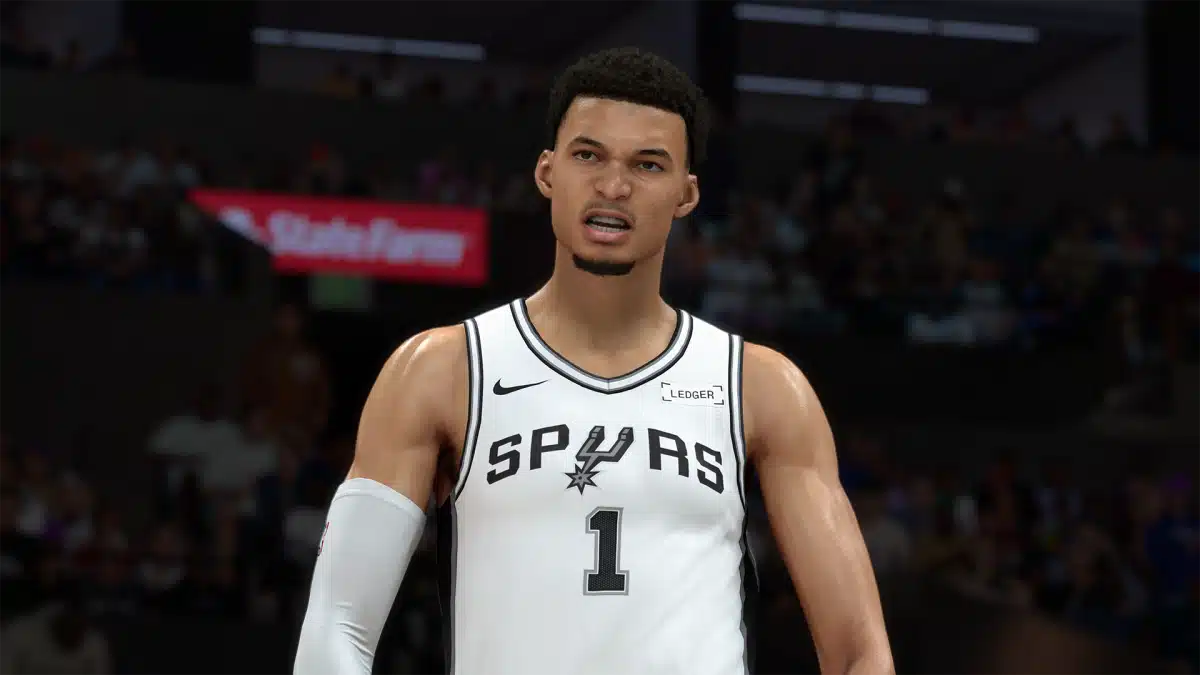
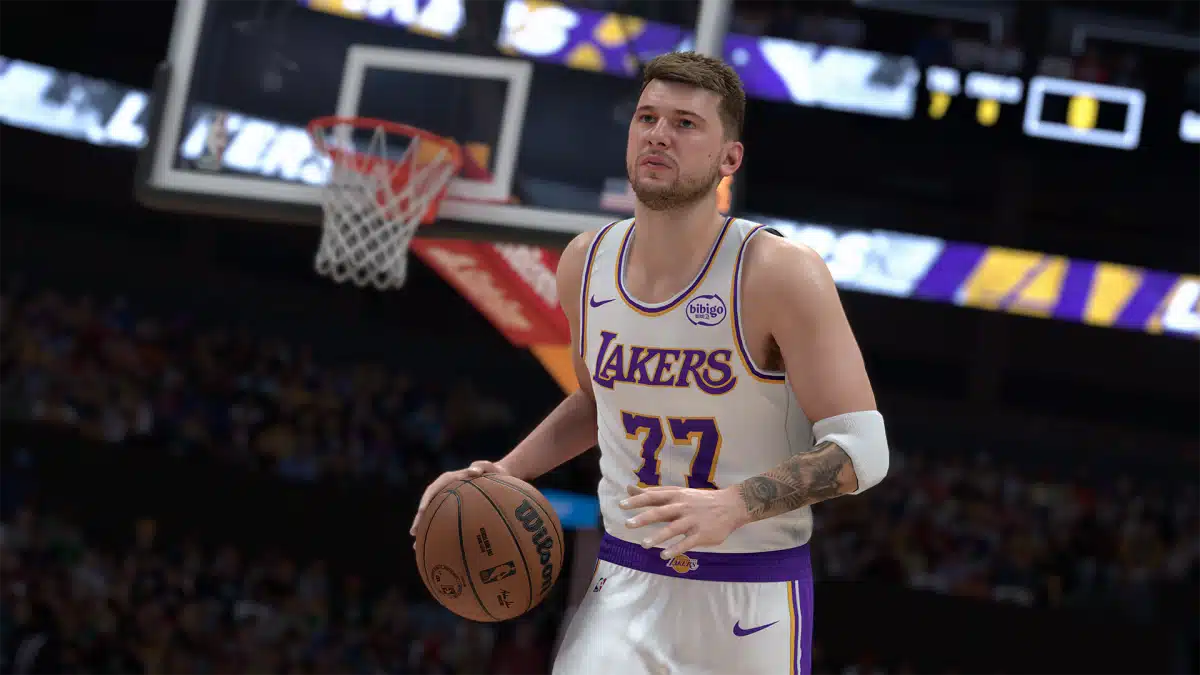
NBA 2K26 Season 5 Update Hits the Court as Patch 1.016

The latest seasonal update for NBA 2K26 is live on all platforms on February 17, and this is for Season 5! Console gamers will see this as NBA 2K26 update 1.016 (complete version 1.016.000), and given how Visual Concepts handles patches, expect this to be another meaty download.

While Season 5 won’t officially kick off until later this week, the gameplay changes should take effect once the patch has been installed.

For the complete patch notes, read on.

NBA 2K26 Season 5 Update Released on February 17 via Patch 1.016

This update is scheduled to release February 17 at 2 AM PT on PlayStation®5 and Xbox Series X|S. The Steam release is expected to follow later on February 20.

GENERAL

  • Preparations for NBA 2K26 Season 5, launching on Friday, February 20, at 8 AM PT / 11 AM ET / 4 PM GMT. Stay tuned for what we have in store!

Uniform & Arena Updates

  • Cleveland Cavaliers (Conference Championship banner correction)
  • Denver Nuggets (Home uniform Nike logo color correction)

General Hairstyle or Likeness Updates

  • Deandre Ayton
  • RJ Barrett
  • Miles Bridges
  • Noah Clowney
  • Jaxson Hayes
  • Jay Huff
  • Malik Monk
  • Kelly Oubre Jr.
  • Zaccharie Risacher
  • Peyton Watson
  • Mark Williams

Hair Dynamics Updates

  • Lindsay Allen
  • Toumani Camara
  • Cade Cunningham
  • DeMar DeRozan
  • Bones Hyland
  • Jaden Ivey
  • Isaiah Joe
  • Miles McBride
  • Olivia Nelson-Ododa
  • Ausar Thompson
  • Mamignan Touré
  • Jabari Walker
  • Jaylin Williams

GAMEPLAY

  • Fixed a rare hang that could occur during an inbounds play after a blocked shot.
  • Fixed a possible hang during pregame shootarounds.
  • The Alley-Oop tutorial in Learn 2K can now be completed as expected.

THE CITY GAME MODES

  • Addressed a reported hang that could occur when browsing certain stores for extended periods of time.
  • Fixed a hang that could occur when returning to the Crew Members screen after being disconnected.
  • Resolved a possible hang that could occur when advancing to future NBA seasons in MyCOURT.
  • Player Stats and Average Teammate Grade now appear correctly on the Player Matchup screen for Ante-Up games.
  • The Game Stats menu now properly dismisses when opened immediately before player introductions.

MyTEAM

  • Addressed an issue that prevented some Badges from appearing on the Coaching tab and unlocking their Coach Training Challenges.
  • Updated the in-game display of Dynamic Duo boosted Badges to accurately reflect the actual boosts.
  • Various improvements to other menus and features throughout MyTEAM.

MyNBA / MyGM / THE W

  • Fixed a timing-specific hang that could occur when exiting MyNBA modes with customized team logos in use.
  • The winning team now properly appears on the Jumbotron during the FIBA championship celebration sequence.
  • Fixed a reported PC-only hang that could occur when saving a custom uniform with specific fonts applied.

Stay tuned for the Season 5 slate of content, which should be revealed later this week,

Avatar photo

Alex Co

Father, gamer, games media vet, writer of words, killer of noobs.

Home > News

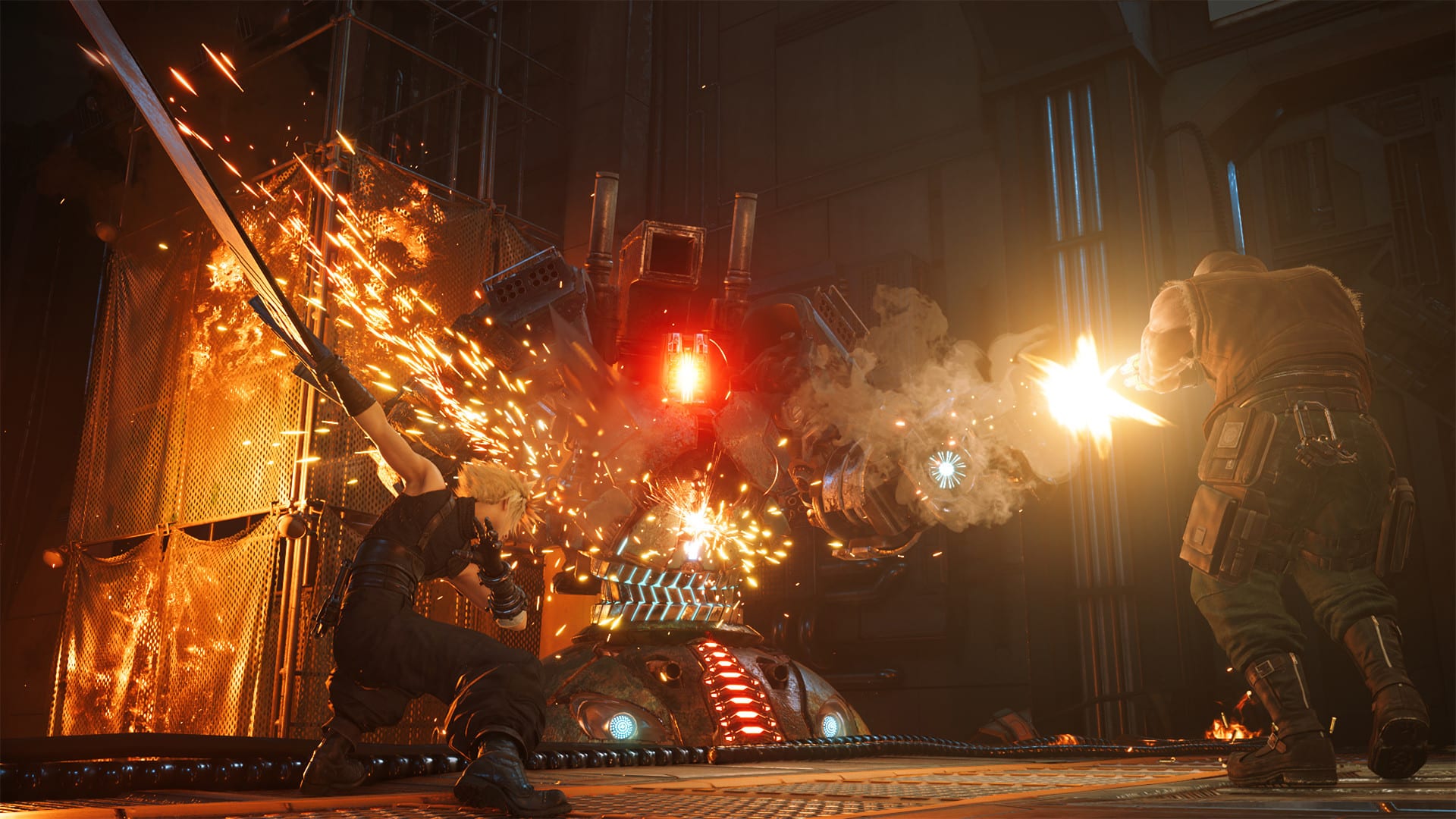
Final Fantasy 7 Remake Part 3 Multiplatform Release Won’t Lower Quality as PC Leads Development Platform

Final Fantasy 7 Remake 3 will be a little different from the previous chapters because it will be available on multiple platforms from day one. This is good news, as more players will be able to enjoy the final part of Cloud and his team’s story.

However, some fans are worried that releasing the game on different platforms, especially ones that are less powerful than the PS5, might affect the graphics. Because of these concerns, director Naoki Hamaguchi spoke about the issue in an interview to reassure players.

Final Fantasy 7 Remake Part 3 Uses PC as Its Lead Development Platform

Final Fantasy 7 graphics multiplatform

Speaking with Automaton-Media, Hamaguchi said that the graphic quality of the third chapter will not be reduced. He explained that the team’s development structure does not work that way. He also mentioned that the Nintendo Switch 2 and Xbox versions have been received very well and have created a lot of buzz online. At the same time, he understands why some players are concerned.

“Both the Nintendo Switch 2 and Xbox versions have been incredibly well received and generated a lot of buzz online,” Hamaguchi said. “That attention has also made me realize how many people are worried about this issue. However, our decision to go multiplatform with the FFVII Remake series will not in any way lower the quality of the third installment. Our development structure simply doesn’t work that way to begin with. …I suppose I’ll just have to keep saying it (laughs).”

“While PC gaming is gradually expanding in Japan, overseas growth has been even more rapid,” Hamaguchi explained. “The market has broadened tremendously across both consoles and PC. The FFVII Remake series has sold very well on platforms like Steam and the Epic Games Store, so we develop assets with the broad PC market in mind.”

Hamaguchi added, “In fact, our 3D assets are created at the highest quality level based on PC as the foundation. When FFVII Rebirth launched, there was talk about how the PC version looked better than the PS5 version, and our philosophy will not change for the third installment. As our fundamental principle, we do not design assets to meet the lowest baseline. Instead, we create them for high-end environments first.”

This means the PC version effectively serves as the lead platform during development, with assets made at the highest quality first and then optimized for other systems.

In short, Square Enix wants to reassure fans that going multiplatform does not mean lowering the visual quality of Final Fantasy 7 Remake 3.

In other news, Naoki Hamaguchi has stated his appreciation for modding communities, noting that mods “breathe life into the PC market” and keep games relevant for years.

Avatar photo

Taha

Television kills your vision.

Home > Title Updates and Patches

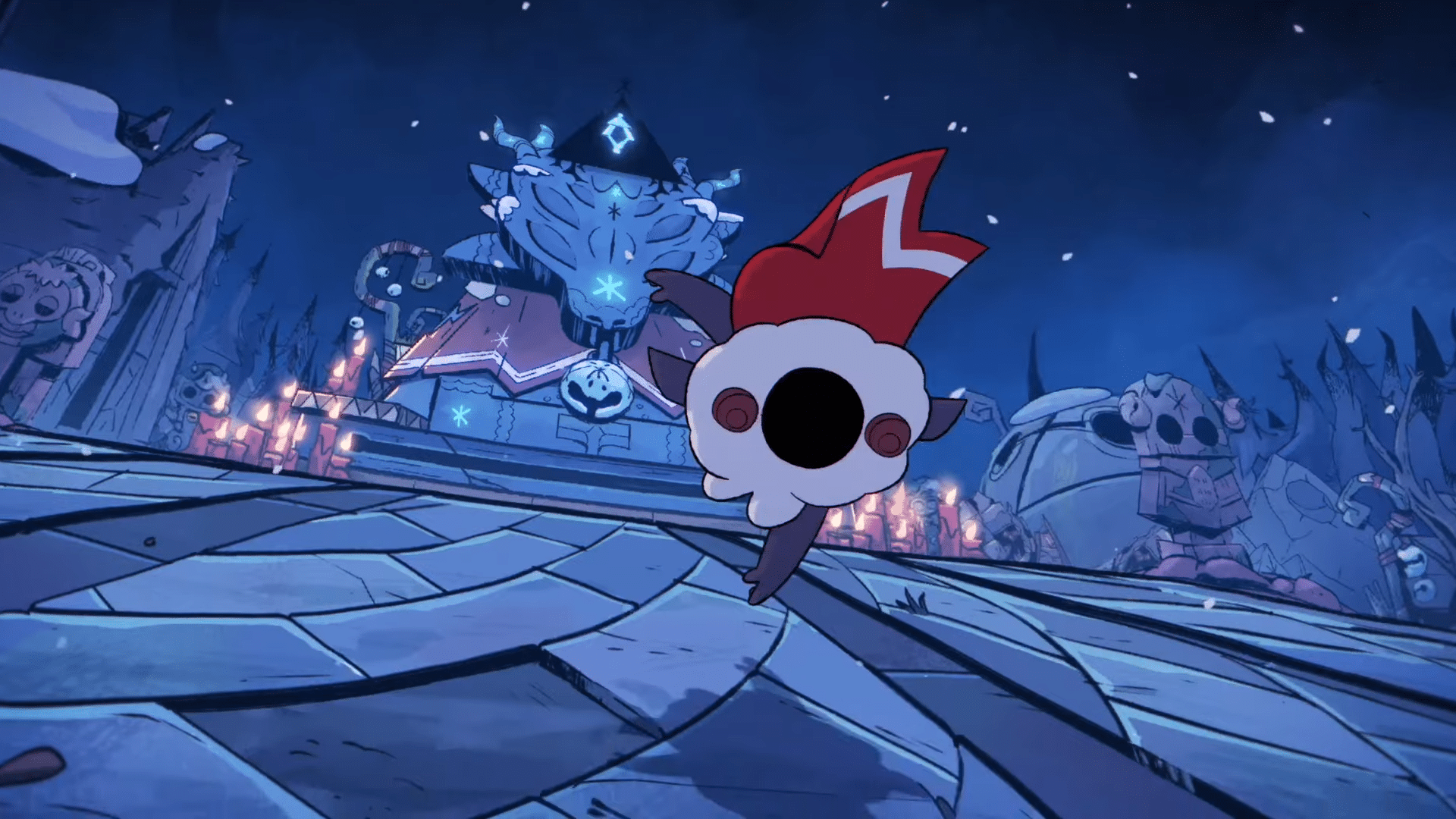
Cult of the Lamb Version 1.5.21 Applies Fixes via Update 1.33/1.000.033

Following the DLC release and update that got pushed out earlier this year, developer Massive Monster has rolled out the second fix-focused patch for Cult of the Lamb on consoles and PC.

Called the version 1.5.21 patch, console gamers will see this as Cult of the Lamb update 1.331.000.033, and this is a minor download that ais to fix specific issues.

Players can expect fixes to softlock issues, as well as a change regarding Flockade nad completion rates.

Cult of the Lamb Hotfix Released as Version 1.33/1.000.033 on February 16

Changes

  • Flockade no longer requires you to beat opponents to progress for 100% completion

Bugs

  • Fixed fisherman shop interaction being disabled during certain quest
  • Fixed hitting ranch animals with a snowball whilst leashed causes them to stay attached
  • Fixed missing ‘remove necklace’ follower interaction
  • Fixed Kudaii relic quest displaying as Woolhaven quest
  • Fixed some users Woolhaven upgrade tree not incrementing when it should have
  • Fixed pick up items dropping in incorrect positions
  • Fixed softlock when interacting with flockade quickly after entering building
  • Fixed alert displaying on Crown menu when it shouldn’t in Penitence Mode
  • Fixed Winter’s Touch ability not displaying as an option in Penitence Mode
  • Fixed disciple shrine soft lock

How to Report Bugs Cult

If you come across a bug, please report it in-game via the pause menu (by clicking on the bug icon) with as many details of the issue as possible. If you run into any issues with this, you can also report it using our Steam Discussions.

To help us out, please be as detailed as possible when reporting bugs – including the issue, and with any steps we could take to replicate the bug.

That seems to be it. If another patch is pushed out, expect it here on MP1st.

Avatar photo

Alex Co

Father, gamer, games media vet, writer of words, killer of noobs.

Home > Title Updates and Patches

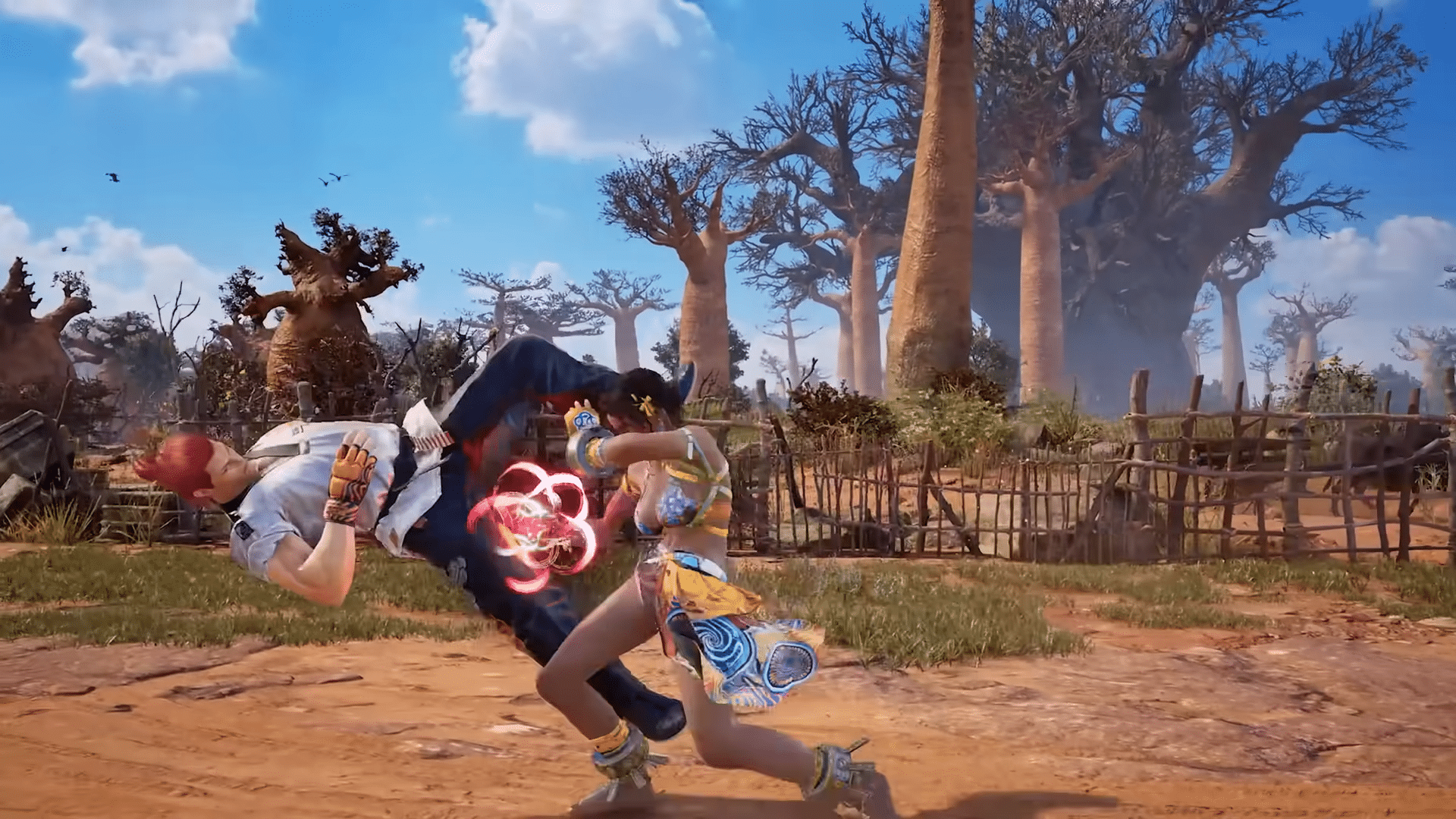
Tekken 8 Emergency Update 2.009.001 Released to Fix Season Pass 3 Issues

Following the Season 3 patch released last week for Tekken 8, Bandai Namco Entertainment has released a new title update today, and this is an emergency patch that aims to fix issues affecting the purchase of the Season Pass 3.

Console players will see today’s download as Tekken 8 update 2.009.001, and this is a small download that doesn’t include any gameplay-related fixes.

Read on for what exactly the patch fixed, and what to expect from it.

Tekken 8 Update 2.009.001 Released as Second February Patch

Per Bandai Namco, today’s patch is to “l fix an issue where selecting the “Season 3 Pass” from in-game “NEWS” or “TEKKEN SHOP” displayed “Content not found” and would not redirect to the PlayStation Store.”

The devs also added:

The following data will be affected by this patch:

  • DOWNLOADED REPLAYS
  • MY REPLAY & TIPS
  • ONLINE REPLAY

Replays from previous patches will not be available after the update. Make sure to save your favorite replays beforehand!

That’s about it for this title update, for the next major patch, the Season 3 character roadmap provides a clearer picture of when to expect it.

Once another patch has been released, we’ll let our readers know.

Avatar photo

Alex Co

Father, gamer, games media vet, writer of words, killer of noobs.

Home > News

Rumor: PS6 Delayed to 2028 or 2029, and Nintendo to Raise Switch 2 Price

The next console generation may not arrive as soon as many players expect. Even though the PS5 is selling very well and the Switch 2 is already on the market, both Sony and Nintendo could be adjusting their long-term plans.

The PS5 has been a strong success, with more than 92 million units sold worldwide. Still, there are signs that Sony may extend its life cycle. Ongoing RAM shortages and the rising cost of developing large AAA games are making hardware production and game creation more expensive than before.

Sony May Push PS6 to 2029 While Nintendo Considers Switch 2 Price Hike

switch 2 price increase

According to a new report from Bloomberg, Sony is considering delaying the launch of the PlayStation 6 until 2028 or even 2029. If true, this would mean the PS6 will not arrive in 2027 as some had expected. Sony may believe that the PS5 is still in the middle of its life cycle and does not need to be replaced soon.

So far, there is no indication that this possible delay would lead to a price increase for the PS5 or PS5 Pro. Nintendo, however, may take a different approach.

The Nintendo Switch 2 has been on the market for about a year and has already sold more than 17 million units. It is performing very well and could even surpass the original Switch in the future.

Nintendo president Shuntaro Furukawa has said that there are no current plans to raise the price of the Switch 2. However, he also noted that the company is watching market conditions closely, especially due to the RAM shortage.

Bloomberg reports that Nintendo is considering a possible price increase in 2026. Rather than applying a direct price hike, the company could make smaller changes to how it sells the console. For example, it might remove bundle offers such as including Mario Kart World in the $499.99 package.

Bloomberg has contacted both Sony and Nintendo for official comments, but neither company has confirmed the reports so far. As we get more information, we’ll make sure to keep you guys informed here at MP1st.

In related news, PS6 may not fully feature the RDNA 5 architecture, as a well-known leaker claims Sony will once again use a hybrid AMD design.

Avatar photo

Taha

Television kills your vision.

Home > News

Crimson Desert Is Not a Soulslike; Will Not Have Microtransactions at Launch

Based on what has been shown so far, Crimson Desert may seem similar to several other games, but the developers want to make it clear that this open-world action RPG is not a soulslike.

However, that does not mean Crimson Desert will be easy. While it may share a few similarities with the genre, it follows its own design.

Crimson Desert Is Not a Soulslike, But Do Not Expect It to Be Easy

Crimson Desert Soulslike

Speaking on the Dropped Frames podcast, Pearl Abyss’ marketing and PR director, Will Powers, talked about the “beauty” of Crimson Desert’s open world. He explained that players do not need to be highly skilled just to explore the map.

There will be bosses to defeat in the main story in order to progress. Still, players are free to move in different directions, complete side quests, upgrade weapons, and find ways to make fights easier. In theory, players should not get stuck at one point without having something else to do.

When discussing bosses, Powers mentioned that when people see a boss appear in Crimson Desert, they often think the game is a soulslike. He stressed that this is not the case. According to him, soulslike games follow a very specific design, while Crimson Desert focuses more on combo-based combat and allows players to control the pace of fights.

While Crimson Desert includes skill checks that require players to learn proper combat, Powers clarifies that the game offers many ways to improve your character and make difficult encounters easier. This ensures that while battles may be challenging, they remain accessible, preventing players from ever getting “hard stuck.” However, he stresses that this accessibility does not mean the game is “easy.”

Powers also confirmed that Crimson Desert will not have microtransactions at launch, functioning as a premium, single-purchase game. The only additional purchases are the optional pre-order bonuses, which are strictly cosmetic.

Crimson Desert will be relesaed on March 19 on the PS5, Xbox Series X}S and PC.

Avatar photo

Taha

Television kills your vision.

Home > Title Updates and Patches

Baldur’s Gate 3 Update on February 16 for Minor Patch 1.800.700 Released

While Larian Studios has already pushed out the last feature-filled patch for Baldur’s Gate 3, the studio hasn’t abandoned the game completely when it comes to support. Bugs, technical and gameplay issues are still being resolved with updates and hotfixes, which is a good sign for players.

Today, Larian Studios has released Baldur’s Gate 3 update 1.800.700 on all platforms, and this is a minor patch that addresses technical issues on PC and consoles.

Read on for what this patch does to the game in the official changelog.

Baldur’s Gate 3 February 2026 Update Addresses Technical Issues

Baldur's Gate 3 Vatican City

It seems this patch is one of the last (if not the last) we’ll see for the game as Larian Studios has moved on to their next project, which is a new Divinity game. Per the studio, this patch should help with loading saves or those who have encountered proogress issues from Act 2 into Act 3.

The developers state, “As it turns out, a few crashes and technical issues were still knocking about, so if you were getting stuck while loading saves, or trying to progress from Act 2 into Act 3, your corrupted saves should now be fixed!”

For those pm consoles, you’ll see the patch version appear on the main menu screen as version 4.1.1.7143914 on PS5, Xbox Series X|S; while it’ll appear as version 4.1.1.7151330 on PC, Mac and Steam Deck.

The last patch we received before this was three months ago, which was for Hotfix 35 and it housed the following fixes:

FIXES

Crashes and Performance

  • Fixed a freeze on PS5 that could occur when pressing L2.
  • Fixed a crash on Xbox on the host’s end when a client leaves a multiplayer session.
  • Fixed a crash on Xbox on the client’s end when suspending the game while loading into a multiplayer session.
  • Fixed a crash on Steam Deck Native Build and Mac that was sometimes caused when saving the game after crafting.
  • Fixed a potential crash on Mac on the host’s end during cross-play.
  • Fixed some potential crashes on Steam Deck during cross-play.

Steam Deck

  • Bumped the default Upscaling Type from FSR 1 to FSR 2.2 to improve sharpness on Steam Deck Native.
  • Fixed a bug causing external controllers to stop working on Steam Deck Native when you use the ‘Switch to Desktop’ or ‘Return to Gaming Mode’ functions.
  • Improved loading times in some instances on the Steam Deck Native build. 
  • Fixed a crash on startup when the EN locale is missing on Steam Deck.
  • Improved VRAM consumption on Nvidia GPUs

We’re not expecting any gameplay-related changes or new features to be released for the game anytime soon.

In other Baldur’s Gate 3 news, a mod has been released for the PC version, which restores cut early access content.

Avatar photo

Alex Co

Father, gamer, games media vet, writer of words, killer of noobs.

Home > News

Battlefield 6 Preload 1.000.012 Deployed and Here’s What’s in It

Ahead of the Season 2 launch of Battlefield 6 tomorrow, DICE has released the preload file, which is now available on consoles. PS5 players will see this download as Battlefield 6 preload version 1.000.012, and this is a  pretty significant file size to install.

Aside from the new map, weapons and other content, this also applies a significant amount of gameplay adjustments regarding weapon recoil, and even shakes up the meta somewhat.

Read on for everything new in the official changelog below.

Battlefield 6 Preload Version 1.000.012 Released Ahead of Season 2 Launch

battlefield 6 season 2 patch notes

New Map: Contaminated

A large-scale European mountainside battlefield set around a strategic German airbase.

  • Supports all combat sizes
  • Includes land vehicles and helicopters
  • Available across Conquest, Breakthrough, Escalation, Squad Death Match, and Strikepoint

New Limited-Time Modes

Season 2 introduces a set of limited-time experiences built around VL-7, a new psychoactive smoke weapon spreading across multiple battlefields. As contaminated zones emerge, squads must adapt their tactics, manage masks and filters, and fight for control in increasingly hostile environments across multiplayer, Battle Royale, and Gauntlet.

VL-7 Strike: A limited-time mode where the psychoactive smoke VL-7 spreads across select areas in multiplayer and REDSEC. Players must use masks and manage their filters carefully, as running out will leave them exposed to VL-7’s disorienting effects.

Battle Royale – Synthesis: Smoke engulfs Fort Lyndon, transforming the battleground. Fight and loot within contaminated zones while securing masks and filters to survive the smoke’s effects.

Gauntlet: Altered State: Gauntlet returns with a new twist. Squads compete in a knockout-style elimination format while navigating psychoactive smoke and racing to complete missions under pressure.

New Vehicle

  • AH-6 Little Bird: The iconic attack helicopter returns for NATO forces, offering high mobility and lethal firepower in skilled hands.

New Weapons

  • M121 A2: A belt-fed machine gun delivering high damage, especially effective at close range.
  • GRT-CPS: A semi-automatic designated marksman rifle designed for mid- to long-range engagements, featuring a high-capacity magazine for sustained fire.
  • VCR-2: A short-range assault rifle with a rapid rate of fire, built for intense close-quarters combat.

New Gadgets

  • 9K38 IGLA: A lock-on, anti-air missile launcher that requires active guidance from engineers to stay on target. Provides  superior missile maneuverability to adept users.
  • HTI-Mk2: A short- to medium-range Recon device that can detect and reveal enemy gadgets, overload recon drones, and neutralise incoming rockets.
  • Protective Mask: Essential equipment for contaminated zones, protecting players from psychoactive smoke. Additional filters can be acquired and equipped to extend protection time.

Battle Pass & Progression

  • Season 2 Battle Pass: Instantly unlock 6 rewards and progress through 4 themed paths featuring new hardware, weapon packages, soldier skins, XP boosts, and more. Complete all paths to unlock the Ultimate Path.
  • BF Pro: In addition to the regular Battle Pass, BF Pro includes 6 instant unlocks, 25 tier skips, BF Radio, Portal Server Hosting, and access to an exclusive bonus path with additional tactical rewards.

Game Update 1.2.1.0 delivers over 240 gameplay improvements and quality-of-life fixes across nearly every part of Battlefield 6. These changes are shaped by community feedback and real match data, with a focus on improving weapon handling, movement, vehicles, gadgets, UI, audio, and overall gameplay reliability. This update continues our ongoing commitment to improve consistency and reliability across the core Battlefield experience.

Major Updates for Battlefield 6 Version 1.2.1.0 for Season 2

  • Weapon Balance and Recoil Improvements: Delivered a broad recoil tuning pass across automatic weapons, alongside targeted balance fixes to improve consistency, role clarity, and long-term weapon handling.
  • Movement and Traversal Fixes: Improved soldier movement predictability with refined acceleration, slide and jump behaviour, smoother vaulting logic, and improved ladder animations in both first- and third-person. Vehicle and Gadget Reliability: Resolved multiple issues affecting vehicles and gadgets, including anti-vehicle interactions, drone behaviour, deployables, and vehicle damage feedback.
  • Maps and Mode Fixes: Addressed numerous map exploits, traversal issues, capture logic problems, and world reset bugs across Conquest, Breakthrough, Strikepoint, Gauntlet, and other modes.
  • UI, HUD and Progression Polish: Introducing a new stat screen in the Player Profile, as well as Improved clarity and reliability across the HUD, Battle Pass, challenges, End of Round flow, matchmaking, and party systems.
  • Portal Stability and Tooling Updates: Fixed a wide range of issues affecting Portal creation tools, scripting, mutators, assets, exploits, and server stability.
  • Audio, Visual and Stability Improvements: Improved audio reliability, visual consistency, cosmetic presentation, and overall game stability across platforms.

PLAYER:

  • Adjusted the acceleration curve of slide and jumps to better account for the player’s speed when entering a slide or a jump.
  • All squad members now display animated health icons when downed, clearly indicating who is able to revive you.
  • Fixed a matchmaking error that could occur when a player left the party while the party leader was already in a match.
  • Fixed a movement extrapolation issue that could cause other soldiers to appear jittery when traversing uneven terrain or changing states.
  • Fixed a rare issue where melee could become unusable if switched to immediately after being revived.
  • Fixed an issue where a player’s legs could clip through thin walls or objects when backpedalling into them.
  • Fixed an issue where a soldier could become invisible and continue moving after dying in a swimming pool.
  • Fixed an issue where a victim’s facing direction could be briefly incorrect when starting a melee takedown on a prone target.
  • Fixed an issue where accepting a squad invite on Xbox could unintentionally select a highlighted tile in the main menu.
  • Fixed an issue where Battle Pickups would sometimes be dropped after being revived.
  • Fixed an issue where deployable Gadgets could be used while on a zipline.
  • Fixed an issue where equipping a camo skin on one vehicle could cause vehicle thumbnails or icons to incorrectly appear camouflaged across all vehicles.
  • Fixed an issue where melee animations could break when initiated immediately after exiting a vehicle in first-person.
  • Fixed an issue where revived players could occasionally receive an unintended weapon state.
  • Fixed an issue where soldiers could be launched unexpectedly when entering a ladder positioned above the camera.
  • Fixed an issue where stickers were not applied correctly on the War Wolf Legendary weapon package for the L85A3.
  • Fixed an issue where the left hand could be seen floating while doing a takedown with the knife equipped.
  • Fixed an issue where the selected player patch could appear duplicated and incorrectly placed on the backpack when using the Veritas Epic skin.
  • Fixed an issue where the Spiteful Mirage skin was missing hair during the End of Round flow.
  • Fixed an issue where the Thunder Engineer skin did not focus the camera on the correct uniform patch location.
  • Fixed an issue where the uniform patch appeared twice on the Peregrine Sniper Epic skin.
  • Fixed an issue where the Wraith Recon skin could become partially transparent in first-person view when starting a match in King of the Hill.
  • Fixed an issue where unlocking characters via the Battle Pass deeplink would not correctly unlock the character.
  • Fixed an issue where unlocking the Brodie character via the Battle Pass deeplink would not correctly unlock the character.
  • Fixed an issue where vaulting onto a vehicle could sometimes destroy it and launch the player unexpectedly.
  • Fixed an issue where weapon pose could fail to update correctly when firing while sprint-jumping.
  • Fixed an issue where weapon switching after being revived could leave players without a usable weapon. The game now prioritises equipping a weapon with available ammunition.
  • Fixed case scenarios where it would sometimes be possible to grab ledges much higher than intended with vault grab
  • Fixed duplicate naming for some of the weapon charms.
  • Fixed excessive mud weathering on the Two-Faced Epic skin’s character model.
  • Improved first-person ladder animations for entering, climbing, and exiting.
  • Improved foot placement when climbing ladders.
  • Improved predictability and consistency of player movement with new acceleration curves instead of linear accelerations. Those updated accelerations retain responsive movement while allowing micro-adjustments of movement (i.e. to peek corners) and ensure that other players’ movement looks more correct to improve the quality and predictability of gunfights.
  • Improved the transition of the soldier’s lower body in first-person view when stopping movement.
  • Improved third-person ladder animations, including hand and foot placement on ladders.
  • Improved vault detection near overhangs while airborne.
  • Made animation and logic improvements to vaulting over medium-sized obstacles, refining momentum and smoothing transitions into movement.
  • Prevented players from vaulting back onto the same ladder when jumping down backwards from it.
  • Reduced the intensity of hit reactions while on fire to improve visual clarity during combat.
  • Reduced the maximum slide impulse length by 25% to improve balance and readability during fast movement.
  • Updated the Winter Warning cosmetic to better align with Battlefield’s visual identity.

VEHICLES:

  • Disabled angle-based damage mitigation on the Traverser Mark II to better reflect its lighter armour profile. It now takes consistent damage from all directions.
  • Fixed an issue where attack helicopter rocket trails could disappear when firing at long distances.
  • Fixed an issue where helicopter rotary cannon tracers could sometimes originate behind the muzzle.
  • Fixed an issue where jet throttle input could remain active after ejecting from the aircraft.
  • Fixed an issue where tank turret aiming speeds differed between first-person and third-person zoom views.
  • Fixed unreliable bullet collision on Anti-Air vehicle radar dishes.
  • Reduced muzzle flash intensity on Anti-Air Tanks and stationary Anti-Air weapons when zoomed in.
  • You can no longer move vehicles forward or backward while the Big Map is open, preventing input conflicts with map zoom controls on controllers.

GADGETS:

  • Fixed an issue where Anti-Tank Mines could fail to deploy correctly in first-person view.
  • Fixed an issue where attached M4A1 SLAM AV Mine explosives on the XFGM-6D Recon Drone did not correctly affect battery life or top speed. Attached explosives now behave consistently and detonate when the XFGM-6D Recon Drone is destroyed.
  • Fixed an issue where the RPG-7 and the MBT-LAW launchers would be inaccurate if fired right after the zoom transition is completed.
  • Fixed an issue where the Smoke Grenade was missing from the Support class Loadout #2.
  • Fixed an issue where the XFGM-6D Recon Drone could be destroyed when its operating soldier was downed.
  • Fixed an issue where the CSB IV EOD Bot could instantly regain an ammo charge when destroyed.
  • Fixed an issue where the LTLM II Portable Laser Designator could prioritise already-painted targets instead of the vehicle being aimed at.
  • Fixed an issue where the Repair Tool torch flame video effect was misaligned in third-person view using non-default FOV values.
  • Fixed an issue where the Repair Tool would not repair vehicles when targeting glass components.
  • Fixed an issue where the RPG-7 could fire unintentionally when switching weapons after releasing the trigger.
  • Fixed a bug that prevent the player from returning properly to the previous weapon after throwing a supply pouch and would keep throwing more supply pouches
  • Improved consistency when destroying Anti-Tank Mines and M4 SLAM AV Mines with explosives. Clearing out minefields should be easier and more consistent using a tank.
  • Improved consistency of Defibrillator revives detection on stairs and uneven terrain.

WEAPONS:

  • Adjusted in-world spotting range when firing a weapon without a suppressor or flash hider, reducing it from 75 to 54 metres.
  • Adjusted minimap spotting range when firing suppressed weapons, increasing it from 15 to 21 metres to better align with intended balance.
  • Fixed consistency with recoil compensation, making sure that the amount of aim input needed to compensate for recoil matches the amount of recoil.
  • Fixed a visual issue with the standard fire mode on the SL9 being incorrectly set to safe; it is now set to full auto by default.
  • Fixed an issue where locked weapon skins could be used in the Firing Range.
  • Fixed an issue where shooting the first target dummy could generate particle effects at the player’s position.
  • Fixed an issue where the 5 mW Green Laser was too expensive to equip on the DRS-IAR.
  • Fixed an issue where the Flashlight could appear slightly misaligned when equipped on the MP5.
  • Fixed an issue where the LA-23 Laser pad could appear floating when equipped on the RPKM.
  • Fixed an issue where Scope glints and laser sight lens flares would be visible through the cover of smoke grenades.
  • Fixed inconsistent knife melee timing to improve reliability during close-quarters combat.
  • Fixed multiple weapon attachment visual issues, including lasers, flashlights, and optic alignment.
  • Fixed the LMR27s Fast 15- and 20-round magazines not reducing reload time as intended.
  • Fixed the SGX RO-M 1.75x sight to function consistently with other weapons.
  • Fixed visual issues with bolt-action rifle animations, including intrusive ADS motion and incorrect finger placement.
  • Improved scope glint orientation at long distances so enemy aim direction is more accurately telegraphed.
  • Knife takedowns against enemies who are prone on their back now correctly connect with the defender.
  • Reduced the Mini Scout muzzle velocity from 880 to 800 m/s.
  • Reduced the Mini Scout limb damage to better align with lower-torso damage values.
  • Updated the M433 Level 50 Mastery Package to use the correct magazine mesh.
  • Updated the Range Finder custom zeroing to not apply its effect instantly; it now requires a short delay before taking effect.
  • Updated player-facing descriptions for non-sniper grippod attachments to better reflect their gameplay effects.
  • Updated player-facing name of the TR-7’s fluted barrel to match the formatting of its other barrels.
  • Weapon Recoil Tuning: Adjusted recoil behaviour across automatic weapons to better reflect real combat ranges and ease-of-use expectations, improving ranged consistency while preserving intended weapon roles.
    • AK-205: Adjusted recoil behaviour to better match expectations for a 5.45×39mm weapon, with minimal impact on overall handling.
    • B36A4, L85A3, M433, SOR-555 MK2: Reduced recoil randomness, improving consistency and effectiveness at longer ranges.
    • DB-12: Increased rate of fire and faster pump action to improve reliability in close-quarters combat.
    • L110: Reduced recoil to reinforce the handling differences between belt-fed Machine Guns and Assault Rifles.
    • LMR27: Increased damage at close to mid ranges to better reward accurate headshots.
    • M123K: Reduced recoil to improve sustained-fire control and reinforce its role as a belt-fed Machine Gun.
    • M277: Reduced recoil, improving effectiveness at range.
    • M417 A2, QBZ-192: Reduced recoil randomness to ensure they remain competitive relative to updated Assault Rifles.
    • PW5A3, SGX: Increased recoil, making them slightly harder to control and less precise at longer distances.
    • PW7A2, USG-90: Adjusted recoil behaviour to improve effectiveness at range while slightly increasing handling difficulty up close.
    • SCW-10: Increased recoil to reduce effectiveness at range and reinforce its close-quarters role.
    • SG 553R: Increased recoil to limit effectiveness at range and better align with its strong close-range performance.
    • SOR-300SC: Adjusted recoil to ensure it remains competitive alongside updated Assault Rifles.

MAPS & MODES:

  • Added Rush as a new mode to Mirak Valley.
  • Fixed an issue in Escalation on Operation Firestorm where vehicles would not spawn at HQ as intended.
  • Fixed an issue in Squad Deathmatch where locked squads could cause the scoreboard to appear partially empty.
  • Fixed an issue in Sabotage where attackers could reach elevated positions and spawn-camp the defending team on Blackwell Fields.
  • Fixed an issue in Sabotage where attackers could spawn within direct line of sight of defenders when deploying at HQ on Blackwell Fields.
  • Fixed an issue on Siege of Cairo where players could reach the top of buildings in Sector D3 using the Deployable Cover gadget.
  • Fixed missing water and visual issues in several swimming pools across Eastwood.

Manhattan Bridge

  • Fixed an issue where destroying a garage by D objective could trigger a whiteout effect across the map.
  • Fixed an issue where destroying an office building by F objective could incorrectly trigger a blackout and cause other players to see random colors and bright lights across the map.
  • Fixed an issue where destroying parts of a plaster ridge at C objective could expose occlusion problems, causing large sections of the map to disappear when viewed from certain positions.
  • Fixed an issue where players could stand on top of the bridge, creating unintended gameplay advantages.
  • Fixed an issue where points of interest on the minimap were incorrectly labelled as “Dumbo” instead of Manhattan Bridge.

Empire State

  • Fixed an issue where players could capture Point B (Sector 2) on Breakthrough from an unintended upper floor.
  • Fixed an issue where players could place the Assault Ladder on invisible collision near the NATO HQ.
  • Fixed an issue where players could reach unintended areas above the D flag after being launched into the air.

Strikepoint

  • Fixed an issue on Liberation Peak, Operation Firestorm, and Iberian Offensive where multiple world and vehicle assets would not restore correctly after the halftime world reset.
  • Fixed an issue where matches could end prematurely when teams were tied at 5:5.
  • Fixed an issue where players joining a match late could spawn under the map.
  • Fixed a rare issue where a wiped team could be incorrectly awarded a point.

Added the Scout Helicopter to the following maps and modes:

Conquest

  • Manhattan Bridge
  • Operation Firestorm
  • New Sobek City
  • Mirak Valley

Escalation

  • Manhattan Bridge
  • Eastwood
  • Operation Firestorm
  • New Sobek City
  • Mirak Valley

PROGRESSION:

  • Battle Pass Tokens are now earned more quickly through Career XP and Weekly Challenges, allowing for faster progression through regular gameplay.
  • Fixed an issue where rerolling challenges could become unavailable when switching between the Battle Pass and Daily Challenges.
  • Fixed an issue where the assignment tracker did not correctly track missions from the Unit page.
  • Fixed incorrect tracking for multiple weekly and assignment-based challenges.
  • Fixed multiple issues with challenge criteria displaying or progressing incorrectly across REDSEC Gauntlet and Weekly Challenges.
  • Fixed incorrect progress display for Week 2 challenges.
  • Fixed an issue where exploration assignments could complete with fewer actions than intended.

UI & HUD:

  • Engineer icon changed to improve readability and make role more clear based on community feedback.
  • Fixed a localisation issue where the Loadout Zeroing and Attachment prompts could overlap in several languages.
  • Fixed an incorrect icon for the M3A3 Bradley.
  • Fixed an issue causing Field XP UI animations to trigger too frequently.
  • Fixed an issue causing low minimap shadow quality and rendering artefacts on some multiplayer maps.
  • Fixed an issue on PC where the Big Map displayed keyboard and mouse icons even when using a controller.
  • Fixed an issue where Battle Pass points earned from weekly missions were not reflected correctly on the End of Round screen.
  • Fixed an issue where Battle Pass progression tokens were not updating correctly on the End of Round screen after completing Bonus Paths.
  • Fixed an issue where closing the pause menu from the Deploy Screen using a controller could immediately reopen it.
  • Fixed an issue where completed assignments could appear incorrectly sorted as completed on the End of Round screen.
  • Fixed an issue where equipping or previewing gadgets and melee weapons could cause them to appear under the vehicle section in the Loadouts screen.
  • Fixed an issue where locked Battle Pass rewards could appear stuck in the Loadout screen after navigating back from the Battle Pass.
  • Fixed an issue where mortar hit indicators and damage numbers were not displayed correctly.
  • Fixed an issue where the Big Map and scoreboard button prompts were missing in Gauntlet End of Round screens.
  • Fixed an issue where the crosshair could briefly display incorrect spacing when switching weapons.
  • Fixed an issue where the gunner seat aiming indicators on attack helicopters remained static while the helicopter was moving, leading to incorrect aiming feedback.
  • Fixed an issue where the “Go to Store” button prompt was not functional for vehicle customization on PlayStation 5.
  • Fixed an issue where item previews could persist after exiting Store bundles.
  • Fixed an issue where item rotation and zoom could shift to other items when rapidly switching during inspection.
  • Fixed an issue where the Free-to-Play tutorial for custom loadout access did not trigger correctly under certain conditions.
  • Fixed an issue where the map could flip back and forth when rolling an aircraft.
  • Fixed an issue where the resupply message was not visible even when resource indicators were enabled in settings.
  • Fixed an issue where the revive in-world icon for squadmates could disappear too early. The icon now remains visible until the player is fully dead and no longer revivable.
  • Fixed an issue where the “Show Game Mode Events” option did not function correctly when disabled.
  • Fixed an issue where the “Stay with Squad” option was missing from the End of Round screen.
  • Fixed an issue where the “Steady Aim” prompt unintentionally appeared on Designated Marksman Rifles; it is now shown only on bolt-action rifles.
  • Fixed an issue where the tank damage screen effect would not properly cancel when exiting the vehicle.
  • Fixed an issue where the “Tracked” section could display an incorrect number of tracked missions.
  • Fixed an issue where UI elements could overlap or misalign during fast menu navigation.
  • Fixed an issue where weapon package deeplinks did not navigate to the correct challenge tile.
  • Fixed duplicate ladder indicators appearing on the jet HUD.
  • Fixed enemy lock-on in-world icons displaying incorrect state colours when targeting vehicles.
  • Fixed missing deeplinks for Dog Tags unlocked via challenges or through the Store.
  • Fixed missing or incorrect icon art for several assignment and unit challenge rewards.
  • Fixed inconsistencies between Battle Pass progression shown on the End of Round screen and the Battle Pass menu.
  • Fixed incorrect unit descriptions for select NATO and Pax Armata forces.
  • Fixed missing high-definition feedback when the Phalanx HQ Defence destroyed incoming projectiles in Conquest.
  • Fixed missing or incorrect game mode tiles appearing on launch or after finishing a match.
  • Fixed multiple issues causing in-world icons to flicker, including look-at, occlusion, and delayed occlusion updates.
  • Fixed new reward markers not resetting correctly when switching between Season and Bonus Paths.
  • Fixed player pickup request icons not displaying correctly.
  • Improved readability of missile intercepted indicators.
  • Improved the revive in-world progress bar to more closely match the downed player’s screen, reducing the gap where a revive was no longer possible but still appeared active.
  • Reduced delay of UI hit indicators showing up when a hit has been confirmed.
  • Reorganised killer information on the kill card to improve readability.
  • Season 2 introduces a new stat screen in the Player Profile, featuring Career Total, Career Best, and Accolade stats. Each of these three screens showcases a variety of detailed statistics. The Career Total stats header includes both overall totals and breakdowns by game mode, while Career Best stats are tracked for both “In a Match” and “In a Life” categories.

SETTINGS:

  • Added an accessibility option for flash and stun grenades that replaces the white flash effect with a black screen effect, reducing sudden brightness while preserving gameplay impact. This option can be enabled in the Accessibility settings.

PORTAL:

  • Fixed a memory leak that could occur when specific scripting events were triggered repeatedly.
  • Fixed an exploit that allowed players to farm excessive XP by repeatedly destroying AI-spawned vehicles.
  • Fixed an issue where Battle Pickups spawned via Loot Spawners were missing minimap and big map icons.
  • Fixed an issue where certain rules events triggered at incorrect times, including capture point enter/exit events.
  • Fixed an issue where experiences in the “In Review” state could not be edited or deleted.
  • Fixed an issue where modifying reinforcement multipliers could cause incorrect ticket counts to be displayed during sector progression.
  • Fixed an issue where players could be reassigned incorrectly or prevented from deploying when squads reached maximum size.
  • Fixed an issue where players could create AFK farming experiences that bypassed intended progression limits.
  • Fixed an issue where players could not report a server while in the redeploy screen.
  • Fixed an issue where Portal Sandbox displayed an incorrect map size in map rotation.
  • Fixed an issue where removing all maps from a map rotation could cause the editor panel to disappear.
  • Fixed an issue where spawning ammo via Loot Spawners had no effect.
  • Fixed an issue where the Export button displayed a placeholder icon.
  • Fixed an issue where users could bypass editor limits by importing modified workspaces.
  • Fixed asset conflicts and errors that could appear when uploading or editing certain maps.
  • Fixed incorrect Front End indicators related to limited-time events.
  • Fixed incorrect map availability and categorisation for Custom Portal modes.
  • Fixed incorrect or lingering UI elements related to respawning, squad reassignment, and mission flow.
  • Fixed incorrect or missing tooltips, placeholder text, and untranslated labels in the Web Editor.
  • Fixed issues that could lead to very long loading times for some Portal experiences.
  • Fixed issues where certain assets could cause players to be returned to the Front End when hosting experiences.
  • Fixed issues where certain gadgets, weapons, vehicles, and Battle Pickups were missing from restriction settings or did not respect configured restrictions.
  • Fixed issues where strike package markers, beacon indicators, and objective icons could behave incorrectly across sessions.
  • Fixed issues where values entered for certain seasonal and environmental mutators were not saved correctly.
  • Fixed issues with Rules Editor lists being scrambled or inaccurate when selecting weapons, gadgets, or ammo.
  • Fixed issues with scripting functions and nodes, including incorrect vector calculations, squad lookup limits, and long-running player events stopping unexpectedly.
  • Fixed missing maps, assets, and set dressing in the Portal SDK, including Season 2 content and winter environment assets.
  • Fixed missing or incorrect indicators for heat warnings, second chance states, and beacon pulses.
  • Fixed multiple issues in the Portal Web Editor where weapons, gadgets, vehicles, and maps were missing, incorrectly categorised, or displayed with placeholder names, images, or meshes.
  • Fixed multiple mutators that had no functionality or incorrect default values, including reinforcement, health regeneration, zoom snap, passenger seat, and verification-related settings.
  • Fixed multiple placeholder or low-resolution vehicle and object meshes appearing when placed in Portal experiences.
  • Fixed rare server hangs affecting Linux-based Portal servers.
  • Fixed server log spam related to loot physics and proximity systems.
  • Updated and replaced several Battle Royale and Portal-related challenges that were no longer functioning as intended.

AUDIO:

  • Fixed an issue where pinging a Vehicle Supply Crate did not trigger the correct supply voice-over line.
  • Fixed audio stuttering when vehicles are sabotaged using the Repair Tool.
  • Improved audibility of enemy ziplines and parachutes, as well as friendly blowtorches, when many sounds are playing.
  • Improved audio obstruction for vehicles, weapons, and soldier footsteps by refining sound source positioning.
  • Improved clarity of distant enemy footsteps by better aligning layered audio content.
  • Improved panning for close non-player footsteps at very short distances.
  • Improved reliability of multiple sound effects under heavy load, including defibrillators, blowtorches, ziplines, and parachutes.
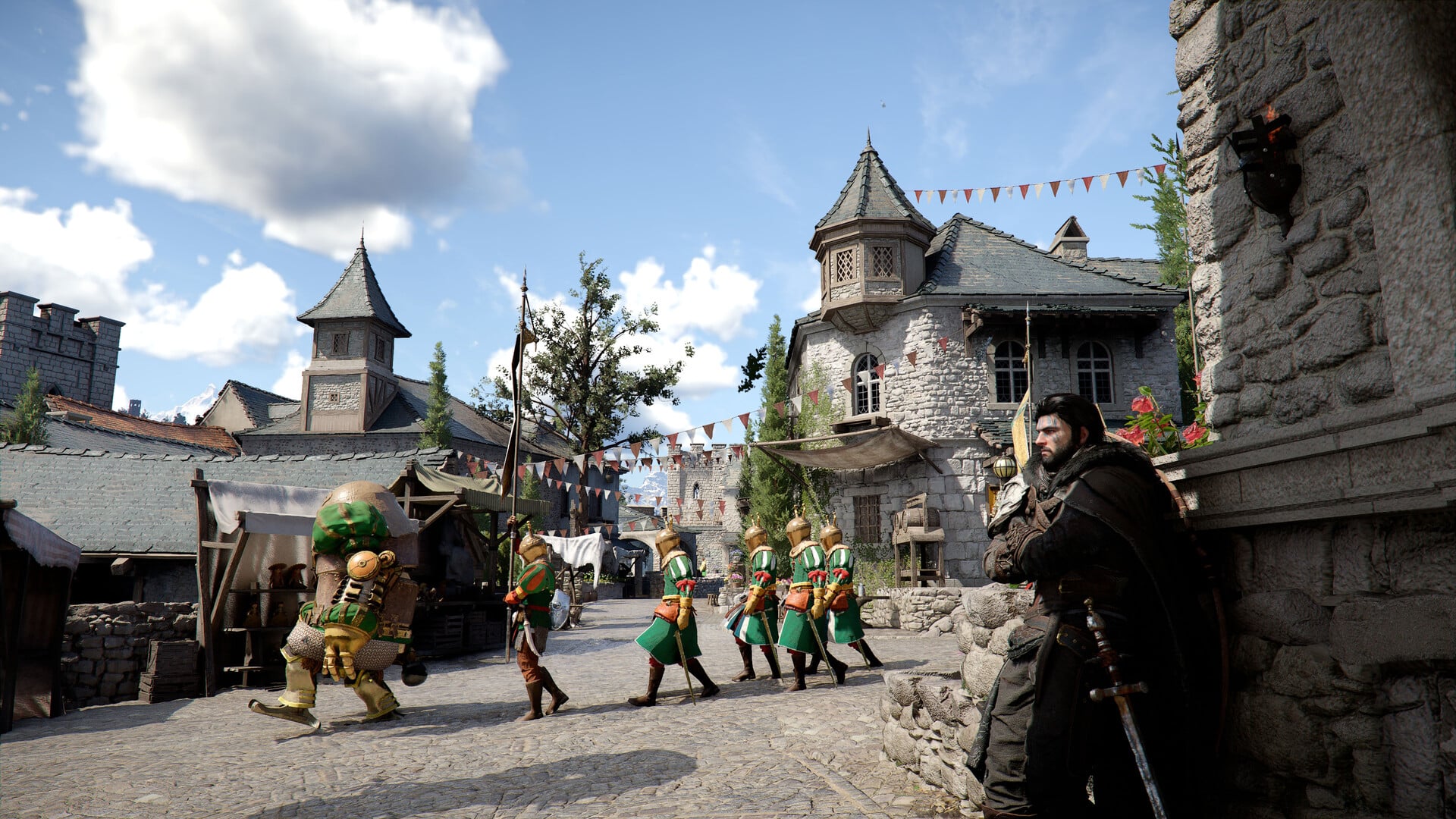
NETWORK:

  • Fixed rare cases where the game could become unresponsive after reconnecting network cables during gameplay or while accepting invitations on Xbox Series consoles.

Battlefield 6 REDSEC Season 2 Changes

PLAYER:

  • Fixed an issue where dying with a Data Drive could prevent the Extraction mission from progressing.
  • Fixed an issue where in rare cases soldiers could take higher than intended damage when wearing armor.
  • Fixed an issue where mission completion rewards could fail to drop correctly if the player initiating the mission was killed just before completion.
  • Fixed an issue where the deploy input during Battle Royale insertion was not triggering consistently.
  • Fixed an issue where the party leader would be returned to the Front End after selecting Stay with Squad in Battle Royale Duos.

VEHICLES:

  • Added the Traverser Mark II to select Large, Medium, and Small Gauntlet layouts.
  • Fixed an issue where the weapon could rotate incorrectly in first-person view when using the Traverser Mark II Remote Weapon Station.
  • Fixed an issue where incorrect or missing crosshairs could appear for side passengers in the Traverse Mark II.

WEAPONS:

  • Improved attachment setups for M4A1, M277, SVDM, Mini Scout, UMG-40, and 18.5KS-K, ensuring these weapons use their intended attachments and are better balanced when found as loot.

CALL-INS:

  • Fixed an issue where the UAV call-in sound effect could continue playing if the action was cancelled by vaulting.
  • Increased the drop speed of Custom Weapon Drops, Supply Drops, and Mission Rewards after being spawned in the air.
  • Introducing a new, limited, tactical Strike Package, allowing players to call in a volley of gas discharging artillery shells on a targeted location of the map. This Strike offers a unique way to disrupt and deny key areas to enemies.

MAP:

  • Fixed an issue where tanker container ramps could clip through large deployables; ramps now correctly damage or destroy objects and vehicles when lowering.
  • Fixed multiple terrain and object placement issues.

PROGRESSION:

  • Fixed an issue where Battle Royale “Special Forces Operator“ Challenge rewards were not granted correctly.

UI & HUD:

  • Fixed an issue where strike package map markers would not disappear when joining a Gauntlet session right after playing a Battle Royale match.
  • Fixed an issue where the Clear Ping action did not work with default controller bindings.

Battle Royale

  • Fixed an issue where helicopter insertion flight paths on the Big Map could become misaligned when the helicopter or endpoint icons were off-screen.
  • Fixed an issue where the Decryption Beacon displayed an incorrect texture.
  • Fixed an issue where the loot feed could incorrectly increment the number looted when picking up the same item repeatedly.
  • Fixed an issue where players could toggle flashlight and laser attachments while navigating the inventory.
  • Fixed an issue where the UAV icon was too small on the minimap and big map.
  • Fixed multiple issues with the Second Chance UI, including incorrect timers, widgets persisting after squad wipes, and incorrect visibility when players left the match.
  • Removed outdated soldier voice-over lines referencing “supply drops” when pinging crates or supply vehicles.

Gauntlet

  • Fixed an issue where the Beacon Pulse icon could appear too far away when first picked up by an enemy.
  • Fixed an issue where the countdown icon on the Mobile Respawn gadget could disappear too early.
  • Fixed overlapping UI elements when rapidly exiting the Edit Loadout menu.
  • Fixed overlapping UI elements where “Random Deploy” could appear behind class selection buttons on the redeploy screen.

AUDIO:

  • Fixed an issue where dropped items would not correctly play pickup sound effects.
  • Fixed missing collision sounds for dropped ammunition.
  • Improved reliability of audio feedback for UAV call-ins and mission-related interactions.

Don’t forget, the actual new season kickss off tomorrow once the patch is installed.

Avatar photo

Alex Co

Father, gamer, games media vet, writer of words, killer of noobs.

Home > Title Updates and Patches

Palworld Version 0.7.2 Balance Changes Released via Update 1.087.654

Even if it’s a weekend, that hasn’t stopped Pocketpair Inc. from releasing a new Palworld game update. Called the version .0.7.2 patch, console gamers will see this as Palworld update 1.087.654, and this applies balance changes to the game.

While this is a minor patch, the rarity variations added for melee weapons should be something the player base will embrace.

Alongside that, there are also bug fixes, which are included in the complete patch notes below.

Palworld’s February 15 Update Adds New Rarity Variations for Melee Weapons

Palworld Update 1.086.065

Here’s what’s new per Pocketpair.

Balance Adjustments

  • Added rarity variations for melee weapons (swords, katanas, beam swords, Lily’s Spear).
  • [Steam] Added a Debug Mod that allows constant updates for mod development.

Bug Fixes

  • Fixed an issue where the display would appear misaligned when placing Japanese-style buildings in certain placements.
  • Fixed an issue where Pal Boxes could be placed on top of some buildings under certain conditions.
  • Fixed an issue where some raid bosses would appear stuck underground in the raid batlefield and still be able to attack.
  • [Steam] Fixed an issue where some mods would not work properly on Wine/Proton.
  • [Xbox] Fixed an issue that was causing poor performance on Xbox One if the game was open for a long time.
  • Other minor bug fixes.

That’s about it for this minor update, but once a new one has been released, we’ll let our readers know.

Avatar photo

Alex Co

Father, gamer, games media vet, writer of words, killer of noobs.

Home > News

Rainbow Six Siege Operation Silent Hunt Brings Solid Snake; Year 11 Roadmap Revealed

The next seasonal content drop for Rainbow Six Siege has been announced, and it brings Solid Snake to the first-person shooter as a new operator on March 3.

Called “Operation Silent Hunt,” Year 11’s Season 1 will see Solid Snake as an attacker equipped with a brand-new secondary weapon, the legendary handgun TACIT .45 — a semi-automatic pistol with an integrated suppressor for covert operations.

“]

Check out our first look at Solid Snake in R6 Siege, as well as what to expect in Year 11 in the roadmap.

Rainbow Six Siege x Metal Gear Solid Starts March 3 and Sees Solid Snake as a New Permanent Operator

Here’s an overview of what to expect in Operation Silent Hunt:

OPERATION SILENT HUNT – March 3

  • Early Access — New Operator
  • New Secondary Weapon
    TACIT .45
  • New Black Ice Skins
  • Unlocked with R6 Siege Battle Pass
  • New In-Game Event
  • New 1v1 Arcade Mode
  • New Modernized Maps

Major Balancing Updates

  • R6 Shieldguard regular updates
  • Ranked map rotations
  • Regular balancing updates
  • Dual Front final assignment returning event
  • Membership new evolutive bundles
  • And more

Want more details about Snake in R6 Siege as an operator? Of course you do. Check out our first look at the iconic character and what their kit can do in this gameplay blowout and info drop.

Solid Snake’s Unique Gadget – the Soliton Radar MKIII – Explained

The Soliton Radar MKIII is a handheld device that allows Solid Snake to see the floorplan of his immediate surroundings and to detect enemies present in the area. The radar only covers the floor Snake is currently on as well as any connected staircases, and the green lines delineating the level layout convey helpful information. Any wall displayed as a dotted line, or floor displayed with a striped background, are soft, meaning you could use them to your advantage, if your foes don’t beat you to it. If you’ve been wanting a mini-map to help you get the lay of the land in Siege, the Soliton Radar MKIII may give you an edge.

The radar will also light up in one of three colors depending on what threats it can detect in the area. Green means “All Clear,” though be wary as there are several ways that your enemies can deceive your radar – more on that shortly. Yellow means that there is an active CCTV camera in the area being watched by an enemy; these default cams show up as small yellow rectangles on your radar. Finally, there’s a red readout – “Alert” – which tells you the radar has detected one or more enemies active in the area you’re scanning. Time to get serious.

Solid Snake can get the most out of his Soliton Radar MKIII by switching into precision mode. When precision mode is active, the radar will display position icon and vision cone of any enemies it detects, giving Solid Snake real-time intel on exactly where his enemies are and where they are looking. This is some of the most valuable intel you can have in Rainbow Six Siege, and can be used for anything from solo infiltration to coordinated team maneuvers. It has a limited number of precision mode charges and there is a cooldown timer between uses, but the Soliton Radar MKIII makes Solid Snake a new intel-gathering, enemy-detecting force to be reckoned with.

What Weapons Are In Solid Snake’s Loadout?

Solid Snake has the choice of two primary weapons: the powerful PMR90A2 designated marksman rifle or the feisty F2 assault rifle. Known for its robust recoil, the F2 is receiving a buff in Operation Silent Hunt; players will now be able to equip grip attachments to it, including the horizontal grip, the angled grip, and the vertical-recoil-reducing vertical grip. Snake will also bring a brand new secondary weapon to Rainbow Six Siege, one that is inspired by the stealthy sidearms of his Metal Gear Solid missions. The TACIT .45 pistol has an integrated suppressor and reflex sight, allowing Snake to silently remove enemy utility (and enemies themselves).

For more on Solid Snake’s kit and how to counter it, check out Ubisoft’s blog.

Rainbow Six Siege Year 11 Roadmap

Here’s an overview of the upcoming four seasons set to drop this year.

Season 1 – “Solid Snake”

  • New Weapon
  • Major Balancing Update
    • Entry & Roaming changes
    • Skopos, Alibi, Ela
    • Flores, Ying, Amaru
  • 1v1 Arcade
  • Dual Front – Final Assignment
  • 3 Modernized Maps
    • Coastline
    • Villa
    • Oregon
  • [Redacted] Event + Returning Event

Season 2 – DOKKAEBI REMASTER

  • Ranked 3.0
  • New Map: Calypso Casino
  • New Weapon
  • Mouse & Keyboard Support on Console
  • Esports Tab – Tier 1 Team Pages
  • Rotating Trial Operators
  • 3 Modernized Maps
  • Returning Events

Season 3 – New Defender

  • New Defender Operator
  • Legend Division Playlist
  • R6 Shieldguard Secure Platform
  • Targeted Map Update
  • 3v3 Arcade
  • Operator Mastery
  • 3 Modernized Maps
  • Drone Race Event + Returning Event

Season 4 – Final Remaster

  • New Weapon
  • Hostage Competitive Rework
  • New Social Hub
  • Testing Grounds – Half Reinforcement
  • Attacker Secondary Gadget
  • 3 Modernized Maps
  • Grand Larceny Event + Returning Event

Ongoing All Year

  • 4 Balancing Updates
  • 2 Ranked Map Rotations Every Season
  • R6 Shieldguard + Anti-Toxicity Improvements
  • Weekly Siege Cup

There’s a ton of stuff headed to Rainbow Six Siege players this year, and same as always, MP1st will have the details up once it’s out.

Avatar photo

Alex Co

Father, gamer, games media vet, writer of words, killer of noobs.

Home > News

PS6 Reportedly Won’t Feature Full RDNA 5 Architecture

It looks like Sony may choose a mixed hardware approach for its next console. While many expect PlayStation 6 to fully embrace AMD’s upcoming RDNA 5 architecture, a new rumor suggests things may not be that simple.

According to well-known leaker KeplerL2, the PS6 will not use a pure RDNA 5 design. Instead, it could once again use a mix of technologies rather than relying on a single architecture.

PS6 Will Not Feature a Fully RDNA 5 Architecture

PS6 RDNA 5

“PS5 is just RDNA1 + Ray tracing, there is no magic Mark Cerny customizations,” the leaker wrote during a discussion on the NeoGAF forum.

“And btw PS6 isn’t full RDNA5 either,” KeplerL2 added, suggesting that Sony will once again adopt a mixed approach for its upcoming platform.

This would mean that, just like PlayStation 5, the next-generation console could combine elements from different AMD architectures rather than relying entirely on a single one.

The same source previously reported that both PS6 and a new PlayStation portable device will feature notable improvements in terms of memory. The next-generation console is said to be equipped with 30GB of GDDR7 RAM.

KeplerL2 also claims that the memory modules in PlayStation 6 will be configured to ensure a bandwidth of well over 640 GB per second, a value more than 11% higher than that of PS5 Pro.

It will also be interesting to see how the ongoing memory supply issues could affect the final price of the console. Sony currently has a plan to avoid price increases at least until the next fiscal year — but it remains to be seen whether the situation will stabilize by then.

In other news, former PlayStation CEO Shawn Layden discussed the possibility of the PS6 launching without a disc drive, stating that this would be challenging for Sony due to various market factors.

Avatar photo

Taha

Television kills your vision.

Home > News

Layers of Fear 3 Officially Revealed

As if Bloober Team didn’t have enough of their plate, the studio announced Layers of Fear 3, the latest entry in the first-person psychological horror adventure game.

The announcement comes with a “The Sick Rose” live-action announcement trailer, where it tells us to stay tuned for more info about the horror game.

Layers of Fear 3 Announcement Confirms New Entry in Franchise

Today also marks the 10th anniversary of Layers of Fear, which is why the announcement took place on a weekend. If you’re unfamiliar with the series, it leans heavily into P.T. territory (the cancelled Silent Hills project by Hideo Kojima). The second game, aptly titled Layers of Fear 2, was redleased in 2021.

Aside from this project, Bloober Team is working on a remake of the first Silent Hill for Konami, and the studio has trademarked “Onyx: The Dark Grip,” which suggests it has more games in the pipeline.

As for Bloober’s latest release, Cronos: The New Dawn, which recently got its Easy Mode update, and while there’s no sequel or update announced, it hasn’t been ruled out.

Avatar photo

Alex Co

Father, gamer, games media vet, writer of words, killer of noobs.

Home > News

Nintendo Issues DMCA Takedown Notices Against All Switch Emulators on GitHub

Nintendo is once again taking action against the world of emulation. After shutting down well-known projects such as Yuzu and Ryujinx, the Kyoto-based company has now sent a wave of DMCA notices targeting all Nintendo Switch emulators currently hosted on GitHub.

The situation is still developing, but one thing is clear: it could soon be much harder to find a Switch emulator online.

Nintendo Once Again Targets Switch Emulation

Nintendo’s legal team has sent DMCA notices (under U.S. copyright law) to several active GitHub repositories. Among the projects affected are Eden, Citron, Kenji-NX, and MeloNX. Even inactive projects such as Sudachi and Skyline have been targeted. At the moment, the repositories are still online, but they are likely to be removed soon.

Nintendo has held this view for a long time. The company argues that these emulators bypass the console’s technological protection measures (TPM), especially the encryption keys needed to decrypt games.

However, one thing should be made clear: emulators like Citron and Eden do not include encryption keys or ROM files. To use them, players must get their own keys and firmware from a modified console.

Even so, Nintendo’s lawyers say that the simple fact that this software can be used to run illegal copies of games is enough reason for them to take action.

The earlier Yuzu case ended with a private settlement and did not lead to a clear court decision about whether emulation itself is legal. Because of that, the issue is still unclear from a legal point of view.

Will emulators really disappear? Probably not entirely. Many developers were aware of the risks and have already taken precautions. Active projects often maintain mirrored repositories, move code to private servers, or prepare alternative hosting solutions outside of GitHub.

This means that even if official repositories are removed, the emulators will likely continue to exist. However, they may become less visible and harder to find. This creates another risk: less experienced users might turn to unreliable websites, exposing themselves to malware or modified and harmful versions of the software.

This is not the first time Nintendo has gone after emulator projects on GitHub, but this new round of DMCA notices is much wider. Now we have to wait and see if this is a one-time move or the start of a bigger crackdown on Switch emulators.

Avatar photo

Taha

Television kills your vision.