Home > News

Elite Dangerous Update 1.60 Patch Notes; Horizons & Odyssey Flies Out This Dec. 9

Frontier Developments has released the Elite Dangerous update 1.60 patch this December 9, and this is the Horizons update for PC and consoles. Check out the complete patch notes below, as well as the Odyssey Update 9 notes as well.

Elite Dangerous Update 1.60 Patch Notes:

Updates of Note

Multi Limpet Controller Modules.
Multi-Limpet Controllers are now available from Outfitting.
Multi-Limpet Controllers can program a limpet to perform one of a given set of tasks and will be available in multiple types which will dictate what functions it is able to program.

  • Mining Multi Limpet Controller module (Available in Size 3)
  • Operations Multi Limpet Controller module (Available in Size 3)
  • Rescue Multi Limpet Controller module (Available in Size 3)
  • Xeno Multi Limpet Controller module (Available in Size 3)
  • Universal Multi Limpet Controller module (Available in Size 7)


Module Management.

A fix has been implemented for pre-engineered modules from community goals not being marked informatively, as such.

  • Pre-engineered module rewards will now have their description display the fact that they are pre-engineered, as well as have it display in the outfitting screen.
  • Also trying to apply modifications to pre-engineered modules which specifically cannot be modified further (very niche circumstances) will now be disallowed with a message stating why.

Stability.
We’re actively continuing to help with tracking down as many continuing stability issues as possible, with your continued support in providing logs and reports where possible.

  • A crash could occur when selecting telepresence crew member fighters to deploy. This has now been addressed.
  • Player example:
  • “Once you have joined a ship via Telepresence, attempting to select an onboard fighter from the bottom screen will cause the game to immediately crash. This will only crash the second player (passenger) as they attempt to board fighter. Helm player one is unaffected at time of crash.”

General Fixes.

  • Fix implemented for that nasty issue whereby Megaship Cargo and Escape Pod canisters could become stuck inside the ships.
  • Issues around this included:
    • “After hatchbreaking a cargo bay or escape hatch, some or all of the cargo/escape pods stay inside the ship rather than venting into space where they can be scooped or picked up by limpets. Cargo bays don’t seem to vent any canisters at all, they just stay stacked inside. Escape hatch vents some pods but others seem trapped under the skin of the megaship and can’t be reached.”
    • “Use a hatchbreaker limpet on any cargo bay. Cargo canisters will appear on the contacts list but there’s no way to collect them”
  • Core mining fragments should no longer become trapped inside asteroids.
    • The team have been heavily investigating and attempting to reproduce cases of this happening and will keep the checks in mind as we’re aware this issue has quite the tendency to bounce back.
  • Handing in multiple bounty vouchers at a terminal in quick succession could cause the text string containing the credit number to cascade to the next bounty voucher on the list, prefixing the text that indicates how much that bounty voucher is worth. This issue has now been fixed.
  • Fix implemented for being unable to switch tabs on comms panel when looking with headlook.
  • Various missing translations have been added.


As I say to everyone playing Odyssey too, there’s naturally a continued list of issues remaining which many of you look forward to having some attention.
If they’re not listed as fixes here, we just need more time to focus down on them.

Go easy on me with the “but you didn’t mention this bug, is it going to be fixed?” pings o7
I can entirely sympathise with you on how you’d like to see me list and confirm way more of these here for you, but unfortunately my brain can’t keep up with responding to them all, but I am paying desperate attention on this side of the screen for you – promise.

I’m just going to pull a few important and existing issues aware of out of the air here:

  • Starting Frameshift makes the game freeze/lock.
  • Unable to access Session Logs.
  • Disconnect/suspended in Supercruise.
  • Empty Faclities lists for Stations in the system map.
  • Continued experiences of stability issues on console, particularly PS5 but also on Xbox.
  • Inconsistency with Codex entries.

We truly do hope some of these targeted fixes in today’s update on some of the issues listed will be a help.


Odyssey | Update 9 Notes

Updates of Note

Introducing…The Scorpion.
The Scorpion, a new SRV designed specifically for supporting infantry on ground-based combat has rolled into action.

  • The Scorpion is fitted with 2 seats for a driver and a gunner, allowing two Commanders to operate as a team in this formidable fighting machine.
  • All Scorpions come fitted with two weapons:
  • Surge Repeater – A rapid-fire weapon that increases its fire rate and accuracy the longer it’s fired for.
  • Aculeus Launcher (I’m not saying that on stream) – A combination dumbfire and lock-on missile launcher.
  • The Scorpion is only stocked at military economies.
  • Scorpion Cargo Bay = 2

Multi Limpet Controller Modules
Multi-Limpet Controllers are now available from Outfitting.
Multi-Limpet Controllers can program a limpet to perform one of a given set of tasks and will be available in multiple types which will dictate what functions it is able to program.

  • Mining Multi Limpet Controller module (Available in Size 3)
  • Operations Multi Limpet Controller module (Available in Size 3)
  • Rescue Multi Limpet Controller module (Available in Size 3)
  • Xeno Multi Limpet Controller module (Available in Size 3)
  • Universal Multi Limpet Controller module (Available in Size 7)
  • Make your tea for you module?


Mission Providers at Settlements.

Some NPCs at settlements might now occasionally have missions they can offer to passing Commanders!
If these mission providers become critically injured while a mission is active and the mission owning Commander is present at the location where the mission was provided, the mission will be considered failed.

  • Mission providers will fight back if provoked.
  • Mission providers will reappear at the settlement once the mission is marked as complete.


Planets.

Major improvements have been made to light tinting from atmospheres. You will have seen some lovely examples of this in our latest update from Arthur here.


Module Management.

(Thought this worth popping up at the top here).
A fix has been implemented for pre-engineered modules from community goals not being marked informatively, as such.

  • Pre-engineered module rewards will now have their description display the fact that they are pre-engineered, as well as have it display in the outfitting screen.
  • Also trying to apply modifications to pre-engineered modules which specifically cannot be modified further (very niche circumstances) will now be disallowed with a message stating why.

Optimisation.
“Update 9 will see us go further, with optimisation already well underway for motion graph animation, mid-far distance planet rendering, lighting, scatter rocks, object physics, AI and character models – all of these, and many more, contributing to a better Odyssey experience for our players.”
(Forgive me on this one for not deep diving into each point a little further for you. They’re quite tricky to word effectively and a whole day of trying to best explain would be needed from me at this point. You might like to read them for interest sake anyway, so here they are)

  • Optimisations to textmesh system
  • Optimisations to tubelights
  • Optimisations to scatter rocks and scatter rock physics
  • Minor optimisation to vehicle debris rendering
  • Optimisations to the UI rendering
  • Depth prepass optimisations have been implemented
  • Optimisations to Environment Map rendering
  • Optimisations to the avatar rendering system
  • Optimisation to planets, particularly at mid-distance view
  • Optimisations to energy management
  • Optimisations to humanoid interactions
  • Optimisations to compass and sensor data aggregation
  • Performance improvements for NavMesh tile building

Stability
We’re actively continuing to help with tracking down as many continuing stability issues as possible, with your continued support in providing logs and reports where possible.

  • A crash to desktop has been prevented which would occur when viewing a mission invitation inbox message, such as those offered by Professor Palin, that was generated on a different version of Elite Dangerous (For example if it was generated in Horizons then you’d get the crash in Odyssey and vice versa).
  • A crash that could occur if a bit of dialogue is queued (in order to not play over another line) and then cancelled before it had a chance to play. (eg. in a conflict zone, the coordinator might be talking, so a suit voice gets queued, and then the player is killed before it plays.) has been addressed.
  • A fix has been implemented for a crash that could occur when talking with a mission giving NPC again after completing a mission for them.
  • Improvements made to the general stability of the tutorial scenario.

General Improvements and Fixes

AI

  • AI in dropships will take explosive damage if the dropship is destroyed before deployment.
  • The player that destroyed the ship will be given credit for the damage caused to the AI.
  • A fix has been implemented for Supercruise assist not disengaging correctly when approaching stations inside ring systems.
  • AI will no longer become suspicious of you if you run out of suit energy near them (I kind of love the idea of this…”why you tired?”. I mean at least they care! I guess they don’t need to get mad about it though…).

Audio
SRV related improvements

  • Improved responsiveness and mix of the Scarab tire surface noises, including skids.
  • Improved the Scarab mix at different distances and perspectives.
    • Scarab will now sound clearer further out, for example.
  • Fix implemented to address the odd echo quality on Scarab sounds at distance, which basically, I’m straight up told, sounded ‘weird’.
  • Improvements made to audio Level of Definition optimisations on the Scarab that were incorrectly set up.
  • Fixed annoying high pitched tone in the SRV tire on rock sounds.
  • Fix implemented for audio not being affected sufficiently when obstructed by objects.
  • Fix implemented for SRV turret movement sounds not always being audible.
  • Rebalanced the Scarab Wavescanner sounds.
    • Some were quite loud (eg. the crystal one). They should be more consistent compared to each other now.

Rebalanced SRV audio perspectives:

  • SRV Cockpit should have less sharp “crunch” of the surface/tires compared to before (as you are in a canopy).
  • Turret/Gunner should have clearer surface crunch and less bassy engines (made me think of Shirley Bassey for some reason).
  • The Camera Suite, when activated, will have less ‘fizzy surface noise’ come through at distance compared to before, but more surface detail does come in if you get the camera close to the wheels.
  • Optimisations have been made to the Scarab wheel audio emitters.
  • Reduced volume of overly loud planetary exploration music (I can’t get enough of it, personally).
  • Fixes for Emote body movement sounds sometimes being silent have been implemented.
  • Fix added for settlement terminal boot-up-ident sounds being too loud.
  • Fixed the firegroup toggle sound sometimes being silent if you rapidly change it.
  • Fix implemented for TK Aphelion gunshots dropping out when manually triggering individual shots rapidly.
  • Fix implemented for missing Engineer voice lines in the non-English languages when discussing the quiet footsteps modification (they’re talking about quiet footsteps, c’mon! Maybe they don’t wanna broadcast it, right?).
  • Added small delay to various Engineer voice lines to stop missing words happening at the start of a phrase, when transitioning between menus.
  • Fix implemented for drive assist off and on COVAS lines occurring on disembarking and boarding your SRV when drive assist is on.
  • A 30 second cooldown has been added to the drive assist on and off COVAS lines to reduce the “spammy quality” for players who switch drive assist on and off frequently.

Camera Suite

  • An issue has been fixed whereby certain parts of the ship UI became visible when using the Camera Suite, particularly in the Type 10.
    • You were able to see the comms panel, team status and info panel from your external cam view, for example.
  • Custom ship paintjobs were not showing up in the 3rd person camera when in virtual multicrew. This has now been resolved.

Conflict Zones

  • A fix has been implemented for the Commander’s current reputation with a faction being highlighted in a Combat Zone showing red, despite being friendly or neutral.
  • An update has been made to Combat Zone control points to allow them to be visible in Ships and SRVs.
  • Improved player messaging has been implemented for when you can’t recall your ship from an SRV, due to being in a Conflict Zone.
  • An issue has been resolved whereby the Combat Zone objectives UI persisted on the SRV info panel following the end of a CZ.
  • A fix has been implemented for a Combat Zone sometimes no longer progressing if a Ship Launched Fighter is destroyed.

Commodity Trading

  • Black markets now offer the full market value for Illegal goods (swindlers…)

Characters

  • Fix implemented for broken lip sync on Dylan, at the end of the tutorial (big fan of Dylan).

Fleet Carriers

  • When accessing information about a Fleet Carrier via the system map, certain vital information was missing – e.g: Access Type and Owner. This has now been addressed.

Interactions

  • Fix implemented for destroyed limpets not having collision.
  • Fix implemented for missing turret schematics.
  • Fixed implemented for the Thargoid shutdown field not affecting ships.
    • Thargoid Interceptors EMP blast did not disable Commander ships in Combat/AX Zones.
  • An issue has been fixed which prevented the galaxy map button on the Vista Genomics vendor from functioning.

Lighting & VFX

  • VFX for the engineered Multicannon weapon have been re-balanced.
  • VFX for the seeker missiles have been rebalanced.
  • Fix implemented for water geyser VFX being visible through rock.
  • Fix implemented for missing ripple effect on shields.

Megaships

  • Megaship Cargo and Escape Pod canisters would often become stuck inside Megaships, rendering them irretrievable.
  • Issues around this included:
    • “After hatchbreaking a cargo bay or escape hatch, some or all of the cargo/escape pods stay inside the ship rather than venting into space where they can be scooped or picked up by limpets. Cargo bays don’t seem to vent any canisters at all, they just stay stacked inside. Escape hatch vents some pods but others seem trapped under the skin of the megaship and can’t be reached.”
    • “Use a hatchbreaker limpet on any cargo bay. Cargo canisters will appear on the contacts list but there’s no way to collect them”
    • This issue…has now been (man, I hope so. It seems really good…it does!!) fixed.

Mining

  • An issue has been fixed whereby raw materials and even some refinable fragments became “stuck” inside the mineable rock instead of being released, even though they show up in contacts they cannot be collected.

Missions

  • Fix implemented for some Delivery Missions failing to progress upon interacting with the mission contact.
  • Fix implemented for Recovery and Scavenge Missions sometimes being unable to fail if the mission is abandoned or the mission owning commander is critically injured.
  • Fix implemented for Combat Aftermath USS:
    • When Commanders are given the option of taking the “Scan” objective, they could scan the onboard data link before accepting the objective which would cause the USS to break and would prevent progression. This has now been fixed.
  • Fix implemented for unlocalised objective text in Delivery and Collect Missions.
  • Fix implemented for unlocalised “Talk” prompt attached to mission contacts.
  • Additional mission rationales to Smuggling missions have been added.

Outfitting

Ship/SRV/Fighter Outfitting

  • Updates made to the visual effect of the Thermal Conduit experimental effect.
    • The colour will now reflect how much of an impact on the module’s damage the ship’s heat level is applying.
    • Damage will also be correct.

Commander Outfitting

  • Fix implemented for an issue experienced with backpack capacity miscalculations, for suits fitted with the Extra Backpack Space modification.

Rendering

  • A fix has been implemented to ensure the correct directional shadow profile is selected for interior environments.
  • The shadow will be cast accurate to the light source.
  • Fix implemented for in-game ship HUD occasionally appearing on player avatar beards (I laughed. Why beards?!)
  • Fix implemented for vehicle debris culling when still in view.
  • Fix implemented for artefacts (visual…blips…pixilation…that kind of thing) that could appear on vehicle schematics.
  • Fix implemented for shield VFX rendering when there is no shield active.
  • Rebalance made to the “Bloom” setting on low and medium graphics settings.
  • Fix implemented for avatar skin not utilizing ambient occlusion correctly.
    • “In 3D computer graphics, modeling, and animation, ambient occlusion is a shading and rendering technique used to calculate how exposed each point in a scene is to ambient lighting”
    • Basically your Commander’s skin is gunna be LIT!
  • Fix implemented for incorrect proportion of dark nebulae rendering in the galaxy.
  • Fix implemented for cracked glass effects and condensation effects not displaying on the Python.
  • City lights effects on non-landable planets have been re-balanced – they’re visible again now!
    • Trivia: Which country performed the song ‘City Lights’ in the 2017 Eurovision Song Contest?
  • Fix implemented for some weapon scopes not displaying paintjob textures correctly.
  • Improvements and fixes have been made to impact decals (again, any kind of visual effect on a surface that’s caused by impact, like from a weapon).
  • Fix implemented for ship schematic displaying in the FSS Scanner view.
  • Fix implemented for planetary rings not displaying as exoected in the FSS Scanner view.
  • Fix implemented for the exclusion zone of White Dwarfs not being drawn.
    • Nasty AS! Especially with how big White Dwarves wear their skirts!

Server

  • A server error has been fixed which some players were experiencing when editing a bookmark of a Fleet Carrier that has since been decommissioned.
  • Selling cargo will no longer result in a Yellow Adder server error.

Settlements (Odyssey)

  • Fix implemented for Restricted Area inconsistencies.
    • Commanders were experiencing the following kind of situation:
      • “Warned for trespassing when on the 1st floor but only when walking over the power room below.”
      • “The power building has a level 2 security access but does not warn you for trespassing unless you enter the power room that has a level 3 restricted security access or go upstairs and walk over the power room.”
  • Fix implemented for floating objects found in a variety of settlement types.
  • Fix implemented to an offset hitcheck on a particular radar dish – which made its debut in these update notes BUT sadly I can’t tell you which one it is in the entire galaxy, but shout out anyway, Mr Dish!
  • Fix implemented to a gap in the roof of an Agricultural building – shoutout to THAT gap!
  • Fix implemented for z-fighting/mad flickering of wall or floor textures seen in some station social spaces
  • Around 150(!!!) fixes and improvements have been made to the look and feel of props and buildings at settlement locations.

Settlements (Horizons)

  • Fix implemented to hologram that would display incorrectly in ship HUD for some planet ports when targeted.

Ships/SRV

  • Cockpit dirt & scratches have been re-balanced to look more in line with real aesthetic.
  • Fix implemented for emissive scaling on Crypsis paintjobs – these should match Horizons versions of this paint type more closely now.
  • Fix implemented for missing hitcheck (solid…ness) on the Corvette landing gear.
  • Improvements made to the hitchek (solidness) of the Beluga Liner and Orca to prevent players from being able to get stuck when underneath them.
  • Fix implemented for the Krait MKII having misaligned canopy ice effects.
  • Fix implemented for the Type 10, which could hover above the ground until the SRV was deployed.
  • Fixed ships jerking to the side when released from the pad while undocking with flight assist off in a rotating station:
    • As Commanders would potentially undock from one of the large spinning stations in FA off, the station would shift away from underneath them causing quite the disturbance and occasionally resulting in them crashing into things.
  • Malfunctioning cargo hatches no longer prevent hyperspace jumps.
    • Issue of this type included:
      • “Can’t use FSD after deploying SLF and enemy hatch breaking your cargo hatch”.
  • Ship engine smoke trails no longer appear ahead of the ship after exiting Supercruise.
  • Condensation and ice effects have been fixed to be more pleasing (I chose that word and I’m sticking to it…’ACCURATE’ would be a better one but…) for the Python.
  • Scarab Cargo Bay changed from 2 to 4.

Tutorial

  • Ship-focused tutorials no longer allow on-foot actions such as disembarking.
  • An issue has been addressed whereby players reported being unable to enter the hangar at the end of the flight tutorial in Odyssey, resulting in them becoming “stuck”.

UI

  • Conflict Zone capture point icons are now be visible when in SRVs and Ships.
  • SRV Radar signatures will now no longer float in the air when at, for example, Barnacle Site.
  • An icon has been added to the Conflict Zone browser to show if players are wanted in the target system.
  • An issue has been fixed whereby the transfer popup would softlock/freeze up in some kind of way when attempting to make an item transfer from storage to backpack whilst in Ship.
  • Fix implemented for orbit lines being visible during loadout management UI when in Supercruise.
  • Several issues have been fixed with scrolling of comms panel social tab.
    • Notably, this one would
      • “On the Social tab of the on foot Comms Panel, the page does not scroll down accordingly when the arrow/WASD keys or mouse scroll wheel are used to select UI elements on the page – you can select and move down the menu via these keys just fine, but upon reaching the displayed bottom of the page the UI selection will then continue off-screen as the page does not automatically scroll down to keep these elements in view. As such, the only way to currently scroll down the page is to manually drag the scroll bar on the right which will then keep selected UI elements in view.”
  • Fixes have been made to incorrect text being shown in vehicle rolepanel displays.
  • Bookmarks can now be successfully made via the system map.

Codex

  • Fix implemented for the “distance travelled on foot” stat sometimes recording twice the actual distance travelled (a ‘feel less good about yourself’, fix).

Controls:

  • Key binds preset will no longer reset when you open Horizons after Odyssey.

VR:

  • Fixed Holo-Me character disappearing in VR when in close-up views.

Weapons:

  • Fix implemented for railguns not firing in slots on the Beluga, Type 9, Krait, Type 10 & Fer De Lance.

Stations:

  • Fix implemented for Stations (and Fleet Carriers in several instances) not spawning immediately when dropping out of Supercruise manually (no more pop-smash-bang!, hooray!).


Phwoiiiiiiiiii (is the sound I made as I ended that one, so I’m putting that in here too…)
There’s lots to digest and get your hands on here, Commanders. We’ve hopefully made a nice dent in tackling some of your more pressing issues present in Odyssey to help towards making good your experiences across the Galaxy following Update 9, but it’s also time to get to grips with a new ‘Toy’ – The Scorpion – and those handy Limpets!

There’s naturally a continued list of issues remaining which many of you look forward to having some attention.
If they’re not listed as fixes here, we just need more time to focus down on them.

I’m just going to pull a few out of the air but do go easy on me with the “but you didn’t mention this bug, is it going to be fixed?” pings.
I can entirely sympathise with you on how you’d like to see me list and confirm way more of these here for you, but unfortunately my brain can’t keep up with responding to them all, but I am paying desperate attention on this side of the screen for you – promise.

Update 9:

  • The Scorpion turret seems to be inheriting textures/decals from the ground that dance/parallax across it. Texture movement is at its worst when the SRV itself is in motion – This is a known issue we will address as soon as we can.

Legacy Odyssey and Horizons:

  • I know this is a really nasty one but we need to really knuckle in to some deeper work with it: NPCs sometimes being inactive during Combat Zones.
  • Starting Frameshift makes the game freeze/lock.
  • Disconnect/suspended in Supercruise.
  • Empty Faclities lists for Stations in the system map.
  • Issues around “Raid Missions” not counting kills (needs further investigation internally before I can go into it further).
  • Mission errors when taking multiples of the same type to their destination (investigation further needed).
  • Rarity of Settlement Defence Plans.
  • Inconsistencies with the way cosmetics look in Horizons compared to their appearance in Odyssey.
Source: Frontier forums (1, 2)

Avatar photo

Alex Co

Father, gamer, games media vet, writer of words, killer of noobs.

Home > News

FIFA 22 Update 1.000.005 Kicks Out for Ultimate Team Fixes This Dec. 9

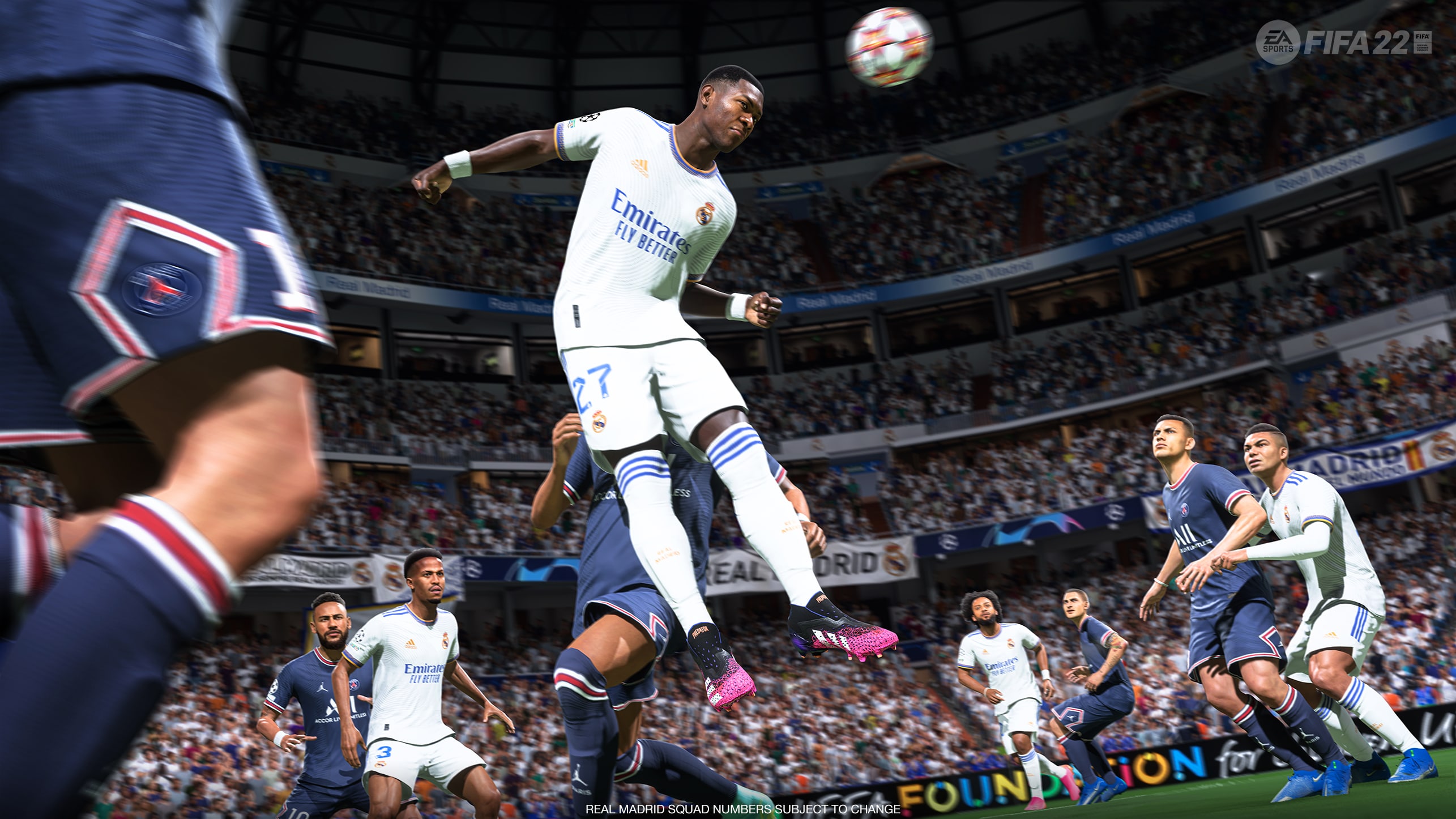
EA has released the FIFA 22 update 1.000.005 patch this December 9 for both next-gen and last-gen platforms, and this is for a set of fixes Ultimate Team. Check out the complete and official patch notes for today’s update below.

FIFA 22 Update 1.000.005 Patch Notes:

FIFA Ultimate Team

Made the following change:

  • Added Prime ICON Player Item assets.
    • Prime ICON Player Items will start becoming available in-game following a server update in the near future.

Thanks to everyone who provided feedback. Throughout the FIFA 22 season, we’ll provide you with more updates if and when they become available. Be sure to follow @EAFIFADIRECT on Twitter and the EASF Tracker for the latest updates.

Head on over here to read up on the site’s other FIFA posts.If there are more gameplay-related changes included in this patch that’s found, we’ll be sure to update the post. Same as always, feel free to leave a comment for any gameplay-related or technical fixes you find that’s not mentioned in the patch notes.

Source: FIFA forums

Avatar photo

Alex Co

Father, gamer, games media vet, writer of words, killer of noobs.

Home > News

FIFA 22 Update 1.15 Patch Notes; Out for Title Update 3.1 This Dec. 9

EA has released the FIFA 22 update 1.15 patch this December 9, and this is for a set of fixes to the soccer sim. Check out the complete and official patch notes for today’s update below.

FIFA 22 Update 1.15 Patch Notes:

FIFA Ultimate Team

Made the following change:

  • Added Prime ICON Player Item assets.
    • Prime ICON Player Items will start becoming available in-game following a server update in the near future.

Thanks to everyone who provided feedback. Throughout the FIFA 22 season, we’ll provide you with more updates if and when they become available. Be sure to follow @EAFIFADIRECT on Twitter and the EASF Tracker for the latest updates.

For the rest of the FIFA 22 updates we posted, head on over here. If there are more gameplay-related changes included in this patch that’s found, we’ll be sure to update the post. Same as always, feel free to leave a comment for any gameplay-related or technical fixes you find that’s not mentioned in the patch notes.

Source: FIFA forums

Avatar photo

Alex Co

Father, gamer, games media vet, writer of words, killer of noobs.

Home > News

Battlefield 2042 1.000.007 Released for Update 3.1 This Dec. 9

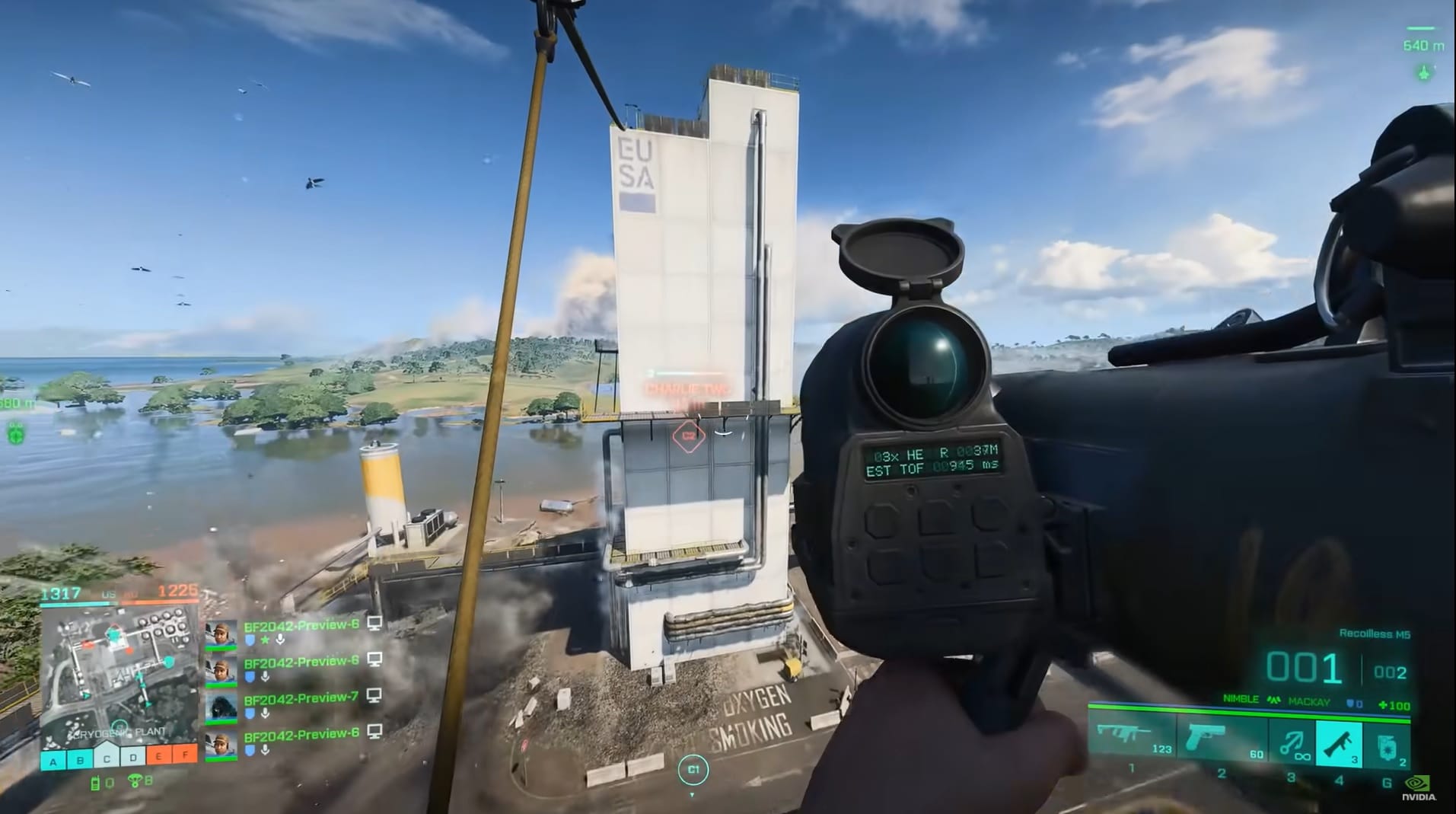
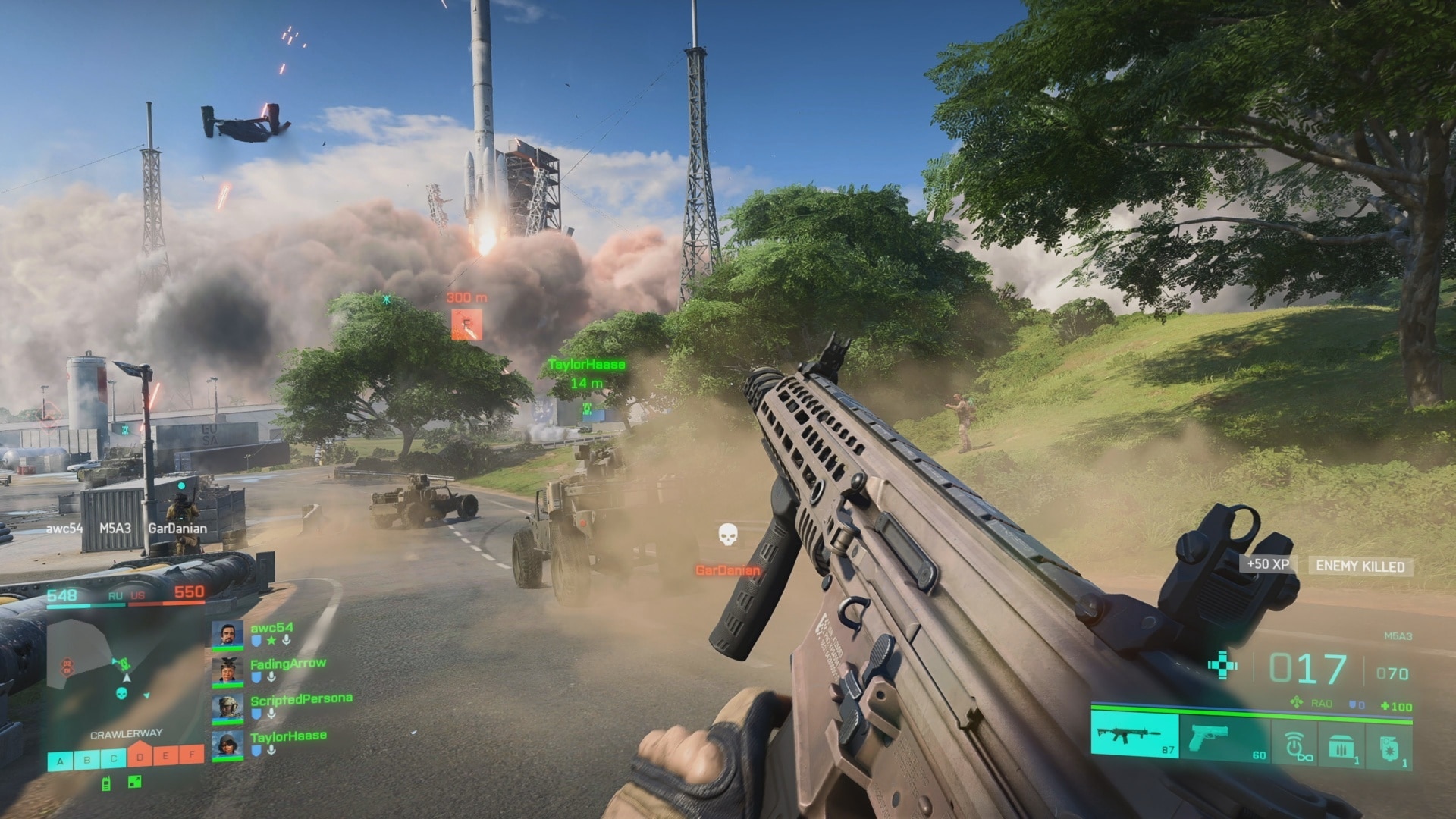
DICE has released the Battlefield 2042 update 1.000.007 patch this December 9, and this is called Update 3.1 by DICE, and is out on both last-gen and next-gen platforms. This title update includes hit registration fixes, audio tweaks and more, which are all listed in the complete patch notes.

Battlefield 2042 Update 1.000.007 Patch Notes | Battlefield 2042 December 9 Patch Notes:

Update 0.3.1

Fixes, Changes, and Improvements

General

  • Players that are not the Party Leader can now cancel while waiting in a queue
  • Xbox – Cross-Play can now be enabled/disabled in the Options menu on Xbox
  • Your Sort settings will now be correctly remembered when refreshing the Battlefield: Portal Server Browser
  • Fixed an issue where loadouts would sometimes be empty on the spawn screen after joining a server, preventing weapon selection
  • Made improvements to ensure Aim Assist is more consistent during console gameplay
  • Ranger’s effective combat range and overall health has been decreased

Audio

  • Made various tweaks to the overall audio experience to improve clarity, distance, and directional perception
  • Fixed an issue where soldiers would not always play indoor specific footsteps

Weapons

  • Removed bounce from Underbarrel Grenades when firing at short distances
  • 40mm AP Grenades now properly damage vehicles
  • Fixed some weapons displaying wrong ammo counts for specific magazines
  • DXR-1 and NTW-50 Bolt Action rifles reload animation increased by 0.2 seconds
  • Adjusted dispersion values for most weapons, which results in a faster dispersion decrease when tap firing or doing short bursts
  • Adjusted dispersion increases for most weapons. It now takes slightly longer for weapons to become overly inaccurate in sustained fire
  • Adjusted the recoil values to prevent over aggressive recoil jumps for the AK24, LCMG, PKP-BP, SFAR-M GL, and PP-29
  • Improved hip fire accuracy for all SMGs to make them better stand-out from other automatic weapon archetypes
  • LMG dispersion and recoil lowered to improve performance in sustained fire
  • Additional improvements to recoil control for all weapons, more specifically automatic weapons.
  • Increased close range damage and consistency of the MCS-880 when using Buckshot Shell or Flechette Shells
  • Fixed a bug that caused bullets to be fired below the player’s aims for the SFAR-M GL and the K30

Vehicles

  • Fixed a bug where vehicle weapons sometimes did not deal blast damage on a direct hit
  • We’re reducing the Ground Vehicle 30mm Cannon effectiveness versus infantry. It now overheats faster, has a slightly reduced rate of fire and blast damage, and increased fall off damage at distance
    • Rate of Fire 350 -> 330
    • Heat Per Bullet 0.13 -> 0.14
    • Heat Drop Per Second 0.5 -> 0.475
    • Blast Damage 20 -> 18
  • LCAA Hovercraft – 40mm GPL Grenade Launcher
    • Blast Damage lowered from 55 -> 35
  • The 40mm Utility Pod upwards firing angle is now easier to use
  • EBAA Wildcat – 57mm Cannon
    • Removed dispersion
    • Ammo 12 -> 8
    • Impact Damage 85 -> 75
    • Blast Damage 70 -> 35

Gadgets

Frag Grenade

  • Increased the time to detonate a Frag Grenade from 1.1s -> 1.4s after first bounce on a hard collision
  • Increased damage of Frag Grenades across game modes to deal 120 damage and guarantee a kill on armored players too
  • Reduced Frag & Incendiary Grenade max ammo account from 2 -> 1

Prox Sensor

  • Lowered spotting radius from 30m -> 20m
  • Lowered uptime from 30s -> 14s
  • Lowered amount of Prox Sensor a player can carry and deploy from 2 -> 1

Battlefield Hazard Zone

  • Fixed an issue that caused the roaming Occupying Forces LATV4 Recon to spawn at the wrong times or not at all

Breakthrough

  • Kaleidoscope – Rooftop Capture Objective has been removed. There are now two Capture Objective at the bottom in BT large and one at the bottom in BT small
  • Orbital – Rooftop Capture Objective has been removed. There is now a single Capture Objective at the bottom in BT large and BT small
  • Hourglass – Rooftop Capture Objective has been removed. There is now a single Capture Objective at the bottom in BT large and BT small. Also fixed an issue where players were spawning out of bounds

Soldier

  • Improvements on back pedaling into objects when being in prone position
  • Fixed a rare issue where players could turn invisible when spawning on a full/destroyed vehicle

According to DICE, this will be the last patch before the devs take a holiday break, which means this will be the last BF2042 patch for 2021.

Update #3.1 is our last game update before the start of the holidays. That means our teams will take a break towards the end of this month and return in the new year with fresh eyes ready to go on the road to Season One. We’ll see you again in the new year where we’ll talk more on further changes and improvements you can expect for Battlefield 2042.

In the last patch before this one, the Santa Clause cosmetic was accidentally revealed, though DICE says they have no intention of releasing it. If there’s more like this in this patch, we’ll be sure to let our readers know.

Source: EA

Avatar photo

Alex Co

Father, gamer, games media vet, writer of words, killer of noobs.

Home > News

Battlefield 2042 Update 1.06 Patch Notes; Fires Out for Update 3.1 This December 9

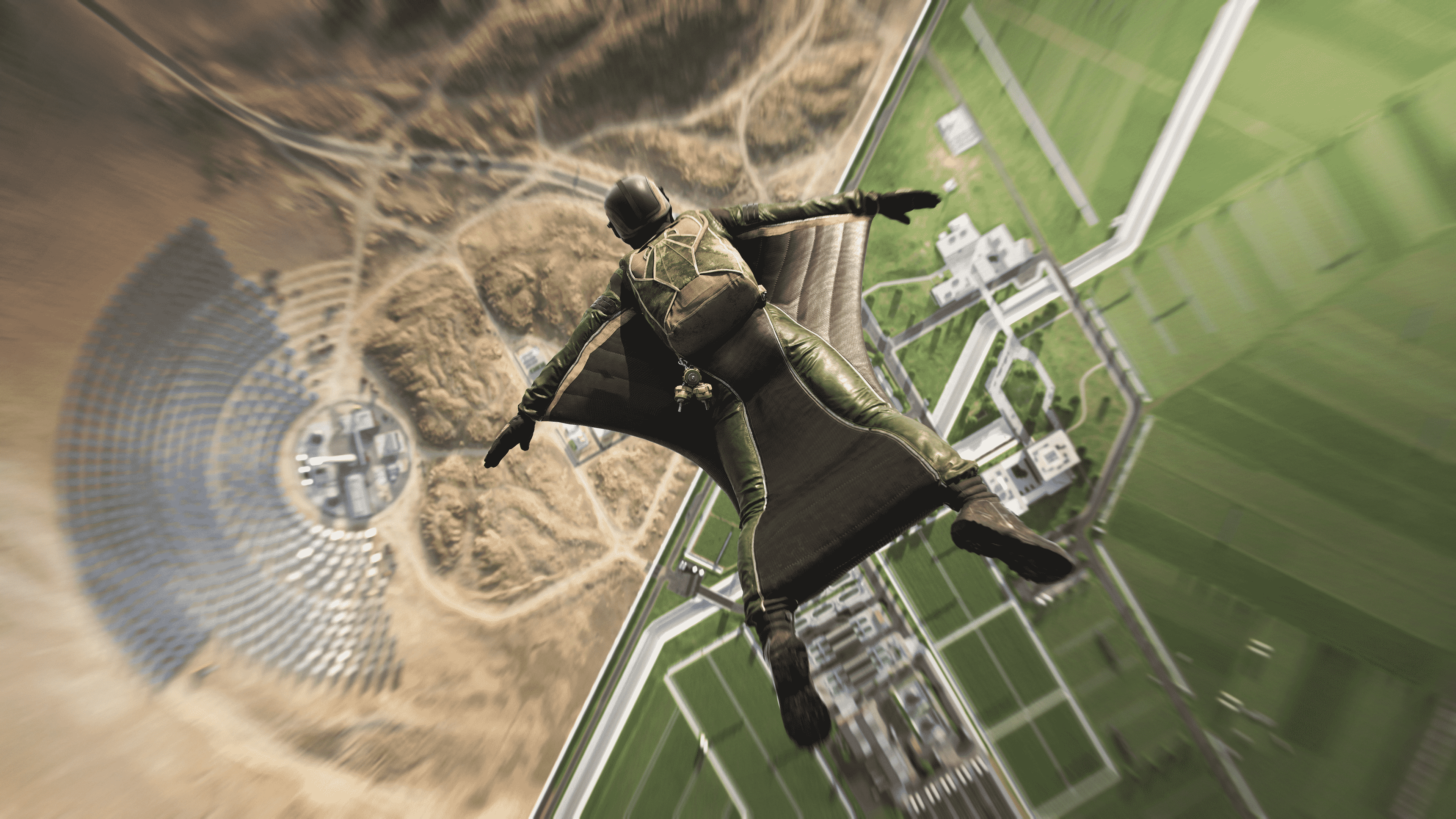
DICE has released the last Battlefield 2042 title update of 2021! The Battlefield 2042 update 1.06 patch has been rolled out today for Update 3.1 this December 9, and this includes a long list of fixes like hit registration, audio fixes, weapon balance tweaks and more! Check out the complete patch notes below straight from DICE.

Battlefield 2042 Update 1.06 Patch Notes | Battlefield 2042 Update 3.1 Patch Notes:

Update 0.3.1

Fixes, Changes, and Improvements

General

  • Players that are not the Party Leader can now cancel while waiting in a queue
  • Xbox – Cross-Play can now be enabled/disabled in the Options menu on Xbox
  • Your Sort settings will now be correctly remembered when refreshing the Battlefield: Portal Server Browser
  • Fixed an issue where loadouts would sometimes be empty on the spawn screen after joining a server, preventing weapon selection
  • Made improvements to ensure Aim Assist is more consistent during console gameplay
  • Ranger’s effective combat range and overall health has been decreased

Audio

  • Made various tweaks to the overall audio experience to improve clarity, distance, and directional perception
  • Fixed an issue where soldiers would not always play indoor specific footsteps

Weapons

  • Removed bounce from Underbarrel Grenades when firing at short distances
  • 40mm AP Grenades now properly damage vehicles
  • Fixed some weapons displaying wrong ammo counts for specific magazines
  • DXR-1 and NTW-50 Bolt Action rifles reload animation increased by 0.2 seconds
  • Adjusted dispersion values for most weapons, which results in a faster dispersion decrease when tap firing or doing short bursts
  • Adjusted dispersion increases for most weapons. It now takes slightly longer for weapons to become overly inaccurate in sustained fire
  • Adjusted the recoil values to prevent over aggressive recoil jumps for the AK24, LCMG, PKP-BP, SFAR-M GL, and PP-29
  • Improved hip fire accuracy for all SMGs to make them better stand-out from other automatic weapon archetypes
  • LMG dispersion and recoil lowered to improve performance in sustained fire
  • Additional improvements to recoil control for all weapons, more specifically automatic weapons.
  • Increased close range damage and consistency of the MCS-880 when using Buckshot Shell or Flechette Shells
  • Fixed a bug that caused bullets to be fired below the player’s aims for the SFAR-M GL and the K30

Vehicles

  • Fixed a bug where vehicle weapons sometimes did not deal blast damage on a direct hit
  • We’re reducing the Ground Vehicle 30mm Cannon effectiveness versus infantry. It now overheats faster, has a slightly reduced rate of fire and blast damage, and increased fall off damage at distance
    • Rate of Fire 350 -> 330
    • Heat Per Bullet 0.13 -> 0.14
    • Heat Drop Per Second 0.5 -> 0.475
    • Blast Damage 20 -> 18
  • LCAA Hovercraft – 40mm GPL Grenade Launcher
    • Blast Damage lowered from 55 -> 35
  • The 40mm Utility Pod upwards firing angle is now easier to use
  • EBAA Wildcat – 57mm Cannon
    • Removed dispersion
    • Ammo 12 -> 8
    • Impact Damage 85 -> 75
    • Blast Damage 70 -> 35

Gadgets

Frag Grenade

  • Increased the time to detonate a Frag Grenade from 1.1s -> 1.4s after first bounce on a hard collision
  • Increased damage of Frag Grenades across game modes to deal 120 damage and guarantee a kill on armored players too
  • Reduced Frag & Incendiary Grenade max ammo account from 2 -> 1

Prox Sensor

  • Lowered spotting radius from 30m -> 20m
  • Lowered uptime from 30s -> 14s
  • Lowered amount of Prox Sensor a player can carry and deploy from 2 -> 1

Battlefield Hazard Zone

  • Fixed an issue that caused the roaming Occupying Forces LATV4 Recon to spawn at the wrong times or not at all

Breakthrough

  • Kaleidoscope – Rooftop Capture Objective has been removed. There are now two Capture Objective at the bottom in BT large and one at the bottom in BT small
  • Orbital – Rooftop Capture Objective has been removed. There is now a single Capture Objective at the bottom in BT large and BT small
  • Hourglass – Rooftop Capture Objective has been removed. There is now a single Capture Objective at the bottom in BT large and BT small. Also fixed an issue where players were spawning out of bounds

Soldier

  • Improvements on back pedaling into objects when being in prone position
  • Fixed a rare issue where players could turn invisible when spawning on a full/destroyed vehicle

According to DICE, this will be the last patch before the devs take a holiday break, which means this will be the last BF2042 patch for 2021.

Update #3.1 is our last game update before the start of the holidays. That means our teams will take a break towards the end of this month and return in the new year with fresh eyes ready to go on the road to Season One. We’ll see you again in the new year where we’ll talk more on further changes and improvements you can expect for Battlefield 2042.

If there’s any new data unearthed from today’s patch, we’ll let our readers know.

Source: EA

Avatar photo

Alex Co

Father, gamer, games media vet, writer of words, killer of noobs.

Home > News

PUBG Update 1.90 Patch Notes; Fires Out for 15.1 This Dec. 9

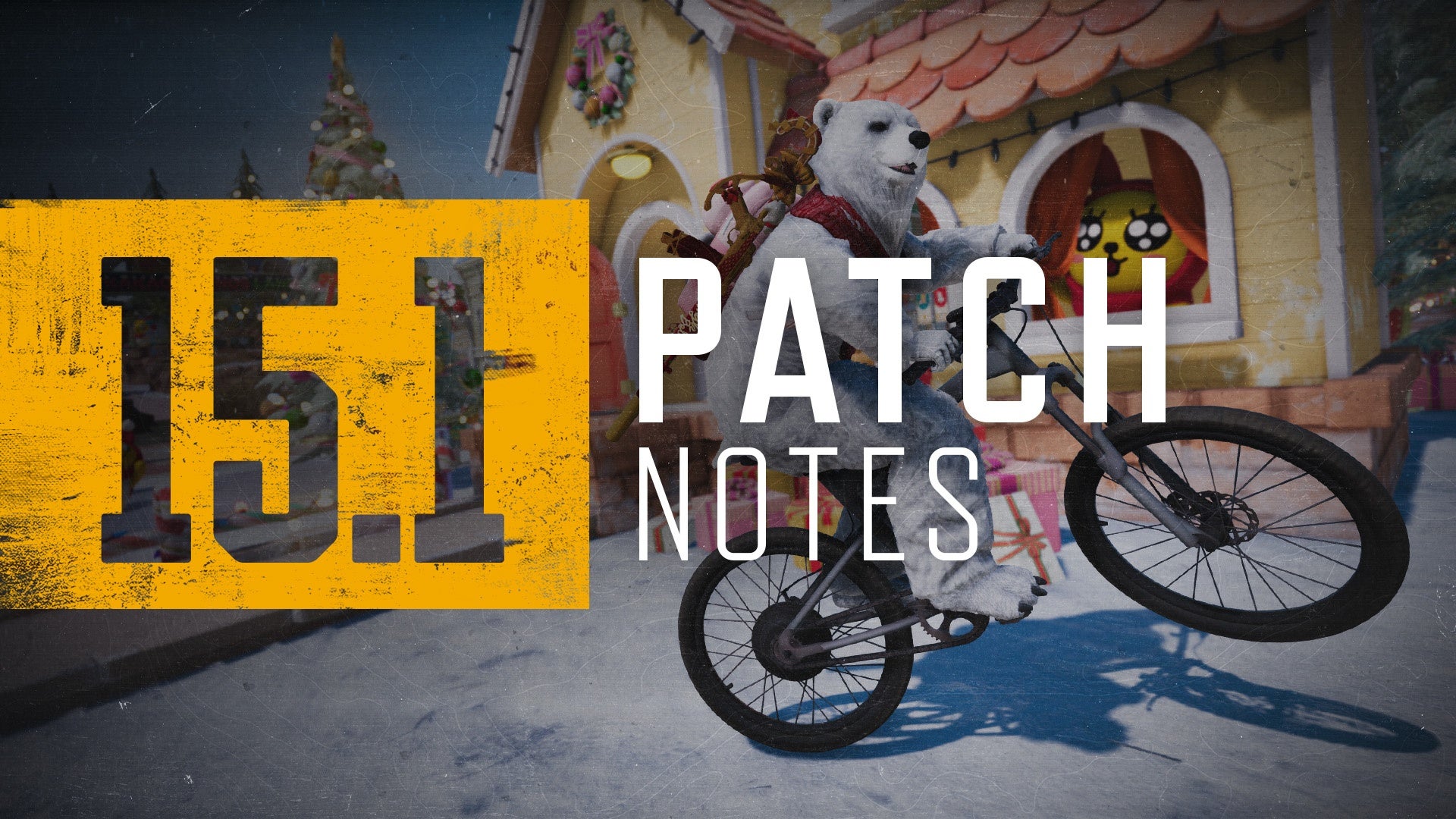
PUBG Corp. has released the PUBG update 1.90 patch this December 9, and this brings the big 15.1 title update to consoles! Read up on the official patch notes below to see everything new from this title update.

PUBG Update 1.90 Patch Notes | PUBG Update 15.1 Patch Notes:

※ Please keep in mind that the features and updates we provide below may be modified or even possibly removed due to reasons such as bugs, in-game issues, and/or community feedback. We will update our players if such changes occur.

Map Service Update 

We had announced our long-term Map Service Plan to our players not so long ago, but after reviewing our players’ feedback, we realized our plan was not something our players looked forward to. Therefore, after thorough internal debates based on our community’s feedback, we have decided it would be best to change the map rotation service for Season 15 to the following:

  • Normal Match
    • Erangel / Miramar / Sanhok / Taego / Vikendi
  • Ranked
    • Erangel (40%) / Miramar (40%) / Taego (20%)

Taego will remain in the map rotation for Season 15 due to two reasons: first, our players’ feedback, and second, our data showing us that Taego maintains its status as a very popular map. With these being the case, including Haven to the rotation would eventually cause stability issues as we’d have to adapt the map selection UI for regions with map selection without thorough testing.

Please note that our map service plan for Season 16 and later are still being discussed, but a separate announcement will be made to our players once decisions are made.

New Vehicle: Mountain Bike

Attention all triathletes! The Mountain Bike, a fan-requested vehicle is coming to the Battlegrounds. Unlike our other vehicles, the Mountain Bike can be found as a lootable item in its folded state. It can be located most often on the outskirts of the map, helping you have additional transportation methods.

Due to the lack of an engine, it hardly makes any noise, allowing for stealthy movement. Combined with Driver shooting, this can lead to some great surprises for your enemies.

Specifications

  • Maps: All maps in normal matches
  • Spawned in a folded form.
  • Unfold it into a rideable vehicle or store them in inventory.
  • Folds back into an item when stored back into the inventory.
  • Due to the absence of a speedometer, the current traveling speed is not displayed.
  • Does not spawn in Esports Mode.
  • Maximum number of passengers: One
  • Maximum speed:
    • Max speed without sprinting (85% Force applied to pedals): 50 km/h
    • Riding with 40% or more Boost (90% Force applied to pedals): 54 km/h
    • Riding with sprint tapping (100% Force applied to pedals): 62 km/h
  • HP: Cannot be destroyed, including the wheels
  • Item weight: 70
  • Fuel consumption: None

Sprinting

Like in real life, you can sprint on the Mountain Bike by putting in some physical effort to mash the A (Xbox & Stadia)/Χ (Playstation) button repeatedly to cycle faster. Being boosted makes it easier to reach max sprint speed. Higher tapping speeds increase sprint speed.

Jumping

Additionally, you can put your BMX skills to the test by jumping with the Mountain Bike. Holding the LB (Xbox & Stadia)/L1 (Playstation) button longer (up to half a second) will increase jump height. High speed and being boosted also increases the jump height.

Wheelies

We hipsters don’t ride on two wheels. We don’t find the need to use all wheels because it just ain’t cool! One, that’s right, one wheel is all we need. Try to find the perfect balance by holding the “sprint” button and tapping “jump” in rhythm to find the hipster inside you.

Weapon Balance Update 

Weapon Balance

As a battle royale game where every match presents different situations, we believe each weapon category should have its purpose in certain types of encounters. Based on our data findings and community feedback we have made weapon balance changes.

P90

  • The P90 is making the most kills of any Crate weapon and is performing better on ranges where we want Crate ARs to dominate. So we decided to increase the recoil difficulty while supplying less ammo.
    • Increased horizontal and vertical recoil
    • Increased ADS deviation during full-auto burst
    • Lowered Care package ammo from 250 -> 200 bullets

Shotguns

  • The Shotguns in Battlegrounds continue to have a very limited role as seen in our data, to improve their usability we are increasing the effective range.
    • Increased damage drop-off range to improve effective range by several meters per shotgun
    • Increased hit probability on short range
    • Increased Sawed-Off damage by 1
    • Decreased Sawed-Off pellet spread

LMGs

  • LMGs in general are not considered useful enough based on our data, so we are slightly increasing their damage potential to improve the weapon’s role. For MG3 we saw very little usage in our data compared to the other crate weapons so we are making it more powerful. Also, some time ago we nerfed the effectiveness of the M249 on Console. We now see that that nerf has had too much effect and thus we are changing its recoil to a state in between the current and previous iteration.
    • Reduced recoil when shooting in crouch and stand
    • Increased Body Damage multiplier from 1.0 to 1.05
    • Increased M249 damage by 1
    • Reduced Horizontal & Vertical Recoil for M249
    • Increased MG3 damage by 2
    • Decreased MG3 horizontal recoil

SMGs

  • While some players feel that SMGs have a strong position due to their relatively low recoil, we still see in data that their role in weapon balance is very limited. To incentivize more accurate firing we are increasing the Head Damage multiplier.
    • Increased Head Damage multiplier from 1.8 to 2.1
    • Increased PP-19 Bizon weapon accuracy during ADS full auto firing
    • Decreased UMP45 Damage at longer ranges
    • Decreased UMP45 weapon accuracy during ADS full auto firing

AUG

  • The AUG seems to be overtaken by the P90 and even by the user’s ability to control the Beryl, thus we are making it slightly more powerful to improve its Crate weapon status.
    • Increased damage by 1
    • Increased damage drop-off range to improve effective range

Magazine Balance

Based on our data over the years, we see that magazines in PUBG have not been very equally balanced. The Extended QuickDraw magazine offers an obvious upgrade over the Extended and QuickDraw magazines. The QuickDraw magazine is often left aside with players not even bothering to pick them up despite their advantage over having no magazine attachment at all.

We have tweaked our magazine attachments to add tactical decision-making and to improve the usefulness of the QuickDraw Magazine and Extended Magazine. Now every magazine attachment will be useful and offer its own play-style.

If you want to have up to 60% faster reloads, take a QuickDraw Magazine. If you want to have the highest magazine capacity, take an Extended Magazine. If you want to have a bit of both, take an Extended QuickDraw Magazine.

Example when applied to M416:

  • Default Magazine: 30 bullets
  • QuickDraw Magazine: 30 bullets and 60% faster reload
  • Extended Magazine: 42 bullets
  • Extended QuickDraw Magazine: 40 bullets and 15% faster reload

Additionally, we have added the QuickDraw Magazine Attachment to the Skorpion.

World Updates 

Sanhok Update

  • Bootcamp

  • As being one of the most hottest drop zones in Sanhok, Bootcamp should be able to provide dynamic gameplay experiences. But we’ve been hearing that our players were not enjoying the reworked Bootcamp as the structure felt too crowded and complex for desirable tactical plays. Therefore, we decided to make Bootcamp undergo another big change and the best way to go at it was to shift the whole structure. Here are some of the main changes:
    • To reduce the complexity and bunched-up feeling of Bootcamp, the central tower has been repositioned from the center to the right. We have then considered different angles and distances and adjusted the layout of the other buildings around the center area to provide an open space for better shooting.
    • Players seemed to have too much of an advantage behind the parapet walls on the third floor of the central tower so we got rid of them and instead placed boxes made of stone on the rooftops.
      • We also narrowed the space between the second and third floor to reduce the advantage players had on the third floor.
    • We realized that the large windows on the second floor of the central tower were allowing a wide view of players’ surroundings which resulted in frequent camping. Thus, we have shrunk the size of the windows.
    • Training areas have been added and scattered around the center as well to provide more cover and looting spots.
    • We moved the watchtowers to place one each in the north and south to prevent players from hoarding them.
    • Players didn’t seem to have the best opportunities when they land a little late on Bootcamp. Therefore, we removed the 4 warehouses within Bootcamp and added 3 to the North (outside of Bootcamp) so even players who start late could earn a better chance at arming and hiding.
  • Shoreline

  • Players seemed to be feeling vulnerable around the shoreline areas so more rocks and trees have been added.
  • Weather
  • The lighting and weather effects in Sanhok seemed to be hindering our players’ in-game sight, so we:
    • Increased brightness by 25% for Clouds and Sunset weather.
    • Decreased darkness from 66% → 33% when it turns Foggy/Rain during Overcast weather.

Vikendi Update

  • KAKAO FRIENDS

https://preview.redd.it/2e37i0vjc2481.jpg?width=1920&format=pjpg&auto=webp&s=1631089a05ca8d738860d209a21f947be8962fd6

  • PUBG’s new collaboration is with KAKAO FRIENDS! More information on this collaboration will be updated in a separate announcement on the day the Live Server gets updated.
  • Dinoland has transformed into KAKAO FRIENDS LAND.
    • KAKAO FRIENDS statues have been positioned here and there in KAKAO FRIENDS LAND.
  • Billboards for KAKAO FRIENDS have been added.
  • Buildings have been decorated with KAKAO FRIENDS ornaments.
  • Christmas

https://preview.redd.it/0hacnf5lc2481.jpg?width=1920&format=pjpg&auto=webp&s=3bb84f4bd35be278b095168070b1aede54b88319

  • Christmas theme has been applied to Dinoland, Castle, and Winery.
  • Christmas weather has been added.
    • Players can use this weather setting in Custom Matches for Vikendi.

Ranked Season 15 

Season 14 Ranked Mode Rewards

Season 14 has now wrapped up and it’s time to enjoy your rewards, after a hard-fought season of Ranked. Rewards will be automatically distributed to your inventory upon login at the beginning of Season 15.

Season 14 rewards are granted based on your final end-of-season rank.

​

Tier Reward List
Bronze Bronze PUBG ID Emblem
Silver Silver PUBG ID Emblem
Gold Gold PUBG ID Emblem & Ranked Parachute Skin
Platinum Animated Platinum PUBG ID Emblem & Ranked Parachute Skin
Diamond Animated Diamond PUBG ID Emblem & Ranked Parachute Skin
Master Animated Master PUBG ID Emblem, Animated Master Nameplate & Ranked Parachute Skin
Top 500 Bonus rewards for Top 500 players: Animated Top 500 PUBG ID Emblem & Animated Top 500 Nameplate


Unlocked Rewards

  • The Parachute Skin is a permanent reward players keep forever and can equip as they please.
  • The rest of the earnable rewards are only ‘Unlocked’ for the duration of a single Ranked Season.
  • Only the unlocked rewards from a player’s highest rank will be granted.
  • Unlocked Rewards can be found in the inventory at the start of the new Season.
  • Once the Ranked Season is over and the server maintenance begins, Unlocked Rewards will be collected from the inventory.

Training Mode Update 

  • Every vehicle but the Scooter has been removed from Training Mode to prevent various sound and crash issues and to prevent players from getting bothered by other players’ vehicles during shooting practice.
  • After we observe the change in memory usage issues, we will discuss about the feature of allowing players to choose a vehicle of their choice in Training Mode.

Action Wheel Update 

  • An additional Action Wheel with 8 more slots has been added as we noticed that players did not seem to have enough space to fit and use all their spray and emote items.
  • Players will be able to find their additional Action Wheel in the Customize tab.
  • In the lobby or in a match, players can switch between the first and second action wheel by using left and right on the D-pad.
  • If players select spray items from their Action Wheel in the lobby, a message will pop up saying that sprays are unable to use.

Performance Update 

  • There has been performance updates with the Hideout tab.
    • The loading speed when first accessing the page has been improved.
    • A feature that could help prevent accidental weapon upgrades has been added.
      • A message showing the current level has been added to the Upgrade button.
      • Once a player clicks the Upgrade button, an additional confirmation message will pop up.
  • Memory usage has been improved by removing unused and duplicate data files within the game.

Smoke Grenade Sound Update 

Smoke grenade deployment sound and visual effects are now synchronized

  • The deploy sound stops ten seconds before the smoke cover fully disappears.
  • Smoke cover fadeout starts when sound effect is stopped, so player can start being visible from five seconds while inside smoke.

Anti-Cheat

  • We have implemented a system that prevents players from receiving damage from cheats using lag switch on console.

Known Issues 

  • New Vehicle: Mountain Bike’s tool tip is displayed only in English in certain languages.

Bug Fixes 

Gameplay

  • Fixed the issue of the PGC 2021 Contingent Chaos – Beryl M762’s rail blocking players’ sight in ADS mode.
  • Fixed the issue of a player unable to join the Comeback BR after getting killed while disconnected from the game.
  • Fixed the issue of custom game sessions getting deleted due to unknown reasons.
  • Fixed the issue of a dirt bike with blown-out tires moving slowly by itself on the ground.
  • Fixed the issue of an empty screen being shown to players when a custom game session is deleted.
  • Fixed the issue of characters being shown in a consistent pose after pausing during replay.
  • Fixed the issue of creatures not being killed when shot.
  • Fixed the issue of the crosshair of a weapon with a scope equipped in ADS mode shaking severely when used in the backseat of a vehicle.
  • Fixed the issue that caused Jerry cans not to explode when shot.
  • Fixed the issue that caused C4 to disappear but still explode after it was attached to a mountain bike that was placed back into the player’s inventory.
  • Fixed the issue that caused other player’s lean animation to appear quicker than expected.

World

  • Fixed general bugs in Sanhok.
  • Fixed the issue on Erangel where players were unable to deal damage to others on the other side of a certain fence.
  • Fixed the issue on Miramar, where the terrain texture is low in quality.
  • Fixed the issue that caused Blue Zone grenades and C4 to be included in the supply drops on Taego in Ranked Mode.
  • Fixed the issue that allowed players to get inside a cliff on Miramar.

UI

  • Fixed the issue of the parachute reward from Ranked Season 13 being shown as two items in the inventory.
  • Fixed the issue of the kill message on the upper right screen not disappearing in matches.
  • Fixed the issue of the character glitching when changing items in the set item preview screen.
  • Fixed the issue of the awkward P90 magazine appearance in the inventory.
  • Fixed the issue of the killfeed text being cut off due to specific killfeed limit settings.
  • Fixed the issue of the text being cut off after a teammate dies in Ranked when player sets game language to English.

Items & Skins

※ Clipping issue: Graphics that are shown outside the visible part of an image/object.

  • Fixed the clipping issue when a male character equips Shadowstar’s Top with Moon Rabbit Jacket.
  • Fixed the issue of the Bunny Aeronautics – M416 and Bunny Aeronautics – Mini-14 looking severely dark indoors.
  • Fixed the issue of the Night Hunter Costume’s bullet loops looking awkward in-game.
  • Fixed the clipping issue when the PUBG Varsity Jacket is equipped with most glove items.
  • Fixed the clipping issue of a female character’s top and bottom when equipping specific jacket items.
Avatar photo

Alex Co

Father, gamer, games media vet, writer of words, killer of noobs.

Home > News

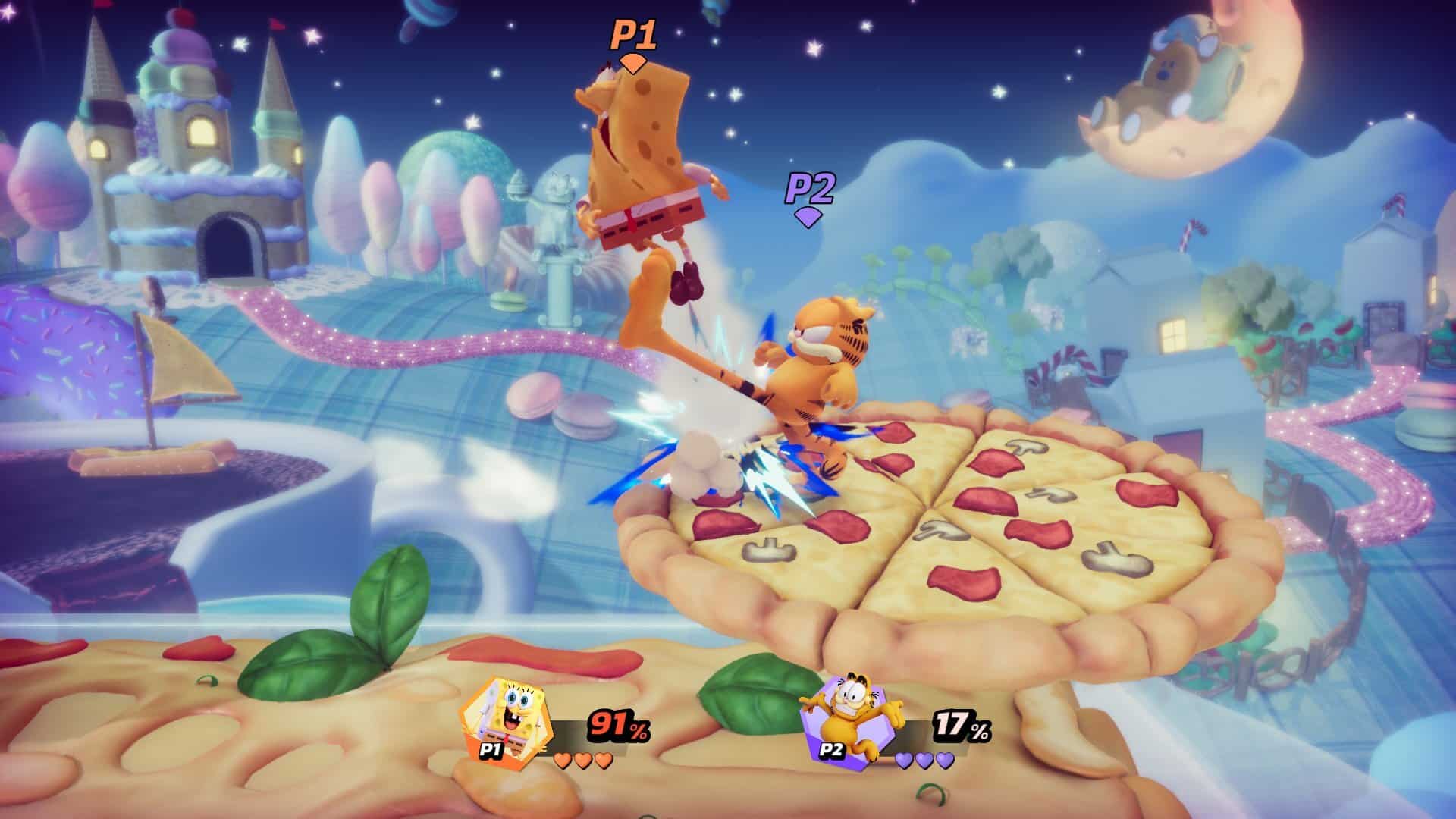
Nickelodeon All-Star Brawl Update 1.000.007 Out for Garfield DLC This Dec. 9

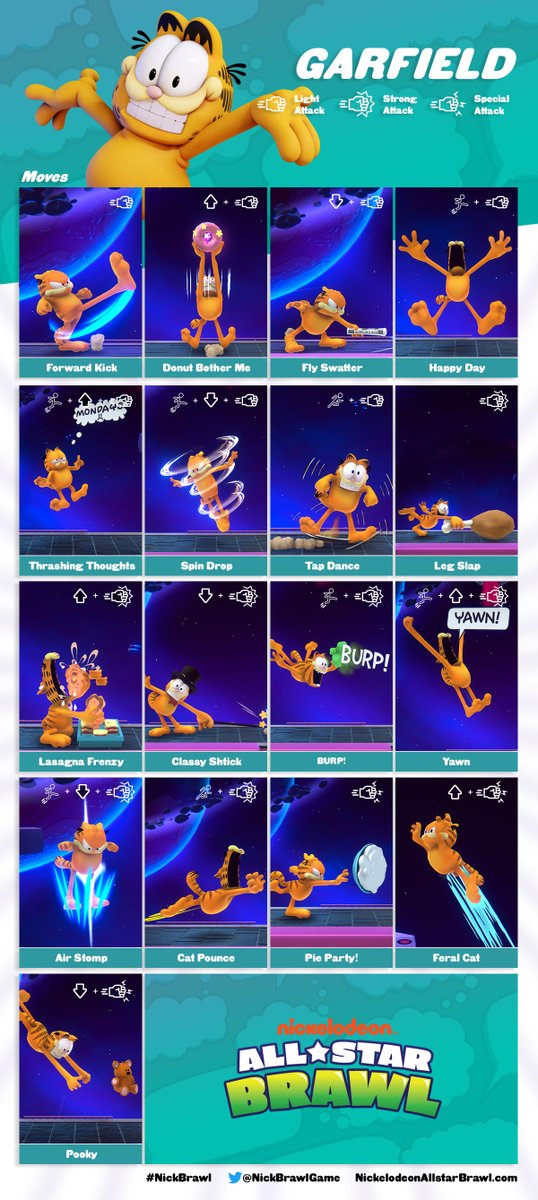
Ludosity has released the Nickelodeon All-Star Brawl update 1.000.007 this December 9 for both last-gen and next-gen platforms, and this is for a free fighter in Garfield! Check out the trailer featuring the fighter alongside his moves list below.

Nickelodeon All-Star Brawl Update 1.000.007 Patch Notes:

This title update adds Garfield for free on all platforms, and the devs have not mentioned anything fighter-related changes or anything yet.

Image

If there are more changes included in today’s update or if Ludosity releases the official patch notes, we’ll be sure to update the post.

For those who notice anything tangible in today’s patch, share what you find down in the comments below. The newest patch released before today was rolled out last week, and it included fighter changes, which you can read about here.

Avatar photo

Alex Co

Father, gamer, games media vet, writer of words, killer of noobs.

Home > News

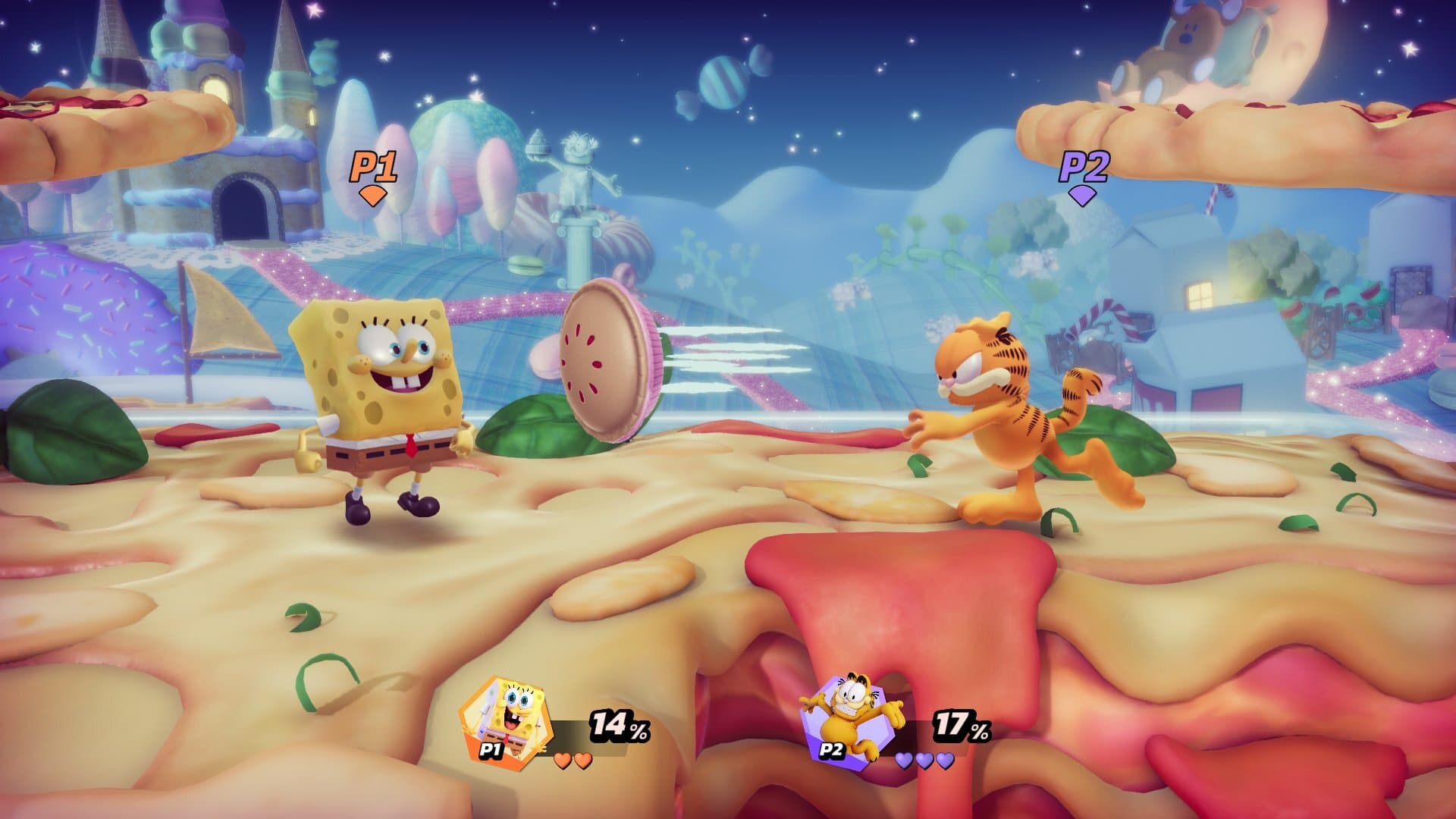
Nickelodeon All-Star Brawl Update 1.08 Adds Garfield This December 9

Developer Ludosity has released the Nickelodeon All-Star Brawl update 1.08 this December 9, and this adds a DLC character for free in Garfield! Check out the details and other info below.

Nickelodeon All-Star Brawl Update 1.08 Patch Notes:

This title update adds Garfield for free on all platforms, and doesn’t seem to include any gameplay-related changes or fighter tweaks just yet.

Image

If there are more changes included in today’s update or if Ludosity releases the changelog, we’ll be sure to update the post. For those who notice anything tangible in today’s patch, share what you find down in the comments below. The latest patch before today was released last week, and it included fighter changes, which you can read about here.

Avatar photo

Alex Co

Father, gamer, games media vet, writer of words, killer of noobs.

Home > News

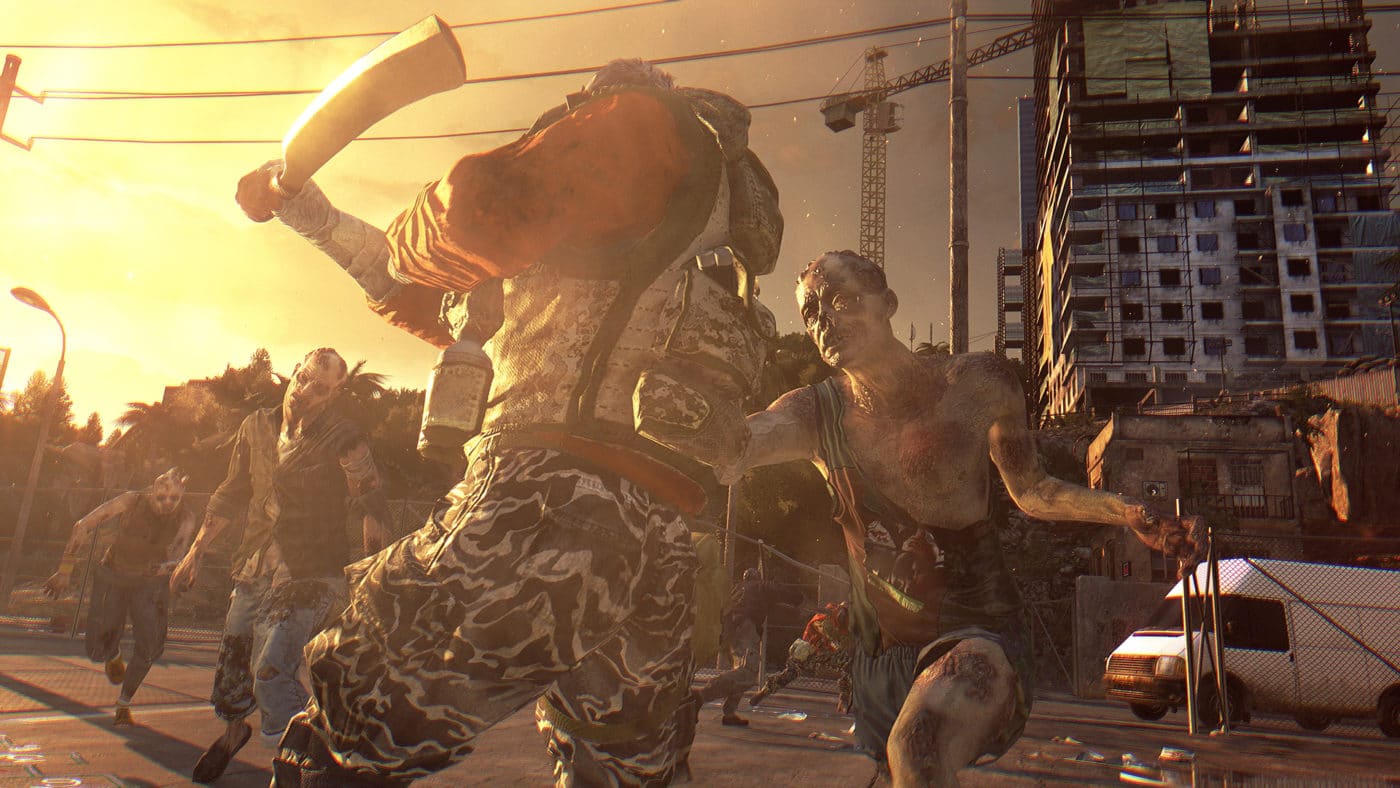
New Dying Light Update 1.40 Brings New Content This December 9

Techland has released the new Dying Light update 1.40 (Enhanced Edition 1.33) this December 9, and this seems to bring new content into the game in the form of a new outfit, support for new events, and more. Note that the game is under different version numbers depending on region, and we’ll do our best to note each one below.

New Dying Light Update 1.40 Patch Notes | New Dying Light The Following Enhanced Edition Update 1.31 Patch Notes:

Size: 9GB

Per the PS4 update history:

Support for Live Events
– Added new weapons and blueprints
– Added new outfit with new perk
– Added new enemy
* Support for Hellraid DLC including:
– Expanded Story Mode with new explorable map areas
– Added new weapons
– Added new enemy
– Balance and visual changes
* Minor bug fixes

According to a user on the Dying Light subreddit, the TechlandGG site says there is a new event that starts today (December 8).

Regarding the versions, check which one applies to your copy of the game:

  • Dying Light version 1.38 – US
  • Dying Light version 1.31 – JP
  • Dying Light version 1.37 – EU
  • Dying Light The Following Enhanced Edition version 1.26 – JP
  • Dying Light The Following Enhanced Edition version 1.31 – US/EU

We’ve reached out to Techland regarding today’s patch and will update the post if we hear anything back.

Avatar photo

Alex Co

Father, gamer, games media vet, writer of words, killer of noobs.

Home > News

Saber Interactive Multiple New Games to Be Revealed at The Game Awards

Saber Interactive, the developer behind World War Z, the upcoming Evil Dead game and more, is set to reveal multiple new games at this year’s The Game Awards. In the press release sent, it mentions how the studio is teasing announcements for five upcoming titles for The Game Awards, and the Twitch Winter Gathering.

Here’s what Head of Publishing Todd Hollenshead had to say about the upcoming announcements:

Saber is celebrating its 20th anniversary this year, and it’s amazing how much the company has evolved in that time. Our company has long been known for its sterling reputation as a developer, and since joining the Embracer family we have continued to grow on that front by acquiring some of the most talented studios from around the world. At the same time, we have been quietly building our publishing division and lineup which is about to rapidly expand with the announcement of multiple new titles for 2022 and beyond. We will be revealing more from our upcoming, very diverse slate with announcements and trailer reveals later this week at both The Game Awards and the Twitch Winter Gathering.  You’re going to be hearing a lot more from Saber moving forward.

At The Game Awards, gamers can look forward to a brand new game announcement and trailer from Saber Interactive and Focus Entertainment. Three more Saber Interactive games will be revealed with world premiere trailers at Saber’s showcase in the Twitch Winter Gathering on December 10. Of course, if you’ve been keeping tabs on the studio, these multiple game announcements shouldn’t come as a shock, as the devs has told us that they have multiple games in development, which are a mix of indie-style and “big hitters” as well.

The Game Awards is set to air tomorrow, December 9, at 5PM PT/8PM ET/9AM HKT, and will air on YouTube, Twitch, and other relevant platforms. The Twitch Winter Gathering will start December 9 and will run until December 10. You can check out the full schedule for Twitch’s show right here.

Avatar photo

Alex Co

Father, gamer, games media vet, writer of words, killer of noobs.

Home > guides

How to Complete Magnum Opus and Get Forerunner in Destiny 2

After you’re done getting through the introductory quest in Destiny 2’s Bungie 30th Anniversary Pack, You can head to the social space in Eternity to claim the Magnum Opus quest from Xur. This quest is lengthy, but it awards you with one of the most iconic weapons in this entire DLC, Forerunner. This guide covers how to complete the quest as fast as possible so you can claim Forerunner as your own.

How to Complete Magnum Opus and Get Forerunner in Destiny 2:

Part 1 – Earn Strange Coins

step-1-earn-strange-coins-destiny-2

The first part of this quest requires you to earn seven Strange Coins. You can get these by completing almost any activity, including Dares of Eternity, the new six-player cooperative activity in Eternity. We’d recommend playing through that a few times because you get two to three Strange Coins for each completion.

Part 2 – Complete Starhorse Bounties

part-2-complete-starhorse-bounties-destiny-2

The second part of this quest sees you completing Bounties for Starhorse. You can find Starhorse on the lover levels of Eternity’s social space. You can only hold one Bounty at a time, so choose wisely. Each one has two goals, one relating to killing enemies in a specific way in Dares of Eternity, and one relating to your score from the activity. Try to stick to the lower scored activities if you’re not sure whether you can pull these off, since they can be very challenging. You need to complete three of them to proceed, but you should be able to do this in three runs of the activity.

Part 3 – Get the Strange Key

part-3-get-the-strange-key-destiny-2

For part three of this quest, you need to speak to Xur and buy the Strange Key from him. This should be available at this point in the quest, and won’t cost you anything.

Part 4 – Use the Strange Key

part-4-use-the-strange-key-destiny-2

Now you need to use the Strange Key. A new door will open in the social space in Eternity, and it’s there that you’ll find some pink energy that you can step into. This transports you to the location that Dares of Eternity takes place. To use the Strange Key, head to the area with the triangular rocks to your right and interact with the prompt there.

triangular-rocks-destiny-2

This will inform you that a barrier has opened somewhere. Look across the location to see a tower in the cliffs. To the left of that tower is a small entrance in the rocks. You need to get inside and follow the path up through a series of jumping puzzles.

hole-in-cliffs-destiny-2

At the top, you’ll find a cryo pod that you can open. This gives you a weapon part, and the final step in this quest.

Part 5 – Visit Banshee-44

part-5-visit-banshee-44-destiny-2

After speaking to Banshee-44, you’ll be rewarded for your efforts with Forerunner. This is an Exotic sidearm that’s inspired by the Halo franchise. It has an extended magazine and range to make it just as lethal as the pistol from Halo that we all used as a sniper rifle on any enemies we could see.

Jamie Moorcroft-Sharp

Trying to be a games journalist, dad, and master of Destiny 2. Author

Home > News

Marvel’s Avengers Devs AMA About Gear and Systems Happening This Dec. 10

This November, Crystal Dynamics changed a lot of stuff in Marvel Avengers when it comes to gear, rewards, and the game’s overall systems. If you have questions, here’s your chance to have it answered by the devs directly! Crystal Dynamics announced a Marvel’s Avengers devs AMA (Ask Me Anything) on Reddit, which is set for December 10 (this coming Friday).

While devs will be answering questions on December 10 at 2PM PT/5PM ET/6AM HKT, fans can start posting questions in the AMA thread right now. Of course, there is no guarantee that all questions left will be answered, but there’s no harm in trying, right?

Here are the pertinent details:

“We’re going to host a Reddit AMA for all the systems, rewards, gear, and Perk changes that happened with patch 2.2. Although we’re still tweaking and working on bugs/issues, this is specifically for feedback and questions for our team regarding systems and gear, including any additional bugs you’ve run into. We won’t be able to answer any questions regarding upcoming and unannounced content.”

On Friday, 12/10 at around 2PM PT, we’ll start answering questions, but get them in ahead of time if you’d like. The following team members will be participating:

  • Brian Waggoner, Systems Designer
  • Alex Kende, Game Designer
  • Andy Wong, Sr. Community and Social Media Manager

We here at MP1st will have a round up of the important questions answered once it’s done, so don’t fret if you can’t join in.

Avatar photo

Alex Co

Father, gamer, games media vet, writer of words, killer of noobs.

Home > News

Sonic the Hedgehog 2 Poster Released, First Trailer to Premiere at The Game Awards

Get ready for another way past cool adventure in the big screen next year, as the first Sonic the Hedgehog 2 poster has been released — with the first trailer for the sequel set to premiere at this week’s The Game Awards!

Unveiled by the official Twitter account of the film series, Sonic is seen riding on the red plane of his partner and friend Miles “Tails” Prower who makes his full debut after appearing at the end of the first film!

Also returning for the sequel is Jim Carrey as Dr. Robotnik, who now goes by the name Dr. Eggman just like in the games! After being stranded in a planet full of mushrooms, Eggman returns to take his revenge on Sonic and concoct a new scheme that involves an emerald and help from Knuckles the Echidna! Ben Schwarz will once again voice Sonic, while actress Colleen O’Shaughnessey reprises her role as Tails — a role she has played since 2014 in the video game series themselves! Meanwhile Knuckles will be voiced by the iconic Idris Elba, while James Marsden and Tika Sumpter return as Sonic’s human friends the Wachowskis!

The first Sonic the Hedgehog film was released in 2020 and became the highest grossing video game film adaptation in North America. This year marked the character’s 30th anniversary, and you can check out the news and features we did on the way past cool hedgehog here.

Sonic the Hedgehog 2 is slated for release in theaters on April 8, 2022.

Tim Villasor

Home > News

AC Valhalla Next Update 1.4.1 Is for Data Restructuring, Players Need to Redownload Entire Game

Ubisoft is rolling out a new title update for Assassin’s Creed Valhalla next week (Title Update 1.4.1)! Unfortunately, this patch isn’t for new content, but for data restructuring. According to Ubisoft, AC Valhalla next update 1.4.1 is set to roll out sometime next week, and unfortunately, will require players to re-download the entire game as part of this data restructuring.

AC Valhalla Next Update 1.4.1 Data Restructuring Explanation:

The upcoming Title Update consolidates the game files, resulting in a smaller overall game size on all platforms. Additionally, performance should improve with this data restructuring, with faster loading screen times, improved world data streaming, and overall runtime performance.

Note that only the base game needs to be redownloaded. Expansions will not be affected by the restructuring.

The size of Title Update 1.4.1 for each platform can be found below.
_______________________________________

Download size from 1.4.0 to 1.4.1:

  • PC ~78 GB
  • PS4 ~67 GB
  • PS5 ~40 GB
  • X1 ~62 GB
  • XS ~71 GB

Disc space used after installing 1.4.1

  • PC ~77 GB
  • PS4 ~75 GB
  • PS5 ~77 GB
  • X1 ~63 GB
  • XS ~72 GB

Disc space saved after rebase:

  • PC ~34 GB
  • PS4 ~30 GB
  • PS5 ~13 GB
  • X1 ~30 GB
  • XS ~44 GB

This is a bit of a bummer for sure, but hopefully, this means a better overall experience and whatnot which should make the additional download time worth it. Check out the roadmap for AC Valhalla right here to see what’s coming down the road.

Source: Ubisoft forums

Avatar photo

Alex Co

Father, gamer, games media vet, writer of words, killer of noobs.

Home > News

God of War PC System Requirements and Features Trailer Released

Curious what kind of gaming rig you’ll need to have in order to run Sony Santa Monica’s latest? Wonder no more as the God of War PC system requirements has been released, alongside a new trailer spotlighting the game’s PC features! Here’s the new features trailer released by NVIDIA GeForce!

God of War PC Requirements:

Additionally, here are the PC specs for the game, with the game supporting native 4k, NVIDIA DLSS and Reflex support, and a whole lot more.

For a full description of the features, here they are from as listed on the game’s Steam page.

High Fidelity Graphics
Striking visuals enhanced on PC. Enjoy true 4K resolution, on supported devices, [MU1] with unlocked framerates for peak performance. Dial in your settings via a wide range of graphical presets and options including higher resolution shadows, improved screen space reflections, the addition of GTAO and SSDO, and much more.

NVIDIA® DLSS and Reflex Support
Quality meets performance. Harness the AI power of NVIDIA Deep Learning Super Sampling (DLSS) to boost frame rates and generate beautiful, sharp images on select Nvidia GPUs. Utilize NVIDIA Reflex low latency technology allowing you to react quicker and hit harder combos with the responsive gameplay you crave on GeForce GPUs.

Controls Customization
Play your way. With support for the DUALSHOCK®4 and DUALSENSE® wireless controllers, a wide range of other gamepads, and fully customizable bindings for mouse and keyboard, you have the power to fine-tune every action to match your playstyle.

Ultra-wide Support
Immerse yourself like never before. Journey through the Norse realms taking in breathtaking vistas in panoramic widescreen. With 21:9 ultra-widescreen support, God of War™ presents a cinema quality experience that further expands the original seamless theatrical vision.

God of War on PC arrives this coming January 14, 2022.

Tim Villasor

Home > News

Fallout 76 Update 1.59 Patch Notes; Out for Night of the Moth This Dec. 8

Bethesda has released the Fallout 76 update 1.59 patch this December 8, and this is for the Night of the Moth title update for the game! You can check out the estimated file sizes for each platform, as well as patch notes below.

Fallout 76 Update 1.59 Patch Notes | Fallout 76 Night of the Moth Patch Notes | Fallout 76 Update 1.6.2.16 Patch Notes:

Update Highlights

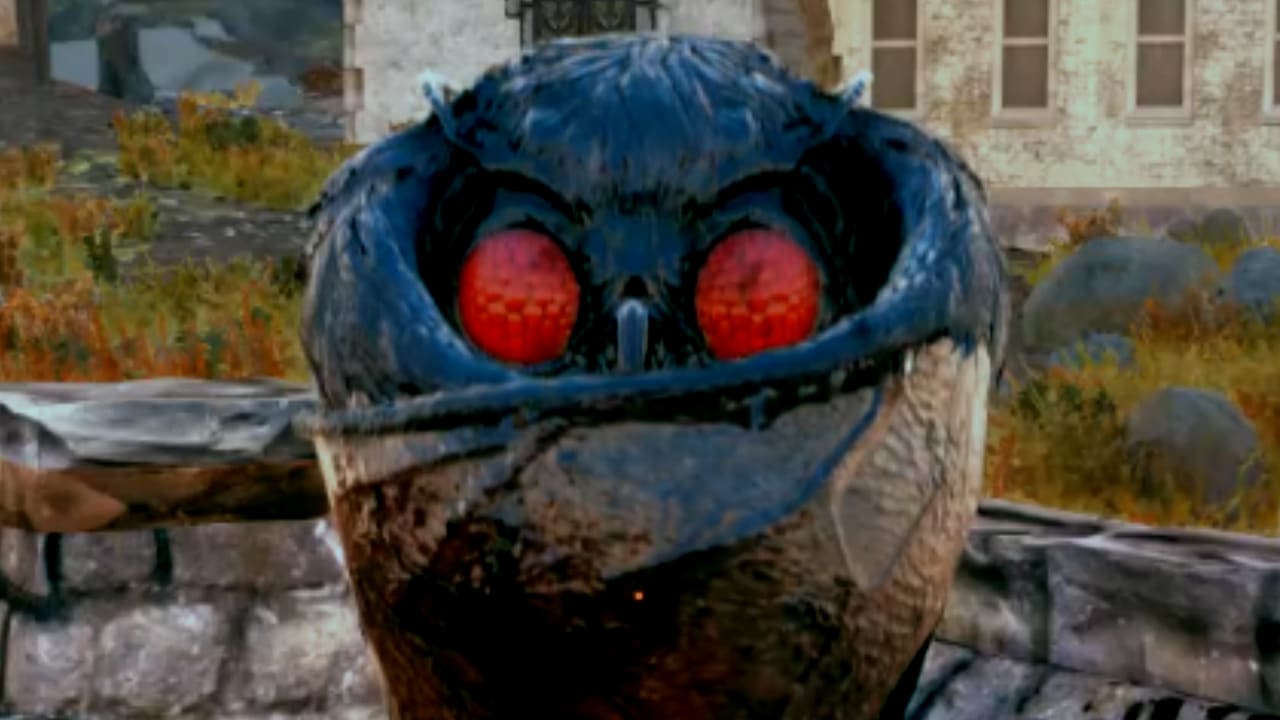
  • Mothman Equinox: Until December 21, visit Point Pleasant in the Forest Region every hour to aid The Enlightened in summoning the Wise Mothman to Appalachia and earn new themed rewards!
  • Season 7 Begins: Dr. Zorbo will have his revenge against Captain Cosmos—and you’re going to help! Rank up and claim stellar new rewards on the Season 7 Scoreboard, all while traveling the stars to aid Zorbo in assembling a devious crew.
  • Quality-of-Life Improvements: We’ve added Legendary Loot Sharing, Nearby Corpse Looting, a Pip-Boy Keyring, and many more community-requested improvements to the game.
  • Public Event Updates: We’ve made some improvements to help streamline our Public Event system and implemented balance changes for a variety of Public Events.
  • Pirate Radio: A rogue broadcast is invading Appalachia’s airwaves! Tune your Pip-Boy to Pirate Radio to tap your toes to new tunes, catch radio dramas, and commercials.

Update Version 1.6.2.16

Check the download sizes below for today’s patch on your platform of choice:

  • PC (Bethesda.net): 9.7 GB
  • PC (Microsoft Store): 19.1 GB
  • PC (Steam): 11.1 GB
  • PlayStation: 18.5 GB
  • Xbox: 19.0 GB

New Seasonal Event: Mothman Equinox

A group of robed travelers have just arrived in Appalachia, and they’ve taken up residence at Point Pleasant to celebrate a dubious occasion known as the Mothman Equinox. Calling themselves “The Enlightened,” this sect of the Wise Mothman’s most devoted followers plan to summon the cryptid through an elaborate ritual. Aid their dark endeavors and fend off rival cultists to earn the Wise Mothman’s favor!

  • Until December 21, the Mothman Equinox Seasonal Event will take place every hour at the top of the hour at Point Pleasant in the Forest region of Appalachia.
  • Begin the event by speaking with Interpreter Clarence on the roof of the Mothman Museum.
    • Join other Dwellers to aid the Enlightened in completing ceremonial tasks around Point Pleasant, lighting ritual bonfires, and defending against an onslaught of rival Mothman Cultists.
    • If you manage to finish each objective before its timer expires, head back to the Mothman Museum’s roof to complete the final step of the summoning, commune with the Wise Mothman, and have a chance to earn new themed plans.
    • While you’re in Point Pleasant, don’t forget to hunt around for ways to learn more about the origins of the mysterious Enlightened.
  • As long the Mothman Equinox Seasonal Event is live, you’ll also encounter Cultist High Priests during your adventures throughout Appalachia. Hunt down and dispatch them for more chances to earn Mothman Cult themed rewards, but watch out for their shadow creatures!

Fallout 76 Season 7: Zorbo’s Revenge

Former (and self-proclaimed) Emperor of the Universe, Dr. Zorbo, has never forgotten his crushing defeat at the hands of Captain Cosmos during “The Legendary Run.” Now, Zorbo seeks to enact revenge by assembling a villainous crew, who will help him build a massive war machine he’ll use to obliterate the Captain. Here’s what’s headed your way during Fallout 76 Season 7, which begins today:

  • New Scoreboard: Join forces with Dr. Zorbo on the “Zorbo’s Revenge” Scoreboard as he travels from planet to plant to recruit a crack team that will help him take down Captain Cosmos. Along the way, you’ll be able to earn a host of new in-game rewards this Season, including cosmetics, in-game currencies, consumables, C.A.M.P. objects, and much more!
  • New Allies: As you rank up on the Scoreboard, you will also unlock Xerxo and Katherine, two new Allies who can join you in your C.A.M.P., sell you their wares, and offer a daily buff.
  • To Rank 100, and Beyond!: As with the previous Season, you can once again surpass Rank 100 to continue earning additional rank-up rewards through the end of Season 7. Each rank you achieve after 100 will award items like Perk Card Packs, consumables, Atoms, and more.

Catch additional details about Fallout 76 Season 7 by heading to the Seasons page on Fallout.com, or by heading here to read our recent article.


Quality-of-Life Improvements

Community feedback plays an important role in how we approach shaping and leveling-up Fallout 76, and we love reading all of your ideas about what you’d like to see added to the game. With today’s update, we’re implementing a number quality-of-life improvements that have been suggested to us by many of you in the community. We hope you enjoy digging into them in-game, and that you will continue sharing your thoughts with us.

  • Nearby Corpse Looting: Unlike many of the creatures who cross your path in the Wasteland, you’re a born survivor! Whenever corpses start to pile up, you’ll no longer need to pick through each and every one to grab your loot. When viewing a fallen enemy’s inventory, you can now see and collect all the goodies that the creatures around you have dropped by hitting the “Nearby Corpses” button. Happy looting!
  • Legendary Loot Sharing: Going forward, if you’re within sight range of a legendary creature when it’s killed, you’ll be able to loot it. With this improvement, the days of trying to hit legendary enemies before they die, are over.
  • Team XP Sharing: Sharing is caring, and leveling-up as you adventure with your team is about to get easier than ever. Every enemy that you or a teammate takes down will now grant XP to everyone on the team, so long as they are within sight range of the creature when it dies.
  • Build Menu “New” Tab: We’re adding a “New” tab to your C.A.M.P. build menu that will display any new C.A.M.P. item plans you’ve learned during your current play session, as well as new C.A.M.P. items you’ve unlocked in the Atomic Shop.
  • Pip-Boy Keyring: Tired of all those keys cluttering up your Pip-Boy? Get organized with the Keyring, which is a new item in your “Misc.” inventory tab that stores all of the keys you’ve collected from your adventures in the Wasteland. Click it to view or access any keys in your collection as needed.
  • Pip-Boy Menu Color Customization: Show your true colors by changing the hue of your Pip-Boy menus using a new set of customization sliders that we’ve added to the game’s settings.
  • Ammo Everywhere: The contextual ammo system has been a very popular aspect of Daily Ops, and so we’d like to bring it to all of Appalachia. Now, all existing sources of ammo, like containers and creature loot, have a chance to drop a small amount of ammo for your currently equipped weapon.

Public Event Updates

We’re bringing a variety of improvements to Public Events through some adjustments to the Public Event system itself, the addition of a reward preview to Public Event map descriptions, and a number of balance change across many of the events that are currently available in-game.

Public Event System Updates
  • We’ve streamlined the way that Public Events become available in-game by making the cooldown times between events much more consistent.
  • Public Event start times are now based on real-world time, and a new one will begin every 20 minutes across all worlds.
    • Each world’s next Public Event is selected at random. In addition, a Public Event can no longer appear twice in a row in the same world.
    • Seasonal Public Events that begin every hour, like Grahm’s Meat-Cook or Mothman Equinox, will take priority over normal Public Events.
  • We’ve adjusted the timers for the following Public Events to help them fit within the 20-minute Public Event time cadence:
    • Campfire Tales
    • Distinguished Guests
    • Feed the People
    • Heart of the Swamp
    • Line in the Sand
    • One Violent Night
    • Path to Enlightenment
    • Project Paradise
    • Radiation Rumble
    • Tea Time
    • The Motherlode
    • Uranium Fever
  • A few Public Events, like Scorched Earth and A Colossal Problem, have special requirements in order to start and can be triggered at any time. That has not changed, and these events are not part of the timed Public Event rotation.

Public Event Reward Previews

As mentioned above, you can now preview the rewards that are up for grabs at each Public Event directly from the event’s description on the Map.

  • Select an available Public Event on the Map to display its description, and view some of the big-ticket items that are possible to earn if you manage to complete that event successfully.

Public Event Balance Adjustments

Previously, some of our Public Events could be a little too difficult, end in failure too suddenly, or even last too long. We’re implementing balance changes for a number of Public Events to help smooth out some of these rough spots and improve the experience of playing through them.

  • Campfire Tales
    • The campfire often died down too quickly, which could cause the event to fail more easily than we’d like. Now, the campfire will burn a little longer, giving you and your event mates some more time to feed the flames.
  • Free Range
    • The Brahmin during Free Range were too fragile, so we’ve beefed up their resistances to help them survive more easily (though they will still need you to defend them).
  • Guided Meditation
    • Feral Ghouls now consistently run toward and attack the speakers, preventing an issue where they could remain idle in the parking lot.
    • Ghouls may sometimes still stand around if they don’t sniff out new prey right away, but they will always be much closer to the action.
    • We’ve reduced Ghouls’ overall difficulty during Guided Meditation to account for their increased speaker-busting effectiveness.
  • Line in the Sand
    • Line in the Sand was taking a bit too long to come to an end. It now has an overall time limit of 10 minutes, and uses timers to determine how long Scorched attack waves last, rather than requiring you to kill all enemies in a given wave. These changes should help the event flow more smoothly and reduce downtime throughout.
    • Upon reaching the event’s time limit, it will not fail so long as the generator is still standing. You will receive more rewards, however, if you managed to defeat all of the enemy waves.
  • Project Paradise
    • To help reduce the event’s difficulty, we’re lowering the amount of food required to level-up each biome’s creatures to 15 per rank.
    • We’re also adding some more resistances to friendly creatures that spawn during the event.
    • Project Paradise no longer ends in failure if you do not manage to kill the Alpha creatures. To succeed, players only need to defend the friendly creatures. However, rewards will be reduced if the Alphas are still alive at the end of the event.
  • Radiation Rumble
    • To encourage players to participate in the ore collection objective more often, we’re lowering the requirements to 5, 15, 30, and 50 ore for reward tiers one through four, respectively.
    • Radiation Rumble now has an overall time limit of 8 minutes, even if you have already reached the final ore collection tier. This way, you can continue defending against enemy attack waves until the event concludes.
    • We’ve also lowered the spawn rate of non-Ghoul enemies at certain Ore thresholds to prevent overwhelming enemy numbers.
    • Finally, we’ve doubled the Scavengers’ resistances to make them more survivable.
  • Swarm of Suitors
    • We’ve addressed a number of bugs that could prevent players from receiving the highest tier of rewards and from successfully completing the event. We’ve also made some design adjustments to streamline the event.
    • Swarm of Suitors has been redesigned to focus on killing Mirelurks within a certain amount of time, rather than preventing them from reaching the island.
    • Now, players must kill all Mirelurks in each of three attack waves before the objective timer expires. If they don’t manage to defeat an attack wave in time, a Mirelurk Queen will spawn and the event will end in failure.
  • Tea Time
    • Tea Time could end in failure too quickly at times, in part due to some of the pipes breaking too easily. As a result, we’ve increased the health for two of the three pipes so that they match the sturdiest one.
    • We’ve also tuned enemy attack waves to spawn creatures at a more consistent frequency to keep up the action.
    • Additionally, Rad Ants and Ticks no longer spawn enemy waves that attack the pipes. However, Rad Ants and Bloatflies now spawn in separate enemy waves that focus their attacks on players.

Tune Into Pirate Radio!

It seems someone out there in the Wasteland has found a way to hijack the airwaves to begin broadcasting their very own Pirate Radio Station! Open your Pip-Boy and tune into the new station to tap your toes to hours of new jingles, and catch a blast from the past with radio dramas and commercials from life before the bombs dropped. The audio interloper behind this rogue station has yet to reveal their identity, and until they do, you can at least enjoy some fresh tunes during your adventures in Appalachia.


Bug Fixes & Additional Improvements

Art

  • Apparel: The player’s hands no longer clip into rifles and shotguns while wearing the Crypt Crook outfit.
  • Apparel: Blood Eagle Charmer, Treasure Hunter, and Radstag Hide outfits now correctly hide underarmor while equipped.
  • Graphics: Players who are killed by a Flamer will no longer continue to display flame visual effects after respawning.
  • Graphics: Fixed an issue that could cause enemy and player corpses to temporarily become invisible after being killed.

C.A.M.P.s & Workshops

  • Displays: The Pepper Shaker can now be displayed in the Heavy Weapons Stand.
  • Fences: Red Cedar Hedges placed in a teammate’s C.A.M.P. can now be moved, stored, scrapped, etc., by the C.A.M.P. owner.
  • Flags: The Clean U.S. Wall and Pole Flags have been hand-washed with care and are now much cleaner than before.
  • Floors: C.A.M.P. budget consumed by the Haunted House Floor is now consistent with other types of flooring.
  • Misc. Structures: Reduced the C.A.M.P. budget consumed by many large neon signs and billboards.
  • Roofs: C.A.M.P. budget consumed by the Haunted House Roof is now consistent with other types of roofing.
  • Roofs: A windowless variation of the Haunted House Roof Slant has been added to the Haunted House building set.
  • Stash Boxes: Implemented a fix to reduce instances where the Secret Stash Bookcase and other Stash Boxes could appear open even though they are closed.
  • Tables: The Wavy Willard’s Round Deck Table now correctly appears in the “Tables” category in the build menu.
  • Walls: Powered Doors with Keypad access now correctly snap to foundations.
  • Walls: Haunted House right fascia pieces no longer flip after applying wallpaper to them.
  • Wall Décor: Season Gameboards no longer each have their own entry in the build menu, and instead appear as variants in a single row under Wall Décor.
  • Workbenches: Attempting to use a Power Armor Station that has been built close to a wall or another object no longer results in a “Waiting for response from server” error message.

Challenges

  • Combat: The “Repair 76 Swords” lifetime challenge now correctly awards Atoms when completed.
  • Social: The “Revive 76 Players” lifetime challenge now correctly awards Atoms when completed.
  • Social: The “Use Photomode at Burdette Manor” subchallenge for the “Use Photomode around the Forest Region” social challenge has been corrected to “Use Photomode at the Kill Box.”
  • Weekly: Killing a Hermit Crab now progresses the “Kill Huge Creatures” challenge.
  • World: Building a wood instrument now correctly progresses the “Possum: Musician” challenge.

Combat

  • Enemy Health: Implemented a fix to significantly reduce enemy health “rubber banding” that could occur when damaging them with certain weapons, like the Pepper Shaker.

Daily Ops

  • Arktos Pharma: Adjusted the spawn location for Daily Ops inside Arktos Pharma so that players have more room to move around and are less likely to start the Op by accident.

Events & Quests

  • Loading Screens: When fast traveling to a Public Event, loading screens now correctly display additional information about that event.
  • The Motherlode: Melody Larkin will no longer warn the player about church bells in Charleston after completing the Motherlode event. Your reign of terror has ended, Melody.
  • Project Beanstalk: Pharmabot-JD7E no longer becomes hostile toward the player after being hit by NPCs during the event.
  • Vital Equipment: Players now receive the proper amount of reputation with Foundation when choosing to donate the recovered item.

Fallout Worlds

  • Menus: The Shared Worlds menu now reflects changes to a shared Custom World more quickly after the world owner makes settings adjustments.
  • Settings: Crafting quest items with Free Workbench Crafting enabled no longer consumes standard crafting materials.
  • Settings: When PVP is set to “Always,” the players in that world will now correctly be marked as hostile toward one another.
  • Private Adventure: Fixed an issue that could prevent players from joining Private Adventure worlds from the main menu while on a team.

Items

  • Aid: Addiction debuffs are now correctly suppressed after consuming an item the character is addicted to.
  • Ammo: Fixed an issue that could result in less ammo being created than expected when attempting to craft large amounts of high-caliber ammo with the Ammosmith Perk and Ammo Factory Legendary Perk equipped.
  • Apparel: The Hooded Rags outfit no longer removes armor or underarmor when equipped.
  • Apparel: The Wrapped Cap can now be worn with eyewear and some face coverings, and no longer removes facial hair when equipped.
  • Backpacks: The name of the player’s backpack now updates correctly after applying the Corvega skin.
  • Exploit: Addressed an issue that could be exploited to consume fewer materials when crafting legendary items.
  • Junk: Lanterns now display a preview image when inspected.
  • Melee Weapons: The Valorous Alistair Sword Skin can now be applied to many additional one-handed melee weapons.
  • Misc: Scrap Assaultron Heads no longer appear upside down in Display Cases.
  • Misc: Cold Steel Beer Steins now face the same direction as other Steins when placed in a Beer Stein Display Case.
  • Mods: Applying a Jetpack mod to a Secret Service Chest Piece no longer causes it to turn invisible after logging out and back in.
  • Mods: The Communist and Red Communist Jetpack mods can now be applied to Ultracite and Raider Power Armor torso pieces.
  • Mods: Fixed an issue that allowed players to apply a Jetpack to Excavator Power Armor.
  • Mods: Fixed an issue that could prevent a Minigun with the Shredder mod from dealing damage if the player had 5mm ammo in their inventory.
  • Mods: The Power Armor Helmet Targeting HUD mod now correctly highlights hostile NPCs who had been passive before the player initiated combat with them.
  • Power Armor: The Northern Lights Power Armor skin can now be applied to all types of Power Armor.
  • Ranged Weapons: The Salvaged Assaultron Head now deals the correct amount of damage per charge when fired in VATS.
  • Ranged Weapons: Fixed an issue that could prevent weapon bash attacks from dealing damage after applying a mod that increased the weapon’s melee damage.
  • Ranged Weapons: Flares now ignite properly when fired into the terrain or at a structure.
  • Survival Tents: The Tinker’s Workbench and Scrapbox are now oriented correctly in the APC Survival Tent.

Localization

  • Achievements: Steel Reign Achievements now have proper translations in the Simplified Chinese game client.
  • Quests: Corrected missing characters in the “Unsolved: Missing Girls” note during the “Unsolved: Picnic Panic” quest in the Simplified Chinese game client.
  • Quests: Corrected missing characters in the “Suspicious death of Alicia Shay” note during the “Treasure Unknown” quest in the Japanese game client.

NPCs

  • Allies: The Settler Forager Ally can once again give Daily Quests to the C.A.M.P. owner.
  • Minerva: Item Plans and Recipes the player has already learned will no longer appear to them as purchasable in Minerva’s inventory.

Performance & Stability

  • Client Stability: Fixed a crash that could occur during normal gameplay.
  • Client Stability: Fixed a crash that could occur when fighting a Daily Ops boss.
  • Client Stability: Addressed an audio issue that could result in a client crash.
  • Client Stability: Fixed an issue that could cause the client to crash after fast traveling.
  • Client Stability: Applying mods to laser and plasma weapons no longer causes the Russian game client to crash.
  • Server Stability: Fixed an issue that could cause a server crash during normal gameplay.
  • Server Stability: Fixed a server crash that could occur during combat.
  • Server Stability: Addressed an issue that could result in a server crash during the Meat Week Seasonal Event.

Perks

  • Friendly Fire: Allied NPCs can now be healed using the Friendly Fire Perk.

User Interface

  • Controls: The quick-swap button can now be used to switch to non-offensive weapons, like the Pro-Snap Deluxe Camera.
  • Main Menu: Fixed visual issues that could occur after idling on the main menu for an extended period of time.

World

  • Ultracite Veins: Mining Ultracite Veins near Fissure Sites no longer causes Scorched to spawn.

Source: Reddit

Avatar photo

Alex Co

Father, gamer, games media vet, writer of words, killer of noobs.

Home > News

Deathloop Update 1.201 Shoots Out for Achievement Fixes & More This December 8

Arkane Studios has released the Deathloop update 1.201 patch this December 8 for both PS5 and PC. This is a small download that includes a short list of fixes, that includes one connected to Achievements/Trophies! Check out the official patch notes below.

Deathloop Update 1.201 Patch Notes | Deathloop Hotfix Patch Notes for December 8:

Here’s the announcement from Bethesda:

Size: 580MB (PC), 390MB (PS5)

Today we released a Hotfix to address a couple of topics.

– Fixed an issue that was preventing the “Play it Again, Colt” achievement from unlocking properly

– By popular demand, restored players’ ability to attach mines to throwable objects

We hope you have fun!

Today’s update sits at ~580 MB on PC and ~390 MB on PS5. If you currently have the game launched, you will need to restart it to receive the update.

P.S. If you come up with any wild mine plays, be sure to share them with us!

That’s about it for this patch. The last major patch (1.200) was released three weeks ago, and included a long list of fixes and tweaks. In case you haven’t played the game yet, Deathloop is an absolute blast, and earned a perfect 10/10 from us! Read Jimmy Lara’s review and why it’s in the running for our Game of the Year right here.

Avatar photo

Alex Co

Father, gamer, games media vet, writer of words, killer of noobs.

Home > News

Battlefield 2042 Next Update 3.1 Patch Notes Revealed, Last Patch for 2021

DICE has announced that Battlefield 2042 is getting a new patch tomorrow, December 9! Called Title Update 3.1, this includes improvements to hit registration, fixes for invisible enemies and more! The Battlefield 2042 next update 3.1 patch notes have been revealed as well, which are listed below.

Battlefield 2042 Next Update 3.1 Patch Notes:

Update 0.3.1

Fixes, Changes, and Improvements

General

  • Players that are not the Party Leader can now cancel while waiting in a queue
  • Xbox – Cross-Play can now be enabled/disabled in the Options menu on Xbox
  • Your Sort settings will now be correctly remembered when refreshing the Battlefield: Portal Server Browser
  • Fixed an issue where loadouts would sometimes be empty on the spawn screen after joining a server, preventing weapon selection
  • Made improvements to ensure Aim Assist is more consistent during console gameplay
  • Ranger’s effective combat range and overall health has been decreased

Audio

  • Made various tweaks to the overall audio experience to improve clarity, distance, and directional perception
  • Fixed an issue where soldiers would not always play indoor specific footsteps

Weapons

  • Removed bounce from Underbarrel Grenades when firing at short distances
  • 40mm AP Grenades now properly damage vehicles
  • Fixed some weapons displaying wrong ammo counts for specific magazines
  • DXR-1 and NTW-50 Bolt Action rifles reload animation increased by 0.2 seconds
  • Adjusted dispersion values for most weapons, which results in a faster dispersion decrease when tap firing or doing short bursts
  • Adjusted dispersion increases for most weapons. It now takes slightly longer for weapons to become overly inaccurate in sustained fire
  • Adjusted the recoil values to prevent over aggressive recoil jumps for the AK24, LCMG, PKP-BP, SFAR-M GL, and PP-29
  • Improved hip fire accuracy for all SMGs to make them better stand-out from other automatic weapon archetypes
  • LMG dispersion and recoil lowered to improve performance in sustained fire
  • Additional improvements to recoil control for all weapons, more specifically automatic weapons.
  • Increased close range damage and consistency of the MCS-880 when using Buckshot Shell or Flechette Shells
  • Fixed a bug that caused bullets to be fired below the player’s aims for the SFAR-M GL and the K30

Vehicles

  • Fixed a bug where vehicle weapons sometimes did not deal blast damage on a direct hit
  • We’re reducing the Ground Vehicle 30mm Cannon effectiveness versus infantry. It now overheats faster, has a slightly reduced rate of fire and blast damage, and increased fall off damage at distance
    • Rate of Fire 350 -> 330
    • Heat Per Bullet 0.13 -> 0.14
    • Heat Drop Per Second 0.5 -> 0.475
    • Blast Damage 20 -> 18
  • LCAA Hovercraft – 40mm GPL Grenade Launcher
    • Blast Damage lowered from 55 -> 35
  • The 40mm Utility Pod upwards firing angle is now easier to use
  • EBAA Wildcat – 57mm Cannon
    • Removed dispersion
    • Ammo 12 -> 8
    • Impact Damage 85 -> 75
    • Blast Damage 70 -> 35

Gadgets

Frag Grenade

  • Increased the time to detonate a Frag Grenade from 1.1s -> 1.4s after first bounce on a hard collision
  • Increased damage of Frag Grenades across game modes to deal 120 damage and guarantee a kill on armored players too
  • Reduced Frag & Incendiary Grenade max ammo account from 2 -> 1

Prox Sensor

  • Lowered spotting radius from 30m -> 20m
  • Lowered uptime from 30s -> 14s
  • Lowered amount of Prox Sensor a player can carry and deploy from 2 -> 1

Battlefield Hazard Zone

  • Fixed an issue that caused the roaming Occupying Forces LATV4 Recon to spawn at the wrong times or not at all

Breakthrough

  • Kaleidoscope – Rooftop Capture Objective has been removed. There are now two Capture Objective at the bottom in BT large and one at the bottom in BT small
  • Orbital – Rooftop Capture Objective has been removed. There is now a single Capture Objective at the bottom in BT large and BT small
  • Hourglass – Rooftop Capture Objective has been removed. There is now a single Capture Objective at the bottom in BT large and BT small. Also fixed an issue where players were spawning out of bounds

Soldier

  • Improvements on back pedaling into objects when being in prone position
  • Fixed a rare issue where players could turn invisible when spawning on a full/destroyed vehicle

According to DICE, this will be the last patch before the devs take a holiday break, which means this will be the last BF2042 patch for 2021.

Update #3.1 is our last game update before the start of the holidays. That means our teams will take a break towards the end of this month and return in the new year with fresh eyes ready to go on the road to Season One. We’ll see you again in the new year where we’ll talk more on further changes and improvements you can expect for Battlefield 2042.

Once the patch is out, we’ll be sure to let our readers know.

Source: EA

Avatar photo

Alex Co

Father, gamer, games media vet, writer of words, killer of noobs.

Home > News

GTA Online New DLC “The Contract” Release Set for Dec. 15, Trailer, Screenshots & Info Revealed

Those who want more than just weekly activities to do in GTA Online, Rockstar Games has today announced the GTA Online new DLC titled “The Contract.” It will feature rapper and business mogul Dr. Dre, and more importantly, a new story! This new content will drop on December 15, and will be available for all GTA Online players for free!

GTA Online New DLC “The Contract” Trailer, Screenshots and Info:

Per the press release, The Contract will feature an all-new GTA Online story, and will feature the return of GTAV’s Franklin Clinton. Players will help Franklin and friends set up his “fixer” agency, and land their first big-ticket client in Dr. Dre. Expect exclusive brand tracks from Dr. Dre alongside other artists, an all-new radio station, and a first-of-its-kind update to the radio dial.

Plot synopsis of The Contract:

Welcome to F. Clinton and Partner, a new “celebrity solutions agency” catering to the Vinewood elite in need of solutions to high-society problems.

Franklin needs two things to get the agency off the ground: a reliable partner and a big-ticket, high-profile client. With your longtime LS contact — and newly aspiring cannabis entrepreneur — Lamar Davis making the connection, you can be the partner that helps Franklin take the business to the next level.

Meanwhile on the other side of the city, DJ Pooh has been reaching out to Franklin about an exciting potential client: his close friend, Dr. Dre.

Lost in the shuffle on his way to Cayo Perico last year, it turns out Dr. Dre’s phone isn’t just missing — it’s in the wrong hands. Not only that, but the phone also contains the hottest property in the city: new, unreleased music from Dr. Dre himself. This could be the big break your agency needs.

Get ready for a wild and hilarious ride through Los Santos, from the mean streets of Franklin’s old neighborhood to the hottest parties in the city, from debaucherous mansions to the offices of the FIB and everywhere in between as you join Franklin, expert hacker Imani, Chop the Dog, and crew to secure Dr. Dre’s precious tracks and return them to their rightful owner.

Screenshots:

Once the DLC is out, we’ll be sure to let our readers know. Again, this is a free download for everyone who has GTA Online, prepare your for Dr. Dre’s debut in the GTA universe!

Avatar photo

Alex Co

Father, gamer, games media vet, writer of words, killer of noobs.

Home > News

Fortnite Is Now on Unreal Engine 5 With the Release of Chapter 3

Fortnite Chapter 3 Season 1 dropped a few days ago, and with it came a trove of exciting collaborations and additions. However, one of the more interesting ones that got a lot of players talking is the fact that with the release of Chapter 3, Fortnite is now officially on Unreal Engine 5, Epic Games’ new proprietary engine.

Fortnite switching to Unreal Engine 5 was confirmed over on Twitter by the official Unreal Engine account:

With the arrival of Chapter 3,@FortniteGame development has flipped to Unreal Engine 5.
We’re excited to share this journey with you and are working to make this the best experience possible for the entire Fortnite community.

Fortnite switching to Unreal Engine 5 is anything but unexpected, as it currently is Epic Games’ flagship title. The recent trailer reveal showcased some of the bolder, higher-end stuff that players can expect to see with this switch, like lightning hazards and massive tornadoes, the latter of which is akin to Battlefield 2042’s own environmental dangers.

If you’ve been playing Fortnite Chapter 3 Season 1 lately and found something interesting with regards to this new engine, let us know in the comments below!

MP1st Staff

╳