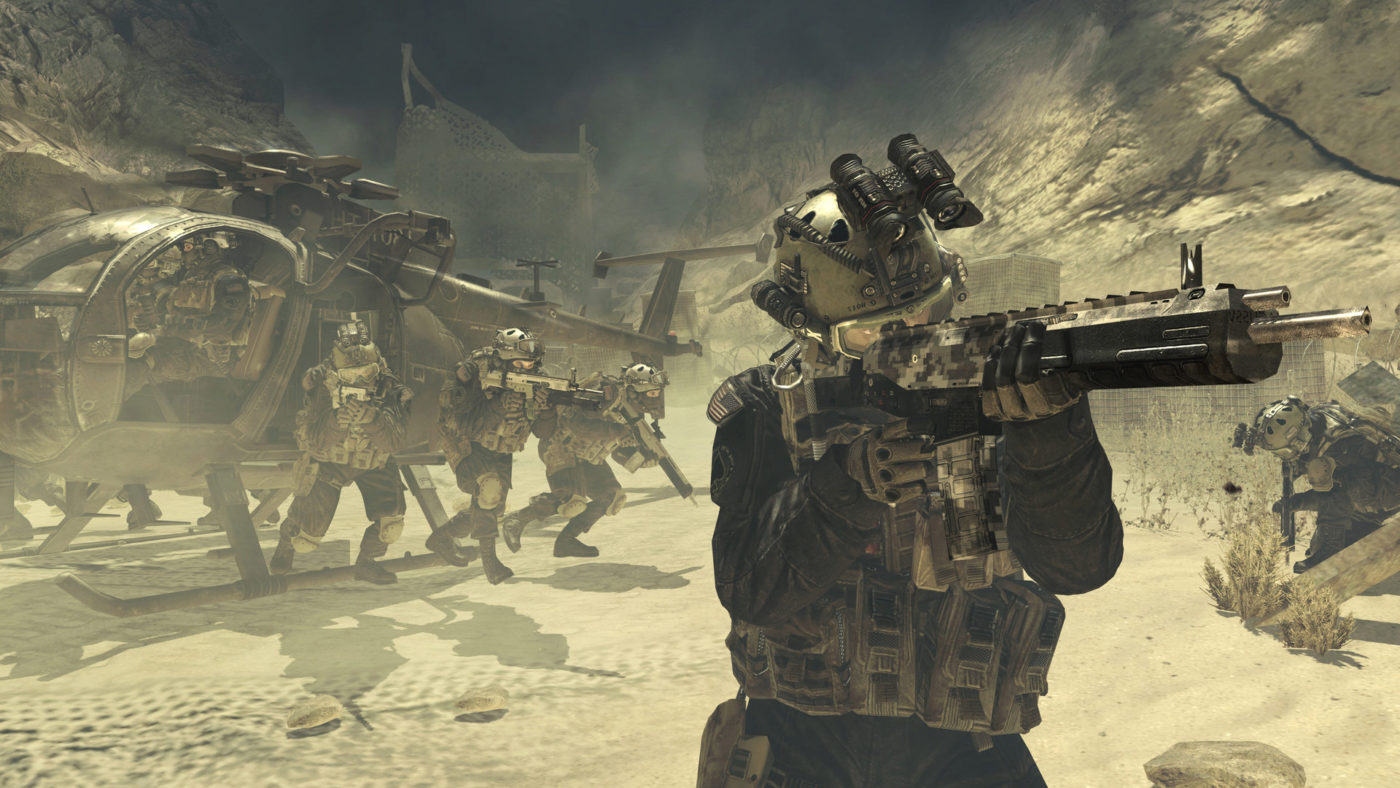
While there have been rumors floating since early this year that Call of Duty 2019 is going to be Modern Warfare 4, we haven’t seen or heard anything tangible from anyone confirming it is part of the Modern Warfare series of games.
Well, that is, until now. Remember when we posted a day ago that certain NFL players were invited to a private Cal of Duty event where they got to lay their hands on this year’s game? One of those players is NFL Tennessee Titans quarterback Marcus Mariota. During a Twitch stream of Fortnite by Nickmerks, Mariota casually dropped confirmation that this year’s Call of Duty is a new entry in the Modern Warfare saga! Watch him say in the video below.
If that wasn’t enough confirmation, former Infinity Ward Creative Strategist Robert Bowling, answered a fan on Twitter stating he’d better buy some brown pants given the fan said he’d shit his pants if this year’s Call of Duty is Modern Warfare.
Given Bowling’s past employment, I suspect he knows a thing or two more about Infinity Ward’s plans compared to your average gamer. The only question now is, will it be titled Modern Warfare 4 or something else?
What would you want to see from this year’s Modern Warfare Call of Duty game? Let’s hope Infinity Ward can bring back some of that MW2 magic, no?
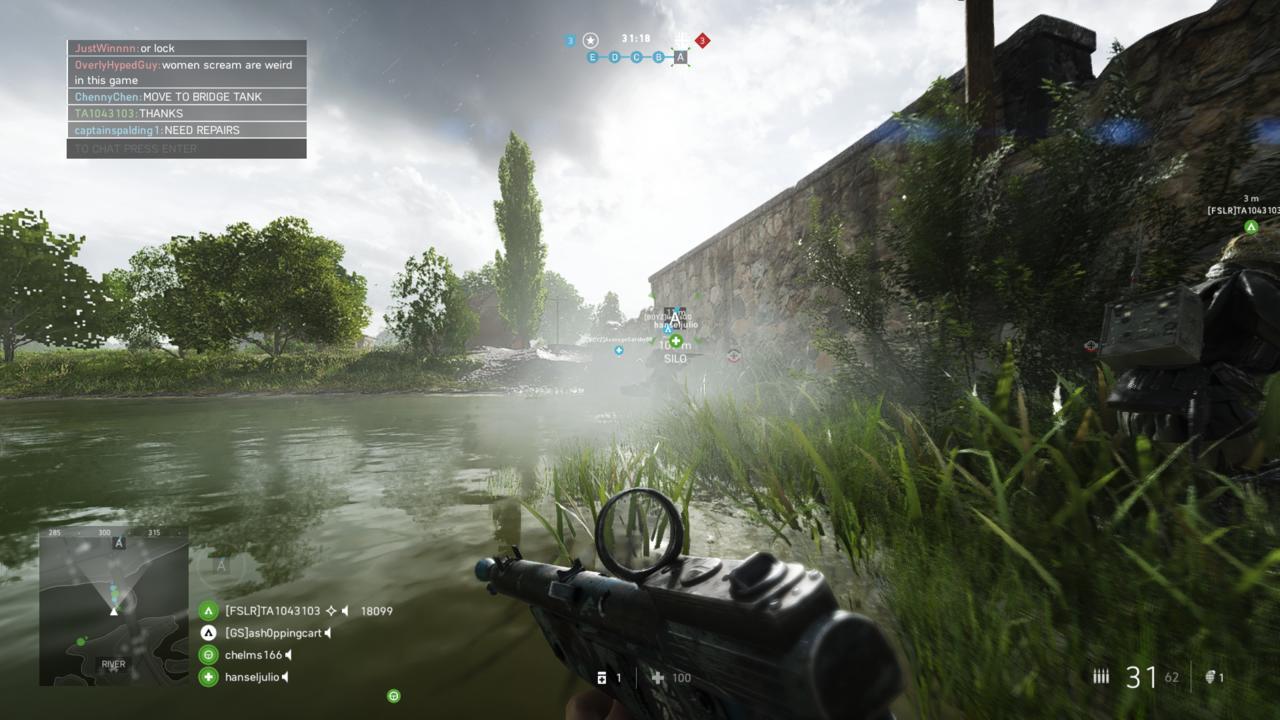
Heads up, soldiers! If you’re looking forward to more Battlefield 5 tweaks and balancing, you’ll be getting just that and then some next week! DICE has announced that the Battlefield 5 next patch is scheduled for next week!
Over on the Battlefield 5 subreddit, DICE Community Manager Jeff Braddock announced next week’s planned Battlefield 5 events, and the highlight is undoubtedly the next Battlefield 5 patch, and integration of Combined Arms matchmaking. Yes, BF5’s co-op mode will finally get matchmaking.
Sneak Peek into Next Week – Week of April 30
Release
Battlefield V Chapter 3: Trial by Fire Update #3
Combined Arms Matchmaking
Blogs
Battlefield V Chapter 3: Trial by Fire Update #3 Notes
Elites
Battlefield V Quality of Life Tracker Update
Community Broadcast: Firestorm Quality of Life Improvements
(TBD) Community Broadcast: Visibility Quality of Life Improvements
Note that while DICE has announced the Battlefield 5 next patch for next week, there is still a chance it could get pushed back. If ever it does, we’ll make sure our readers know about it ASAP. Chances are, we’ll get the new melee weapons as part of next week’s patch roll out.
Same as before, we’ll share the patch notes once their available.
Another thing to look forward to once the patch hits? It’s the datamining leaks we’re used to getting once a new patch is released by DICE.
In the meantime, make sure to check out how to get this new LMG! Read on for more info.
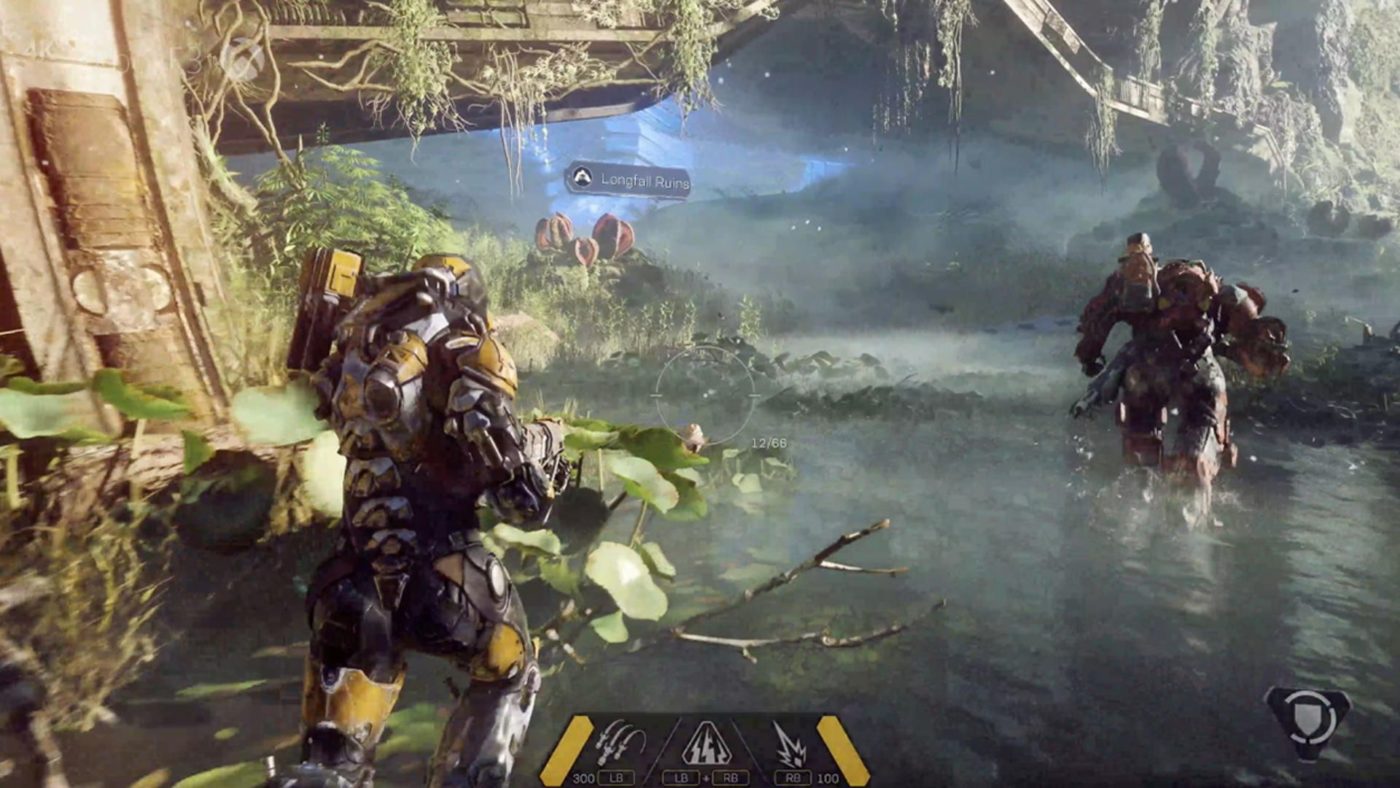
If you’re an Anthem player, and you’ve been keeping tabs regarding the game, you might have noticed the lack of communication from BioWare regarding future fixes and plans for Anthem. While the studio touched on that a few days ago, it still doesn’t explain why BioWare has been radio silent regarding Anthem for the past few weeks.
Over on Twitter, Global Community Manager Jesse Anderson finally has spoken out on why there’s been a lack of communication for Anthem the past few weeks. It’s a long statement, but you can read it in full below.
I think it’s time that I talked about some things that have been on my mind. This is going to be a long thread of replies, so buckle up 😉
To kick things off, I want to talk about why there hasn’t been as much communication on Anthem from me these past few weeks. I have been wanting to talk about so many things because I don’t like going quiet, but there were reasons for this.
Sometimes when there are bigger discussions going on internally, I have to put communication on hold to avoid saying inaccurate things. A lot of this is explained in that reddit post I shared from the team. If I ever have to go quiet again, I will let the community know.
Moving forward, I should be able to talk more though. It might not always be about future content for Anthem, but I can talk about what just released, what’s about to release and issues the team is aware of and are fixing/investigating.
Anthem Streams – The last stream was rough for me, I won’t hide from that. I wasn’t able to answer questions people wanted the answers to, and it was very difficult to pull questions from the chat that were about what we were showing.
The plan was to have the stream go out the week before, so that we could share the new stronghold and the patch notes, but that freaking cable that was cut made my life hell. New info would have been shared as originally planned…
And when the chest was opened up on stream I did almost say “purple rain” but didn’t because I wasn’t sure how people would react and I froze, I was at a loss for words….
Normal me would just laugh and joke about it, but things are sensitive right now, so I didn’t… I want to get back to a point where we can have fun together as a community on streams.
I’m going to do everything in my power to avoid situations like that again because it’s not a great experience for players either. If we’re going to do a stream on story, combat, level design or something else, we’ll state that ahead of time so you can know what to expect.
I have seen people saying that we don’t look at other streams and questioning why we don’t just do what they do. We do look at streams from other studios; it would be silly not to. We’ll be evolving our streams as we go and are listening to the community feedback for them.
One thing we did was not have people talking and playing at the same time, because doing that is difficult when you aren’t speaking to exactly what you are doing in game. I also understand sometimes people just want information drops, so we’ll see what we can do there as well.
I want to say that I play other games that we're sometimes compared to. I’ve played Destiny for years, have reached world tier V in The Division 2, 55 hours in Warframe and 95 hours logged in Anthem. We can all coexist! Let’s not spread hate.
Loot, I know you want answers but right now the only thing I can share is what was said in the update post from Reddit. I will definitely be one of the first to share news when I can! pic.twitter.com/t7eOrSPUsV
Sometimes when there are bigger discussions going on internally, I have to put communication on hold to avoid saying inaccurate things. A lot of this is explained in that reddit post I shared from the team. If I ever have to go quiet again, I will let the community know.
Moving forward, I should be able to talk more though. It might not always be about future content for Anthem, but I can talk about what just released, what’s about to release and issues the team is aware of and are fixing/investigating.
Anthem Streams – The last stream was rough for me, I won’t hide from that. I wasn’t able to answer questions people wanted the answers to, and it was very difficult to pull questions from the chat that were about what we were showing.
The plan was to have the stream go out the week before, so that we could share the new stronghold and the patch notes, but that freaking cable that was cut made my life hell. New info would have been shared as originally planned…
And when the chest was opened up on stream I did almost say “purple rain” but didn’t because I wasn’t sure how people would react and I froze, I was at a loss for words….
Normal me would just laugh and joke about it, but things are sensitive right now, so I didn’t… I want to get back to a point where we can have fun together as a community on streams.
I’m going to do everything in my power to avoid situations like that again because it’s not a great experience for players either. If we’re going to do a stream on story, combat, level design or something else, we’ll state that ahead of time so you can know what to expect.
I have seen people saying that we don’t look at other streams and questioning why we don’t just do what they do. We do look at streams from other studios; it would be silly not to. We’ll be evolving our streams as we go and are listening to the community feedback for them.
One thing we did was not have people talking and playing at the same time, because doing that is difficult when you aren’t speaking to exactly what you are doing in game. I also understand sometimes people just want information drops, so we’ll see what we can do there as well.
I want to say that I play other games that we’re sometimes compared to. I’ve played Destiny for years, have reached world tier V in The Division 2, 55 hours in Warframe and 95 hours logged in Anthem. We can all coexist! Let’s not spread hate.
Loot, I know you want answers but right now the only thing I can share is what was said in the update post from Reddit. I will definitely be one of the first to share news when I can!
While I do understand Anderson’s sentiments, let’s hope being radio silent isn’t part of Anthem’s future anytime soon since it’s the last thing the game needs right now. Are you OK with the reasoning behind BioWare’s lack of communication with Anthem the past few weeks?
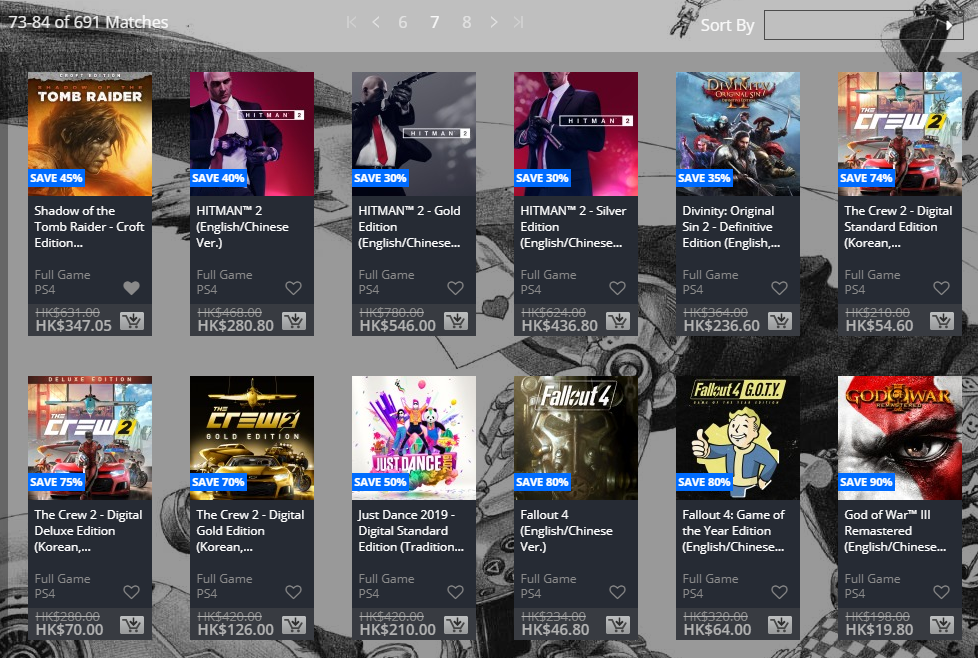
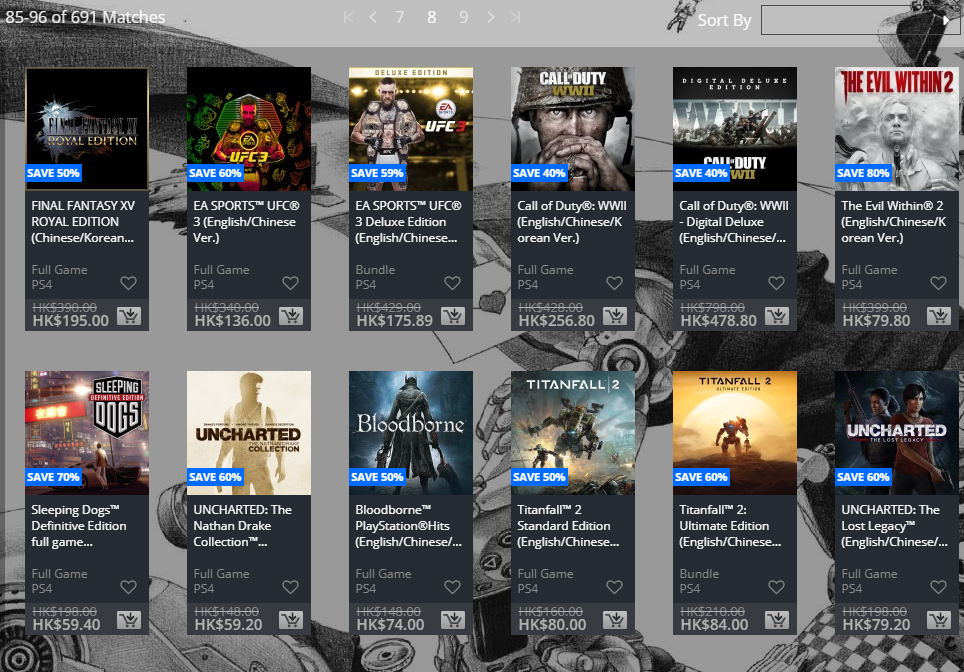
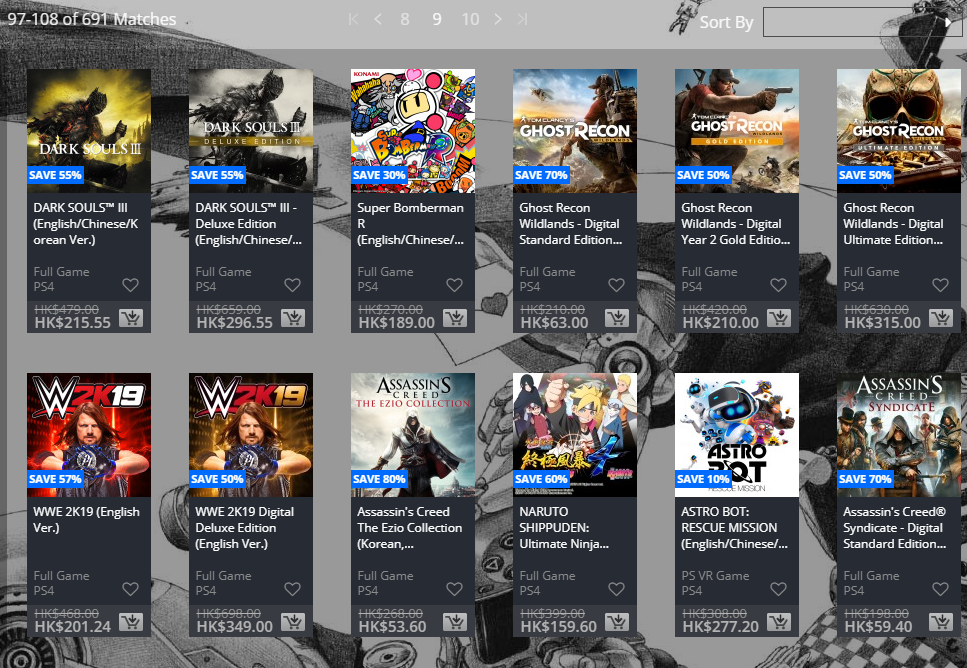
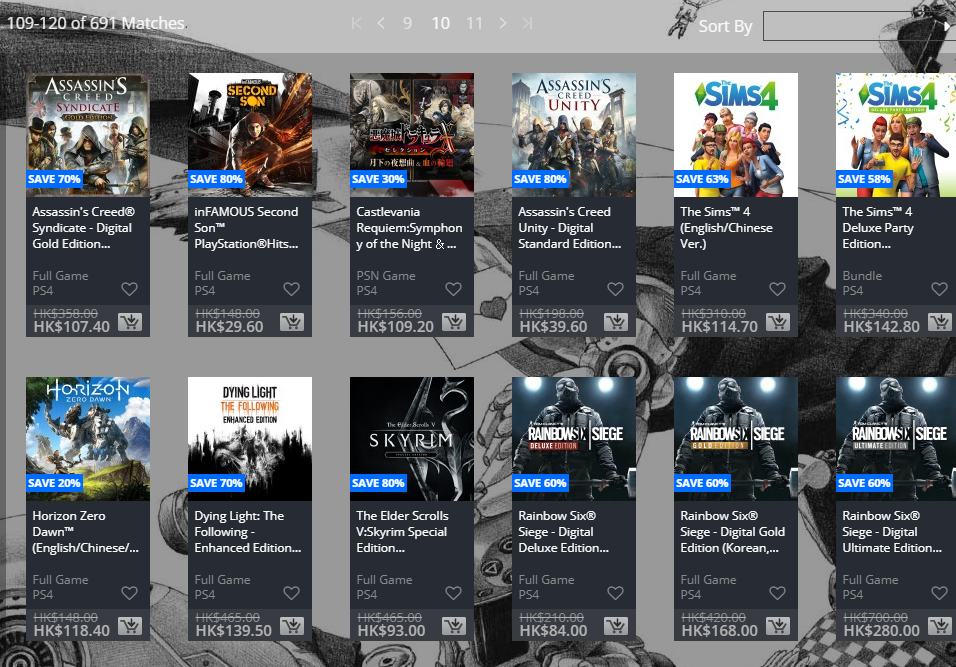
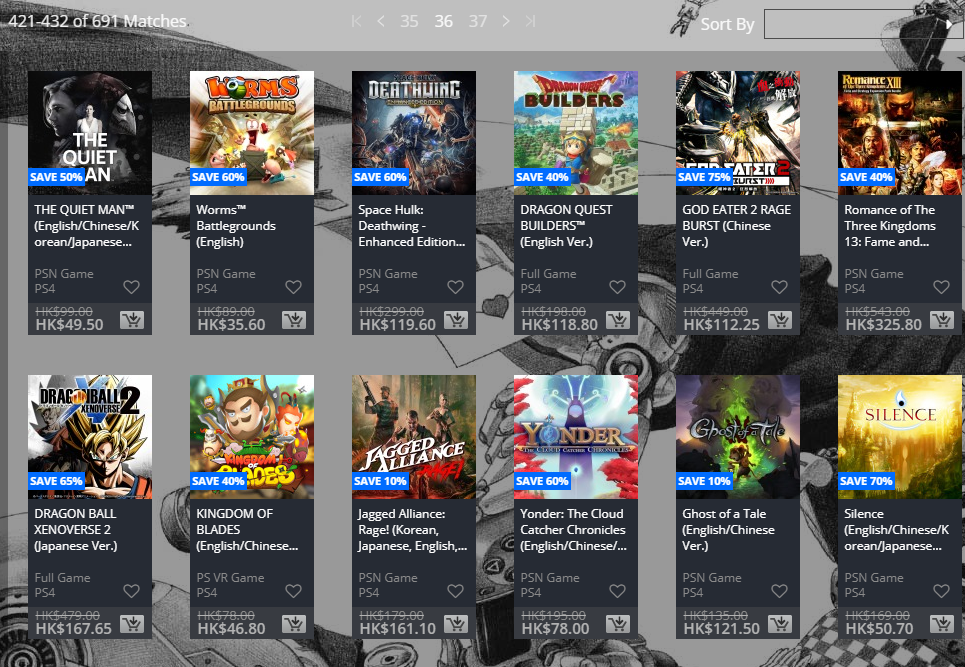
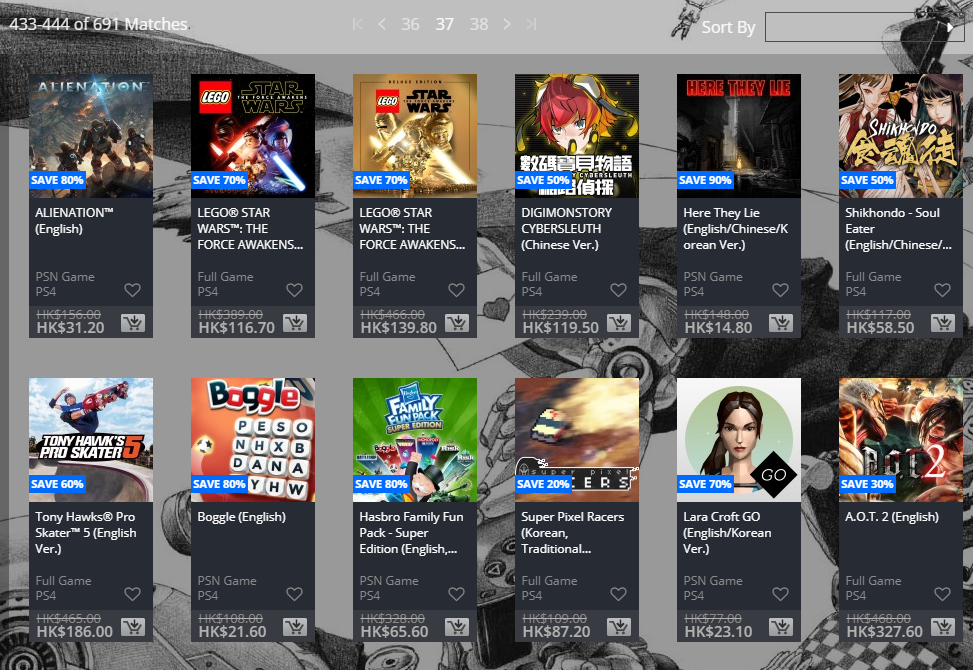
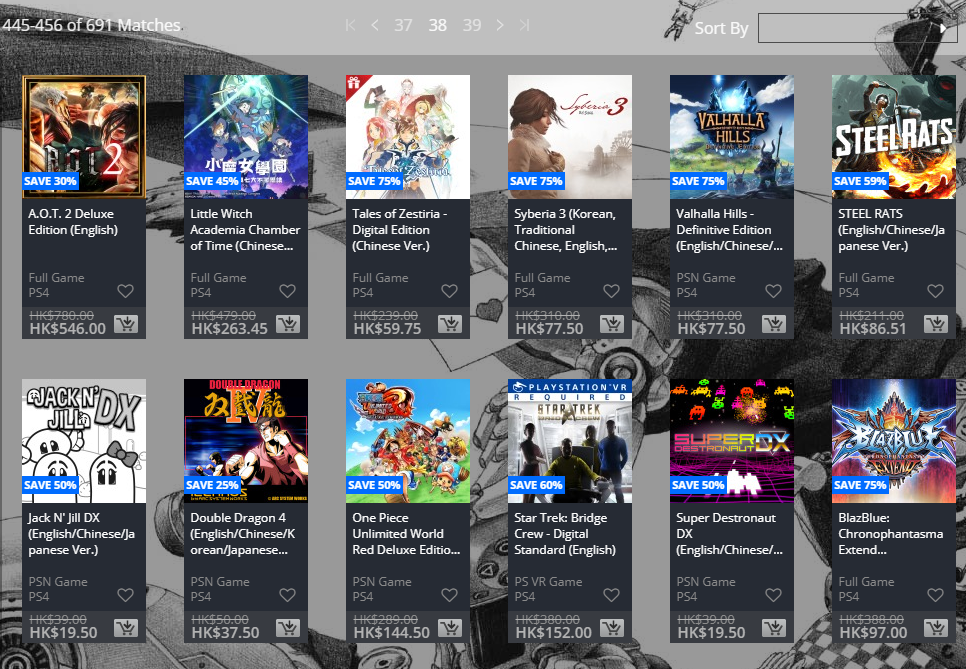
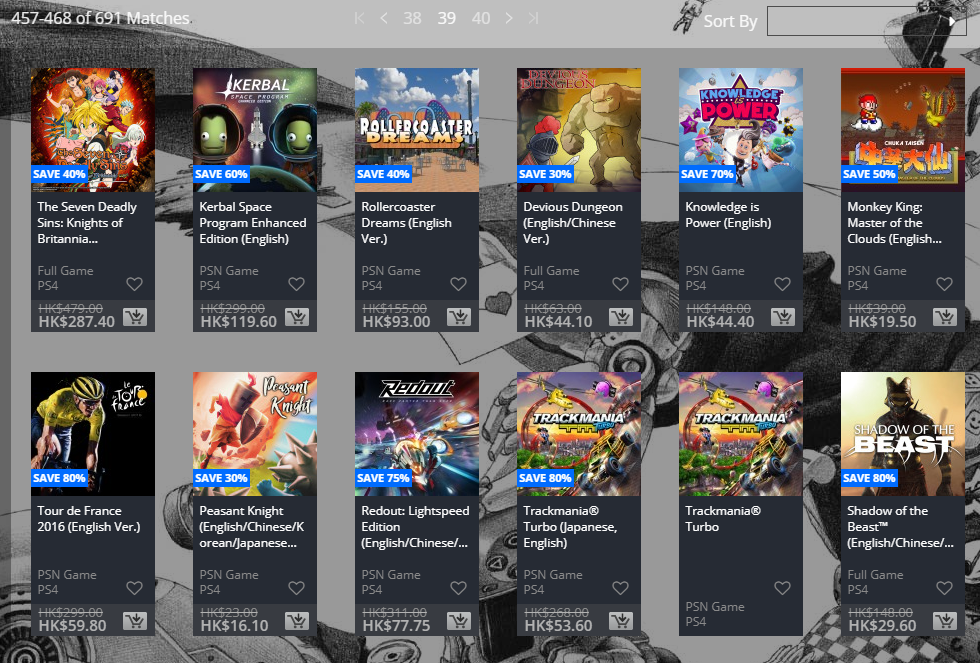
While PlayStation Asia posted its gigantic “Big in Japan” sale a few days ago, US gamers won’t be left in the lurch! There’s a new PSN Store sale happening right now, and it’s called the Golden Week Sale, and it’s now live!
Running from today to May 7, check out the big list of discounted games below along with straight links to the PlayStation Store! This is different from the PS Plus Specials sale that was also rolled out this week.
Are you an Apex Legends player and want a more updates from Respawn and what’s coming in the future? If so, you’re in luck! Well, sort of. In a new post on EA’s website, Respawn has outlined the Apex Legends upcoming fixes and items Respawn is working on, though it’ll come with a price.
The post was written by Executive Producer Drew McCoy, and it talks about the Season 2 of the game, and a bunch of other things. Check out some of the critical things Respawn is prioritizing below.
Slow Server Performance at the Beginning of a Match
So far, we know that it affects some datacenters more than others, it happens on many different server configurations, and it doesn’t seem to hit multiple server instances running on the same machine. In other words, it’s not that a machine is overloaded and everything on it is running too slow – it’s that one instance on the same machine seems to be doing more work than the others, and we’re trying to nail down what work it’s doing and work backwards to understand the root cause. This is extremely high priority for us, and we’ll keep you updated on our progress.
Audio Issues
Currently testing some potential fixes that will hopefully address many of the performance issues we’ve seen reported.
Cheaters
We’ve been doing a lot of work behind the scenes. This is something we will always be more secretive about to avoid telegraphing our moves to cheaters, but we’ll be sharing more on the progress made next week.
Hit Registration Issues
We are adding engine features to help track down and report instances of incorrect hit registration in playtests so we can force the bug and reproduce the issue consistently. While we have made some progress with some fixes locally, more work needs to be done to address the root of the problem.
As for new content, Respawn mentions how it values the time of its employees, and how it doesn’t want to compromise their health that could lead to burnout in order to just pump out more content.
We know that, in addition to addressing issues with the game, everyone is hungry for us to add new content. The studio culture that we’ve worked hard to cultivate, and the health of our team are very important. We take those things into account when we discuss our content roadmap, the production schedule, and the frequency in which we can update the game. Our long-term goal is to ensure Apex Legends always feels alive and thriving, with a focus on quality of content over novelty or speed of release. At the same time, we want to maintain our culture as a development team and avoid crunch that can quickly lead to burnout or worse.
Here’s more clarity on “content” and “update cadence” for Apex Legends per Respawn:
Season Launches
The beginning of each season will start big with a new Battle Pass, a new Legend, something new for the meta, and more.
Thoughtful Updates Throughout the Season
Just as we’ve done since launch, we will continue to address exploits, necessary balance changes, bug fixes, and small features throughout the course of a season. For complete transparency, our goal isn’t, and never has been, to patch or update content on a weekly basis. We believe strongly in the importance of large, meaningful changes to the game that have lasting impact, thus our focus on a seasonal release cadence we laid out at launch. We will continue to follow this cadence in the future.
Improved Communication
We need to provide more visibility into the future, and what we’re working on. That doesn’t mean we’re going to start telling folks everything they want to know when they want to know it, but you can expect more transparency on future updates and fewer surprise drops.
While all the news we’ve heard so far have been good, it looks like the Titanfall franchise and its fanbase is the one who’ll suffer the most. Respawn mentions how the studio has different development teams working on Apex Legends, and Star Wars: Jedi Fallen Order. Given how the studio is working on two projects and in order to fully support Apex Legends, Respawn says it is now “pushing out” plans for future Titanfall games!
Lastly, regarding other games in development at Respawn, it is important to understand that there are entirely separate development teams working on Apex Legends and Star Wars Jedi: Fallen Order. Additionally, in order to fully support Apex Legends, we are pushing out plans for future Titanfall games. No resources from the Apex Legends team are being shifted to other titles in development here at the studio, nor are we pulling resources from the team working on Star Wars Jedi: Fallen Order.
Finished the World War Z campaign, and had your fill of multiplayer matches? Rejoice, undead hunter! Saber Interactive has announced that a World War Z new mission, and even a new zombie is coming this May!
This was announced over on Twitter, where it was revealed that a new Tokyo mission, and a new “special” zombie that is known to take over hosts quickly will be rolled out.
Just in case you’re wondering whether you have to pony up some dough for these new pieces of content, the answer is a big fat no! According to Saber, the new Tokyo mission and new zombie will be free.
This new Tokyo mission will be free, as will the new special zombie who will show up everywhere!
While Ubisoft might have delayed The Division 2 patch 3.0 to May, that doesn’t mean we don’t know what’s set to be included in this big title update aside from the Raid. Over on the latest State of the Game livestream for The Division 2, Ubisoft Massive revealed The Division 2 patch 3.0 changes!
Thanks to Reddit user JokerUnique, here’s a list of things and tweaks that are being added to The Division 2 patch 3.0, or at the very least, being tested in Phase 2 of the PTS (Private Test Server).
Gear Score Drop Changes
They changed the way how the Gear Score of endgame items is calculated.
Before you could get items that are lower than your current Gear Score – but with the new system you get items that are at your current average Gear Score and higher.
They also rebalanced how you acquire these items and the speed of it, so if you have a character on PTS that is not GS 500, please test that out.
Once you hit GS 500, all high end drops you see will be on GS 500, purple items will be GS 490 (that is their cap).
490 gear score items can still be valuable for recalibration, deconstructing, and selling.
Recalibration Changes
The team is introducing new changes to recalibrations. Previously, recalibrating a high-end item with a superior could cause your gear score to lower because high-end gear allows for more stats, but at a lower level.
For example, a 10% buff to assault rifle damage on a superior piece of gear could drop to only a 6% buff when placed on a High-end item. This won’t happen anymore.
Now each item has 100 “recalibration score” and the chance of you hitting that budget cap is a lot lower. Basically, when you move an attribute with the new recalibration, you retain what you see on the source-item.
That also means, that you can’t recalibrate a GS500 item to go above GS500 (for example).
On PTS you can get Crafting Material Caches that should help you to test out the new recalibration system.
Currently in the PTS, Dark Zone gear can still reach gear score 515 and a recalibration score of 100.
High-End vs. Blue Mods
In general, better quality mods have more power and also more stats. (But the stat budget is also more spread out)
In general, players should go for high-end mods and then enhance them with maybe purple mods that provide very specific stats.
The reason why blue and purple mods have higher numbers than high-end is, that lower quality items invest the entire budget into one stat, while the high-end items distribute the budget over three stats.
Blue and Purple skill mods will now also be craftable (but blue and purple mods will not be craftable at GS 500)
New Blueprint Vendor
You can buy blueprints from Inaya al-Khaliq (the crafting NPC) – she has been promoted to be a vendor where you can buy these blueprints.
The blueprints from other vendors (as well as the weekly vendor) has been moved to Inaya.
New Blueprint Sources
The Blueprints are assigned to specific sources – so when you no longer get blueprints for finishing a Control Point, you have all the blueprints that were assigned to that source.
These are the main Blueprint Sources in the live-game
Control Points
Vendors
Projects
To improve that experience, there will now be two new weekly blueprint projects (one per settlement) – so in total, you can earn 3 blueprints per week from those.
There is also a new Daily Project in the Base of Operations, where you can donate Crafting Materials and then you can get a blueprint from that.
Skill Mods – New Auxiliary Battery Mods
High-end Skill-Mods have of course a high Skill Power requirement, but you can also fall back to lower quality skill-mods that have a lower Skill Power requirement.
When you are not going specifically for a Skill Power build, they are introducing a new “AUX Battery” mod for specific skills. (Turret Aux Battery for example)
AUX Batteries can be equipped in the Skill Mod Slots and they provide you with Skill Power for that specific Skill.
This should allow you to get higher Skill Mods in the remaining slots working.
This way you are sacrificing 1 Mod-Slot for the battery, but you can get the high-end mods working that you would not have been able to use otherwise.
You can find AUX Batteries as drops or if you craft a random Skill Mod, you can also get it from there.
GS 515 Drops
GS 515 items will not be exclusive to the Dark Zone, there will be other sources to get them.
More details about that will follow.
More Ammo Drops
It has been reported that there is an ammo problem in longer fights.
To counter that – you will get more ammo drops from enemies when you are low on ammo.
More Basic Crafting Materials
You can now carry 600 basic crafting materials. (the grey ones)
Hardwired Gear Set
This is the Gear Set that you need to craft
As of now, the Gear Score ranged from 450 – 500, that has been increased to 480-500. So the chances that you get a GS500 Gear Set has been increased.
Make sure to check out our The Division 2 news and guides right here.
While rumors have pointed at this year’s Call of Duty to be the next chapter in the Modern Warfare saga, Activision has not officially confirmed that or even announced the game. Apparently, even if that’s the case, Call of Duty 2019 is already in a playable state!
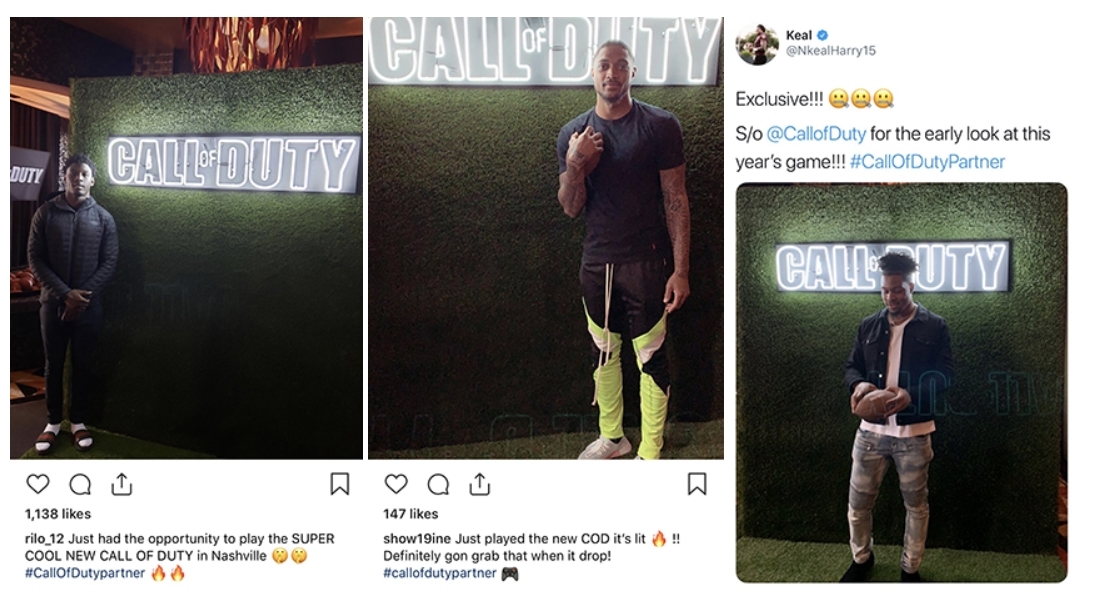
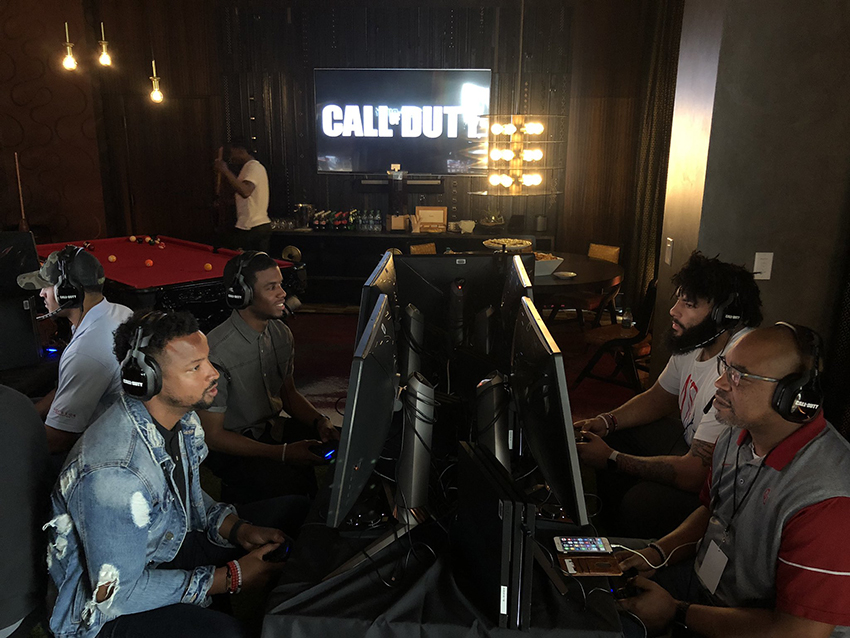
Over on Instagram and Twitter (screenshots via AllGamesDelta), a couple of NFL players have shared posts of them mentioning they’ve already played this year’s Call of Duty game, and even provided shots of this private event! Given the images where we see the NFL players going head to head, one could surmise that they’ve already played through the multiplayer, even.
Well, that should at least mean the official reveal is near, right? At least that’s something. While we don’t know what the official title of this year’s Call of Duty title is, we do know that it’ll include a single-player campaign,and even feature a co-op mode.
Aside from that, Activision hasn’t shared anything other than telling investors that they expect the Call of Duty 2019 sales to be lower than last year’s Black Ops 4. We do know that for this year, it’s Infinity Ward’s turn, so the rumors of Modern Warfare 4 being this year’s CoD game does have traction.
Usually, Activision reveals the annual Call of Duty game around April or May, and given we’re close to end of April, and E3 happens in June, I wouldn’t be surprised to see Call of Duty 2019 revealed next month.
Are you surprised that Call of Duty 2019 is already playable this early on? This is good news, right?
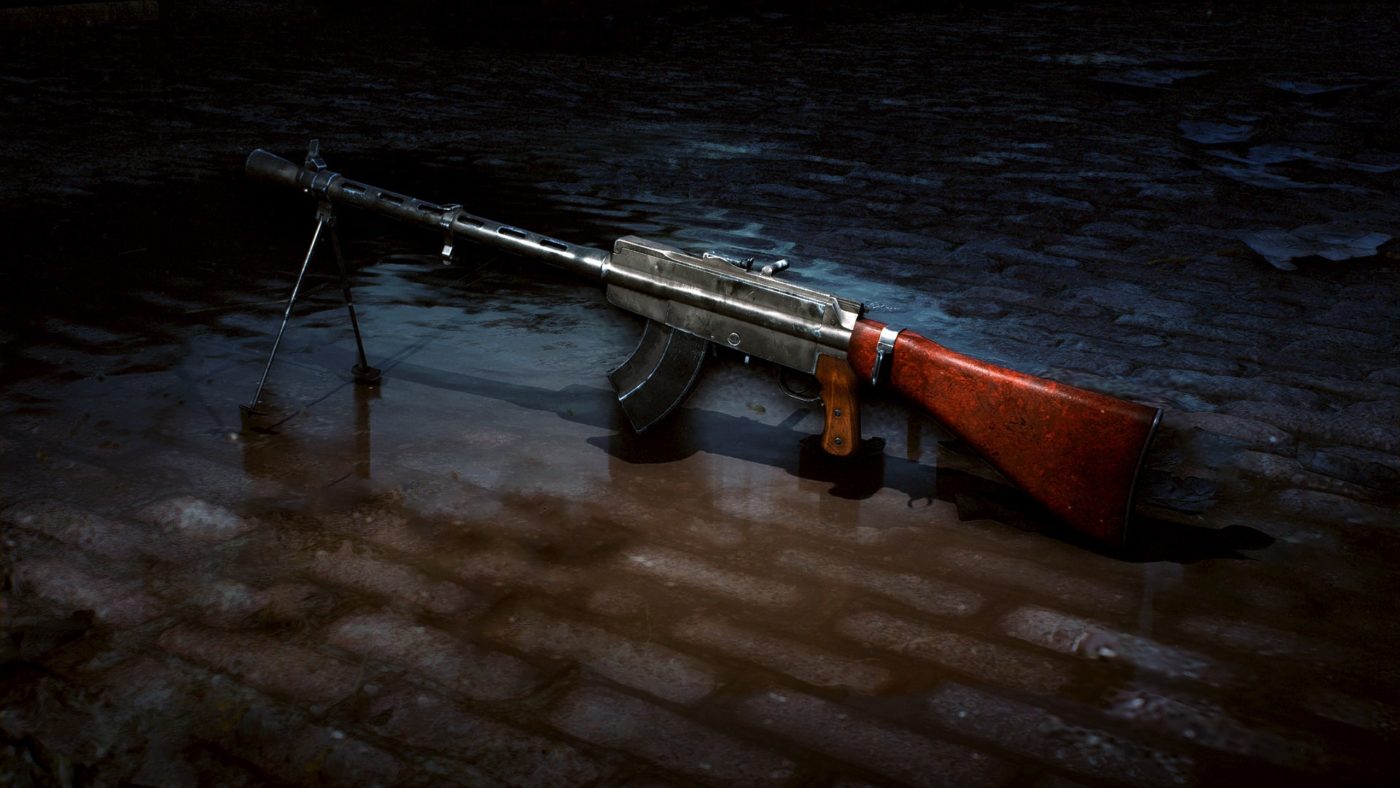
If you’re looking forward to getting that Battlefield 5 new LMG the LS/26 that we posted gameplay of a few weeks ago, now’s your chance! For completing the Weekly Challenges for Battlefield 5, you’ll be rewarded with this new LMG! Granted, you’ll need to be playing Squad Conquest, but at least it’s a free new weapon, right?
Below are the Weekly Challenges requirements for each task, as well as a quick description of the LS/26 LMG.
Lockdown – 4,500ChapterXP
Capture 2 Objectives.
*(OPTIONAL) Valkyrie – 10,000ChapterXP
Down, Kill or Driver Assist 1 enemy while seated in a Kolibri synchropter in Firestorm.
Fighting for a Cause – 10,000ChapterXP
Earn 1500 score in one round.
Pulling Your Weight – 10,000ChapterXP
Get 10 squad assists or kills while attacking objectives.
Naked Force – 10,000ChapterXP
Deal 2000 damage using Assault Rifles or Semi-Auto Rifles.
Tank Repairman – 10,000ChapterXP
Repair your teammates vehicles for 150 health.
One for All – 10,000ChapterXP
Revive squadmates or be revived by squadmates 20 times.
Lead Farmer – 10,000ChapterXP
Kill, down, or suppression assist 20 enemies.
Toe the Line – 10,000ChapterXP
Complete 5 squad orders.
Zero-Sum Game – 25,000 Chapter XP
Kill or down enemies or revive teammates 40 times.
(OPTIONAL) New Noisy Toy – 10,000ChapterXP
Suppress or kill 30 enemies with the LS/26.
“The Lahti-Saloranta M26 was a Finnish firearm used during World War II with optional ammo storage – a regular magazine or a drum. Nicknamed “Assorted Mistakes”, it was a relatively heavy LMG, hard to clean due to its 188 parts, and low ammo capacity. However, in the hands of a proficient gunner, it was exceptionally accurate.” – Wikipedia
You can check out the rest of the week’s official news and announcements right here.
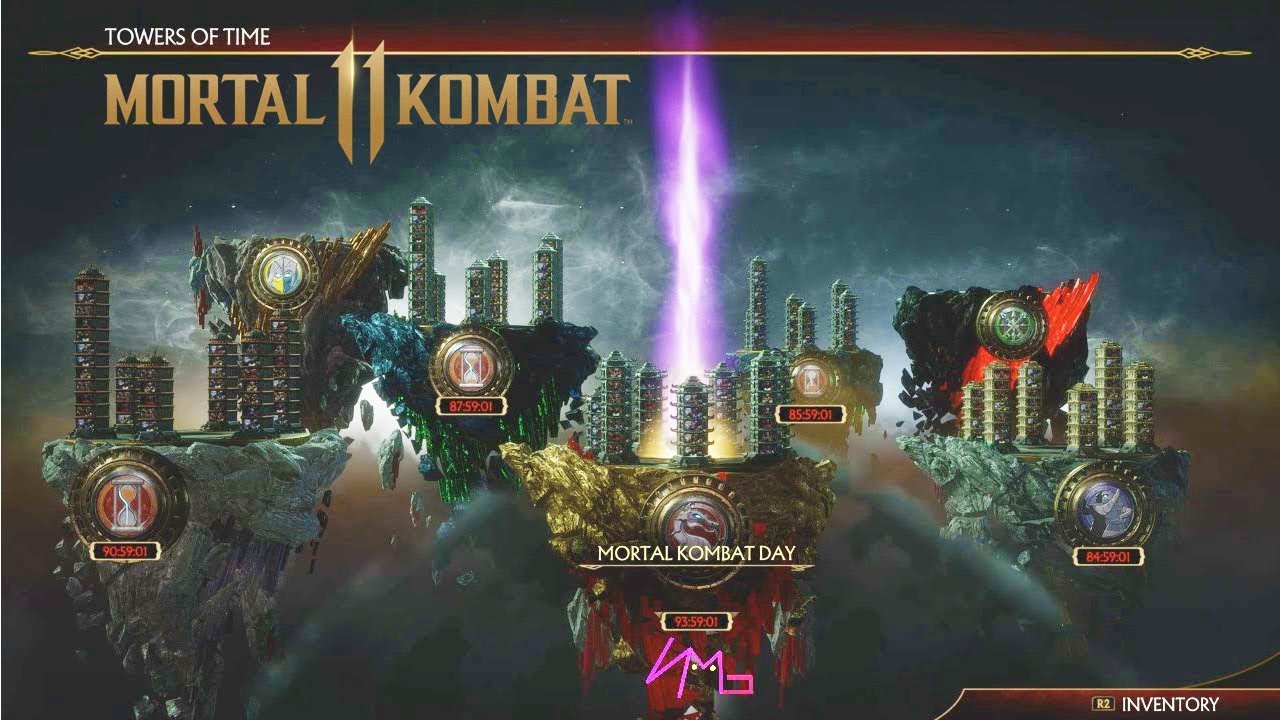
If you’re having a hard time (heh!) with Mortal Kombat 11’s Towers of Time, you’re in for some good news! At yesterday’s Kombat Kast for Mortal Kombat 11, NetherRealm Studios has addressed a few key issues players have with the mode, which are mainly about the difficulty and the rewards. Thankfully, the studio revealed a lot of info regarding the Mortal Kombat 11 Towers of Time upcoming changes.
Here’s the summary of what was discussed (via Reddit):
At launch, the difficulty in the Towers of Time was too high, and people felt it was unfair. And unfortunately, that made the process of earning rewards through the Krypt seem punishingly slow.
The game was never designed to encourage in-game purchases. NetherRealm doesn’t make games that way. We do not artificially drive people towards in-game purchases.
The difficulty of the AI and the aggressiveness of the modifiers in Towers of Time was tuned too high. We’re aware of it and we’ve already taken steps to fix that.
Through a server update, we’ve reduced AI maximum health and adjusted the frequency and cooldowns of many modifiers. In addition we’ve made many unblockable modifiers blockable.
We are also working on a patch as quickly as we can to address several other factors, including increasing currency rewards and tweaking other modifier values that couldn’t be addressed in our tweakvar update. We’re shooting to have the patch out this week, early next week at the latest.
There are some things in Towers that are meant to be very challenging. We are trying to cater to many different types of players. Right now, everything is too challenging, and that wasn’t the intention.
As for the store, we want to stress that none of the in-game currencies (Hearts, Souls, Koins) are for sale. You also cannot buy Konsumables or Augments. You cannot purchase anything that impacts gameplay at all. Only cosmetics (including Easy Fatalities), and Time Krystals are available in the store.
Also, there is some speculation that Krypt rewards are random. They are not. There are over 600 chests in the Krypt, and they are ALL hand-crafted with specific rewards. Every player has the same chests. The only “randomness” is where each chest is placed for each player. This was done to ensure that each player would have a unique discovery experience.
NetherRealm is also issuing a gift to all players with a bundle of in-game kurrency! According to the studio, this will allow players to have the experience they “always intended.” This gift is something to tide players over while the studio re-jigs the system to bring it more in line with their vision.
While Days Gone might be Sony Bend’s new baby, much older gamers will remember the studio for one of Sony’s most famous franchises back in the day in Syphon Filter. Well, it seems there’s a few Days Gone Easter eggs in the game that directly (or indirectly) references the stealth action franchise.
Note that some of the info below might be considered spoiler-ish for some, so proceed at your own caution.
There are a few references to the Syphon Filter series found throughout Days Gone. While The campaign doesn’t explicitly state it it has any ties to Syphon Filter, a key character, O’Brian does hint at a possibility. In the later portion of the game, when a new enemy type is being introduced, O’Brian makes a suggestion that the infection may have been designed and engineered to target specific genes in said subject to produce set results. Deacon responds by asking if O’Brian was suggesting it was an act of terrorism. The subject is then quickly dropped and never discussed again by O’Brian or Deacon.
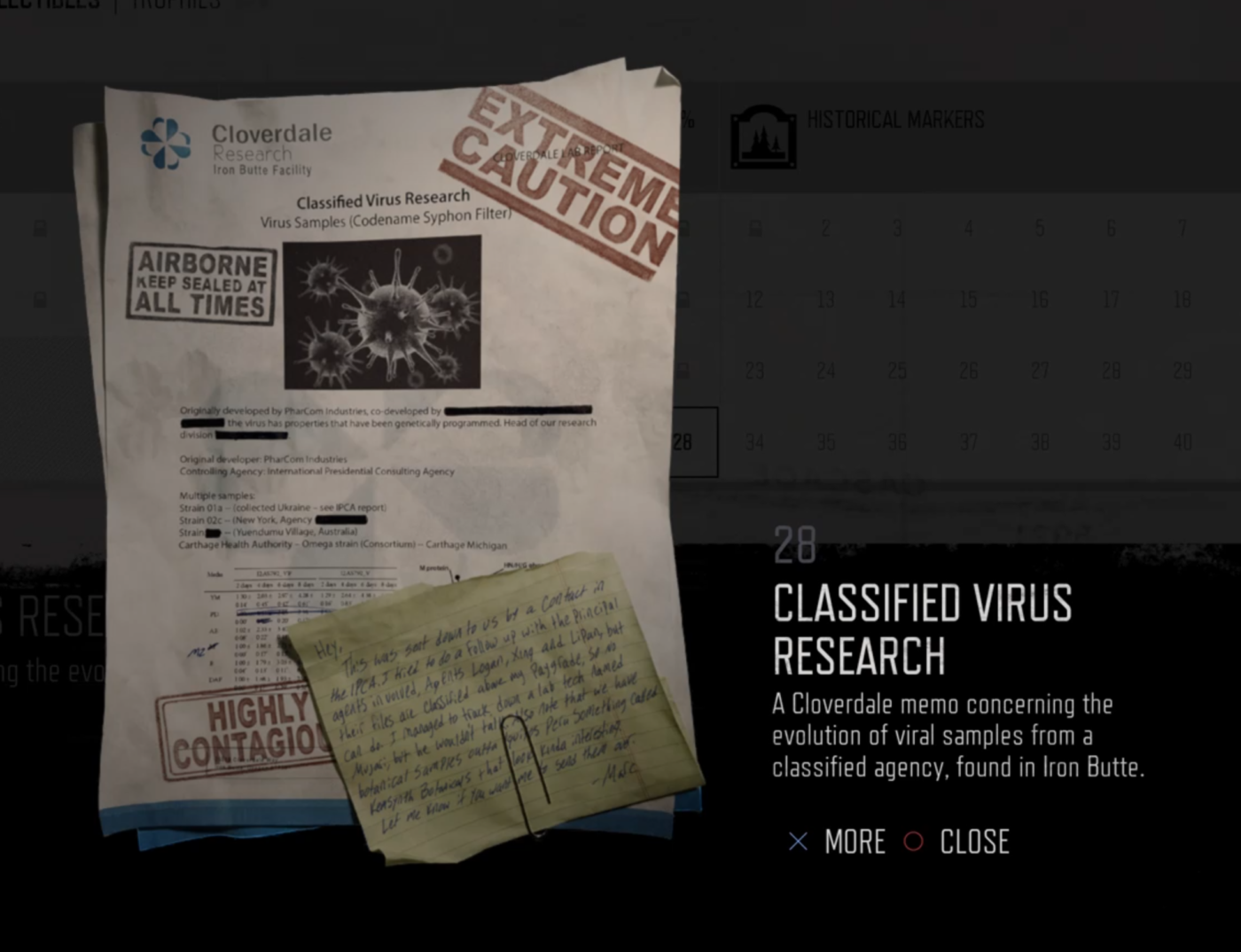
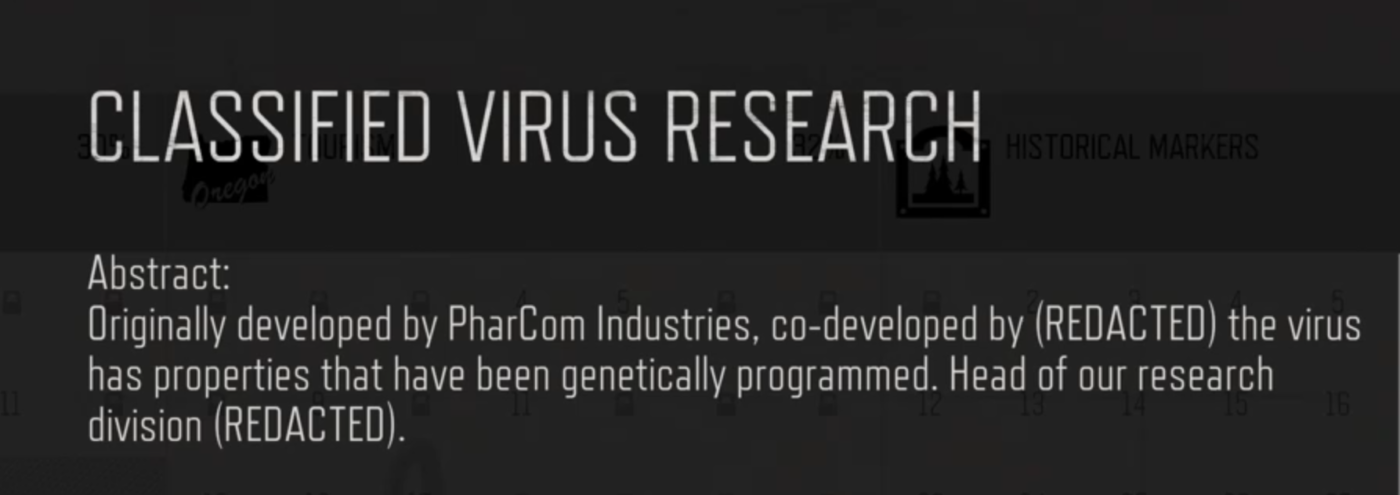
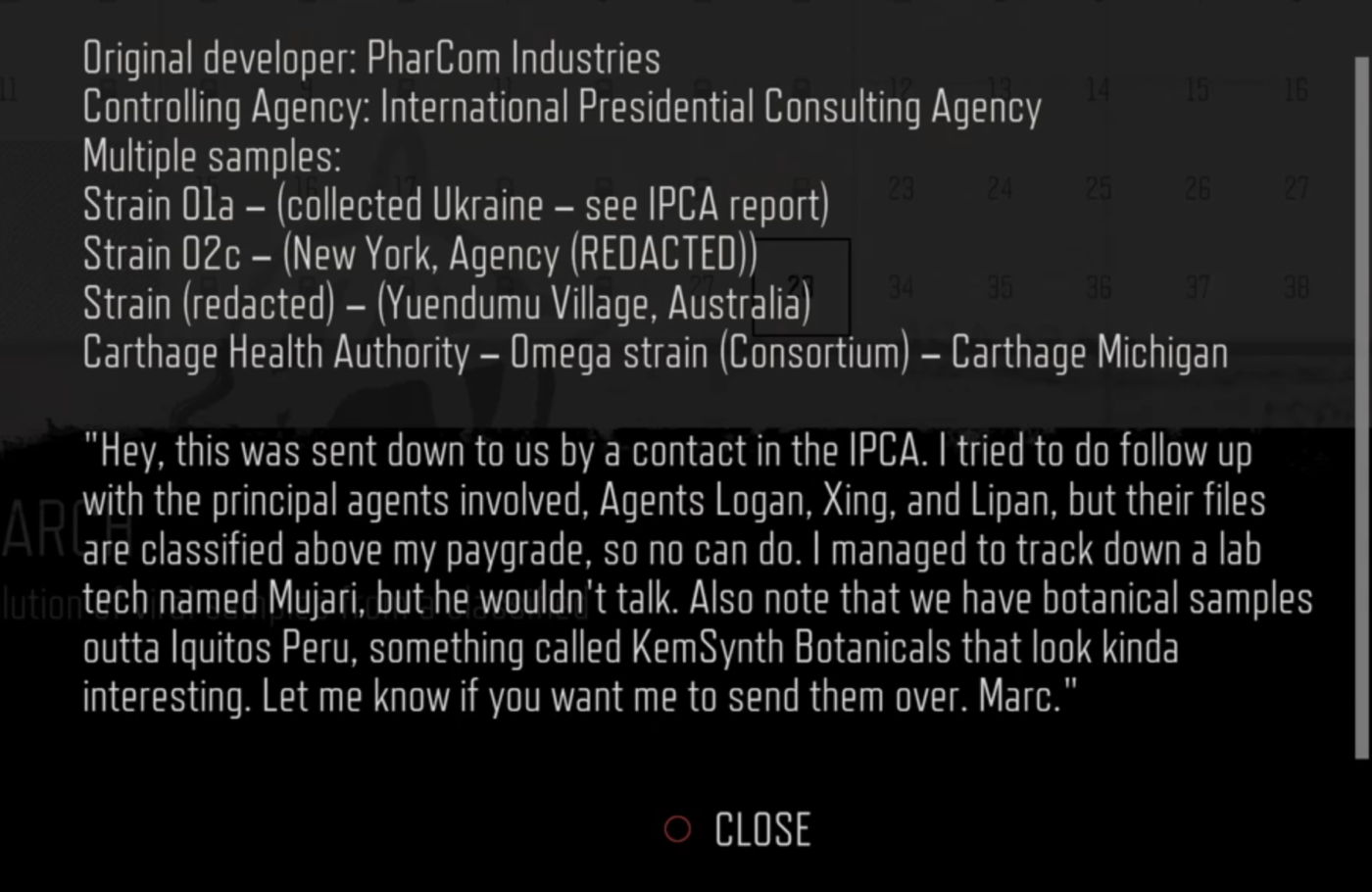
For those familiar with Syphon Filter, then you’ll know that this right here sounds very similar to the Syphon Filter virus which was “a bioweapon that one can program on a genetic level to target specific groups of people.” While the comparison may seem like a stretch, it is all later confirmed to some capacity by a late game collectible. Titled “Classified Virus Research,” this collectible is number 28 and the last of the Tourism collectibles. It’s found in the research facility (only accessible when you reach a certain point in the game).
It reads as follows:
Seeing that there are different strands of the Syphon Filter Virus, it is very much possible that the big Virus in Days Gone may have been yet a newer strand that happened to get released on the mass population. It’ll be rather interesting to see where this all goes. One thing that I don’t recall (may have missed it) from playing the campaign is the year this all takes place in. If there is indeed no year stated in the game, its very possible that the events of Days Gone takes place sometimes after Syphon Filter timeline. One could argue about the technology in Syphon Filter, but this may be explained just by the fact that the game takes place in a secluded location.
Me personally, I think its just a nod to the game or just a spin-off if they were gonna go that route.
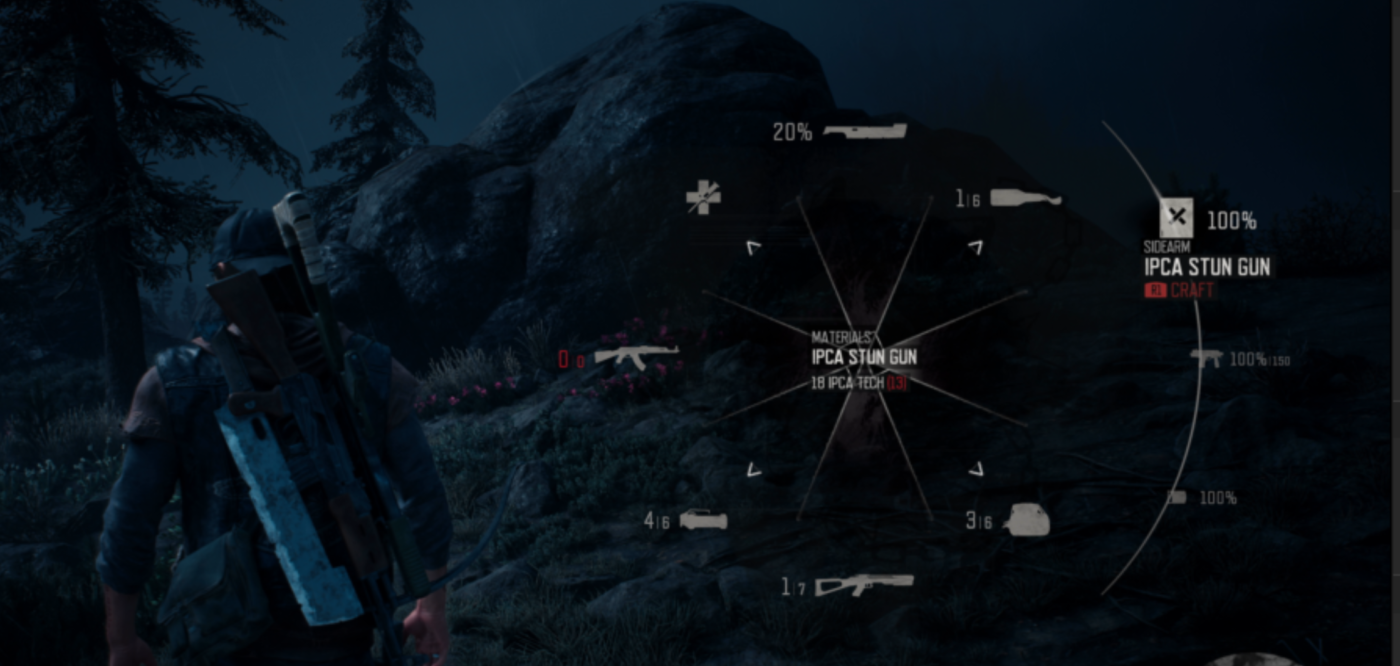
On another note, the game also features an unlock Stun Gun called “IPCA STUN GUN”, which for those who don’t know, the Stun/Taser Gun is a recurring weapon in the Syphon Filter series. I’ve yet to unlock it myself but this is a nice nod to the series.
Would you want to see Sony Bend make another Syphon Filter game? Let us know your thoughts in the comments.
Tags:
James Lara
A gamer at heart, James has been working for MP1st for the last decade to do exactly what he loves, writing about video games and having fun doing it. Growing up in the 90's gaming has been in his DNA since the days of NES. One day he hopes to develop his own game.
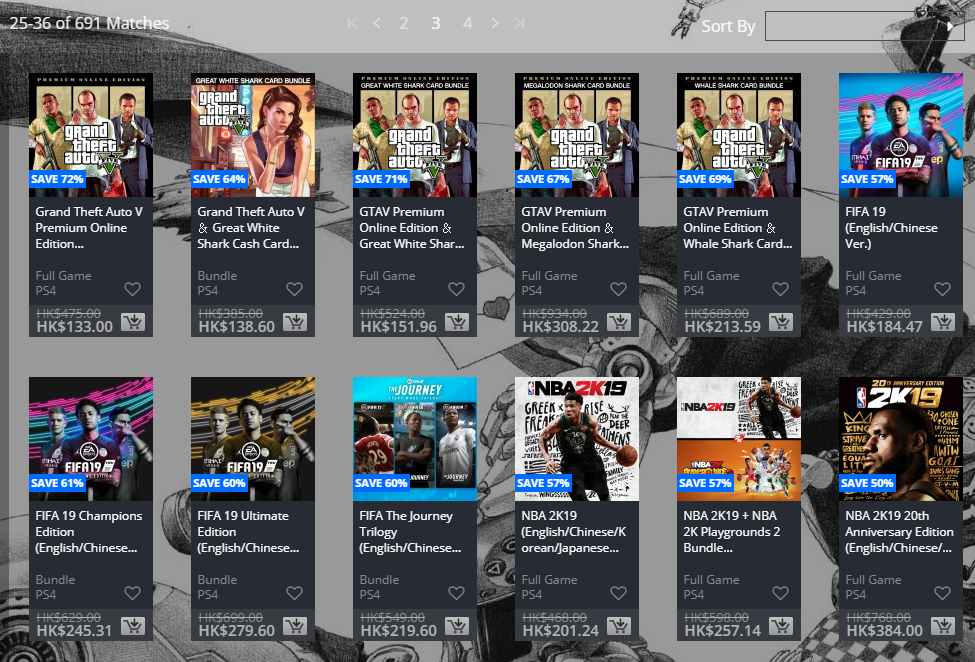
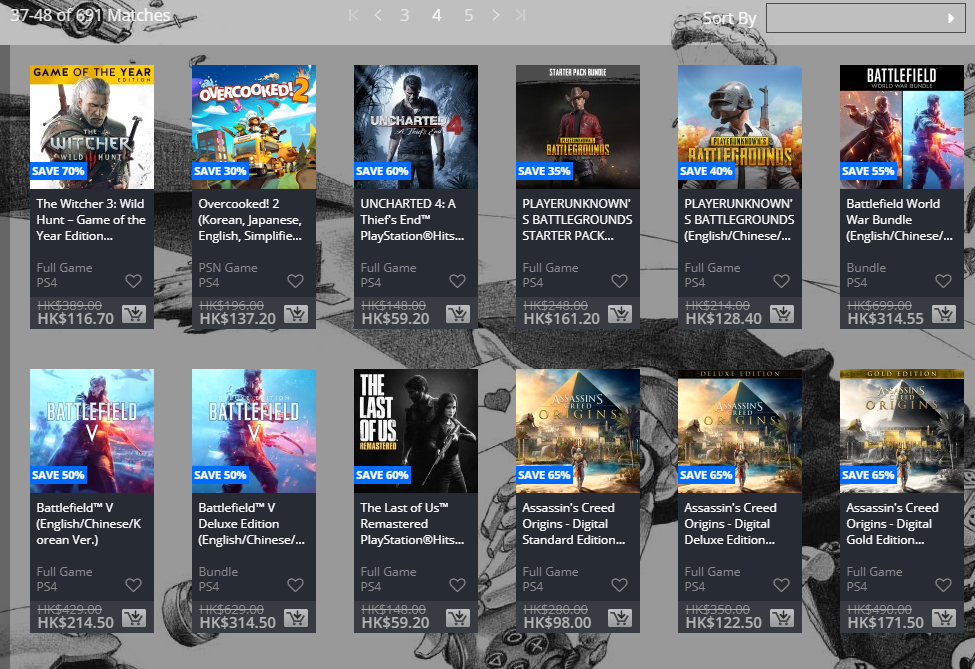
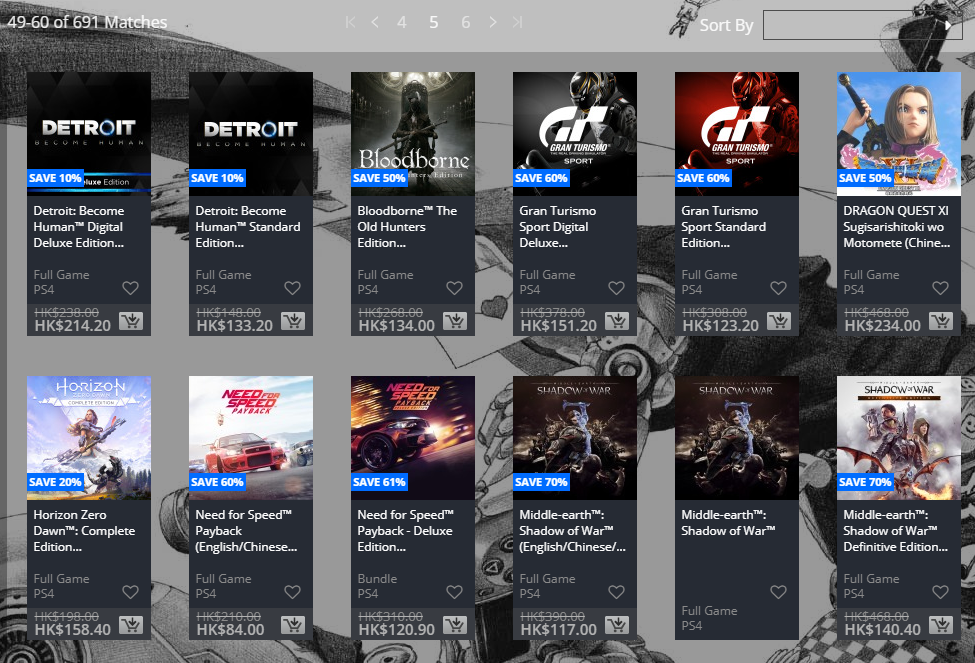
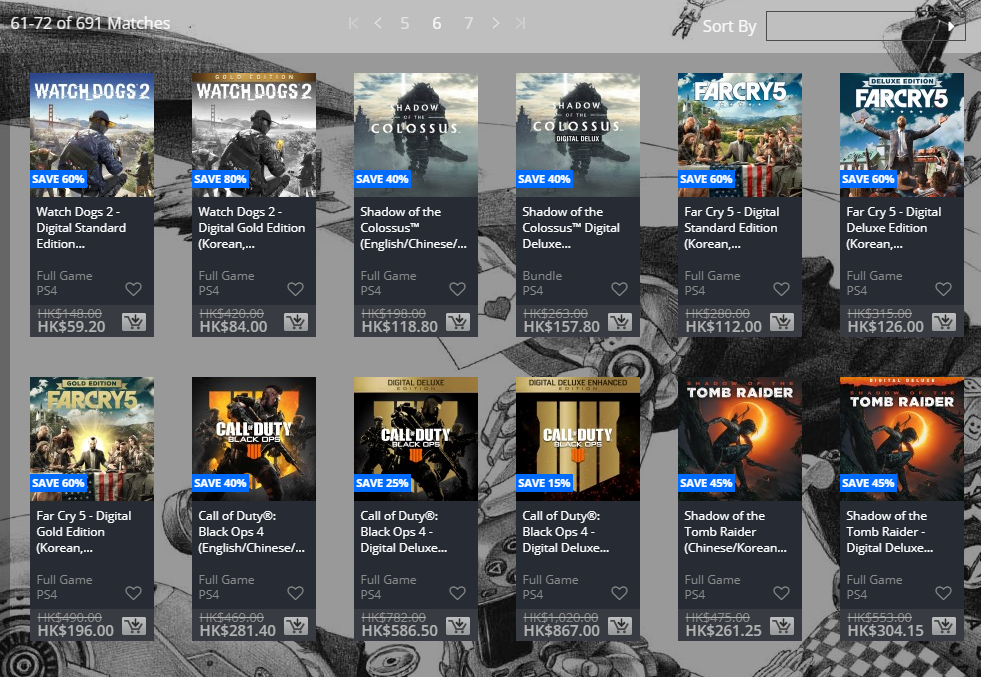
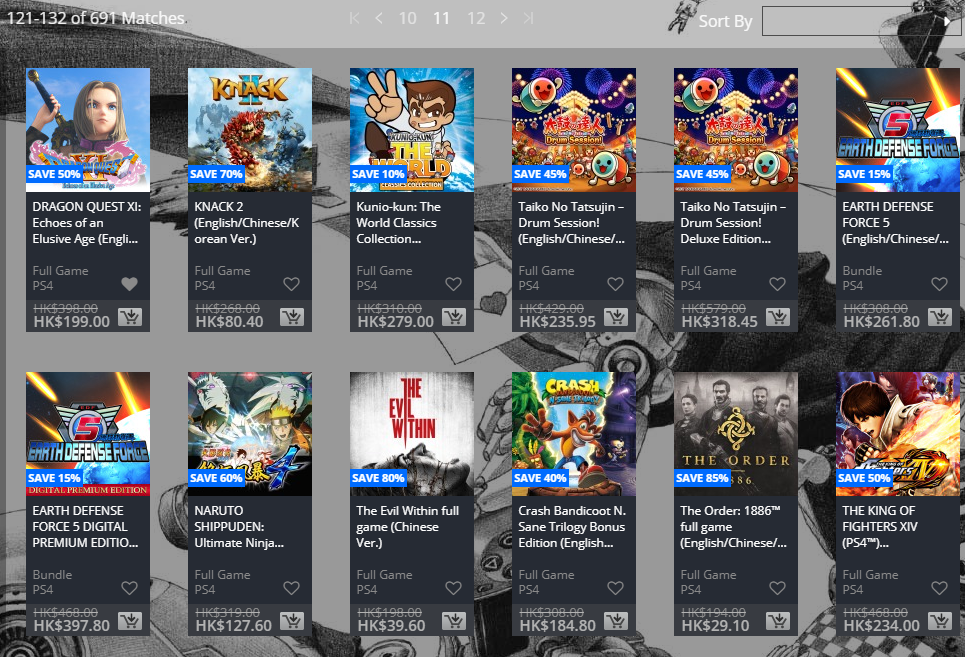
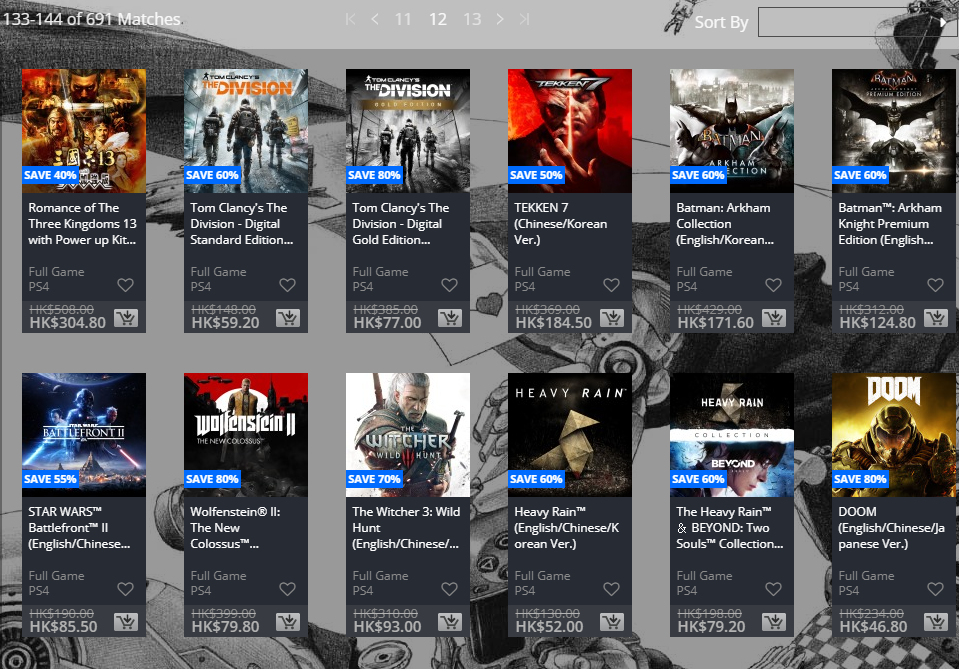
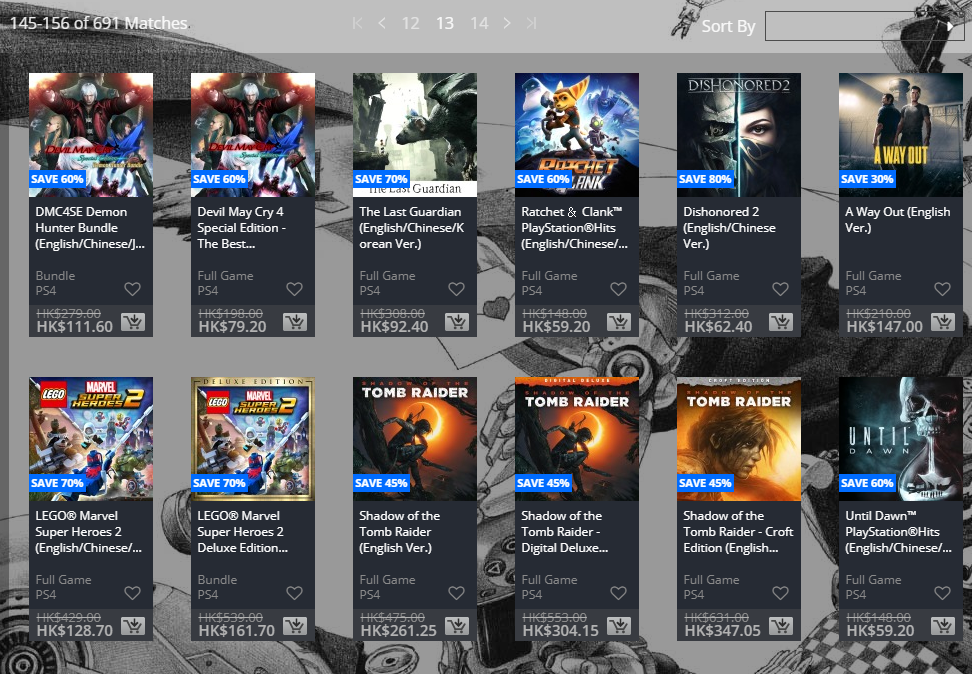
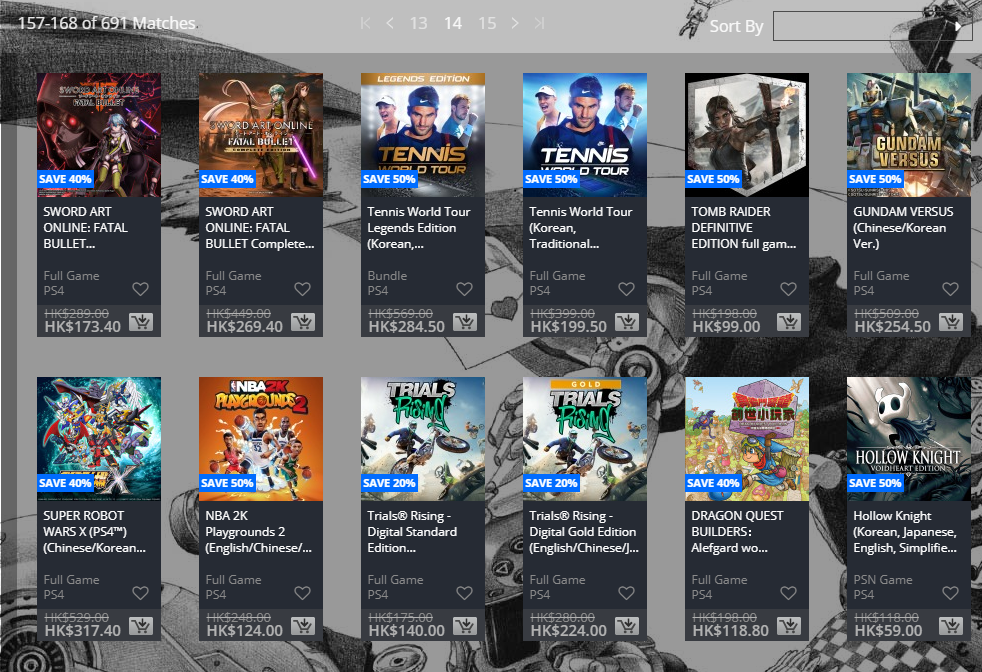
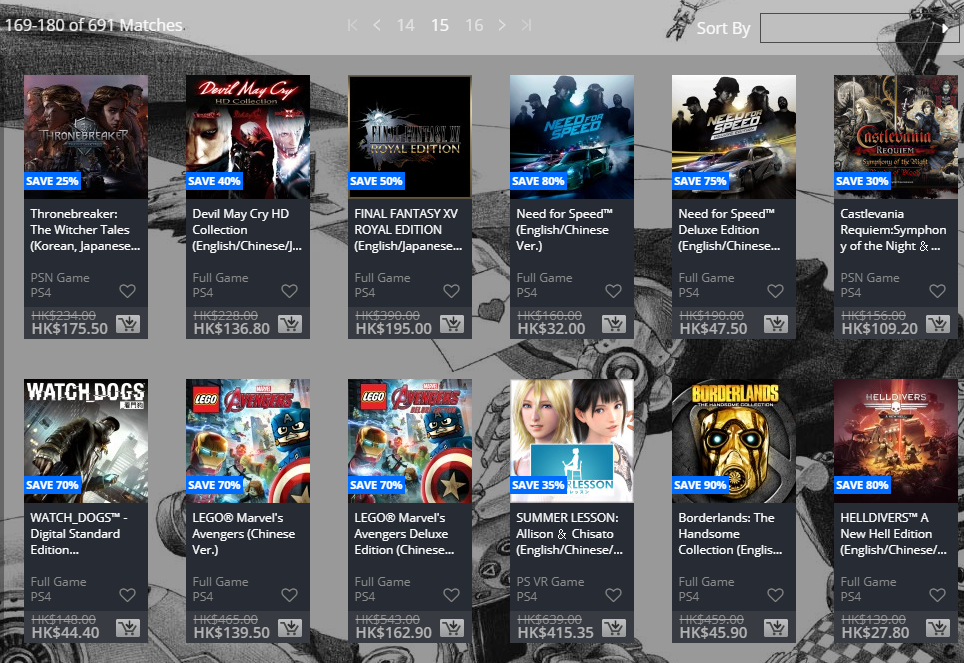
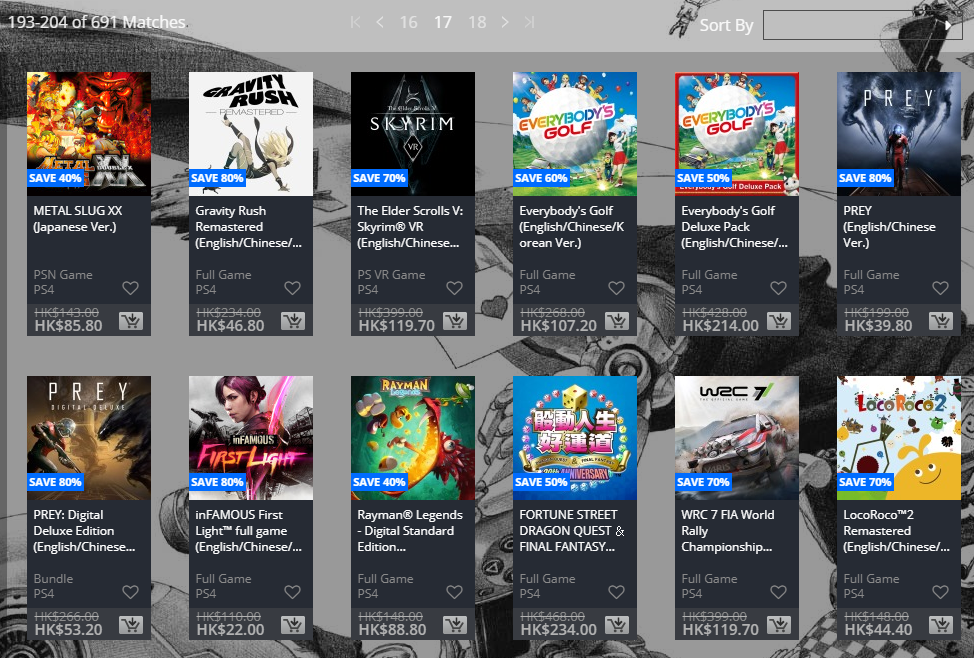
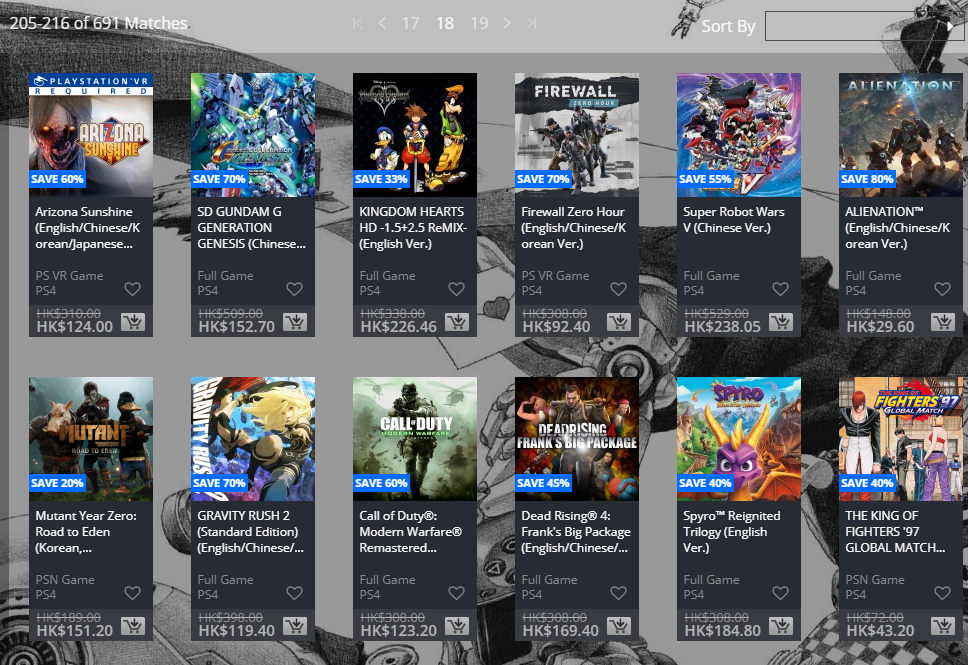
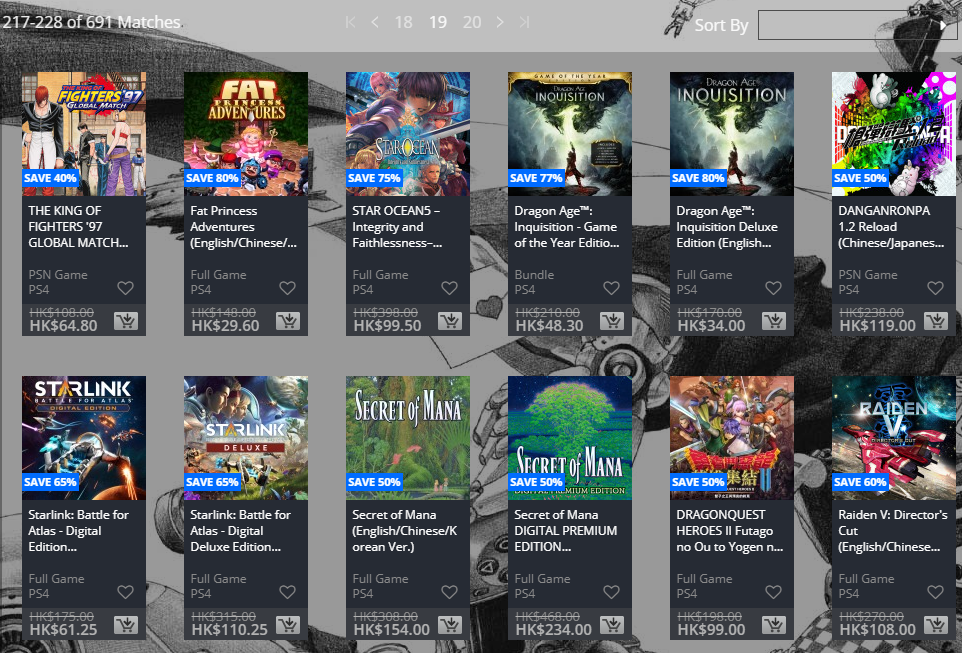
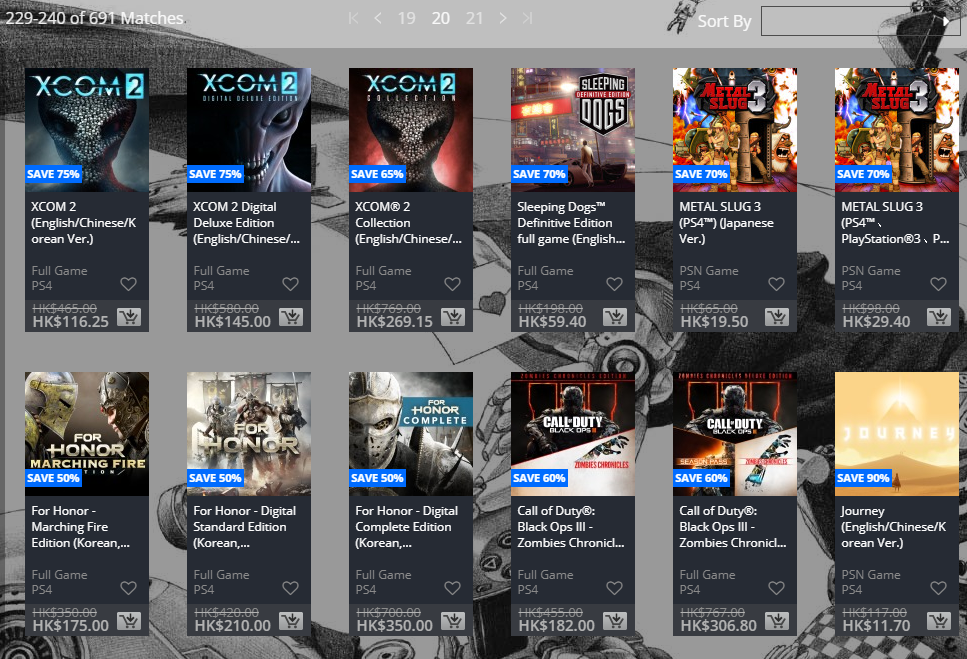
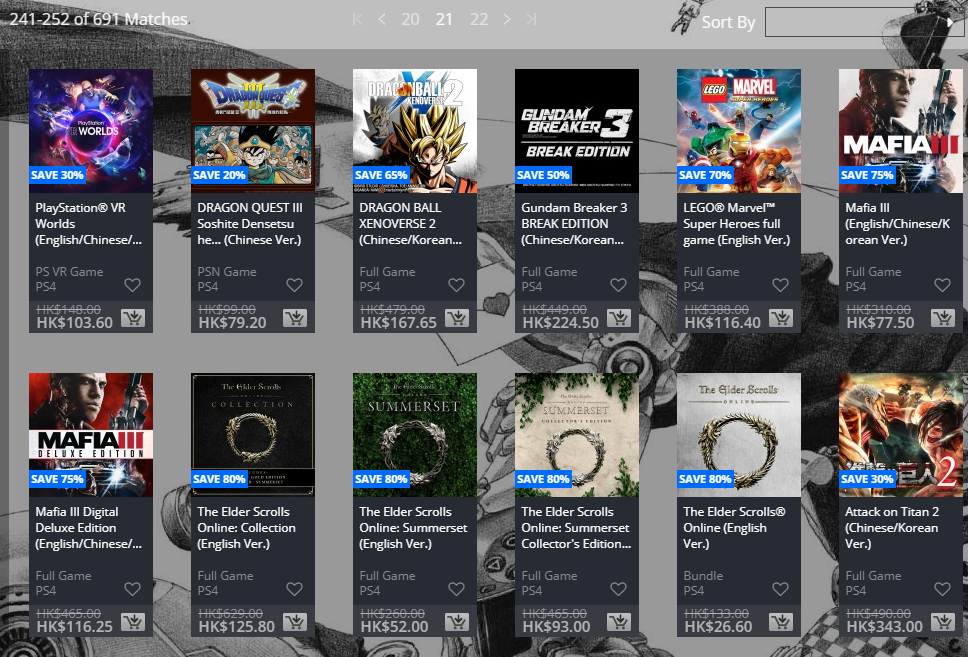
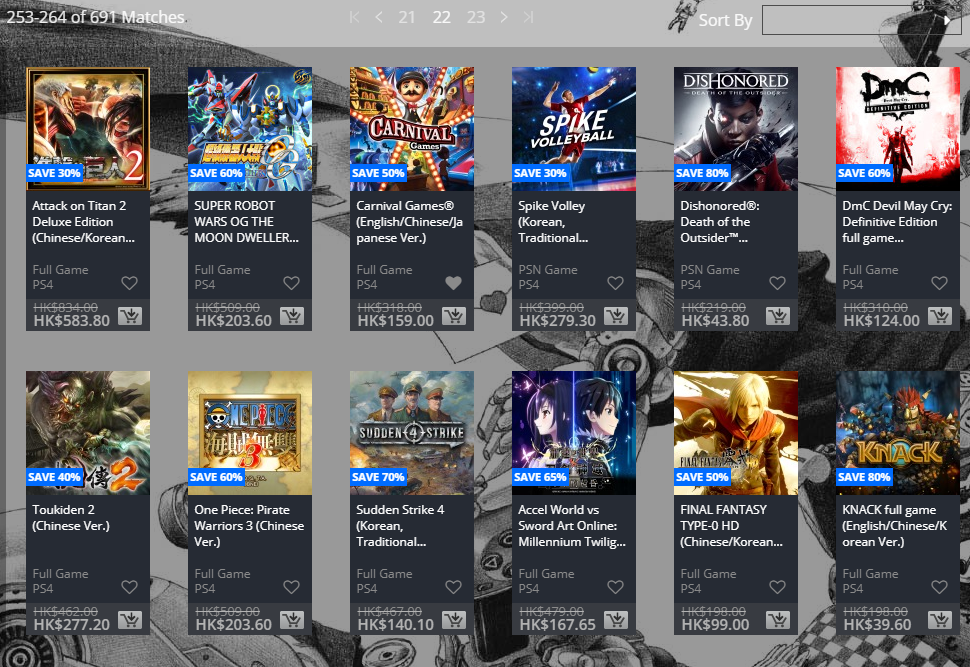
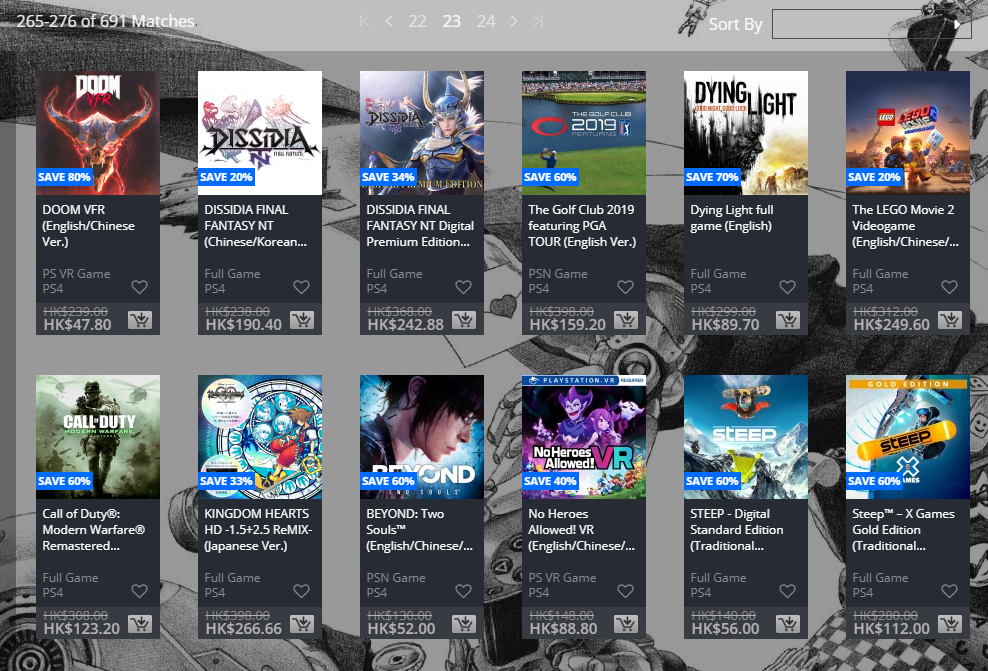
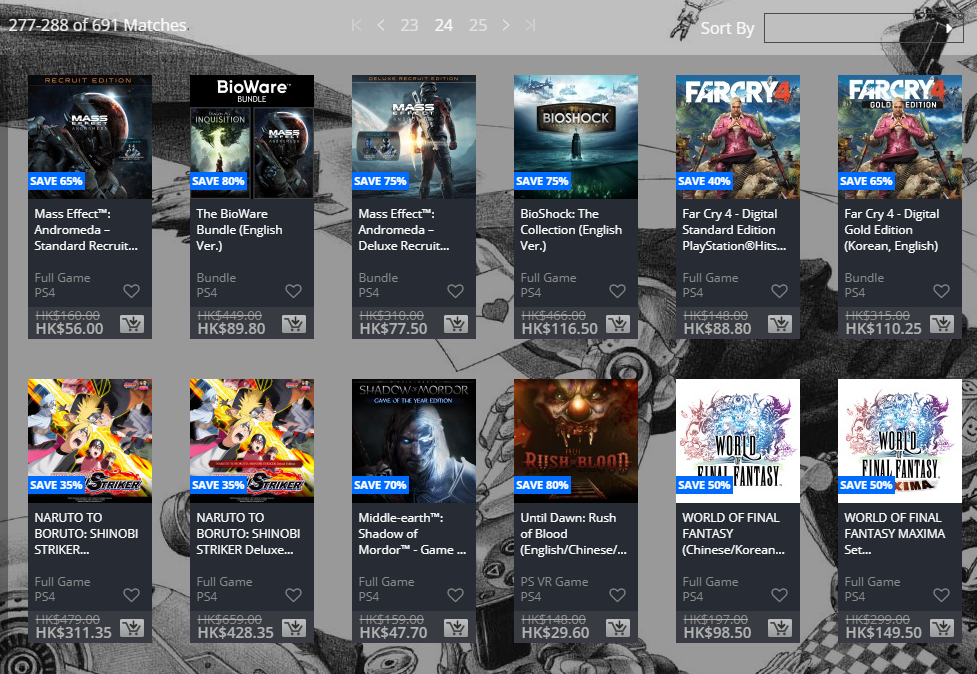
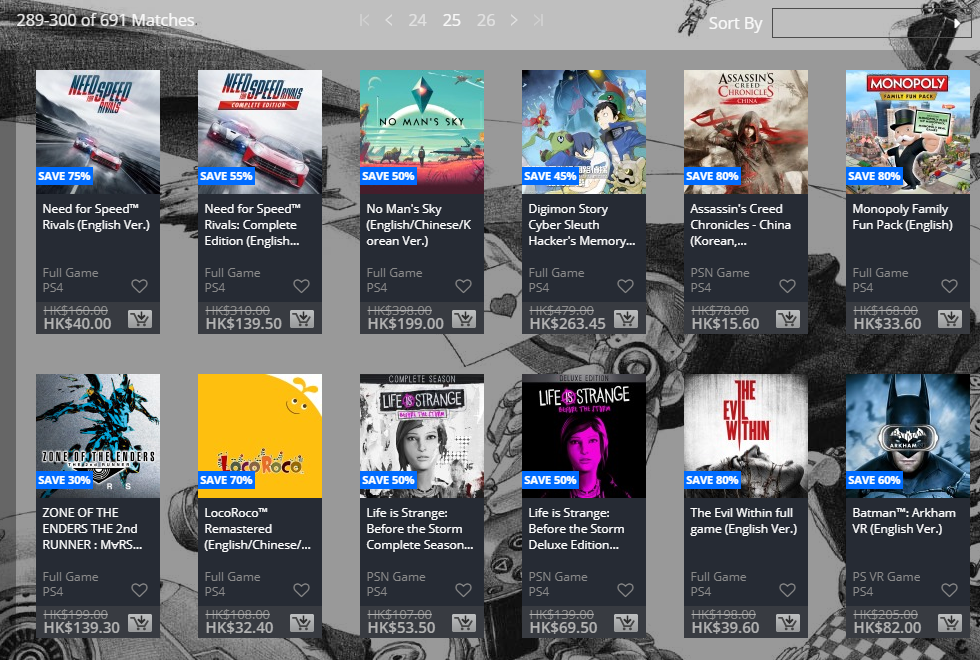
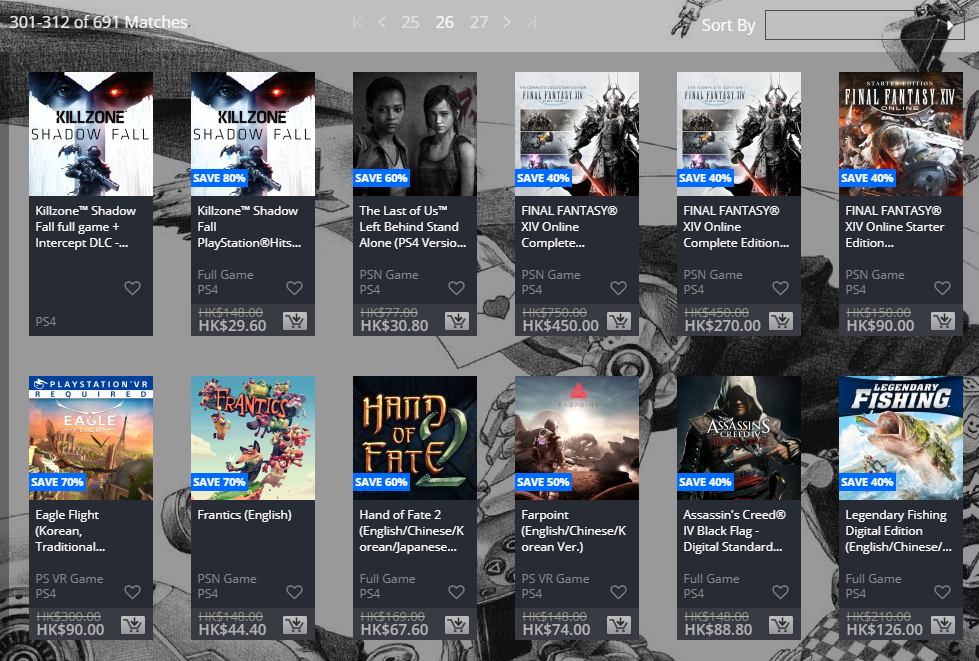
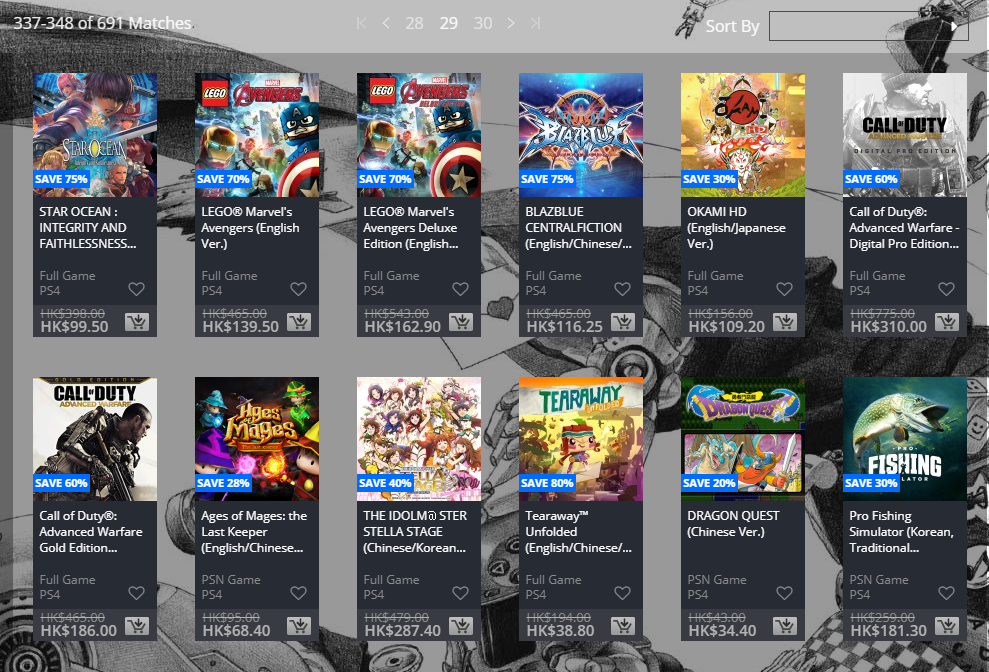
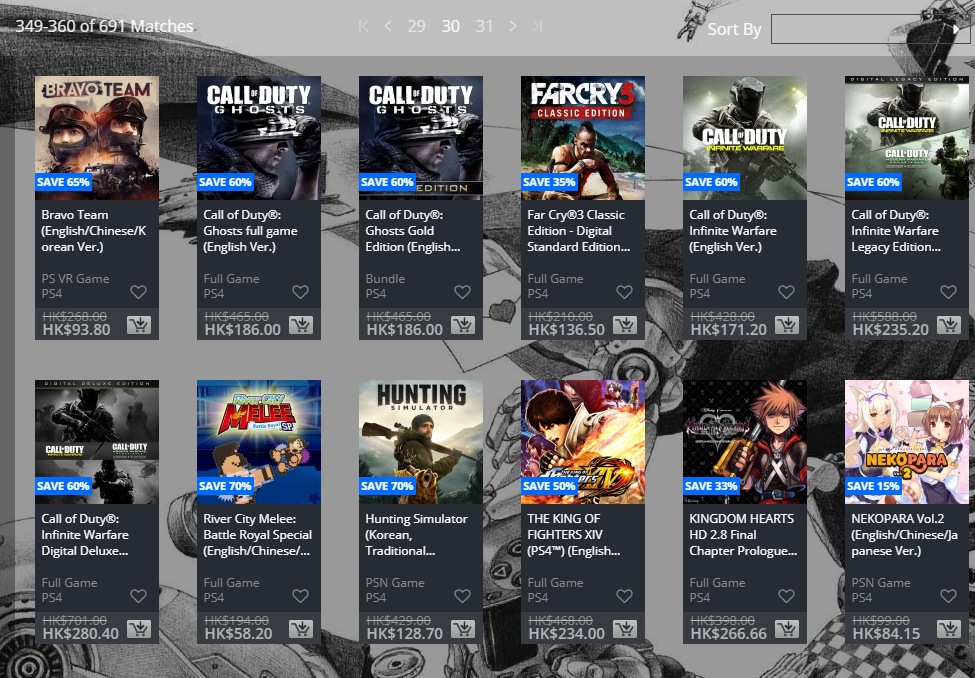
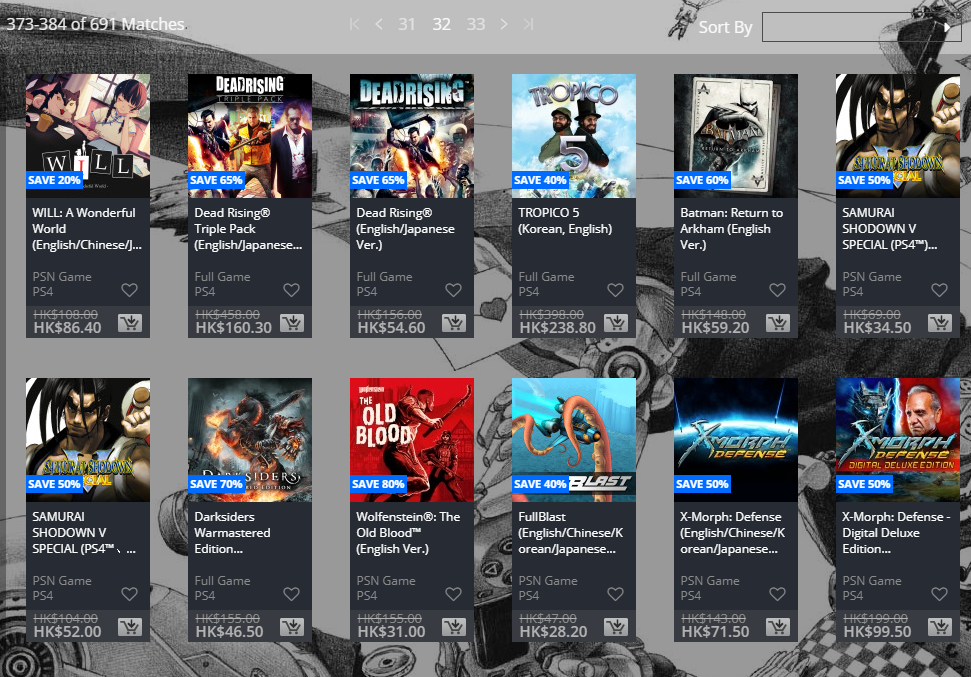
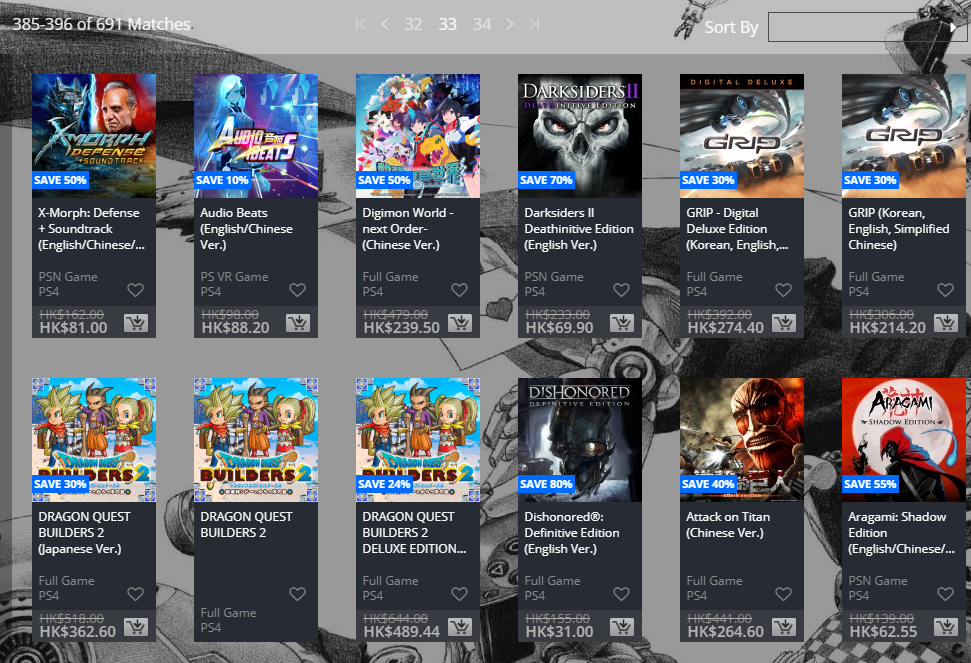
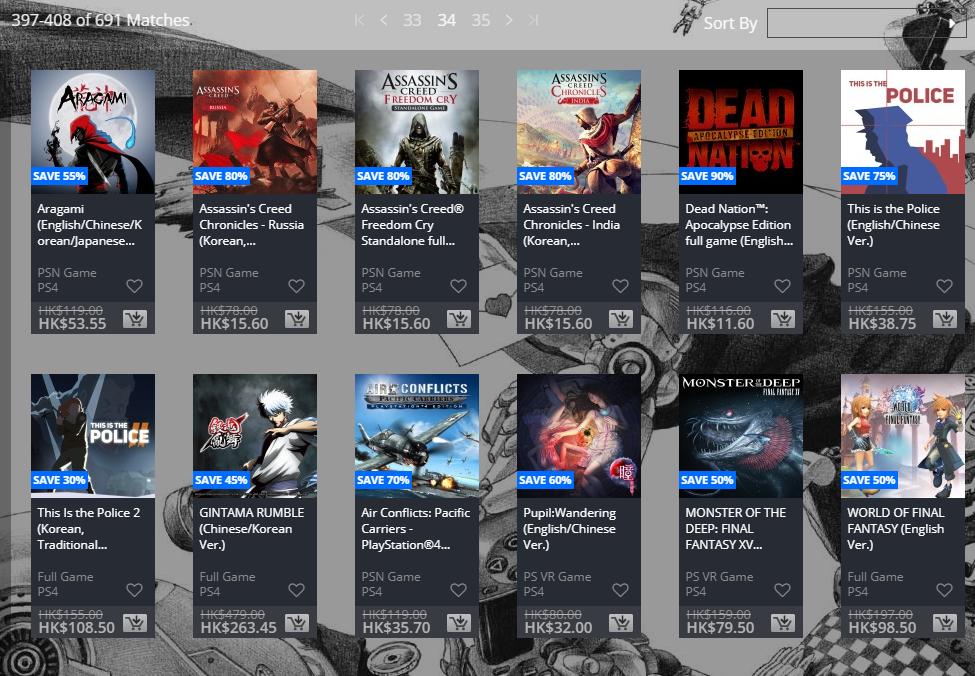
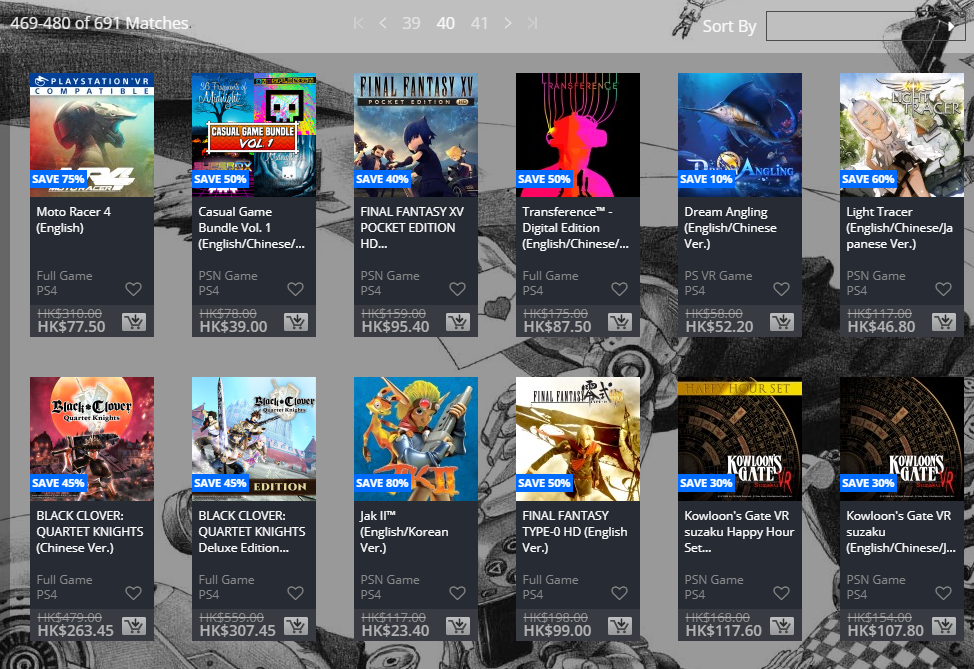
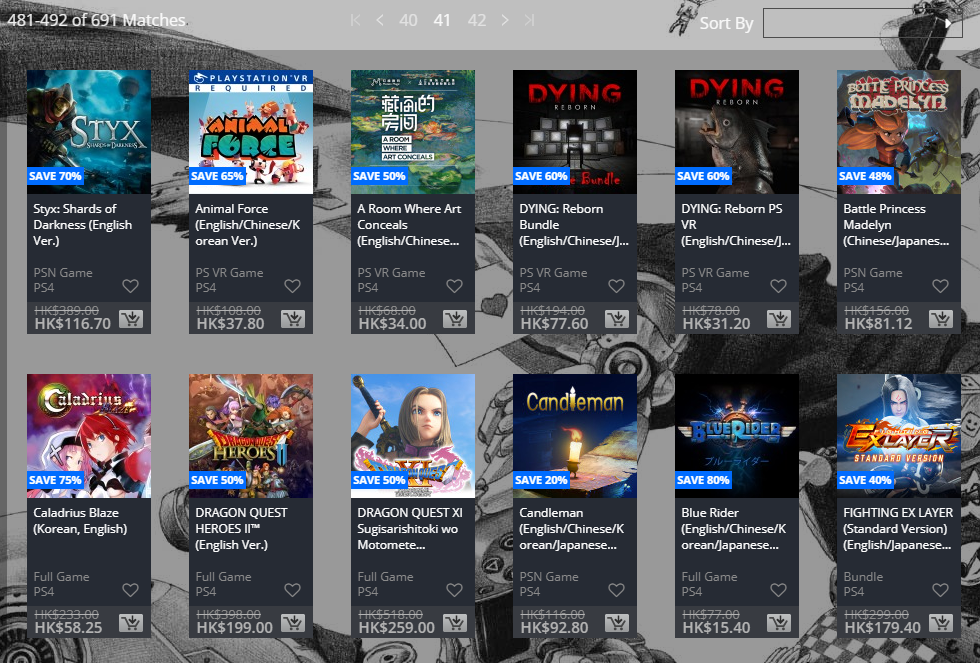
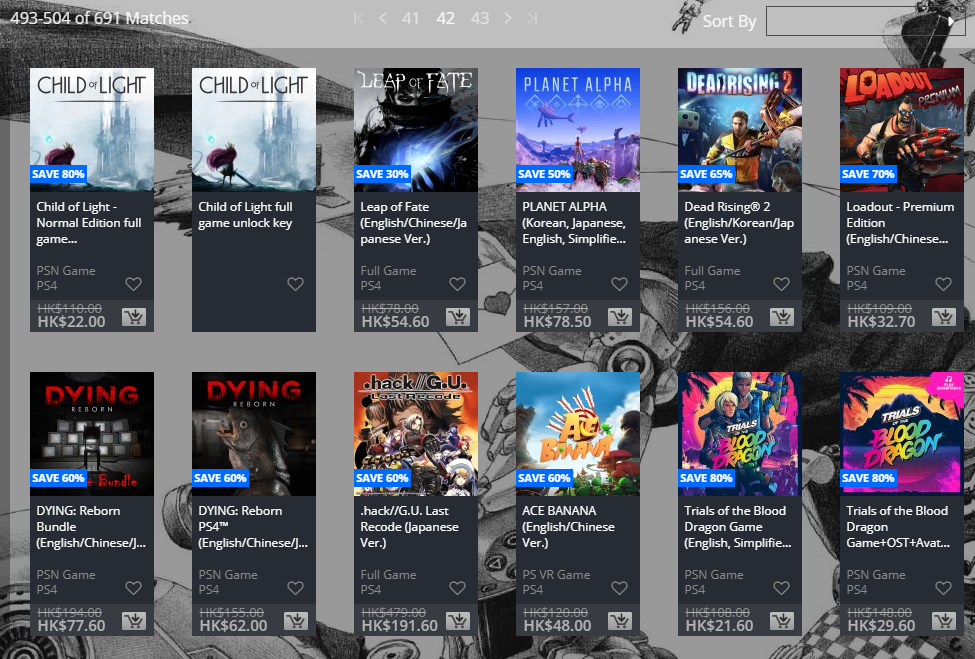
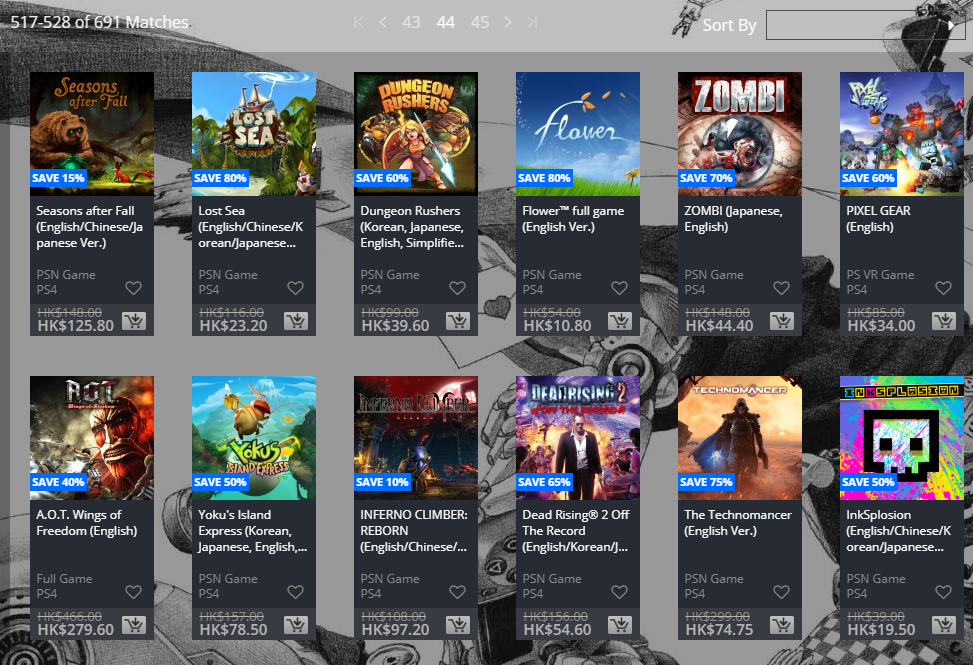
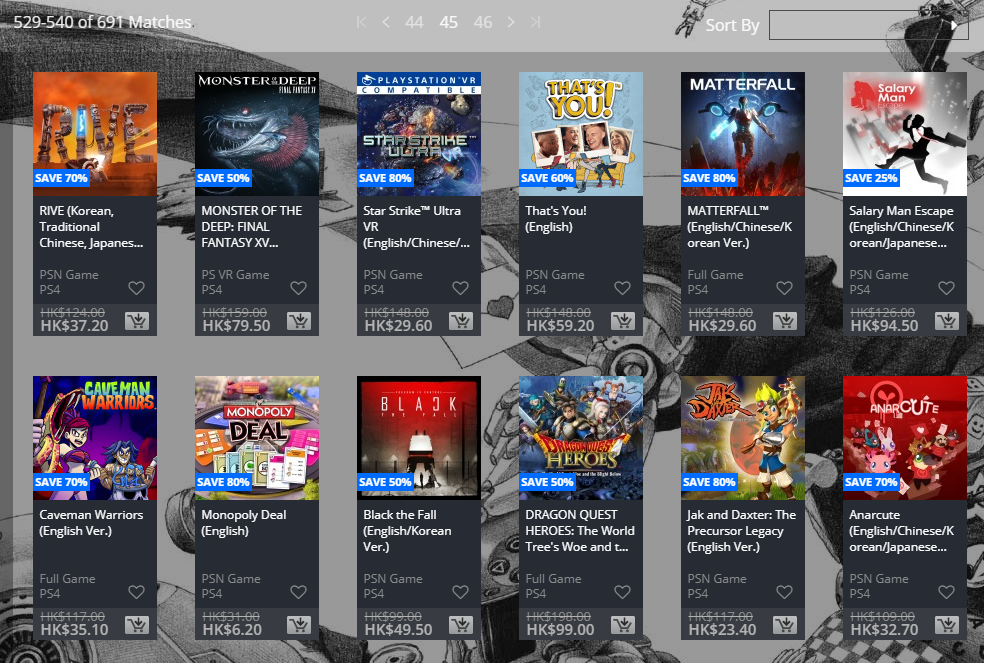
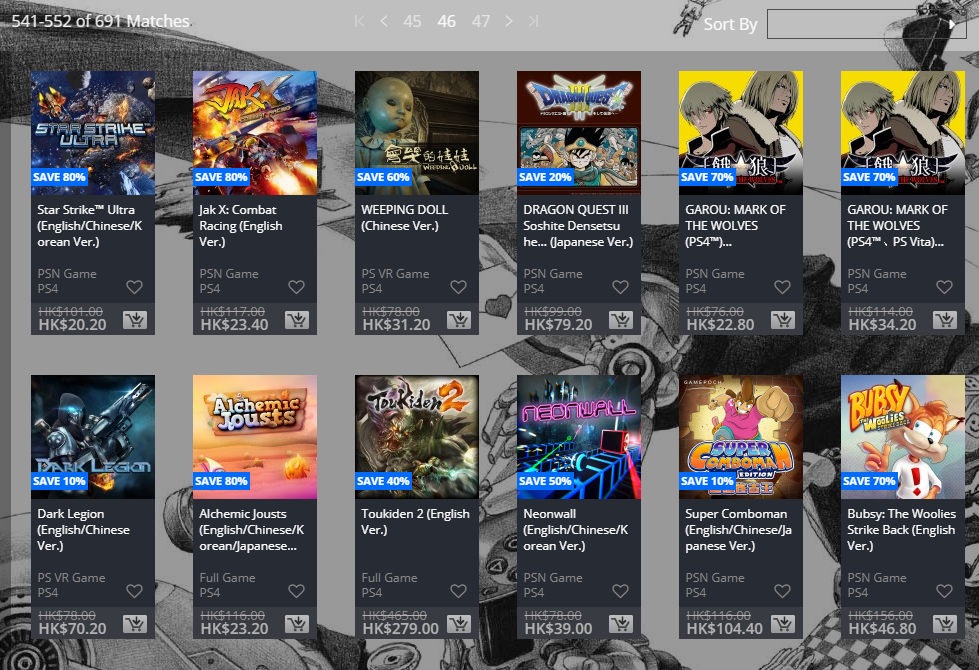
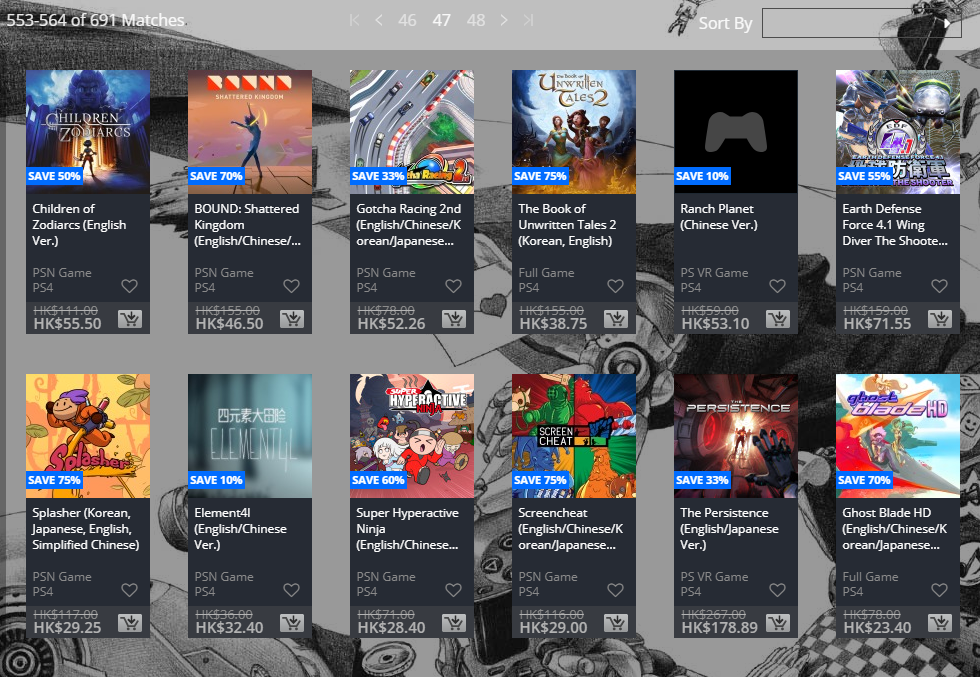
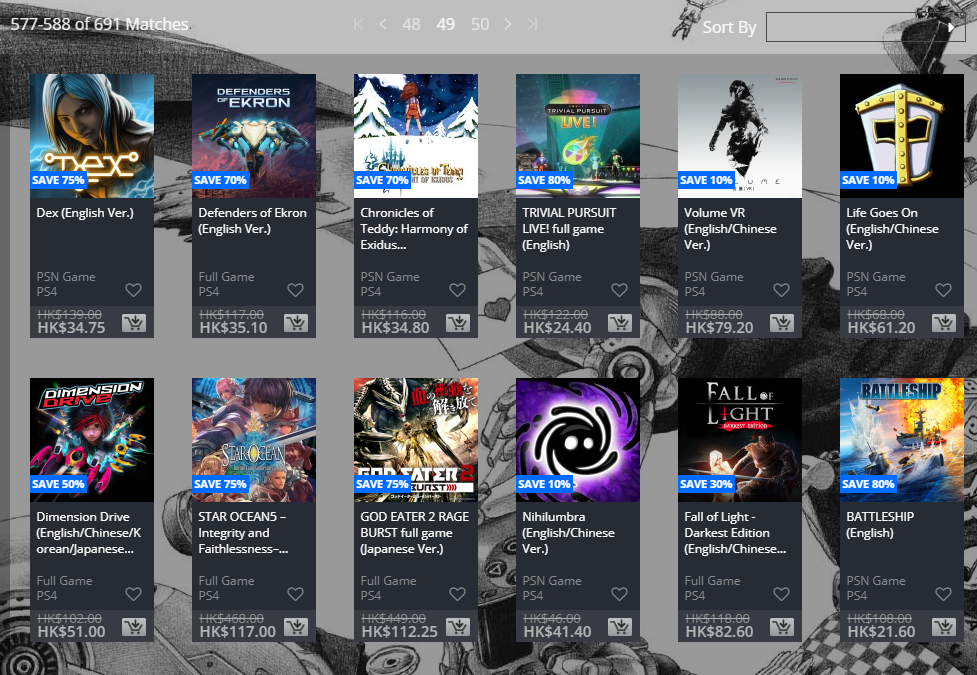
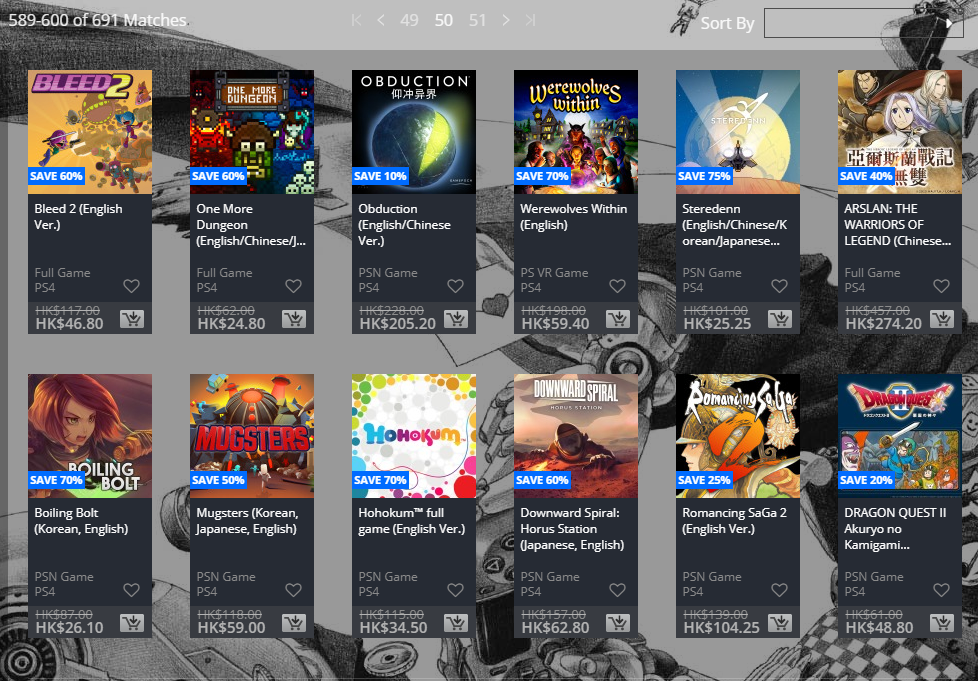
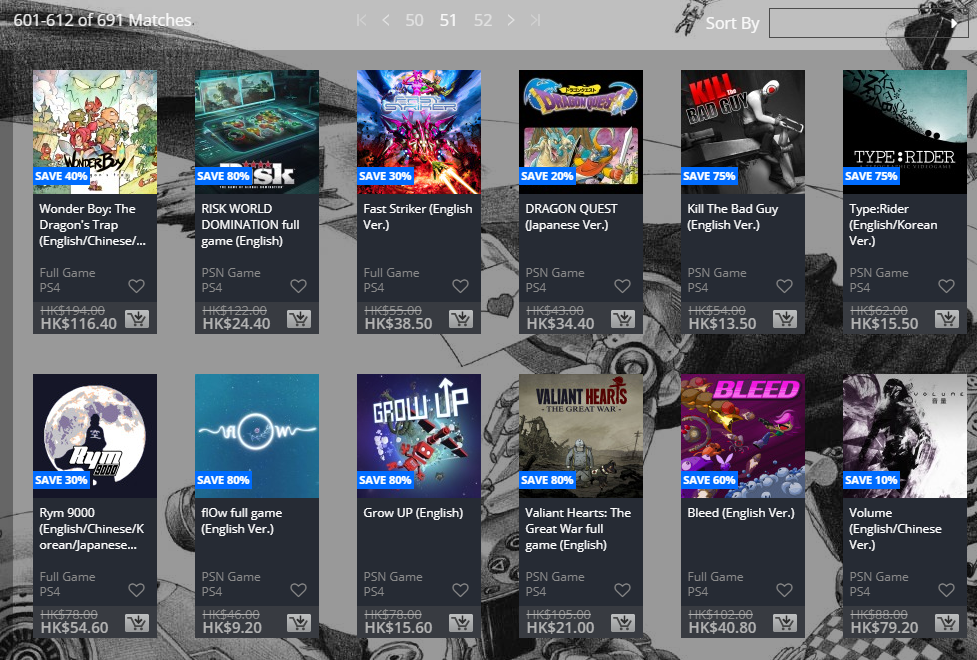
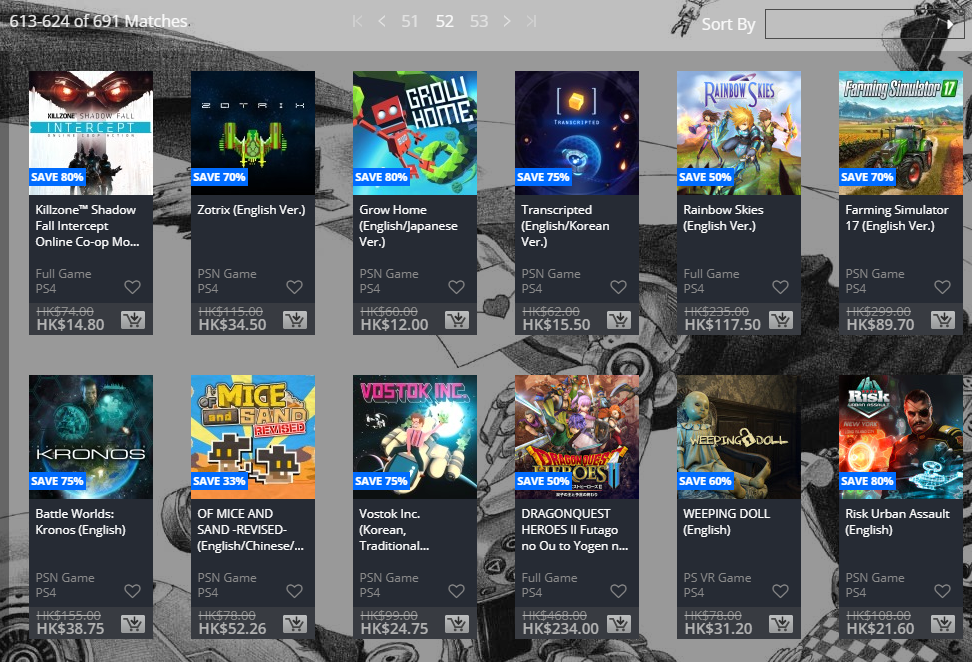
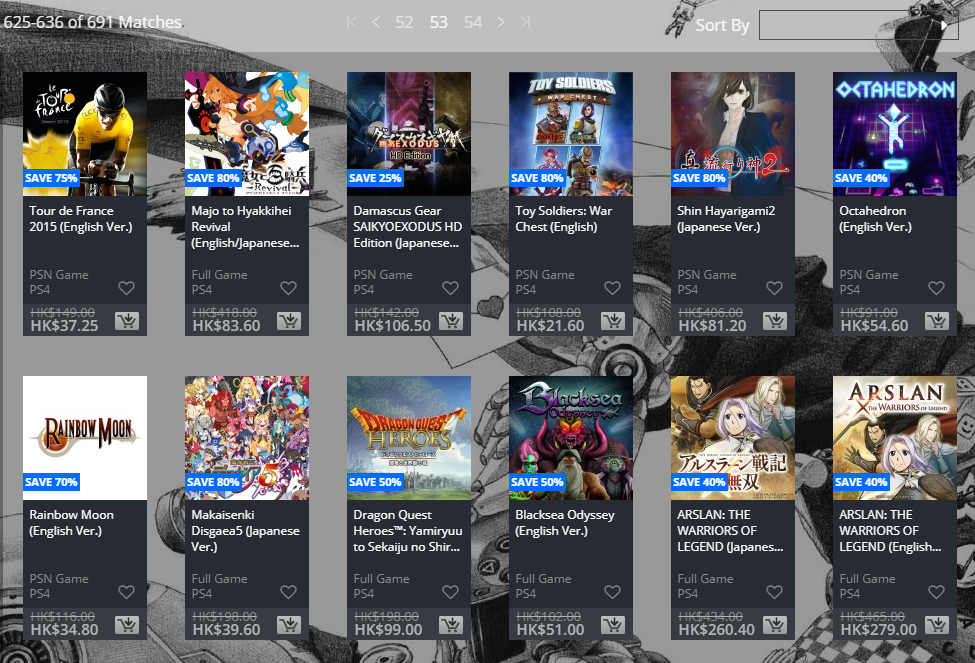
While US PlayStation gamers have the big “PS Plus Specials” sale going on right now, those in Asia shouldn’t be envious as there’s an Asia PSN Store sale happening right now!
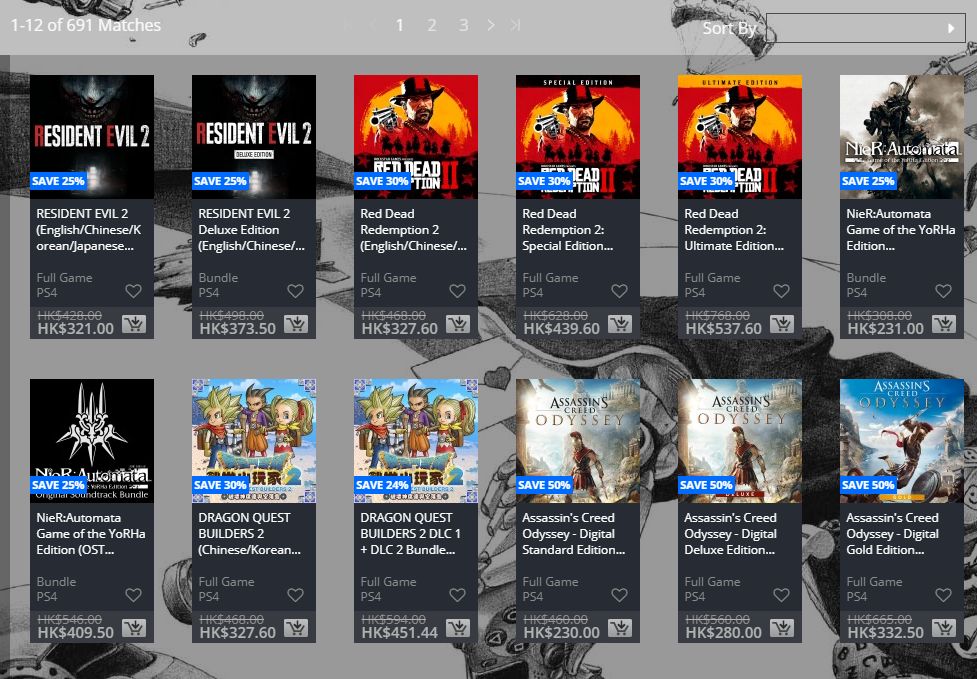
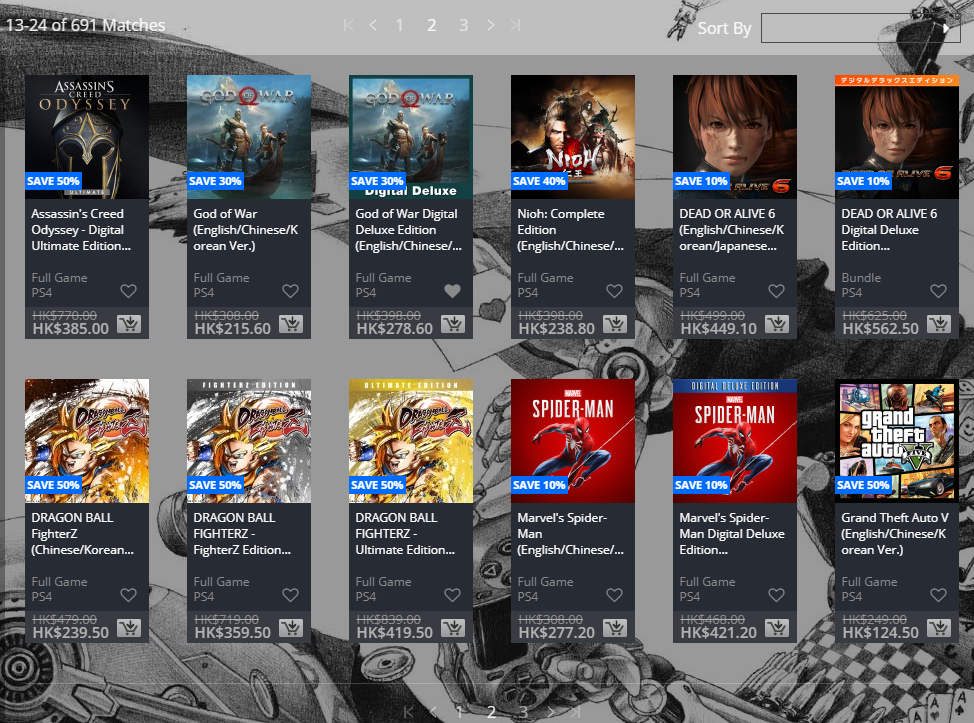
Called the “Big in Japan” sale, there are discounts that reach up to 90 percent off! The sale runs from today, April 24, and will last until May 7. Check out the big list of discounted games below.
Note that while the US and EU regions will get the same kind of sale as this one, it doesn’t guarantee that the games discounted will be the same as well. Make sure to bookmark our Deals hub for the latest online deals.
If your primary account is either EU or US but you want to capitalize on the Asia PSN Store sale, check out how to create a different region PSN account right here.
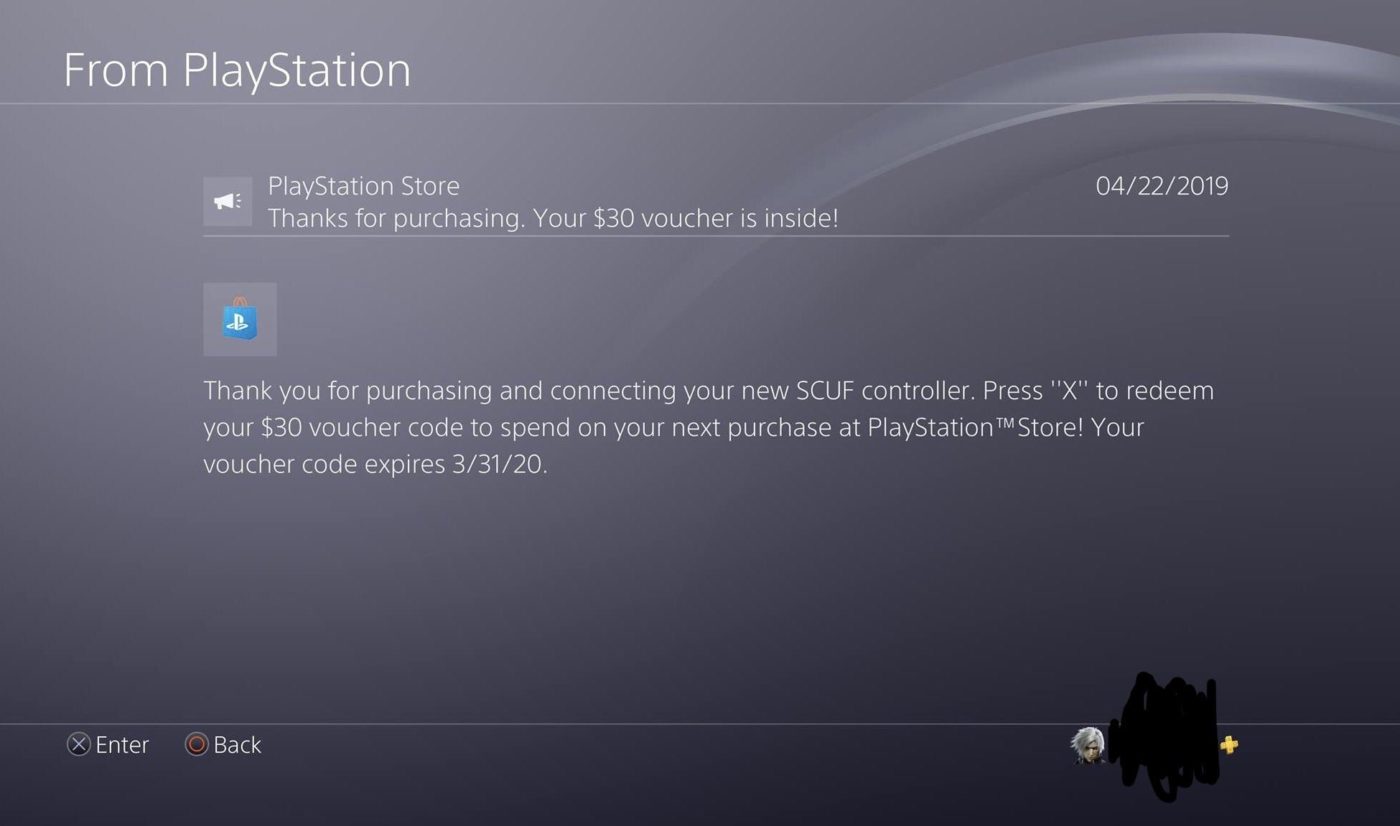
If you’ve bought a SCUF Vantage, you might want to keep an eye out on your PSN profile. It looks like Sony is sending PlayStation Store vouchers to those who bought SCUF’s most top of the line controller.
Over on Reddit, user Sharpticktack posted the message he got from Sony, which you can read below.
The message reads: “Thank you for purchasing and connecting your new SCUF controller. Press “X” to redeem your $30 voucher code to spend on your next purchase at PlayStation Store! Your voucher code expires 3/31/20.”
Not a bad deal. I mean, the SCUF Vantage is one expensive piece of kit, but at least you’re getting something to in return as a bonus, no? If you got the same message, let us know down in the comments.
If you’re looking for something to spend that PlayStation Store voucher on, don’t forget Sony has an on-going PS Plus Specials sale happening right now.
While BioWare just released a patch for Anthem yesterday, the community as a whole has been rather miffed with the studio for being silent for quite a few weeks regarding the game’s current issues, and how the Anthem roadmap will be fulfilled.
Over on the Anthem subreddit, BioWare has now issued an Anthem roadmap update, and well, there’s a bunch of good stuff there, but also a lot of not-so-good stuff that fans might not like.
Hey Everyone,
It’s been 10 weeks since the early access release of Anthem. While we have been quiet publicly, we have been hard at work in the background and we wanted to provide an update on the state of the game.
The Past 10 Weeks
We have learned a lot since the game went live. We have heard a lot of feedback from all of you, and we have been working diligently to improve as many things as we can in the short term.
We’ve fixed a lot of bugs and made changes which we believe begin to point us in the right direction for the future. That being said, we know there is a long way to go before Anthem becomes the game we all want it to be. So where are we at today…
Game Update 1.1.0
Game Update 1.1.0 went live today and includes some new content and improvements to the game:
A new Stronghold called “The Sunken Cell”
Access to the Forge anywhere in the world
Ability to launch a new expedition from the end of expedition menu without loading into Fort Tarsis
Access to contracts without having to run around and pick them up
There are a bunch of additional fixes and improvements – the patch notes for Game Update 1.1.0 can be foundhere.
There is also a livestream later today where we will show you the Sunken Cell Stronghold and some of the other improvements in Game Update 1.1.0
Act 1 Calendar
While we have delivered many of the Act 1 features on time, we are not going to hit all the goals on ourAct 1 Calendar.
We have been prioritizing things like bug fixes, stability and game flow over the new features of Act 1. We set aside time for this work, but the reality is there are more things to fix and improve than we planned for. While this is the best thing to do for the game, it means some items from the calendar will be delayed.
Features delayed:
Mastery System
Guilds
Legendary Missions – Phase II
Weekly Stronghold Challenge
Leaderboards
Some Freeplay Events
Cataclysm
We want to make sure everything we add to the game has a purpose and fits with our long term goals. When we have information to share on the items above, we will do so.
Cataclysm
The Cataclysm is an important addition to the game and it’s currently a big focus for the team. The Cataclysm will bring new challenges and rewards and pushes the story of Anthem forward. As our work continues, we will share more with you in May.
Loot
We have heard your concerns around end game loot. We agree that our loot and progression systems need to be improved and we are working towards this. When we have more information to share, we will.
Communication
A lesson we have learned is we have been talking about things too early. There are so many factors that can cause us to pivot on our plans – whether it’s bugs & stability issues, player feedback, or complications with a feature that require us to take more time to deliver it. Our goal is to tell you about new content and features once the work is closer to being done.
At the same time, we want to provide more ways to get your feedback and for you to tell us what you think is fun (or not fun). To facilitate this we plan to introduce a Player Feedback Environment (PFE), an opportunity to get your feedback before we go live with major features (in the short term for PC only).
Closing
We know you have been waiting for these updates, and that you might not be pleased with where we are today. We understand and respect these perspectives.
The only thing we can say is this – We Believe in Anthem. We believe the game will be great, but we recognize getting there will take a lot of hard work. We want to do that work and we want you all to join us on the journey to get there.
Thanks for taking the time to read this update.
Ben and Chad
As you can see, there’s a bunch of promised stuff that will miss its target release date. Not only that, but it seems BioWare spoke too soon on certain content, and it looks like we’ll have to wait until we get them. Given this situation, does this mean that the entire Anthem roadmap has been shifted? Your guess is as good as mine at this point.
While Mortal Kombat 11 is getting a patch to fix the game’s grind-y progression, it seems there’s more to this than meets the eye. If you’ve played Mortal Kombat 11, then chances are you might have noticed how the game has all sorts of different currencies that can be used for various things.
By our count, there are seven kinds of Mortal Kombat 11 currencies, which we’ve listed below.
Koins – main currency that’s used to unlock chests in the Krypt
Soul Fragments – Used to unlock exclusive towers in Towers of Time or to use the special abilities that you may come across during the Krypt.
Gear Level Up Token – Allows you to level up your gear much quicker for you can augment your items with special attributes.
Skip Fight Tokens – Allows you to skip any difficult fight that you may come across during Tower of Time or Klassic Towers
Time Krystals – Used to unlock items in the premium store such as cosmetics and other tokens.
Easy Fatality Tokens – Let’s you perform a fatality with one button
Hearts – Used to open up special chests and to forge items in the Krypt
To be fair, each currency (or kurrency?) is used for something specific, though one can argue that all these could somehow be tied into just one with different amounts and whatnot.
Another thing that the community seems to have an issue with is how Mortal Kombat 11 does have loot boxes. Those keeping tabs on the game, you might remember NetherRealm confirming that there’s no loot boxes in Mortal Kombat 11. Don’t remember them saying it? Here’s a video to refresh your memory.
Will Warner Bros. or NetherRealm rein in the Mortal Kombat 11 currencies? We can’t say for now. For those playing it, are you bothered by the different kinds of currencies and the loot boxes in the game? Share your thoughts in the comments below.
Stay tuned to our Mortal Kombat 11 review hitting the site soon.
Joining the list of companies holding an E3 2019 press conference is none other than Square Enix. Announced today via the company’s website, the Square Enix E3 2019 press conference will take place on June 10, at 6 p.m. PT, and will of course, be livestreamed.
Those who want to tweet about it can use #SquareEnixE3 as the hashtag to monitor all the official Square Enix stuff that’ll be announced or shown at the event. Hopefully, the company’s long in development Avengers game will finally make an appearance.
What else can we expect? Possibly RPGs and maybe a new Tomb Raider game announcement? Given how this generation is almost coming to a close, maybe we’ll even get next-gen stuff teased? I doubt that but who knows, right
Joining Square Enix at E3 will be Microsoft, Bethesda, EA, Ubisoft, and Nintedo with their yearly Nintendo Direct broadcasts. Sony has already confirmed that they won’t be present, though there’s a possibility that we’ll see a State of the Game before the big event.
MP1st will, of course, cover all the big news and announcements for multiplayer, and we’ll hold a livestream link up for every presser.
It’s a relatively slow week for Battlefield 5 official news and announcements. There’s no planned patch set for this week, though we are getting the return of Battlefield 5 Squad Conquest this coming Thursday, April 25.
Over on Reddit, DICE outlined not only this week’s Battlefield 5 news and announcements from official channels, but also a quick refresher on how Squad Conquest works.
Monday, 4/22/2019
This Week in Battlefield V – An overview of this week’s news, blogs, content, and more. As items are added or shifted, this will be updated. Keep an eye on it through the week for redirect links!
Weekly Community Highlight – Best Only in Battlefield Moment of the Week– Hot new OIB moment coming in with a new weekly winner! Think you’ve got a winner? Send it our way on any of the Battlefield channels. Each weekly featured clip will be awarded a Best Community in the World emblem!
Last Chance for Weekly Mission Reward – Give the ToW Mission a final push if you haven’t completed it yet.
Wednesday, 4/24/2019
Battlefield V Chapter 3: Trial By Fire Week 5 Tips – Complete this Week’s Challenge, starting April 25th, and you’ll get the Lahti-Soloranta M26 for the Support Class. .
Thursday, 4/25/2019
Squad Conquest Returns
Battlefield V Chapter 3: Trial By Fire Week 5 Starts
Weekly Debrief – Your one-stop destination for all the blogs, videos, and major news that happened in the week.
How to Play Squad Conquest
Two opposing teams of eight compete to capture and hold every flag in this strategic version of Conquest, until they exhaust the enemy team of their Respawn Tickets. You and your squad must fight point-to-point in this 16-player Conquest mode, working to gain control of three key locations across three faster-paced multiplayer maps.
For more in-depth info on Squad Conquest, tips on how to play and succeed, and the current maps supported in this mode, check our Squad Conquest Blog.
Who says zombie games are dying (little undead humor there, folks!)? It’s certainly not the case for Saber Interactive’s World War Z! Publisher Focus Home Interactive has announced that the World War Z game sales have now passed over one million units sold in just the game’s first week of release!
What’s interesting here is, World War Z isn’t even available on Steam, and is exclusive on the Epic Games Store for PC. According to Saber Interactive CEO Matthew Karch, World War Z had 70,000 concurrent players during its launch week, with the PS4 and Xbox One player counts at a “similar distribution” rate.
Overall the U.S. and EU have been equally strong in sales. We have had 70,000 people playing at once across all platforms, with very similar distribution among PC (Epic Games Store), PS4 and Xbox. What surprises us is the fact that sales outside of the U.S. on the Epic Store have been so strong, with the U.S. being only one quarter of sales. – Matthew Karch, Saber Interactive CEO
If you’re unsure whether to pick it up or not, go check out our review where we say, “If players have missed the days of frantic co-op zombie shooters from last gen, look no further, World War Z is the answer.”
Polyphony’s excellent support for Gran Turismo Sport continues today with the racing game’s big April patch! GT Sport 1.38 update is already out, and we have the complete details. Clocking in at 1.75GB, there’s a slew of new cars, new balance tweaks and more packed into it.
Check out the trailer for GT Sport 1.38 update, and the patch notes below.
The contents of the update are as follows:
1 Cars
– The following 5 new cars have been added. * Audi TT Coupé 3.2 quattro ’03 * Honda Fit Hybrid ’14 * Porsche 962 C ’88 * Renault R8 Gordini ’66 * Toyota Sprinter Trueno 3door 1600GT APEX (AE86) ’83
2 Tracks
– Optimizations have been performed on some of the already included tracks
3 Campaign
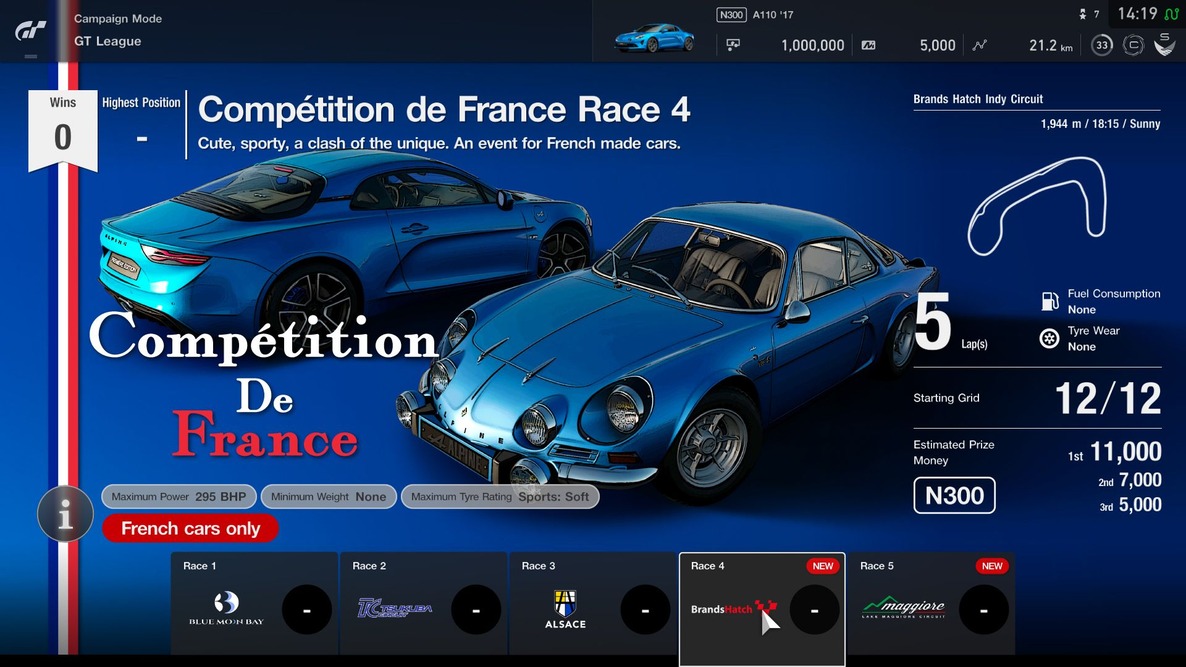
– The following events have been added to “GT League”: * Compétition de France Rounds 6 and 7 * Tourist Trophy Rounds 4 and 5 * Group 1 Cup Rounds 4 and 5
4 Scapes
– Added Embrace the natural beauty of Oceania in the specially featured section.
5 Brand Central
– Renault has been added to the European Region
6 Physics Simulation
– The operation of the DRS (Drag Reduction System) has been changed from full auto to manual overtake button operation in the following cars (*1) * McLaren Ultimate Vision Gran Turismo * Subaru WRX STI Isle of Man Time Attack Car ’16
※1:The DRS does not operate all the time when the overtake button is activated, with the operational parameters differing for each car model.
– In the following car models, we have corrected an issue where the overtake feature does not operate properly after the battery is exhausted. * NISSAN CONCEPT 2020 Vision Gran Turismo * Infiniti Concept Vision Gran Turismo
– In the following cars, the overtake feature now only operates when at full throttle(*2)。 * Dodge SRT Tomahawk X Vision Gran Turismo * Dodge SRT Tomahawk GTS-R Vision Gran Turismo * Dodge SRT Tomahawk S Vision Gran Turismo * TOYOTA FT-1 Vision Gran Turismo * Lexus LF-LC GT Vision Gran Turismo * NISSAN CONCEPT 2020 Vision Gran Turismo * Infiniti Concept Vision Gran Turismo
*2: The system only operates when there is charge remaining in the battery.
7 Sport Mode
– The Global Manufacturer Ranking has been added to the race entry details of the FIA Gran Turismo Championship Manufacturer Series. The rankings will consist of Global Manufacturer Ranking, Europe/Middle East/Africa region, North American region, Central and South Americas region, Asia region, and Oceania region, and manufacturer points will be totaled automatically for each.
8 Lobby
– We have corrected an issue where the Dallara SF19 Super Formula could not make a race entry when the [Settings] option of the Regulations is set to [Prohibited], or when a room with [Settings] set to [Prohibited] is loaded.
9 Online Races
– We have corrected an issue where opponents’ cars were still colliding when they are semi-transparent.
10 Livery Editor
– We have changed the settings so that the tire stickers on the Dallara SF19 Super Formula can be changed. In addition to the standard sticker, it is possible to select from 6 tire brands. (In the 6 types, there is also a setting for no sticker label)
11 Time Trial
– Added a [Ghost Setting] to allow the switching of the ghost display in the quick menu. It is possible to individually turn on or off the loaded ghost and your own ghost with the best time.
12 Sound
– Environmental sounds have been adjusted on many of the tracks. Depending on the selected hour in [Select Conditions], some of the environmental sounds may change.
– Adjusted the engine sound of the Super Formula Dallara SF19 Super Formula / Toyota ‘19
– Corrected an issue where the music tracks would not shuffle correctly.
13 My Profile
– Corrected an issue where the milestone would not be completed even when the campaign mode achievement is at 100%.
Other minor corrections and stability improvements have been performed.
Finally, after weeks of not having a PlayStation Store sale, Sony has finally rolled out this week’s PlayStation Store sale, and it’s a big one! Called the PS Plus Specials, this week’s sale ends on April 30, 2019.
Without further ado, here’s this week’s discounted games list.